
Free E-commerce: Build Your Online Store with Wix Today

Free e-commerce sounds almost too good to be true. For UK entrepreneurs testing a product idea, launching a side business, or moving a bricks-and-mortar shop online for the first time,...
Dreamweaver vs WordPress: Which Web Design Tool Should You Use in 2026?
Choosing between Dreamweaver vs WordPress is one of the first and most important decisions you will make when building a website. Whether you are a Belfast small business owner scoping...
Creating a Business Website: What You Need to Know First

Most businesses that come to us for help with their website have already been through a version of this story: they tried a website builder, got something live, and then...
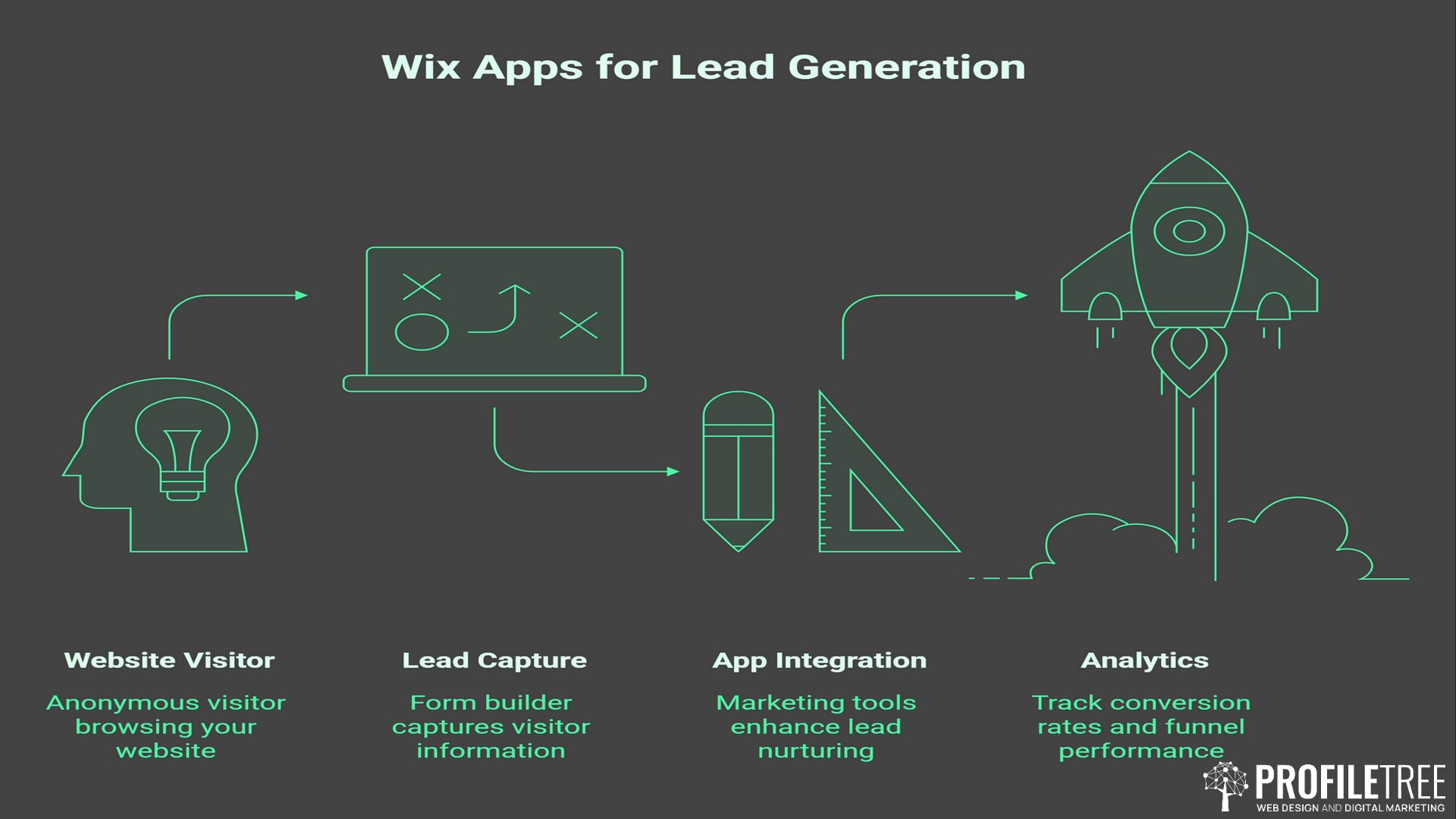
Wix Apps for Lead Generation: Build a Stack That Actually Converts
Most Wix sites have a contact form. Most contact forms sit quietly at the bottom of the page, doing very little. The problem is not Wix or the form. The...
How to Add Music to Your Wix Website: A Practical Guide
Adding music to a Wix website takes only a few minutes using the built-in Music Player element, but the decision of whether to do it at all deserves more thought....
15 Essential Wix Apps to Grow Your UK Online Store in 2026
Building an online store on Wix is straightforward enough. Getting it to perform — converting visitors, retaining customers, and staying on the right side of UK legal requirements — takes...
Wix Email Campaign: The UK Small Business Guide to Getting Results
Before spending time setting up campaigns, it is worth understanding what Wix's email tools actually offer and where they run out of road. The platform sits inside Wix's broader "Ascend"...

Why Use WordPress? The Practical Guide for UK Businesses
WordPress powers more than 43% of all websites on the internet. Not blogs, not small sites; all websites. For businesses in Northern Ireland, Ireland, and the UK weighing up their...
Best Wix Apps for eCommerce: A Guide for UK Small Businesses
Wix makes it straightforward to launch an online store. The platform handles product listings, checkout, and basic inventory without much configuration, and for a business selling a small range of...
Wix Tutorials: UK Guide to Building Your Website
Wix is one of the most widely used website builders in the world, and for good reason: it lets you create a professional-looking site without writing a single line of...
WordPress Guide: How to Create Effective Pages and Posts
This WordPress guide exists because publishing on WordPress is straightforward. Knowing how to create a page that drives traffic, generates leads, and supports your business goals is a different challenge....

How to Make a Genuine Website: The Trust-First Guide for UK Businesses

It has never been easier to put a page online. With drag-and-drop builders and AI site generators, anyone can have something live within the hour. The problem is that most...
Editing a Website in Wix: Your Complete UK Business Guide
Most small business owners first open the Wix editor because something has gone wrong. A phone number has changed, a product has sold out, or a homepage banner is three...
How to Connect Apps to Your Wix Website: A Practical Guide
Wix's App Market gives small business owners access to hundreds of third-party tools that bolt straight onto their website. Connecting a marketing app, a live chat widget, or an email...
Wix Blog Tutorial: How to Add a Blog and Bookings Section
Wix is one of the most widely used website platforms for small business owners across the UK and Ireland, and its blogging tools have improved significantly with the arrival of...

Meta/ Facebook Pixel for Wix: The UK Business Guide
Most small business owners who install Facebook Pixel on their Wix site are only using half of what it can do. They fire the base code, run a retargeting ad,...
Is Wix Affiliate Good for Small Businesses in the UK? A Practical Review
Choosing a website platform is one of the first big decisions a business owner makes online. Wix is usually on the shortlist. It is affordable, quick to set up, and...
Organising Contact List WIX: The UK Guide
Organising Contact List WIX functionality is one of those tasks that looks simple until your database reaches a few hundred contacts, and suddenly, nothing is where it should be. Unlabelled...
How to Add a Domain to Your WIX Site: A Step-by-Step Beginner-Friendly Guide
Your Wix site comes with a free subdomain by default, something like yourname.wixsite.com/yourbusiness. It looks unfinished, signals to customers that your site is a side project, and can hold back...
WIX Website Tutorial – How to Make a Website with WIX
Search for "Wix website tutorial", and you'll find hundreds of guides teaching you how to drag elements, add pages, and publish your site. What you won't find is honest advice...

Website Analytics Strategy: What Tracking Data Reveals
To run a business website effectively, you need to understand what tracking tools and analytics reveal about your commercial performance. The data these tools provide informs every significant decision about...
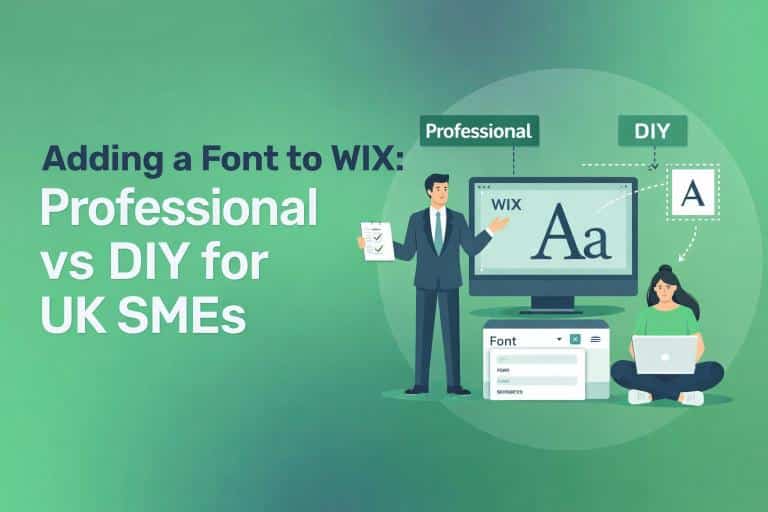
Adding a Font to WIX: Professional vs DIY for UK SMEs
Adding a font to WIX is straightforward for basic customisation, but established SMEs with comprehensive brand guidelines, accessibility requirements, or multi-platform consistency needs often benefit from professional web design. This...
Best Free Website Builder for Your Business: 2026 Expert Comparison
Free website builders allow UK small businesses to establish professional online presence without upfront development costs. Most platforms offer genuine value for simple brochure sites, though limitations around SEO control,...

Web Development Agency: Building Websites That Drive Business Growth
A website development agency builds custom websites designed to achieve specific business objectives, whether that's generating leads, selling products, or establishing credibility in your market. ProfileTree is a website development...
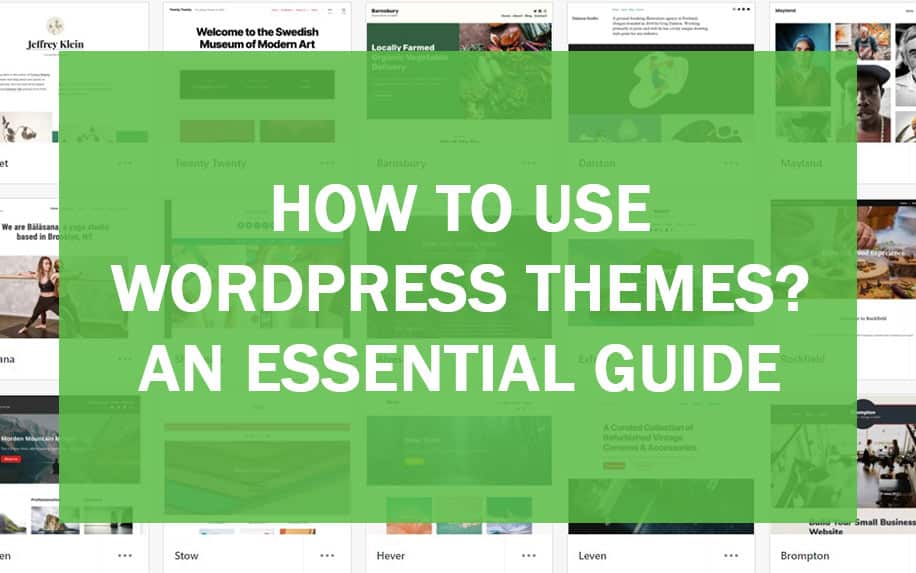
WordPress Themes: Complete Guide to Choosing and Installing
WordPress themes control how your website looks and functions, making professional web design accessible without extensive coding knowledge. Over 43% of websites worldwide run on WordPress, largely because themes simplify...
Wix Tutorial: Build a Professional Business Website

Creating a professional website no longer requires coding expertise or a large budget, yet many UK business owners delay this critical step, uncertain where to begin. This Wix tutorial provides...

How to Build a Professional Website Without Coding in 2026
The digital space has transformed the way businesses communicate with their audiences. A professional website is no longer optional—it's the foundation of credibility, customer acquisition, and competitive advantage. Yet many...
Pros and Cons of WordPress: Complete Guide for UK Business Owners
When choosing a platform to build your business website, WordPress stands out as the most widely used content management system globally. As of late 2023, it powers over 45.8% of...
Professional WordPress Design: Complete Strategy Guide
WordPress dominates the web development landscape for good reason. The platform currently powers over 43% of all websites globally, with UK businesses increasingly recognising its value for driving growth through...
How to Create a WordPress Website: Complete Beginner’s Guide

Starting your own website can be daunting, especially if you're unfamiliar with web development. The good news? WordPress powers over 40% of all websites globally, and it's specifically designed to...
What Is WordPress? A Guide to the World’s Most Popular Site Builder
Having a strong online presence is essential, whether you're a business, a blogger, or just someone looking to share your ideas with the world. But when it comes to building...

WordPress Tutorial: Build a Professional Website in 6 Steps
Building a professional WordPress website requires more than clicking "install" and hoping for the best. Whether you're a business owner launching your first site or a marketing manager tasked with...

WordPress vs Custom Development: Choosing the Right Approach
You're evaluating website development options, and the conflicting advice is overwhelming. Developers push custom solutions promising complete control, whilst WordPress advocates claim it powers 43% of the internet for good...

Digital Experts Compare Squarespace vs WordPress: The Brilliant Guide
Digital Experts Compare Squarespace vs WordPress. WordPress powers 43% of all websites, while Squarespace serves 2.8 million subscribed sites - but market share tells only part of the story. After...
Ultimate Website Builders Tested: Exceptional Performance Data
Website Builders Tested reveals the website builder market has exploded to £3.95 billion in 2024, yet most businesses choose platforms based on marketing claims rather than actual performance. After analysing...
Elementor vs Gutenberg vs Divi: Performance Testing Results
The page builder performance debate generates more heat than light. Developers condemn Elementor and Divi for bloat while praising Gutenberg's native integration. Agencies defend their preferred tools based on client...
AI Website Builders vs Professional Development
The promise sounds irresistible: "Build a professional website in 10 minutes with AI!" In August 2025, AI website builders have indeed become remarkably sophisticated, with platforms like Wix ADI, Hostinger's...
GoDaddy Website Builder: Professional Tips for Business Success
The internet is often the first place people turn to to learn more about something or someone. Whether you're running a small business, showcasing your art, sharing your thoughts through...
Random Website Generator vs Professional Web Design: What You Need
The internet feels vast, yet many of us find ourselves visiting the same handful of websites daily. A random website generator breaks this cycle by directing users to unexpected corners...
Website Types: A Complete Guide for Successful Business Owners
Choosing the right website type can make or break your business's online presence. With over 1.7 billion websites competing for attention, understanding which type aligns with your business goals is...
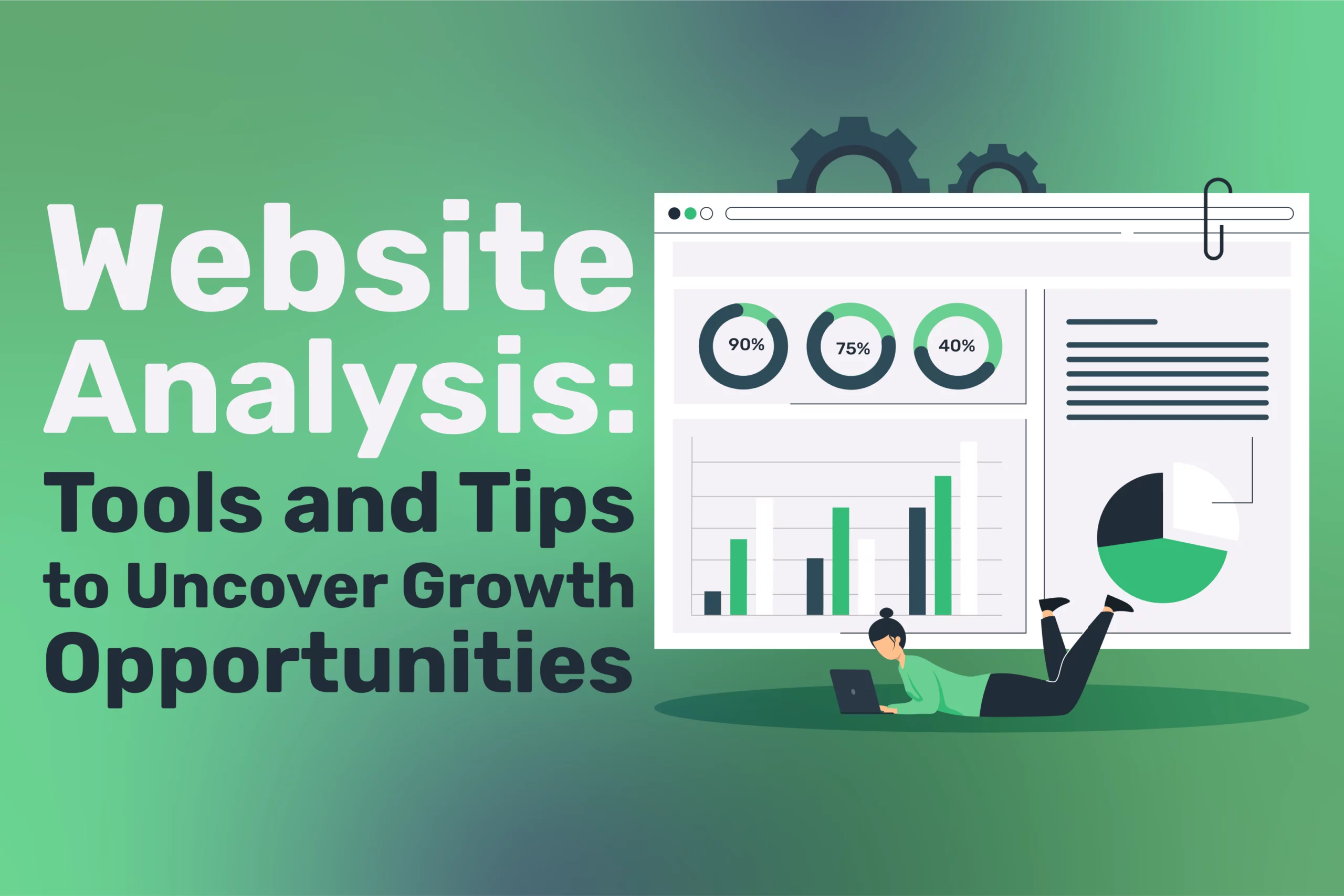
Website Analysis: Tools and Tips to Uncover Growth Opportunities
A website analysis is essential for any business or individual aiming to optimise their online presence. Your website serves as the digital front door to your brand, and understanding how...
Best 5 All-in-One Website Builders: Accelerate Your Growth
All-in-One Website Builders: Hosting, Domains, and Design in 1 Platform have transformed how businesses approach their digital presence, offering streamlined solutions that eliminate the complexity of managing multiple service providers....
7 Steps to Build a Successful Shopify Website
For business owners across Northern Ireland, Ireland, and the UK, selecting the right website platform is a critical decision directly impacting their digital success. At ProfileTree, we work with businesses...
SaaS Startup Development: How to Build an MVP for a Subscription App
The modern digital-first environment provides strong opportunities for businesses engaged in saas startup development. Statista projects that the global SaaS market will expand from $317 billion in 2024 to reach...
How to Make a Website for Free: Comprehensive Guide
Creating a website for free has become essential to establishing and growing a business. Whether you're a startup founder with limited capital, a marketing manager looking to test a concept...
Create Squarespace Membership and Subscription Website
Creating a membership or subscription-based website in today's digital marketplace can transform your online presence from a simple informational platform into a thriving revenue-generating business. With its elegant templates and...
The Ultimate Guide to Choosing the Best Website Builder for Agencies

Have you ever found yourself in a pickle trying to select the ideal website builder for your agency? With such an overwhelming number of alternatives, it's an uphill struggle. The...
Build Business Website with Wix: Development Steps
There are several factors to take into consideration when building a business website. One of the key decisions you need to make is whether you will design and build the...
Add Pages and Manage Content on Wix: 10 Easy Steps
Add Pages and Manage Content on Your Wix Website: Building a website today has become more accessible thanks to intuitive platforms like Wix. Whether you’re a small business owner, a...
7 Powerful Shopify Updates You Need to Know
Shopify Updates continue to shape the future of e-commerce, providing merchants with powerful tools to enhance their online shops. With each new release, Shopify introduces features designed to streamline operations,...
10 Common Mistakes in AI Website Building and How to Avoid Them
Common Mistakes in AI Website Building and How to Avoid Them. For many business owners, the swift convenience of AI website building is undeniably compelling. It's easy to believe that...
Accelerating Online Growth: AI Website Builders for NI & UK Businesses
The quest for quick, cost-effective, and user-friendly web design has led to a transformative solution: AI website builders. Rather than manually selecting templates, adjusting layouts, or writing code, business owners...
AI Website Builder Case Study: Small Business Implementation Guide
Real-world illustrations often communicate more effectively than theoretical guides. This article explores how small businesses can effectively implement AI website builders through an educational case study framework. Rather than presenting...
Top 7 AI Website Builders: Which One Suits Your Business?
As demand for rapid, no-code solutions grows across Northern Ireland, Ireland, and the UK, AI website builders have proliferated—each claiming to automate design, text, and layout so businesses can launch...
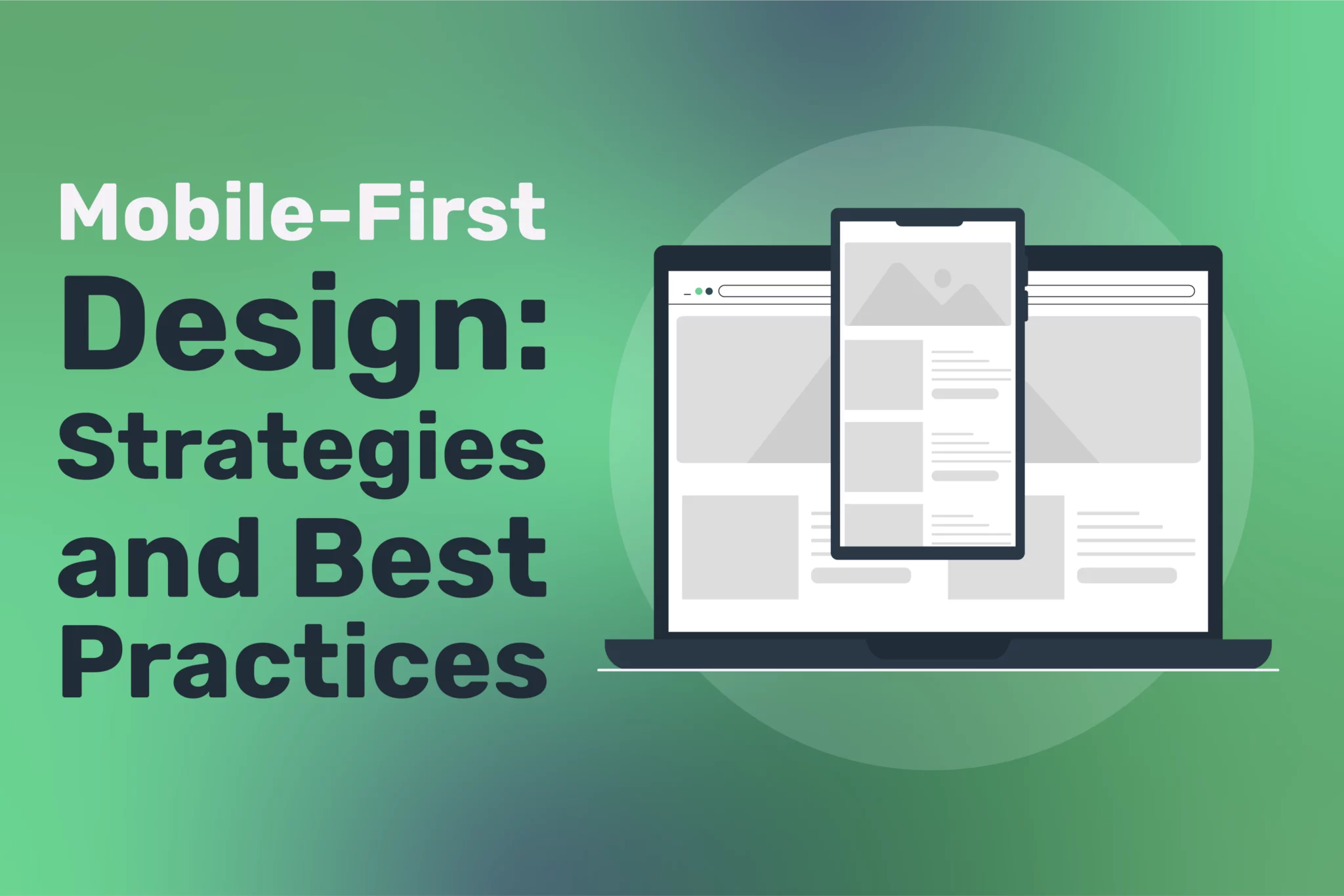
Mobile-First Design: Strategies and Best Practices

Mobile-first design has become a central tenet of building effective websites and digital experiences in the ever-evolving world of web development and digital marketing. With more users browsing the web...
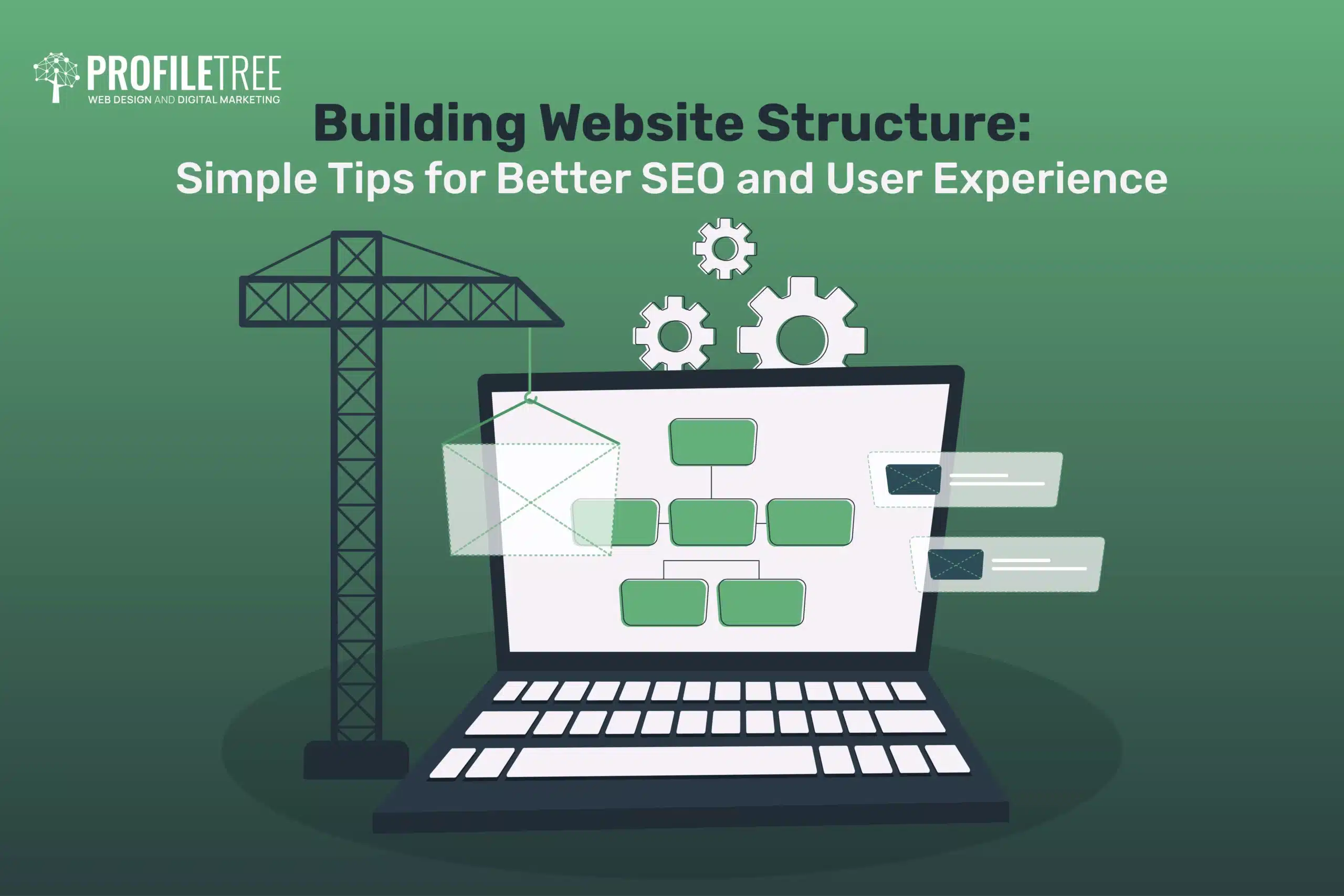
Building Website Structure: Tips for Better SEO and User Experience
Website structure, also known as website architecture, refers to the hierarchy of a site. This architecture determines the placement of each page and how they all are interlinked. It also...
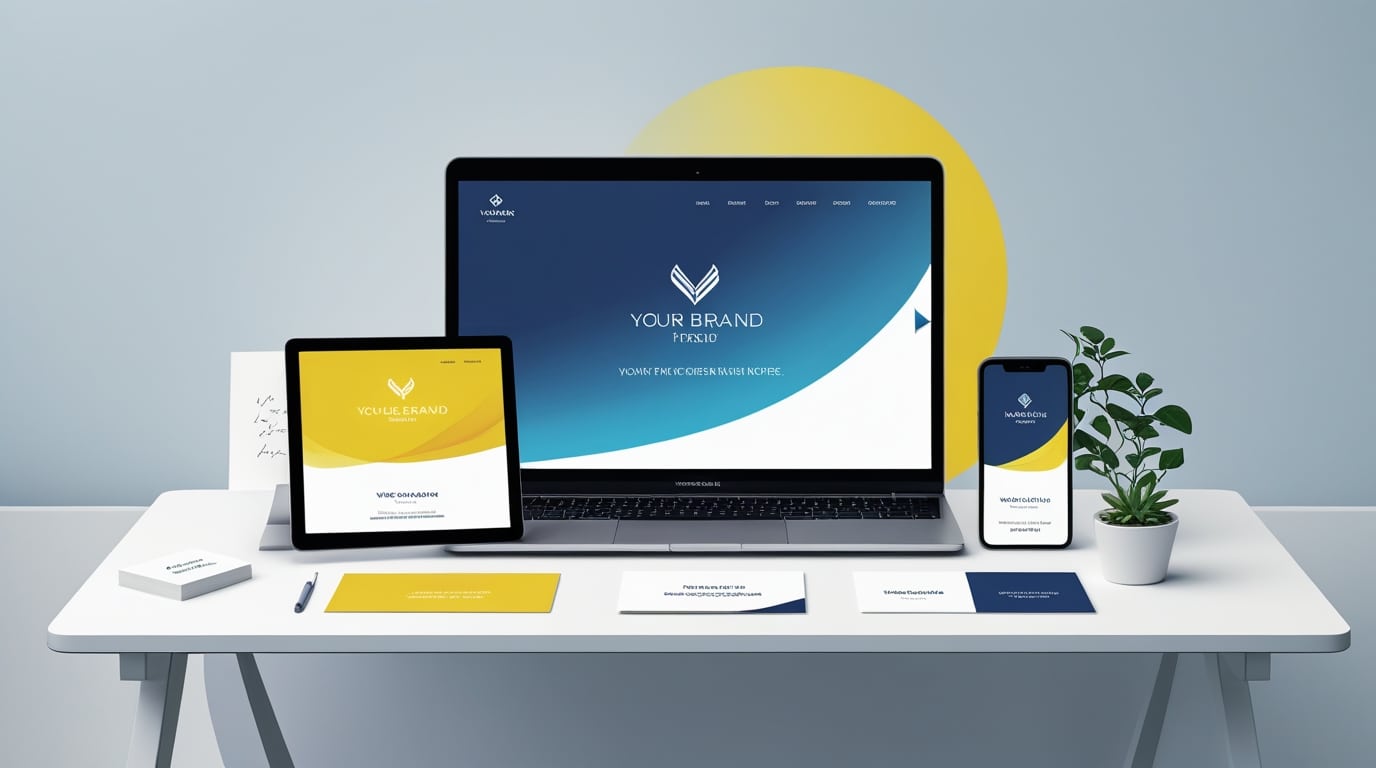
How to Build a Consistent Brand Identity Across Platforms
In today’s digital-first landscape, customers interact with brands across numerous touchpoints—websites, social media, email, advertisements, and offline mediums. To make a lasting impression and stand out in a crowded market,...
Build a WordPress Website Without Hosting: A Step-by-Step Guide
Creating a WordPress website for beginners or experts is an exciting chapter for any individual, entrepreneur, or business aiming to carve out their own space in the digital landscape. WordPress,...
The Importance of Load Testing Web Applications
In the increasingly digital world, web applications are pivotal to how businesses interact with customers. From e-commerce platforms to customer portals and software-as-a-service (SaaS) offerings, web applications underpin many critical...
Top 4 Real Estate Website Builder
The real estate industry is fiercely competitive, and having a strong online presence is essential for success. A well-designed website can help you reach potential clients, showcase your listings, and...
How to Use Wix Pro Gallery as a Category Area
Wix is a great website builder that anyone can use to create functional and appealing websites. Whether you are an absolute beginner with no knowledge of coding or an expert...

Mobile-First Website Building: Optimising for Mobile
In the era of smartphones and tablets, mobile devices have overtaken desktops as the primary means of accessing the internet. This seismic shift has prompted businesses and web developers to...
How to Build a Wix Website in 20 Minutes
When it comes to website building, the standard way is that a client hires a web development agency or a professional web developer to build their website literally from the...
From Zero to Web Hero with 10Web: Complete Guide
Building a website can feel overwhelming, especially for beginners. Where do you even start? What tools do you need? And how do you ensure your website looks professional and performs...
5 Budget-Friendly Tips for Building a Website
Budget-Friendly and Affordable Design Tips for Building a Stunning Website design isn’t just an optional feature. In today’s interconnected world—it’s a critical asset for businesses, creatives, and organisations of all...
AI-Powered Website Builders: Smarter Site Creation
In today’s fast-paced digital landscape, having a solid online presence is more crucial than ever. Websites serve as the foundation of this presence, acting as virtual storefronts for businesses, platforms...
Elevate Your Squarespace Website: A Comprehensive Guide
Are you tired of feeling like your Squarespace website is just good enough? Ready to transform it into a digital powerhouse that captures attention, drives traffic, and converts visitors into...
Multilingual Website Builders for a Global Audience: Your Guide
In our interconnected world, having a website in multiple languages is no longer a luxury; it’s necessary for any organisation looking to reach audiences beyond a single language group. Multilingual...
Voice Search Optimisation in Website Builders: A Comprehensive Guide
As voice assistants like Siri, Alexa, and Google Assistant grow, voice search optimisation (VSO) has become increasingly crucial for businesses looking to maintain a competitive edge. By adapting to this...
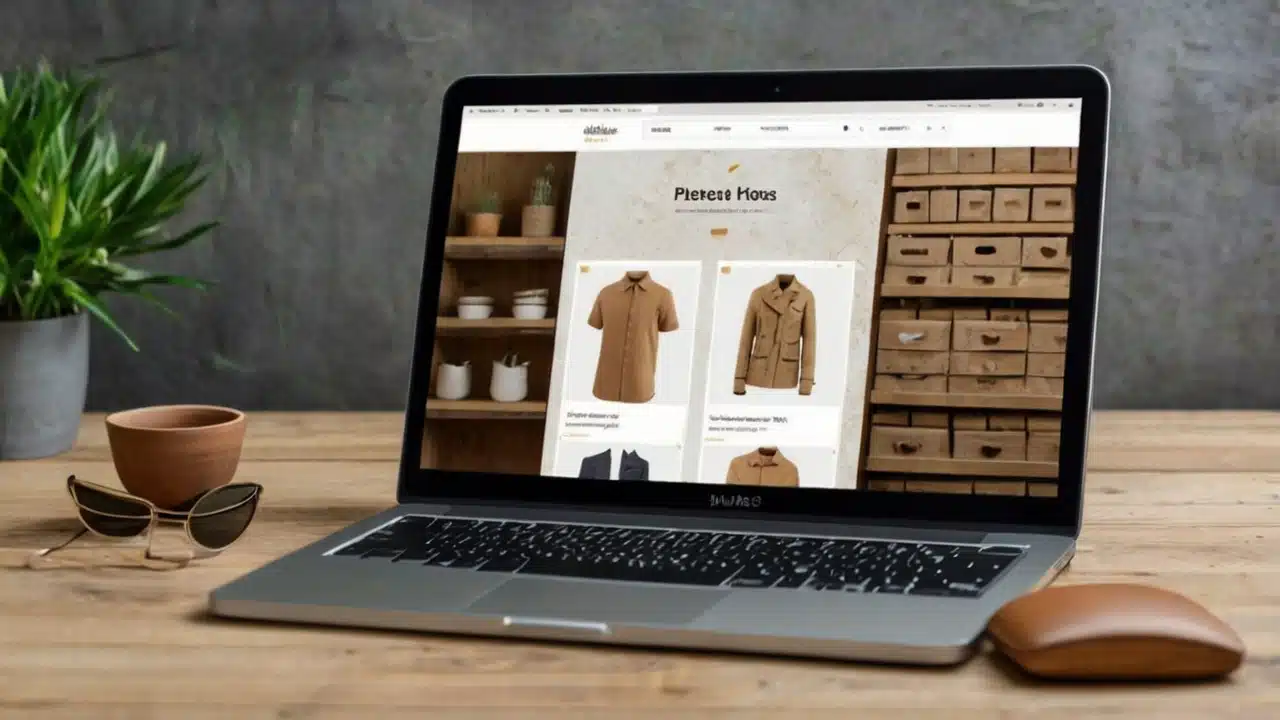
Building an Effective E-commerce Website from Scratch
Launching an e-commerce website can be a rewarding venture in today's digital age. Whether you’re a small business owner or an entrepreneur hoping to break into online retail, creating an...
Creating a High-Converting Landing Page Design: Your Complete Guide
When it comes to digital marketing, a landing page serves as the gateway to conversion success. Whether you're aiming to capture leads, promote a product, or drive a specific action,...
How to Create and Optimize a WordPress Sitemap
A well-optimised sitemap is a crucial component of any successful WordPress site. It not only ensures that search engines can easily index your content but also enhances user experience by...

Web Design Using WordPress
An excellent web design builder ought to have several essential attributes and abilities. To mention a few, it should be simple to use, have an intuitive user interface, offer a...
What Is a WordPress Website? Everything You Need to Know
A WordPress website is a powerful and versatile platform for creating and managing websites and blogs. WordPress is a content management system (CMS) that has gained immense popularity since its...
15 Essential Questions to Ask Before Hiring a Web Design Company
Hiring a web design company is one of the most important investments you'll make for your company's online presence. However, not all agencies are created equal and you mustn't take...

How Much Does it Cost to Make an App? The Complete Pricing Guide
Make an App in 2024 - Believe it or not, making an app is actually very similar to making a website. For example, you can purchase a template to make...
10 Best Java Programming Books to Supercharge Your Skills

In the world of programming, Java is one of the most widely used languages around the world. It is known for its versatility and broad applicability, from web development to...

Ecommerce Solutions: How to Select the Best Platform
Today, nearly everything is online, so ecommerce solutions are essential. The internet is changing, and traditionally accepted business practices are now getting digital treatment. The Internet, social media and mobile...
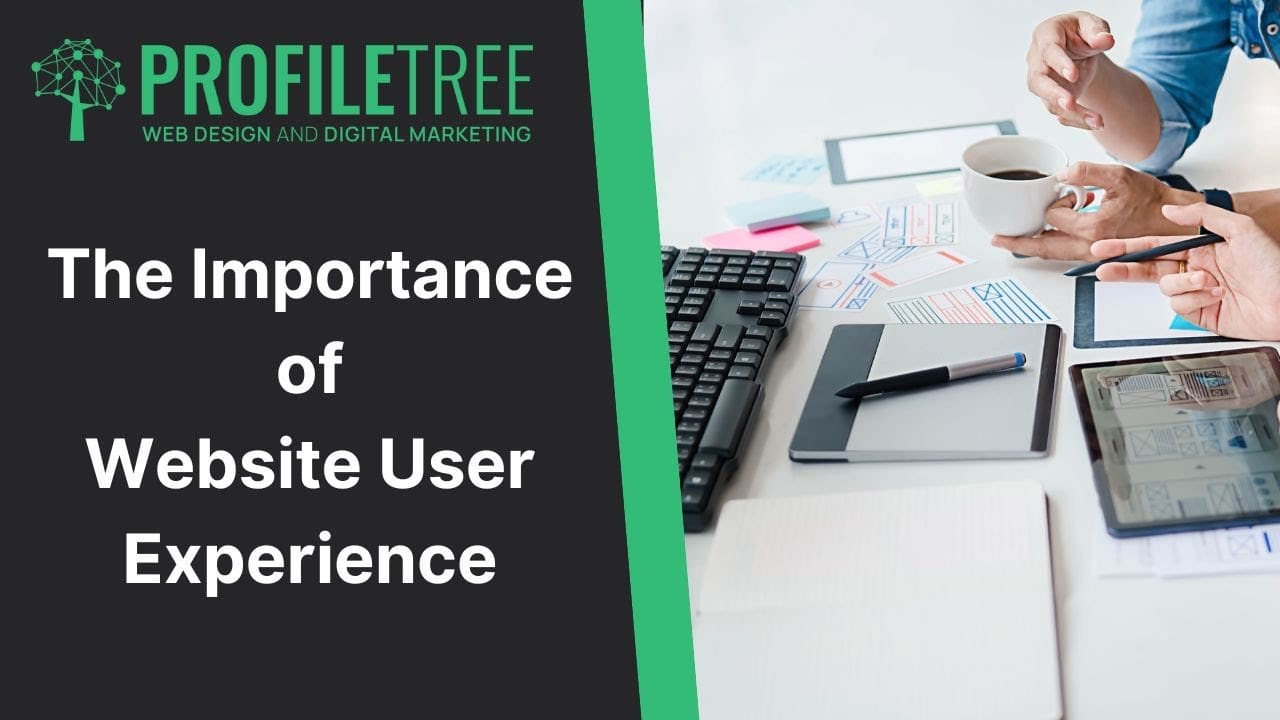
Designing Effective Web-Based User Experience: 3 Steps That Work
Today, one of the top priorities for web designers is creating amazing user experiences. It’s not enough for a site to look great. It also has to be effective at...
Why Build a Website With GoDaddy and How to Do It
Building and maintaining a genuinely successful online presence has become as indispensable for companies as having products and services to offer. Through websites, companies can reach prospects all over the...
How to Pin Elements on Wix
One of the essential skills you need to master while building a website on Wix is pinning elements. When you pin elements on Wix, you make them fixed in...
Web Design Essentials
15-word description: Master the fundamentals of web design to create visually appealing, user-friendly, and effective websites.
Rich Snippet (160 characters or less): Elevate your online presence with web design essentials. Create stunning, user-friendly websites that captivate audiences and drive results with proven design principles.
Detailed text:
Web Design Essentials: Creating Engaging and Effective Online Experiences
In today’s digital age, having a well-designed website is essential for businesses and individuals looking to establish a strong online presence, engage their target audience, and achieve their goals. By mastering the fundamentals of web design, you can create visually appealing, user-friendly, and effective websites that stand out from the competition and drive meaningful results.
Effective web design offers numerous benefits, including:
- Enhanced user experience: A well-designed website provides a seamless, intuitive, and enjoyable user experience, making it easy for visitors to find the information they need and take desired actions.
- Increased engagement and conversions: By creating a visually appealing, engaging, and persuasive website, you can capture your audience’s attention, build trust and credibility, and drive higher engagement and conversion rates.
- Improved brand perception: A professional, polished website design helps establish your brand as credible, trustworthy, and authoritative, setting you apart from competitors and building a positive reputation.
- Better search engine rankings: Search engines favor websites with clean, well-structured, and user-friendly designs, helping your site rank higher in search results and attract more organic traffic.
- Increased mobile responsiveness: With mobile devices accounting for a growing share of web traffic, designing a responsive, mobile-friendly website is crucial for reaching and engaging your audience across devices.
To master the essentials of web design, consider the following best practices:
- Prioritize user experience: Put your users’ needs and preferences at the center of your design process, creating intuitive navigation, clear calls-to-action, and easy-to-read content that guides them through your site.
- Develop a consistent visual language: Establish a cohesive visual language for your website, including a color palette, typography, and imagery that reflect your brand identity and create a polished, professional look.
- Optimize for speed and performance: Ensure that your website loads quickly and performs well across devices and browsers, using techniques like image optimization, caching, and minification to improve speed and user experience.
- Incorporate responsive design: Design your website to be fully responsive and mobile-friendly, adapting seamlessly to different screen sizes and devices to provide an optimal user experience.
- Test and iterate: Continuously test and refine your website design based on user feedback, analytics data, and best practices, making iterative improvements to optimize performance and achieve your goals.
As web design trends and technologies continue to evolve, staying up-to-date with the latest best practices and innovations is essential. By continually learning, experimenting, and refining your web design skills, you can create online experiences that engage, inspire, and drive results in an increasingly competitive digital landscape.
Remember, effective web design is not just about aesthetics, but about creating meaningful, user-centered experiences that align with your brand’s unique goals and values. By putting your users first, staying true to your brand identity, and continually refining your approach, you can harness the power of web design to build lasting connections with your audience and achieve online success.
Web Development Toolkit
15-word description: Streamline your web development process with a comprehensive toolkit of essential tools and resources.
Rich Snippet (160 characters or less): Supercharge your web development with the ultimate toolkit. Boost productivity, efficiency, and quality with curated tools and resources for every stage of the dev process.
Detailed text:
Web Development Toolkit: Streamlining Your Development Process
In the fast-paced world of web development, having a well-stocked toolkit of essential tools and resources is crucial for streamlining your workflow, boosting productivity, and delivering high-quality, reliable code. By curating a comprehensive web development toolkit, you can efficiently tackle every stage of the development process, from planning and design to coding, testing, and deployment.
A robust web development toolkit offers numerous benefits, including:
- Increased productivity: By leveraging powerful, purpose-built tools and automating repetitive tasks, you can significantly speed up your development process and get more done in less time.
- Improved code quality: Web development tools like linters, formatters, and testing frameworks help you write cleaner, more consistent, and error-free code, reducing bugs and technical debt.
- Enhanced collaboration: With tools for version control, project management, and team communication, you can seamlessly collaborate with other developers, designers, and stakeholders, ensuring everyone is aligned and working towards common goals.
- Greater efficiency: By streamlining your workflow and eliminating manual, time-consuming tasks, you can focus on what matters most – writing high-quality code and delivering value to your users.
- Continuous learning and improvement: A well-rounded toolkit includes resources for ongoing learning and skill development, helping you stay up-to-date with the latest web development trends, technologies, and best practices.
To build a comprehensive web development toolkit, consider including the following essential tools and resources:
- Code editors and IDEs: Choose a powerful, feature-rich code editor or integrated development environment (IDE) that suits your needs and preferences, such as Visual Studio Code, Sublime Text, or WebStorm.
- Version control systems: Implement a robust version control system like Git to manage your codebase, track changes, and collaborate with other developers.
- Front-end frameworks and libraries: Leverage popular front-end frameworks and libraries like React, Angular, or Vue.js to streamline your development process and build rich, interactive user interfaces.
- CSS preprocessors and frameworks: Use CSS preprocessors like Sass or Less and CSS frameworks like Bootstrap or Tailwind to write more efficient, maintainable, and responsive styles.
- Testing and debugging tools: Incorporate testing frameworks like Jest or Mocha and debugging tools like Chrome DevTools or Firefox Developer Tools to ensure your code is reliable, performant, and error-free.
- Deployment and hosting platforms: Choose reliable deployment and hosting platforms like AWS, Heroku, or Netlify to quickly and easily deploy your web applications and websites.
- Continuous integration and delivery (CI/CD) tools: Implement CI/CD tools like Jenkins, Travis CI, or CircleCI to automate your build, test, and deployment processes, ensuring consistent, reliable releases.
- Learning resources and communities: Tap into online learning platforms, tutorials, and developer communities like Stack Overflow, MDN Web Docs, or freeCodeCamp to continually expand your skills and knowledge.
As the web development landscape evolves, it’s essential to continually reassess and update your toolkit to stay at the forefront of industry trends and best practices. By regularly evaluating your tools and processes, seeking out new and innovative resources, and investing in ongoing learning and skill development, you can build a versatile, powerful web development toolkit that empowers you to create outstanding web experiences.
Remember, a well-stocked web development toolkit is not just about the tools themselves, but about how you use them to streamline your workflow, collaborate with others, and deliver value to your users. By leveraging the right tools and resources, staying organized and efficient, and continually refining your skills and processes, you can thrive as a web developer in an increasingly complex and competitive digital landscape.
Web Hosting & Domains
15-word description: Secure reliable web hosting and domain services to establish and grow your online presence.
Rich Snippet (160 characters or less): Lay the foundation for online success with top-notch web hosting and domain services. Ensure your website is fast, secure, and always accessible to your audience.
Detailed text:
Web Hosting & Domains: Building a Strong Foundation for Your Online Presence
In today’s digital age, having a strong and reliable online presence is essential for businesses and individuals alike. Whether you’re building a personal blog, launching an e-commerce store, or establishing a professional portfolio, securing top-quality web hosting and domain services is crucial for ensuring your website is fast, secure, and always accessible to your target audience.
Choosing the right web hosting and domain provider offers numerous benefits, including:
- Improved website performance: High-quality web hosting ensures your website loads quickly and performs optimally, providing a seamless user experience and reducing bounce rates.
- Enhanced security and reliability: Reputable hosting providers offer robust security features and regular backups, protecting your website from threats like hacking, malware, and data loss.
- Scalability and flexibility: As your website grows and evolves, a good hosting provider will offer flexible plans and easy scalability, allowing you to upgrade your resources and accommodate increased traffic and storage needs.
- Professional email hosting: Many web hosting providers also offer professional email hosting services, allowing you to create custom email addresses that match your domain name and enhance your brand’s credibility.
- Streamlined domain management: By registering your domain through your web hosting provider, you can easily manage your domain settings, renewals, and DNS records from a single, user-friendly dashboard.
To choose the best web hosting and domain services for your needs, consider the following factors:
- Reliability and uptime: Look for a hosting provider with a proven track record of high uptime and reliability, ensuring your website is always accessible to your audience.
- Performance and speed: Choose a hosting plan that offers ample resources and optimized server configurations to ensure fast loading times and optimal performance.
- Security and backups: Opt for a provider that prioritizes security, with features like SSL certificates, firewalls, and regular backups to protect your website and data.
- Scalability and flexibility: Select a hosting plan that can easily scale with your needs, offering simple upgrades and flexible resource allocation as your website grows.
- Customer support and resources: Look for a provider with responsive, knowledgeable customer support and a range of helpful resources, such as tutorials, knowledge bases, and community forums.
- Domain management and pricing: Consider the domain registration and renewal prices, as well as the ease of domain management and transferability, when selecting a provider.
As your online presence evolves, it’s essential to periodically reassess your web hosting and domain needs to ensure you have the right resources and support to succeed. By staying informed about the latest hosting technologies and best practices, regularly monitoring your website’s performance and security, and choosing a provider that can grow with you, you can build a strong, reliable foundation for your online presence.
Remember, investing in quality web hosting and domain services is not just about the technical aspects, but about providing a seamless, secure, and reliable experience for your users. By prioritizing performance, security, and scalability, and choosing a provider that aligns with your goals and values, you can establish a powerful online presence that drives engagement, growth, and success.
Website Building Platforms
15-word description: Create stunning, professional websites with ease using intuitive website building platforms and tools.
Rich Snippet (160 characters or less): Bring your vision to life with user-friendly website building platforms. Create stunning, professional sites without coding, and launch your online presence with ease.
Detailed text:
Website Building Platforms: Empowering You to Create Stunning Online Experiences
In the fast-paced digital world, having a professional, engaging website is essential for businesses, organizations, and individuals looking to establish a strong online presence. Thanks to the rise of intuitive website building platforms, creating a stunning, feature-rich website is now easier than ever, even for those with little to no coding experience.
Leveraging website building platforms offers numerous benefits, including:
- Ease of use: User-friendly drag-and-drop interfaces and pre-designed templates make it simple to create professional-looking websites without the need for extensive technical knowledge.
- Time and cost savings: By eliminating the need for custom coding and design work, website building platforms significantly reduce the time and cost associated with creating a website from scratch.
- Customization and flexibility: Many platforms offer a wide range of customization options, allowing you to tailor your website’s design, layout, and functionality to your unique needs and preferences.
- Responsive design: Most website building platforms automatically create responsive, mobile-friendly versions of your site, ensuring a seamless experience for users across devices.
- Built-in features and integrations: Many platforms offer a range of built-in features, such as contact forms, e-commerce functionality, and social media integration, as well as easy integration with third-party tools and services.
To choose the best website building platform for your needs, consider the following factors:
- Ease of use and learning curve: Look for a platform with a user-friendly interface and intuitive design tools that align with your technical skills and comfort level.
- Design flexibility and customization: Choose a platform that offers a wide range of customizable templates, design elements, and layout options to create a unique, professional look for your site.
- Features and functionality: Consider the built-in features and third-party integrations offered by each platform, ensuring they meet your specific needs, such as blogging, e-commerce, or event registration.
- Scalability and growth: Select a platform that can grow with your needs, offering easy upgrades and the ability to add new features and functionality as your online presence evolves.
- Support and resources: Look for a platform with robust customer support, comprehensive documentation, and a strong user community to help you troubleshoot issues and make the most of the platform’s capabilities.
- Pricing and value: Compare the pricing plans and features offered by different platforms to find the best value for your budget and needs, considering factors like bandwidth, storage, and premium features.
As your online presence grows and your needs change, it’s essential to periodically reassess your website building platform to ensure it continues to meet your requirements and provides the best possible experience for your users. By staying informed about the latest website building trends and technologies, experimenting with new design approaches and features, and continually refining your site, you can create a dynamic, engaging online presence that drives results.
Remember, the success of your website depends not only on the platform you choose but also on the quality of your content, the effectiveness of your design, and the overall user experience you provide. By combining the power of intuitive website building tools with a strategic, user-centric approach to design and content, you can create online experiences that inform, engage, and inspire your audience.

Web Design
We design stunning, user focused websites that present your brand beautifully and convert visitors into customers.

Web Development
We use the latest development tools to build websites that are optimised for peak performance at all times.

Website Hosting
We manage everything from site updates and reports to hosting, allowing you to focus on running your business.

Search Engine Optimisation
Using the latest SEO techniques, we help your brand get found for the right terms and by the right people.

Digital Marketing Strategy
Navigate the digital landscape with a marketing strategy. Our team crafts comprehensive plans that resonate with your target audience, drive engagement, and boost conversions.

Digital Marketing Training
Elevate your digital proficiency. Our in-depth training sessions equip your business with cutting-edge digital marketing techniques to outperform competitors and thrive online.

Social Media Strategy
Captivate and grow your social following. We create tailored social media strategies that ignite engagement, amplify your brand's online presence, and foster lasting connections.

Email Marketing Solutions
Harness the power of your mailing list. Our precision-targeted email marketing campaigns are engineered to nurture relationships and drive tangible business outcomes.

Content Marketing Services
Elevate your brand with our content marketing mastery. From thought-provoking blogs to eye-catching infographics, we craft content that captivates, informs, and converts your ideal audience.

Video Production
Capture your audience with compelling video content. Our production team creates visual stories that engage, inform, and leave a lasting impression.

Brand Storytelling
Bring your brand's story to life with authenticity. We craft compelling narratives that strike a chord with your audience, forging a powerful emotional bond with your brand.

Content Strategy Development
Strategic content that drives action. We develop content strategies that align with your business goals, ensuring every piece of content counts.

AI Training
Empower your business with AI expertise. Our tailored training demystifies AI, equipping your team with the knowledge to leverage its potential for growth and innovation.

AI Chatbots
Transform customer service with AI chatbots. We develop sophisticated chatbots that elevate user experience, streamline interactions, and deliver unparalleled efficiency.

AI Marketing
Transform your reach with AI-driven marketing. Harness data-driven insights for laser-targeted campaigns that captivate, engage, and convert your audience.

AI Tools for Business
Optimise your operations with cutting-edge AI tools. We integrate intelligent solutions that streamline processes, enhance efficiency, and support data-driven decision-making.
Join Our Mailing List
Grow your business with expert web design, AI strategies and digital marketing tips straight to your inbox. Subscribe to our newsletter.