For wellness businesses, the website has to do something a retail or service site rarely needs to do: it has to make someone feel something before they ever walk through the door. Calm, trust, professionalism. Sunflower Wellness, a holistic studio founded in North Belfast in 2021, understood this from the start. What it needed was a Squarespace website design that matched the atmosphere of the studio itself. ProfileTree delivered a platform built for client acquisition, online booking, and long-term organic growth across Belfast and surrounding areas.
Wellness studios occupy an unusual position in local search. They are not spas. They are not gyms. They are not GP practices. That distinction, which matters enormously to the people who walk through the door, is almost invisible in search results unless the website is structured to communicate it clearly.
The businesses ProfileTree works with in this sector face three overlapping problems. First, they compete in keyword spaces dominated by hotel spas, budget beauty salons, and national fitness brands, none of which reflect what a holistic studio actually offers. Second, their service offering is genuinely complex: a single studio might combine massage therapy, energy healing, yoga instruction, and corporate wellbeing, and presenting all of those to distinct audiences without creating confusion is a real design and content challenge.
Third, and most practically, wellness bookings depend entirely on trust. A client considering reflexology or reiki for the first time will not call a business whose website looks like a dated template. They will go with whoever looks most credible. That is not a marketing observation; it is the pattern we see consistently when we audit enquiry volumes against website quality for businesses in this space.
For Sunflower Wellness, all three challenges were present. The studio had launched in 2021, built a strong in-person reputation, and was ready to grow, but its digital presence was not yet doing the work its in-person delivery deserved. Read more about how professional website design supports service businesses in Belfast and Northern Ireland, and how a structured content marketing approach turns a well-designed site into a consistent source of new enquiries.
About Sunflower Wellness: The Project
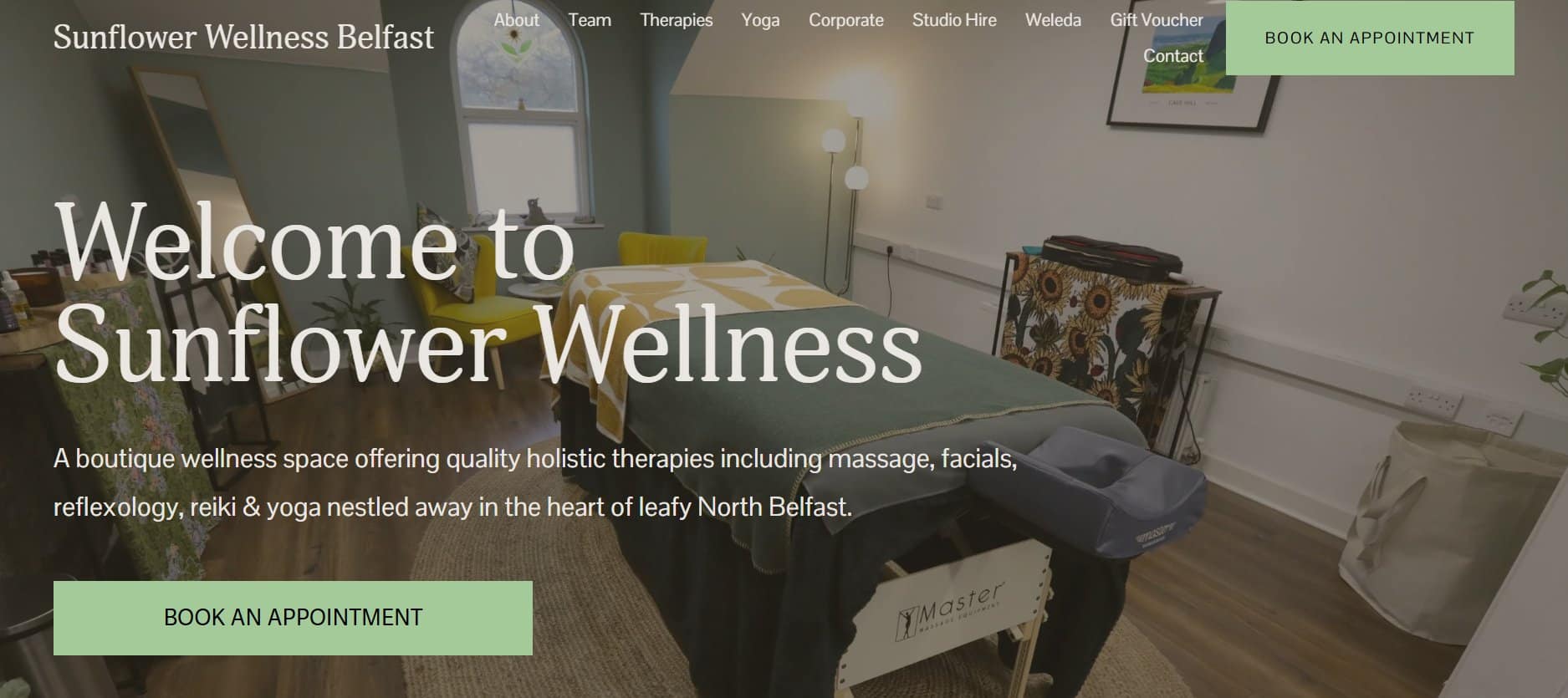
Sunflower Wellness is a multi-service holistic studio located on the Antrim Road in North Belfast. Founded in 2021 by Cathy Curran, who built her career in the community and voluntary sector, the business operates on a mind-body-spirit philosophy. Services span therapeutic massage, facial treatments, reflexology, reiki, private and group yoga, and corporate wellness programmes. The studio also hires its space to independent practitioners and workshop organisers, adding a venue-hire dimension to its commercial model. It draws clients from across Belfast and the surrounding area, supported by good public transport links and street parking.
What We Did: The Squarespace Website Design Approach
Platform Selection and Rationale
Squarespace was the right platform for this project for specific reasons, not as a default. The studio needed a website it could manage independently after handover, with no developer dependency for content updates, service changes, or seasonal promotions. Squarespace provides that without sacrificing visual quality. For a boutique wellness business, where brand atmosphere is a genuine differentiator, the platform’s design constraints are an advantage: the output looks considered rather than cobbled together.
It also integrates booking functionality natively through Acuity Scheduling, which removed the need to patch together a third-party booking system and reduced the number of friction points between a visitor deciding to book and actually completing that booking.
Site Architecture and Navigation
We structured the site around the studio’s distinct audience groups. Clients looking for individual treatments needed a different journey from HR managers exploring corporate wellness packages, and both needed to find relevant information quickly without the other cluttering their path. The architecture we built:
Home: welcome overview, service highlights, booking entry point
About: founder story, therapist profiles with qualifications and specialisms
Therapies: individual pages for massage, facials, reflexology, and reiki
Yoga: private and group class schedules
Corporate Wellness: workplace wellbeing packages for HR teams and business owners
Studio Hire: space images, rates, and availability for independent practitioners
Products: highlighting Weleda and locally sourced wellness brands
Contact and Booking: integrated Acuity Scheduling forms and location details
Each therapy page was written to stand alone as a piece of SEO content, covering benefits, session lengths, what clients can expect, and a clear booking prompt. This structure supports the Squarespace website for holistic wellness studio keyword strategy without producing thin, templated pages.
Design, Imagery, and Atmosphere
The visual design was built around the studio’s existing aesthetic: neutral tones, soft textures, and generous whitespace. Professional photography of the treatment rooms and yoga space was integrated throughout, not as decoration but as primary persuasion. For a wellness client who has never visited, seeing the actual space removes a significant mental barrier to booking.
Typography and spacing were chosen deliberately to slow the pace of reading slightly, mirroring the rhythm of the studio itself. This is not an accident of template selection; it is a design decision that communicates the brand before a single word is read.
Corporate Wellness Positioning
The corporate wellness section was written specifically for HR professionals and business owners, not general visitors. The messaging frames workplace massage, yoga, and guided meditation in the language of employee productivity and organisational investment rather than personal wellness, which is a meaningful reframe that increases conversion from that audience. This section gives the studio a credible B2B platform it did not have before.
Results
Within the months following launch, Sunflower Wellness had a professional platform that accurately reflected the quality of its in-person offering. The integrated booking system eliminated the volume of administrative phone calls the studio had been handling manually, moving appointment scheduling online and making the service accessible around the clock.
The corporate wellness section gave the business a dedicated channel for B2B outreach that had not previously existed online. Service-specific pages established the groundwork for local SEO performance across treatment and therapy search terms in the Belfast area. Blog functionality was set up to support long-term content and organic growth.
How ProfileTree Approaches Squarespace Website Design for Wellness Studios
Every wellness website build ProfileTree takes on starts with the same question: what does a client need to feel before they book? The answer shapes every decision from platform selection through to copy tone and page structure.
For most small wellness studios, the practical priorities are: a platform that is manageable without developer support, a booking system that works without friction, and a visual identity that communicates the atmosphere of the space before a visitor has made any commitment. Squarespace, used well, delivers all three.
The build process we follow for wellness clients covers five areas: platform setup and template customisation aligned to brand identity; service page architecture that supports both user navigation and search visibility; therapist and team profiles that build personal trust; booking system integration and testing; and an initial content framework the client can build on independently post-launch.
For studios with a corporate offering, we add a dedicated section written specifically for B2B decision-makers, framed around productivity and staff wellbeing rather than personal treatment. That distinction consistently improves enquiry quality from that segment.
ProfileTree’s web design services for Belfast businesses cover the full range of platforms and project types. For wellness studios specifically, Squarespace provides the right balance of design quality and client autonomy for the scale most independent businesses operate at.
“A wellness studio’s website should be a digital reflection of the calm, trust, and expertise you deliver in person. Getting that atmosphere right online is not a luxury for this type of business; it is what converts a visitor into a booking.” — Ciaran Connolly, Founder, ProfileTree
Ciaran Connolly is the founder of ProfileTree, a Belfast-based web design and digital marketing agency. Since 2011, the team has completed over 1,000 web projects for businesses across Northern Ireland, Ireland, and the UK, spanning web design, SEO, content marketing, and AI implementation. Ciaran also delivers digital skills training through Future Business Academy. Connect on LinkedIn.
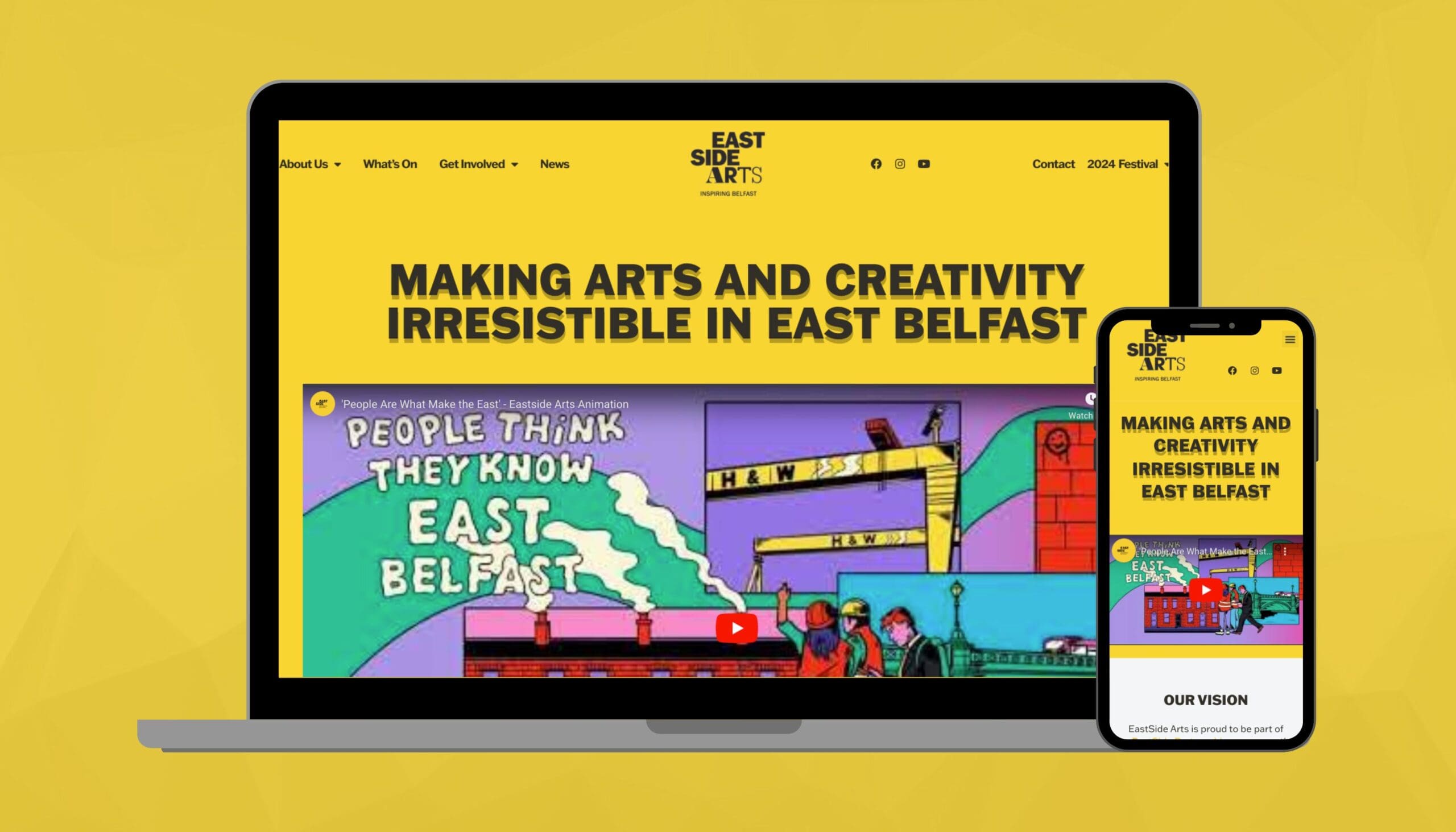
Charities operate under different constraints from commercial clients. Budgets are tighter, internal technical knowledge is limited, and the people managing the website are often volunteers or multi-tasking staff whose primary job is running programmes,...
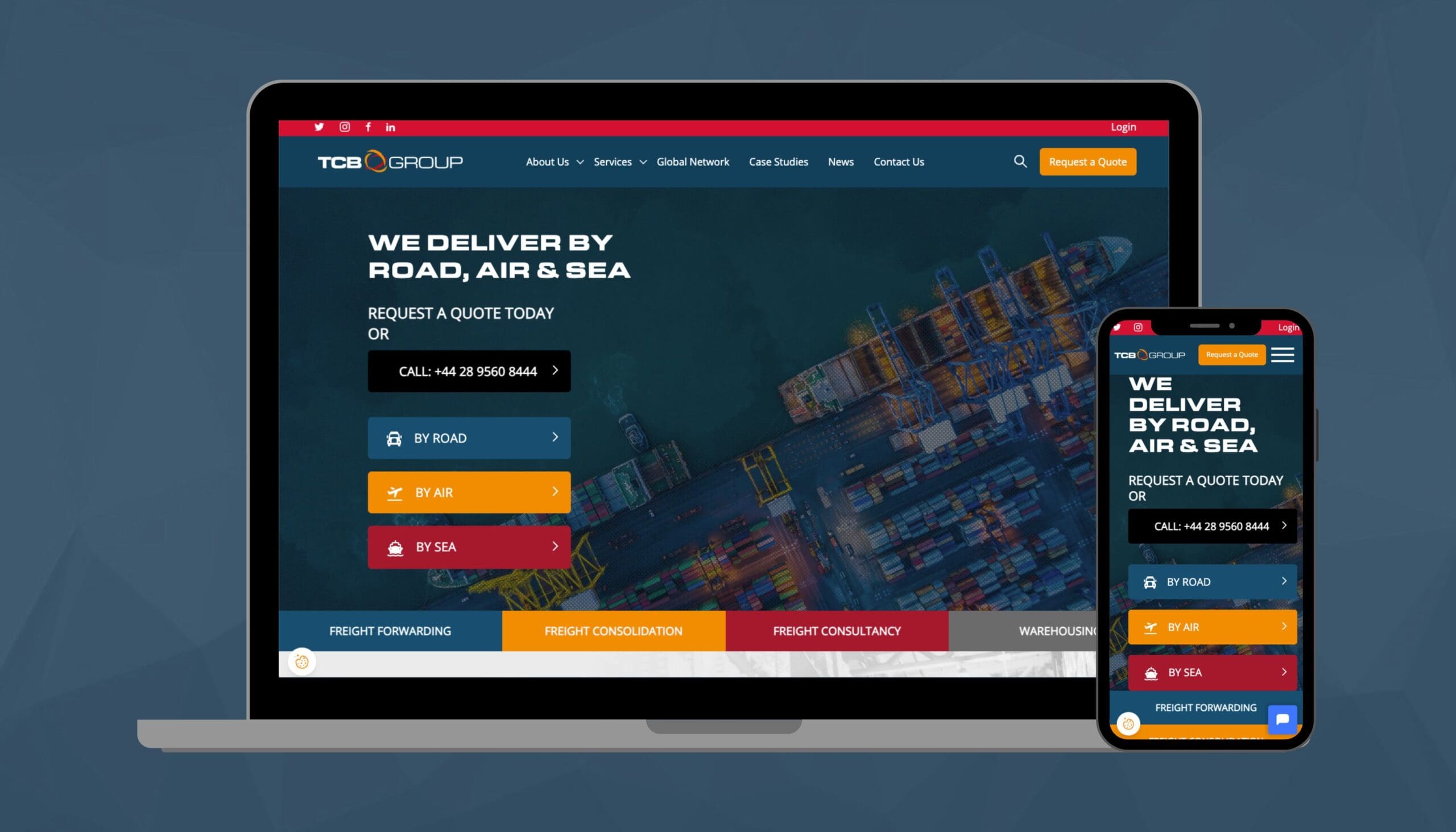
When a logistics company operates across multiple continents, its website needs to do more than list services. It needs to work as a central hub: clear enough for first-time visitors, authoritative enough for global...
ProfileTree is a Belfast-based web design agency that rebuilds outdated or restrictive websites onto WordPress for SMEs across Northern Ireland, Ireland, and the UK. This case study covers a full WordPress website rebuild with...
Navigate the digital landscape with a marketing strategy. Our team crafts comprehensive plans that resonate with your target audience, drive engagement, and boost conversions.
Elevate your digital proficiency. Our in-depth training sessions equip your business with cutting-edge digital marketing techniques to outperform competitors and thrive online.
Captivate and grow your social following. We create tailored social media strategies that ignite engagement, amplify your brand's online presence, and foster lasting connections.
Harness the power of your mailing list. Our precision-targeted email marketing campaigns are engineered to nurture relationships and drive tangible business outcomes.
Elevate your brand with our content marketing mastery. From thought-provoking blogs to eye-catching infographics, we craft content that captivates, informs, and converts your ideal audience.
Bring your brand's story to life with authenticity. We craft compelling narratives that strike a chord with your audience, forging a powerful emotional bond with your brand.
Empower your business with AI expertise. Our tailored training demystifies AI, equipping your team with the knowledge to leverage its potential for growth and innovation.
Transform customer service with AI chatbots. We develop sophisticated chatbots that elevate user experience, streamline interactions, and deliver unparalleled efficiency.
Transform your reach with AI-driven marketing. Harness data-driven insights for laser-targeted campaigns that captivate, engage, and convert your audience.
Optimise your operations with cutting-edge AI tools. We integrate intelligent solutions that streamline processes, enhance efficiency, and support data-driven decision-making.
Join Our Mailing List
Grow your business with expert web design, AI strategies and digital marketing tips straight to your inbox. Subscribe to our newsletter.