
How to Choose an All-in-One Website Builder
Table of Contents
Website Builders promise to take a business online in an afternoon, and for plenty of owners across Northern Ireland, Ireland, and the UK, they deliver exactly that. The trouble starts later. Most people pick a platform the way they pick a broadband deal, choosing whichever looks simplest on the day, then live with that choice for years. An all-in-one website builder bundles hosting, a domain, design tools, and often email and security into a single subscription, which is a genuinely good call for some businesses and a quiet ceiling on growth for others. This guide is about telling those two situations apart before you commit.
The more useful question is not which builder tops a league table, but how to choose an all-in-one website builder for your actual business, what each platform type trades away, and the point at which a bespoke build starts to pay for itself. ProfileTree, a Belfast-based web design and digital marketing agency, has built and rebuilt sites on every major platform, and the pattern holds: the right choice depends far more on where your business is heading than on which builder runs the slickest advert.
What an All-in-One Website Builder Actually Includes
An all-in-one website builder combines web hosting, domain registration, design tools, and usually extras like email hosting, SSL certificates, and basic marketing features inside one platform. Instead of buying hosting from one company, a domain from another, and design from a third, you manage everything from a single login. That is the whole appeal, and for a one-to-five-person business, it is a real one.
The typical setup includes a drag-and-drop editor, a library of templates aimed at different industries, a content management system for pages and blog posts, and built-in SEO controls. You register a domain, build the pages, publish, and watch basic traffic figures without ever touching a server. Billing, support, and technical maintenance sit under the same roof, which is why the “all-in-one website” promise lands so well with owners who would rather run their business than wrestle with DNS records.
Modern platforms have stretched well beyond simple brochure sites. Many now handle online shops, appointment booking, customer enquiry capture, and analytics. The honest framing is that you are buying a managed system with sensible defaults, not a blank canvas. That distinction is the root of almost every trade-off later in this guide. For businesses that eventually outgrow those defaults, our web development team can help assess whether a more flexible, purpose-built website would better support their requirements.
The four components are doing the work
It helps to see the bundle as four parts working together, because each one has its own limits.
Hosting is the foundation: the servers that power your site and let visitors load it. Decent platforms run reliable infrastructure with uptime guarantees and content delivery networks, and for local businesses, loading speed affects both rankings and how long visitors stay. A site aimed at customers in Belfast or Dublin benefits from fast delivery to UK and Irish visitors, and most established platforms handle this without you having to configure anything.
Domain management is the second part. You can search for and register a domain, or transfer an existing one, without manually editing DNS settings or coordinating with a registrar and a host. Subdomains, email forwarding, and privacy protection usually sit in the same menu. For an owner who has never touched a nameserver, removing that step is genuinely valuable.
Design and development tools are the third. Drag-and-drop editors now give real control over layout, type, and colour, with responsive frameworks that adapt to phones and tablets. Templates give you a professional starting point built around current standards. Some platforms also allow custom CSS, which bridges part of the gap toward bespoke work, though using it well still takes a designer’s eye.
Security is the fourth and quietest part. SSL, backups, malware scanning, and firewall protection run automatically, with patches applied for you. For a small team with no technical staff, “it updates itself” removes a category of risk that sinks plenty of self-managed sites.
How to Choose: Match the Platform to the Business, Not the Advert
The single biggest mistake is choosing a platform based on the features it advertises rather than the job your business needs done. Start by writing down what the site must do in its first year and what it might need to do by year three. A booking-led service business and a 200-product shop have almost nothing in common when it comes to what they need, even though both could technically launch on the same builder.
Work through four questions in order, because the answers narrow the field fast.
First, what is the site’s main job? A site that mainly builds trust and captures enquiries has very different needs from one that processes hundreds of transactions a week. If you mostly need credibility, clear service pages, and a contact route, almost any quality platform will do, and the deciding factor becomes design and ease of editing. Our team sees this most often with trades, clinics, and professional services across Northern Ireland, where a clean, fast site with strong local signals outperforms a feature-heavy one.
Second, how fast and how far will you grow? Steady, predictable growth suits a platform. Rapid scaling, or plans that involve custom features, integrations with a booking or stock system, or a membership area, push you toward more flexibility than most builders offer. Traffic limits, storage caps, and feature tiers that seemed generous at signup have a habit of biting exactly when a business is busiest.
Third, who maintains the site day to day? If a non-technical team member will update content, the editor needs to be genuinely simple, and the platform’s digital training resources and documentation matter as much as the design tools. This is also where ProfileTree’s digital marketing training earns its place: a half-day session that teaches a receptionist or office manager to edit pages confidently saves a year of small support tickets.
Fourth, what is the true cost over three years, not three months? Introductory pricing, premium templates, app add-ons, transaction fees, and domain renewal hikes all stack up. The headline monthly figure rarely reflects what you actually pay once the shop, the bookings tool, and a couple of paid apps are switched on.
Comparing the main platform types
Different builders solve different problems. Naming them is useful, but the categories matter more than any league table.
| Platform | Strongest for | Main trade-off |
|---|---|---|
| Wix | Design flexibility, small service businesses | Loading speed varies with template complexity |
| Squarespace | Design-led brands, portfolios, premium services | Less customisation than open platforms |
| Shopify | Product-led businesses and online shops | Transaction and app costs add up at scale |
| WordPress.com (hosted) | Content-heavy sites and blogs | Real flexibility sits behind higher tiers |
| Self-hosted WordPress | Long-term SEO control and ownership | You manage hosting, updates, and security |
Wix has built a strong position with creative and small service businesses that want design control, with a large template library and a drag-and-drop editor that gives fine control over layout. It carries solid shop features and an app market for bolt-ons. If you are weighing it up, our Wix blog tutorial and guide to Wix delivery settings walk through the parts that owners most often get stuck on.
Squarespace suits design-conscious businesses and creative professionals. Its templates lean toward clean, modern layouts that flatter portfolios and premium service brands, and it deliberately limits how far you can stray from a coherent design so sites stay polished. The shop tools are capable rather than exhaustive, and pricing sits at the higher end. If you are torn between it and an open platform, our Squarespace vs WordPress comparison lays out the decision in plain terms for UK businesses.
Shopify is built around selling. For a business with a real product catalogue, it handles payments, stock, and order fulfilment better than a general builder, and it copes with high traffic. The trade-off is cost: transaction fees and paid apps make it expensive for a business that only needs a few pages and an enquiry form. If e-commerce is the point of your site, our guide to the best programming language for ecommerce is worth a read before you decide how custom to go.
Hosted WordPress.com gives you the world’s most widely used content system with the technical burden handled for you. Its blogging and publishing tools are hard to beat, which matters for any business serious about content marketing. Real flexibility, custom themes, and plugins live on the higher tiers, at which point you are close to the freedom of a self-hosted site without quite the same control.
Self-hosted WordPress sits at the edge of the “all-in-one” category, because you assemble the pieces yourself or have an agency do it. It gives the most control over SEO, speed, and ownership, and it is what we reach for when a business has outgrown a closed platform. Our web design using WordPress guide covers what that involves, and the broader WordPress versus custom development comparison helps you judge how far down the bespoke road you need to travel.
The Trade-offs Worth Naming Before You Sign Up
Every all-in-one platform trades flexibility for simplicity. That is not a flaw; it is the deal, and going in clear-eyed about it prevents most of the regret.
Design has limits. Templates give you a professional start, but businesses in the same sector often land on similar layouts and colour schemes, so your site can look like three competitors down the road. Genuinely unusual functionality or a distinctive interface may exceed what the platform allows, and the custom-code workarounds often require exactly the technical skills you chose a builder to avoid.
Scaling has limits, too. Traffic ceilings, storage caps, and feature tiers can force an expensive upgrade or a full migration at the worst possible moment, often a growth spurt. Deep integration with an existing booking system, stock control, or CRM can hit constraints that a bespoke web development approach would handle cleanly. Performance tuning is also shallower than on custom hosting, where a developer can configure the server for your specific load.
Then there is lock-in, the trade-off owners notice last and feel most. Platforms vary in how cleanly you can export your content, and proprietary features rarely move across to a rival. The more you build into a platform’s specific tools, the harder and costlier it becomes to leave, which weakens your hand if pricing or policies change. None of this is a reason to avoid builders. It is a reason to keep your content portable and to revisit the decision as the business grows.
SEO and Performance: What Builders Handle, and What They Don’t
Modern platforms cover SEO basics well, but ranking in a competitive local market still takes work that the platform will not do for you. That gap is where most “why isn’t my site showing up” frustration comes from.
On the built-in side, quality platforms give you meta tag controls, automatic sitemaps, schema options, and page-speed tooling that runs in the background. Templates ship with responsive layouts, clean URLs, and sensible heading structures, which is a solid foundation. Many include a basic SEO checker that flags obvious gaps. For local visibility, integration with Google Business Profile, directory listings, and location schema genuinely helps a business appear in nearby searches across the UK and Ireland.
What the platform will not do is the strategic part: keyword research, genuinely useful content, internal linking, and local relevance that move a site from page three to page one. A builder gives you the controls; it does not decide what to put in them. This is the line where ProfileTree’s local SEO services take over: properly configuring the platform, then building the content and signals that actually earn rankings. Google’s own guidance is blunt: internal links, content in real text rather than images, and structured data that matches what visitors see all matter. You can read the current advice in the Google Search Central documentation.
Performance follows the same pattern. Platforms automatically apply image compression, caching, and content delivery, but template choice still matters a lot: a heavy design with multiple animations loads slowly, even with good hosting. Sensible image sizes, efficient formats, and restraint with third-party add-ons keep a site fast, particularly for the large share of UK and Irish visitors browsing on phones over mobile data.
When to Move From a Builder to a Bespoke Build
The signal to go bespoke is not a feeling that you have outgrown your platform; it is a specific, recurring cost the platform is imposing. Wanting something fancier is rarely enough of a reason. Paying for it every week is usually the case.
Watch for a handful of concrete triggers. You keep hitting a feature ceiling and paying for workarounds or apps to patch around it. The platform cannot integrate with a core business system, so someone rekeys data by hand. Loading speed has plateaued, and it is costing you rankings or conversions. Your design now looks like every competitor on the same template, and that sameness is undercutting a premium position. Or you simply want to own your site outright rather than rent it. Any one of these recurring tips points toward a custom build.
A bespoke site removes those ceilings: full control over speed, structure, integrations, and design, and no risk of a platform changing terms underneath you. The cost is higher upfront, and you either take on or outsource maintenance. For many growing businesses, the sensible path is staged: start on a platform to get trading, then move to a custom WordPress build once specific limits start showing up on the invoice. Migrating well, without losing the rankings and content you have built, is its own skill, and it is one of the more common projects our team handles for businesses across Northern Ireland and Ireland.
ProfileTree’s perspective on where this is heading comes from its founder:
“AI implementation doesn’t need to be overwhelming for small and medium businesses. The key is starting with practical applications that solve real business problems and building AI capabilities gradually as teams become comfortable with the technology.” Ciaran Connolly, founder of ProfileTree
Where AI Fits in the Builder Decision
AI features inside website builders are now standard rather than premium, and they change the entry point more than the end result. Prompt-to-site generation, layout suggestions, and automated content drafts get a business to a first draft faster, saving real time. They do not, on their own, produce a site that ranks well or sounds like your business.
The practical view is that AI handles the first 70%, and a person handles the last 30% that customers actually notice. Generated copy needs editing for accuracy and voice, generated layouts need a designer’s judgement, and AI-suggested SEO still needs a strategy behind it. ProfileTree’s AI implementation services focus on exactly that practical layer for SMEs: using AI to speed up content workflows, customer enquiry handling, and analysis, while keeping a human in charge of the parts that carry your reputation. Used that way, AI inside a builder is a genuine help. Treated as a finished product, it tends to produce sites that look and read like everyone else’s.
How ProfileTree Helps With Platform Decisions
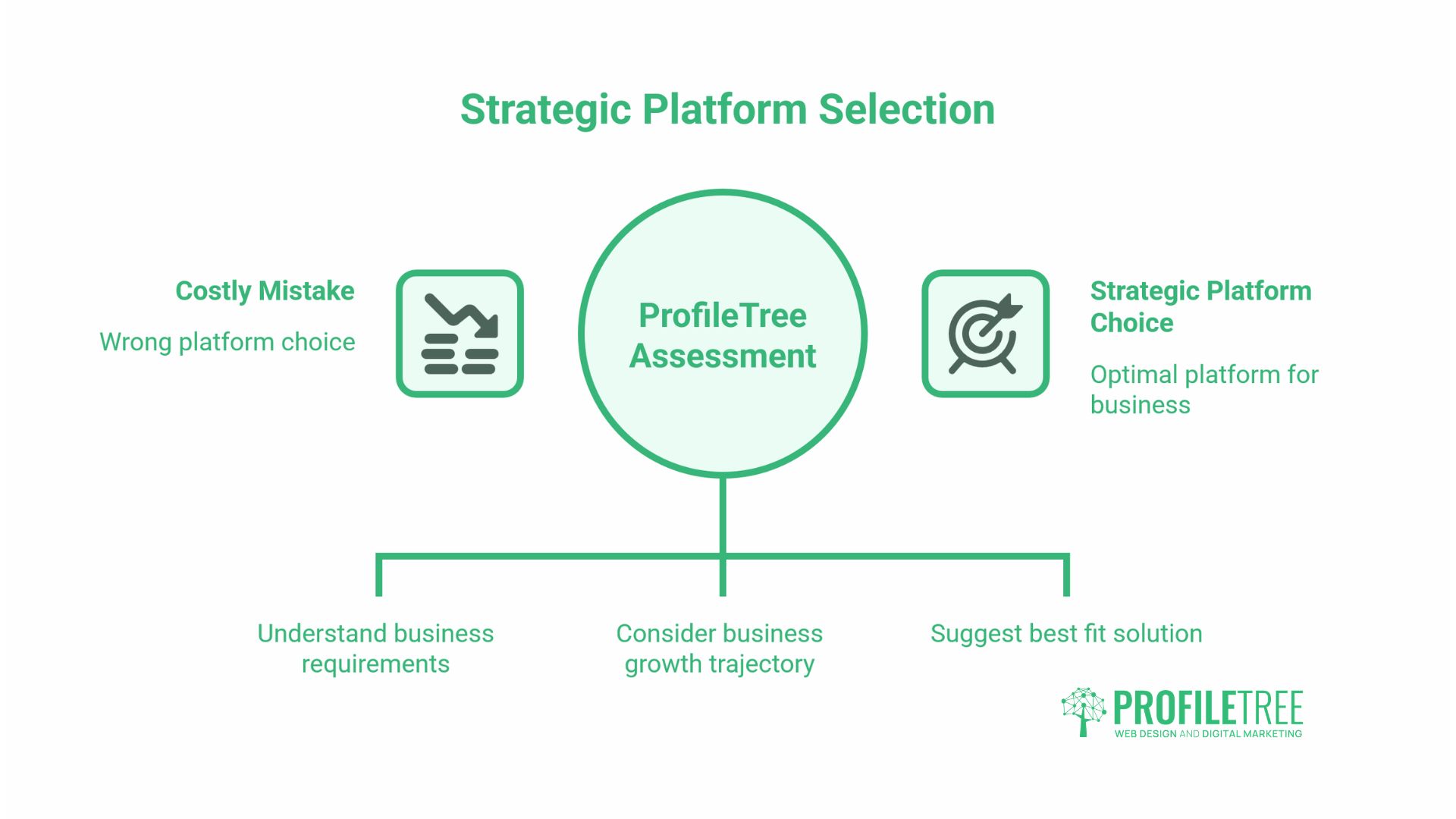
ProfileTree works with businesses across Northern Ireland, Ireland, and the UK on exactly this decision, and the value is usually in stopping a costly mistake rather than in any single platform. The team assesses what a business actually needs against where it is heading, then recommends a platform, a bespoke build, or a staged path between the two.
That work runs across the agency’s services: web design within or beyond platform limits, web development for custom builds and migrations, SEO to earn the rankings a platform cannot deliver on its own, content and video production to fill the site with something worth visiting, and training so an in-house team can run the result confidently. The aim is a site that fits the business now and does not become a cage in two years.
The Bottom Line on Choosing a Platform
An all-in-one website builder is the right call when your needs are clear, your growth is steady, and you would rather run your business than manage five suppliers. The convenience is real, and for most service and small-product businesses across Northern Ireland, Ireland, and the UK, it is enough to launch and trade successfully.
The decision turns on three things: what the site needs to do, how far you expect to grow, and the true three-year cost rather than the headline price. Keep your content portable, treat AI features as a fast first draft rather than a finished site, and revisit the choice when the platform starts costing you money or rankings on a recurring basis. That is usually the point at which a bespoke build pays for itself, and a staged move from platform to custom site protects what you have already built.
FAQs
Which all-in-one website builder is best for a UK small business?
There is no single best builder; it depends on the job your site does. A service business needing credibility and enquiries suits a design-led platform; a product business suits a sales-focused one. Weigh your main goal, growth plans, who maintains the site, and the three-year cost.
Can I move my website from one builder to another later?
Partly. Most platforms export your written content, but design and platform-specific features rarely transfer, so a move usually means rebuilding on the new platform. The deeper you build into a platform’s tools, the more costly it becomes to leave, so keep your content portable from day one.
Do I own my website if a builder or its AI creates it?
You own your content, text, images, and brand assets, but not the platform’s underlying code. With a closed builder, you are renting the system that runs your site. A self-hosted or bespoke build gives you full ownership, which is why businesses move to custom development as they grow.
How do I create a website for beginners without any technical skills?
An all-in-one platform is the most realistic route: register a domain, pick a template, edit with a drag-and-drop editor, and publish, with hosting and security handled for you. The caveat is that building a site and making it rank are different jobs; the second usually benefits from professional help.