
Budget-Friendly Tips for Building a Website That Performs
Table of Contents
Most small business owners worry that a decent website means a five-figure invoice. It doesn’t. The cost of a site depends on a handful of decisions you control, and getting those decisions right matters more than the size of your budget. This guide covers what drives the price, where you can save without hurting the result, and the point at which paying for help saves you money rather than spends it. Discover budget-friendly tips for building a website without overspending.
ProfileTree builds and maintains websites for SMEs across Northern Ireland, Ireland, and the UK, so the advice here reflects what we see in real projects, not generic theory. If you’d rather hand the whole thing over, our website design services and web development team can take it from brief to launch.
What Actually Affects the Cost of a Website
Website cost comes down to four things: the number of pages, the platform, the design approach, and the functionality. Strip those back, and the price drops fast. Pile them on, and it climbs. Knowing which ones matter for your business is the single biggest lever on your budget.
Page Count and Content Depth
A five-page brochure site costs a fraction of a 40-page site with a blog and case study library. For a new business, start with the pages that earn their keep: home, services, about, contact, and one or two proof pages. You can add depth later as the business grows. Spreading a small budget across too many thin pages tends to weaken the whole site rather than strengthen it.
Platform Choice
The platform sets the ceiling for what you can do and the floor for what you’ll pay. Hosted website builders are cheap to start and quick to launch, but they limit advanced SEO and custom features. WordPress costs a little more to set up properly and gives you far more control over how the site grows. For most SMEs that want to rank and add functionality over time, WordPress is the more sensible long-term choice. Our guide on web development explains where the trade-offs land.
Design: Template or Custom
A well-chosen template, lightly customised with your brand colours, fonts, and photography, looks professional and costs a fraction of a bespoke design. A fully custom design is worth it when your brand or user journey genuinely needs it, and rarely before then. Spending the design budget on good original photography and clear copy usually does more for conversions than a one-off layout.
Functionality
Contact forms, basic galleries, and standard pages are cheap. Online shops, booking systems, membership arens, and custom integrations are where budgets balloon. Be honest about what you need on day one versus what you think you might want. Every feature adds build cost, maintenance, and a security surface to look after.
Rough Budget Tiers for a UK Small Business Site
| Approach | Typical setup cost | Best for | Main limitation |
|---|---|---|---|
| DIY website builder | Low (subscription plus your time) | Sole traders, very early-stage businesses, simple brochure sites | Limited SEO control and harder to scale |
| DIY WordPress | Low to moderate | Owners comfortable with tech who want more control | Steeper learning curve and ongoing maintenance falls on you |
| Professionally built WordPress | From low thousands | Businesses that need to rank, convert, and grow the site over time | Higher upfront cost than DIY |
How to Keep Your Build Budget Down
The cheapest way to save money on a website is to plan before you build. Most budget overruns come from changing direction halfway through, not from the build itself. A clear plan, a sensible platform, and a focus on essentials will keep costs down without making the site look cheap.
Plan Before You Build
Decide what the site is for before anyone touches a design. Is it generating enquiries, selling products, or showcasing work? Knowing the single main job of the site stops you from paying for features that don’t serve it. A short brief covering your goal, your audience, and the pages you actually need is worth more than any template. If you want help shaping that, our digital strategy team works through exactly this with clients.
Use Free and Low-Cost Tools Well
You can build most of a small site with free or low-cost tools. Free image libraries, open-source design software, and thousands of WordPress plugins cover most needs. The skill is restraint: a handful of well-chosen plugins beats a pile of overlapping ones that slow the site and create security gaps. Original photography of your real premises, team, or products will always beat stock for trust and search visibility.
Don’t Cut Corners on Hosting and Security
Hosting is the one area where the cheapest option often costs more later. Slow, oversold hosting drags down speed and rankings, and weak security invites problems that are expensive to fix. Reliable hosting and a basic SSL certificate are non-negotiable, even on a tight budget. Our website hosting and management service exists because so many small businesses lose more to downtime and hacks than they ever saved on cheap hosting.
Build for Search from the Start
A site nobody can find is a poor investment, however little it costs. You don’t need a big SEO budget to get the basics right: clear page titles, descriptive URLs, fast load times, and content that answers what your customers actually search for. Google’s own SEO starter guide covers these fundamentals for free. Free tools like Google Search Console will show you what’s working. When you’re ready to compete for harder terms, our SEO services pick up where the basics leave off.
Spread the Work Across Channels
A website rarely performs in isolation. Pairing it with consistent content and a couple of active channels does more for a small budget than an expensive site sitting on its own. A simple email marketing list, regular content marketing, and organic social media marketing all feed traffic back to the site without large ad spend.
DIY Versus Professional: Where the Line Sits
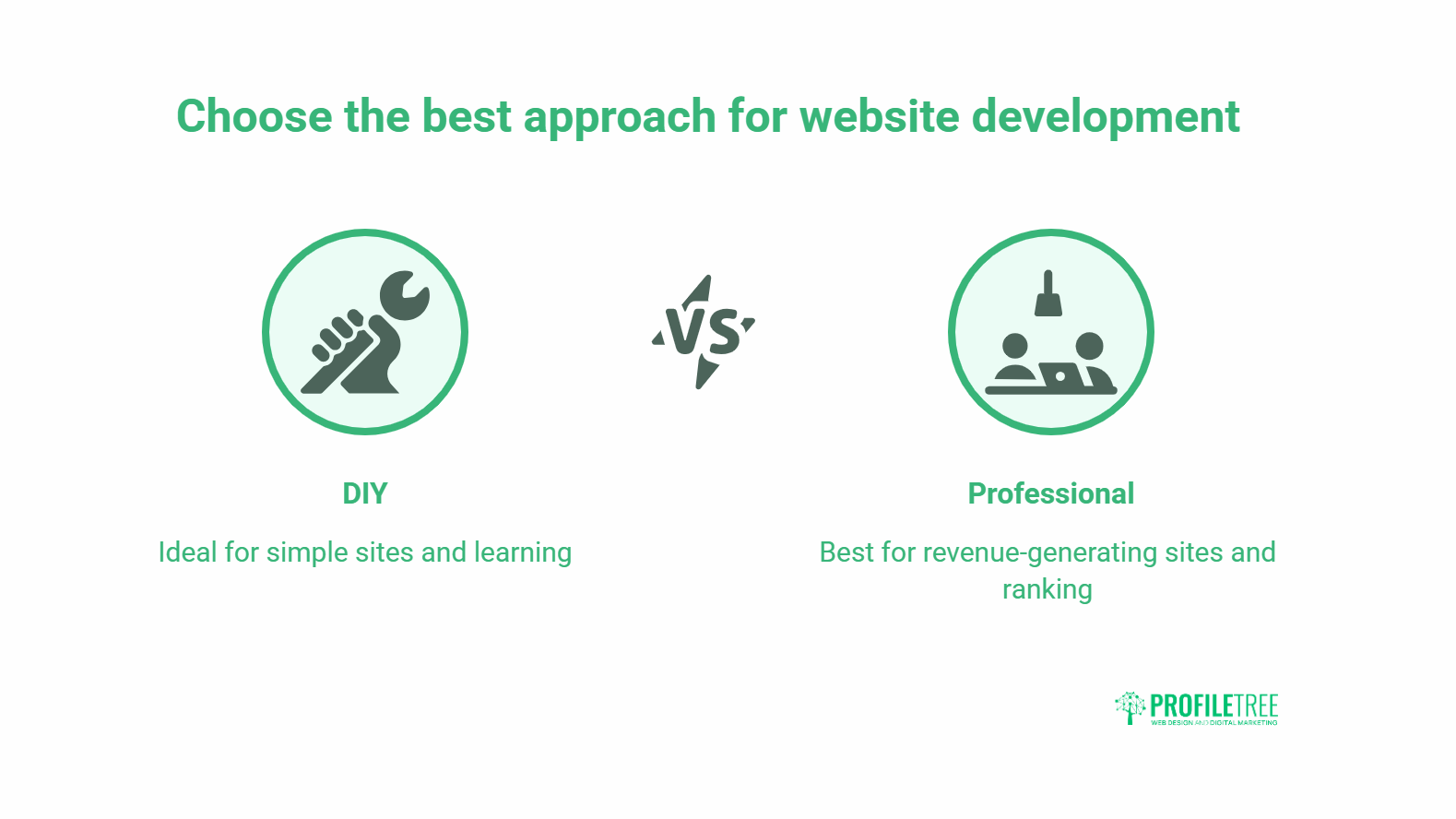
DIY makes sense when the site is simple, the stakes are low, and you have time to learn. Professional help pays off when the website is a real source of revenue, when ranking matters, or when your time is worth more spent on the business. The mistake is staying DIY long after the site has become business-critical.
When DIY Is the Right Call
If you’re testing an idea, running a side project, or need a basic online presence with a contact form, a builder or a self-built WordPress site is perfectly sensible. You’ll save money and learn how your site works. Plenty of cafés, freelancers, and early-stage shops start exactly this way and do well.
When to Bring in a Professional
Once the website is expected to generate leads or sales, the calculation changes. A site that loses enquiries to slow load times, poor mobile layout, or a confusing journey costs you far more than the build ever did. That’s the point of bringing in help.
“The cheapest website is rarely the one with the lowest invoice. It’s the one that brings in business. We see owners spend months saving on a DIY build, then lose far more in missed enquiries because the site loads slowly or doesn’t rank. Budget well, but spend where it actually moves the needle.”Ciaran Connolly, founder of ProfileTree, a Belfast-based web design and digital marketing agency
If you’ve reached that point, our web design and development teams build sites designed to convert, and we can train your team to run it day to day through digital training so you’re not dependent on an agency for every small change.
Where AI Tools Fit a Small Budget
AI tools can stretch a budget by handling first drafts, basic images, and customer queries, as long as a person checks the output. A well-set-up AI chatbot can answer common questions around the clock, and there are sensible ways to use AI to support marketing without losing quality. For owners who want to use these tools properly rather than guess, our AI training covers the practical basics.
Budget Web Design FAQs
How Much Does a Basic Website Cost in the UK?
A DIY website builder can cost as little as a monthly subscription plus your time. A professionally built WordPress site for a small business typically starts in the low thousands, depending on page count and functionality. The biggest cost drivers are custom features and the number of pages.
Can I Build a Good Website for Free?
You can build a basic, functional site for very little using free builder tiers and open-source tools. The trade-offs are limited SEO control, builder branding on some free plans, and more of your own time. Free works for testing an idea, less so for a site expected to win business.
Is WordPress Cheaper Than a Website Builder?
Not always upfront, but usually better value over time. Builders are cheaper to start, while WordPress gives more control over SEO, features, and growth without locking you into one provider. For most SMEs planning to grow the site, WordPress is the more cost-effective long-term choice.
What Should I Never Cut to Save Money?
Reliable hosting, an SSL certificate, mobile responsiveness, and clear, original content. Saving on these tends to cost more later through slow speeds, security issues, or lost enquiries. Cut custom design and non-essential features first.
When Is It Worth Hiring a Web Design Agency?
When the website is a genuine source of leads or sales, when you need to rank for competitive terms, or when your time is better spent running the business. At that stage, a professional build usually pays for itself. ProfileTree works with SMEs across Northern Ireland, Ireland, and the UK.
Plan a Website That Fits Your Budget and Your Goals
A budget-friendly website isn’t about spending as little as possible. It’s about spending deliberately: simple structure, the right platform, solid hosting, and money directed where it changes results. Get those right, and a modest budget goes a long way.
If you’d like a hand working out what your business actually needs, ProfileTree offers digital marketing services alongside web design and development, so you can start small and grow the site in step with the business. Talk to our team about a build that fits your budget.