
X Pro (TweetDeck): The Complete Guide to X Management
Table of Contents
X Pro, formerly TweetDeck, is the multi-column dashboard for managing X (formerly Twitter) accounts. It gives social media managers something the standard X interface cannot: a customisable workspace where several accounts, searches, and conversations sit side by side in real time. For anyone managing X at volume, the difference is immediate.
This guide covers what X Pro does, what it costs today, how the March 2026 subscription change affects UK businesses, and a plain assessment of whether it’s worth paying for. It also covers column management, Boolean search, team access, agency workflows and the mobile workaround.
Access to X Pro changed twice in the space of a few years, most recently in March 2026, so check the date on anything else you read about it. Older guides, including earlier versions of this one, will tell you that a standard Premium subscription is enough. It no longer is.
What Is X Pro and How Has It Changed from TweetDeck?
TweetDeck launched years before Twitter became X and ran as a free, browser-based tool for over a decade. Social media managers, journalists, and PR teams used it to build custom columns for mentions, lists, searches, and scheduled content, all visible on one screen, without paying a penny. Agencies delivering social media marketing services built entire client workflows on top of it, which is why the later move to paid access landed as hard as it did.
That changed after Elon Musk’s acquisition of Twitter. TweetDeck was rebranded X Pro in 2023 and moved behind a paid subscription shortly after. The core layout stayed the same: a column-based interface for watching several streams of information at once. What changed was the cost, and then which tier you needed to pay to reach it.
The March 2026 Move to Premium+ Only
On 26th March 2026, X moved X Pro out of its standard Premium tier and restricted it to Premium+ subscribers only, reportedly with little warning. Businesses that had been paying for the cheaper Premium plan specifically to keep X Pro access lost that access outright; some found out only when they logged in and hit an upgrade prompt.
Only Premium+ now includes X Pro. The Basic and Premium tiers no longer give access to the multi-column dashboard at all, so there’s no partial or discounted route in. Premium+ costs around £35 a month in the UK when bought through the web, sitting behind the same plan you’d buy for an ad-free feed and higher usage limits on other Premium+ features. Buying through the iOS or Android app tends to cost more because both app stores add their own service fee on top.
Pricing for X Pro has moved more than once over the past eighteen months, and reported UK figures have varied depending on when they were published and which platform the price was quoted for. Rather than treat any single number as fixed, check X’s own Premium subscription page at the point you’re ready to subscribe, and build some headroom into your budget for another change.
A Premium+ subscription used for work is normally an allowable business expense, which reduces the real cost once tax relief applies. How much it reduces depends on your company’s position, since UK corporation tax runs at a small-profits rate for lower earners and a higher main rate above the threshold; your accountant can confirm the exact figure. Premium+ invoices are retrievable from the account billing settings at x.com/settings/billing.
The charge appears as VAT-applicable from X Corp, and because the supplier is a US entity, it’s worth confirming the VAT treatment with your accountant rather than assuming standard UK rules apply automatically.
Accessing X Pro Once Subscribed
Once a Premium+ subscription is active, access X Pro directly at pro.twitter.com, no installation or download required. Log in with your X account credentials, and the dashboard loads.
The default view opens with a handful of columns: Home, Notifications, Messages and Activity. From there, you add, remove and reorder columns to build your own monitoring workspace. The left-side control panel handles column addition, account switching, and deck management. For teams managing client accounts across Northern Ireland and further afield, X Pro’s multi-account structure means every connected profile is reachable from one login, without signing out and back in.
Core Features and Column Management
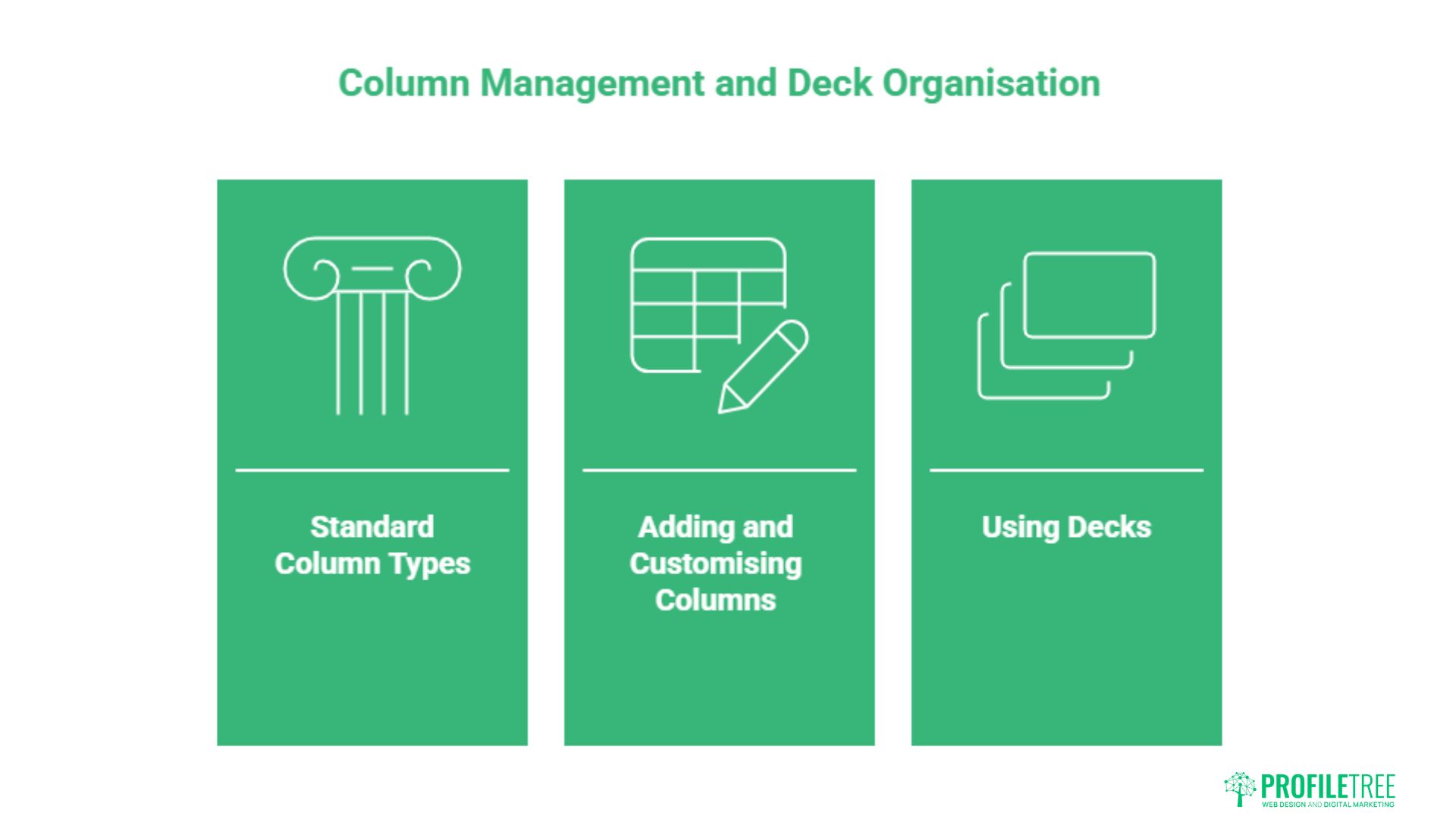
The column system is the central feature of X Pro, and getting it right early saves time daily.
The Standard Column Types Explained
The four default columns cover the basics well. Home shows the full post stream from every account you follow, replicating the standard X timeline. Notifications aggregate likes, reposts, new followers, and replies in one view; however, Activity surfaces what your followers are doing: their likes, reposts, and comments in chronological order. Messages centralises direct messages across all connected accounts.
Beyond the defaults, X Pro supports column types that extend its monitoring reach considerably. The Search column runs persistent keyword, hashtag, or account searches that update in real time. The List column pulls posts from any public or private X list you’ve created, which is the cleanest way to monitor a curated set of accounts without noise. The Mentions column aggregates every post you’re tagged in, across all connected accounts, which is particularly useful for brand monitoring.
The Scheduled column shows queued posts in order of publication time and doubles as a content calendar view. The Trending column surfaces the most discussed topics on X, worth watching when timing content around live events. For businesses running social media at volume, combining Mentions, Search, and Trending columns in a single Deck creates a real-time intelligence layer.
Adding and Customising Columns
To add a column, click the “+” icon at the bottom of the left control panel. X Pro presents the full list of available column types; select one and configure it. Search columns require a query string, while List columns need you to select from your existing lists. Account-based columns, such as User or Mentions, let you specify which connected account to monitor.
Columns can be resized by dragging their edges, reordered by dragging the column header, and removed with the settings icon at the top of each column. Each column has its own filter settings: you can exclude retweets, set minimum engagement thresholds, and restrict results to specific media types. These filters cut noise sharply when monitoring high-volume keywords.
Using Decks to Separate Client Workspaces
Decks are named column configurations saved as separate workspaces. An agency might run one Deck per client, with each Deck containing that client’s Home feed, Mentions column, branded keyword searches, and competitor monitoring columns. Switching between Decks takes one click from the left sidebar.
Decks are also worth splitting by purpose rather than only by client. A morning-review deck, built around mentions, notifications, and a couple of key search columns, gives you a fast daily check. A separate crisis deck, built around brand-mention searches without engagement filters, exclusion terms for retweets stripped out, and a competitor-watch column, means you’re not rebuilding a monitoring setup from scratch when something goes wrong. Save both, and each is one click away when you need it.
Without Decks, managing five or more client accounts in X Pro becomes an unwieldy single-screen scroll. With named Decks, the platform becomes a proper multi-client workflow tool. For a concrete setup: Deck 1 might be “Brand Monitoring” with columns for three keyword searches and a Mentions column. Deck 2 might be “Content Publishing” with a Scheduled column and Home feeds for each connected account. Deck 3 could be “Competitor Intelligence” with List columns built from curated lists of industry accounts.
Power User Techniques: Search, Listening, and Boolean Operators
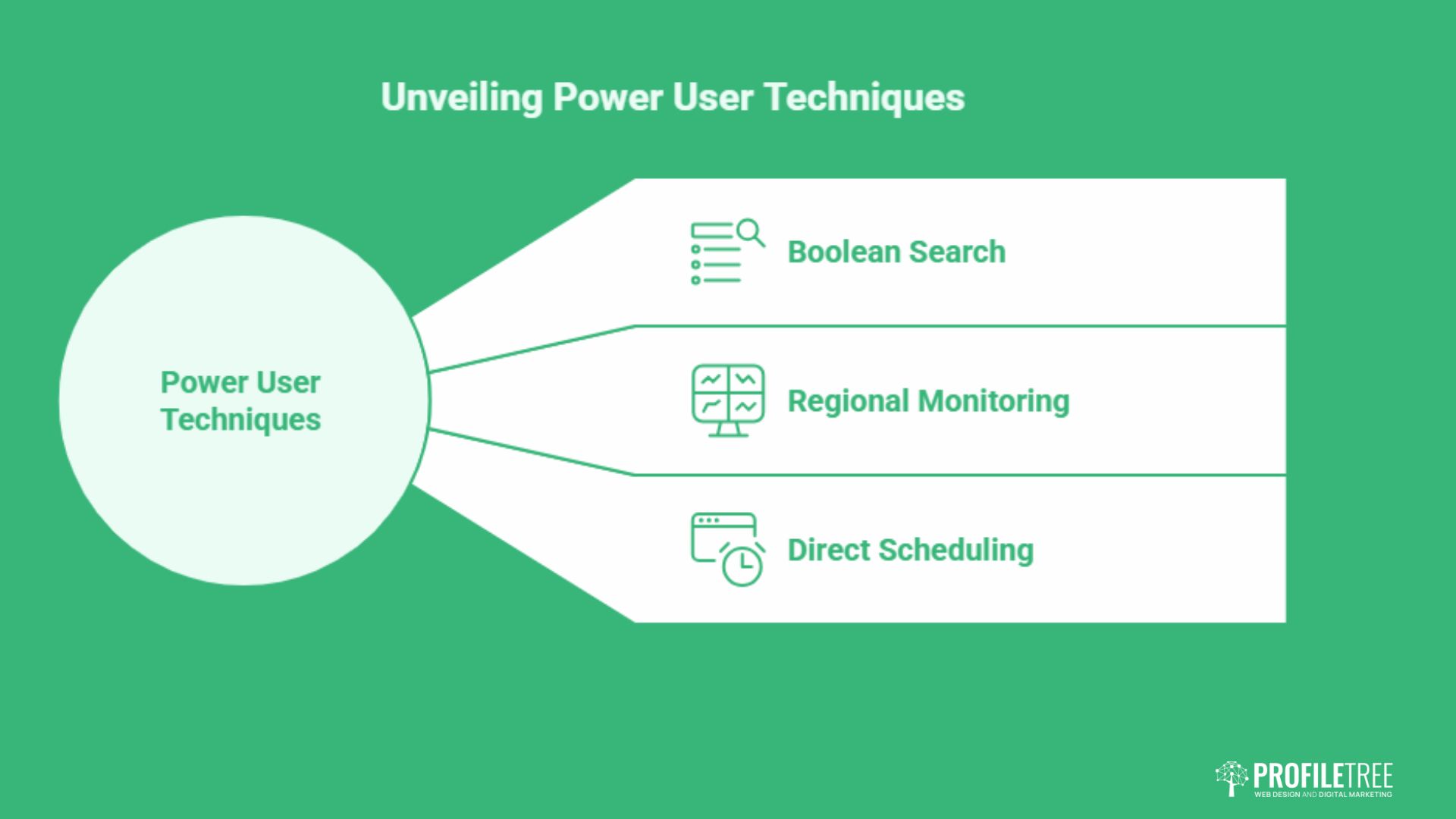
The Search column goes well beyond a single keyword. With Boolean operators, you can build precise, noise-filtered queries that surface exactly the conversations relevant to your brand, region, or industry.
Boolean Search: The Cheat Sheet
X Pro’s search engine supports standard Boolean logic. AND (a space between terms) requires both to appear; OR lets either appear; a minus sign before a word excludes it; from: and to: filter by account; lang: filters by language; -filter:retweets strips out reposts; min_faves: sets a minimum like count; near: and within: filter by location and radius.
| Operator | What It Does | Example |
|---|---|---|
| AND (space) | Both terms must appear | Belfast digital marketing |
| OR | Either term can appear | TweetDeck OR “X Pro” |
| -term | Exclude posts containing this word | digital marketing -agency |
| from: | Posts from a specific account | from:YourBrandHandle |
| to: | Posts directed at a specific account | to:YourBrandHandle |
| lang: | Filter by language | SEO lang:en |
| filter:links | Only posts containing a URL | Northern Ireland news filter:links |
| -filter:retweets | Exclude reposts | web design Belfast -filter:retweets |
| min_faves: | Only posts with a minimum like count | SEO Belfast min_faves:10 |
| near: / within: | Posts from near a location | marketing near:Belfast within:25mi |
The table covers the most useful operators, with examples aimed at UK-based monitoring.
Combining these creates monitoring queries that would be impossible to replicate in the standard X interface. A typical brand-monitoring string: YourBrand OR “Your Brand Name” -filter:retweets min_faves:2. That surfaces genuine mentions with at least some engagement, stripping out repost noise.
The same operators work as a lead-generation tool. Pairing a brand name with sentiment words, such as YourBrand (disappointed OR problem), catches complaints before they spread. Watching competitor names alongside problem words such as (competitor) (slow OR “let down”) spots switching moments, where someone is unhappy enough with a rival to consider moving. Tag any links you share off the back of these searches with UTM parameters, so results can be attributed properly in analytics rather than guessed at.
Regional Monitoring for UK and Northern Ireland Businesses
The near: operator is underused by UK-based social media managers, partly because most guides are written for US audiences and partly because location data on X is self-reported and imperfect. That said, it remains a useful signal for regional campaigns. A column built around small business terms combined with near:Belfast within:30mi -filter:retweets surfaces posts from users near Belfast discussing small business topics, a practical way to spot conversations worth joining organically.
The same logic applies to broadcast news. from:BBCNorthernIreland breaking -filter:retweets creates a real-time feed that might warrant a brand response the moment a relevant story breaks, giving your team a head start before the conversation develops.
Scheduling Posts Directly from X Pro
Scheduling in X Pro works from the post composer: write the post, click the calendar icon, set the date and time, and confirm. Scheduled posts appear in the Scheduled column, and you can edit or delete them before they go live, up to a year in advance.
The scheduler doesn’t support bulk upload or CSV scheduling, a genuine limitation against third-party tools. For accounts publishing five to ten posts a week, the built-in scheduler is adequate and saves the cost of a separate subscription. For higher-frequency posting, that gap starts to matter.
Running X Pro for Agency and Multi-Client Work
A useful X Pro workspace starts with four core columns for each managed account: the home timeline, notifications and mentions, direct messages, and scheduled posts. Around those, add columns that serve the client’s goals rather than your own. A brand-mention search tracks what people say about the company. A competitor column watches rival activity. An industry keyword column surfaces conversations where you can genuinely be useful rather than just visible. Save different column sets as separate decks, so a morning-review deck and a crisis deck are each one click away, rather than being rebuilt from scratch when something goes wrong.
Ask clients to grant delegated access rather than handing over a password. Delegation lets the client keep ultimate control, revoke access the moment a contract ends, and avoid exposing their password to staff turnover on your side. Match access to role within your own team: senior staff get full posting and messaging rights, junior staff get monitoring access for research.
When you’re running 15 or more accounts, the risk of posting client A’s content to client B’s profile climbs. Build in simple checks: confirm the active account before every post, use visual cues to tell clients apart at a glance, and require a second review for anything client-facing. A mistake here is more visible and more damaging than almost any other agency error.
X Teams: Secure Multi-User Access Without Password Sharing
Where delegated access covers a client granting access to an agency, Teams covers something narrower: several people managing the same account from their own logins, without any of them seeing a shared password. It’s the most overlooked capability in X Pro. For agencies and in-house teams alike, it’s the strongest security argument for X Pro over shared-login arrangements.
To set up a team, go to the Accounts section in the left sidebar, select the account to share, and choose “Add team member.” The invited user accepts the notification and then accesses their account from their dashboard using their own credentials. The account owner keeps full administrative control throughout. Team members can post and engage without ever seeing the account password. Removing someone’s access is immediate, one click from the same Accounts panel.
X Pro distinguishes Administrators, who have full account access including the ability to add or remove other team members, from Contributors, who can post and engage but can’t change account settings or manage membership. For an agency workflow, the account owner or lead should hold Administrator status, with junior staff, freelancers, or contractors operating as Contributors. That separation means temporary or external team members can’t accidentally change settings or remove existing members.
Each connected account can have its own team configuration. An agency managing ten client accounts can run entirely separate team structures for each, with different personnel assigned to different clients, all from a single dashboard login. Combined with named decks, this creates a proper multi-client workspace: each client has a deck with relevant columns, and the right team members have contributor access to that client’s account.
“The businesses getting the most from X Pro are those using it as a listening tool as much as a publishing tool,” says Ciaran Connolly, founder of ProfileTree. “Setting up persistent keyword and competitor searches for a client takes fifteen minutes, and then you have a real-time monitoring system that would cost considerably more through a standalone social listening platform.”
Is X Pro Worth the Cost for UK Businesses?
Whether X Pro justifies its price shouldn’t come down to a vague sense that better tools are good to have. It should come down to specific, measurable outcomes: time saved, leads identified, or customer service issues caught faster than they otherwise would be.
Time Saved
Managing several accounts through the standard X interface means constant tab-switching, manual searching, and re-organising the same information daily. X Pro puts those streams in one place. Start by tracking your own baseline: how many hours does your team currently spend on X tasks each week?
As a worked example to adapt with your own numbers, take a manager on £15 an hour who trims four hours a week once the setup beds in. That’s roughly £60 a week, or around £3,100 across a year. Set against a Premium+ cost of about £420 a year if billed monthly, the maths favours the subscription for anyone using X Pro daily. Run the same calculation with your own rates before deciding; treat this as a framework, not a promised outcome. Time saved also depends on the team’s skill level with the tool, and short digital training often pays back faster than the subscription itself.
Lead Generation
X Pro turns X into a listening post. A search column watching phrases such as “need a website designer Belfast” surfaces buying signals as they appear, and you can respond while the conversation is still live.
Even a modest lift pays back quickly. Two extra qualified leads a month, an average client worth £5,000 a year and a 30% conversion rate point to a few thousand pounds of additional revenue against a subscription costing a few hundred. Turning those signals into clients usually depends on more than the tool itself; strong website design to convert visits and reliable hosting so pages load when traffic lands matter just as much.
Customer Response Speed
Response time shapes how people judge a brand. Many customers now expect a reply within hours, not days, and every delay raises the chance a complaint spreads before you’ve seen it. Dedicated columns for mentions, direct messages, and chosen search terms mean you catch these moments quickly rather than on a sporadic check throughout the day. In a close-knit business community like Northern Ireland’s, where word travels fast, a faster reply carries real weight.
When X Pro Makes Sense, and When It Doesn’t
X Pro tends to earn its cost when a business posts several times a week, manages more than one account, uses X for customer service, or relies on real-time monitoring for its industry. It suits PR and communications teams tracking breaking news, customer service operations where X is a genuine support channel, and B2B teams using X for relationship-building and lead generation. Former TweetDeck users who built workflows around the column layout also tend to find the standard interface limiting by comparison.
Look elsewhere when your business posts on X only occasionally, spends little time on the platform each week, and isn’t seeing leads or meaningful engagement come through it. Given the change to the Premium+ tier, this group should be particularly cautious about paying for Premium+ solely to regain X Pro access; the cost increase is significant enough to warrant a fresh look rather than an automatic renewal.
The same caution applies if you run several networks of equal importance, need formal analytics and reporting, or require complex approval chains that X Pro doesn’t offer. If the prior question is which networks deserve the time at all, work through the full list of social media sites before committing budget to any one platform.
X Pro Compared With Other Social Media Tools
X Pro doesn’t exist in isolation, and the higher price makes the alternatives worth a proper look. The right comparison isn’t about counting features but about matching a tool to how you actually work.
Hootsuite built its name managing many networks from one place, covering X, Facebook, Instagram, LinkedIn, YouTube, and more. Its strength is team workflow: approval routing, task assignment, and layered permissions, plus cross-network reporting that X Pro doesn’t offer. The trade-off is cost, which runs well above a single X subscription, and slower real-time X monitoring, since it polls for updates rather than streaming them live.
Sprout Social aims at teams that lead with data. Its reporting, audience analysis and competitive benchmarking go deeper than most rivals, and it links social conversations to records in systems such as Salesforce or HubSpot. It sits at the premium end on price, suiting established agencies with larger client budgets and formal reporting demands more than a smaller team focused mainly on X.
Buffer targets small businesses and solo operators, leaning on affordable, simple scheduling rather than real-time monitoring or heavy collaboration. For a consultant handling a couple of client accounts across X, Facebook and LinkedIn, it can cost less than a Premium+ plan while adding other networks. What it won’t do is replace X Pro’s live monitoring and advanced search.
Third-party tools in this category typically start around £29 to £49 a month for a single user and rise steeply for team access or multi-platform publishing. If X is your only or main platform, and you’re already paying, or considering paying, for Premium+ for other features, X Pro adds no marginal cost and is the straightforward choice.
The case for X Pro rests on native speed. Because it’s X’s own tool, it receives data through a live connection rather than the periodic polling that limits third-party platforms, so it surfaces conversations sooner. In a customer-service flare-up, those minutes decide whether you contain an issue or watch it spread. Where X Pro falls short is in reporting: its own analytics are basic, covering post impressions, engagement counts and follower changes. For campaign-level reporting, you’ll need to pull data from X Analytics directly or use a third-party reporting tool.
Integrating X Pro Into a Wider Marketing Strategy
X Pro works best as one part of a joined-up marketing approach rather than a tool used in isolation. Businesses that get the most from it connect what they see in X Pro to their website, content plans, and wider search visibility, rather than treating social monitoring as a separate activity.
Connecting X Pro to Website Performance
Tracking which posts drive traffic back to your website, using UTM parameters and a connected analytics setup, tells you whether X Pro activity is actually contributing to results or just generating engagement for its own sake. When a new blog post or case study goes live, X Pro’s scheduling can plan a short series of promotional posts across the following week rather than a single announcement that quickly disappears from view. Where that promotion includes video, planning it alongside video production rather than as an afterthought avoids a rushed edit the day before launch.
Using Social Listening to Inform Content and SEO
One of the more underused applications of X Pro is feeding what you learn from social listening into content and search strategy. If several conversations in your columns keep circling the same question, whether a technical issue, a local business challenge, or a recurring customer complaint, that pattern is a strong signal for a blog post or FAQ addressing it directly on your website. Content built this way tends to perform better because it answers a real, currently active question rather than a topic picked from a keyword list.
Where AI Fits Into the Process
Many businesses now draft social content with AI tools before scheduling it through X Pro. Used well, this speeds up the drafting stage considerably, provided a human still reviews the result before it goes live, checking tone, accuracy and whether it actually reflects the business rather than reading like every other company’s feed.
The Mobile Workaround
X Pro doesn’t have a dedicated mobile app. The standard X app on iOS and Android doesn’t include the column dashboard, a real limitation for social media managers who need to monitor or respond on the go.
The practical workaround is browser-based desktop mode. On iOS Safari, open the X Pro URL, tap the Share icon, select “Request Desktop Website,” and bookmark the result. On Android Chrome, open the same URL, tap the three-dot menu, tick “Desktop site,” and add a home screen shortcut.
There’s no dedicated Mac app either; the same browser-based approach applies on desktop regardless of operating system. The full interface loads in a scaled-down form, with columns and features functional. It’s not as comfortable as a native app, but it’s fully operational. On an iPad, the workaround performs noticeably better than on a phone. The larger screen fits two or three columns comfortably in landscape mode, making it a usable monitoring setup for on-site events or travel without a laptop.
Getting the Most From X Pro
X Pro rewards configuration. Out of the box, it’s a capable monitoring dashboard. With named decks, persistent Boolean search columns, delegated client access set up properly, and scheduling built into a weekly rhythm, it becomes a professional-grade workflow tool.
Whether that’s worth roughly £35 a month depends entirely on how much your business actually uses X, and whether the time or leads it saves clear that bar. For X-focused teams managing several accounts or client relationships, it remains the most capable dedicated option available. If X sits alongside three or four other active channels, weigh it against a multi-platform tool before renewing on habit alone.
X Pro shows you the conversations. Deciding what to say in them is a separate problem, and it’s the one most businesses actually get stuck on. ProfileTree works with SMEs across Northern Ireland, Ireland and the UK on that side of it.
FAQs About X Pro (Formerly TweetDeck)
Is X Pro (formerly TweetDeck) still free?
No. X Pro requires an active X Premium+ subscription, which costs around £35 a month in the UK on the web. Basic and standard Premium no longer include it, following the March 2026 change.
Is TweetDeck the same as X Pro?
Yes. TweetDeck was rebranded X Pro in 2023, after Twitter became X. The underlying column-based dashboard is the same tool under a new name and a new subscription tier.
What are the pros and cons of X Pro (TweetDeck)?
The main advantages are real-time monitoring through a live data connection, Boolean search that’s genuinely precise, and secure multi-user access through Teams. The main drawbacks are the cost, now tied to the top Premium+ tier, no dedicated mobile app, basic built-in reporting, and no support for platforms other than X. Whether the advantages outweigh the drawbacks depends on how central X is to your marketing.
Which X plan do I need for X Pro?
Only Premium+ includes X Pro, as of the March 2026 change. The Basic and Premium tiers no longer give access to the dashboard.
How much does X Pro cost in the UK?
Around £35 a month on the web, with app-store pricing higher. Pricing has changed more than once in the past eighteen months, so check X’s own subscription page for the current rate before budgeting.
Can I manage client accounts without them paying for Premium+?
Yes. Only the person using X Pro needs Premium+; delegated client accounts don’t need their own subscription.
Do I keep my saved decks and columns if I cancel?
Your saved decks remain tied to your account, but you lose access to the X Pro interface until you resubscribe to Premium+.
Is X Pro worth it compared with Hootsuite or Buffer?
X Pro wins on real-time X monitoring and speed, while Hootsuite and Buffer suit multi-platform scheduling and reporting. Many teams use both, X Pro for live monitoring and a scheduler for planning and reports.
How many accounts can I manage in X Pro, and can I have more than one X account connected?
X Pro supports managing multiple connected accounts from a single dashboard, switching between them without logging out. Each person accessing the dashboard needs their own qualifying subscription; a login can’t be shared across a team, which is where Teams access comes in instead.
Should I manage X Pro myself or get help from an agency?
That depends on how much time your team has and how strategic your current approach is. Some businesses manage it well in-house once the initial setup is right; others find a specialist team delivers a stronger return once time, expertise and integration with wider marketing activity are all accounted for.