
Free Content Management Systems: An Expert Guide
Table of Contents
Free content management systems have transformed how UK businesses build and manage their online presence. Whether you’re a small business owner in Belfast, a startup in London, or an entrepreneur anywhere across the UK and Ireland, understanding which free CMS platform suits your needs can mean the difference between a website that drives growth and one that holds you back.
This guide examines UK businesses’ leading free content management systems, providing detailed comparisons, practical advice, and insights into how each platform can support your specific goals.
Understanding Free Content Management Systems
A content management system allows you to build, manage, and modify website content without writing code from scratch. For UK businesses and small and medium enterprises, free CMS platforms offer a cost-effective route to establishing a professional online presence.
What “Free” Actually Means in CMS Terms
When discussing free content management systems, we typically refer to open-source platforms where the core software costs nothing to download and use. However, “free” doesn’t mean without any costs whatsoever. UK businesses need to budget for web hosting (often £3-15 monthly), domain registration (around £10-15 annually), and potentially premium themes or plugins for specific functionality.
The true value lies in avoiding expensive proprietary software licences whilst maintaining full control over your website. Open-source platforms like WordPress, Joomla, and Drupal provide enterprise-grade features without the enterprise price tag.
Core Features of Modern CMS Platforms
Simple content management systems provide fundamental capabilities that make website management accessible to non-technical users. Content creation tools allow you to write, edit, and publish text, images, and videos through intuitive interfaces. Template systems offer pre-designed layouts that you can customise to match your brand. User management enables multiple team members to access your website with different permission levels.
Media management provides organised storage for your images and documents with built-in editing tools. Plugin architecture extends functionality through add-ons. Do you need contact forms or e-commerce capabilities? There’s a plugin for that.
Benefits for UK Businesses
Free content management systems deliver specific advantages for businesses operating in the UK market. Cost control matters significantly when managing tight budgets. Avoiding monthly software fees means more resources for hosting, marketing, or hiring skilled help when needed.
GDPR compliance is non-negotiable for UK businesses. Leading free CMS platforms offer plugins and features specifically designed to help you meet ICO requirements for data protection, cookie consent, and privacy policies. Local support communities across the UK assist in meetups, forums, and regional developers who understand your market context.
Many UK businesses underestimate how much control and flexibility they gain with open-source CMS platforms,” notes Ciaran Connolly, Director of ProfileTree. “The initial learning curve pays dividends when you’re not locked into proprietary systems that limit your options.
Top Free CMS Platforms for UK Businesses
Choosing the right content management system requires understanding each platform’s strengths, limitations, and ideal use cases. We’ve analysed the leading options to help UK businesses make informed decisions.
WordPress: The UK Market Leader
WordPress dominates the CMS landscape, powering over 40% of all websites globally and maintaining a powerful presence in the UK market. Its combination of simplicity and power makes it suitable for everything from personal blogs to complex business websites.
The platform’s popularity in the UK stems from several factors. An enormous library of themes and plugins (over 60,000 free options) means you can build almost any website without custom development. WordPress plugins exist to handle the functionality, whether you need an online shop, membership site, or corporate website.
The UK WordPress community is exceptionally active, with meetups in major cities and thousands of local developers familiar with the platform. For UK businesses concerned about GDPR compliance, WordPress offers numerous plugins specifically designed to help meet ICO requirements.
Local service businesses benefit from WordPress’s excellent local SEO capabilities. E-commerce retailers can implement WooCommerce, transforming WordPress into a fully functional online shop that integrates with UK payment providers, including Stripe, PayPal, and SagePay. Content publishers find WordPress ideal for blogs and news sites, while professional services like solicitors and accountants can present their expertise effectively.
WordPress requires web hosting with PHP and MySQL support. Most UK hosting providers offer one-click WordPress installation, making setup straightforward even for beginners. Regular maintenance involves updating the core software, themes, and plugins—typically one-click processes that should be performed regularly to maintain security.
Joomla: Power for Complex Websites
Joomla represents the second-largest open-source CMS platform, comprising roughly 5% of the CMS market. Whilst less popular than WordPress, it offers capabilities that appeal to specific types of projects, particularly those requiring complex user management or multilingual functionality out of the box.
This platform suits UK businesses that are building more complex websites than typical blogs or brochure sites. Joomla’s built-in user management system provides sophisticated control if you’re creating a social network, member directory, or content portal with multiple user types and permission levels.
Multilingual capabilities are native to Joomla, making it an excellent choice if you target audiences across the UK, Ireland, and other European markets with content in multiple languages. Access control operates at a granular level, allowing you to specify precisely which user groups can view, edit, or publish different content sections.
Joomla demands more technical understanding than WordPress. The administrative interface is more complex, with a steeper initial learning curve. UK businesses choosing Joomla typically either have in-house technical capabilities or budget for professional development support.
Drupal: Enterprise-Grade Capabilities
Drupal powers over 2% of websites globally, but punches above its weight in terms of capabilities. This platform is the choice for complex, high-traffic websites requiring advanced security, personalisation, and scalability.
Drupal’s comprehensive and robust security features make it popular with government bodies, universities, and large organisations handling sensitive data. Its scalability allows Drupal sites to handle enormous traffic volumes and vast content repositories. Customisation depth enables particular functionality through custom modules.
Drupal is unnecessarily complex for small business websites, basic blogs, or simple online shops. The development time and cost to build a Drupal site significantly exceed WordPress or Joomla equivalents. Setup requires technical expertise—this isn’t a platform for DIY website building unless you have development skills.
CMS Platform Comparison
| Platform | Market Share | Best For | Ease of Use | Setup Time |
| WordPress | 40% | Blogs, business sites, e-commerce | Very easy | 5 minutes |
| Joomla | 5% | Large custom sites, social networks | Moderate | Complex |
| Drupal | 2% | Enterprise sites, membership platforms | Steep curve | Developer needed |
Choosing the Right CMS for Your UK Business
Selecting a content management system isn’t about finding the “best” platform overall—it’s about identifying the right match for your specific circumstances, capabilities, and objectives.
Assessing Your Technical Capabilities
Your team’s technical skills significantly influence which CMS will serve you best. WordPress offers the gentlest learning curve if you’re a business owner without web development experience and no technical team members. Its interface is intuitive, help is readily available, and you can accomplish most common tasks without touching code.
Joomla becomes viable if you or team members understand basic HTML/CSS and aren’t intimidated by technical concepts. With in-house developers or a budget for professional help, any platform, including Drupal’s advanced capabilities, becomes feasible.
Matching Business Requirements to CMS Features
Different business types have different website requirements. WordPress with WooCommerce provides the most comprehensive free e-commerce solution for online retail. It handles product catalogues, variations, inventory, and shipping, and it integrates with UK payment gateways.
Service businesses need to demonstrate expertise and generate enquiries. WordPress excels through portfolio presentation, team profiles, integrated contact forms, blog functionality for thought leadership, and SEO tools. ProfileTree has built numerous successful service business websites on WordPress, optimising them for search visibility and lead generation.
For membership communities requiring members-only areas or subscription content, WordPress offers several membership plugins, whilst Joomla’s built-in user management also suits membership sites well.
Budget Considerations Beyond “Free”
Whilst the CMS software itself is free, UK businesses should budget for:
- Web hosting: £5-20 monthly (shared hosting) or £20-50 monthly (managed WordPress hosting)
- Domain names: £10-15 annually for .co.uk domains
- Premium themes: £30-80 one-time purchases
- Essential plugins: £50-150 annually for advanced features
- Professional development: £300-800 daily for UK developers
- Ongoing maintenance: £50-200 monthly for managed services
UK-Specific Selection Criteria
Several factors particularly matter for UK businesses. Your CMS should support GDPR compliance through available plugins providing cookie consent banners, privacy policy generators, and data request handling. Verify your chosen CMS integrates with UK payment providers if payments are accepted.
The size and accessibility of the UK community matter. WordPress has the most significant UK presence, making it easier to find local support. Hosting location affects website speed—choose hosting with UK data centres for better performance with UK audiences.
Getting Started with Your Free CMS
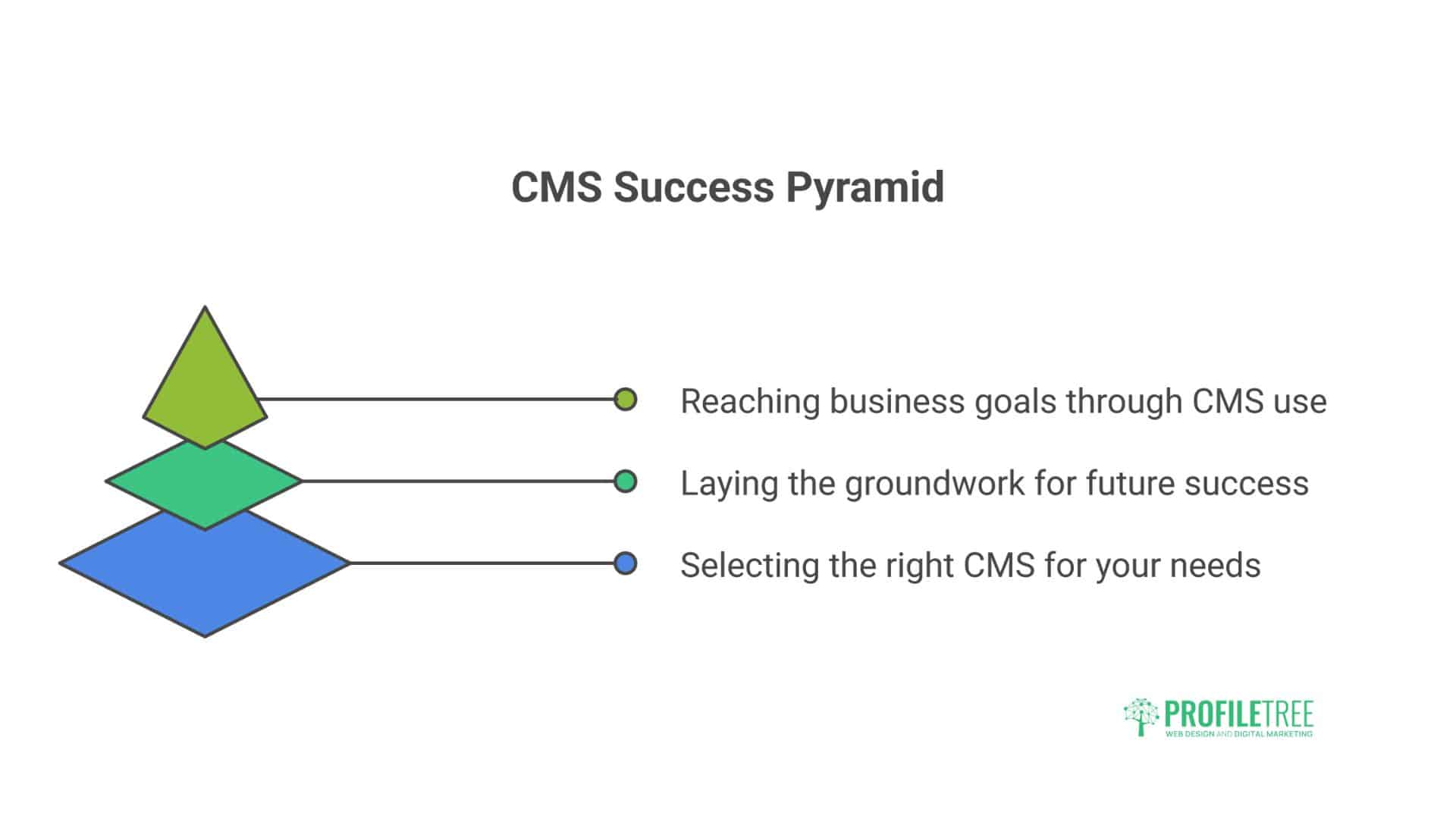
Once you’ve selected your platform, proper setup establishes a foundation for success. These steps apply primarily to WordPress, the most popular choice for UK businesses.
Selecting UK Web Hosting
Your hosting provider significantly impacts website performance and reliability. For UK businesses, prioritise UK data centre location to reduce latency, solid state drives for improved performance, automated backups for content protection, free SSL certificates for security, and one-click CMS installation for simplified setup.
Recommended UK hosting providers include SiteGround (UK data centre), Krystal (UK-based company), and 20i (UK company with excellent support).
Essential Initial Configuration
After installing your CMS, several immediate tasks improve security and functionality:
- Update everything immediately
- Configure permalinks (WordPress) for SEO-friendly URLs
- Install security measures, including security plugins and two-factor authentication
- Set up automated backups stored off-site
- Create essential pages (Privacy Policy, Cookie Policy, Contact, About)
- Install Google Analytics for tracking visitor behaviour
Building Your First Content
Your homepage forms the crucial first impression. It should immediately communicate who you are, who you serve, how you help them, and what action visitors should take next. Avoid cramming everything onto your homepage—prioritise clarity over comprehensiveness.
Rather than rushing to populate your website with every possible page, develop content strategically. Start with core pages that establish credibility, then build blog content that demonstrates expertise and improves search visibility.
“Too many UK businesses launch websites with beautiful design but no content strategy,” observes Ciaran Connolly, Director of ProfileTree. “Your CMS is a tool for consistent content creation, not just a static brochure. Regular, valuable content builds authority and drives organic traffic.
Essential Plugins for UK Businesses
WordPress’s plugin ecosystem provides functionality for virtually any requirement:
- SEO: Yoast SEO or RankMath for on-page optimisation
- Security: Wordfence for firewall protection and malware scanning
- Performance: WP Rocket or W3 Total Cache for improved loading speeds
- GDPR Compliance: CookieYes or Complianz for cookie consent management
- Backups: UpdraftPlus for automated backups to cloud storage
- Contact Forms: WPForms for professional contact forms
Search Engine Optimisation Fundamentals
Free CMS platforms provide the foundation for good SEO, but you must implement best practices. Keyword research identifies terms your potential clients use when searching. On-page optimisation includes descriptive titles, meta descriptions, header tags for structure, alt text for images, and internal linking.
Technical SEO includes mobile responsiveness, fast page loading, proper site structure, XML sitemap submission, and schema markup for enhanced search results. ProfileTree’s SEO services help UK businesses implement comprehensive search visibility strategies, combining technical optimisation with content development.
Common Challenges and Solutions
UK businesses commonly encounter several challenges when implementing free CMS platforms.
Performance Issues
Slow websites frustrate visitors and harm search rankings. Common causes include unoptimised images, excessive plugins, poor hosting, and no caching. Compress images before uploading, remove unused plugins, consider upgrading hosting if the website is consistently slow, and implement caching through plugins.
Security Concerns
Protect your site through regular updates, strong passwords, limited user access, security plugins, and SSL certificates. Most hacks exploit known vulnerabilities in outdated software, so install updates within days of release.
SEO Challenges
Avoid common mistakes like neglecting mobile optimisation, ignoring local SEO, publishing thin content, and missing technical fundamentals. Over 60% of UK searches occur on mobile devices, so prioritise mobile experience.
Advanced CMS Implementation
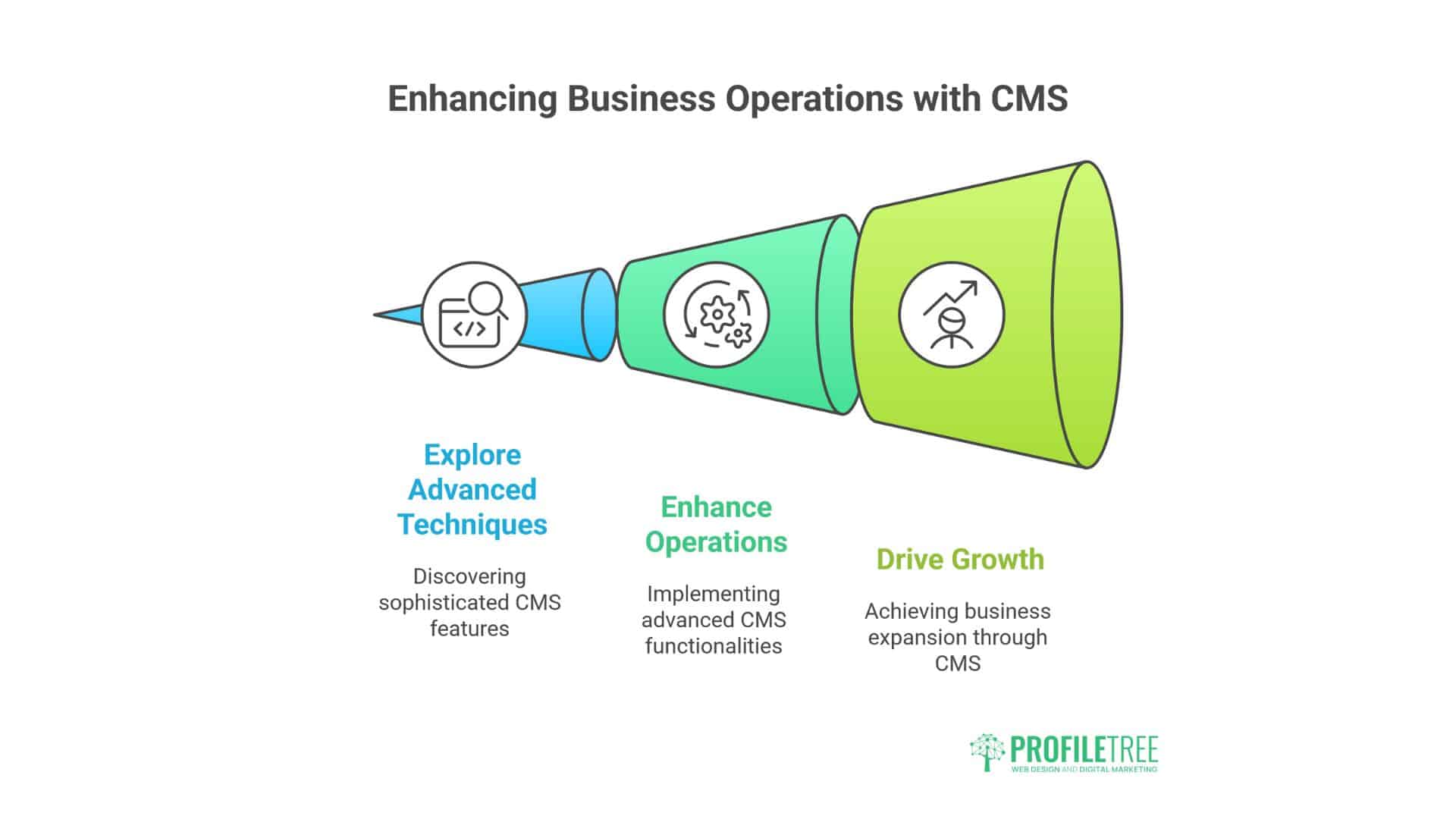
Once comfortable with the basics, UK businesses can implement more sophisticated strategies.
E-commerce Advanced Features
Growing retailers may require subscription products, bookings and appointments, complex product variations, multi-currency support, and inventory management integration. WooCommerce extensions handle most of these requirements.
Marketing Automation Integration
Connecting your CMS with marketing platforms enables email integration, CRM integration, behaviour tracking, and lead scoring. This identifies highly engaged prospects for priority follow-up.
AI Implementation in CMS
Artificial intelligence increasingly enhances website functionality. UK businesses can implement AI through content generation assistance, chatbots for customer service, personalisation based on visitor behaviour, and accessibility enhancement.
ProfileTree offers AI training and implementation services for UK SMEs, helping businesses adopt artificial intelligence practically without requiring technical expertise or enterprise budgets.
Taking Action: Your Next Steps
Selecting and implementing a content management system needn’t be overwhelming when approached methodically.
Immediate Actions
Evaluate your requirements by documenting your website’s primary purpose and essential features. Research UK is hosting options that consider data centre location and include features. Register your chosen domain name and hosting account.
First Month Goals
Install and configure your CMS using one-click installers. Choose and customise your theme to match your brand. Install essential plugins for security, SEO, and functionality. Create core content, including homepage, services, about, and contact pages. Implement analytics to track visitor behaviour from launch.
Long-Term Success Strategies
Consistent content creation builds authority and improves search visibility—quality matters more than frequency. Stay current with developments in your CMS platform and SEO best practices. Invest strategically in professional help for tasks beyond your capabilities. ProfileTree works with UK businesses at all stages, from initial website development through ongoing content marketing and SEO strategy.
Conclusion
Free content management systems have democratised professional website creation, enabling UK businesses of all sizes to establish effective online presences without prohibitive costs. Whether you choose WordPress for its versatility, Joomla for complex user management, or Drupal for enterprise-grade capabilities, open-source platforms provide the tools to build and grow your digital presence.
Success requires more than selecting the right software. It demands clear objectives, consistent content creation, attention to technical best practices, and a willingness to learn. UK businesses benefit from strong local communities around major CMS platforms and digital agencies like ProfileTree that understand the specific needs of companies operating in Northern Ireland, Ireland, and across the UK.
Your website forms a crucial element of your business infrastructure. Start with the fundamentals, grow your capabilities over time, and consistently focus on serving your audience’s needs. Your free CMS platform provides the tools—success comes from how strategically you use them.
FAQs
What’s the difference between WordPress.org and WordPress.com?
WordPress.org provides the free, open-source software you install on your own hosting, giving you complete control. WordPress.com offers a hosted service with free and paid tiers, but the free tier is significantly limited. UK businesses typically benefit more from self-hosted WordPress.org installations.
How much does it really cost to run a free CMS website?
Expect to spend approximately £100-300 to launch a basic website, covering domain registration, hosting for the first year, and potentially a premium theme. Ongoing costs typically range from £60 to £ 200 annually. This remains significantly cheaper than proprietary CMS platforms.
Can I switch CMS platforms later if needed?
Switching is possible but involves significant work. Content can typically be exported and imported, but design, functionality, and URLs require rebuilding. Choose carefully initially rather than assuming that switching later is easy.
Do I need technical skills to manage a free CMS?
Basic website management requires minimal technical knowledge with platforms like WordPress. More advanced tasks benefit from technical skills. Many UK businesses successfully manage content whilst hiring developers for technical work.
How do free CMS platforms compare for SEO?
All major free CMS platforms can support effective SEO when properly implemented. WordPress dominates partly because its extensive plugin ecosystem makes SEO implementation straightforward even for beginners. Success depends more on your content strategy than the underlying platform choice.
Is WordPress secure enough for business websites?
WordPress is secure when properly maintained. Regular updates, security plugins, strong passwords, and quality hosting create safe environments. Most security breaches result from poor maintenance rather than fundamental platform weaknesses.