
Content Management Systems: A Guide for Marketing Teams
Table of Contents
Choosing a content management system is one of the most consequential technical decisions a marketing team makes. Get it right, and content moves quickly, SEO is manageable, and the site grows with the business. Get it wrong, and even a modest rebrand or CMS migration can cost months of SEO equity and thousands of pounds in developer time.
Content management systems range from beginner-friendly website builders to enterprise-grade headless platforms, and the gap between them in terms of cost, complexity and capability is considerable. For marketing teams in small and medium-sized businesses, the decision rarely comes down to which platform has the longest feature list. It comes down to which one your team can actually use, which one your budget can sustain, and which one will still serve you when the business is twice its current size.
This guide covers how each platform performs in practice, what it genuinely costs to run, and how to match the right CMS to your team’s real needs.
What is a Content Management System?
A content management system is software that lets teams create, edit, organise and publish digital content without writing code for every page. It separates the job of managing content (what you publish and when) from the job of displaying it (how it looks to visitors).
Every CMS is built from two core parts. The Content Management Application (CMA) is the editor interface: the dashboard where marketing teams write blog posts, upload images, update landing pages and schedule publications. The Content Delivery Application (CDA) is the engine that retrieves content from the database and renders it into the pages your visitors see. In a traditional CMS, the two are tightly connected. In a headless CMS, they are deliberately separated, a distinction that matters more than it might seem, particularly for teams managing content across multiple channels.
For marketing teams, the practical questions matter more than the technical ones. Can your team publish without a developer? Does the platform support the SEO workflows your business relies on? Will it still suit you in three years when the business is twice the size? Those are the lenses this guide uses to evaluate each platform.
CMS Architecture: Traditional, Headless and Hybrid
The CMS market has split into three broad architectural categories, and understanding the differences prevents a costly mismatch between platform and ambition.
Traditional CMS
A traditional CMS couples the content editor to the front-end display layer. WordPress, Joomla and Drupal are the most widely deployed examples. Content is stored in a database, retrieved by the CMS, and served as HTML through a theme or template system. For most SMEs publishing primarily to a single website, this architecture is entirely sufficient, easier to maintain and significantly cheaper to develop on than the alternatives.
Headless CMS
A headless CMS stores content as structured data and delivers it via API to whatever front-end or channel requests it: a website, a mobile app, a digital signage system, a voice assistant. Contentful is the best-known example. The architecture gives development teams fine-grained control over performance and presentation, but it moves content publishing further from the marketing team’s hands. Non-technical marketers typically need developer support for tasks that would be self-serve on WordPress. For most SMEs, headless is architectural overkill unless multi-channel distribution is a genuine requirement today, not a theoretical future need.
Hybrid and Decoupled CMS
Hybrid platforms sit between the two. Webflow gives designers visual control over the front-end while keeping content management accessible to non-developers. Some WordPress configurations achieve a similar result through block-based editing and a REST API. This is typically the most practical territory for growing SMEs: the flexibility of a structured content approach without the full engineering overhead of a pure headless setup.
The honest takeaway for most UK and Irish marketing teams is this: unless your content genuinely needs to appear across multiple channels simultaneously, a well-configured traditional or hybrid CMS will outperform a headless platform on every practical measure, including cost, publishing speed, and ease of SEO management. Teams wanting a deeper technical breakdown can read the separate guide on headless CMS architecture.
How to Choose a CMS for UK and Irish Businesses
Generic CMS comparisons quote prices in USD, reference US-based support teams and ignore the regulatory context that shapes platform selection in the UK and Ireland. This section covers what actually matters for businesses operating in these markets.
UK GDPR and Data Residency
Since Brexit, the UK operates under UK GDPR rather than EU GDPR, though for businesses operating across both jurisdictions, the practical requirements are closely aligned. The key question for any SaaS CMS is where your content data is stored and processed. Many cloud-based platforms default to US data centres unless you explicitly select otherwise. For businesses handling customer data form submissions, user accounts, and personalisation data, confirming UK or EU data residency is a compliance step, not an optional preference.
WordPress (self-hosted) puts data residency entirely in your hands by letting you choose your hosting provider. HubSpot CMS offers EU data hosting, but it typically requires a higher-tier plan. Webflow hosts via Fastly’s global CDN with options for GDPR-compliant configurations. Contentful offers EU data residency on enterprise plans. These distinctions matter and should be verified directly with the platform vendor before commitment, since terms change.
The Ten-Point CMS Selection Framework for UK and Irish SMEs
Team capability: Can your marketing team publish and update content without developer support?
SEO control: Does the platform give full control over meta titles, descriptions, canonical tags, structured data and URL structure?
Hosting and performance: Where is the data hosted? What are the Core Web Vitals implications of the default setup?
Data residency: Does the platform offer UK or EU data residency? Is it available on your plan tier?
Total cost of ownership: What are the real annual costs, including hosting, plugins, developer maintenance and support?
Content workflow: Does the platform support editorial workflows, staging environments and content scheduling?
Scalability: Can the platform handle the content volume and traffic you expect in three years?
Integration ecosystem: Does it connect to the marketing tools you already use — CRM, email, analytics?
Local support: Is there a local agency or developer ecosystem you can draw on when you need it?
Migration path: If you outgrow it, how difficult is it to migrate content and preserve SEO value?
For most SMEs working with a web development agency in Northern Ireland or Ireland, this framework tends to point toward WordPress or Webflow for the majority of use cases, with HubSpot CMS relevant for businesses already embedded in the HubSpot marketing stack.
CMS Platforms Reviewed for Marketing Teams
The platforms below represent the realistic shortlist for most UK and Irish marketing teams. Rather than covering every platform on the market, this section focuses on the options that appear most frequently in agency briefs and the genuine trade-offs each one involves.
WordPress
WordPress powers a documented 43% of all websites on the internet, a figure that reflects both its accessibility and the depth of its developer ecosystem. For marketing teams, the practical advantages are well established: the Gutenberg block editor allows non-developers to build structured, well-formatted pages; the plugin library covers everything from advanced SEO management to e-commerce to membership systems; and the pool of developers who work with WordPress is larger than that of any other platform, which keeps development costs competitive.
The SEO capabilities of a properly configured WordPress site are strong. With a plugin like Rank Math, marketing teams can manage meta titles and descriptions, set canonical URLs, generate XML sitemaps, implement schema markup and monitor on-page optimisation signals from within the CMS editor. This level of control is meaningful: many platforms offer surface-level SEO tools but give limited access to the underlying signals that affect how content is indexed and ranked. WordPress, configured correctly, gives full access.
The genuine limitations are maintenance and security. WordPress sites require active plugin management; outdated plugins are one of the most common vectors for site compromise. Managed WordPress hosting resolves much of this overhead by handling core updates, security monitoring and performance optimisation at the server level, removing the maintenance burden from the marketing team without sacrificing the platform’s flexibility. ProfileTree’s website development service covers WordPress builds from strategy through to launch, with ongoing hosting and maintenance options that keep sites secure and performing without requiring in-house technical resources.
“For the vast majority of SMEs we work with across Northern Ireland and Ireland, WordPress remains the platform we recommend. The combination of editorial flexibility, SEO control and a proven developer ecosystem is difficult to match at any comparable price point. The businesses that struggle with WordPress are almost always running it without proper configuration or maintenance, not because the platform itself is the problem.”
Webflow
Webflow occupies a specific and genuine niche: businesses that need pixel-level design control without the engineering overhead of a fully custom build. The platform’s visual editor gives designers direct control over layouts, animations and interactions without writing code, while the CMS layer allows marketing teams to manage structured content independently of the design system.
For marketing teams, Webflow’s built-in SEO tools are well implemented. Metadata management, custom URL structures, sitemap generation and indexing controls are all accessible from within the platform without plugins. The hosting infrastructure, delivered via Fastly’s CDN, produces strong Core Web Vitals scores by default, a meaningful advantage in a period where page experience signals have become a more active ranking factor.
The learning curve is steeper than WordPress for non-technical users, and the platform’s pricing model is based on per-site subscriptions that can escalate as you add sites or scale content operations. Webflow is well-suited to design-led businesses, agencies and marketing teams where the visual brand experience is a primary priority. It is less well-suited to content-heavy publishing operations that demand a more streamlined editorial workflow.
HubSpot CMS
HubSpot CMS is the most integrated option for marketing teams already operating within the HubSpot ecosystem. The platform connects directly to HubSpot’s CRM, email marketing, forms, workflows, and analytics tools, eliminating the data integration layer that creates friction on other platforms. For teams running inbound marketing campaigns where web content, email sequences and lead nurturing are tightly connected, this integration has genuine operational value.
The SEO and content strategy tools go beyond standard meta management: topic cluster mapping, content performance reporting and keyword optimisation guidance are embedded in the content creation workflow. For content marketing strategies where the connection between content and lead generation needs to be visible and measurable, this is a practical advantage.
Cost is the primary constraint. HubSpot CMS sits at the higher end of the market on an annual contract basis, and the full value of the platform only materialises when it is used alongside the broader HubSpot marketing suite. Businesses already paying for HubSpot Marketing Hub will find the CMS addition relatively straightforward to justify. Businesses evaluating it in isolation will typically find that WordPress or Webflow delivers comparable web publishing capabilities at a significantly lower cost.
Shopify
Shopify is the correct choice for businesses whose primary digital objective is e-commerce. The platform’s strengths lie in transaction management, product catalogue organisation, payment processing, and order fulfilment, not in content publishing. The blogging and CMS functionality exists and is functional, but it is not designed for content-led growth strategies. Marketing teams that need to publish substantial volumes of editorial content alongside their product catalogue will find Shopify’s content management layer less flexible than a dedicated CMS.
For pure retail operations, Shopify’s SEO tools cover the basics, and its app ecosystem extends the platform’s functionality considerably. Shopify makes commercial sense for retail businesses prioritising transaction volume. It is not the right platform for service businesses or content-led brands where the CMS is as important as the commerce layer.
Contentful
Contentful is the most widely deployed headless CMS at enterprise scale. Content is created and stored as structured data and delivered via API to whatever front-end system requests it — a website, a mobile app, a digital display, or a voice interface. For organisations managing content across multiple channels simultaneously, this architecture eliminates duplication and enables a genuine “create once, publish everywhere” workflow.
For most SMEs, Contentful introduces complexity without proportionate benefit. The platform requires front-end development resources to build and maintain the delivery layer, content creators work within a structured field interface rather than a visual editor, and pricing escalates substantially at higher usage tiers. Where it makes sense for SMEs is in specific circumstances: a genuine multi-channel content requirement, an in-house development team comfortable with API-driven architectures, and content operations at a scale that justifies the investment.
If your team is considering a headless CMS primarily because you have read that it is “the future of content management,” it is worth stress-testing that assumption against your actual content workflow before committing. A further, more detailed CMS comparison covering technical architecture in greater depth is available separately on this site.
Wix
Wix serves a specific and legitimate market: businesses that need an online presence quickly, have a limited budget and no technical resources, and are not prioritising organic search as a primary growth channel. The drag-and-drop editor is genuinely accessible, the template library covers most standard business types, and the App Market adds integrations with common marketing tools.
The constraints become relevant when growth requires more. Wix sites have historically performed less consistently in technical SEO audits than WordPress or Webflow, particularly around Core Web Vitals and URL control. Template lock-in means redesigns require a full rebuild. Businesses that start on Wix and grow into a serious content operation typically face a migration at some point — and that migration has SEO implications that are avoidable if the right platform is chosen at the outset. For a broader look at the CMS options compared, a separate resource covers a wider platform set.
CMS Comparison at a Glance
| Platform | Architecture | Best for | UK data residency | Marketer self-serve | Approx. annual cost |
|---|---|---|---|---|---|
| WordPress | Traditional / Hybrid | Content-led SMEs, agencies | Hosting-dependent | High | £300–£2,000+ |
| Webflow | Hybrid | Design-led brands | GDPR-configurable | Medium | £400–£3,600+ |
| HubSpot CMS | Traditional (SaaS) | Inbound, HubSpot-integrated teams | EU region available | High | £3,500–£10,000+ |
| Shopify | SaaS e-commerce | Retail and product businesses | EU data centre available | High (commerce) | £360–£2,400+ |
| Contentful | Headless | Enterprise, multi-channel | EU region available | Low | Free tier; enterprise on request |
| Wix | Traditional (SaaS) | Small businesses, quick launch | GDPR-compliant (EU) | Very high | £180–£700+ |
Indicative pricing only. All figures are approximate annual costs based on publicly available plan information at the time of writing and will vary based on traffic, features and configuration. Confirm current pricing directly with each vendor. Figures exclude agency development and ongoing support costs.
The Hidden Costs of a CMS: A UK Perspective
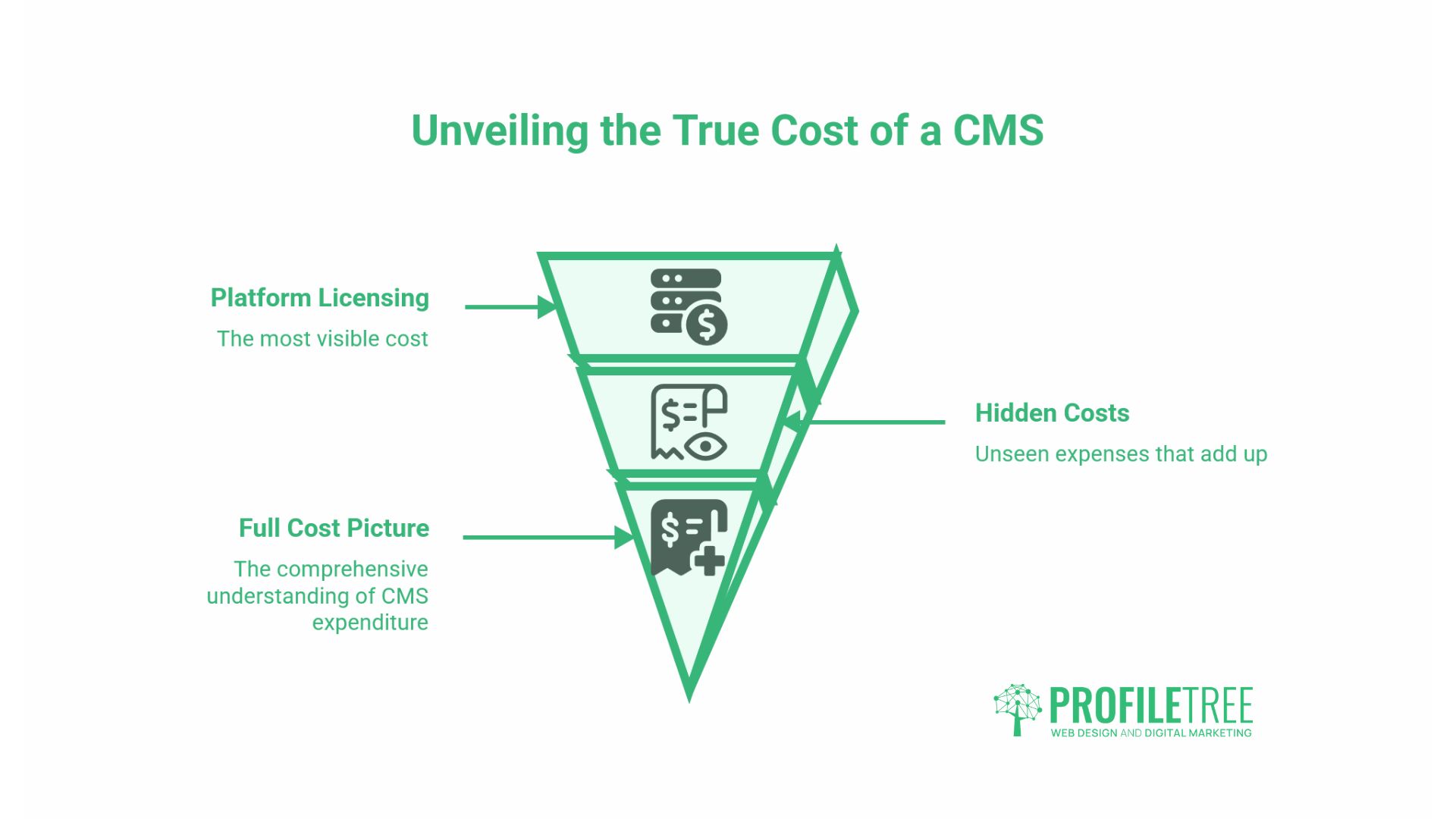
Platform licensing costs are the most visible part of CMS expenditure and rarely the largest. The full cost picture for a UK SME running a content-led website typically looks quite different from the “starts from” figures quoted on vendor pricing pages.
Development and Configuration
A WordPress site built to a professional standard by a UK digital agency will typically range from £2,500 to £15,000, depending on complexity, bespoke functionality requirements and the volume of content being migrated or created. A Webflow build of a similar scope falls within a comparable range. HubSpot CMS implementations tend to start higher due to the platform’s complexity and the suite of tools typically configured alongside it.
Ongoing Maintenance
Self-hosted WordPress requires active maintenance: core, plugin, and theme updates must be managed, security monitoring must be in place, and performance should be reviewed periodically. Businesses running WordPress without a maintenance arrangement are carrying a security risk that compounds over time. Managed hosting plans from a specialist provider typically cover core updates, security scanning and performance monitoring for £50–£200 per month, depending on the level of service. SaaS platforms like Webflow, HubSpot and Shopify include hosting and maintenance within the subscription, which shifts the cost structure but does not eliminate it.
Content and SEO Resource
The CMS is the container; the content is what drives organic performance. Businesses that invest in a well-built CMS but do not invest in a sustained SEO content strategy will find the platform performs well below its potential. The most common pattern in agency work is a business that builds a strong site and then publishes inconsistently, allowing competitors with weaker sites but stronger content programmes to outrank them over time.
For UK SMEs looking at realistic total costs: a WordPress site with managed hosting, a basic plugin stack and a quarterly SEO review will cost in the region of £3,000–£6,000 in year one (including the initial build) and £1,200–£3,000 per year thereafter. This is a materially different number from a platform’s monthly subscription fee, and it is worth building into any CMS decision.
How to Migrate Your CMS Without Losing SEO Value
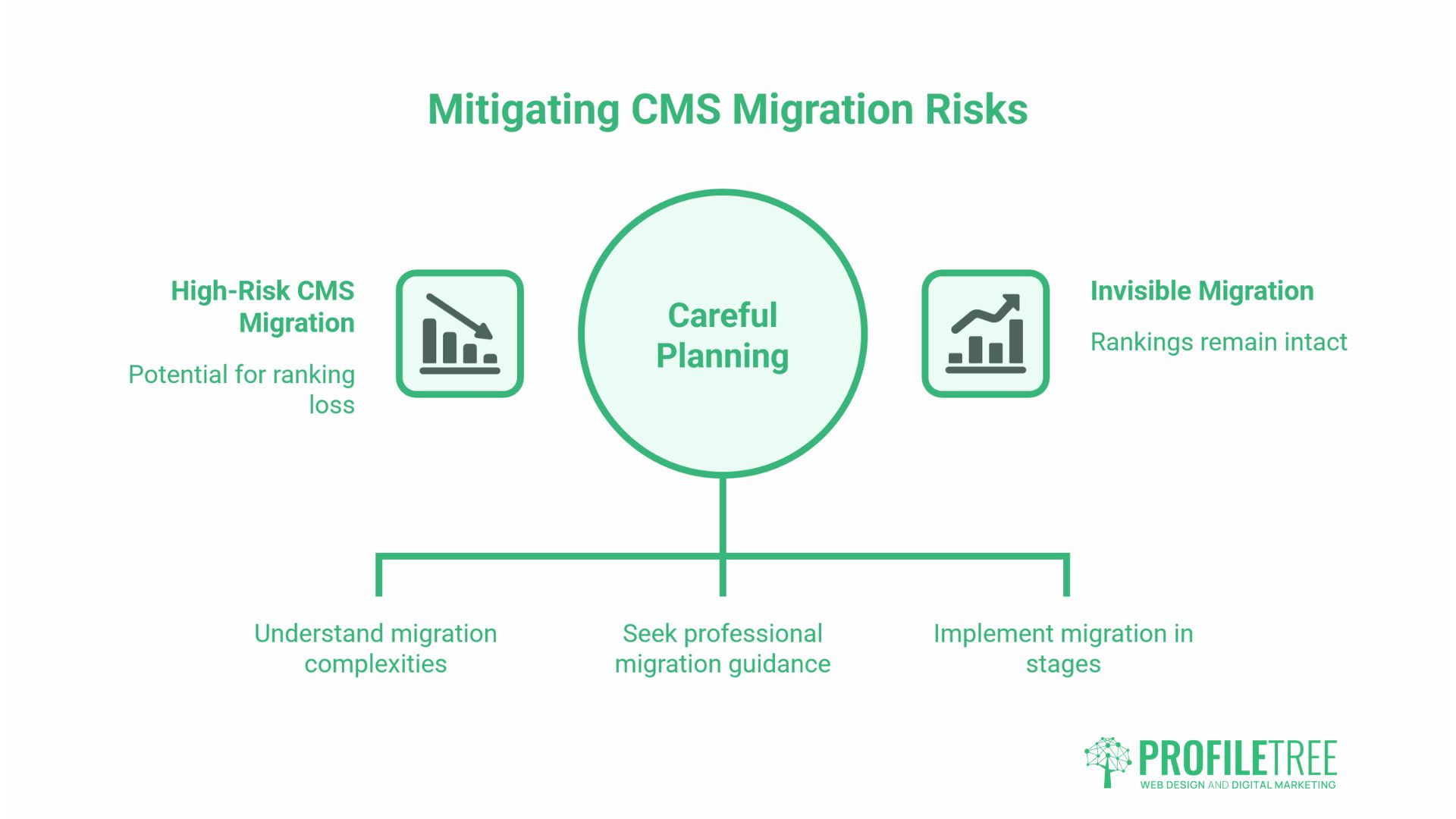
CMS migration is one of the highest-risk technical operations a marketing team can undertake. Done well, it is largely invisible to Google. Done poorly, it can wipe out years of accumulated rankings in a matter of days. The fear of migration is one of the most common reasons businesses stay on a platform that has long stopped serving their needs, and that inertia has a real cost, too.
URL Mapping
Every URL on the existing site with any search visibility must be accounted for in the migration plan. The goal is a one-to-one mapping: every old URL redirects to its direct equivalent on the new platform. The biggest SEO losses in migrations happen when teams redirect everything to the homepage or a category page rather than to the specific equivalent URL. Google treats this as a loss of the original page’s signals, and recovery can take months.
301 Redirect Implementation
Permanent 301 redirects pass the ranking signals of the old URL to the new destination. Temporary 302 redirects do not. Every redirect in a CMS migration should be a 301. This sounds obvious, but it is one of the most common errors in migrations handled without specialist SEO oversight: default platform redirect tools sometimes implement 302s, and the difference only becomes visible in rankings weeks later.
Content Transfer Quality
Automated content migration tools can introduce errors: broken formatting, missing images, stripped schema markup, and duplicated content across old and new URLs. Every page with meaningful search traffic or citation value should be manually reviewed post-migration, not just spot-checked.
Crawl Verification
Before the new site goes live, a full crawl should verify that all redirects are in place, that no pages are accidentally noindexed, that internal links point to new URLs rather than triggering redirect chains, and that the XML sitemap reflects the new URL structure. The same crawl should be run again 48–72 hours after launch to catch anything that slipped through pre-launch review.
ProfileTree’s web development team handles migrations with SEO continuity as a specific project requirement, covering URL mapping, redirect implementation, crawl auditing and post-launch monitoring. The digital training programme also covers CMS migration planning for in-house teams who want to manage the process themselves with structured guidance.
What to Do Next
There is no universally correct CMS. The right platform is the one that fits your team’s capabilities, your content strategy, your growth trajectory and your budget, evaluated honestly against each of those criteria rather than against a vendor’s marketing. For most UK and Irish SMEs, that means WordPress or Webflow, configured properly and maintained actively. For businesses already embedded in HubSpot, the CMS addition is worth evaluating seriously. For anyone else considering headless, the first question is whether your team genuinely needs it today, not whether it sounds architecturally modern.
A well-chosen CMS, configured to support your SEO strategy and maintained to stay secure and fast, is one of the most durable investments a digital marketing team can make.
FAQs
What is the most popular CMS for small businesses in the UK?
WordPress dominates by a significant margin, powering over 40% of all websites globally. Its accessible editing, strong support for SEO plugins, and large UK developer community make it the default starting point for most SME web builds.
Which CMS is best for SEO?
WordPress with a dedicated SEO plugin gives the most complete control: meta management, XML sitemaps, schema markup, canonical URLs and Search Console integration. Webflow performs well out of the box thanks to its clean code and CDN hosting. Platform matters less than configuration.
What is the difference between a CMS and a website builder?
Website builders prioritise ease of use through drag-and-drop editing and templates. A CMS prioritises control over content structure, publishing workflow and integrations. Builders are faster to start but hit ceilings sooner; a CMS requires more setup but scales further.
Can I switch CMS without losing my Google rankings?
Yes, with careful execution. The critical steps are one-to-one URL mapping, 301 redirects for every changed URL, manual content review and crawl verification before and after launch. Incomplete redirect coverage is the most common cause of ranking loss in migrations.