
Wix Logo Maker vs Squarespace: UK Business Guide
Table of Contents
For temporary projects or market testing, Wix Logo Maker offers AI-guided design with minimal skill required. For minimalist aesthetics with more control, Squarespace provides a designer-lite toolkit. For established SMEs, trademark registration, or professional positioning, custom brand identity design delivers measurable returns through customer trust and market differentiation.
The logo is often the first visual touchpoint between your business and potential customers. In Belfast’s competitive professional services sector, that first impression directly influences contract decisions worth £50,000 to £500,000, according to client feedback from businesses across Northern Ireland.
Both Wix and Squarespace offer logo creation tools aimed at entrepreneurs and small businesses working within tight budgets. These platforms operate on similar principles: provide templates, limit editing complexity, and deliver a professional-looking result without requiring graphic design training.
This guide examines both tools from a UK business perspective, covering GBP pricing, trademark implications under UK Intellectual Property Office guidelines, print-ready specifications for local suppliers, and the practical question of when DIY tools serve your needs versus when professional brand identity work becomes the better investment.
Understanding DIY Logo Makers: What They Solve and What They Don’t
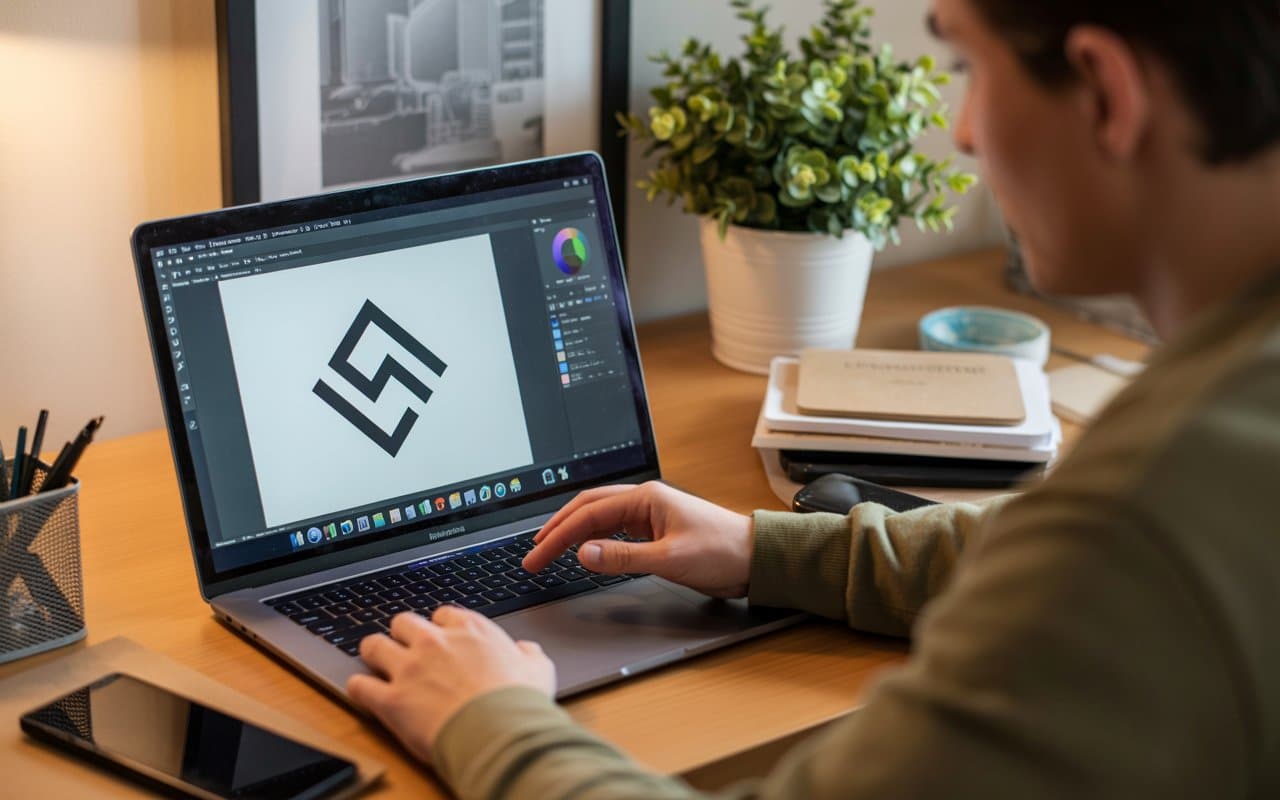
DIY logo makers address a specific problem: getting a decent-looking logo quickly and affordably. For side projects, portfolio websites, or businesses testing market fit before substantial investment, these tools provide genuine value.
What they do well: rapid template generation, icon library access, basic customisation, and digital file export. What they don’t address: brand strategy, print production specifications, trademark clearance, and the broader visual identity system required for consistent multi-channel presence.
The distinction matters because many Belfast and Northern Ireland businesses discover 18 to 24 months after launch that their £20 DIY logo doesn’t scale to professional contexts. Shop signage fails because file formats lack proper bleed settings. Print materials look inconsistent because RGB colours don’t convert cleanly to CMYK. Social media assets require recreation because the original files aren’t properly scalable.
Before comparing specific tools, consider whether you need a logo or a brand identity. A logo is one visual mark. Brand identity encompasses colour systems, typography hierarchies, tone of voice, visual guidelines, and application rules across digital and physical touchpoints. ProfileTree’s web design services include comprehensive brand identity development that addresses the complete system, not just the logo mark.
The Wix Logo Maker: AI-Guided Design Process
Wix takes an interview-based approach to logo creation. Before showing any templates, the tool asks for your business name, industry, design preferences, and intended style direction, including luxury, fun, technical, or hipster aesthetics.
This questionnaire drives an AI system that generates dozens of logo concepts tailored to your inputs. The immediate advantage: users see contextually relevant starting points rather than browsing through thousands of generic templates hoping something fits.
Design Capabilities and Limitations
The Wix editor offers more control than Squarespace’s. Users can adjust letter spacing, element alignment, icon sizing, and background treatments. The font library includes several dozen Google Fonts, though it’s still limited compared to professional design software.
The icon gallery contains thousands of options across categories. Searching for “technology” returns approximately 200 icons; “food and drink” produces a similar variety. This breadth increases the likelihood of finding an appropriate symbol for your sector.
The editing interface allows repositioning of all logo elements, business name, tagline, and icon, with numerical precision controls for alignment and spacing. Colour selection uses standard hex input, letting you match existing brand colours exactly.
The practical limitation: Wix’s editor feels like a constrained version of proper design software. You can make adjustments, but you’re working within predetermined template structures. Attempting designs outside those structures quickly becomes frustrating.
File Output and Commercial Rights
Here’s where DIY tools reveal their business model: design is free, but downloading high-resolution files requires payment. Wix charges for logo packages, starting at approximately £30 for basic files and rising to £90+ for comprehensive brand kits that include social media templates and business card designs.
At paid tiers, you receive PNG files (transparent and solid backgrounds), JPGs, and, critically, SVG vector files. Vector formats matter for scalability. Enlarging a PNG for shop signage results in pixelation, whereas vector graphics scale infinitely without quality loss.
Commercial usage rights transfer upon purchase, but with caveats. Icons sourced from third-party libraries may have attribution requirements or usage restrictions. For businesses planning UK trademark registration, this creates legal complications that the UK Intellectual Property Office may flag during application review.
The Squarespace Logo Maker: Minimalist Template Approach
Squarespace offers a more stripped-down experience. The tool provides pre-designed templates in a drag-and-drop editor with fewer guided prompts than Wix. This appeals to users with existing design sensibility who want control without complexity.
Editing Environment and Creative Freedom
The Squarespace editor focuses on simplicity. Three primary elements receive attention: business name, tagline, and icon selection. The interface deliberately limits options to prevent overwhelming users with choices.
Icon variety matches Wix’s breadth of hundreds of options per category. The main distinction lies in visual style: Squarespace’s icon library skews toward minimalist, geometric designs that suit modern brand aesthetics.
Font selection includes both free and premium typefaces, providing more typographic variety than Wix. For businesses with specific brand tone requirements, this matters. A law firm needs different typography than a creative agency; Squarespace’s premium fonts offer that differentiation.
The trade-off: less hand-holding means a steeper learning curve for non-designers. Squarespace assumes basic design literacy, including an understanding of visual balance, appropriate negative space, and colour harmony. Users lacking that foundation may struggle to achieve professional results.
Technical Output and Ownership Considerations
Squarespace follows a similar business model: free to design, paid to download. Logo packages start around £10 for basic PNG files, rising to £30-£40 for vector formats and brand guidelines.
At premium tiers, users receive SVG, EPS, and PNG files in multiple sizes. The inclusion of EPS (Encapsulated PostScript) benefits businesses working with print suppliers who require that format for commercial printing.
Ownership rights transfer fully at purchase, but like Wix, icons come from third-party libraries. The Noun Project supplies many Squarespace icons, and their licensing terms require review for trademark applications. Some icons permit commercial use but not exclusive ownership, a distinction that matters significantly for brand registration.
Side-by-Side Comparison: Features and Limitations
| Feature | Wix Logo Maker | Letter spacing, alignment, and sizing controls |
|---|---|---|
| Design Process | AI-powered questionnaire generates targeted templates | Template gallery with drag-and-drop customisation |
| Icon Library | 1,000+ icons across categories | 1,000+ icons, minimalist style focus |
| Font Selection | Limited Google Fonts selection | Broader range including premium typefaces |
| Editing Control | Gentle AI guides the process | More limited adjustments, simpler interface |
| Learning Curve | Gentle AI guides the process | Moderate requires design basics |
| Free Features | Design and preview | Design and preview |
| Paid Tiers | £30-£90+ | £10-£40 |
| File Formats (Paid) | PNG, JPG, SVG | PNG, SVG, EPS |
| Commercial Rights | Transfer on purchase (with icon library caveats) | Transfer on purchase (with icon library caveats) |
| Brand Package | Social media templates, business cards | Fewer extended materials |
| UK/Ireland Focus | US-centric, USD default | US-centric, USD default |
Both tools deliver professionally acceptable results for digital use. The differentiators: Wix provides more guidance and editing control at higher price points, whilst Squarespace offers cleaner aesthetics and professional file formats at lower tiers.
Neither tool addresses UK-specific considerations adequately. Pricing displays in USD by default. Colour systems default to RGB without CMYK conversion guidance. Print specifications don’t account for UK print supplier requirements regarding bleed, trim, and Pantone matching.
UK Business Considerations: Pricing, Print, and Trademarks
Beyond the sticker price of logo maker subscriptions, UK businesses face hidden costs that American-focused reviews rarely mention. Currency conversion, VAT, print production specifications for local suppliers, and trademark registration under UK Intellectual Property Office guidelines all add complexity and expense that DIY tools don’t address.
The Total Cost Reality (GBP)
Converting DIY logo costs to the UK context reveals hidden expenses:
Basic Logo Only:
- Wix basic package: £25-£35 + VAT
- Squarespace basic package: £8-£15 + VAT
Professional Print-Ready Files:
- Wix pro package with vector: £75-£90 + VAT
- Squarespace pro package with EPS: £30-£40 + VAT
Hidden Subsequent Costs:
- Icon licensing for trademark use: £50-£200
- Colour conversion for print (if done by print shop): £40-£80
- File recreation when original doesn’t meet printer specs: £100-£300
- Brand guidelines document creation: £200-£500
- Social media sizing variations: £50-£150
Three-Year Total Cost of Ownership:
- DIY approach with corrections: £500-£1,200
- Professional brand identity: £1,500-£5,000 (but includes strategy, guidelines, print-ready files, and IP transfer)
The calculation changes when factoring in opportunity cost. Business owners spending 10-15 hours wrestling with logo tools, researching print specifications, and managing file format conversions represent billable time worth £300-£1,000+ at typical professional service rates.
Print Production Specifications for UK Suppliers
Northern Ireland print shops require specific technical specifications that DIY tools often don’t provide:
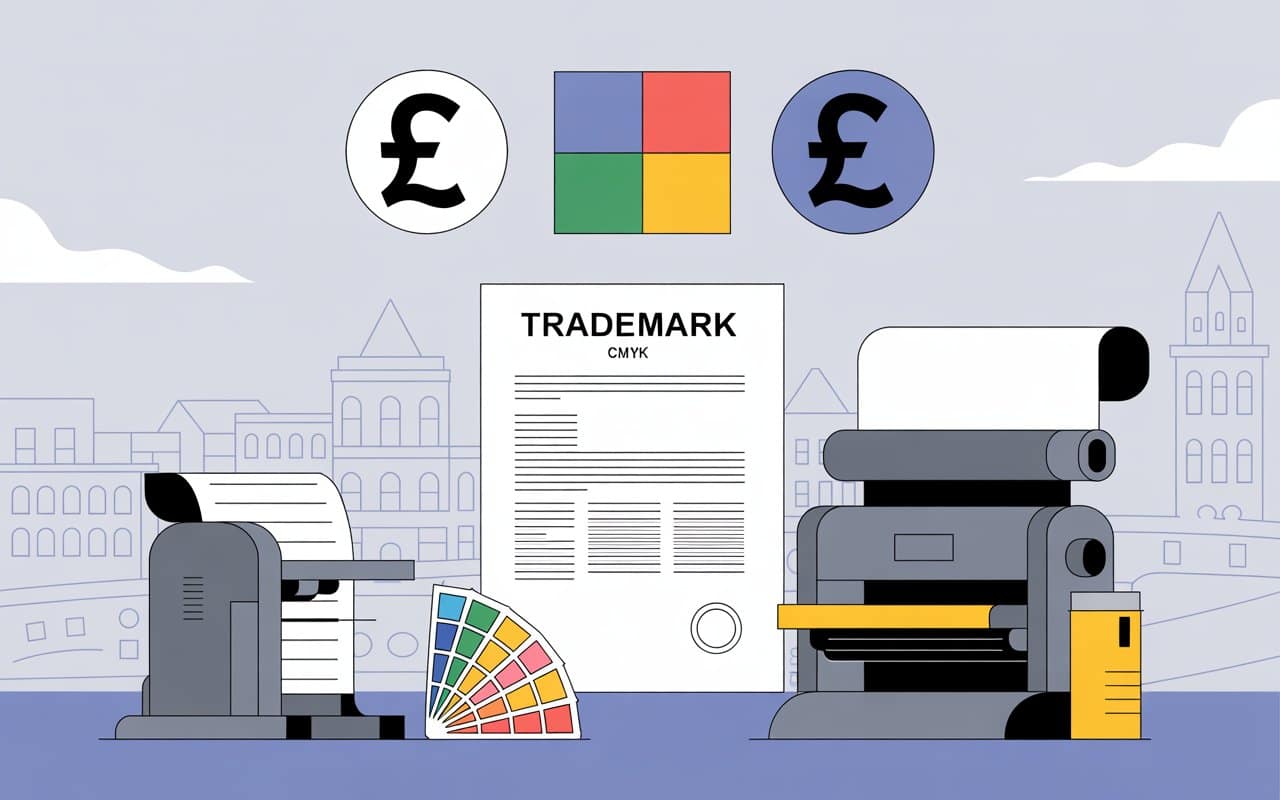
- Colour Space: Commercial printing uses CMYK (cyan, magenta, yellow, black) colour mixing. Digital screens use RGB (red, green, blue). A logo designed in RGB may shift dramatically when converted to CMYK; bright blues become dull, vibrant greens turn muddy. DIY tools export RGB by default. Converting to CMYK requires design software knowledge or paying your printer’s prepress team £40-£80 per job.
- Bleed and Trim: Business cards, posters, and signage require “bleed” design extending 3mm beyond the trim line to prevent white edges if cutting is slightly off. DIY tools don’t account for this. Print-ready files need a proper bleed setup or risk amateur-looking results.
- Resolution and Sizing: Professional printing requires 300 DPI (dots per inch) at actual size. A logo that looks sharp on screen at 72 DPI becomes pixelated when enlarged for shop signage unless it’s vector format (SVG, EPS, AI).
- Pantone Matching: Brand consistency across materials requires Pantone colour references. “Red” isn’t specific enough. Pantone 185C and Pantone 1795C are both red, but look distinctly different. DIY tools don’t provide Pantone specifications.
ProfileTree’s web development services include technical optimisation that accounts for these specifications across both digital and print applications, eliminating trial-and-error costs.
UK Trademark Registration Requirements
The UK Intellectual Property Office has specific requirements for trademark applications that complicate DIY logo use:
- Originality Standard: Trademarks must be distinctive. Generic symbols from icon libraries (common trees, basic geometric shapes, standard technology icons) may be rejected as too generic or likely to cause confusion with existing marks.
- Commercial Licensing: If your logo uses third-party icons with non-exclusive licenses, other businesses can legally use the same icon. The UK IPO may refuse registration if the mark isn’t sufficiently unique to you.
- AI-Generated Content: Current UK intellectual property law has grey areas around AI-generated designs. If Wix’s AI creates your logo, questions arise about authorship and ownership that aren’t fully settled in law.
- Professional Alternative: Custom logo design for trademark purposes typically costs £800-£2,500 and includes trademark clearance searches, original artwork with full IP transfer, and files prepared for UKIPO submission requirements.
For businesses intending to grow beyond sole trader status, trademark registration protects brand investment. DIY logos create legal complications that cost more to resolve later than commissioning custom work initially.
Technical Integration: Logo Performance Within Websites
The logo isn’t an isolated graphic; it functions as part of your website’s technical infrastructure. DIY logos commonly create performance problems:
File Size and Page Speed
Google’s Core Web Vitals use page load speed as a ranking factor. An unoptimised logo file adds unnecessary load time. Professional web development targets logo files under 10KB for optimal performance. DIY exports often produce 50KB+ files because users don’t understand compression techniques.
A 50KB logo on a WordPress site loading the image on every page adds 1.5MB+ of data transfer across 30 pages. That impacts mobile users on limited data plans and triggers Core Web Vitals failures that suppress search rankings.
Responsive Scaling
Logos must scale appropriately across devices. Desktop headers, mobile navigation, email signatures, and social media profiles all require different dimensions. DIY tools provide one size. Creating responsive variants requires manual work or design software skills that most business owners lack.
Professional web design uses CSS-based scaling to automatically adjust logos based on viewport width, ensuring sharp rendering at all sizes without multiple file versions.
Accessibility Compliance
The Web Content Accessibility Guidelines (WCAG) require sufficient colour contrast for users with visual impairments. Many DIY logos fail contrast requirements light blue text on white backgrounds, grey text on slightly darker grey, or low-contrast colour combinations.
WCAG 2.1 Level AA requires a 4.5:1 contrast ratio for normal text, 3:1 for large text. DIY tools don’t validate against these standards. Professional web designers test colour accessibility using specialist tools and adjust accordingly.
ProfileTree’s SEO services include technical audits that identify and correct these accessibility and performance issues as part of comprehensive site optimisation.
Brand Identity vs Logo Design: Understanding the Difference
Most businesses need brand identity, not just a logo. The distinction:
A logo is a single visual mark, the symbol and wordmark that identify your business.
Brand identity encompasses:
- Colour palette with print and digital specifications
- Typography system (primary and secondary typefaces, sizing hierarchies)
- Visual guidelines (logo spacing, minimum sizes, prohibited uses)
- Tone of voice standards
- Photography and imagery style
- Application examples across touchpoints
Without a comprehensive brand identity, businesses face consistency problems:
- Website designers interpret “blue” differently
- Print designers choose arbitrary fonts
- Social media content varies in visual style
- Marketing materials lack cohesion
This inconsistency signals unprofessionalism to customers. According to research from the Design Council, businesses with consistent brand presentation see 3.5x greater brand visibility than those with inconsistent branding.
DIY logo tools provide the mark but not the system. Belfast SMEs commonly discover this gap when expanding from a website to physical marketing materials, only to find that their £30 logo doesn’t include guidance for business cards, signage, or vehicle graphics.
Professional brand identity development costs more initially, £1,500 to £5,000 for comprehensive systems, but includes strategic positioning, visual guidelines documentation, and file packages covering all use cases. The investment scales across all future marketing without requiring constant redesign.
When DIY Makes Sense vs When to Commission Custom Work
Not every business needs a custom brand identity immediately. Here’s an honest framework:
DIY Tools Work Well For:
- Portfolio Projects: Designers, developers, and freelancers creating personal portfolio sites to showcase work. The brand matters less than the portfolio content.
- Market Testing: Testing business viability before substantial investment. If you’re unsure whether there’s market demand, a £30 logo suffices whilst you validate the business model.
- Temporary Ventures: Pop-up shops, event-specific businesses, or short-term projects where brand equity doesn’t accumulate over time.
- Extremely Limited Budgets: Genuinely bootstrapped startups with under £500 total budget for everything. DIY tools let you launch with something acceptable while generating revenue.
- Internal Tools: Employee portals, internal project names, or systems not customer-facing, where brand consistency matters less.
Custom Brand Identity Becomes Essential For:
- Professional Services: Law firms, accountancies, consultancies, and financial advisors where trust signals directly influence contract decisions. Professional brand identity communicates credibility that DIY marks undermine.
- Funded Businesses: If you’ve raised investment, your logo is part of how you strategically deploy that capital. Investors expect a professional brand presence.
- Physical Retail: Shops, restaurants, and services with physical premises require signage, vehicle graphics, and point-of-sale materials where DIY limitations become obvious.
- Trademark Intent: Businesses planning to register trademarks need original work with clear IP ownership and UKIPO-compliant specifications.
- Growth Positioning: Companies targeting enterprise clients, public sector contracts, or partnership deals where brand presentation influences procurement decisions.
- Multi-Channel Presence: Businesses needing consistent presence across web, print, social media, email, packaging, and physical spaces where brand guidelines prevent consistency failures.
ProfileTree’s digital marketing services include a brand positioning strategy that aligns visual identity with market positioning and target audience expectations.
Platform Integration: Using These Logos Beyond the Tools
Both Wix and Squarespace logo makers exist within broader platform ecosystems, but you’re not locked into those platforms.
Cross-Platform Portability
A common question: “Can I use a Wix logo on a Squarespace website?” or “Can I use either on a WordPress site?”
The answer: Yes, once you’ve purchased the downloadable files. The logo becomes a standard graphic file (PNG, SVG, JPG) that any website platform accepts. The process:
- Design and purchase a logo from Wix or Squarespace
- Download high-resolution files (particularly SVG for scaling)
- Upload to your website builder’s media library
- Place in header, footer, or wherever your theme requires
The technical consideration: ensure you download vector formats (SVG) for scalability. PNG files work for the web but won’t scale for print or large displays without quality loss.
WordPress Integration Specifics
WordPress, used by 38% of all websites globally, has specific requirements for optimal logo performance:
- Recommended Dimensions: Most WordPress themes expect header logos between 200-400px wide. The actual size depends on your theme, but exporting at a higher resolution lets you scale down without loss of quality.
- File Format Preference: SVG when your theme supports it (most modern themes do), otherwise PNG with transparent background. JPEG should be avoided for logos due to compression artefacts around text and hard edges.
- Retina Display Optimisation: For sharp rendering on high-DPI screens (iPhones, MacBooks), logos should be exported at 2x the display size. A logo displayed at 300px wide needs a 600px source file.
- Lazy Loading Consideration: The logo typically appears in the site header, which loads immediately. Ensure your WordPress lazy loading plugin exempts the logo from delayed loading to prevent visual jumpiness on page load.
ECommerce Application
Online shops face additional logo requirements beyond standard websites:
- Favicon: The small icon appearing in browser tabs. Requires 32x32px or 16x16px versions of your logo, often simplified to just an icon mark rather than a full wordmark.
- Email Templates: Transactional emails (order confirmations, shipping notices) need logo versions optimised for email clients. Some email clients block images by default, requiring alt-text and graceful degradation.
- Product Packaging: If you ship physical products, logo placement on packaging, labels, and inserts requires print-ready files with proper colour management.
- Marketplace Listings:Selling on Amazon, eBay, or Etsy requires logo files that meet platform-specific guidelines for size, format, and placement.
DIY tools rarely provide the file variations required for a comprehensive eCommerce presence. Professional brand packages include these variations as standard, saving businesses from having to manually create multiple exports.
Learning Resources and Support: Navigating the Tools
Both platforms offer learning materials, though the depth varies:
Wix Logo Maker Support
Wix provides basic tutorial videos explaining the design process, typically 2-5 minute guides covering interface navigation and export options. The documentation focuses on technical “how-to” rather than design principles.
For users lacking a design background, this limitation becomes apparent. Wix’s AI handles template selection, but users still make decisions about colour combinations, element sizing, and visual balance. Without design literacy, results vary dramatically in quality.
The support model relies on community forums where users help each other. Response quality depends on whoever happens to answer. Official Wix support handles technical issues (payment problems, file access) but doesn’t provide design critique or improvement suggestions.
Squarespace Logo Maker Support
Squarespace offers more comprehensive learning materials, including a dedicated “Squarespace Logo Maker” course within their Knowledge Base. The course covers step-by-step instructions, video tutorials, and design tips.
The learning approach assumes users want to understand design principles, not just click buttons. Tutorials explain why certain colour combinations work, how to evaluate visual balance, and when to simplify rather than add complexity.
For design-curious users willing to invest time in learning, Squarespace’s approach proves more educational. The trade-off: steeper initial curve. Users can’t just answer questions and receive a passable result; they must engage with design concepts.
Both platforms lack the personalised guidance that professional designers provide. A brand identity project includes collaborative refinement, showing concepts, discussing strategic implications, and iterating based on feedback. DIY tools offer no critique or strategic input.
Professional Design Alternative
Working with professional designers provides expertise that extends beyond logo creation:
- Strategic Positioning: Discussing how visual identity communicates market positioning—luxury vs accessible, traditional vs innovative, local vs global.
- Audience Psychology: Applying colour psychology and visual hierarchy principles based on target demographics.
- Trend Navigation: Distinguishing between enduring design approaches and temporary trends that date quickly.
- Technical Specifications: Handling all file format creation, colour space conversion, and print preparation without requiring client technical knowledge.
- Iteration and Refinement: Developing multiple concepts, incorporating feedback, and refining based on strategic fit rather than personal preference.
Cost-Benefit Analysis for UK SMEs
The investment decision depends on business stage and growth trajectory:
Startup Phase (Year 1)
The first year tests whether your business model works. Spending thousands on brand identity before validating market demand often proves wasteful if you pivot direction or close within 12 months.
DIY Approach:
- Initial cost: £30-£90
- Time investment: 3-8 hours
- Result: Acceptable for soft launch
- Risk: May need replacement within 18 months
Professional Approach:
- Initial cost: £1,500-£3,000
- Time investment: 2-4 hours (mostly meetings)
- Result: Scalable brand system
- Risk: Over-investment if business model pivots
Verdict for Year 1: DIY makes sense if you’re bootstrapping and testing market fit. Professional makes sense if you’ve raised funding or are entering professional services where brand credibility directly influences sales.
Growth Phase (Years 2-3)
By year two, successful businesses expand marketing across multiple channels, print materials, social media, email, and physical presence. This is when DIY logo limitations become financially painful and professionally embarrassing.
DIY Limitations Emerge:
- Print materials require professional help: £500-£1,000
- Brand consistency problems across channels
- The logo looks amateur compared to competitors
- Trademark registration complications: £300-£800
- Total additional spend: £800-£1,800
Professional Value Compounds:
- All materials are covered by the initial investment
- Consistent brand presence
- Trademark registered
- No additional design costs
- Marketing effectiveness improves through consistency
Verdict for Years 2-3: Professional investment pays for itself through eliminated correction costs and improved marketing effectiveness. DIY savings evaporate through ongoing corrections.
Established Business (Year 4+)
After four years, businesses either have a professional brand presence or they’re actively losing contracts to competitors who do. At this stage, amateur branding doesn’t signal “startup charm”; it signals a lack of professionalism.
DIY Becomes Liability:
- Reputational risk from amateur branding
- Lost contracts where brand presentation influenced the decision
- Accumulated correction costs exceed professional investment
- Brand equity fails to accumulate due to inconsistency
Professional Delivers ROI:
- Brand recognition develops
- Marketing efficiency improves (consistent templates)
- Premium pricing justified through professional positioning
- A trademark protects business value
Verdict for Established Businesses: Professional brand identity becomes essential. The opportunity cost of poor branding (lost contracts, underpricing) far exceeds the investment cost.
Alternative Options: The Complete Spectrum
Beyond Wix and Squarespace, UK businesses have numerous options:
Other DIY Tools
- Canva Logo Maker: Similar to Wix/Squarespace, but with a broader template selection. Free tier with paid upgrades. Strong social media asset creation, but similar limitations around print and trademark.
- Looka (formerly Logojoy): AI-powered with a focus on brand package creation. Pricing typically £15-£60. Good file format option, but with similar limitations in the icon library.
- Tailor Brands: Subscription model (£3-£8/month) including business cards and social media designs. Best for businesses needing ongoing design assets beyond just a logo.
Freelance Designers
- Platforms: Fiverr, Upwork, and 99designs offer access to freelance designers at £50-£500 depending on experience. Quality varies dramatically. Risk of receiving traced or slightly modified stock graphics.
- Vetting Required: Check portfolios carefully, verify original work, and ensure IP transfer in the contract. The freelance route requires more management than DIY tools or professional agencies.
Design Agencies
- Belfast and Northern Ireland agencies (including ProfileTree) typically charge £1,500-£5,000 for a comprehensive brand identity. This includes strategy, multiple concepts, refinement, and complete file packages.
- Value Proposition: Strategic input, professional execution, comprehensive deliverables, and a relationship for ongoing marketing needs.
Hybrid Approach
Some businesses start with DIY, generate revenue, then commission a professional rebrand. This works if:
- You explicitly treat DIY as temporary
- You don’t invest heavily in materials with the DIY market
- You rebrand before establishing strong brand recognition
- You factor the rebrand cost (£2,000-£4,000) into business planning
The hybrid approach costs more total (DIY + rebrand) than commissioning professional work initially, but spreads the cost over time and reduces risk if the business model pivots early.
Both Wix and Squarespace deliver affordable, professionally acceptable logos for digital use. Wix offers AI-guided templates with more editing control, whilst Squarespace provides cleaner aesthetics and better file formats at lower prices. Neither addresses UK-specific needs, GBP pricing, CMYK specifications, or UKIPO trademark requirements.
For Belfast businesses, the choice depends on stage and trajectory. DIY works for market testing and bootstrapping. Professional brand identity becomes essential for established businesses, funded ventures, and sectors where credibility influences contracts. The three-year analysis shows professional investment typically pays for itself through eliminated corrections and improved consistency, though phased DIY-then-rebrand approaches reduce early risk if business models pivot.
FAQs
1. Which platform is genuinely better for complete beginners?
Wix leads for zero-experience users. The AI questionnaire automatically generates appropriate starting points, eliminating blank-canvas paralysis. Squarespace requires design literacy and an understanding of visual balance, spacing, and colour relationships. Without that foundation, creative freedom becomes overwhelming rather than helpful. The broader question: Should beginners attempt logo design? For temporary projects, yes. For growth businesses, invest time in business development whilst professionals handle visual identity.
2. Do I actually own the copyright to my downloaded logo?
Ownership transfers on purchase, with caveats. You own your specific arrangement and customisation. You don’t own exclusive rights to individual icons; thousands of other users access the same graphics from shared libraries. For UK trademark purposes, the UK Intellectual Property Office may refuse marks incorporating non-exclusive elements likely to cause confusion. True exclusive ownership requires a custom design, where creators transfer full IP rights through a contract.
3. Can I trademark an AI-generated logo in the UK?
The legal position remains unclear. UK law traditionally requires human authorship for copyright. AI-generated content raises questions about who holds rights: the AI system, the tool provider, or the user. Wix and Squarespace logos blend AI-generated elements with human customisation (colours, text, arrangement), which likely satisfies the requirements, but case law hasn’t settled this. The safer approach: use a custom design with clear human authorship. The UK IPO focuses more on distinctiveness than on authorship source, but ambiguity complicates applications. Consult an IP solicitor before filing. Filing fees of £170-£200 make professional advice worthwhile.
4. What file format do I actually need for professional printing in the UK?
Vector formats SVG, EPS, or AI are essential. These define images mathematically rather than as pixel arrays, allowing infinite scaling without loss of quality. For business cards, posters, signage, or any printed material, printers require vectors. PNG or JPG files pixelate when enlarged or force printers to recreate your logo manually (typically £80-£150). Both Wix and Squarespace provide SVG at paid tiers. Download and save permanently; you’ll need them for every print project. Professional printing also requires CMYK colour space rather than RGB, another reason vector formats matter.
5. Does my website platform limit which logo I can use?
No. Once downloaded, logo files become standard graphics that any platform accepts. A Wix logo works perfectly on Squarespace, WordPress, Shopify, or elsewhere. Download vector formats (SVG) for flexibility. PNG works for immediate web use but limits future applications. SVG scales appropriately for both small favicons and large headers without multiple exports. Upload through your platform’s media library. The process takes under 5 minutes, regardless of where you created the logo.