
Pinterest for Traffic and Sales: A Practical Guide for SMEs
Table of Contents
Pinterest is a visual search engine with over 500 million monthly active users. Unlike most social platforms, the majority of Pinterest traffic lands on external websites, making it one of the strongest referral channels available to SMEs. This guide covers how to use pins, boards, and Pinterest analytics to drive measurable traffic and convert visitors into customers.
Most SMEs treat Pinterest as an afterthought, a platform for recipes and home decor that doesn’t apply to their business. That assumption is expensive. Pinterest sends more referral traffic to external websites than Twitter and LinkedIn combined, and its users arrive with purchase intent rather than scrolling out of habit.
“We see SMEs investing heavily in Facebook and Instagram while completely ignoring Pinterest. For certain product categories and service businesses, it can outperform both on referral traffic with a fraction of the effort.”, Ciaran Connolly, founder of ProfileTree, Belfast-based digital agency”
The platform works differently from other social channels. Content on Pinterest has a shelf life measured in months, not hours. A well-optimised pin can continue driving traffic to your website long after it was first published, which changes the economics of content creation considerably.
This guide focuses specifically on traffic and sales outcomes: how to structure your Pinterest presence to drive clicks, how to create pins that perform in search, and how to measure what is actually working. For businesses looking to build a broader social media marketing strategy, Pinterest belongs in the plan.
How Pinterest Drives Website Traffic
Pinterest functions as a visual search engine. Users search for ideas, products, and inspiration, and the results are predominantly images and videos that link back to external websites. Every pin you publish is an entry point to your site.
Why Pinterest Referral Traffic Is Different
Traffic from Pinterest tends to convert at a higher rate than traffic from many other social platforms because the intent behind a Pinterest search is usually closer to a purchasing decision. A user searching “small business website ideas” or “home office setup Belfast” is in research mode, not entertainment mode. They are actively looking for something, which means they are more receptive to relevant content and offers.
According to the platform’s own business data, 97% of the top searches on Pinterest are unbranded, meaning users are searching for categories and ideas rather than specific brands. This creates an opportunity for smaller businesses to appear alongside established names purely on the strength of their content.
How the Pinterest Algorithm Works
The platform’s algorithm surfaces content based on relevance to the search query, pin quality (image resolution, engagement history), and the freshness of the content. New pins from accounts with consistent posting activity tend to get an initial visibility boost. Pins that earn saves and clicks in the first 24 to 48 hours continue to be distributed more widely over time.
Unlike Instagram or Facebook, Pinterest does not penalise accounts for linking to external websites. Every pin is expected to link somewhere, which means your website is always one click away from a potential customer.
Content Longevity
The average lifespan of a pin is significantly longer than any other social media post. While a tweet is largely invisible after a few hours and an Instagram post fades within a day or two, a well-optimised pin can surface in search results and home feeds for months or years. This means the return on a single piece of Pinterest content accumulates over time rather than peaking immediately and declining.
For businesses producing content marketing assets like guides, case studies, or product pages, Pinterest provides a low-maintenance distribution channel with durable results.
Setting Up Your Pinterest Presence
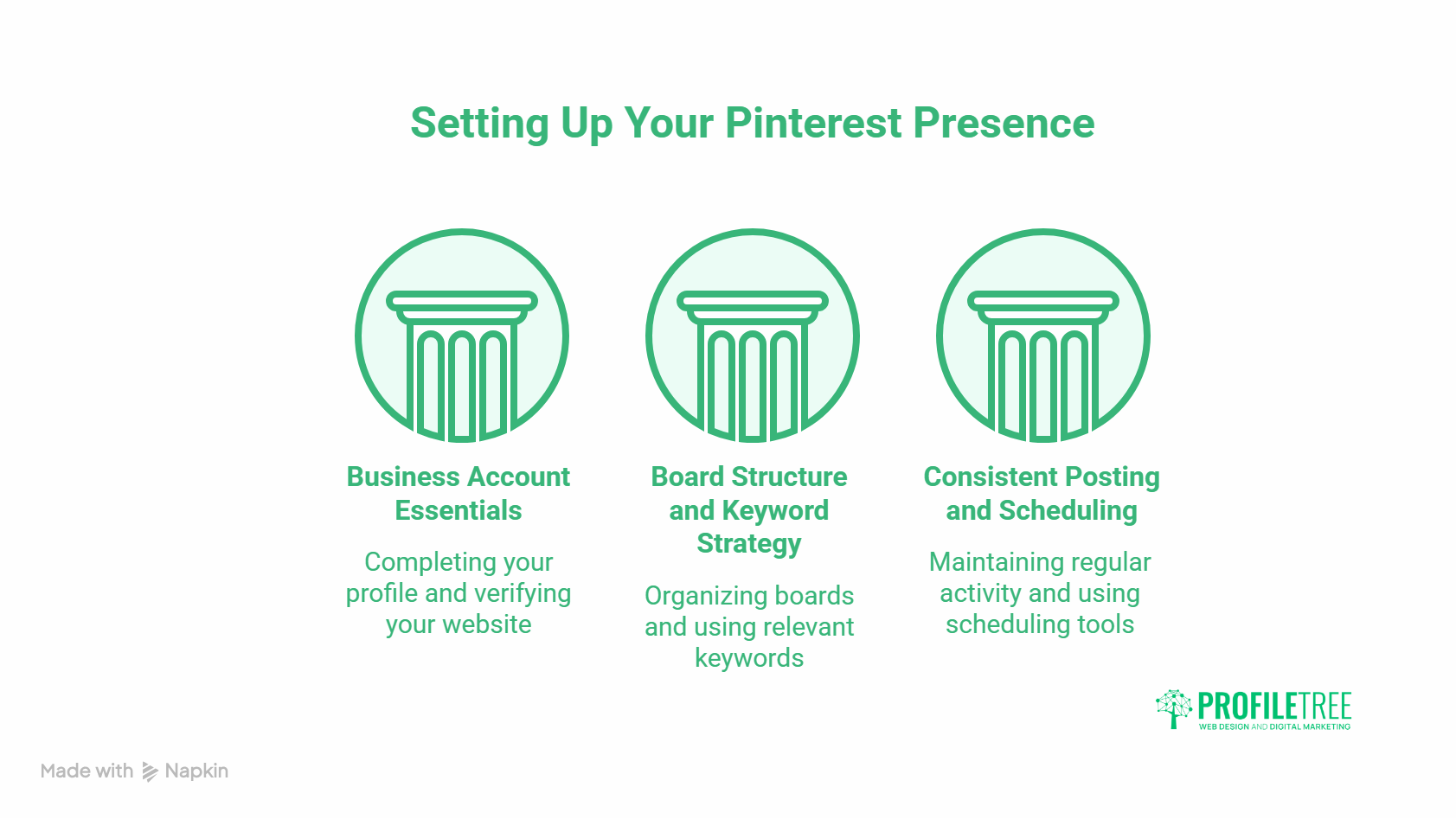
A Pinterest business account gives you access to analytics, advertising tools, and rich pin formats that personal accounts cannot use. If you are using Pinterest for any commercial purpose, converting to a business account is the starting point.
Business Account Essentials
Complete your profile with your business name exactly as it appears elsewhere online, your website URL (which Pinterest will ask you to verify), and a concise bio that includes your primary service and location. For a Belfast-based business, something like “Web design and digital marketing for SMEs across Northern Ireland and the UK” is specific enough to be useful and keyword-rich enough to appear in platform searches.
Claim your website through it’s domain verification process. Claimed websites get attributed credit when others pin content from your site, which means your account gains authority from other users sharing your content, not just from pins you publish yourself.
Board Structure and Keyword Strategy
Boards are the organisational layer of Pinterest. Each board you create should target a specific topic that your audience actively searches for. The board title and description are indexed by Pinterest’s search engine, so they need to include the keywords your target audience uses.
A web design agency might create boards titled “Web Design for Small Businesses,” “WordPress Tips for SMEs,” and “Website Inspiration for Irish Businesses” rather than generic titles like “Our Work” or “Design Ideas.” The former maps directly to search queries; the latter maps to nothing.
Keep boards focused. A board with 20 tightly relevant pins outperforms one with 200 loosely related ones. Pinterest rewards topical coherence, not volume.
Consistent Posting and Scheduling
The platform rewards regular activity. Accounts that publish consistently, whether daily or several times a week, maintain stronger visibility than accounts that post in bursts and then go quiet. Scheduling tools allow you to queue pins in advance, which makes consistent posting manageable without requiring daily attention.
Fresh pins, meaning new images linking to new or updated content, carry more weight than re-pinning old content. If you are refreshing existing website pages as part of your SEO strategy, creating a new pin to accompany each update is a low-effort way to extend its reach.
Creating Pins That Convert
The platform is a visual platform, but the quality that matters for traffic and sales is not purely aesthetic. A pin that looks beautiful but fails to communicate what the viewer will find when they click it generates impressions without conversions. The goal is pins that are visually clear, keyword-relevant, and built around a specific action.
Image Specifications and Quality
The platform recommends a 2:3 aspect ratio for standard pins (1000 x 1500 pixels is the standard). Vertical pins take up more screen space in feeds and search results, which increases visibility. Horizontal images perform significantly worse and should be avoided for feed content.
Use original images wherever possible. Pinterest’s algorithm gives preference to fresh visual content that has not appeared elsewhere on the platform. Stock photography that has been pinned thousands of times carries less weight than original imagery, even if the stock photo is technically higher quality.
Text Overlays and Pin Descriptions
Text overlays on pin images serve two purposes: they communicate the pin’s value proposition at a glance, and they give Pinterest additional context for categorising the content. Keep overlay text short, usually five to eight words, and use it to state the benefit or outcome rather than a generic label.
“5 Website Mistakes Costing You Customers” will outperform “Web Design Tips” because the first version makes a specific promise that creates curiosity. The second is interchangeable with thousands of other pins.
Pin descriptions should be 100 to 200 words, written in natural language, and include two or three relevant keywords without forcing them. Pinterest reads descriptions as part of its relevance assessment, but keyword stuffing is penalised. Write for the person reading the description first, the algorithm second.
Video Pins for Higher Engagement
Video pins autoplay in feeds and consistently generate higher engagement rates than static images. Short-form video content, between 15 and 60 seconds, performs well for product demonstrations, process overviews, and before-and-after content. For businesses already investing in video marketing, repurposing existing video assets for Pinterest requires minimal additional effort.
Rich Pins and Shoppable Pins
Rich pins pull metadata directly from your website and display it alongside the pin image. Product rich pins show real-time pricing and stock availability. Article-rich pins display the headline, author, and description from the linked page. Both formats improve click-through rates because they give users more information before they decide to visit the linked page.
Rich pins require a one-time technical setup involving schema markup on your website. For most WordPress sites, this is handled through an SEO plugin. Once enabled, all pins from your claimed domain automatically become rich pins.
| Pin Type | Best For | Key Strength |
|---|---|---|
| Standard (static image) | Blog posts, guides, product pages | Long shelf life, easy to produce |
| Video pin | Demonstrations, tutorials, showcases | Higher engagement and reach in feeds |
| Carousel pin | Multi-step processes, product ranges | Tells a story across multiple images |
| Product rich pin | E-commerce, direct sales | Shows live pricing and availability |
| Article rich pin | Blog content, guides, resources | Displays headline and author automatically |
Measuring Pinterest Performance
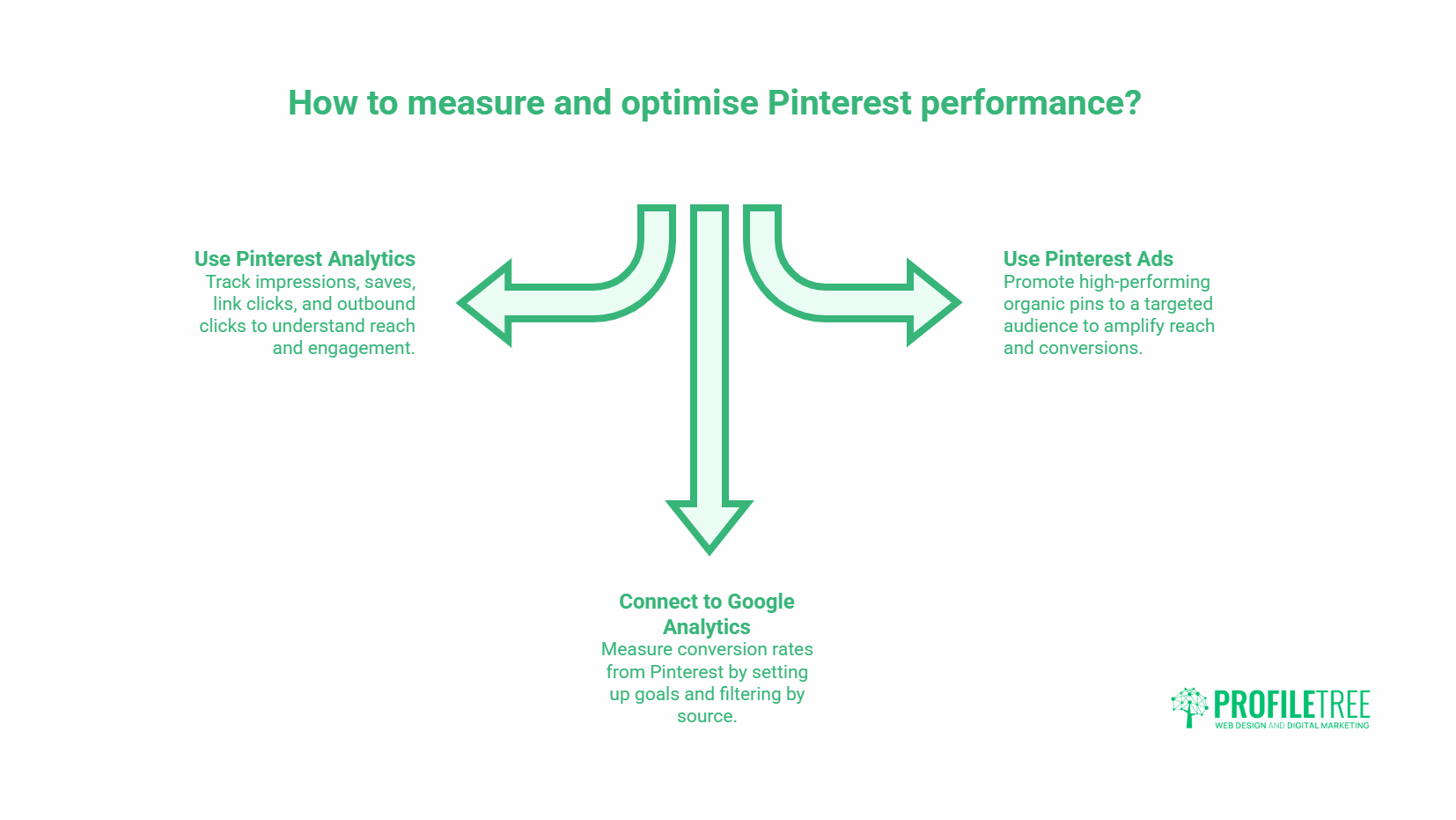
Pinterest Analytics provides data on impressions, saves, link clicks, and outbound clicks (clicks that leave Pinterest and land on your website). For traffic and sales goals, outbound clicks and link click rate are the metrics that matter most.
Key Metrics to Track
Impressions measure how many times your pins appeared in feeds or search results. They indicate reach but not engagement. Saves show that a user found your pin valuable enough to add to their own board, which also increases the pin’s distribution. Link clicks and outbound clicks are the direct measure of traffic generated.
Check your top-performing pins monthly. Identify which boards and pin formats generate the most outbound clicks, then create more content in that format on those topics. The Analytics also shows audience demographics, including interests and location, which can inform your broader digital strategy.
Connecting Pinterest to Google Analytics
The platform traffic appears in Google Analytics under Acquisition, with Pinterest listed as the source. To measure conversion rates from Pinterest specifically, set up a goal or event in Google Analytics that fires when a user completes a desired action, such as submitting an enquiry form or visiting a contact page. You can then filter by Pinterest as the source and see exactly how many conversions that traffic is generating.
If you are running Ads, connect your tag (the platform’s equivalent of a Facebook pixel) to your website. This enables conversion tracking directly within the Ads interface and allows you to build retargeting audiences from website visitors.
When to Use Pinterest Ads
The platform’s advertising tool allows you to promote existing pins to a targeted audience based on interests, keywords, demographics, and behaviours. Promoted pins appear in feeds and search results with a small “Promoted” label but are otherwise identical to organic content.
The case for Pinterest Ads is strongest when you have already identified organic pins that generate strong engagement. Promoting content that is already performing well amplifies proven material rather than spending budget to test unvalidated creative. For businesses new to Pinterest advertising, starting with a small budget to promote your three to five highest-performing organic pins is a lower-risk approach than creating dedicated ad creative from scratch.
For SMEs that want support building a measurable presence as part of a wider digital marketing strategy, ProfileTree works with businesses across Northern Ireland, Ireland, and the UK to develop social and content strategies that connect platform activity to commercial outcomes.
Frequently Asked Questions About Pinterest for Business
How Long Does It Take to See Traffic Results From Pinterest?
Pinterest is a slower channel than paid advertising, but faster than most people expect once an account gains traction. Most accounts with consistent posting activity and properly optimised pins start seeing meaningful referral traffic within two to three months. Individual pins can take weeks to surface in search results as the algorithm assesses their relevance and engagement signals. The compound effect builds over time: pins published in month one continue driving traffic in month six and beyond.
Does Pinterest Work for Service Businesses, Not Just Product Sellers?
Yes. Service businesses use Pinterest effectively by pinning content that addresses the questions their prospective clients are searching for: guides, process explainers, case study visuals, and before-and-after content. A web design agency, an accountancy firm, or a marketing consultant can all generate qualified referral traffic through Pinterest by focusing on educational and decision-support content rather than direct product promotion.
How Many Pins Should I Post Per Day?
There is no universally correct number. Most guidance suggests between one and five fresh pins per day for accounts building momentum. Consistency matters more than volume; posting one well-optimised pin daily outperforms posting ten pins once a week. Focus on quality and keyword relevance rather than hitting an arbitrary daily count.
Do I Need a Large Following to Drive Traffic From Pinterest?
No. Pinterest’s search-based distribution means pins are shown to users based on relevance to their search query, not based on whether they follow your account. A new account with zero followers can rank in search results on the strength of its content alone. Followers matter for home feed visibility, but they are far less important on Pinterest than on Instagram or Facebook for driving traffic to external websites.
Should I Use Hashtags on Pinterest?
Hashtags on Pinterest carry far less weight than on Instagram or X (Twitter). Pinterest’s own guidance deprioritises hashtags in favour of keyword-rich descriptions and titles. If you use them at all, limit to two or three directly relevant hashtags placed at the end of a description. They may provide minor additional discoverability in hashtag feeds, but should not be treated as a primary optimisation tactic.
Making Pinterest Work for Your Business
Pinterest rewards consistency, keyword clarity, and content that answers real questions. The businesses that generate meaningful traffic from the platform are not necessarily those with the largest budgets or the most followers; they are the ones that treat Pinterest as a search engine and optimise accordingly.
Start with a properly configured business account, build boards around the specific topics your audience searches for, create pins that link to genuinely useful content on your website, and measure outbound clicks monthly. Adjust based on what the data shows rather than assumptions about what should work.
For SMEs that want help building Pinterest into a structured social media strategy, ProfileTree’s team can assess your current setup and identify the highest-impact starting points.