
Why Your Content Isn’t Ranking: A Diagnostic Guide for UK and Irish Businesses
Table of Contents
Why your content isn’t ranking usually comes down to one of four causes, and most guides check only one of them. If you have searched “why is my website not ranking” or stared at Google Search Console, wondering why genuinely good content is going nowhere, you are not alone. Search that phrase, or variations like “quality content not ranking” and “content not ranking on Google”, and you will find thousands of frustrated business owners asking the same question every month.
The honest answer to why your content isn’t ranking is that “not ranking” is rarely one problem. It is usually one of four: a technical issue preventing Google from properly rendering your page, a mismatch between what your content offers and what the searcher actually wants, a lack of authority for the topic, or content that has quietly gone stale while competitors moved past it. Fix the wrong one and nothing changes, which is why so many businesses spend months tweaking content that was never the actual issue.
This guide walks through all four in order, because that is the order Google effectively checks them in. There is no point in optimising for search intent on a page that Google cannot index
Fast Action Checklist
Before anything else, run through this list. If you can tick most of these and you are still not ranking, the problem sits further down this guide than you might expect.
- Check Google Search Console’s Page Indexing report. If your page is not indexed, nothing else matters yet.
- Run your page through Google PageSpeed Insights and check whether it passes Core Web Vitals.
- Search for the exact phrase your page targets, and see what is actually ranking. Are they articles, products, tools, or videos?
- Check how old the content is and whether the facts, screenshots, or examples are still current.
- Search your own brand name alongside the topic to see whether you have any authority signals (reviews, mentions, a named author) showing up.
Phase 1: Technical Blocks (Is Google Even Reading Your Site Properly?)
Technical issues are the most common reason content does not rank, and the easiest to overlook because the content itself can be excellent.
Check indexing before anything else
Open Google Search Console and check the URL Inspection tool for the page in question. A page that is not indexed will never rank, regardless of quality. Common causes include an accidental noindex tag, a robots.txt rule blocking the page, or a canonical tag pointing to another page. This sounds basic, but it is the single most common reason a page generates zero clicks despite having impressions, because Google is showing an old cached version or a near-duplicate rather than the page you actually optimised.
Core Web Vitals: the metrics that matter
Since 2021, Google has treated page experience as a ranking signal through Core Web Vitals. Three metrics matter most.
Largest Contentful Paint (LCP) measures how quickly the main content becomes visible. The target is under 2.5 seconds. The Interaction to Next Paint (INP) measures how quickly the page responds to clicks and taps, with a target of under 200 milliseconds. Cumulative Layout Shift (CLS) measures visual stability and aims for a value under 0.1; it is commonly caused by cookie banners, ads, or images loading without defined dimensions.
These are not the only ranking factors, and a perfect score will not rescue thin or irrelevant content. But a site that fails all three is handing competitors an advantage for no good reason.
UK hosting and the latency problem
For UK and Irish businesses specifically, server location is an underrated factor. Budget hosting plans often place servers in the United States. When a visitor in Manchester or Dublin loads a page hosted in Texas, data has to travel roughly 10,000 miles round-trip before the page even begins rendering. Typical latency ranges from 150 to 200 milliseconds from a US server to a UK visitor, compared with 10 to 30 milliseconds from a UK-based server. That gap occurs before any content loads, making a sub-2.5-second LCP considerably harder to hit.
If your business serves UK or Irish customers primarily, the server location belongs near the top of any technical audit. ProfileTree’s website development services include hosting evaluation as a standard part of any technical review, since it is one of the highest-impact, lowest-effort fixes available.
GDPR cookie banners and page speed
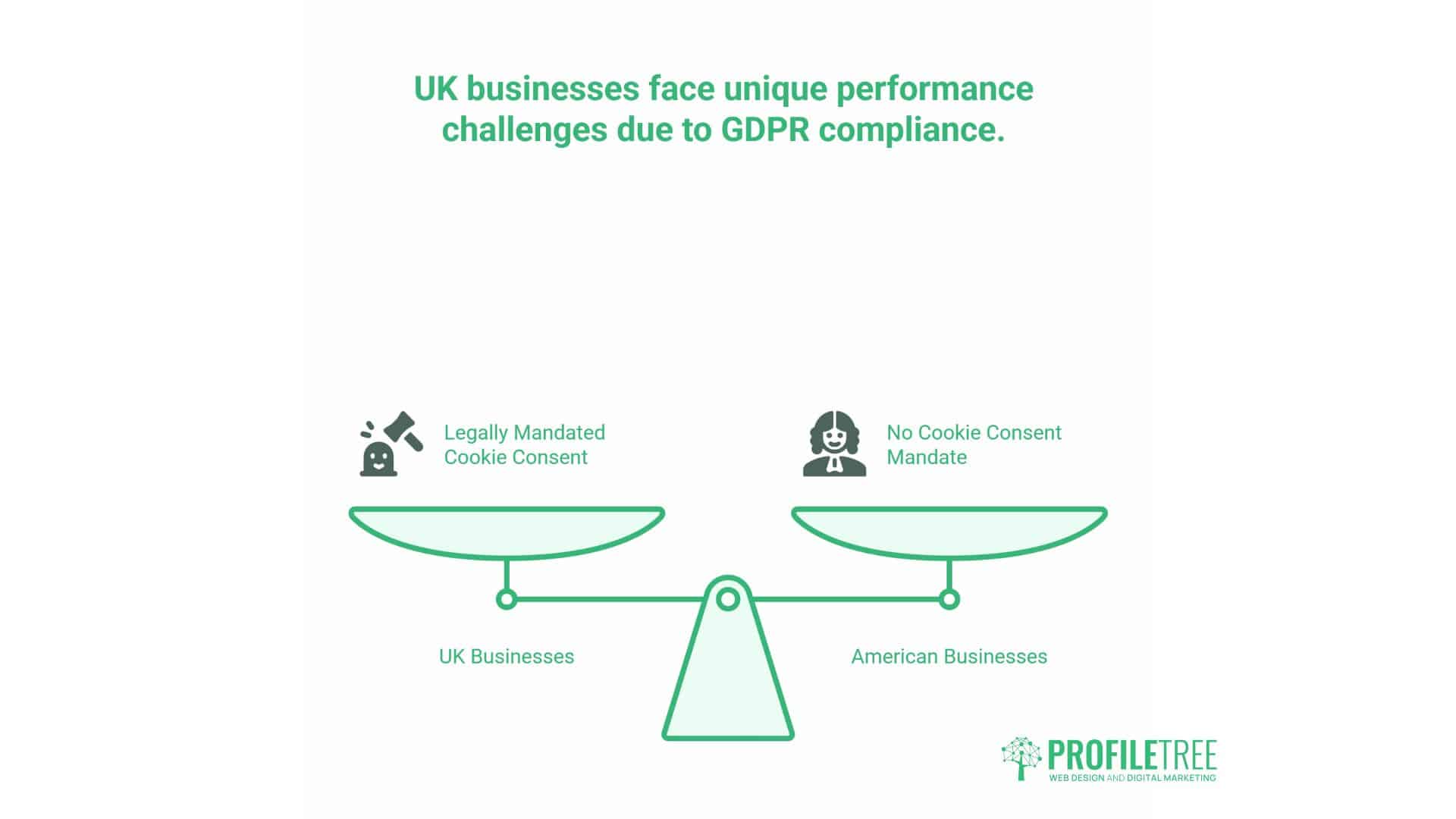
UK and Irish sites carry a performance burden that purely US-based competitors do not: mandatory cookie consent. Poorly implemented cookie banners load render-blocking JavaScript that the browser must download and execute before the rest of the page can display, which can add 500 to 1,500 milliseconds directly to LCP.
This is solvable without sacrificing compliance. Deferring or self-hosting the consent script, using progressive enhancement so a lightweight banner appears immediately while full functionality loads afterwards, and skipping the banner entirely for returning visitors who have already consented are all standard fixes. None of them compromises GDPR compliance; they simply prevent implementation from becoming the bottleneck.
Quick technical checklist
| Check | Target | Common fix |
|---|---|---|
| Indexing status | Indexed, no noindex or blocking robots.txt | Remove incorrect tags, fix canonicals |
| LCP | Under 2.5 seconds | UK-based hosting, image optimisation, critical CSS |
| INP | Under 200ms | Reduce JavaScript execution, defer non-critical scripts |
| CLS | Under 0.1 | Set image dimensions, defer cookie banner rendering |
| Server location | UK data centre for UK-focused audiences | Migrate hosting or add a CDN |
Phase 2: The Intent Gap (Why Good Content Still Fails)
Once the technical foundation is sound, the next most common cause is a mismatch between what your page offers and what the searcher actually wants. This is the gap most generic SEO advice skips past with “write better content”, without explaining what better actually means.
Matching content to the search task
A page can be well written and accurate yet still fail to rank because it answers the wrong question. Someone searching “WordPress hosting cost” wants a number, fast. A 2,000-word history of web hosting will not satisfy that, no matter how well it is written. Before writing or rewriting a page, search for the exact target phrase and honestly assess what is already ranking. If the results are all comparison tables, your prose article is competing in the wrong format. If they are all short, direct answers, padding the page to hit a word count target will not help.
The word count myth
There is a persistent belief that longer content ranks better. It does not, on its own. Google ranks content that completes the searcher’s task, and for many queries, that task takes 300 words, not 3,000. Comprehensive content outperforms long content, but only when the extra length adds genuinely new information rather than restating the same point in different words.
Format mismatch
Some keywords do not ask for an article at all. “Best WordPress hosting” wants a comparison. “WordPress login” wants a tool or a direct link. “How to fix a 404 error” wants a step-by-step guide. Checking which content format dominates the SERP for your target keyword before you write, rather than after, avoids a common and entirely avoidable failure mode.
For businesses unsure how to read their own Search Console data to spot this pattern, ProfileTree’s digital training services cover exactly this kind of practical SEO diagnosis, so your team can run this audit on future content without external help.
Phase 3: Authority and the Regional Hurdle (UK and Ireland Context)
Competing against the US and global giants in the UK search results
UK and Irish businesses face a specific authority problem that generic SEO guides rarely address: competing in search results dominated by large US-based publishers and software brands with years of accumulated backlinks and content depth. A small Belfast or Dublin business writing about “how to fix WordPress speed” is not competing on a level playing field with Ahrefs or Semrush for that exact phrase.
The practical response is not to abandon competitive topics, but to compete on relevance rather than raw authority. Local case context, UK-specific regulation (GDPR cookie implementation is a good example), pricing in pounds and euros, and genuinely local examples are advantages a US-based competitor cannot easily replicate, and Google’s local and regional signals reward that specificity.
Local E-E-A-T signals that help
Author bios with verifiable credentials, named team members, genuine client reviews, and a clear physical location all contribute to the trust signals Google now weighs more heavily, particularly following the increased emphasis on author credentials in recent core updates. A page with no named author and no clear “who wrote this and why should I trust them” signal is working with one hand tied behind its back, regardless of content quality.
If your own site is missing these signals, that is often a more practical fix than rewriting content from scratch. A free SEO audit from ProfileTree typically flags missing E-E-A-T signals as a quick win alongside technical issues, because both tend to sit on the same underperforming pages.
Phase 4: Content Decay and Competition
The freshness fallacy
There is a common assumption that regularly updating content automatically improves rankings. It does not, on its own, and over-updating without genuinely new information can occasionally cause ranking instability rather than improvement. Content decay is real: statistics go out of date, screenshots show old interfaces, and competitor content moves past yours in depth. But the fix is to add genuinely new information, current data, or expanded coverage, not simply to change the published date.
New content also typically experiences a temporary period of ranking volatility immediately after publication, sometimes called the honeymoon period, during which rankings can briefly spike or dip before settling. A short-term drop a few weeks after publishing is not necessarily a sign of failure.
Competitor gap analysis
If a competitor consistently outranks you for the same terms, the practical question is not “are they better” but “what specifically are they doing that you are not”. Run the target keyword, open the top three results, and check what subtopics they cover that your page does not, what format they use, and how recently they were updated. This is a far more useful exercise than generic advice to “improve quality”.
How Long Does It Actually Take to Rank?
This is one of the most commonly searched follow-up questions, and most answers give a vague “three to six months” without context. A more honest answer depends heavily on the competition level. Low-competition, long-tail topics can begin generating impressions within a matter of weeks and meaningful traffic within two to four months. Highly competitive or YMYL (Your Money or Your Life) categories, such as finance, legal, or health content, typically take six to twelve months, even with strong execution, because Google weighs authority and trust signals more heavily in these categories and new sites simply have not accumulated them yet.
If a page has been live for under three months, patience is usually the correct strategy. Beyond six months with no movement, it is worth working through the four phases above in order.
DIY vs Professional: When to Fix This Yourself
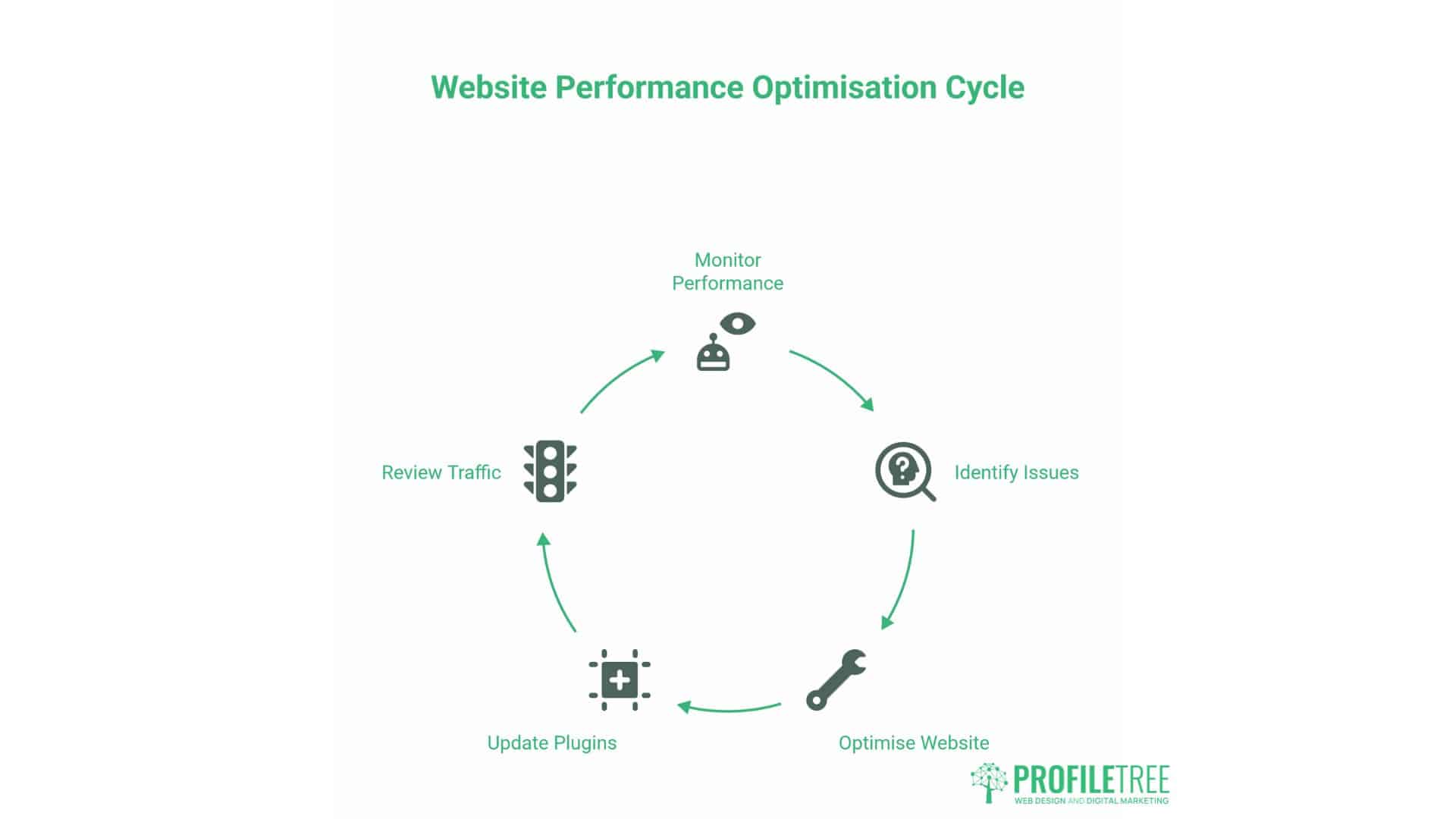
Basic technical fixes, such as installing a caching plugin, compressing images, or correcting an indexing error, are within reach for most business owners with a few hours and clear documentation. Expect 4 to 8 hours for straightforward optimisation work on a simple brochure site.
More complex situations warrant professional input: WooCommerce stores or membership sites where a technical fix could break checkout functionality, sites with no clear authority or E-E-A-T signals that need structural rather than cosmetic changes, or cases where the diagnosis itself is unclear after working through the phases above. ProfileTree’s SEO services start with a diagnostic audit that identifies which of the four categories above is actually suppressing a given page before recommending any work.
The 10-Point Ranking Recovery Checklist
- Confirm the page is indexed in Google Search Console.
- Check for accidental noindex tags or blocking robots.txt rules.
- Test Core Web Vitals (LCP, INP, CLS) and fix the worst offender first.
- Confirm your hosting server location matches your primary audience.
- Check whether your cookie consent implementation is render-blocking.
- Search your target keyword and identify the dominant content format.
- Check word count and depth against what is actually ranking, not an arbitrary target.
- Confirm the page has a named, credible author and any relevant credentials.
- Check the publish or last-updated date and refresh genuinely outdated information.
- Run a gap analysis against the top three ranking competitors for specific subtopics they cover that you do not.
FAQs
Why is my high-quality content not ranking? High-quality, well-written content can still fail to rank if it does not match search intent, sits on a page with technical indexing problems, or lacks the authority signals Google weighs for the topic. Quality is necessary but not sufficient.
How long does it take for content to rank? For low-competition topics, two to four months for meaningful traffic. For highly competitive or YMYL categories, six to twelve months is typical, even with strong execution, because authority signals take time to build.
Can Google penalise my content for being too short? No, not directly. Google does not have a minimum word count requirement. Content fails when it does not fully answer the search intent, which can happen at both short and long lengths.
Does word count matter for ranking? Not as a direct ranking factor. What matters is whether the content covers the topic comprehensively enough to satisfy the searcher’s task. Padding a page to hit a word count target without adding genuinely new information does not help.
Why did my ranking suddenly drop to zero? This usually points to a technical cause rather than a content one: an accidental noindex tag, a manual action, a robots.txt change, or a botched migration. Check the Page Indexing report in Google Search Console first.
Does site speed affect my ranking? Yes, but as one factor among many rather than a dominant one. Core Web Vitals act more as a tie-breaker in competitive search results than a guarantee of ranking on their own. It is still worth fixing, because slow sites also convert worse, regardless of where they rank.
Most “not ranking” problems are diagnosable once you work through technical health, search intent, authority, and freshness in that order. The businesses that struggle longest are usually the ones treating it as a single problem with a single fix, when it is almost always a specific combination of the four.