
What Is Readability? A Guide to Clearer Business Content
Table of Contents
Most businesses invest heavily in content creation, yet many overlook the one factor that decides whether that content actually works: readability. When a potential client lands on your website, you have seconds to make your point. If the content is hard to process, the visitor leaves without the enquiry.
Readability is how easily a reader can follow, understand and act on what you’ve written. It has nothing to do with dumbing down your expertise. It’s about respecting the reader’s time, regardless of their industry knowledge or reading habits. Get it right, and your content keeps people on the page, builds trust in your brand, and turns more readers into enquiries. Get it wrong, and even the best advice in the world goes unread.
Readability vs Legibility: Why People Mix Them Up
Readability and legibility get used interchangeably, but they measure two different things. Legibility is about the visual design of text: font choice, contrast, spacing, and how easily letters can be distinguished from one another at a glance. Readability is about the language itself: sentence length, word choice, structure, and how much mental effort a passage demands.
A page can be perfectly legible, in a clean sans-serif font with good contrast, and still be difficult to read if the sentences are long and the vocabulary is dense. Equally, beautifully written copy set in a decorative script font with poor contrast will fail on legibility before a reader ever gets to judge the writing.
| Factor | Legibility | Readability |
|---|---|---|
| What it measures | Visual clarity of text | Linguistic clarity of text |
| Affected by | Font, size, spacing, contrast | Sentence length, word choice, structure |
| Fixed by | Design and typography | Editing and rewriting |
| Example problem | Grey text on a white background | A 40-word sentence with three clauses |
Both matter, and both sit close to the work a web design or web development project typically covers, since layout and typography decisions made during a site build directly affect legibility, while the content strategy behind the page determines readability.
Why Readability Matters for SME Websites
The way people read online differs from how they read print. Eye-tracking research has repeatedly shown that web users scan content in an F-shaped pattern, focusing on headings, the first few words of a paragraph, and anything bulleted. That scanning habit makes readability more important online than it ever was on paper, not less.
Business owners and marketing managers are approached constantly. Hundreds of marketing messages arrive in email, on social media, and in search results every week, often as part of a wider digital marketing strategy competing for the same attention. When someone chooses to read your content rather than skim past it, that’s a deliberate act of attention. Poor readability wastes that attention and quietly damages credibility, even when the underlying advice is sound.
Readability also affects your search performance, though not in the way many people assume. Google doesn’t use a readability score like Flesch-Kincaid directly in its ranking algorithms. What it does measure, through user behaviour signals, correlates strongly with how readable your content is. Dwell time (how long someone stays on a page after clicking through from search) tends to be shorter on hard-to-read pages. Content that keeps people engaged sends a more positive signal over time, even if readability itself isn’t the metric being scored. ProfileTree’s SEO services treat this kind of engagement signal as part of a wider technical and content review, rather than something readability alone can fix.
“Readability is one of the most undervalued parts of a content strategy,” says Ciaran Connolly, founder of ProfileTree. “SME owners often focus on keywords first and how the page actually reads second, when for most visitors it should be the other way round.”
How to Measure Readability: The Core Formulas
Several established formulas measure text complexity by analysing sentence length, word length and syllable count. None of them should be treated as an absolute target, since they measure complexity rather than usefulness, but they’re a useful starting benchmark.
The Flesch Reading Ease score ranges from 0 to 100, with higher scores indicating easier reading. A score of 60 to 70 is standard for general audiences, 80 to 90 suits younger or less experienced readers, and professional or technical content often sits between 40 and 60.
The Flesch-Kincaid Grade Level translates a similar calculation into a UK or US school year equivalent. A score of 8 suggests content suitable for a 13- to 14-year-old reading level, while a score of 12 or above indicates college-level complexity. Business content aimed at decision-makers tends to work well between 8 and 12.
The Gunning Fog Index estimates the years of formal education a reader would need to understand a text on first read, weighting complex words and sentence length heavily. Scores of 7 to 8 indicate genuinely easy text, while anything above 12 points to material that demands careful, unhurried reading.
The SMOG Index and the Dale-Chall Readability Formula serve narrower purposes. SMOG was designed for healthcare and patient information, where getting complexity wrong has real consequences, whereas Dale-Chall compares vocabulary against a list of words familiar to most readers rather than relying solely on syllable counts.
| Formula | Best used for | Roughly comparable to |
|---|---|---|
| Flesch Reading Ease | General web and marketing content | Secondary school reading level |
| Flesch-Kincaid Grade Level | Business and professional content | UK Year 9 to Year 13 |
| Gunning Fog Index | Long-form guides and reports | UK Year 9 to Year 13 |
| SMOG Index | Healthcare and patient information | UK Year 8 to Year 10 |
| Dale-Chall | Vocabulary-heavy or technical text | Varies by word familiarity |
These formulas have a real limitation worth naming: none of them can tell you whether content is actually helpful, accurate or well organised. A technically simple sentence can still confuse a reader if it’s poorly sequenced or answers the wrong question.
The UK Standard: Plain English and GOV.UK Guidance
Most readability advice online comes from US sources and doesn’t reflect UK expectations. The UK has its own well-established tradition, and it’s worth knowing whether your business writes for a UK or Irish audience.
The Plain English Campaign has spent decades pushing government and business writing away from jargon and towards language ordinary readers can follow the first time. GOV. The UK’s own content design guidance goes further, and is written for anyone producing content for a UK audience, not just government departments. It recommends writing for a reading age of around 9, using short words and sentences, and avoiding the kind of formal, distancing language that public bodies (and, just as often, SMEs) tend to default to. You can read the current version of that guidance directly on GOV.UK’s content design pages.
The reasoning behind a reading age of 9 isn’t about talking down to readers. It accounts for the fact that people skim when tired, distracted or reading on a small screen, and it removes barriers for readers whose first language isn’t English. For a Belfast or Dublin-based SME writing service pages or guides, borrowing from GOV.UK’s plain language standard tends to produce content that reads as more confident, not less expert, because it removes the hedging and jargon that make writing sound uncertain.
Writing for Neurodiverse Readers
Most readability advice treats readers as a single, average audience. It’s estimated that around one in seven people in the UK are neurodivergent, a figure covering conditions including dyslexia, ADHD, autism and dyspraxia, and their experience of reading online content is rarely considered in standard guidance.
Some adjustments make a genuine difference. Short sentences and paragraphs reduce the working-memory load that complex, multi-clause writing creates. Left-aligned text (rather than justified) keeps letter spacing consistent, which matters for readers with dyslexia. Clear, descriptive headings let readers find their way by scanning rather than needing to read every word to find what they need. Avoiding italics and all-caps for anything beyond a single word helps too, since both are harder to decode at speed.
None of this requires a separate version of your content. It’s largely the same discipline that improves readability for everyone, applied a little more consistently.
Core Writing Principles for Clearer Content
Beyond formulas, a handful of practical habits do most of the work.
Sentence length and structure matter more than any other single factor. Shorter sentences are generally easier to process, though varying length creates rhythm and keeps writing from feeling flat. Aim for an average of 15 to 20 words per sentence, with occasional longer ones for context and shorter ones for emphasis. Complex sentences with several clauses force readers to hold too much in working memory at once. Compare: “When businesses, particularly those in competitive sectors such as digital marketing or web design, attempt to communicate their value using overly complex language, they create barriers between themselves and potential clients” with the same idea split into shorter statements: “Businesses often struggle to communicate their value clearly. This particularly affects competitive sectors like digital marketing and web design. Overly complex language creates barriers with potential clients.”
Active voice tends to produce more direct sentences than passive constructions. “Our team designed the website” is shorter, clearer and more engaging than “The website was designed by our team.” Passive voice still has a place, particularly when the actor is unknown or irrelevant to the point being made.
Vocabulary should match the audience. Content about AI implementation or web development will naturally include technical terms, and that’s fine as long as they’re explained when first introduced. Jargon isn’t inherently bad; it’s precise shorthand within a professional community. The issue is using it in a way that excludes rather than helps the reader.
Paragraph length affects how the content feels before a reader has even started. Long, dense paragraphs look intimidating on a screen. Short paragraphs of two to four sentences, with generous white space around them, invite reading rather than discouraging it.
Heading hierarchy does double duty: it helps human readers scan for relevant sections and helps search engines understand how the page is organised. Headings should describe what follows rather than using vague labels like “more information.” A logical H2-to-H3 structure, without skipped levels, helps both readers and crawlers stay oriented.
Tools for Checking Readability
A handful of tools make readability easier to check without doing the calculations by hand.
Readable analyses documents, URLs or pasted text against several formulas at once, including Flesch Reading Ease, Flesch-Kincaid and Gunning Fog. Its bulk URL checking makes it useful for agencies or businesses auditing an entire site rather than one page at a time.
Grammarly, better known for grammar checking, includes readability features in its paid tiers, flagging wordy sentences and unclear constructions with specific rewording suggestions. Its browser extension checks writing across email, social platforms, and CMS editors, helping maintain consistent quality across channels.
Yoast SEO, the WordPress plugin, evaluates sentence length, paragraph length, passive voice and transition word usage alongside its SEO checks, giving real-time feedback before a page publishes. Its traffic-light scoring is useful as a guide rather than a strict rule; sometimes a longer sentence or paragraph genuinely serves the point being made, and the tool doesn’t always recognise that.
Hemingway Editor focuses specifically on clarity, highlighting hard-to-read sentences, unnecessary adverbs and passive voice with colour-coded markers. It’s available as a web app or as a one-off desktop purchase, making it suitable for anyone who regularly produces content and wants an offline option.
None of these tools replaces editorial judgement. They flag patterns; a human still decides whether a flagged sentence needs fixing or is doing exactly what it should.
Readability and Web Design
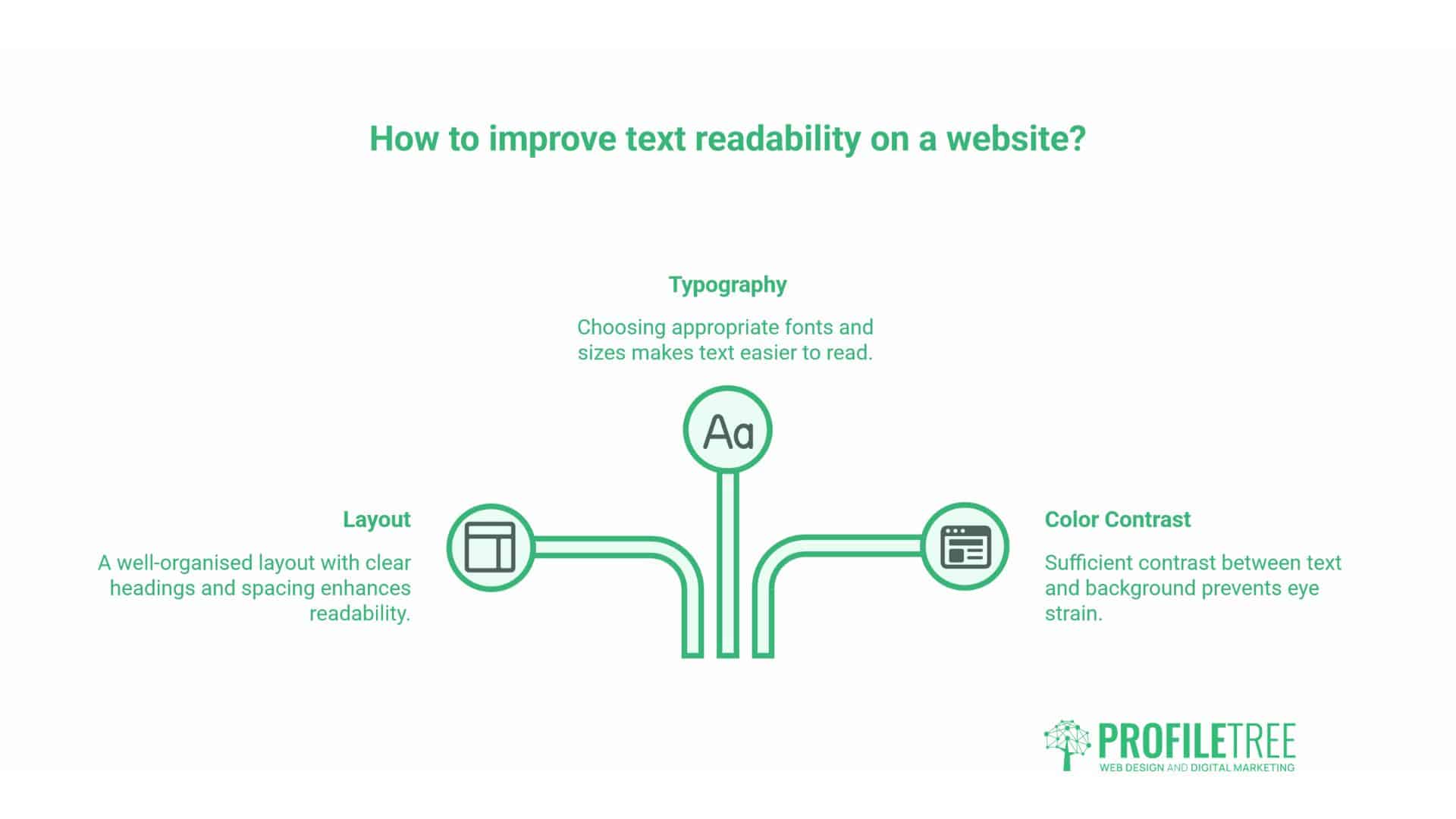
Readability isn’t only a writing problem. Layout and typography decisions, the kind made during a website design project, shape how easily text is consumed regardless of how well it’s written.
Sans-serif fonts such as Arial, Helvetica or Open Sans generally perform better on screens than serif fonts built for print. Body text should be at least 16 pixels, with line height around 1.5 times the font size to avoid a cramped feel. Sufficient contrast between text and background matters more than most sites treat it: light grey text on white looks stylish and reads poorly.
White space isn’t wasted space. Generous spacing around paragraphs, headings and images makes a page feel less overwhelming and easier to scan, which is exactly the behaviour most web visitors default to. Since mobile devices account for a large share of web traffic, testing readability on an actual phone, not a resized desktop browser, catches problems that desktop-only reviews miss.
A Quick-Wins Checklist for Improving Readability
Most readability problems can be caught with a short review before anything goes live.
Check that sentences average 15 to 20 words, with variation rather than uniformity. Confirm paragraphs run no longer than four sentences. Read the piece aloud; anywhere you stumble, a reader will too. Check that headings describe what follows rather than acting as vague labels. Run the draft through a formula checker such as Readable or Hemingway and treat the score as a guide, not a verdict. Confirm the heading hierarchy doesn’t skip levels. Check contrast and font size on an actual mobile screen. Cut filler words such as “in order to,” “due to the fact that” and “for all intents and purposes.” Ask someone outside the project to read it and flag anything unclear. Finally, check that the piece still says what it needs to say for an expert reader, since simplifying language should never mean losing accuracy.
How ProfileTree Approaches Readability in Content Projects
Readability comes up constantly in content marketing and copywriting work for SME clients across Northern Ireland, Ireland and the UK, usually alongside a related SEO or web design question. A few scenarios come up often enough to be worth naming directly.
An SME reviewing its own service pages will often find long, unbroken paragraphs written when the business was smaller, and there was less competing content to stand out against. That’s a copywriting job as much as an SEO one: restructuring existing pages around shorter paragraphs, clearer headings and a genuine reading level check, without losing the technical detail that matters to the audience.
A business commissioning a new website through a web development project will usually get typography and layout decisions handled as part of that build, but the content itself, the actual words on the page, needs the same attention. Legible type on a poorly written page still under-serves the visitor.
Marketing teams using AI tools to draft first versions of content increasingly need an editing pass afterwards, since AI-generated drafts tend to default to a fairly uniform sentence length and formal register that reads as generic rather than considered. This is one of the areas ProfileTree’s digital training and AI implementation work directly covers: showing SME teams how to draft quickly with AI tools and then edit for readability, accuracy, and tone before anything is published, a process explored further in ProfileTree’s guide to AI for content marketing.
ProfileTree’s own short video on content, PR and SEO covers several of the same fundamentals discussed here, including how clear writing supports search visibility rather than working against it. It sits alongside ProfileTree’s wider video production work, which covers this kind of explainer content for client channels as well as ProfileTree’s own.
Readability, in other words, sits at the intersection of several services rather than belonging to just one. It’s a writing discipline, a design consideration, and, increasingly, a factor in how AI-assisted content gets edited before it goes live.
Common Readability Mistakes
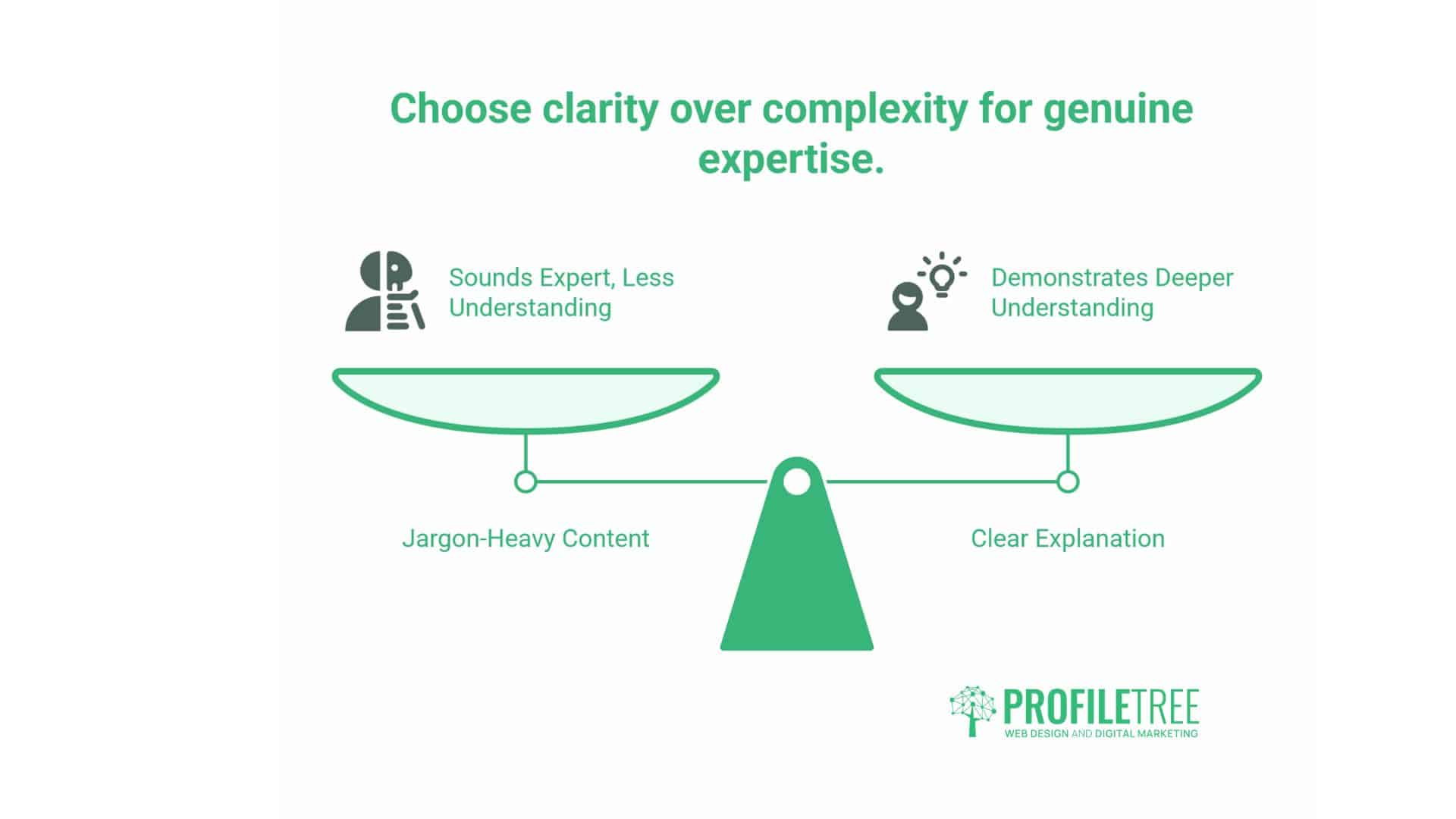
A handful of mistakes keep appearing on SME websites. Overcomplicating simple ideas through unnecessary jargon is the most common, usually done in an attempt to sound more expert rather than less. The opposite is true: a clear explanation demonstrates a deeper understanding of the subject than a jargon-heavy one does.
Inconsistent formatting confuses readers before they’ve processed a single sentence. Skipping heading levels, alternating between bullets and numbered lists for the same kind of content, or overusing bold text all create visual noise that undermines otherwise good writing.
Ignoring mobile readers remains widespread, even though a large share of traffic to most SME sites now comes from mobile devices. Paragraphs that look reasonable on a desktop monitor often feel unwieldy on a five-inch screen, and touch targets sized for a mouse cursor frustrate anyone using a thumb.
Failing to revisit older content is the quietest mistake of all. Pages published years ago often need a readability pass as much as a factual update, particularly key pages that still receive meaningful traffic.
Improving readability across a website rarely means starting from scratch. Most SME sites have pages that are close to working and just need shorter sentences, tighter paragraphs and clearer headings to get there. Start with the pages that matter most commercially: service pages, key guides, and anything that currently gets traffic but underperforms in terms of enquiries. A structured content audit, as covered in more detail in ProfileTree’s guide to content optimisation, is usually the fastest way to identify which pages need the work first.
Businesses weighing up whether to handle this in-house or bring in outside support tend to land on a mix: internal teams write faster with a readability checklist in hand, while a professional content writing and copywriting service is often worth bringing in for flagship pages, service pages, or anything where the writing needs to carry real commercial weight. If you’d like a second opinion on how your own site reads, ProfileTree’s content writing and copywriting services cover exactly this kind of review and rewrite work for businesses across Northern Ireland, Ireland and the UK.
Making Readability a Habit, Not a One-Off Fix
Readability isn’t a box to tick once and forget. Pages that read well today can drift as sentences get added and word counts creep up.
The formulas covered here, Flesch Reading Ease, Flesch-Kincaid, Gunning Fog, SMOG and Dale-Chall, are useful benchmarks, but none replace reading a page aloud and asking whether it says what it needs to say. The same goes for the UK standards and neurodiversity points above: they’re not extra steps bolted on, they’re what good writing already looks like.
Treat readability as an ongoing check on existing pages, not a single audit. Revisit key pages every few months against the checklist above. It costs nothing but attention, and it keeps paying off.
FAQs
What readability score should I target for business content?
For most business content aimed at professionals and decision-makers, a Flesch Reading Ease score between 50 and 70 works well, roughly equivalent to an 8th- to 12th-grade reading level. These are guidelines rather than fixed rules. Content usefulness and accuracy matter more than hitting a specific number, and technical content can reasonably score lower.
What’s the difference between readability and legibility?
Legibility is visual: how easily letters and words can be distinguished, based on font, size, spacing and contrast. Readability is linguistic: how easily the language itself can be understood, based on sentence length, word choice and structure. A page can succeed at one and fail at the other.
Does improving readability mean sacrificing expertise?
No. A clear explanation usually demonstrates a better understanding of a subject than a complex one does. Being able to reduce a complicated idea to plain language shows mastery of it rather than undermining it. Expertise and accessibility aren’t in conflict.