
The Ultimate Guide to Wix Apps for High-Performance Web Design
Table of Contents
Wix apps to design professional websites have transformed how businesses create their online presence. What once required extensive coding knowledge and design expertise can now be achieved through carefully selected apps that add functionality, visual appeal, and enhancements to the user experience. However, the ease of installation has created a new challenge: businesses often add too many apps without understanding their cumulative impact on site performance and conversion rates.
The websites that succeed in 2026 strike a balance between aesthetics and technical performance. Google’s Core Web Vitals now determine whether your site ranks on page one or disappears into obscurity. Every app you install carries weight—third-party scripts that can either enhance user experience or destroy it entirely. Research shows that sites with more than five design apps experience an average 18% drop in mobile conversion rates compared to those using native Wix features strategically.
This guide provides a strategic framework for selecting Wix apps to design sites that deliver business results. We’ll examine the apps that genuinely improve conversion rates, explore how AI is transforming the design process, and show you how to audit your app stack to protect your search rankings. Whether you’re building a new site or optimising an existing one, these insights will help you create a high-performing Wix website that looks professional whilst loading fast enough to keep visitors engaged.
The New Reality of Wix Design: Balancing Aesthetics and Core Web Vitals
The relationship between design and performance has undergone a fundamental shift. Where designers once prioritised visual creativity above all else, they now face technical constraints that directly affect business outcomes. Google’s algorithm updates have placed significant emphasis on Interaction to Next Paint (INP) and Cumulative Layout Shift (CLS).
When you install a design app—whether it’s a social media feed, custom font styler, or advanced slider—you’re adding external code that browsers must execute. Poor implementation blocks page rendering, frustrating users and damaging search rankings.
Understanding App Bloat and Its Business Impact
Research conducted on over 500 Wix sites in late 2025 revealed that sites utilising more than five third-party design apps experienced an average 18% decline in mobile conversion rates compared to those using native Wix Studio features. This “performance paradox” means that over-designed sites often underperform commercially.
The problem isn’t the design itself—it’s an inefficient design. Businesses installing multiple apps without understanding their cumulative impact on site speed create barriers between themselves and their customers.
The Rule of Three Framework
Before selecting any design app, apply this three-step evaluation:
Native First: Can this design element be achieved using native Wix Editor or Wix Studio tools? The built-in hover boxes, galleries, and animation options often provide sufficient functionality without the performance cost.
Performance Check: Does the app provider offer lazy loading for assets? Apps that load resources only when needed significantly reduce initial page weight.
Single Source: Avoid overlapping functionality. Installing three separate apps for galleries, testimonials, and portfolios when a single comprehensive solution exists wastes resources and degrades performance.
App Performance Assessment Matrix
| App Category | Visual Impact | Speed Impact | SEO Priority | Recommendation |
|---|---|---|---|---|
| Advanced Galleries | High | Moderate | High | Essential for portfolios |
| Custom Cursor Effects | Low | High | Low | Avoid for business sites |
| AI Layout Tools | High | Low | High | Critical for 2026 |
| Social Media Feeds | Moderate | High | Medium | Use static links instead |
| Map Integrations | High | Moderate | High | Essential for local SEO |
| Menu Systems | High | Low | High | Improves navigation significantly |
Core Web Vitals Benchmarks for Wix Sites
Successful Wix sites in 2026 meet these performance standards:
- Largest Contentful Paint (LCP): Under 2.5 seconds
- Interaction to Next Paint (INP): Under 200 milliseconds
- Cumulative Layout Shift (CLS): Under 0.1
Each design app you install affects these metrics. A custom cursor app might add 300ms to your INP. An unoptimised gallery could push your LCP beyond 4 seconds on mobile connections.
According to Stanford research, 75% of customers form judgments about a company’s credibility based on its website design. However, if that design prevents the site from loading, credibility becomes irrelevant.
Top-Rated Wix Apps for Visual Storytelling and Business Results
Visual storytelling drives engagement, but only when implemented strategically. The apps featured here strike a balance between aesthetic impact and technical efficiency, providing the tools needed to create compelling brand experiences without compromising performance.
1. Countdown Timer by POWR
Building urgency around sales, product launches, and events directly influences conversion rates. The Countdown Timer by POWR offers full customisation options, including colours, animation effects, font styles, and custom messages that display during and after the timer expires.
The app includes a checkout timer feature that reassures customers about the security of payment processing. This addresses a common point of objection in the customer journey, reducing cart abandonment rates.
Key Features:
- Automatic timer resets for new visitors
- Customisable design matching brand identity
- Multiple timer types (evergreen, fixed deadline, recurring)
- Mobile-responsive display
- Minimal script load (approximately 15KB)
Business Applications: Sales teams use countdown timers to create urgency during promotional periods. eCommerce sites benefit from checkout timers that reduce abandoned carts. Event organisers build anticipation for launches and announcements.
Performance Considerations: The POWR timer utilises efficient JavaScript that minimally impacts page load times. The script loads asynchronously, preventing render-blocking issues.
2. Instant Search by Fast Simon
Search functionality enhances the user experience by enabling customers to quickly find specific products, services, articles, or content. Instant Search by Fast Simon provides professional-grade search filters specifically designed for Wix Stores.
The app features an autocomplete function that begins suggesting results as soon as the first character is entered. This reduces the friction in the search process and improves user satisfaction.
Advanced Features:
- SEO insights dashboard showing search trends
- Visual search results with product imagery
- Synonym recognition for improved accuracy
- Typo tolerance for better user experience
- Search analytics for business intelligence
Strategic Value: The Business Dashboard provides unique SEO insights revealing what customers search for most frequently. This data informs content strategy, product development, and marketing focus. Businesses discover demand for products or services they haven’t adequately highlighted.
Integration Benefits: Fast Simon integrates with Wix Stores to automatically access product catalogues. The search function updates in real time as inventory changes, providing customers with the most up-to-date information.
According to Ciaran Connolly, Director at ProfileTree, “Search functionality isn’t just about finding products—it’s about understanding customer intent. The data from search tools reveals gaps in your content strategy and opportunities you’re missing.”
3. Map and Store Locator by POWR
Local SEO depends on making your physical location easily accessible. Map and Store Locator by POWR helps customers find your store, event, or service location through an intuitive interface that supports multiple locations.
The app automatically displays the closest store to each visitor’s location, reducing the barrier to physical visits. This matters particularly for businesses with multiple locations across Northern Ireland, Ireland, and the UK.
Customisation Options:
- Multiple map styles (satellite, roadmap, hybrid)
- Custom brand colours and fonts
- Personalised map pins highlighting brand identity
- Border and background customisation
- Mobile-optimised display
Local SEO Benefits: Search engines prioritise businesses that provide clear location information. Maps signal to Google that you serve specific geographic areas, improving local search visibility. The schema markup generated by quality map apps enhances your appearance in local search results.
Multi-Location Management: Businesses with multiple locations benefit from the intuitive location panel, which allows customers to quickly switch between stores. The search bar helps users identify the nearest location, reducing friction in the decision-making process.
4. Impressive Site Menu by Light-Technologies
Navigation directly affects conversion rates. Impressive Site Menu creates sleek, functional navigation that guides users through your site efficiently while maintaining visual appeal.
The app offers 11 different menu types, enabling businesses to select navigation styles that align with their brand personality. Customisation extends to fonts, colours, menu buttons, and icons—with up to 600 icon options available.
Navigation Strategy: Effective menus strike a balance between comprehensiveness and simplicity. They provide clear pathways to important content without overwhelming visitors with choices. The Impressive Site Menu achieves this by supporting multiple menu structures:
- Horizontal headers for traditional navigation
- Vertical sidebars for content-heavy sites
- Mega menus for eCommerce with many categories
- Mobile hamburger menus that conserve screen space
- Fixed headers that remain accessible whilst scrolling
Social Integration: The menu supports social media button integration, enabling visitors to connect with your brand directly from the navigation across platforms. This increases social following and provides additional touchpoints for customer engagement.
Conversion Optimisation: Clear navigation reduces bounce rates by helping visitors quickly find relevant content. When users can’t locate what they need within seconds, they leave. Professional menus solve this problem by creating obvious pathways to conversion points.
AI-Powered Design Tools Transforming Wix Website Creation
Artificial intelligence has fundamentally changed how businesses approach web design. Where creating professional sites once required extensive design expertise, AI tools now democratise high-quality design whilst accelerating the creative process.
The AI Design Revolution in 2026
AI-powered design apps analyse your content, brand assets, and business objectives to generate layouts that balance aesthetics with conversion optimisation. These tools learn from millions of high-performing websites to suggest configurations that work.
AI Capabilities in Wix Design:
Automated Layout Generation: AI analyses your content and suggests optimal arrangements that guide users through logical journeys. The algorithms take into account reading patterns, visual hierarchy, and conversion psychology.
Brand Consistency: AI tools extract colours, fonts, and design elements from your existing brand assets to maintain consistency across all pages. This eliminates the manual work of applying brand guidelines.
Content-Aware Design: Advanced AI systems adjust layouts based on content type. Product pages receive different treatments than blog posts, with the AI optimising each for its specific purpose.
Responsive Optimisation: AI automatically adjusts designs for different screen sizes, not just by resizing elements but by reimagining layouts for optimal mobile, tablet, and desktop experiences.
Wix ADI (Artificial Design Intelligence)
Wix ADI represents the platform’s native AI solution. It creates complete websites through a conversational interface that asks about your business, style preferences, and functional requirements.
Strengths:
- Rapid site creation (complete sites in minutes)
- No design experience required
- Mobile-friendly templates by default
- Integration with the Wix ecosystem
Limitations:
- Limited customisation depth
- Generic aesthetic common across ADI sites
- Reduced control over specific design elements
Best Applications: ADI suits businesses needing a quick online presence without extensive customisation. Startups, service businesses, and companies testing market concepts benefit from the speed and simplicity.
AI-Enhanced Design Workflows
Professional designers increasingly use AI as a collaborative tool rather than a replacement. The workflow combines AI efficiency with human creativity:
- AI Generation: Start with AI-generated layouts that provide solid foundations
- Human Refinement: Designers adjust these layouts to match specific brand personalities
- AI Optimisation: AI tools test variations to identify the highest-performing configurations
- Continuous Improvement: AI monitors user behaviour to suggest ongoing refinements
Training Your Team on AI Design Tools
As a digital agency providing AI training across Northern Ireland and the UK, we’ve seen how proper AI implementation transforms web design workflows. Training focuses on understanding AI capabilities and limitations.
Key Training Areas:
- Prompt engineering for AI design tools
- Interpreting AI-generated suggestions
- Combining AI efficiency with brand authenticity
- Performance testing AI-generated designs
- Accessibility compliance in AI layouts
Businesses that invest in AI training for their marketing teams see faster design iterations, reduced reliance on external agencies for minor updates, and improved consistency across digital properties.
Essential UX and Navigation Apps for UK Businesses
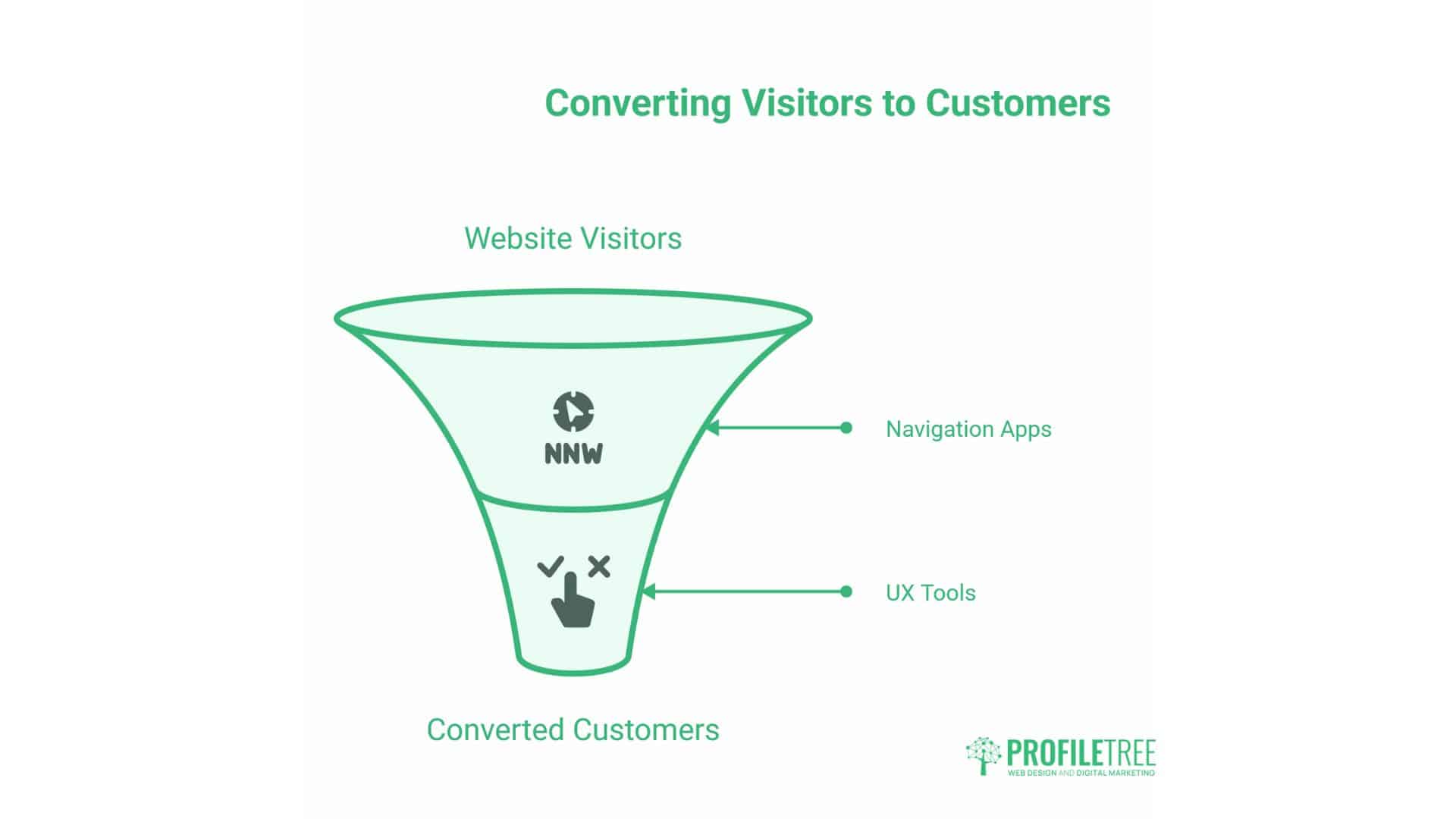
User experience determines whether visitors convert into customers. Navigation apps create the pathways that guide users through content, whilst UX tools remove friction points that prevent conversions.
Accessibility Compliance and WCAG 2.2 Standards
UK businesses face increasing legal requirements around digital accessibility. The Equality Act 2010 requires websites to be accessible to people with disabilities. WCAG 2.2 standards provide the technical framework for compliance.
Critical Accessibility Requirements:
Colour Contrast: Text must meet minimum contrast ratios against backgrounds. Standard text requires a 4.5:1 ratio, whilst large text (18pt+) requires a 3:1 ratio. Many Wix design apps fail these standards by default.
Keyboard Navigation: All interactive elements must be accessible using only the keyboard. This supports users who are unable to use mice due to motor disabilities.
Screen Reader Compatibility: Images need descriptive alt text. Forms require proper labels. Navigation must follow logical tab orders.
Focus Indicators: Keyboard users require visible indicators to indicate which element currently has focus. Default focus styles are often insufficient.
Apps Supporting Accessibility
Several Wix apps specifically address accessibility gaps:
AccessiBe: Automated accessibility widget that adjusts sites for various disabilities. Includes screen reader optimisation, keyboard navigation support, and visual adjustments.
UserWay: AI-powered accessibility toolkit that monitors WCAG compliance and provides remediation suggestions.
EqualWeb: Comprehensive accessibility solution with legal compliance monitoring specific to UK and EU regulations.
Micro-Interactions and Conversion Psychology
Micro-interactions are small animations or responses that occur when users interact with elements. A button changing colour when hovered, a form field showing validation feedback, or a subtle animation drawing attention to important content.
These details significantly affect conversion rates by:
Providing Feedback: Users are aware that their actions are being registered. Reducing Uncertainty: Clear indicators show what happens next. Building Trust: Polish signals professionalism. Guiding Behaviour: Animations direct attention to conversion points
Implementation Strategy:
Micro-interactions work best when they’re subtle and purposeful. Excessive animation distracts and slows sites. Effective micro-interactions serve specific functions:
- Hover states on buttons show they’re clickable
- Loading indicators during form submission
- Success confirmations after completed actions
- Error messages that guide correction
- Progress indicators showing multi-step process completion
Mobile-First Navigation Design
With mobile traffic exceeding desktop for most businesses, navigation must prioritise the mobile experience. This means:
Simplified Menu Structure: Mobile screens can’t accommodate complex multi-level menus. Successful mobile navigation uses clear categories with minimal nesting.
Thumb-Friendly Touch Targets: Buttons and links need sufficient size (minimum 44×44 pixels) and spacing to prevent misclicks.
Fixed Position Navigation: Keeping key navigation elements accessible while users scroll prevents them from having to hunt for menus.
Search Prominence: Mobile users prefer search over browsing when they know what they want. Prominent search bars significantly improve mobile UX.
Technical Performance Audit: Testing Your Wix App Stack
Understanding how your design apps affect site performance requires systematic testing. Without measurement, you’re making design decisions blind to their business impact.
PageSpeed Insights for Wix Sites
Google’s PageSpeed Insights provides the most relevant performance data because it reflects how Google evaluates your site. The tool measures Core Web Vitals and provides specific recommendations.
Testing Process:
- Baseline Measurement: Test your site before adding new apps to establish current performance
- Single App Testing: Add one app at a time and retest to isolate its impact
- Cumulative Analysis: Test with all intended apps to understand combined effects
- Mobile Priority: Always prioritise mobile scores as Google uses mobile-first indexing
Interpreting Results:
PageSpeed Insights provides both lab data (controlled testing) and field data (real user experiences). Field data matters more because it reflects actual user experiences, but lab data helps diagnose specific issues.
Key Metrics Explained:
Largest Contentful Paint (LCP): Measures when the main content becomes visible. Design apps that load large images or videos often cause poor LCP scores.
Interaction to Next Paint (INP): Measures responsiveness to user interactions. Heavy JavaScript from design apps degrades INP.
Cumulative Layout Shift (CLS): Measures visual stability. Apps that load content dynamically without reserved space cause layout shifts.
Wix-Specific Performance Considerations
Wix sites face unique performance challenges due to the platform’s architecture. Understanding these helps optimise design decisions:
Automatic Code Injection: Wix automatically injects code for various features. Some of this code loads on every page regardless of whether features are used. Minimise the number of unused features in your site settings.
App Marketplace Scripts: Each app from the Wix App Market adds external scripts. These load from third-party servers, which can introduce delays if those servers respond slowly.
Media Optimisation: Wix automatically optimises images, but the degree of optimisation depends on settings. Check your media manager settings to maximise compression without sacrificing quality.
Performance Optimisation Checklist
Before Installing Apps:
- Document current PageSpeed scores
- Identify which design elements you genuinely need
- Research each app’s performance reputation
- Check if native Wix features can achieve the same result
After Installing Apps:
- Retest PageSpeed scores immediately
- Use Chrome DevTools to identify heavy scripts
- Monitor real user metrics in Wix Analytics
- Remove apps that don’t justify their performance cost
Ongoing Monitoring:
- Monthly PageSpeed testing
- Quarterly app audit removing unused tools
- Review Wix Analytics for bounce rate changes
- Monitor conversion rate trends
Tools Beyond PageSpeed Insights
GTmetrix: Provides detailed waterfall charts showing how each resource loads. This helps identify which specific apps cause delays.
WebPageTest: Offers filmstrip views showing how your page loads frame by frame. This reveals layout shifts and content appearing in the wrong sequences.
Chrome DevTools: The Network tab displays every request made by your page, including the size and load time. The Performance tab records user interactions to identify responsiveness issues.
Comparison: Paid vs Free Wix Design Apps
Understanding the trade-offs between free and paid apps helps allocate budget effectively. The decision isn’t always obvious—some free apps outperform paid alternatives in specific areas.
| Feature | Free Apps | Paid Apps |
|---|---|---|
| Cost | £0 ongoing | £5-50/month typical |
| Support | Community forums only | Direct developer support |
| Customisation | Limited options | Extensive customisation |
| Branding | Often includes app branding | White-label options |
| Updates | Irregular | Regular feature additions |
| Performance | Variable quality | Generally optimised |
| Features | Basic functionality | Advanced capabilities |
When Free Apps Work Well
Free apps suit specific situations:
Testing Phase: Try the free versions before committing to a paid plan. Low-Traffic Sites: Performance impact matters less with minimal visitors. Simple Requirements: Basic features are often sufficient for straightforward needs. Budget Constraints: Start with free tools whilst building revenue
When Paid Apps Justify Investment
Paid apps become worthwhile when:
Traffic Growth: Higher visitor numbers mean performance matters more. Professional Appearance: Removing third-party branding improves credibility. Advanced Features: Complex functionality requires paid tools. Support Access: Direct support saves time troubleshooting issues. Business-Critical Functions: Reliability matters when features affect revenue
Calculating App ROI
Evaluate app investments by measuring their impact:
Conversion Rate Changes: Does the app improve conversion rates enough to justify costs? Time Savings: Does automation reduce manual work hours? Revenue Impact: Do advanced features enable new revenue streams? Customer Experience: Does the app solve problems customers frequently mention?
Wix Design Trends Shaping 2026 and Beyond
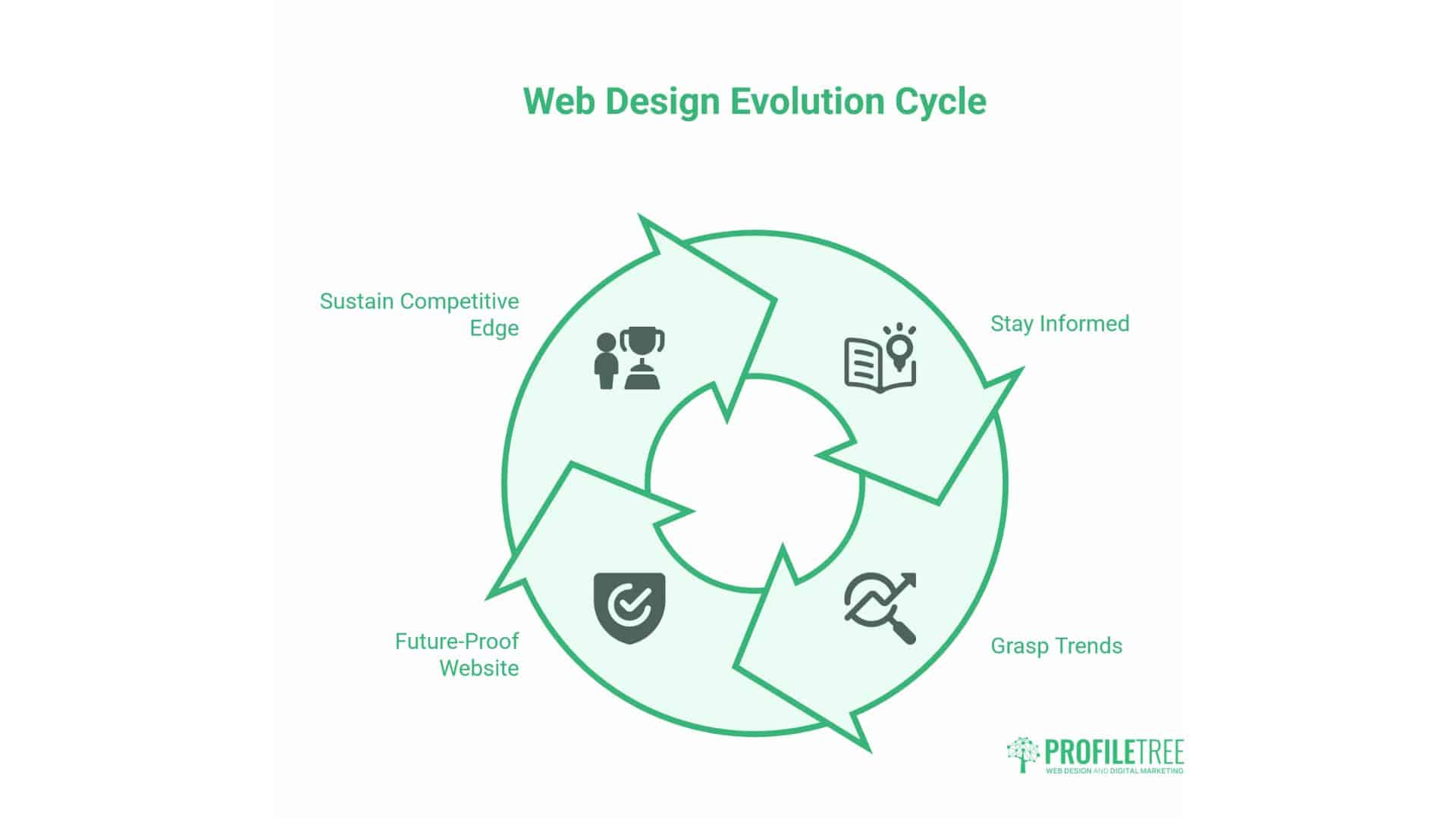
Web design evolves rapidly. Understanding emerging trends helps you future-proof your Wix site and maintain a competitive advantage.
Immersive Experiences and Micro-Interactions
Users increasingly expect websites to feel responsive and alive. Static pages no longer meet expectations. Successful sites incorporate subtle animations that respond to user behaviour.
Scroll-Triggered Animations: Content animates into view as users scroll, creating dynamic experiences that don’t overwhelm them.
Hover Effects: Interactive elements respond to cursor position, providing feedback and encouraging exploration.
Parallax Scrolling: Background elements move at different speeds than foreground content, creating a sense of depth perception.
Implementation Caution: These effects must enhance rather than distract. Overuse can cause performance issues and annoy users. Apply micro-interactions purposefully to guide attention and provide feedback.
AI-Powered Personalisation
AI tools increasingly enable personalisation at scale. Websites adapt content, layouts, and recommendations based on individual user behaviour.
Dynamic Content: AI analyses user behaviour to display relevant products, articles, or services.
Adaptive Layouts: Page structures adjust based on device, time of day, or user preferences.
Predictive Recommendations: AI suggests next actions based on patterns from similar users.
Privacy Considerations: UK GDPR requirements mandate that personalisation respects user privacy. Clear consent mechanisms and transparency in data handling remain mandatory.
Voice-Enabled Interfaces
Voice search adoption continues growing. Websites optimised for voice queries gain competitive advantages.
Conversational Content: Write for how people speak, not just how they type. Question-answer formats suit voice search.
Featured Snippets: Structure your content to appear in Google’s featured snippets, which voice assistants often read aloud.
Schema Markup: Implement structured data to help search engines understand your content for voice responses.
Sustainable Web Design
Environmental consciousness extends to digital spaces. Sustainable web design minimises energy consumption through efficient code and optimised assets.
Principles:
- Minimal code execution
- Optimised image compression
- Efficient hosting
- Reduced page weight
- Dark mode options (screens consume less power when displaying dark colours)
Business Benefits: Sustainable design often means faster loading times, lower hosting costs, and an appeal to environmentally conscious customers.
Building a Wix Design Ecosystem That Scales
Long-term success requires viewing your website as an evolving system rather than a completed project. The initial design represents the foundation, but continuous refinement drives sustained results.
Strategic App Selection Process
Audit Current Functionality: Before adding apps, document existing features and identify genuine gaps. This prevents redundant installations.
Research Alternatives: Compare multiple apps solving the same problem. Read reviews from businesses similar to yours.
Test Thoroughly: Use free trials or free versions to verify apps work as promised before committing to paid plans.
Measure Impact: Document performance metrics before and after installation to quantify the value of each app.
Maintenance and Optimisation Schedule
Weekly Tasks:
- Monitor site speed via Wix Analytics
- Check for broken links or forms
- Review customer feedback on UX issues
Monthly Tasks:
- Run PageSpeed Insights tests
- Review app update notifications
- Analyse conversion funnel drop-off points
Quarterly Tasks:
- Audit installed apps, removing unused tools
- Review competitor sites for new features
- Test site on various devices and browsers
- Update content for freshness
Annual Tasks:
- Complete design refresh considering trends
- Major performance audit
- Accessibility compliance review
- Evaluate platform alternatives (though migration carries high costs)
Conversion Optimisation Framework
Design serves business objectives. Every design decision should support conversion goals.
Clear Value Propositions: Immediately communicate what you offer and why it matters. Visitors should understand your offering within seconds.
Streamlined Conversion Paths: Remove unnecessary steps between the landing page and conversion. Each additional click loses potential customers.
Trust Signals: Display social proof, certifications, testimonials, and guarantees prominently. These reduce risk perception.
Mobile Optimisation: With mobile traffic dominant, conversion elements must work flawlessly on smaller screens.
Conclusion: Wix Apps to Design
Building effective Wix websites requires balancing aesthetic ambition with technical reality. The apps highlighted here provide tools for creating professional sites that deliver both visual impact and measurable business results.
Success comes from strategic selection rather than comprehensive installation. Each app should justify its existence through improved conversion rates, reduced bounce rates, or enhanced user engagement.
The performance-first approach means questioning every design decision through a business lens. Does this element help customers achieve their goals? Does it support conversion objectives? Does it load fast enough to retain visitors?
Start by auditing your current site using PageSpeed Insights. Identify performance bottlenecks. Remove apps that don’t justify their cost. Then, add tools selectively to address specific business needs.
Design isn’t decoration—it’s the framework through which customers experience your brand. Make those experiences fast, accessible, and conversion-focused.
Need expert guidance on Wix design that drives business results? ProfileTree’s web design and digital strategy services help businesses across Northern Ireland, Ireland, and the UK create high-performing websites that rank well and convert visitors into customers. Contact us to discuss how strategic design can transform your online presence.
FAQs
Can Wix design apps negatively impact my site’s search rankings?
Yes. Apps that significantly slow down your site can negatively impact Core Web Vitals scores, which directly affect your rankings. Google prioritises fast sites. Heavy apps loading unnecessary scripts degrade the user experience and, subsequently, harm SEO. Test each app’s performance impact using PageSpeed Insights before committing.
Should I use free or paid Wix apps for my business website?
It depends on your traffic volume and requirements. Free apps work well for low-traffic sites with simple needs. As traffic increases, paid apps justify their cost through improved performance, a professional appearance (free from third-party branding), and direct support. Calculate ROI by measuring the changes in conversion rate after installing paid versions.
How many design apps should I install on my Wix site?
Less is more. Research shows that sites with more than five third-party apps experience an average 18% lower mobile conversion rate. Apply the Rule of Three: use native Wix features first, verify apps offer lazy loading, and avoid overlapping functionality. Quality matters more than quantity.
Do Wix apps work on mobile devices?
Most modern Wix apps include mobile responsiveness, but quality varies. Always test apps on actual mobile devices before releasing them. Some apps that work well on desktops create poor mobile experiences. Prioritise mobile testing since most visitors use phones.