
What Is Twitch? A Guide for UK Businesses and Marketers
Table of Contents
Twitch is a free live streaming platform, owned by Amazon since 2014, where creators broadcast video in real time, and viewers talk back through a chat window beside the stream. Gaming built it, but the answer to what Twitch is now also covers talk shows, music, cooking, creative work and business broadcasts.
For UK business owners, the useful question is whether a live audience that asks questions as you speak is worth the hours a regular stream takes. It is one that ProfileTree, a Belfast web design and digital marketing agency, hears from firms weighing up live video for the first time.
This guide explains how the platform works, who watches it, how money moves through it after the May 2026 monetisation changes, and how an SME can test it without wasting budget. Five short answers to common questions sit at the end.
How Twitch works: the platform explained
Twitch is easiest to understand as live television with a conversation running alongside it. The sections below cover the mechanics and the people on both sides of the screen, then the history behind the service.
The basics of streaming and watching
A broadcaster connects a camera, a microphone or a screen capture to free software such as OBS Studio, which sends the video to Twitch. Twitch then delivers it to anyone watching on a browser, phone app, smart TV or game console, usually with a delay of a few seconds.
Watching costs nothing, and so does broadcasting. People browse by category, follow channels they like and get a notification when those channels go live. A business streaming from Belfast typically gets more from one well-planned set-up for sound and lighting than from expensive kit bought piece by piece, which is the sort of planning ProfileTree’s video production Belfast team does before any live session.
What a Twitch streamer is and what they do
A Twitch streamer is anyone who broadcasts live on the platform, from a teenager playing a game in their bedroom to a brand running a weekly product show. The word describes the activity and says nothing about audience size, so a channel with ten regular viewers is as much a streamer as one with ten thousand.
What separates a streamer from someone uploading a video is the live exchange. The host reads the chat, answers questions by name and adjusts the session to what the audience asks for. That skill, thinking on camera while holding a conversation, is the part business presenters most often need to practise.
Chat, followers and community features
The chat window is the heart of every channel. Moderators, who can be team members or trusted regulars, remove spam and enforce the house rules, and Twitch provides automatic filters to block offensive words or links.
Channel Points reward viewers for watching and can be spent on small perks the streamer chooses, such as picking a topic or asking a priority question. Following a channel is free, while a paid subscription adds custom emotes and badges that show loyalty. Used well, these features turn a passive audience into regulars who return each week.
Where Twitch came from and who owns it
Twitch launched in June 2011 as a gaming spin-off of the general streaming site Justin.tv, and it grew quickly enough that Justin.tv was later closed to focus on it. Amazon bought the company in 2014, and Twitch Interactive still runs it as an Amazon subsidiary.
The Amazon link has a practical side for viewers. Amazon Prime members can use a free monthly subscription to support one channel of their choice, which gives smaller channels a route to paid support that costs the viewer nothing extra.
What is Twitch used for beyond gaming
Gaming remains the platform’s largest draw, but a company does not need to play games to have a place there. These sections cover the non-gaming categories and the social media question before comparing Twitch with the alternatives.
Just Chatting and creative categories
Just Chatting is the category where streamers talk directly to their audience with no game running, and it has become one of the most watched sections of the site. It suits question-and-answer sessions, interviews and behind-the-scenes looks at how a business runs.
The creative and making categories host illustrators, musicians, woodworkers, cooks and software developers who build things live. A furniture maker finishing a commission or a designer building a brand identity on screen fits naturally beside them.
Twitch as a social media platform
Twitch counts as social media in the sense that matters to marketers: people create profiles, follow each other, talk in public and build communities around shared interests. The difference from Instagram or LinkedIn is that almost everything happens live, so the feed is a timetable of broadcasts more than a stream of posts.
That makes Twitch a complement to the platforms a business already uses. Short clips cut from a stream can feed Instagram or LinkedIn for weeks, which is where an organic social media marketing plan connects the live channel to the audiences you already have.
Twitch compared with YouTube Live and other platforms
Each live platform rewards different content, and the table below sets out the main differences for a company choosing where to start.
| Platform | Main strength | Best business use | Main limitation |
|---|---|---|---|
| Twitch | Live chat and community tools | Regular shows that build a returning audience | Weak discovery for new channels outside gaming |
| YouTube Live | Search and long-term replays | Webinars and demonstrations people find later | Live chat is less central to the experience |
| LinkedIn Live | Professional audience | B2B panels, announcements and expert talks | Access depends on account standing |
| TikTok Live | Reach through an existing short-form following | Retail, product launches and casual Q&A | Audiences drift in and out quickly |
Twitch has allowed simulcasting since October 2023, so the same broadcast can run on Twitch and YouTube at once, provided the Twitch feed is no lower in quality. A separate ProfileTree article on choosing a live streaming platform for business covers that decision in more depth.
Who watches Twitch and why age matters
Twitch’s audience leans young and digitally confident, with a strong base of people in their late teens to mid-thirties. That is an advantage for brands recruiting graduates or selling technology, and a reason for caution for any business whose buyers are older.
Twitch’s terms set a minimum age of 13, and users under 18 should only use it with a parent or guardian’s involvement. Parents asking whether Twitch is suitable for a child can turn to practical online safety guidance for parents from LearningMole, which covers privacy settings and the warning signs to watch for.
Twitch’s business model and how creators earn
Money on Twitch comes from viewers and from brands, and the rules governing it changed substantially in 2026. Many older guides now quote figures that no longer apply, so the points below reflect the current position.
Subscriptions, Bits and advertising
Fans can pay a monthly subscription to a channel, buy Bits (Twitch’s own digital currency) to send during a stream, or simply watch the adverts that run before and during broadcasts. Sponsorship deals, where a brand pays a streamer directly, sit outside these tools.
The standard subscription split is 50/50 between the streamer and Twitch. Channels that sustain enough recurring paid subscriptions can qualify for better terms through the Plus Program, which moves the split in the streamer’s favour once set thresholds are held for consecutive months.
What changed with Monetisation for All in May 2026
Twitch’s Monetisation for All update, rolled out globally in May 2026, opened subscriptions, Bits, Channel Points, emotes and badges to every eligible streamer from their first broadcast. Before it, those tools were reserved for Affiliates and Partners.
The catch is withdrawal. Only Affiliates and Partners can receive a payout, and Twitch pays automatically once earnings pass a $50 minimum. For a new business channel, this means its audience can support it from day one, even though the money cannot leave the platform until the channel qualifies.
Affiliate and Partner status explained
Affiliate status now needs 25 followers, four hours of broadcasting, four separate broadcast days and an average of at least three concurrent viewers on four of those days, measured over the most recent 30 days. Twitch sends the invitation automatically once a channel meets every requirement, and no application is needed.
Partner status sits above Affiliate and is aimed at channels with a large and consistent audience, assessed through a manual review. Most business channels never need it, because the commercial value of their streams comes from enquiries and relationships.
Why revenue is rarely the point for a business channel
Subscription income for a modest brand channel is likely to be modest, and planning a stream around it usually leads to disappointment. The real return sits in the conversations a live session starts and the warm leads it hands to a sales team.
A 45-minute stream watched by 30 people who run the right kind of business can produce more useful contact than a post seen by thousands of strangers. Judge the channel on enquiries and repeat viewers, and treat any platform income as a bonus.
What is Twitch worth to a UK business
Twitch earns its place for a firm when the goal is depth with a specific audience. The sections below look at the formats that work and a realistic example, then at the production standards viewers expect.
Formats that suit businesses
Product demonstrations work well when the product is complex or configurable, because viewers can ask about their own edge case and get an answer in the same session. Recurring expert shows, such as a monthly accountancy clinic or a weekly marketing surgery, build a habit that brings people back.
Recruitment and culture streams are an underused format, particularly for technology firms competing for developers in a tight local market. Showing the team at work on an ordinary day answers what candidates are often too polite to ask at interview.
A realistic scenario for a Northern Ireland firm
Picture a kitchen manufacturer in County Antrim that sells across the UK and Ireland. A fortnightly stream from the workshop shows a unit being assembled, while a designer answers chat questions about layouts and lead times.
Each session is recorded locally, cut into short clips for social channels and summarised as a blog post on the company website. After three months, the business has a library of answers to the questions buyers ask most, along with a small group of regular viewers who know the brand well.
Production quality and the equipment you need
Viewers forgive a modest camera far more readily than poor sound, so a decent microphone is the first purchase. Soft, even lighting comes next, followed by simple branded overlays that show the business name and the topic of the session.
Check your actual upload speed before committing to regular dates, as many UK broadband connections upload far more slowly than they download. “Live video is the quickest way to show a customer who they are dealing with, and for a business in Belfast that is worth more than any amount of copy,” says Ciaran Connolly, founder of ProfileTree. “Keep it honest, with a real person in front of the camera, and treat Twitch as one more home for the video production work ProfileTree already does for businesses across Northern Ireland.”
Getting started on Twitch and making each stream count
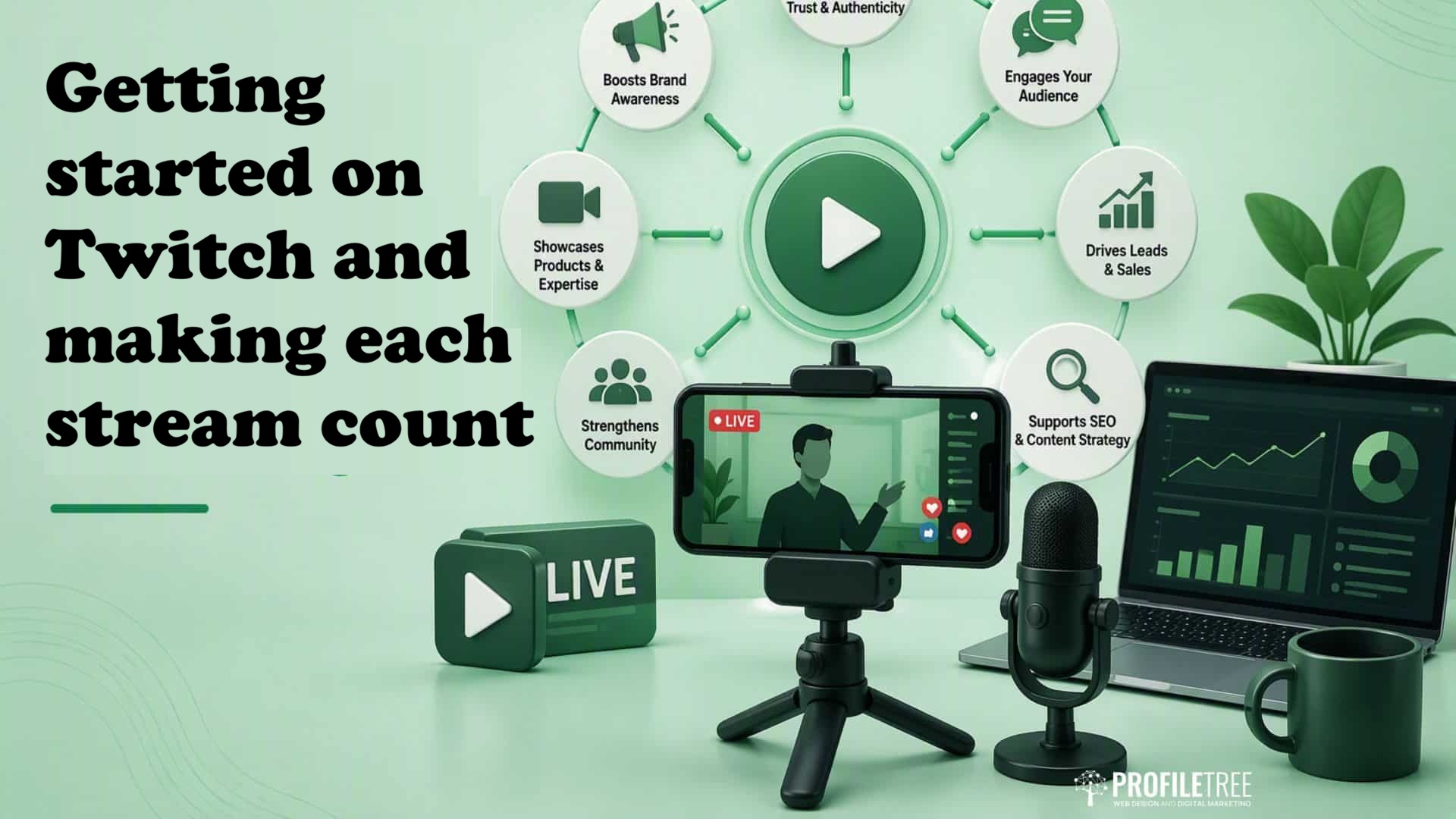
Starting a Twitch channel takes an afternoon, while making it worthwhile takes a plan. These sections cover set-up, saving your footage, joining the channel to your wider marketing and preparing the people who will present.
Setting up a channel and your first broadcast
Before setting anything up, decide who the channel is for and what a viewer should do after watching, whether that is booking a call, joining a mailing list or visiting a product page. That decision shapes the channel name, the description and the topics you schedule, and it gives you a measure of success from the first week.
Create an account using a company email address that more than one person can access, then turn on two-factor authentication before anything else. Add a profile image and a short description that says what the channel covers and when it goes live.
Run a private test broadcast to check the sound and the chat feed before the first public session. Set a fixed day and time, and hold to it for two months or more, because an audience forms around a schedule it can rely on.
Saving and repurposing your broadcasts
Past broadcasts are not stored by default, so the archive setting has to be switched on in the Creator Dashboard. Even then, Twitch deletes them after 7 days for standard accounts, 14 days for Affiliates and 60 days for Partners, Turbo and Prime users.
Record every stream locally as well, and book the editing into the same week as the broadcast. One hour of live footage can become several social clips and a written summary, and ProfileTree’s guide to repurposing content explains how to plan that work so nothing is lost when the recording expires.
Linking streams to your website and wider marketing
A stream ends, but the interest it creates needs somewhere to land. A dedicated page on your website listing upcoming sessions beside a simple enquiry form gives viewers a next step, and well-written stream summaries add searchable content that keeps working long after the broadcast.
Content marketing ties these pieces together, deciding which topics the streams cover, how each one is promoted and which pages they feed. For the strategic side of running a branded channel, including formats and partnerships, ProfileTree’s guide to Twitch marketing strategy for UK brands picks up where this article stops.
Training your team to run streams
The most common reason business streams stall is that only one person knows how to run them. Training two or three staff to operate the software and present on camera keeps the schedule going through holidays and busy periods.
ProfileTree’s digital training covers the practical side of live video and social media for in-house teams, with sessions from £350 plus VAT. Teams leave able to host a stream and review its results without outside help.
Deciding whether Twitch suits your business
Twitch rewards businesses willing to show up live on a regular schedule and talk honestly with a modest, interested audience. It suits complex products and specialist advice far better than quick promotions, so start with a single test stream and judge it on enquiries. ProfileTree is a Belfast web design and digital marketing agency, founded in 2011 and based at the McSweeney Centre, and its video marketing team can plan and equip your first streams, with video production from £1,200 plus VAT.
FAQs
What is the main purpose of Twitch?
Twitch exists to let people broadcast live video and talk with their audience in real time. Gaming is its biggest category, but talk shows, music, creative work and business streams are all common.
Is Twitch free to use?
Yes, watching and broadcasting are both free. Anyone watching may choose to pay for channel subscriptions, Bits or an ad-free Turbo plan, but none of these is required.
What is the difference between YouTube and Twitch?
Twitch is built around live broadcasts and chat, while YouTube is built around recorded videos that people find through search. YouTube keeps uploads permanently, whereas Twitch deletes past broadcasts after a set period.
Is Twitch suitable for children?
Twitch requires users to be 13 or older, and under-18s should only use it with a parent or guardian involved. Some content is aimed at adults, so parental settings and regular conversations matter.
Can a small business use Twitch for marketing?
Yes, particularly for product demonstrations and expert question-and-answer sessions. Success depends on a consistent schedule and on reusing each stream across your website and social channels.