
How to Drive Ecommerce Sales With Dynamic Facebook Ads
Table of Contents
Paid social has grown more expensive and more technical for small business owners, and Facebook advertising rewards the advertisers who get the plumbing right. Dynamic Facebook ads are one of the more practical tools for growing ecommerce sales without building a separate campaign for every product you sell.
Meta first launched dynamic product ads back in 2015, and they now sit under the Advantage+ catalogue ads banner. The name has changed, the automation has improved, but the core idea holds: show the right product to the right person at the right moment.
This guide walks through what dynamic ads are, the technical foundations to set up before you launch, how to build your first sales campaign, how to scale and measure it, and the UK and Ireland specifics that most guides skip past.
What Dynamic Facebook Ads Are and Why They Work
Dynamic Facebook ads pull products automatically from your catalogue and match them to people based on what they have already looked at or bought. Rather than hand-building an advert per product, you connect your store to Meta and let the system choose which items each shopper sees. For a busy SME owner, automation is the whole appeal.
Dynamic Ads Versus Static Ads
A static advert shows the same creative to everyone who fits your targeting. A dynamic advert changes per person, so a shopper who viewed waterproof jackets sees waterproof jackets, not the hiking boots someone else browsed.
That specificity is why dynamic ads tend to beat static ones for stores with more than a handful of products. The relevance does the persuading, and you stop paying to show items nobody looked at. A fuller Facebook ads guide from ProfileTree covers the static campaign types that still earn their place alongside dynamic ones.
How the Advantage+ Rebrand Changes Things
Meta folded dynamic product ads into Advantage+ catalogue ads, and the shift is more than cosmetic. The system now leans harder on its own machine learning to pick audiences and placements, which means it wants clean data far more than it wants manual tinkering.
Most competing guides still use the old “dynamic ads” name only. Learning the current label matters because the settings and reporting inside Ads Manager now sit under the Advantage+ menus. Knowing both terms keeps you from hunting for options that were quietly renamed.
Where Dynamic Ads Fit for SMEs
Three jobs suit dynamic ads well: bringing back visitors who left without buying, reaching new people who resemble your existing customers, and cross-selling to people who have already purchased. Each one uses the same catalogue feed but a different audience.
The cross-sell job is the one most SMEs forget. Someone who bought a camera is a strong candidate for a compatible lens or a memory card, and a product set filtered to related items turns a single purchase into a second one at almost no extra acquisition cost. Loyal buyers are cheaper to sell to than strangers, so a slice of the budget aimed at recent purchasers usually earns its keep.
For a retailer in Belfast or anywhere across the UK and Ireland, that flexibility means one setup can serve several goals. If paid social is only part of your plan, ProfileTree’s social media marketing team can slot these campaigns into a broader strategy rather than running them in isolation.
The Technical Foundations Before You Launch
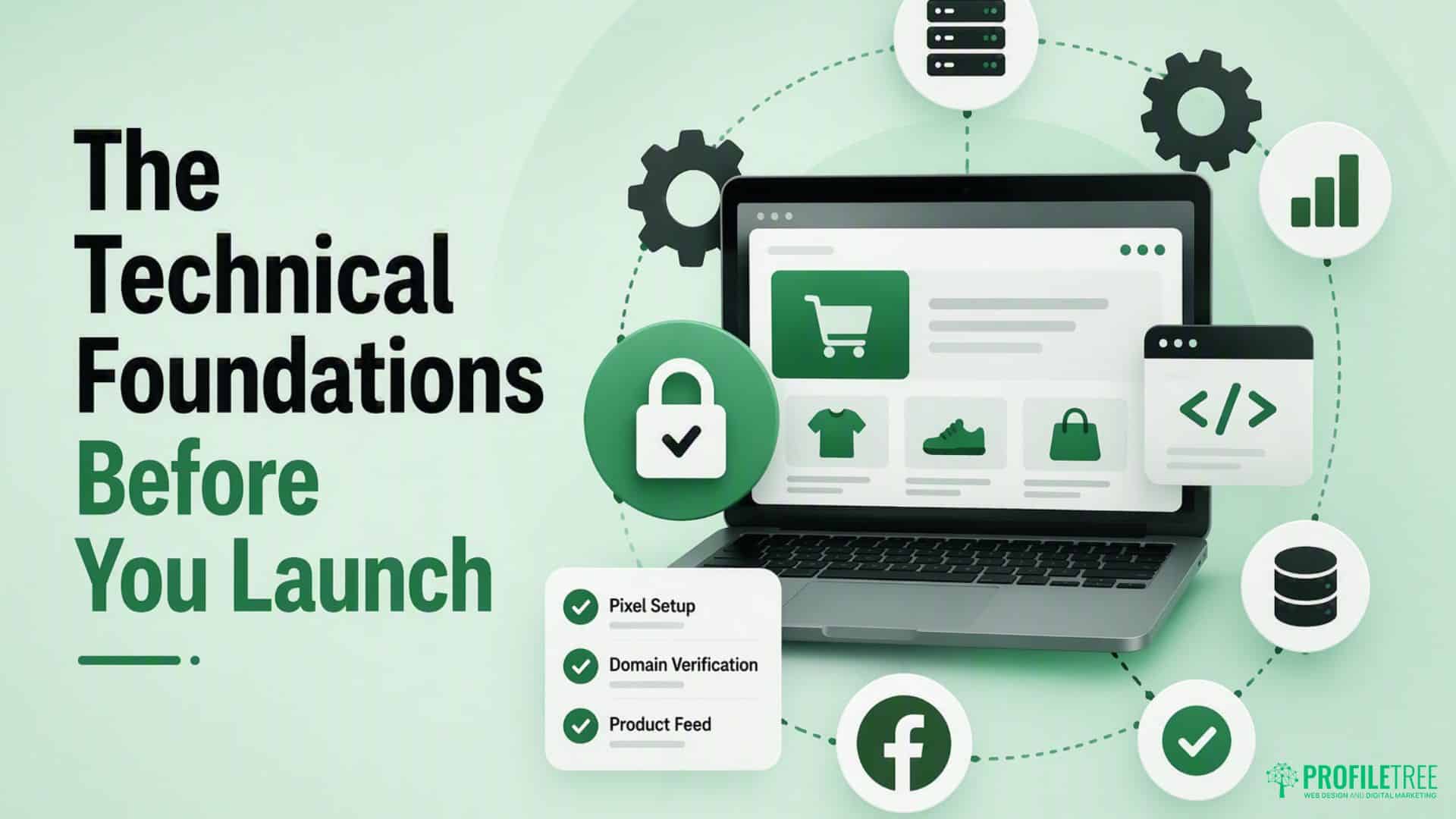
Two things decide whether a dynamic campaign can work at all: accurate tracking and a clean product feed. A third factor, your website, quietly decides whether the traffic converts once it arrives. Sort these first, and the campaign build later becomes the easy part.
Installing and Configuring the Meta Pixel
The Meta Pixel is a snippet of code that sits in your site’s header and records what visitors do: which products they view, what they add to the basket, and whether they check out. Without those signals, Meta cannot build the audiences that dynamic ads depend on.
Installation is only half the job. The events that matter for e-commerce are ViewContent, AddToCart, InitiateCheckout and Purchase, and each needs to fire correctly. A misplaced pixel or a mis-tagged event quietly corrupts every campaign built on top of it, so it is worth having a developer confirm the events are firing. If your store runs on a custom build, ProfileTree’s website development team handles this kind of implementation.
Why the Conversions API Matters Now
Apple’s App Tracking Transparency change in 2021 knocked a hole in browser-based tracking, and a large share of iPhone users now opt out of it. The pixel alone no longer sees everything. That gap is why the Conversions API, or CAPI, has moved from optional to close to essential for UK and Irish advertisers.
CAPI sends conversion data to Meta from your server rather than the browser, so it survives cookie refusals and ad blockers that would otherwise hide a sale. Running the pixel and CAPI together gives the algorithm the fullest picture it can get, which directly improves how well it optimises. The table below shows how the two methods compare.
| Tracking method | How it works | Resilience to opt-outs | UK GDPR note |
|---|---|---|---|
| Meta Pixel | Fires from the visitor’s browser | Low, blocked by cookie refusals and ad blockers | Only fire after consent is given |
| Conversions API (CAPI) | Sends events from your server | High, unaffected by browser blocking | Still needs a lawful basis and consent handling |
| Pixel and CAPI together | Deduplicated events from both sources | Highest available accuracy | Consent and deduplication both configured |
Building a Healthy Product Catalogue
Your catalogue is the feed Meta pulls from, so it decides what your ads can show. Titles, prices, stock status and image quality all need to be accurate, and the feed should update on its own so sold-out items stop appearing.
WooCommerce and Shopify both offer integrations that sync the store to Meta automatically. Feed hygiene is not glamorous work, yet it is where most underperformance starts. Weak product data, missing images or broken links produce ads that frustrate shoppers and burn budget. Get the feed right, and the rest of the account has something solid to build on.
A short feed audit before launch saves budget later. Check that every product carries a unique identifier such as a GTIN, that images meet the minimum resolution and show the product clearly, and that stock status syncs in real time. Confirm titles match the words shoppers actually search, and that prices update the moment they change on site. Ten minutes on this list catches the errors that quietly throttle delivery. Data handling here also intersects with your UK ecommerce compliance obligations, which is worth a check before you scale spend.
Setting Up Your First Sales Campaign
With tracking and the feed in place, the campaign build is a short series of decisions across three levels: the campaign, the ad set, and the creative. Each level asks one main question, and getting each answer right keeps the account tidy as it grows. https://www.youtube.com/embed/GnKPuAZvtoo
Campaign Level: Choosing the Sales Objective
Start a new campaign and pick “Sales” as the objective. This tells Meta you want purchases, not clicks or reach, and it points the algorithm at the conversion events your pixel and CAPI report back.
Keep the campaign structure simple to begin with. One clear objective and a modest budget give the system room to learn without spreading your spend so thin that no ad set gathers enough data. Simplicity early on almost always beats a sprawling account that never exits the learning phase. ProfileTree’s digital marketing services can take this off your plate if account management is not where you want your hours going.
Ad Set Level: Retargeting Versus Prospecting
At the ad set level, you choose who sees the ads. Retargeting reaches warm audiences who already interacted with your products, while prospecting, now handled through broad audience targeting, reaches new people the algorithm predicts will buy.
Retargeting usually delivers a stronger short-term return because the audience is already familiar with you. Prospecting builds the customer base over time and feeds fresh warm audiences back into retargeting. A store that runs both keeps the funnel topped up rather than squeezing the same shoppers repeatedly. The two approaches differ in more than audience, as the table shows.
| Setting | Retargeting | Prospecting (broad audience) |
|---|---|---|
| Audience | Viewers and cart abandoners | New people who resemble buyers |
| Best for | Short-term return on ad spend | Long-term customer growth |
| Creative angle | The exact product, plus a reason to return | Bestsellers and brand introduction |
| Budget approach | A steady, warm audience spends | Room for the algorithm to explore |
Creative Level: Formats and Overlays
Carousel formats tend to work well for dynamic ads because they display several products from one browsing session. The creative itself does not need to be clever; it needs to be relevant: show the product clearly, include the price, and give a direct reason to come back.
A less discussed tactic is the creative overlay, where you add a branded border or a “Sale” badge to catalogue images automatically. It keeps automated feeds looking intentional rather than generic. Testing overlays against plain catalogue images is a quick way to lift click-through without touching your targeting.
When you test, change one variable at a time. Run two hero images for the same product, or two copy angles such as product benefits against a delivery and returns promise, and let each version gather enough purchase events before you judge it. Changing several things at once tells you the result but never the reason. Patience here is what separates a repeatable win from a lucky one. Stores that pair strong creative with clean feeds often see the kind of results covered in a ProfileTree piece on social media, driving social media sales.
Scaling, Measuring and Fixing Common Problems
Setting a campaign live is the start, not the finish. The gains come from the weeks after launch, reading the data, watching the right numbers, and knowing which error messages actually matter. This section covers how audiences work together, what to measure, and the one error that trips up nearly every new advertiser.
Retargeting and Lookalike Audiences Working Together
Lookalike audiences take your best customers as a source and find new people who share their traits. The quality of that source matters more than its size: a hundred genuine purchasers make a sharper lookalike than a thousand homepage visitors who never bought.
A practical structure pairs one campaign retargeting cart abandoners and product viewers with a second targeting a lookalike of your purchasers.
As Ciaran Connolly, founder of ProfileTree, puts it: “Your dynamic ads are only ever as good as the product feed and the customer data behind them. Sort the data first, then the creative starts to pull its weight.”
The Metrics That Actually Matter
Four numbers tell you most of what you need: return on ad spend, cost per purchase, add-to-cart rate and checkout initiation rate. Watched together, they point to where a problem sits rather than just telling you something is wrong.
A strong add-to-cart rate but a weak purchase rate point to checkout friction, not the ad. Plenty of impressions and clicks, but a poor add-to-cart rate points to the product page. Reading the funnel this way stops you from rewriting perfectly good ads when the real fix lies elsewhere. A ProfileTree guide to campaign ROI goes deeper on turning these numbers into decisions.
Bidding follows the same logic. While a campaign is young, or gathering fewer than a few dozen purchases a week, let Meta manage the budget automatically so the algorithm has room to learn. Only once you hold steady purchase data should you test cost caps or bid caps to control spend more tightly. Manual control applied too early tends to produce jumpy delivery and inflated costs rather than the precision you were after.
Fixing the ‘Product Set Too Small’ Error
New advertisers hit the “Product Set Too Small” message often, and it is rarely a real problem. It usually means the audience or product set you have chosen is too narrow for Meta to deliver against, not that your account is broken.
Broaden the product set, widen the retargeting window, or let the audience gather more data before you judge it. The system needs a working pool of products and people to optimise. Give it that room, and the warning clears on its own. Smarter automation is reshaping this side of e-commerce, too, as ProfileTree’s look at AI conversion rates explores.
The UK and Ireland Angle Most Guides Miss
Most dynamic ad advice is written for the US market, and the gaps show up fast for advertisers here. Consent rules, price display and payment habits all differ, and each one can quietly cap your results. This section covers the compliance and conversion details that matter across the UK and Ireland.
GDPR, Consent and Dynamic Tracking
Under UK GDPR, you need valid consent before the pixel fires for tracking. Your cookie banner has to cover third-party tracking cookies explicitly, and the pixel should only activate once a visitor agrees.
A banner that fires the pixel for everyone, including people who declined, is a compliance risk worth taking seriously. If your site predates the stricter consent rules, review it before you spend more on ads. A ProfileTree overview of data privacy laws sets out what a compliant setup looks like for an online store.
VAT Display and Pricing Trust
UK shoppers expect prices to include VAT. If your catalogue feeds an ex-VAT figure into the ad, the price in the advert will not match the price on your site, and that mismatch erodes trust before the visitor has done anything.
The fix is to check that your feed passes VAT-inclusive prices from the start. It is a small setting with an outsized effect on how many ad clicks turn into sales. Getting the detail right also signals to shoppers across Northern Ireland and its cities and towns that your store is run properly, which quietly supports conversion. Similar regional nuances apply to selling into the Republic, covered in a ProfileTree piece on e-commerce in Ireland.
Why Your Landing Pages Decide the Outcome
This is the point most guides skip. You can build a technically perfect dynamic campaign and still see poor results if the pages people land on are slow, awkward on mobile, or missing a clear path to checkout.
Paid social drives the traffic, your site converts it, and both halves have to work. If your bounce rate is high and add-to-cart is low despite good targeting, the destination is the problem, not the ads. A fast, mobile-ready store built around web design that puts checkout within easy reach is what turns clicks into orders.
Two culprits show up again and again. A product page that takes more than three seconds to load on mobile loses a real share of the visitors your ads paid for, and older WooCommerce sites that have stacked up plugins over the years are common offenders. The second is checkout friction: unexpected delivery charges appearing late, too many steps to payment, or no express options. UK and Irish shoppers lean heavily on Apple Pay and PayPal, so a checkout without them quietly leaks sales that would otherwise have closed.
Conclusion
Dynamic Facebook ads give SME stores a scalable way to recover lost sales and reach new buyers, but the results rest on the foundations beneath them. A pixel firing correctly, a Conversions API filling the gaps, a clean catalogue and a site built to convert are what separate campaigns that compound from those that drain budget. Fix the plumbing first, prove the return on a small budget, and only then scale.
Ready to make paid social work harder? Talk to ProfileTree’s team about digital marketing services that connect your Facebook ads to the rest of your strategy.
FAQs
What is the difference between dynamic Facebook ads and Advantage+ catalogue ads?
They are the same product. Advantage+ catalogue ads is Meta’s current name for what were called dynamic product ads, with more of the targeting and placement work handled automatically.
Do I need a Meta Pixel if I already have a product catalogue?
Yes. The catalogue supplies the products, but the pixel and Conversions API tell Meta which product to show to which person. Without those signals, the ads cannot personalise.
How do I fix the ‘Product Set Too Small’ error?
Broaden your product set or widen the audience so that Meta has enough to deliver against. The warning usually means your selection is too narrow, not that anything is broken.
Are dynamic Facebook ads better for retargeting or prospecting?
Both. Retargeting gives the stronger short-term return from warm audiences, while broad-audience prospecting grows your customer base over time. Most stores run the two together.
How much should an SME budget for dynamic Facebook ads?
Start with a modest daily retargeting budget while the pixel gathers conversion data, then scale once you trust the return figure. Increasing spending before the data is reliable tends to waste it.