
WordPress Multisite Hosting: Complete Guide
Table of Contents
You’re managing seventeen WordPress sites. Each has its own login, its own updates, its own backups, its own problems. Monday morning means checking seventeen dashboards, updating seventeen sets of plugins, and explaining to seventeen clients why their sites all need maintenance at different times. There must be a better way.
There is. WordPress Multisite transforms multiple WordPress installations into a single, manageable network. One login controls everything. One update fixes all sites. One backup protects your entire portfolio. Yet most UK businesses have never heard of Multisite, and hosting companies rarely mention it because confused customers buy more hosting.
This guide reveals everything about WordPress Multisite hosting—when it works brilliantly, when it fails spectacularly, and why choosing the right hosting makes the difference between efficient management and complete disaster. After managing Multisite networks since 2010, we know exactly where the opportunities and pitfalls lie.
What WordPress Multisite Is (And Isn’t)
WordPress Multisite isn’t multiple WordPress sites—it’s one WordPress installation powering various sites. Think of it like a block of flats versus separate houses. The apartments share foundations, plumbing, and electricity, but each has its own front door and living space.
The Technical Reality
Single Site WordPress:
- One installation
- One database
- One set of files
- One website
- One admin area
WordPress Multisite:
- One installation
- One database (with multiple sets of tables)
- One set of core files
- Multiple websites
- Centralised admin area
- Individual site dashboards
A Sheffield agency managing twenty client sites discovered that Multisite reduced their update time from five hours to fifteen minutes: same sites, same functionality, fraction of the management overhead.
What Multisite Does Brilliantly
Centralised Management Update WordPress once; all sites are updated. Install a plugin once; it is available to all sites. One backup protects everything. A Manchester marketing agency reduced its maintenance time by 85% using Multisite.
Resource Efficiency Shared core files mean less server space, shared resources mean better performance, and shared caching means faster loading. A Birmingham school network runs fifty sites on resources that struggled with ten separate installations.
Consistent Experience: The same plugins are available everywhere, the same themes are accessible, and the user experience is the same across sites. A Leeds retail chain effortlessly maintains brand consistency across twelve regional sites.
User Management: One login accesses permitted sites. Users can have different roles on different sites—central user administration. A Nottingham publisher’s authors contribute to multiple publications without juggling passwords.
What Multisite Doesn’t Do
Complete Isolation: Sites aren’t entirely separate. A critical error can affect all sites, and a security breach might compromise the network. This shared risk terrifies some businesses.
Individual Customisation: Network-activated plugins affect all sites. Some plugins don’t support Multisite, so individual site customisation is limited. A Liverpool agency learned this when a client wanted completely different functionality.
Easy Migration: Moving sites in or out of Multisite is complex. Converting existing sites requires expertise. Not all hosts support Multisite properly. Many businesses get trapped in badly configured networks.
When WordPress Multisite Makes Perfect Sense
Multisite isn’t for everyone. Here’s when it works brilliantly.
Corporate Networks
Perfect for:
- Multiple department sites
- Regional offices
- Franchise networks
- Brand portfolios
- International versions
A Glasgow corporation runs thirty department sites on Multisite. IT manages everything centrally, while departments control their content. Updates happen overnight across all sites. The cost savings £50,000 annually versus separate hosting.
Why it works:
- Central control essential
- Consistency required
- Shared resources logical
- IT efficiency crucial
Educational Institutions
Ideal for:
- Department websites
- Student blogs
- Course sites
- Research projects
- Faculty portfolios
Oxford College Network: 200+ sites for different courses, departments, and projects. One IT person manages what previously required a team. Students create sites instantly without IT involvement.
Benefits:
- Scalability for growth
- Student site provisioning
- Central policy enforcement
- Resource optimisation
Media and Publishing
Excellent for:
- Multiple publications
- Regional editions
- Topic-specific sites
- Contributor networks
- Content syndication
A national magazine publisher runs eighteen titles on Multisite. Articles are shared between publications, authors write once and publish anywhere, and advertising is managed centrally.
Advantages:
- Content sharing
- Author management
- Consistent publishing tools
- Advertising efficiency
Agency Client Management
Works when:
- Clients need simple sites
- Similar functionality required
- You maintain control
- Budget-conscious clients
- Volume over complexity
Bristol agency manages sixty client sites on Multisite, basic business sites with similar needs. Monthly maintenance takes one day instead of two weeks. The agency is profitable at £30/month per site.
Requirements:
- Standardised offerings
- Clear boundaries
- Managed service model
- Volume focus
Franchise and Multi-Location Businesses
Perfect fit for:
- Franchise networks
- Multi-location businesses
- Dealer networks
- Associate schemes
- Membership organisations
A restaurant franchise with forty locations uses Multisite. Each franchisee manages its content, and corporate controls branding and functionality. Updates are rolled out instantly across the network.
Benefits:
- Brand consistency
- Central control
- Local flexibility
- Efficient management
When Multisite Becomes a Nightmare
Multisite can fail spectacularly. Here’s when to avoid it.
High-Value Individual Sites
Avoid Multisite when:
- Sites are business-critical
- Downtime costs thousands
- Individual site security is crucial
- Sites have different owners
- Independence required
A London investment firm tried Multisite for five subsidiary companies. One site’s problem took down all five, resulting in a revenue loss of £200,000. They immediately separated everything.
Complex Custom Requirements
Problems arise with:
- Heavily customised sites
- Unique functionality per site
- Complex integrations
- Different development teams
- Conflicting plugin requirements
Manchester’s e-commerce business needed different payment systems for each site. The multisite’s shared architecture made this nearly impossible, and migration to separate sites took months.
Different Performance Needs
Incompatible when:
- Traffic varies dramatically
- Resource needs differ
- Geographic distribution varies
- Scaling requirements conflict
- Performance expectations differ
The blog network mixed high-traffic news sites with low-traffic niche blogs. High-traffic sites made everything slow, and low-traffic sites wasted resources. Separation improved both.
Client Sites with Different Owners
Never use Multisite for:
- Unrelated client sites
- Different billing entities
- Competing businesses
- Privacy-sensitive operations
- Sites that might be sold
The agency learned a hard lesson when it put competing clients on the same network. One client discovered a competitor’s traffic data through a shared analytics misconfiguration, and legal threats followed.
The Hosting Requirements for Multisite Success
Multisite demands more from hosting than single sites. Wrong hosting guarantees failure.
Server Resources: The Non-Negotiables
CPU Requirements: Multisite needs more processing power:
- Database queries multiply
- PHP processes increase
- Caching becomes complex
- Admin operations intensive
A single site needing 1 CPU core might need 2-4 cores for a Multisite equivalent. Newcastle University’s network crashed repeatedly on single-core hosting. Quad-core solved everything.
RAM Allocation Memory requirements scale non-linearly:
- 10 sites don’t need 10x memory
- But they need more than 2x
- Admin operations spike usage
- Caching requires allocation
Rule of thumb:
- 1-5 sites: 2GB minimum
- 5-20 sites: 4GB minimum
- 20-50 sites: 8GB minimum
- 50+ sites: 16GB+ or cloud scaling
Storage Considerations: Shared media library complications:
- The uploads folder grows rapidly
- Backup sizes increase
- Temporary files multiply
- Logs become massive
Cardiff network’s 50GB allocation filled within months. Now using 500GB with growth room.
Database Optimisation: Critical for Multisite
Database Structure in Multisite:
- Shared user tables
- Individual site tables
- Network-wide options
- Complex relationships
Each site adds 11 database tables standard. Fifty sites mean 550+ tables. Database optimisation becomes critical.
Essential Optimisations:
- Query caching mandatory
- Index optimisation crucial
- Regular maintenance required
- Monitoring essential
Leeds network’s queries took 5 seconds until database optimisation. Now 0.5 seconds. Site performance transformed.
Caching Complexity
Multisite Caching Challenges:
- Object caching complexity
- Page caching conflicts
- User session management
- Cache invalidation issues
Standard caching plugins often fail with Multisite—network-aware caching is required.
Recommended Approach:
- Server-level object caching (Redis/Memcached)
- Network-compatible page caching
- CDN with Multisite support
- Careful cache warming
Security Requirements
Multisite Security Concerns:
- One breach affects all
- The shared user database is vulnerable
- Plugin vulnerabilities multiply
- Update complexity increases
Essential Security Measures:
- Network-wide firewall
- Isolated file permissions
- Restricted plugin installation
- Regular security audits
- Automated malware scanning
- Backup verification
The Birmingham network hack compromised forty sites simultaneously. Proper security would have contained it to one.
Setting Up Multisite Hosting Properly
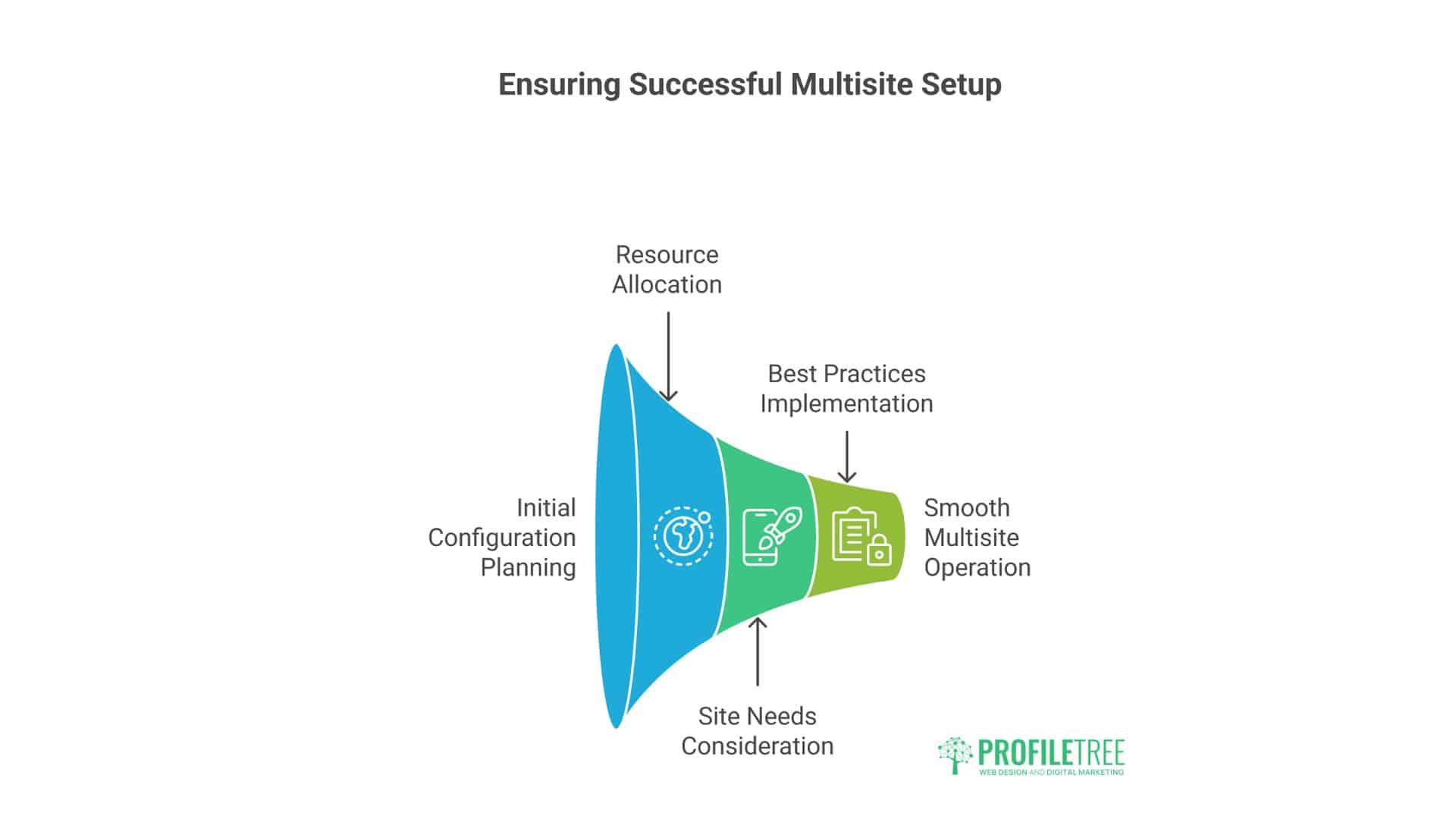
Most Multisite failures stem from poor initial setup. Here’s the right way.
Pre-Installation Decisions
Subdomain vs Subdirectory
Subdomain Setup (site1.example.com, site2.example.com):
- Pros: Clear separation, flexible, and SSL is easier
- Cons: Complex DNS, SEO considerations
- Best for: Different topics/brands
Subdirectory Setup (example.com/site1, example.com/site2):
- Pros: SEO benefits, simpler setup
- Cons: Less flexibility, path conflicts
- Best for: Related content/sections
Domain Mapping (site1.com, site2.com):
- Requires additional configuration
- Better for independent brands
- More complex but more flexible
The restaurant chain chose subdomains for regional sites. Leicester.restaurant.com, Birmingham.restaurant.com. Clear structure, local SEO benefits.
Installation Process
Step 1: Choose Appropriate Hosting: Not all hosts support Multisite properly. Requirements:
- Wildcard subdomain support
- Adequate resources
- Multisite experience
- Proper backup solutions
Step 2: Fresh WordPress Installation: Always start fresh. Converting existing sites adds complexity.
Step 3: Enable Multisite: Add to wp-config.php:
define(‘WP_ALLOW_MULTISITE’, true);
Step 4: Network Setup
- Choose a subdomain or a subdirectory
- Configure network details
- Update .htaccess
- Update wp-config.php
Step 5: Network Configuration
- Set registration settings
- Configure upload limits
- Establish plugin policies
- Create network admin users
Critical Configuration Settings
Upload Limits Default: 1MB. Useless for real sites. Recommended: 64MB minimum Media-heavy: 256MB+
Site Creation
- Who can create sites?
- Approval process?
- Default themes/plugins?
- Storage quotas?
User Registration
- Open registration?
- Admin approval?
- Default roles?
- Cross-site permissions?
- Network activation only?
- Per-site activation allowed?
- Who installs plugins?
- Testing procedures?
Sheffield agency locked down plugin installation after the client installed an incompatible plugin, crashing the entire network.
Managing Multisite Networks Efficiently
Multisite management requires different approaches than single sites.
Daily Management Tasks
Morning Checks:
- Network health status
- Overnight backup verification
- Security scan results
- Performance metrics
- Error log review
Updates Protocol:
- Test updates on staging
- Schedule maintenance window
- Update network plugins first
- Update themes second
- Update the core last
- Verify that all sites function
User Management:
- New user approvals
- Permission adjustments
- Access audits
- Password policies
- Activity monitoring
Essential Management Plugins
Multisite Enhancements
- User Role Editor: Granular permissions
- Network Plugin Management: Better control
- Multisite Clone Duplicator: Site copying
- WP Multisite SSO: Single sign-on
Monitoring Tools
- MainWP: Centralised dashboard
- ManageWP: Remote management
- InfiniteWP: Bulk operations
- WP Remote: Simple monitoring
Backup Solutions
- BackupBuddy Multisite
- UpdraftPlus Network
- Snapshot Pro
- BlogVault
Security Plugins
- Wordfence Network
- Sucuri Multisite
- iThemes Security Pro
- Shield Security
Common Management Challenges
Challenge: Plugin Conflicts: One site needs WooCommerce, another needs Events Calendar. Conflicts arise.
Solution: Plugin isolation strategies
- Network activates only essentials
- Per-site activation for specific needs
- Careful compatibility testing
- Alternative plugin research
Challenge: Performance Degradation: Network slows as sites multiply.
Solution: Proactive optimisation
- Regular database cleanup
- Aggressive caching
- Resource monitoring
- Scaling triggers defined
Challenge: Storage Management: Media libraries explode quickly.
Solution: Storage strategies
- External media storage (S3)
- Regular cleanup schedules
- Upload limits enforcement
- CDN implementation
The Economics of Multisite Hosting
Let’s calculate real costs and savings.
Cost Comparison: Separate vs Multisite
20 Separate WordPress Sites:
- Budget hosting: 20 × £10 = £200/month
- Quality hosting: 20 × £40 = £800/month
- Management time: 40 hours/month
- Total cost: £200-800 + labour
20 Sites on Multisite:
- Multisite hosting: £100-200/month
- Management time: 5 hours/month
- Total cost: £100-200 + reduced labour
Annual savings: £3,000-12,000
Hidden Costs of Multisite
Set up Investment:
- Initial configuration: £500-2000
- Migration complexity: £100-500 per site
- Training required: £500-1000
- Testing needed: 20-40 hours
Ongoing Considerations:
- Specialised hosting costs more
- Some plugins need multisite licenses
- Expert support costs a premium
- Recovery complexity higher
ROI Calculation
Bristol Agency Case Study:
- Investment: £3,000 setup
- Monthly savings: £500
- Payback period: 6 months
- Annual ROI: 200%
University Network:
- Investment: £10,000 setup
- Annual savings: £50,000
- Payback period: 2.4 months
- Ongoing ROI: 500%
Migration Strategies: Moving to (or from) Multisite
Migration requires careful planning and expert execution.
Migrating TO Multisite
Assessment Phase:
- Evaluate site compatibility
- Identify shared resources
- Check plugin compatibility
- Plan URL structure
- Estimate resources needed
Preparation Phase:
- Full backups of everything
- Document all configurations
- Test on staging environment
- Create migration timeline
- Notify stakeholders
Migration Process:
- Set up a Multisite network
- Create site structures
- Migrate content (not full sites)
- Rebuild functionality
- Configure users
- Extensive testing
- DNS updates
Common Issues:
- URL structure changes
- Media library complications
- User permission conflicts
- Plugin incompatibilities
- Performance degradation
London network migration took three attempts. The first two failed due to inadequate planning, and the third succeeded with professional help.
Migrating FROM Multisite
Sometimes separation is necessary. The process is complex.
Extraction Process:
- Export site content
- Create a standalone installation
- Import content
- Recreate functionality
- Migrate users
- Update DNS
- Verify independence
Challenges:
- Shared user complications
- Media library extraction
- URL updates throughout
- Feature dependencies
- Historical data preservation
Multisite Hosting Providers: Who Delivers
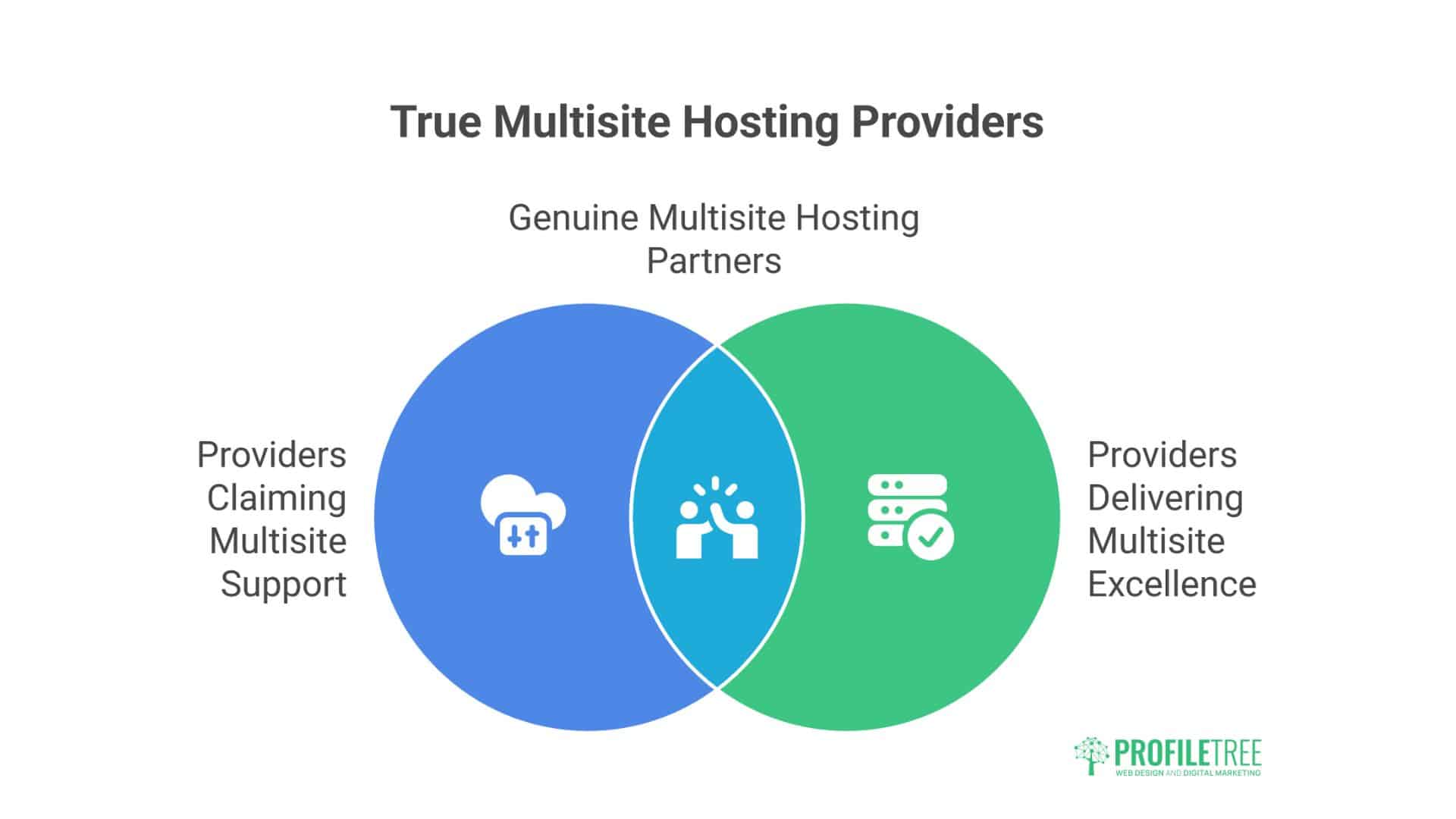
Most hosts claim Multisite support. Few deliver properly.
Specialist Multisite Hosts
WP Engine:
- Dedicated Multisite plans
- Network management tools
- Scaling capability
- Premium pricing
Kinsta:
- Multisite optimised
- Excellent performance
- Google Cloud infrastructure
- Professional support
Pantheon:
- Enterprise focus
- Developer friendly
- Workflow tools
- Higher complexity
Managed WordPress Hosts
ProfileTree:
- UK-based support
- Multisite experience
- Flexible configurations
- Growth focused
Flywheel:
- Agency friendly
- Good Multisite support
- Reasonable pricing
- US-centric
SiteGround:
- Decent Multisite support
- European presence
- Mixed reviews
- Resource limitations
Avoid for Multisite
Budget Shared Hosting:
- Insufficient resources
- No real support
- Performance issues
- Security concerns
Generic Web Hosting:
- Not optimised
- Complex setup
- Limited features
- Poor performance
Real Multisite Success Stories
The Education Network
Challenge: University with 200+ departments and project sites
Solution:
- Multisite network on dedicated servers
- Automated provisioning system
- Central IT management
- Department content control
Results:
- 90% reduction in management time
- £100,000 annual savings
- Improved security
- Better performance
The Franchise System
Challenge: Restaurant franchise with 60 locations
Solution:
- Multisite with domain mapping
- Central menu management
- Local content control
- Shared resources
Results:
- Consistent branding
- Local SEO success
- 70% cost reduction
- Simplified management
The Publishing Empire
Challenge: Magazine publisher with 15 titles
Solution:
- Multisite network
- Shared author database
- Content syndication
- Centralised advertising
Results:
- Content reuse efficiency
- Reduced publishing time
- Increased ad revenue
- Lower operational costs
Your Multisite Decision Framework
Should You Use Multisite?
Yes if:
- Sites share common elements
- Central management desired
- Resource efficiency important
- Sites under your control
- Similar functionality needed
No if:
- Sites completely different
- Independence crucial
- Different owners involved
- Varying performance needs
- High security requirements
Implementation Roadmap
Month 1: Planning
- Assess current sites
- Define requirements
- Choose hosting
- Plan architecture
- Budget resources
Month 2: Setup
- Configure hosting
- Install Multisite
- Create network
- Configure settings
- Test thoroughly
Month 3: Migration
- Migrate pilot site
- Verify functionality
- Migrate remaining sites
- Optimise performance
- Document everything
The ProfileTree Approach to Multisite
Our managed WordPress hosting includes full Multisite support because we understand its power when properly implemented. Combined with our development expertise, we help organisations leverage Multisite effectively.
We provide:
- Multisite setup and configuration
- Migration to/from Multisite
- Ongoing management
- Performance optimisation
- Security hardening
- Growth planning
The Bottom Line on WordPress Multisite Hosting
WordPress Multisite transforms multiple site management from nightmare to dream—when implemented correctly with appropriate hosting. It’s not for everyone, but for the proper use cases, it delivers dramatic efficiency improvements and cost savings.
The key is honest assessment. Will shared architecture benefit or constrain you? Do the efficiency gains outweigh the complexity? Is your hosting capable of adequately supporting multisite?
Don’t let hosting companies convince you to buy twenty hosting plans when Multisite could serve you better. But equally, don’t force Multisite where separate sites make more sense.
The difference between Multisite success and failure isn’t the technology—choosing the right approach for your needs and backing it up with proper hosting infrastructure.
Contact ProfileTree for honest Multisite consultation. We’ll assess whether Multisite suits your needs, plan implementation properly, and ensure your hosting infrastructure supports your ambitions.
Managing multiple WordPress sites shouldn’t require numerous headaches. With the right approach and proper hosting, Multisite makes the complex simple. Let’s explore whether it’s right for you.