
How to Use AI to Find and Fix Technical SEO Issues
Table of Contents
Most technical SEO problems stay invisible until traffic drops. A broken canonical tag, a blocked crawler, a page that loads in eight seconds on mobile: none of these shows up on the page a visitor sees, but search engines notice all of them. AI-assisted auditing tools now flag these issues across a whole site in minutes rather than the days a manual crawl used to take.
The part that still trips people up is what to do next. A tool can tell you a page returns a soft 404; deciding whether to redirect it, rewrite it, or leave it alone is judgment work. This guide covers how AI tools identify technical SEO issues, where they genuinely help, and where a human still has to make the call. ProfileTree, a Belfast-based digital agency, runs this exact workflow for businesses across Northern Ireland, Ireland, and the UK.
What AI Can and Cannot Fix in Technical SEO
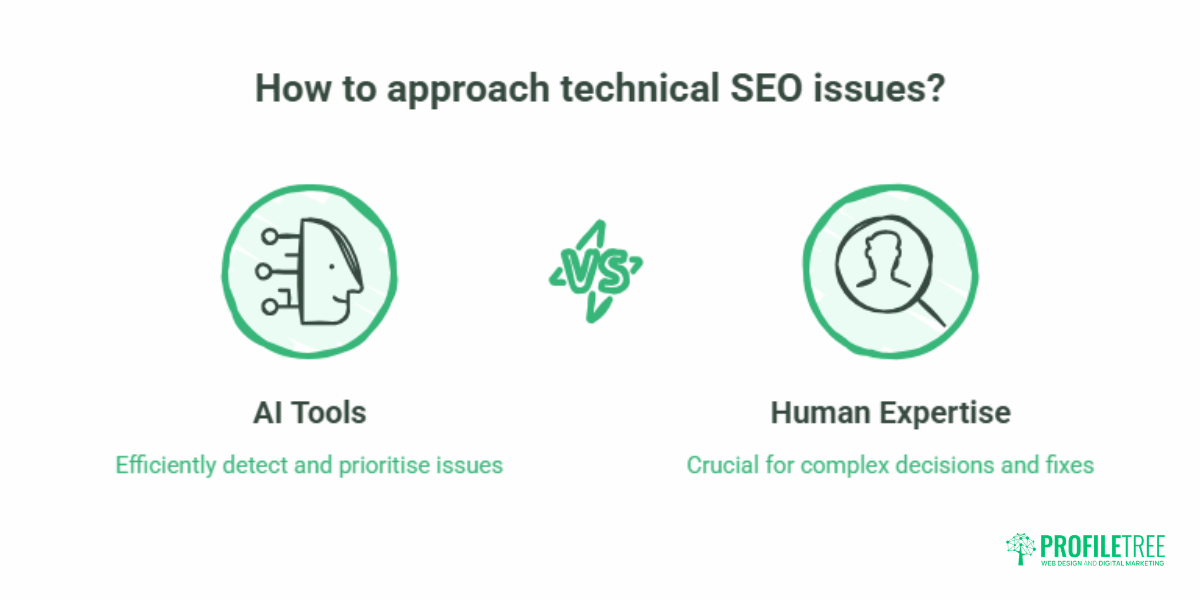
AI is strong at detection and prioritisation, weaker at decisions that affect rankings or revenue. That distinction matters before you trust any automated fix. A crawler can find every 404 on a 5,000-page site in one pass. It cannot tell you which of those URLs earned backlinks worth preserving with a 301, and which should simply return a clean 410. Treat AI output as a triage list, not a to-do list you act on blindly.
Here is the split in practice:
| Issue type | What AI flags well | What still needs a human |
|---|---|---|
| Broken links and 404s | Finds every broken internal and external link, including soft 404s | Deciding redirect target, or whether to remove the link entirely |
| Duplicate content | Identifies overlapping and thin pages at scale | Choosing the canonical version, consolidating, or rewriting |
| Site speed | Measures Core Web Vitals and lists the heaviest resources | Fixing the underlying code, theme, or hosting cause |
| Crawlability | Maps orphan pages and crawl-budget waste | Restructuring internal links and navigation around real priorities |
| Schema markup | Detects missing or malformed structured data | Deciding which schema types serve the business and writing valid JSON-LD |
The honest summary: AI compresses the time it takes to find technical SEO issues from days to minutes, and it ranks them by likely impact. It does not replace the experience needed to fix the ones that move rankings. That is why “fix my seo” searches so often end with a business hiring help rather than buying a tool. https://www.youtube.com/embed/9F4TS3zb5HE
Automated Site Audits and Crawl Error Detection
Running an SEO audit by hand means crawling each page, checking for errors, and compiling a report. AI-powered crawlers do the crawl-and-flag stage automatically across an entire site. Tools such as Screaming Frog SEO Spider, Sitebulb, and Ahrefs Site Audit perform site-wide crawls in a fraction of the time and detect 404 errors, broken links, redirect loops, duplicate content, and improper canonicalisation.
The machine-learning layer in newer crawlers spots patterns a quick manual check would miss: clusters of pages slipping in position together, sudden jumps in crawl errors after a deployment, or a creeping rise in thin pages. Catching those early is the difference between a small fix and a recovery project. For a business that does not have an in-house SEO, the practical question is who reviews the audit and acts on it. ProfileTree’s search engine optimisation team treats the audit as the starting point, not the deliverable.
Improving Site Speed With AI-Driven Insights
Site speed is a confirmed ranking factor and a direct lever on conversions. Slow pages lose visitors before they read a word. AI-based tools such as Google PageSpeed Insights and GTmetrix measure load times and flag the elements dragging a page down: oversized images, render-blocking scripts, and slow server response. Some can simulate how a page behaves under high traffic or on a poor mobile connection, which helps you plan rather than react.
What these tools rarely tell you is the real cause. On the WordPress sites common among SMEs across Northern Ireland and the UK, slow scores usually trace back to a bloated theme, unoptimised images, or a stack of plugins each loading its own scripts. Fixing that is a development job, not an SEO setting. This is where a technical SEO problem becomes a website development one, and where hosting choices matter too. ProfileTree’s website hosting and management service exists partly because so many speed problems are server-level rather than on-page.
Crawlability and Indexation Improvements
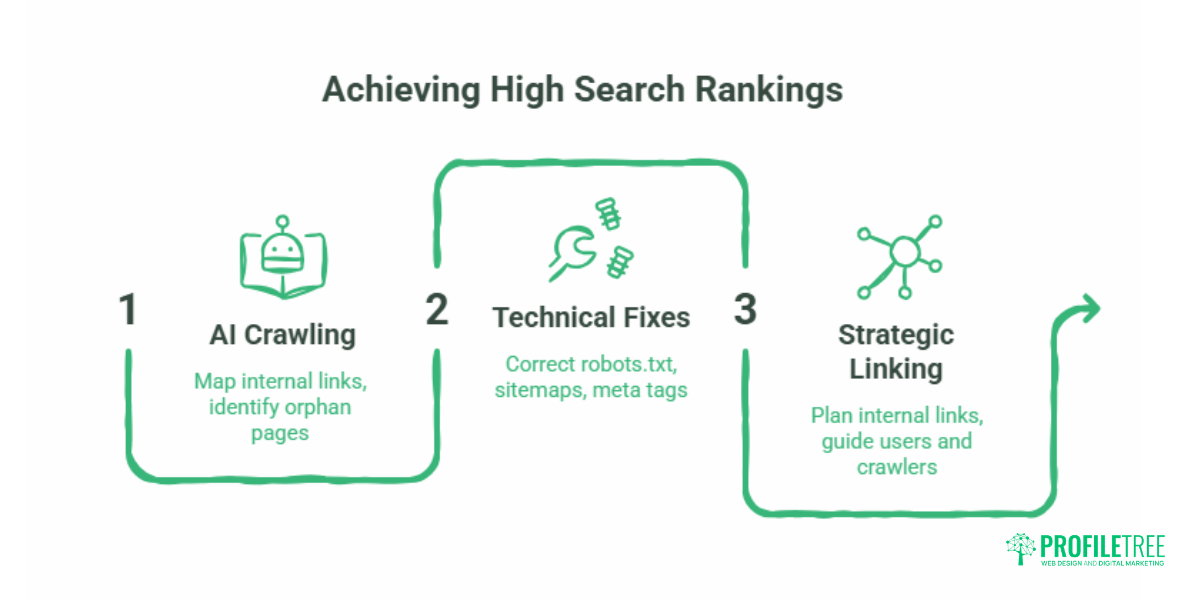
If a crawler cannot reach a page, or the page is not indexed correctly, it will not rank, no matter how good the content is. AI crawlers map a site’s internal linking structure, show which pages get crawled and indexed, and surface orphan pages with no internal links pointing to them. They also catch the quieter problems: a misconfigured robots.txt, broken sitemaps, or meta tags telling Google to ignore pages you want ranked.
Fixing crawlability is mostly about internal linking and site structure, which is a content and architecture decision. Deciding which pages deserve link equity and how navigation should guide both users and crawlers is exactly the kind of work that benefits from a clear digital strategy rather than a tool’s default suggestions. A well-planned website design builds sensible internal linking from the start, which prevents a lot of these issues from arising at all.
Mobile-First Optimisation
Google uses the mobile version of a site as its primary basis for ranking. A site that works on desktop but breaks on a phone will struggle. AI tools such as Google’s Mobile-Friendly Test and the Lighthouse mobile report evaluate mobile usability at scale, flagging small touch targets, slow mobile load times, and content that overflows the screen.
The flagging is automatic; the remedy is design and build work. Responsive layouts, properly sized tap targets, and images that adapt to screen width all sit in the web design and development layer. For SMEs whose customers mostly arrive on mobile, getting this right is one of the higher-impact technical SEO fixes available.
Fixing Broken Links and 404 Errors
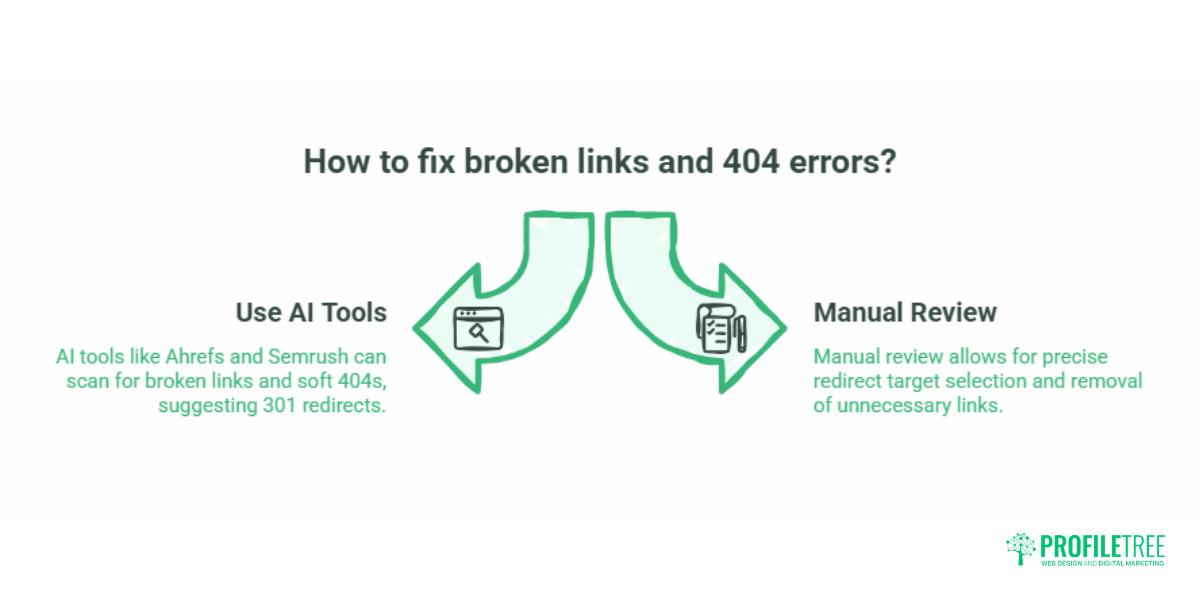
Broken links waste crawl budget and frustrate visitors. AI-driven tools such as Ahrefs and Semrush Site Audit scan a whole site for broken links and soft 404s, which are harder to catch by hand because the page loads, but tells search engines it is missing. Once found, the tools can suggest 301 redirects to relevant pages, preserving link equity.
The judgment call is the redirect target. Sending every dead URL to the homepage is a common automated default and a poor one: it dilutes relevance and can confuse search engines. Each redirect should point to the closest genuinely relevant page, and some broken URLs are better removed than redirected. This is the difference between a tool’s output and a fix that actually helps rankings.
Detecting Duplicate and Thin Content
Duplicate content forces search engines to guess which version to rank, and that guess rarely favours you. AI tools such as Siteliner, Copyscape, and Screaming Frog compare pages against one another and identify overlap. They also flag thin or low-value pages that behave like duplicates in the eyes of a search engine.
The fix is editorial. Resolving duplicates means choosing a canonical version, consolidating overlapping pages, or rewriting them so each earns its place. That is a content marketing decision as much as a technical one. When an audit flags forty thin pages, the answer is usually a content marketing plan to consolidate and rewrite, not a plugin. Done well, this also strengthens topical authority, which helps the surviving pages rank for the terms you care about.
Structured Data and Schema Markup
Structured data helps search engines understand what a page is about and can earn rich snippets that lift click-through rates. AI-driven tools and Google’s Rich Results Test scan pages, detect missing or broken schema, and suggest corrections. They will also tell you when the wrong schema type is applied, for example, product markup on a page that is not a product.
Schema has taken on a second job: AI search engines and large language models lean heavily on structured, machine-readable signals when deciding what to cite. Marking up content cleanly with valid JSON-LD now supports visibility in Google AI Overviews, ChatGPT, and Perplexity as well as traditional results. The tooling validates; a person still decides which entity relationships to express and writes the markup that reflects the actual business.
HTTPS and Security Monitoring
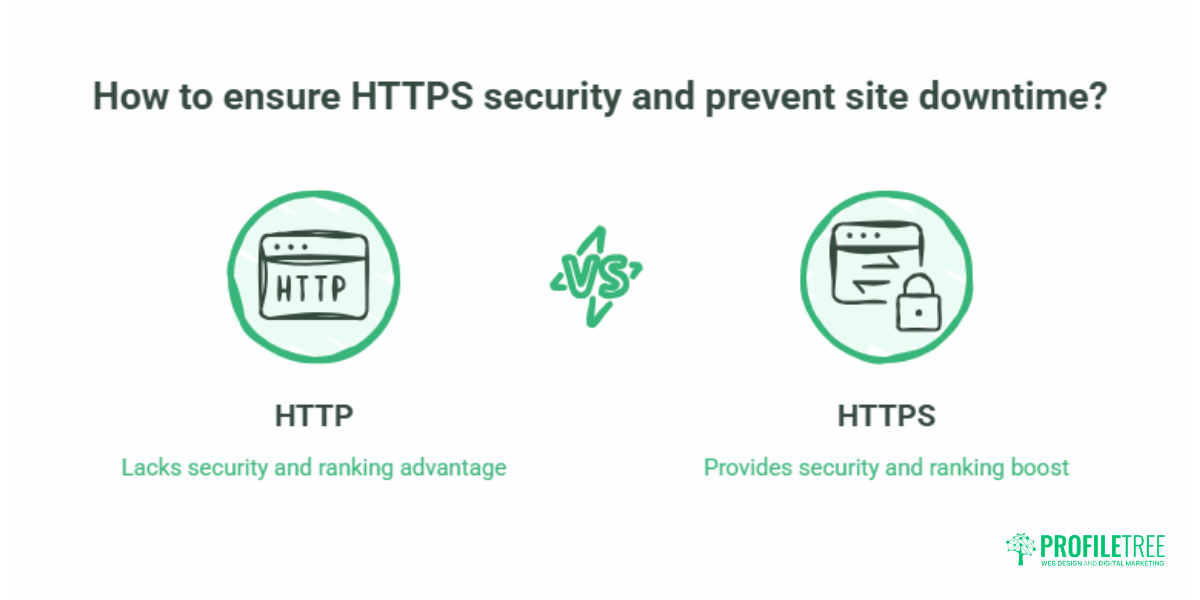
HTTPS is a confirmed ranking signal, and a site served over plain HTTP is at a disadvantage. It also protects user data, which matters for trust and for compliance. AI-powered tools such as SSL Labs monitor certificates and warn when one is close to expiry or when mixed-content issues appear, where a secure page still loads an insecure resource. Automating that monitoring means an expired certificate never quietly takes a site offline. The fix, renewing or reconfiguring the certificate, is a quick technical job once the alert lands.
Preparing Your Site for AI Search Crawlers
Technical SEO in 2026 has a new front. Alongside Googlebot, your site is now visited by AI crawlers: GPTBot, ClaudeBot, PerplexityBot, Google-Extended, and OAI-SearchBot, among them. Some retrieve content to answer live questions in ChatGPT or Perplexity; others gather data to train models. They are not the same thing, and you may want to treat them differently.
For businesses in the UK, Ireland, and Northern Ireland, this raises a real question about control. You may want your pages visible in AI search results, which means allowing the retrieval bots, while limiting the bots that scrape content for model training, which can touch user-generated content or proprietary material covered by UK GDPR. That separation is managed at the robots.txt and server or firewall level, and getting it wrong either makes you invisible in AI search or exposes data you meant to protect. An AI-readiness check now belongs in any serious technical SEO audit. ProfileTree’s AI in marketing work covers exactly this kind of configuration.
The reassuring part: optimising for AI crawlers relies on the same foundations as traditional SEO. Clean HTML, fast rendering, sensible structure, and valid schema all help both. There is no trade-off to manage. For teams who want to run these checks themselves, ProfileTree’s AI training and digital training programmes show in-house marketers how to read an audit and act on it.
Real-Time Monitoring and Predictive Analytics
One of the clearer advantages of AI in technical SEO is continuous monitoring. Tools such as Moz Pro and Semrush track key metrics around the clock and flag sudden traffic drops, speed slowdowns, or new crawl errors as they happen, rather than at the next scheduled audit. Predictive features can spot patterns that tend to precede a problem, giving you a window to act before rankings slip.
Monitoring only helps if someone is watching the alerts and knows which ones matter. A spike in crawl errors after a site migration is urgent; a handful of new 404s on retired campaign pages may not be. Filtering signal from noise is where ongoing SEO support earns its keep.
A Sensible Order to Fix Technical SEO Issues
An audit will hand you a long list. Working through it top to bottom is rarely the right move. Prioritise by impact on rankings and revenue, not by how many issues of each type the tool counted. A rough order that works for most SME sites:
- Indexation and crawlability problems that hide whole pages from search engines.
- Site speed and Core Web Vitals failures on your highest-traffic pages.
- Broken links and redirect chains on pages with backlinks or traffic.
- Duplicate and thin content is competing with your own pages.
- Schema and AI-crawler readiness to support visibility in both traditional and AI search.
This is also the point where a tool’s output and a strategy diverge. The tool tells you what is wrong. The order in which you fix it, and the resource you put behind each fix, should follow the commercial value of the pages affected.
“The technical side of SEO used to be the part SMEs quietly ignored, because it took specialist time most teams did not have. AI auditing has changed that. The find-and-flag stage is fast and affordable now. What hasn’t changed is that someone still has to decide which fixes are worth doing and in what order, and that judgement is where rankings are actually won or lost.” Ciaran Connolly, founder of ProfileTree.
If you want help turning an audit into results, you can read more about how ProfileTree approaches automating technical SEO with AI, or see the wider picture in our guide to AI for technical SEO. For Google’s own position on the technical basics that matter, see the Google Search Central documentation.
Conclusion
AI has made the hardest part of technical SEO, finding the problems, fast and cheap. A crawler now does in minutes what once took an analyst a week, and it ranks issues by likely impact. That is a real gain for any business that has been treating technical SEO reactively. The limit is just as clear: detection is not remediation.
Choosing redirect targets, consolidating thin pages, fixing the code behind a slow score, and configuring a site for both Google and AI crawlers all require experience that the tool cannot supply. Used together, AI tools and human judgment turn a long error list into a ranked plan that actually moves the needle. If your site has technical SEO issues you have not had time to work through, that combination is what closes the gap.
Frequently Asked Questions
Can AI tools fix technical SEO issues automatically?
AI tools reliably find and prioritise technical SEO issues, and some can apply simple fixes such as suggesting redirects or generating schema. The fixes that affect rankings, choosing redirect targets, consolidating content, or solving the code behind a slow page still need human review. Treat AI output as a ranked diagnosis, not a list to action blindly.
What are the most common technical SEO issues AI can detect?
The usual finds are broken links and 404 errors, slow page speed and failing Core Web Vitals, crawlability and indexation problems, orphan pages, duplicate and thin content, missing or malformed schema, and HTTPS or mixed-content issues. A modern audit also checks whether AI search crawlers can reach your content.
Is there a free AI tool to fix SEO issues?
Free tools such as Google PageSpeed Insights, the Mobile-Friendly Test, and Google’s Rich Results Test detect common technical problems. They identify issues rather than resolve the ones that need judgment, so they are a good starting point, but not a full fix on their own.
Is there a free AI tool to fix SEO issues?
Free tools such as Google PageSpeed Insights, the Mobile-Friendly Test, and Google’s Rich Results Test detect common technical problems. They identify issues rather than resolve the ones that need judgment, so they are a good starting point, but not a full fix on their own.
How do I know if AI search bots are crawling my site?
Check your server log files for AI crawler user-agents such as GPTBot, ClaudeBot, PerplexityBot, and OAI-SearchBot. If those entries are absent, your robots.txt or firewall settings may be blocking them. Verifying access is part of an AI-readiness audit, and matters if you want your pages cited in AI search answers.
Will optimising for AI crawlers hurt my Google rankings?
No. AI-readiness relies on clean HTML, fast rendering, structured schema, and clear site architecture, the same foundations that support traditional Google rankings. Improving one generally improves the other, so there is no trade-off to manage.
How often should I run a technical SEO audit?
A full audit two to four times a year suits most SME sites, with continuous monitoring in between to catch sudden changes. Run an extra audit after any major change, such as a redesign, a migration, or a large content update, since those are the moments when technical issues tend to appear. digital landscape.