
Inclusive Content SEO: Broaden Your Reach and Rankings
Table of Contents
Inclusive content SEO is one of the most underused growth levers available to small and medium-sized businesses in the UK and Ireland. Most SME websites are written for a single imagined reader: a particular age, ability level, and cultural background. That narrowness quietly caps search performance, because search engines index what real people search for, and real people are far more varied than most content assumes.
This guide covers what inclusive content SEO means in practice, how it affects rankings, and what SME website owners and marketing managers can do to apply it systematically, from keyword research to technical implementation to content audits.
What Inclusive Content SEO Actually Means
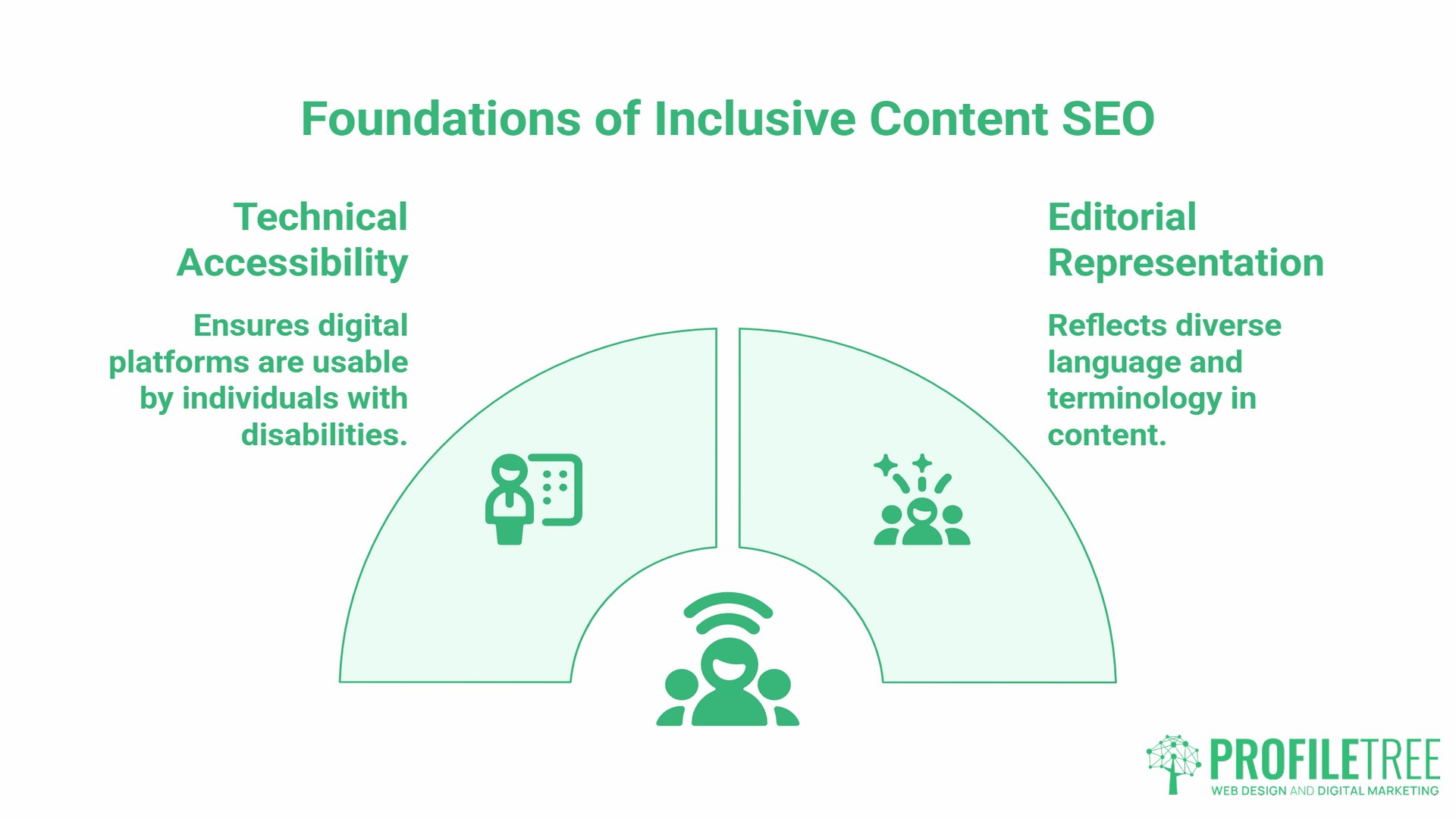
Inclusive content SEO covers two things that are often treated separately but work together: technical web accessibility and editorial representation.
Technical accessibility means your site can be used by people with visual, auditory, motor, or cognitive differences. This includes screen reader compatibility, keyboard navigation, captions on video, and sufficient colour contrast. These are not optional extras; they are requirements under the Equality Act 2010 for any business providing services digitally in Great Britain.
Editorial representation means your content reflects the language, terminology, and framing that diverse audiences actually use when they search. A piece written entirely around one demographic’s vocabulary will rank for that demographic’s searches and miss everyone else’s. Inclusive SEO keywords are, at their most practical, the alternative search terms used by different communities to describe the same thing.
The two reinforce each other. A well-structured, accessible page is easier for search engine crawlers to interpret. Content that uses inclusive language captures a broader set of search queries. Both signal to Google that a page serves a wide audience well.
The Business Case: Why This Matters for UK and Irish SMEs
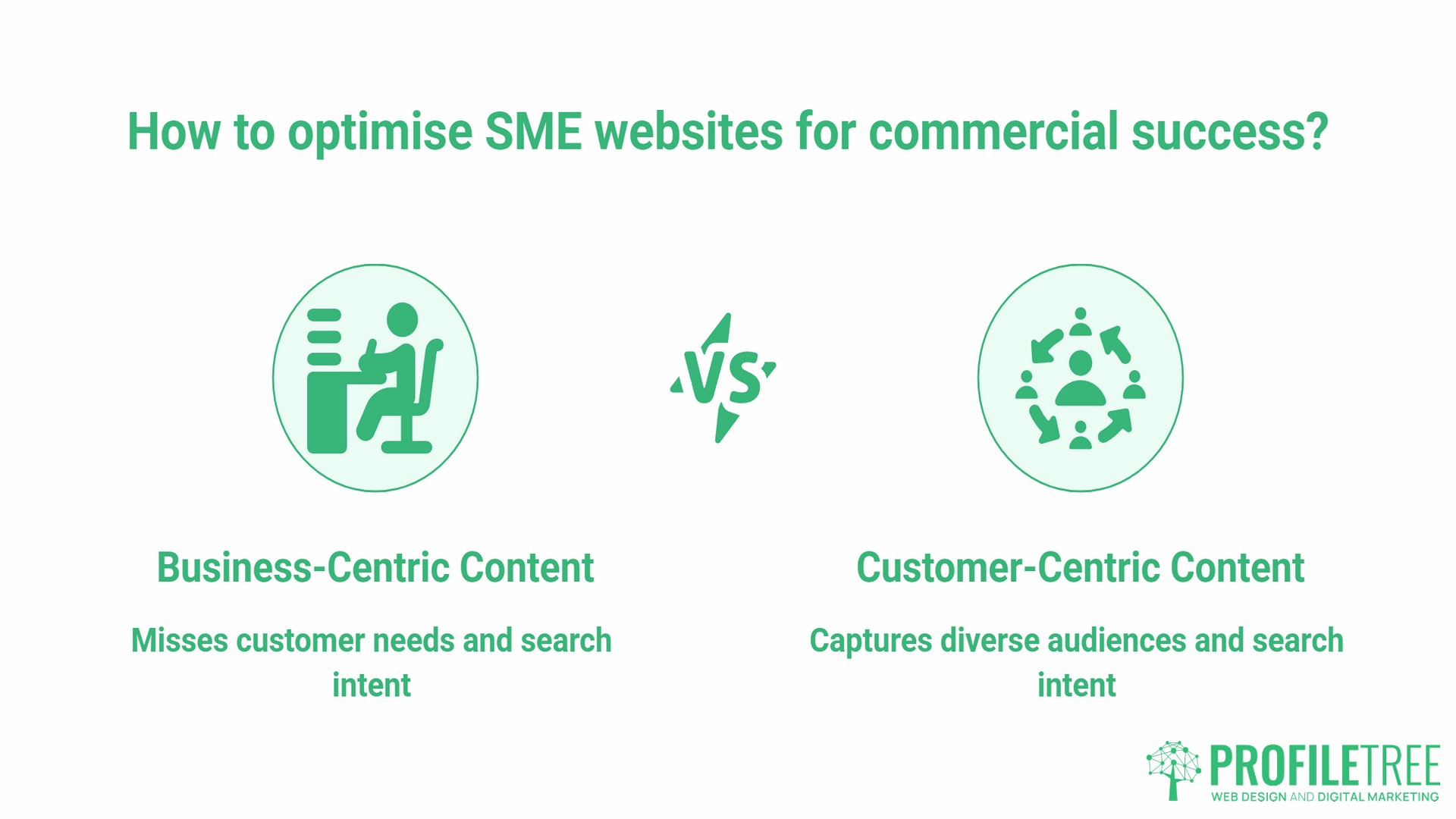
The argument for inclusive content SEO is sometimes framed as a social obligation. That framing misses the commercial point.
Approximately 16 million people in the UK have a disability, according to the Family Resources Survey published by the Department for Work and Pensions. The combined annual spending power of disabled people and their households is estimated at £274 billion. A website that cannot be navigated with a screen reader, or that uses terminology unfamiliar to certain communities, is not just failing those users ethically; it is failing to convert them commercially.
Beyond disability, inclusive content SEO captures search intent from audiences defined by age, language background, literacy level, and cultural context. An older audience searching for health-related services may use different terminology than younger users. A business serving both the Republic of Ireland and Northern Ireland needs to account for vocabulary differences between the two markets. These are keyword targeting decisions with real traffic implications.
“When we audit SME websites, the pattern we see most often is content written for the business owner, not the customer,” says Ciaran Connolly, founder of ProfileTree. “That gap is biggest when businesses have never thought about who else might be searching, or in what terms.”
How Accessibility Influences Search Rankings
Accessibility does not appear as a named ranking factor in Google’s public documentation. What does appear are the user experience signals that accessibility directly affects: page load speed, mobile usability, Core Web Vitals, and dwell time.
Core Web Vitals and Accessibility
Clean, accessible HTML tends to perform well on Core Web Vitals. Pages that rely on heavy, unsemantic markup to achieve visual layouts often perform poorly on Cumulative Layout Shift and Largest Contentful Paint. Accessible pages use heading hierarchies, ARIA labels, and descriptive alt text in ways that also help crawlers parse content structure accurately.
Screen Reader Navigability and Crawl Efficiency
Search engine crawlers behave similarly to screen readers: both rely on semantic HTML to understand page structure. A page that a screen reader cannot navigate logically is often a page that Google’s crawler cannot index efficiently either. Heading levels, skip navigation links, descriptive anchor text, and properly labelled form fields all improve both crawl efficiency and screen reader usability.
For SMEs working with a web design or development partner, raising these requirements at the outset of a project is far more cost-effective than retrofitting them later. ProfileTree’s web design services include accessibility as a standard consideration in build and structure decisions, not an add-on.
Building an Inclusive Content Framework
The editorial side of inclusive content SEO involves four areas: language, keyword research, imagery, and readability. Each has direct search performance implications.
Inclusive SEO Keywords: Research and Mapping
The most practical definition of inclusive SEO keywords is this: the full set of terms different audience segments use to search for the same thing. A business offering mental health support services, for example, will find that different communities use different terminology for the same conditions. A heritage tourism business in Northern Ireland needs to account for the distinct vocabulary preferences of visitors from the Republic of Ireland, Great Britain, and North America. Inclusive keyword research means identifying those variants and deliberately mapping them into content.
The process has three steps.
- First, identify the primary term you currently target. Then, research community-specific synonyms using Google’s “People Also Ask” results, autocomplete, and tools like Semrush or Ahrefs. Look specifically at the phrasing used in forums, Reddit threads, and social media discussions within each audience segment.
- Second, map synonyms to specific pages or sections. Not every variant needs its own page; many can appear naturally within a single piece of content, allowing that page to capture multiple search intents.
- Third, audit existing content for terms that have become outdated, carry unintended connotations, or exclude certain audiences. This is particularly relevant for industries where terminology has shifted, such as healthcare, education, and social services.
For businesses that lack in-house capacity for this process, it sits naturally within a content strategy engagement. ProfileTree’s content marketing work often includes keyword mapping as part of the broader content planning process.
Plain Language and Cognitive Accessibility
Plain language is sometimes dismissed as “dumbing down.” The evidence runs the other way. Pages written at a lower reading complexity tend to rank better for featured snippets and voice search results, both of which pull from content that answers questions clearly and concisely.
For users with dyslexia, ADHD, or lower literacy levels, plain language is not a concession; it is the difference between staying on a page and leaving. High bounce rates from these users register as dissatisfaction signals in Google’s quality assessments.
Practical plain language principles: short sentences (20 words or fewer on average), active voice, one idea per paragraph, and no jargon without explanation. The Hemingway Editor is a useful free tool for checking reading complexity before publishing.
Gender-Neutral Language and Search Intent Breadth
Gender-neutral language in content is not only an inclusion principle; it is a keyword strategy. Search queries increasingly reflect gender-neutral phrasing, particularly among younger users. Content that defaults to gendered language narrows its keyword match rate and can actively deter certain audiences.
The adjustment is usually straightforward: “business owners” rather than “businessmen,” “they” as a singular pronoun where the subject’s gender is unknown, and job titles that do not carry gendered assumptions. These changes have no negative SEO impact and measurably broaden the range of queries a page can match.
Representation in Imagery
Images on a website affect SEO through alt text, file naming, and the association they create between your site and particular audiences. A website whose imagery represents only one demographic, in terms of age, ethnicity, body type, or ability, signals implicitly who the business serves. That signal is picked up by users who do not see themselves represented, often before they read a word of copy.
Practical guidance: use image libraries that include diverse representation (Unsplash, Pexels, and Getty all have improved significantly), write alt text that describes what is actually happening in the image rather than what it represents, and review existing images during any content audit for stock photos that add no informational value.
Technical Implementation: What Content Managers Need to Know
Inclusive content SEO is partly an editorial discipline and partly a technical one. The following checklist covers the elements that content managers can act on directly, without needing developer access.
Alt Text for Images
Every image on a page should have alt text that describes its content in plain language. Decorative images (dividers, background patterns) should have an empty alt attribute (alt=""), not alt text, so screen readers skip them. Informational images, charts, and infographics need descriptive alt text that conveys the information they contain.
For complex charts or data visualisations, alt text should describe the key finding, not just the visual format. “Bar chart showing monthly website traffic” is less useful than “Monthly website traffic increased by 40% between January and June.”
Descriptive Link Text
“Click here” and “read more” are the two most common accessible failures in SME content. Both are meaningless out of context, which matters because screen readers often navigate pages by listing links in isolation. Every link on a page should describe where it goes or what action it triggers, using natural language anchor text.
This is also an SEO improvement: descriptive anchor text signals relevance to search engines and improves internal link equity distribution.
Video Captions and Transcripts
Video content without captions excludes deaf and hard-of-hearing users and users in sound-sensitive environments. It also removes the text that search engines would otherwise index from that content. Auto-generated captions on YouTube are a starting point, but frequently inaccurate; reviewing and correcting them is worthwhile for both accessibility and search discoverability.
Transcripts serve a different purpose: they create a full-text version of the video content that can be indexed independently. For tutorial or how-to video content, a transcript on the page can rank for queries the video alone cannot capture.
ProfileTree’s video production work addresses captioning and transcript production as part of the post-production process. For businesses using video as part of their content strategy, this should be treated as standard, not optional.
Heading Hierarchy
Heading levels (H1, H2, H3) should follow a logical order and not skip levels. This matters for screen reader users who navigate by heading structure, and for crawlers that use heading hierarchy to understand content organisation. An H3 that appears without a parent H2 creates a structural gap that affects both.
For existing pages, a heading audit using a browser extension or the accessibility tab in Chrome DevTools takes under five minutes.
Performing an Inclusive SEO Audit on Existing Content
Most SME websites contain legacy content that has never been reviewed for inclusive content SEO. A practical audit does not require reviewing every page at once; a triage approach identifies the highest-impact opportunities first.
- Step 1: Identify your highest-traffic pages. Use Google Search Console to find the ten pages generating the most impressions. These are the pages where inclusive content improvements will have the greatest reach.
- Step 2: Run an accessibility scan. Tools such as WAVE (wave.webaim.org) or the Axe browser extension will identify technical accessibility failures on each page in minutes. Look first for missing alt text, empty link text, and heading order errors.
- Step 3: Audit your keyword coverage. For each high-traffic page, check whether the primary keyword is being matched by the full range of terms your audience uses. If you rank well for one variant but not others, that gap represents addressable traffic.
- Step 4: Check readability. Paste each page’s body copy into the Hemingway Editor. Any page scoring above Grade 10 is a candidate for plain language revision.
- Step 5: Review imagery. Scroll through each page and note any images that are purely decorative, use outdated stock photography, or represent a limited demographic range. Flag these for replacement.
For businesses with large content libraries, this process scales most efficiently through structured training. ProfileTree’s digital training programmes include content audit methodology as part of the digital marketing training offering, equipping in-house teams to carry out ongoing reviews rather than treating accessibility as a one-off project.
UK Legal Context: The Equality Act 2010 and Your Website
The UK’s Equality Act 2010 defines disability as a physical or mental impairment that has a substantial and long-term adverse effect on a person’s ability to carry out normal day-to-day activities. It places a legal obligation on service providers, including businesses selling products or services online, to make “reasonable adjustments” so that disabled people can access those services.
This extends to websites. A business whose website cannot be used by a screen reader user, or whose checkout process cannot be completed via keyboard navigation, is potentially in breach of the Act. The Web Content Accessibility Guidelines (WCAG) 2.2 provide the practical standard against which digital accessibility is typically assessed in the UK.
The public sector has additional obligations under the Public Sector Bodies (Websites and Mobile Applications) Accessibility Regulations 2018, which require compliance with WCAG 2.1 AA as a minimum and mandate the publication of an accessibility statement. Private sector businesses are not subject to this regulation but remain subject to the Equality Act.
Proactive compliance is considerably less expensive than reactive compliance following a complaint or legal challenge. For businesses commissioning new web design or undertaking a redesign, building to WCAG 2.1 AA as a baseline is the most cost-effective approach.
Frequently Asked Questions
What is the difference between web accessibility and inclusive content SEO?
Web accessibility refers to the technical standards that allow people with disabilities to use a website: screen reader compatibility, keyboard navigation, colour contrast ratios, and similar requirements. Inclusive content SEO is broader: it includes accessibility but also covers the editorial choices that affect which audiences your content reaches, such as inclusive language, plain English, and diverse keyword coverage. Accessibility is the technical floor; inclusive content SEO is the full range of practices that determine whether your content genuinely serves a wide audience.
Is inclusive language a direct Google ranking factor?
No. Google does not publish “inclusive language” as a named ranking signal. What Google does measure are the user experience signals that inclusive content tends to improve: dwell time, bounce rate, Core Web Vitals, and mobile usability. A page that excludes certain users through inaccessible design or exclusionary language will perform worse on those signals, which does affect rankings.
How does the UK Equality Act 2010 apply to a small business website?
The Equality Act 2010 defines businesses that provide services to the public as service providers, including online services. The legal obligation to make reasonable adjustments applies. What constitutes a “reasonable adjustment” depends on the size and resources of the business, but basic measures such as providing alt text, maintaining keyboard navigability, and sufficient colour contrast are generally considered reasonable for any business operating a website commercially.
Does inclusive content help with reaching audiences across Northern Ireland and the Republic of Ireland?
Yes, and this is an underappreciated point for businesses operating across both jurisdictions. Vocabulary differences, cultural references, and search term preferences vary between the two markets. A business targeting both audiences needs to account for those differences in its keyword strategy and content framing. This is a specific application of inclusive keyword research for the UK and Irish market.
What tools can I use to check my content for accessibility issues?
WAVE (wave.webaim.org) and the Axe browser extension both provide free automated accessibility checks. Google Lighthouse, built into Chrome DevTools, includes an accessibility audit alongside performance metrics. For readability, the Hemingway Editor (hemingwayapp.com) is the most accessible free tool. None of these replaces a manual review, but they identify the most common technical failures quickly.
How do I write alt text for images of people from diverse backgrounds?
The same principle applies as for any image: describe what is visible and relevant to the page’s content. The background, appearance, or demographic characteristics of people in an image do not usually need to be described unless they are directly relevant to the content. Focus on what the person is doing and how that relates to the page’s topic. Avoid descriptions that reduce people to demographic characteristics.