
Event Promotion With Video: A Practical Guide for UK and Irish Businesses
Table of Contents
Event promotion video is one of the few formats that can show people what an event feels like before they commit to attending. A short clip of last year’s crowd, a speaker walking on stage, or a venue filling up does more for ticket sales than a page of copy ever will. For businesses across Northern Ireland, Ireland and the UK running conferences, product launches, festivals or community events, video has moved from a nice-to-have to the channel most likely to drive registrations.
This guide covers when video is worth the spend, the formats that work at each stage of an event campaign, and how to decide between filming it yourself and commissioning a production team.
Why video works for event promotion
Video earns its place in an event campaign because it carries information that text and static images cannot. A clip conveys atmosphere, scale and energy in a few seconds, which is exactly what someone weighing up whether to buy a ticket wants to judge.
The practical benefits break down into a few areas:
- Higher engagement and sharing. Short videos tend to be shared more readily on social platforms than text or images, which widens reach without extra ad spend.
- Emotional connection. Footage of real people, music and movement helps a viewer picture themselves at the event in a way a flyer cannot.
- Efficient information transfer. A 60-second clip can communicate the venue, the line-up and the date faster than someone can read a paragraph.
- Stronger conversion. Video on a landing page or in an email gives the viewer a clearer sense of what they are buying, which supports the decision to register.
None of this requires a large budget to start. It does require a plan, which is where most event video campaigns either succeed or fail.
Setting goals before you film
Define what the video is for before anyone picks up a camera. A teaser built to create buzz looks nothing like an explainer built to walk attendees through a hybrid registration process, and trying to make one clip do both jobs usually produces something that does neither well.
Typical goals for an event video include:
- Brand awareness. Introducing the event to people who have never heard of it.
- Audience engagement. Building anticipation among those already aware of it.
- Ticket sales or registrations. Driving a direct action, with a clear call to register or buy.
- Information. Covering the agenda, speakers, location or joining instructions.
Set measurable targets against each goal, whether that is a view count, a click-through rate on the registration link, or a number of sign-ups attributed to the campaign. Those targets shape the format, length and tone of everything that follows. If you are mapping video into a wider campaign across email, paid social and search, it helps to treat the video plan as one strand of a single digital marketing strategy rather than a standalone task.
Video formats for each stage of the campaign
Different formats suit different points in the promotional journey. A useful campaign uses three or four of these in sequence rather than relying on a single hero video.
| Format | Length | Best for | Primary channel |
|---|---|---|---|
| Teaser | 15 to 30 seconds | Early buzz, top of funnel | Paid and organic social |
| Behind-the-scenes | 1 to 2 minutes | Trust, humanising the brand | Stories on Instagram, TikTok, Facebook |
| Speaker or performer profile | 1 to 3 minutes | Borrowing the speaker’s audience | Social, email |
| Highlight reel (previous years) | 1 to 2 minutes | Annual events, proof of value | Landing page, YouTube, email |
| Explainer or how-to | 2 to 5 minutes | Hybrid or virtual events | Email, support pages, YouTube |
Teaser videos
Teasers are short, visually led clips that build anticipation without giving everything away. Pull the strongest moments from past footage, name a headline speaker or guest, and end on the date and a link. The aim is a sneak peek, not a summary.
Behind-the-scenes videos
Behind-the-scenes footage shows the work that goes into the event: the team setting up, the venue taking shape, rehearsals, or a quick word from an organiser. This format humanises the brand and tends to perform well in vertical, story-format slots where polish matters less than authenticity.
Speaker and performer profiles
If the event features known speakers, artists, or performers, short profile clips introduce them and, just as usefully, give them something to share with their own followers. A brief bio, a notable achievement and a personal invitation are enough. Each profile borrows a little of that person’s audience.
Highlight reels from previous years
For annual conferences, festivals and expos, a reel of last year’s best moments is the most persuasive asset you can publish. Crowd reactions, keynote clips and a sense of scale answer the question every returning attendee asks: was it worth it last time?
Explainer and how-to videos
Hybrid and virtual events introduce friction that physical events do not, such as registering on a platform, logging in, or finding the right session. A clear explainer reduces the support burden and the no-show rate. This is also a natural fit for animation services, where there is no live footage to capture and a clean walkthrough of an interface or a process is what the viewer needs.
Planning the content: timeline and budget
A video campaign works to a calendar, not a single deadline. Start promoting roughly three to six months out for a larger event, leading with teasers, then layering in behind-the-scenes and speaker content as the date approaches and pushing harder in the final two weeks.
Build a content calendar
Schedule the formats in sequence so each one does its job at the right moment. Post regularly without flooding the feed; weekly or fortnightly updates are usually enough to keep an event front of mind without fatiguing the audience. A short brand storytelling thread running through the clips gives the campaign coherence rather than a series of unconnected posts.
Script and storyboard
A script and a rough storyboard keep a video on message and save expensive time during filming and editing. Plan the hook, the core message and the call to action, and sketch the key frames, transitions and any text overlays before the shoot. This is the single cheapest step that improves the finished result.
Budget realistically
Video costs fall into three buckets: filming, editing, and extras such as music, voiceover, or motion graphics. A phone and natural light can carry an early teaser. A flagship highlight reel or a keynote capture for a paying audience is where production quality starts to affect how the event is perceived, and that is the point at which most organisers weigh up bringing in a team.
Filming it yourself versus commissioning a production team
The honest answer for most SMEs is that you will do both, and the skill is knowing which job sits in which column.
DIY filming makes sense for fast, high-volume, low-stakes content: behind-the-scenes clips, quick speaker shout-outs, story posts where immediacy matters more than polish. Modern phones shoot well in good light, and the audience expects these to feel raw.
Commissioning a professional team makes sense when the footage represents the event itself and will be reused: the highlight reel that sells next year’s tickets, the keynote capture, the launch film that runs on the homepage. Here, the things that separate amateur from professional work, stable framing, clean multi-source audio, proper lighting and considered editing, directly affect how credible the event looks.
If you are weighing up the move from self-serve to commissioned work, it helps to understand what a structured shoot actually involves, from pre-production planning through filming to the edit. ProfileTree’s video production service and its guide to the video production process set out the stages so you can brief a team properly or decide which parts you can handle in-house.
Ciaran Connolly, founder of ProfileTree, notes: “The events that sell out year after year are usually the ones with a highlight reel doing the selling for them. People want to see the room full before they’ll commit, and that is a job worth doing properly.”
Producing a video that people will actually watch
Once the plan is set, a few production basics separate watchable video from the kind viewers scroll past.
Filming
- Lighting. Use natural light for outdoor footage and proper studio lighting for indoor footage. Poor light is the fastest way to make an event look cheap.
- Audio. Clear sound matters more than most people expect, particularly for speaker profiles and explainers. An external microphone is a small cost with a large effect.
- Framing. Keep shots steady and composed, using the rule of thirds for balance.
Editing
Adobe Premiere Pro, Final Cut Pro and DaVinci Resolve all handle event footage well. Keep cuts tight and transitions clean, hold the event’s colours, logo and fonts consistent across every clip, and choose royalty-free music that matches the tone. Consistent branding across a campaign is what makes a series of clips read as one event rather than a scattered set of posts.
Distributing the video
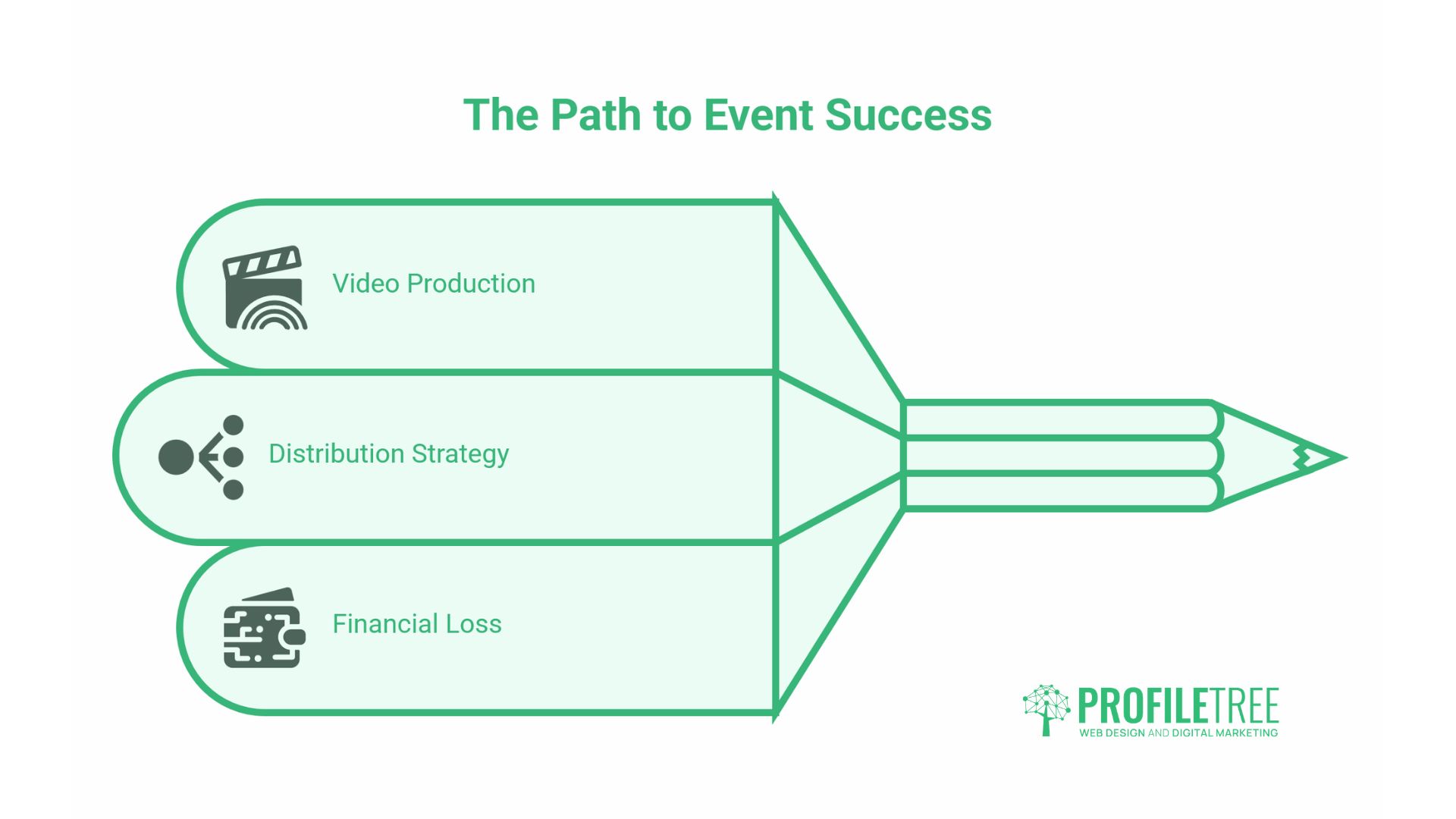
A finished video that nobody sees has cost you money. Distribution is where the campaign converts attention into attendance.
Social media
Tailor each cut to its platform: short, vertical edits for Instagram and TikTok, longer cuts for YouTube and Facebook. Support the organic posts with targeted paid promotion to the demographics most likely to attend, and use event-specific hashtags and account tags to widen discovery.
YouTube
YouTube is a search engine as much as a video host, which makes it worth more than a dumping ground for finished clips. Group the campaign into a single playlist, and write titles, descriptions and thumbnails that match how people search for the event or its topic. ProfileTree’s YouTube marketing work focuses on exactly this: making sure the event video is findable months after it is published, not just in the days after upload. A guide to the rise of short-form video is worth a read if you are deciding how much of the campaign to build around Shorts.
Embedding or linking a video in an email lifts open and click rates. Use a clear subject line and a single call to action, such as “Register now” or “Watch the preview”. For a deeper look at making the channel work, see this guide to email marketing and the supporting video on email statistics.
Website integration
Feature the video that shows people deciding whether to attend: a teaser on the homepage banner, an explainer on the registration or FAQ page, or a highlight reel on the event landing page. This is where load speed matters: a heavy video embed on a slow page costs you the conversion it was meant to drive. A well-built event page handles video without dragging down performance, which is a core part of professional web design and web development.
Collaborations
Give speakers, sponsors and relevant partners ready-made clips to share. Each share exposes the event to an audience you do not already own and lends it credibility through association.
Measuring performance
Tie the metrics back to the goals you set at the start. Vanity views alone tell you little.
- Social metrics. Views, watch time, shares and comments show whether the creative is landing.
- Website analytics. Video play rates, time on page and bounce rate, tracked in a tool such as Google Analytics, show whether the embed is helping or hurting the page.
- Conversions. The number that matters most: how many viewers clicked through to register or buy after watching.
Reading this data well and acting on it is a skill in itself. ProfileTree’s digital training helps in-house marketing teams interpret video and campaign analytics so the next event’s plan is sharper than the last.
Keep the momentum after the event
The campaign does not end when the event does. Post-event video sets up the next one.
- Highlight reels. The single most valuable asset for selling next year’s tickets.
- Testimonials. Short attendee clips that build credibility for future events.
- Thank-you videos. A simple gesture to attendees, speakers and sponsors that leaves a good final impression.
Treat the recap reel as the first piece of next year’s teaser campaign, and the cycle keeps building on itself.
Event video for UK and Irish audiences
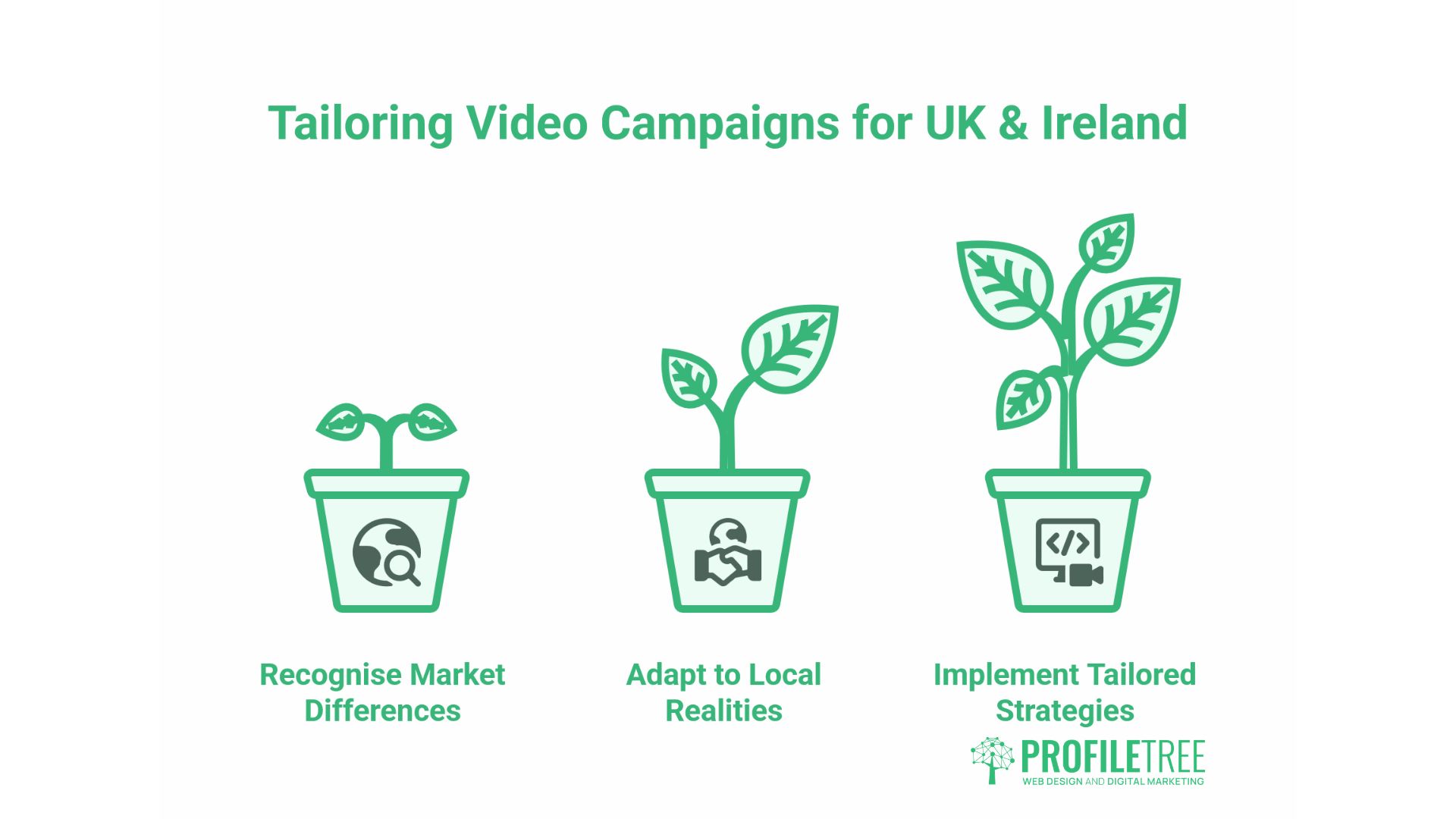
Most of the advice circulating online assumes a US market, leaving a gap for businesses promoting events in Northern Ireland, Ireland, and the rest of the UK. A few local realities change how a video campaign should run.
Mind the data rules
Capturing attendee footage and building a mailing list from ticket sign-ups both fall under UK GDPR and the Data Protection Act 2018, regulated by the Information Commissioner’s Office. If you film the crowd, make consent clear through signage and ticket terms, and keep marketing emails lawful with an easy opt-out. This matters for video specifically because highlight reels and testimonials feature identifiable people, and a recognisable face used in next year’s promotion without consent is a complaint waiting to happen. The ICO’s guidance on direct marketing is the place to check the details.
Play to local strengths
Regional press, community Facebook groups, and local radio still carry real weight outside the largest cities, and they are often more accessible than in a saturated London market. A short clip supplied to a regional outlet, or to a sponsor with a strong local following, can outperform paid reach in a tight geographic area. For events tied to a specific town or venue, pairing video with local SEO so the event page ranks for searches like “events in Belfast” extends the campaign’s life well beyond the social feed.
What event video cost
There is no single price for event video, because the cost depends on the format, the crew, the kit, and the amount of editing required. A useful way to think about it is in tiers rather than a flat rate.
A self-shot teaser or behind-the-scenes clip costs little beyond your own time, particularly if the team already has a decent phone and works in good light. A single-camera capture of a talk or a short promotional piece with light editing sits in the middle, where the cost reflects a half or full day of someone’s time and a modest edit. A multi-camera highlight reel for a flagship event, with proper audio, lighting and a polished edit, is where the budget climbs, because it is effectively a small production rather than a quick shoot.
The decision is rarely about finding the cheapest option. It is about matching spend to the job: an organiser will happily film their own story posts while commissioning the one reel that sells next year’s tickets.
Prices vary by scope, location and requirements; treat any figure as indicative and confirm with a quote.
Conclusion
Video gives an event the one thing copy cannot: proof of what it feels like to be there. Plan the formats in sequence, match production quality to the stakes of each clip, distribute deliberately across social, YouTube, email and your own site, then measure against the goals you set. Businesses that want a hand with filming, editing or campaign planning can talk to ProfileTree’s video production team.
FAQs
How far in advance should I start promoting an event with a video?
For a larger event, start roughly three to six months out with teasers, then build through behind-the-scenes and speaker content toward the date.
Do I need a professional team, or can I film the event video myself?
Both. Film fast, low-stakes content, such as behind-the-scenes clips, yourself, and commission a team for footage that represents the event and gets reused, such as the highlight reel or keynote capture.
Which video format drives the most ticket sales?
A highlight reel from a previous year tends to convert best for returning events, because it shows prospective attendees exactly what they would be buying.
Where should the event video go on my website?
Put a teaser on the homepage, an explainer on the registration or FAQ page, and the highlight reel on the event landing page, keeping the page fast so the embed does not slow it down.