
Shopify Speed Optimisation: Essential Advanced Techniques
Table of Contents
Shopify merchants lose £2.6 billion annually to slow-loading stores. Every second of delay reduces conversions by 7%, with mobile shoppers abandoning sites that take over 3 seconds to load. Yet most Shopify speed guides recycle basic advice about image compression and app removal. Advanced optimisation requires understanding Shopify’s architecture, Liquid rendering behaviour, and CDN mechanics. Professional speed optimisation transforms sluggish stores into revenue-generating machines that load in under 2 seconds globally.
Understanding Shopify’s Performance Architecture
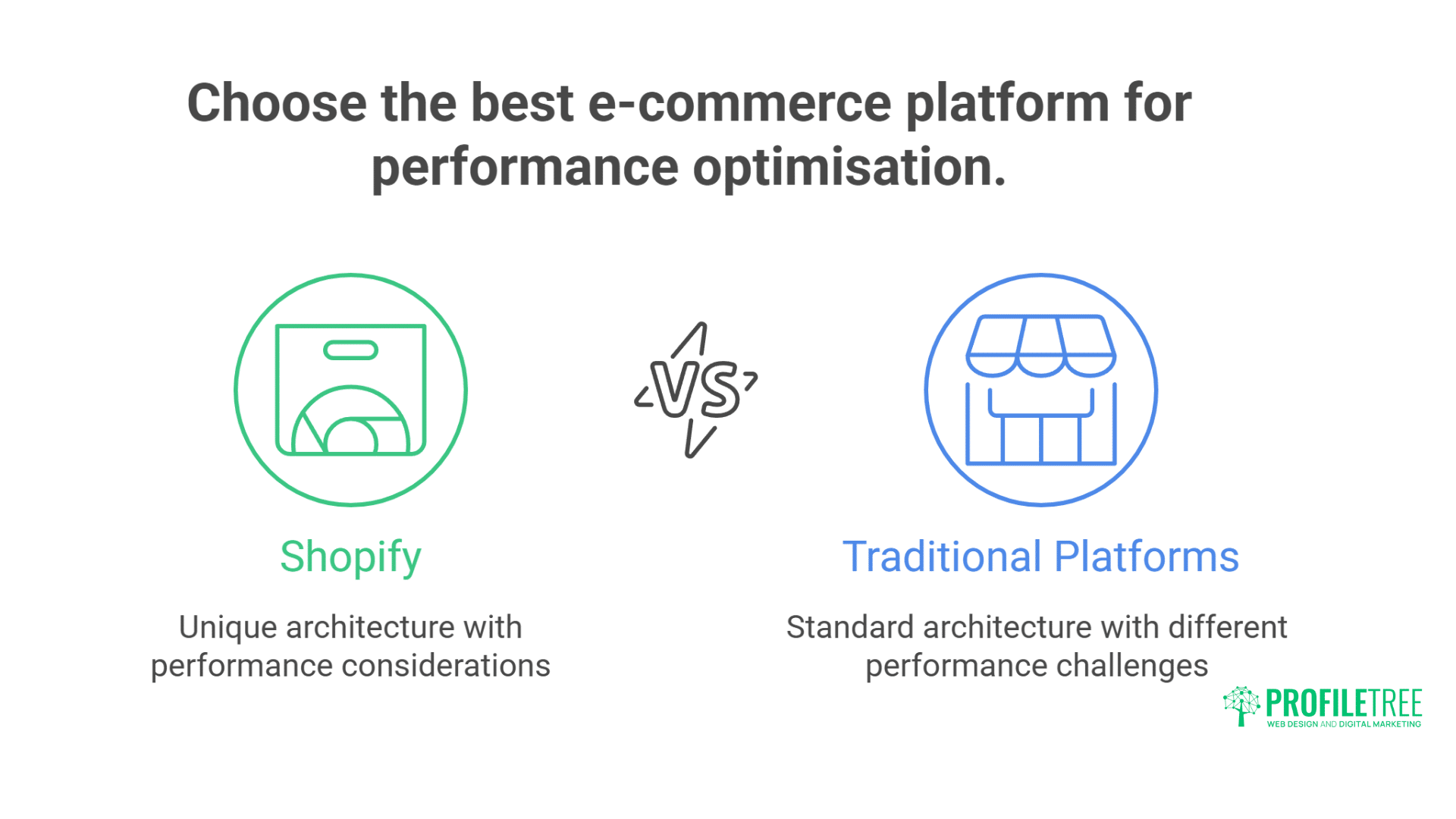
Shopify’s architecture differs fundamentally from traditional e-commerce platforms, with unique performance considerations that affect how pages are rendered and delivered to users.
Every aspect of the platform’s infrastructure impacts loading speeds, from server processing to content delivery networks and dynamic rendering systems.
How Shopify Renders Pages
Shopify’s infrastructure differs fundamentally from that of self-hosted platforms. Dynamic Liquid templates render server-side on Shopify’s infrastructure. Compiled HTML gets cached at edge locations globally. Static assets are served through Shopify’s CDN. This architecture provides baseline performance but introduces unique optimisation challenges.
The Liquid rendering pipeline processes templates sequentially:
- Request hits Shopify’s edge server
- Cache check for pre-rendered content
- Liquid template compilation if uncached
- Database queries for dynamic content
- HTML generation with injected data
- Response delivery through CDN
Understanding this pipeline reveals optimisation opportunities. Reducing Liquid complexity speeds compilation. Minimising database calls improves TTFB. Strategic caching reduces server processing. Edge-side optimisation accelerates global delivery. When properly optimised, each pipeline stage offers performance gains.
Professional Shopify development requires deep platform knowledge. We’ve optimised stores from 8-second load times to under 2 seconds. Our approach targets every rendering stage, from Liquid optimisation to CDN configuration. Belfast retailers competing globally need every millisecond advantage.
Shopify’s Built-in Performance Features
Shopify provides several performance features that many merchants underutilise. Online Store 2.0 enables better asset loading. Responsive images serve appropriate sizes automatically. Lazy loading defers off-screen images. Script deferrals prevent render blocking. Browser caching reduces repeat visitor load. These features provide a foundation for advanced optimisation.
Critical performance settings often overlooked:
- Automatic image transformation via Shopify CDN
- Responsive image generation with img_url filters
- Native lazy loading with loading=”lazy”
- Preconnect hints for third-party domains
- HTTP/2 server push for critical resources
- Brotli compression for text assets
Shopify’s Web Performance dashboard reveals optimisation opportunities. Core Web Vitals tracking shows real user experience. The speed score indicates overall performance. Detailed metrics identify specific issues. Historical data tracks improvement impact. Regular monitoring prevents performance degradation.
Platform Limitations and Workarounds
Shopify’s managed environment creates certain constraints. Server-side code modifications are impossible. Database query optimisation remains limited. Custom caching strategies face restrictions. Third-party app overhead accumulates quickly. Theme update requirements complicate customisation. Understanding limitations guides realistic optimisation strategies.
Common Shopify performance bottlenecks:
- Liquid loop inefficiencies in collections
- Nested product variant calculations
- Excessive metafield queries
- Third-party app JavaScript bloat
- Unoptimised theme assets
- Check out customisation restrictions
- International redirect delays
Workarounds we’ve developed for platform limitations:
{% comment %} Optimised collection loop with pagination {% endcomment %}
{% paginate collection.products by 24 %}
{% for product in collection.products %}
{% comment %} Preload critical product data {% endcomment %}
{% assign first_variant = product.first_available_variant | default: product.variants.first %}
{% assign product_image = product.featured_image | img_url: ‘300×300’ %}
{% comment %} Render optimised product card {% endcomment %}
{% render ‘product-card-optimised’,
product: product,
variant: first_variant,
image: product_image,
lazy_load: forloop.index > 6
%}
{% endfor %}
{% endpaginate %}
Advanced Liquid Optimisation
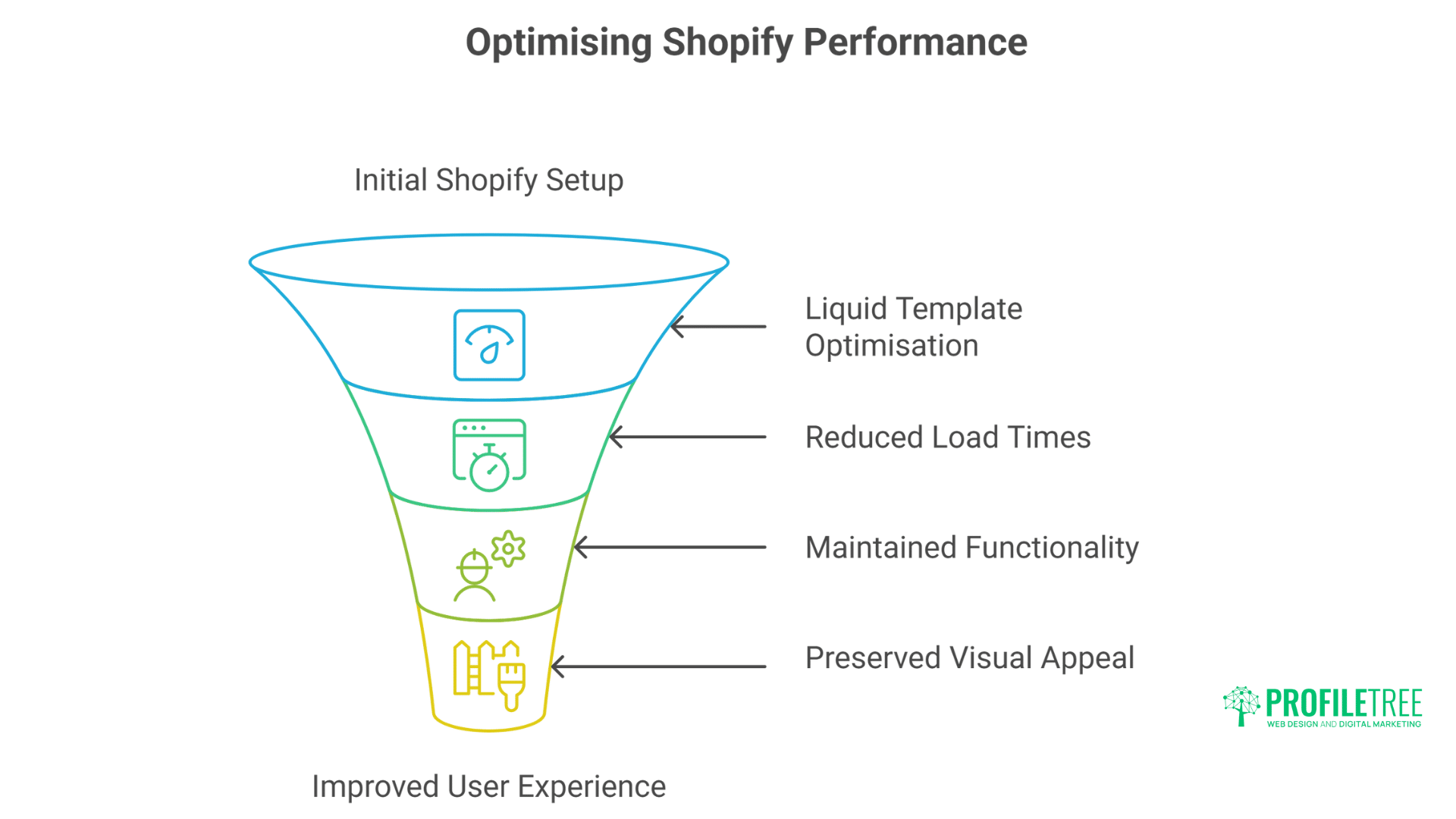
Liquid template optimisation forms the foundation of Shopify performance improvements, affecting both server processing time and user experience.
Strategic template modifications can dramatically reduce load times without sacrificing functionality or visual appeal.
Reducing Liquid Processing Time
Liquid template complexity directly impacts TTFB. Complex loops, nested conditions, and excessive filters slow rendering. Database queries multiply with a poor template structure. Compilation time increases with template size. Strategic Liquid optimisation can reduce server processing by 40-60%.
Liquid performance anti-patterns to eliminate:
{% comment %} BAD: Nested loops with multiple queries {% endcomment %}
{% for collection in collections %}
{% for product in collection.products %}
{% for variant in product.variants %}
{% if variant.available %}
{{ variant.price | money }}
{% endif %}
{% endfor %}
{% endfor %}
{% endfor %}
{% comment %} GOOD: Optimised with limited scope {% endcomment %}
{% assign featured_products = collections[‘featured’].products | limit: 12 %}
{% for product in featured_products %}
{% assign available_variant = product.selected_or_first_available_variant %}
{% if available_variant %}
{{ available_variant.price | money }}
{% endif %}
{% endfor %}
Advanced Liquid optimisation techniques:
Assign Variables Early:
{% comment %} Cache expensive operations {% endcomment %}
{% assign collection_size = collection.products_count %}
{% assign has_products = collection_size > 0 %}
{% assign display_mode = section.settings.layout | default: ‘grid’ %}
{% if has_products %}
{% comment %} Use cached variables throughout {% endcomment %}
<div class=”collection-{{ display_mode }}”>
<!– Content –>
</div>
{% endif %}
Limit Database Queries:
{% comment %} Batch load related data {% endcomment %}
{% assign product_ids = cart.items | map: ‘product_id’ %}
{% assign recommendations = recommendations.products_looked_at
| where: ‘available’, true
| limit: 4 %}
Fragment Caching Strategies
Fragment caching stores rendered template sections, bypassing Liquid processing for unchanged content. Strategic caching dramatically reduces server load. Cache keys must account for variations. Invalidation strategies prevent stale content. Proper implementation can improve TTFB by 50%.
Implementing intelligent fragment caching:
{% comment %} Cache product cards with variant-aware keys {% endcomment %}
{% capture cache_key %}
product-card-{{ product.id }}-{{ product.updated_at }}-{{ cart.item_count }}
{% endcapture %}
{% cache cache_key %}
<div class=”product-card”>
<img src=”{{ product.featured_image | img_url: ‘400×400’ }}”
alt=”{{ product.title | escape }}”
loading=”lazy”>
<h3>{{ product.title }}</h3>
<p>{{ product.price | money }}</p>
{% render ‘product-form’, product: product %}
</div>
{% endcache %}
Cache warming strategies for critical pages:
// Warm cache for important collection pages
async function warmCollectionCache() {
const collections = [‘/collections/bestsellers’, ‘/collections/new-arrivals’];
const viewports = [
{ width: 375, height: 667 }, // Mobile
{ width: 1920, height: 1080 } // Desktop
];
for (const collection of collections) {
for (const viewport of viewports) {
await fetch(collection, {
headers: {
‘User-Agent’: `Cache-Warmer (${viewport.width}x${viewport.height})`
}
});
}
}
}
Conditional Loading and Code Splitting
Loading code conditionally based on page context reduces unnecessary processing. Template-specific assets load only where needed. Feature detection prevents loading unused functionality. Progressive enhancement serves basic experience first. Code splitting improves initial page load significantly.
Professional e-commerce optimisation implements conditional loading throughout:
{% comment %} Load assets conditionally based on template {% endcomment %}
{% case template.name %}
{% when ‘product’ %}
{{ ‘product-gallery.css’ | asset_url | stylesheet_tag }}
<script src=”{{ ‘product-zoom.js’ | asset_url }}” defer></script>
{% when ‘collection’ %}
{{ ‘collection-filters.css’ | asset_url | stylesheet_tag }}
<script src=”{{ ‘collection-sort.js’ | asset_url }}” defer></script>
{% when ‘cart’ %}
{{ ‘cart-drawer.css’ | asset_url | stylesheet_tag }}
<script src=”{{ ‘cart-api.js’ | asset_url }}” defer></script>
{% endcase %}
{% comment %} Lazy load features based on user interaction {% endcomment %}
{% if section.settings.enable_quick_view %}
<script>
document.addEventListener(‘click’, function(e) {
if (e.target.matches(‘.quick-view-trigger’)) {
import(‘{{ “quick-view.js” | asset_url }}’).then(module => {
module.initQuickView(e.target);
});
}
}, { once: true });
</script>
{% endif %}
Asset Optimisation and Delivery
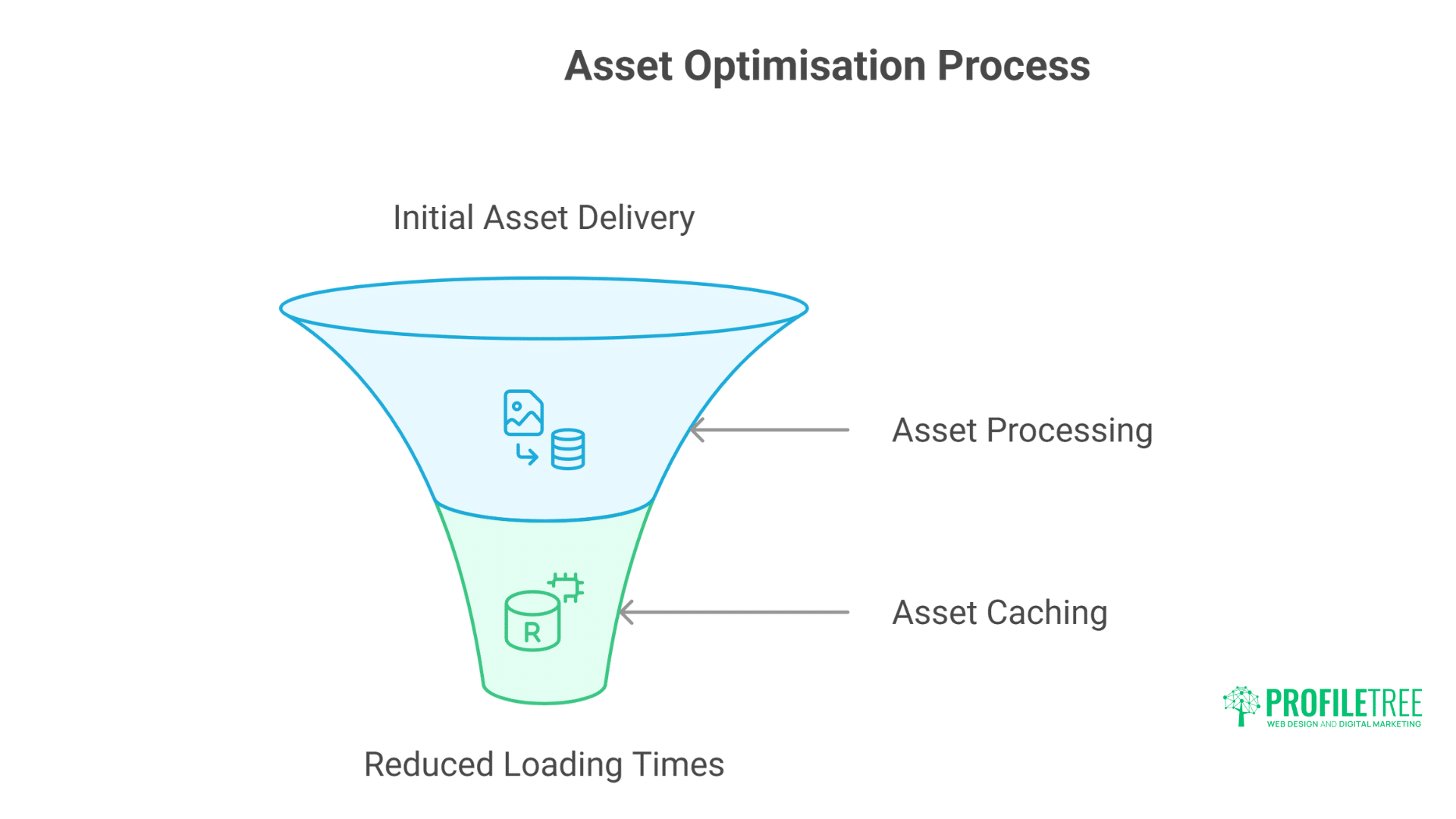
Proper asset management forms the foundation of a fast-loading Shopify store, affecting everything from initial page load to ongoing user interactions.
Optimising how assets are delivered, processed, and cached can cut loading times in half without compromising quality.
Image Optimisation Beyond Basics
Shopify’s image transformation API offers powerful optimisation beyond basic compression. Responsive images serve the exact dimensions needed. Format selection delivers WebP to supporting browsers. Progressive loading improves perceived performance. Smart cropping maintains focal points. These features dramatically reduce image payload.
Advanced image optimisation implementation:
{% comment %} Responsive images with WebP support {% endcomment %}
{% assign image_widths = ‘375,750,1125,1500,1780,2000’ | split: ‘,’ %}
<picture>
{% comment %} WebP sources for modern browsers {% endcomment %}
<source type=”image/webp”
srcset=”{% for width in image_widths %}
{{ image | img_url: width, format: ‘webp’ }} {{ width }}w{% unless forloop.last %},{% endunless %}
{% endfor %}”
sizes=”(min-width: 750px) 50vw, 100vw”>
{% comment %} JPEG fallback {% endcomment %}
<source type=”image/jpeg”
srcset=”{% for width in image_widths %}
{{ image | img_url: width }} {{ width }}w{% unless forloop.last %},{% endunless %}
{% endfor %}”
sizes=”(min-width: 750px) 50vw, 100vw”>
{% comment %} Fallback img tag {% endcomment %}
<img src=”{{ image | img_url: ‘750x’ }}”
alt=”{{ image.alt | escape }}”
width=”{{ image.width }}”
height=”{{ image.height }}”
loading=”lazy”
decoding=”async”>
</picture>
Preloading critical images improves LCP:
{% comment %} Preload hero image for faster LCP {% endcomment %}
{% if template == ‘index’ %}
{% assign hero_image = section.settings.hero_image %}
<link rel=”preload”
as=”image”
href=”{{ hero_image | img_url: ‘1920×1080’ }}”
imagesrcset=”{{ hero_image | img_url: ‘750x’ }} 750w,
{{ hero_image | img_url: ‘1920x’ }} 1920w”
imagesizes=”100vw”>
{% endif %}
JavaScript Bundle Optimisation
JavaScript bloat kills Shopify performance. Theme JavaScript, app scripts, tracking codes, and third-party widgets accumulate quickly. Modern bundling techniques significantly reduce payload. Tree shaking removes unused code. Dynamic imports load features on demand. Strategic loading prevents render blocking.
Advanced JavaScript optimisation approach:
// Modern JavaScript bundling with Webpack
const path = require(‘path’);
const TerserPlugin = require(‘terser-webpack-plugin’);
module.exports = {
entry: {
theme: ‘./src/theme.js’,
product: ‘./src/product.js’,
collection: ‘./src/collection.js’
},
output: {
path: path.resolve(__dirname, ‘assets’),
filename: ‘[name].bundle.js’,
chunkFilename: ‘[name].chunk.js’
},
optimisation: {
splitChunks: {
chunks: ‘all’,
cacheGroups: {
vendor: {
test: /[\\/]node_modules[\\/]/,
name: ‘vendors’,
priority: 10
},
common: {
minChunks: 2,
priority: 5,
reuseExistingChunk: true
}
}
},
minimiser: [new TerserPlugin({
terserOptions: {
compress: {
drop_console: true,
drop_debugger: true
}
}
})]
}
};
Dynamic feature loading reduces initial payload:
// Load features only when needed
class ThemeFeatures {
constructor() {
this.loadedFeatures = new Set();
}
async loadProductGallery() {
if (this.loadedFeatures.has(‘gallery’)) return;
const { ProductGallery } = await import(
/* webpackChunkName: “product-gallery” */
‘./features/product-gallery’
);
new ProductGallery();
this.loadedFeatures.add(‘gallery’);
}
async loadQuickCart() {
if (this.loadedFeatures.has(‘quickcart’)) return;
const { QuickCart } = await import(
/* webpackChunkName: “quick-cart” */
‘./features/quick-cart’
);
new QuickCart();
this.loadedFeatures.add(‘quickcart’);
}
}
// Intersection Observer for lazy loading
const featureLoader = new ThemeFeatures();
const observer = new IntersectionObserver((entries) => {
entries.forEach(entry => {
if (entry.isIntersecting) {
const feature = entry.target.dataset.feature;
if (feature === ‘gallery’) featureLoader.loadProductGallery();
if (feature === ‘quickcart’) featureLoader.loadQuickCart();
observer.unobserve(entry.target);
}
});
});
document.querySelectorAll(‘[data-feature]’).forEach(el => {
observer.observe(el);
});
CSS Optimisation and Critical Path
CSS delivery significantly impacts render performance. Render-blocking stylesheets delay first paint. Unused CSS increases download size. Media queries load unnecessary styles. Critical CSS inlining eliminates render blocking. Modern CSS architecture improves maintainability and performance.
Critical CSS implementation for Shopify:
{% comment %} Inline critical CSS in theme.liquid {% endcomment %}
<style>
/* Critical above-the-fold styles */
:root {
–color-primary: {{ settings.color_primary }};
–color-text: {{ settings.color_text }};
–font-body: {{ settings.font_body.family }}, {{ settings.font_body.fallback_families }};
}
* { margin: 0; padding: 0; box-sizing: border-box; }
body { font-family: var(–font-body); color: var(–color-text); }
.header { position: sticky; top: 0; background: white; z-index: 100; }
.hero { min-height: 60vh; display: flex; align-items: center; }
/* Additional critical styles */
{{ ‘critical.css’ | asset_url | split: ‘/’ | last | remove: ‘.css’ | append: ‘.css’ | asset_content }}
</style>
{% comment %} Load non-critical CSS asynchronously {% endcomment %}
<link rel=”preload” href=”{{ ‘theme.css’ | asset_url }}” as=”style” onload=”this.onload=null;this.rel=’stylesheet'”>
<noscript><link rel=”stylesheet” href=”{{ ‘theme.css’ | asset_url }}”></noscript>
CSS architecture for performance:
// Component-based CSS with purging
// components/_product-card.scss
.product-card {
container-type: inline-size;
&__image {
aspect-ratio: 1;
object-fit: cover;
width: 100%;
}
@container (min-width: 400px) {
display: grid;
grid-template-columns: 1fr 2fr;
}
}
// Utility classes for common patterns
.visually-hidden {
position: absolute !important;
width: 1px !important;
height: 1px !important;
clip: rect(0 0 0 0) !important;
}
// Modern CSS features for performance
.product-grid {
display: grid;
grid-template-columns: repeat(auto-fit, minmax(250px, 1fr));
gap: 1rem;
contain: layout style;
}
Third-Party App Performance Management
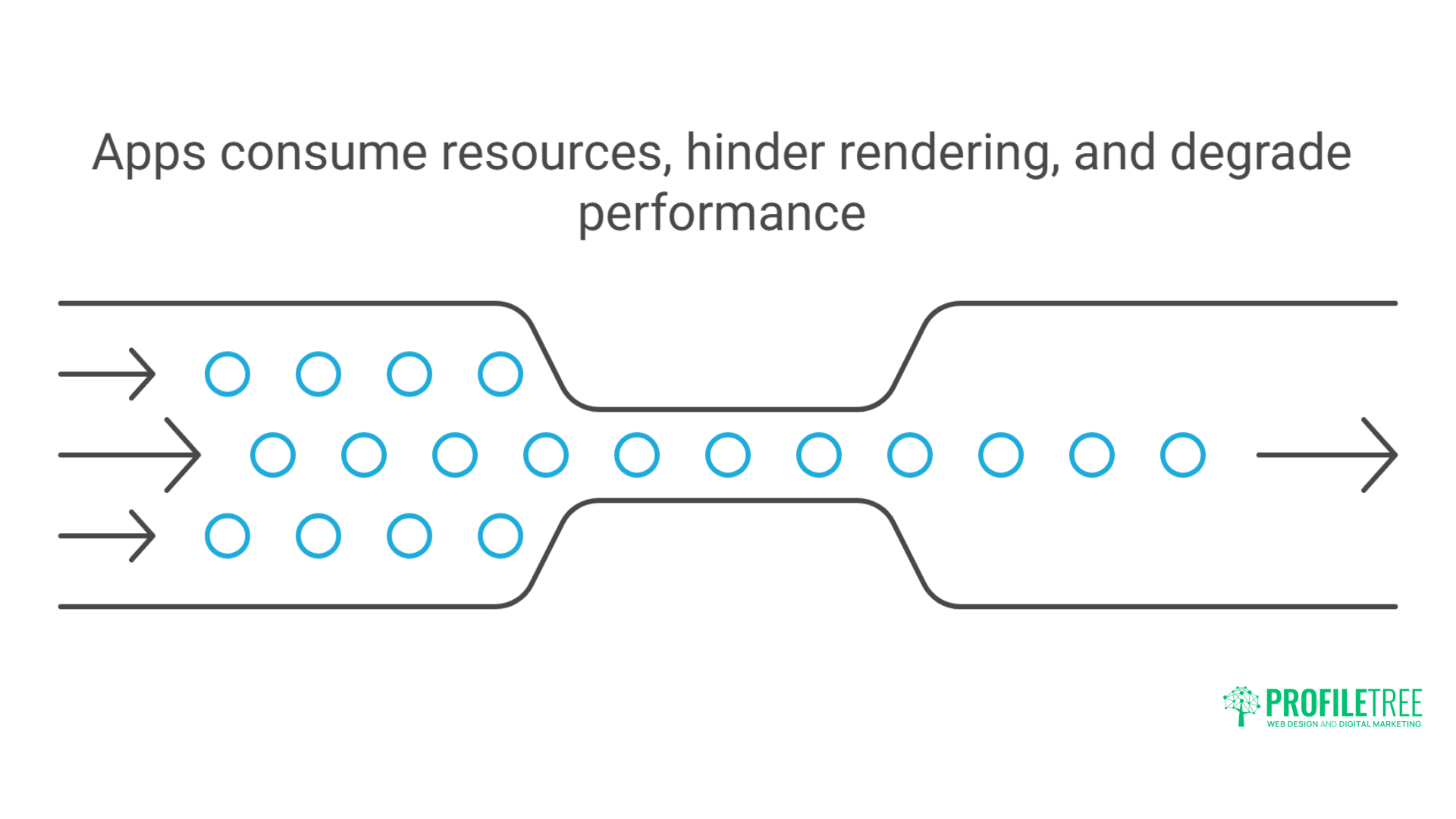
Third-party apps can devastate Shopify’s performance. Each app adds JavaScript, CSS, and API calls. Review apps, email marketing, chat widgets, and analytics tools compound overhead. Apps loading on every page waste resources, and poorly coded apps block rendering.
App Impact Analysis
Third-party apps devastate Shopify’s performance. Each app adds JavaScript, CSS, and API calls. Review apps, email marketing, chat widgets, and analytics tools compound overhead. Apps loading on every page waste resources. Poorly coded apps block rendering. Professional app audit reveals actual performance impact.
Shopify store management includes regular app audits:
// Script to analyse app performance impact
async function analyseAppImpact() {
const appScripts = [];
// Identify app scripts
document.querySelectorAll(‘script’).forEach(script => {
const src = script.src;
if (src && !src.includes(‘cdn.shopify.com/s/files’)) {
appScripts.push({
url: src,
size: 0,
loadTime: 0,
blocking: !script.async && !script.defer
});
}
});
// Measure impact
for (const script of appScripts) {
const startTime = performance.now();
try {
const response = await fetch(script.url);
const content = await response.text();
script.size = content.length;
script.loadTime = performance.now() – startTime;
} catch (error) {
console.error(`Failed to analyse: ${script.url}`);
}
}
// Report findings
const totalSize = appScripts.reduce((sum, s) => sum + s.size, 0);
const blockingScripts = appScripts.filter(s => s.blocking);
console.table(appScripts);
console.log(`Total app JavaScript: ${(totalSize / 1024).toFixed(2)}KB`);
console.log(`Blocking scripts: ${blockingScripts.length}`);
}
App Loading Optimisation
Strategic app loading dramatically improves performance. Conditional loading serves apps only where needed. Lazy loading defers non-critical functionality. Facade patterns replace heavy widgets initially. Progressive enhancement adds features after page load. These techniques maintain functionality whilst improving speed.
Implementing conditional app loading:
{% comment %} Load review app only on product pages {% endcomment %}
{% if template contains ‘product’ %}
<div id=”product-reviews” data-product-id=”{{ product.id }}”></div>
<script>
// Lazy load reviews when user scrolls near
const reviewObserver = new IntersectionObserver((entries) => {
if (entries[0].isIntersecting) {
const script = document.createElement(‘script’);
script.src = ‘https://reviews-app.com/widget.js’;
script.async = true;
document.head.appendChild(script);
reviewObserver.disconnect();
}
}, { rootMargin: ‘200px’ });
reviewObserver.observe(document.getElementById(‘product-reviews’));
</script>
{% endif %}
{% comment %} Facade pattern for chat widget {% endcomment %}
<div class=”chat-facade” onclick=”loadRealChat()”>
<svg><!– Chat icon –></svg>
<span>Chat with us</span>
</div>
<script>
function loadRealChat() {
// Remove facade
document.querySelector(‘.chat-facade’).remove();
// Load real chat widget
const script = document.createElement(‘script’);
script.src = ‘https://chat-provider.com/widget.js’;
document.body.appendChild(script);
}
</script>
Alternative Solutions to Heavy Apps
Replacing heavy apps with lightweight alternatives transforms performance. Custom solutions often outperform generic apps. Native Shopify features replace many apps. API integrations move processing server-side. Strategic replacement maintains functionality whilst improving speed.
App replacement strategies we implement:
Reviews without apps:
{% comment %} Native review solution using metafields {% endcomment %}
{% assign reviews = product.metafields.reviews.data %}
{% if reviews %}
<div class=”product-reviews”>
{% for review in reviews limit: 5 %}
<div class=”review”>
<div class=”review__rating” data-rating=”{{ review.rating }}”>
{% for i in (1..5) %}
<span class=”star {% if i <= review.rating %}filled{% endif %}”>★</span>
{% endfor %}
</div>
<p>{{ review.content }}</p>
<cite>{{ review.author }}</cite>
</div>
{% endfor %}
</div>
{% endif %}
Wishlist without apps:
// Lightweight wishlist using localStorage
class Wishlist {
constructor() {
this.items = JSON.parse(localStorage.getItem(‘wishlist’) || ‘[]’);
}
add(productId) {
if (!this.items.includes(productId)) {
this.items.push(productId);
this.save();
}
}
remove(productId) {
this.items = this.items.filter(id => id !== productId);
this.save();
}
save() {
localStorage.setItem(‘wishlist’, JSON.stringify(this.items));
this.updateUI();
}
updateUI() {
document.querySelectorAll(‘[data-wishlist-id]’).forEach(el => {
const id = el.dataset.wishlistId;
el.classList.toggle(‘active’, this.items.includes(id));
});
}
}
Ciaran Connolly, ProfileTree founder, notes: “Most Shopify stores sacrifice 50% of their potential speed to unnecessary apps. We’ve helped Belfast retailers achieve sub-2-second load times by replacing bloated apps with lightweight custom solutions. The performance gains directly translate to conversion improvements – one client saw 35% conversion increase after our optimisation.”
Mobile-First Performance Optimisation
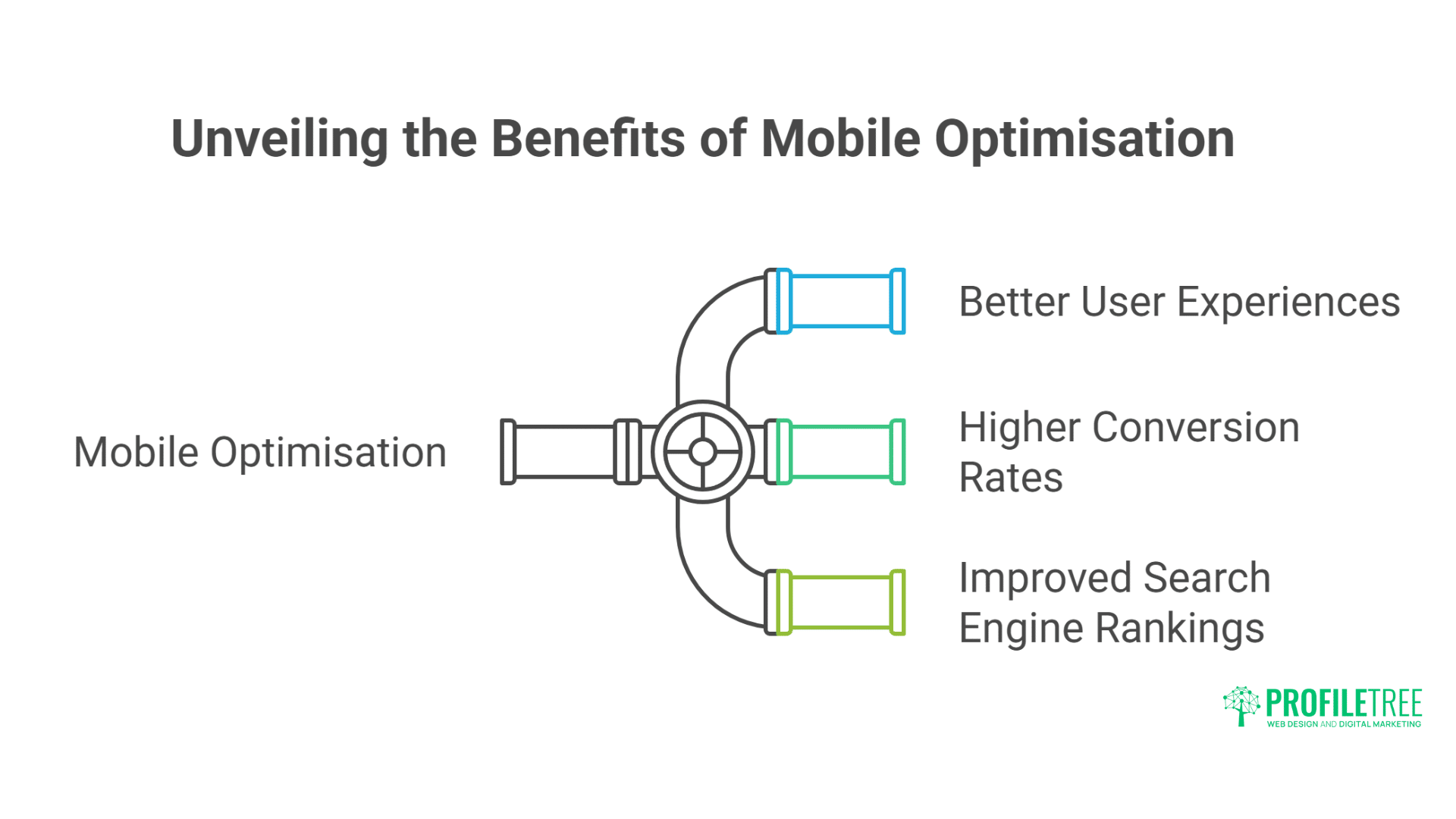
Mobile users now account for the majority of e-commerce traffic, making mobile performance optimisation essential for business success.
Shopify stores optimised for mobile deliver better user experiences, higher conversion rates, and improved search engine rankings.
Mobile-Specific Challenges
Mobile Shopify performance faces unique challenges. Limited processing power struggles with JavaScript. Slower networks amplify download delays. Touch interactions require larger targets. Small screens demand different layouts. Battery constraints limit resource usage. Mobile optimisation requires dedicated strategies beyond responsive design.
Mobile performance bottlenecks:
- 3G/4G network latency (100-500ms RTT)
- JavaScript parsing on low-power CPUs
- Memory constraints are causing reloads
- Cellular data compression variations
- Background app competition for resources
- Screen size requiring layout recalculation
Mobile-first development prioritises phone performance:
{% comment %} Mobile-optimised product gallery {% endcomment %}
{% if request.design_mode == false %}
<script>
// Detect mobile and adjust behaviour
const isMobile = /iPhone|iPad|iPod|Android/i.test(navigator.userAgent);
if (isMobile) {
// Disable heavy animations
document.documentElement.classList.add(‘reduce-motion’);
// Use smaller image sizes
document.querySelectorAll(‘[data-srcset]’).forEach(img => {
img.srcset = img.dataset.srcsetMobile;
});
// Defer non-critical features
window.addEventListener(‘load’, () => {
setTimeout(() => {
import(‘./mobile-features.js’);
}, 2000);
});
}
</script>
{% endif %}
Touch Optimisation and Gestures
Touch interactions require performance consideration. Tap delays affect perceived speed. Swipe gestures need smooth animation. Pinch-zoom demands responsive scaling. Touch targets need adequate sizing. Gesture conflicts cause frustration. Optimised touch handling improves the mobile experience significantly.
Implementing performant touch interactions:
//Optimised mobile menu with touch gestures
class MobileMenu {
constructor() {
this.menu = document.querySelector(‘.mobile-menu’);
this.startX = 0;
this.currentX = 0;
this.init();
}
init() {
// Remove 300ms tap delay
this.menu.style.touchAction = ‘manipulation’;
// Passive listeners for better scrolling
this.menu.addEventListener(‘touchstart’, this.onTouchStart.bind(this), { passive: true });
this.menu.addEventListener(‘touchmove’, this.onTouchMove.bind(this), { passive: true });
this.menu.addEventListener(‘touchend’, this.onTouchEnd.bind(this));
}
onTouchStart(e) {
this.startX = e.touches[0].clientX;
}
onTouchMove(e) {
this.currentX = e.touches[0].clientX;
const diff = this.currentX – this.startX;
// Use transform for smooth animation
if (diff > 0) {
this.menu.style.transform = `translateX(${diff}px)`;
}
}
onTouchEnd() {
const diff = this.currentX – this.startX;
if (diff > 100) {
this.close();
} else {
this.menu.style.transform = ”;
}
}
close() {
this.menu.style.transform = ‘translateX(100%)’;
}
}
Progressive Web App Features
PWA features enhance the mobile Shopify experience. Service workers enable offline browsing. The app manifest allows installation. Push notifications re-engage customers. Background sync handles poor connections. Cache strategies improve repeat visits. PWA implementation provides app-like performance.
Implementing PWA for Shopify:
// Service worker for offline capability
self.addEventListener(‘install’, (event) => {
event.waitUntil(
caches.open(‘shopify-v1’).then((cache) => {
return cache.addAll([
‘/’,
‘/collections’,
‘/products’,
‘/cart’,
‘/assets/theme.css’,
‘/assets/theme.js’
]);
})
);
});
self.addEventListener(‘fetch’, (event) => {
event.respondWith(
caches.match(event.request).then((response) => {
// Cache-first strategy for assets
if (response && event.request.url.includes(‘/assets/’)) {
return response;
}
// Network-first for HTML
return fetch(event.request).then((networkResponse) => {
// Cache successful responses
if (networkResponse.ok) {
const responseClone = networkResponse.clone();
caches.open(‘shopify-v1’).then((cache) => {
cache.put(event.request, responseClone);
});
}
return networkResponse;
}).catch(() => {
// Fallback to cache if offline
return response || new Response(‘Offline’);
});
})
);
});
International Performance Optimisation
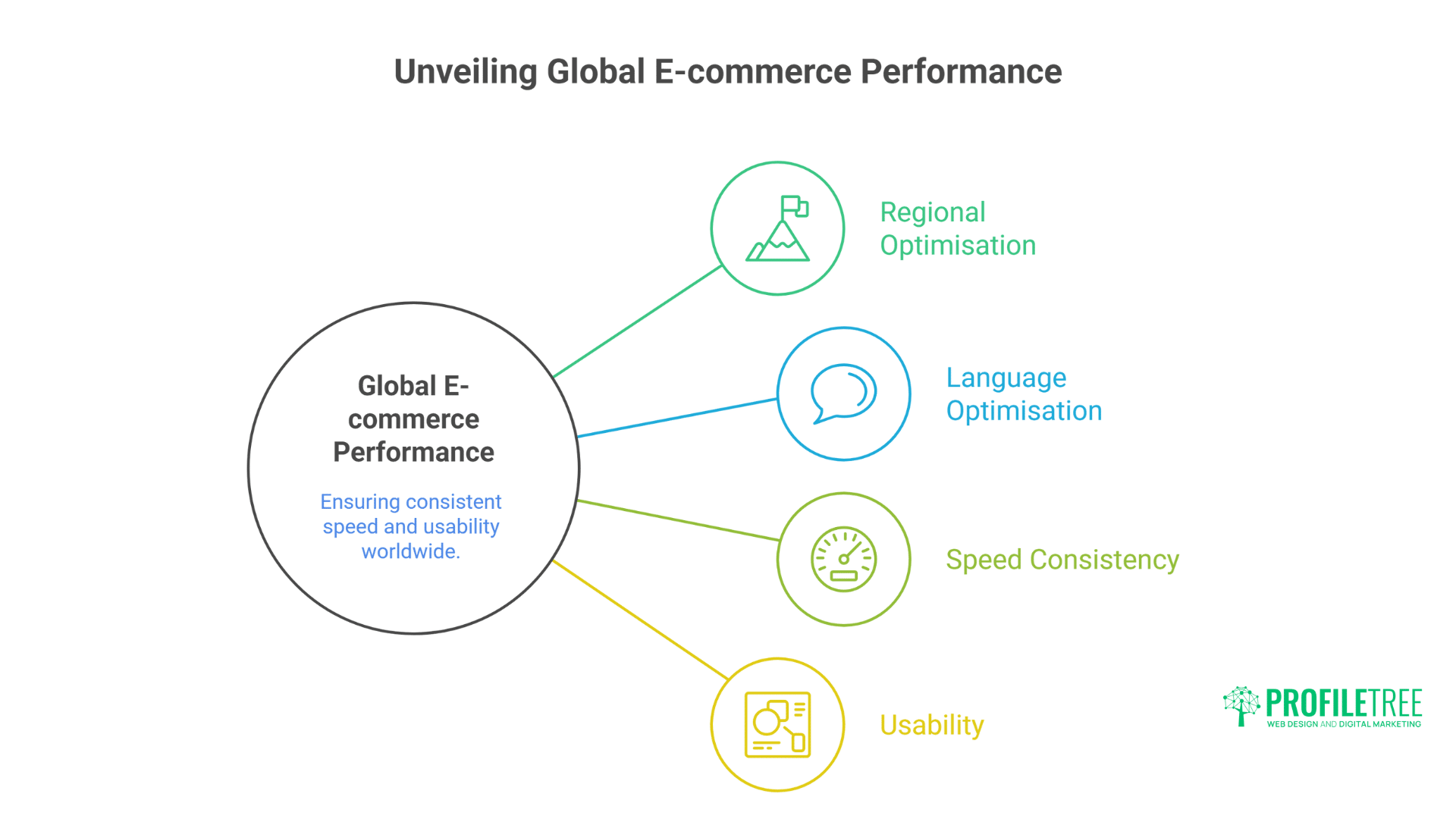
Global e-commerce requires specialised performance considerations to effectively serve customers across different regions and languages.
Proper international optimisation ensures consistent speed and usability regardless of a visitor’s location or language preferences.
Multi-Region Speed Strategies
International Shopify stores face geographic latency challenges. Distance from Shopify servers affects TTFB. Currency conversion adds processing. Language switching requires consideration. Tax calculations slow down checkout. Regional payment methods vary. Global optimisation requires multi-region strategies.
International SEO includes performance optimisation:
{% comment %} Geolocation-based optimisation {% endcomment %}
{% assign customer_country = customer.default_address.country_code | default: ‘GB’ %}
{% case customer_country %}
{% when ‘US’, ‘CA’ %}
{% assign cdn_url = ‘https://us-cdn.example.com’ %}
{% when ‘GB’, ‘IE’ %}
{% assign cdn_url = ‘https://eu-cdn.example.com’ %}
{% else %}
{% assign cdn_url = ‘https://global-cdn.example.com’ %}
{% endcase %}
<link rel=”preconnect” href=”{{ cdn_url }}”>
<link rel=”dns-prefetch” href=”{{ cdn_url }}”>
Localisation Without Performance Penalty
Multi-language and multi-currency features impact performance. Translation files increase payload. Currency conversion requires calculation. Regional content variations complicate caching. Proper implementation maintains speed whilst serving local content.
Efficient localisation implementation:
// Lazy load translations
class TranslationManager {
constructor() {
this.translations = {};
this.currentLang = document.documentElement.lang || ‘en’;
}
async loadTranslations(lang) {
if (this.translations[lang]) return this.translations[lang];
try {
const response = await fetch(`/translations/${lang}.json`);
this.translations[lang] = await response.json();
return this.translations[lang];
} catch (error) {
console.error(`Failed to load ${lang} translations`);
return {};
}
}
translate(key) {
const translations = this.translations[this.currentLang] || {};
return translations[key] || key;
}
}
// Currency conversion without blocking
class CurrencyConverter {
constructor() {
this.rates = {};
this.loadRates();
}
async loadRates() {
// Load from localStorage first
const cached = localStorage.getItem(‘currency_rates’);
if (cached) {
const { rates, timestamp } = JSON.parse(cached);
if (Date.now() – timestamp < 3600000) { // 1 hour cache
this.rates = rates;
return;
}
}
// Fetch fresh rates
try {
const response = await fetch(‘/api/currency-rates’);
this.rates = await response.json();
localStorage.setItem(‘currency_rates’, JSON.stringify({
rates: this.rates,
timestamp: Date.now()
}));
} catch (error) {
console.error(‘Failed to load currency rates’);
}
}
}
Advanced Checkout Optimisation
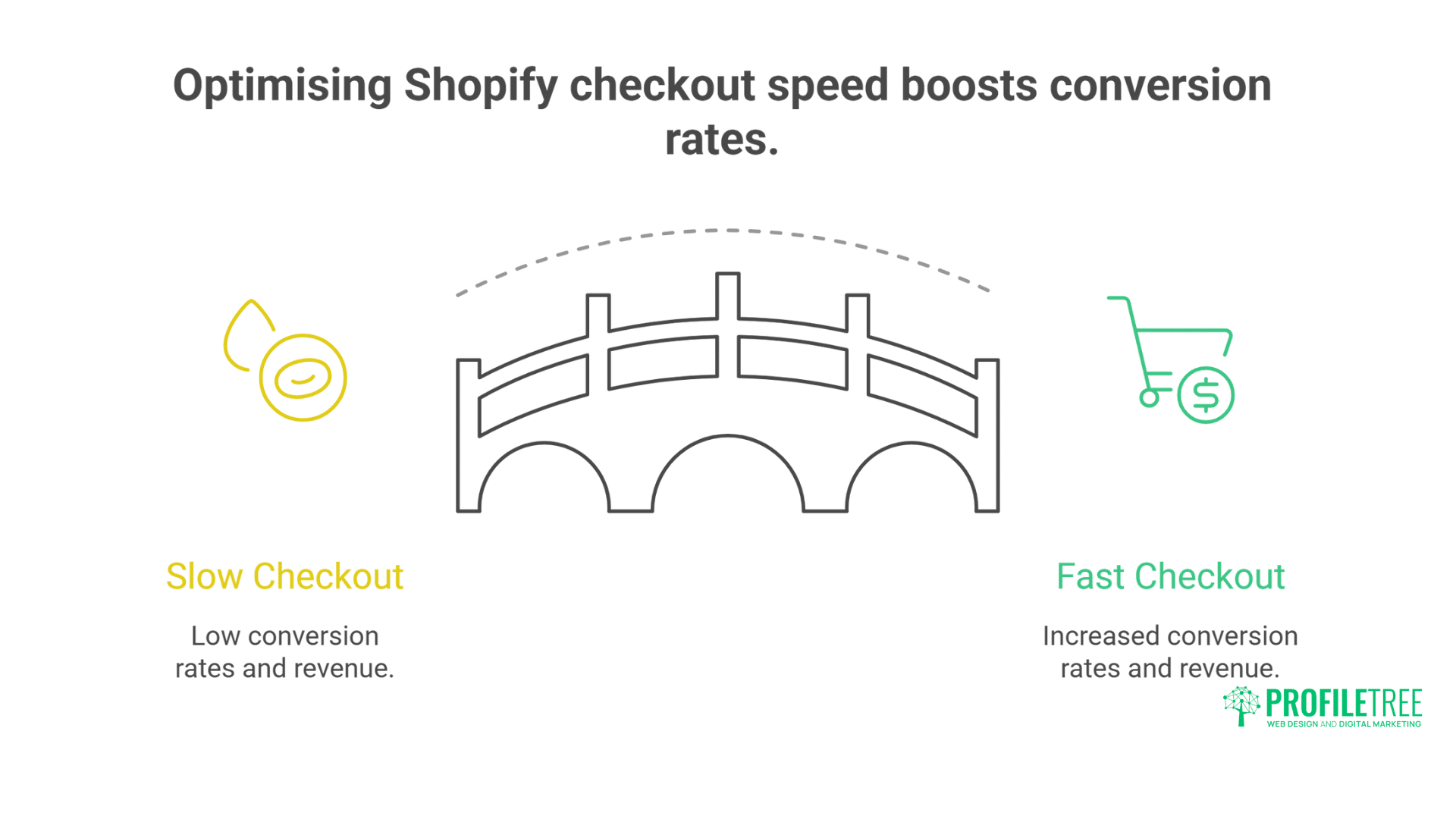
The checkout process represents the most critical performance zone for any e-commerce site, directly impacting conversion rates and revenue.
Optimising checkout speed and usability creates a frictionless path to purchase that drives business growth.
Checkout Performance Techniques
Checkout performance directly impacts conversion. Every 100ms delay reduces completion rates. Payment processing adds unavoidable latency. Form validation must be instant. Error handling needs clarity. Address autocomplete saves time. Optimised checkout can improve conversion by 20-35%.
Checkout optimisation strategies:
//Optimised checkout form handling
class CheckoutOptimiser {
constructor() {
this.init();
}
init() {
// Preload payment scripts
this.preloadPaymentMethods();
// Enable address autocomplete
this.initAddressAutocomplete();
// Optimise form validation
this.setupValidation();
// Prefetch shipping rates
this.prefetchShipping();
}
preloadPaymentMethods() {
const link = document.createElement(‘link’);
link.rel = ‘preload’;
link.as = ‘script’;
link.href = ‘https://checkout.stripe.com/checkout.js’;
document.head.appendChild(link);
}
initAddressAutocomplete() {
// Use browser autocomplete efficiently
const fields = {
‘shipping_address’: ‘shipping street-address’,
‘shipping_city’: ‘shipping address-level2’,
‘shipping_zip’: ‘shipping postal-code’,
‘shipping_country’: ‘shipping country’
};
Object.entries(fields).forEach(([id, autocomplete]) => {
const field = document.getElementById(id);
if (field) {
field.autocomplete = autocomplete;
}
});
}
async prefetchShipping() {
// Prefetch common shipping destinations
const commonCountries = [‘GB’, ‘IE’, ‘US’];
for (const country of commonCountries) {
fetch(‘/cart/shipping_rates.json’, {
method: ‘POST’,
headers: { ‘Content-Type’: ‘application/json’ },
body: JSON.stringify({
shipping_address: { country }
})
}).then(response => response.json())
.then(rates => {
sessionStorage.setItem(`rates_${country}`, JSON.stringify(rates));
});
}
}
}
Shopify Plus Checkout Extensibility
Shopify Plus enables checkout customisation, which is impossible on regular plans. Checkout scripts modify behaviour. Additional fields capture information. Custom validation improves accuracy. Performance monitoring tracks issues. These capabilities enable advanced optimisation strategies.
Professional Shopify Plus development maximises checkout performance:
// Shopify Plus checkout scripts
(function() {
// Skip unnecessary steps for returning customers
if (Shopify.Checkout.step === ‘contact_information’) {
const customer = Shopify.checkout.customer;
if (customer && customer.email) {
// Auto-advance if we have customer info
document.querySelector(‘[data-step=”shipping_method”]’).click();
}
}
// Optimise shipping method selection
if (Shopify.Checkout.step === ‘shipping_method’) {
// Pre-select fastest option for premium customers
const isPremium = Shopify.checkout.attributes.customer_tier === ‘premium’;
if (isPremium) {
const expressOption = document.querySelector(‘[value*=”express”]’);
if (expressOption) {
expressOption.checked = true;
}
}
}
// Reduce payment friction
if (Shopify.Checkout.step === ‘payment_method’) {
// Show saved cards prominently
const savedCards = document.querySelector(‘.saved-payment-methods’);
if (savedCards) {
savedCards.classList.add(‘highlighted’);
}
}
})();
Monitoring and Continuous Improvement
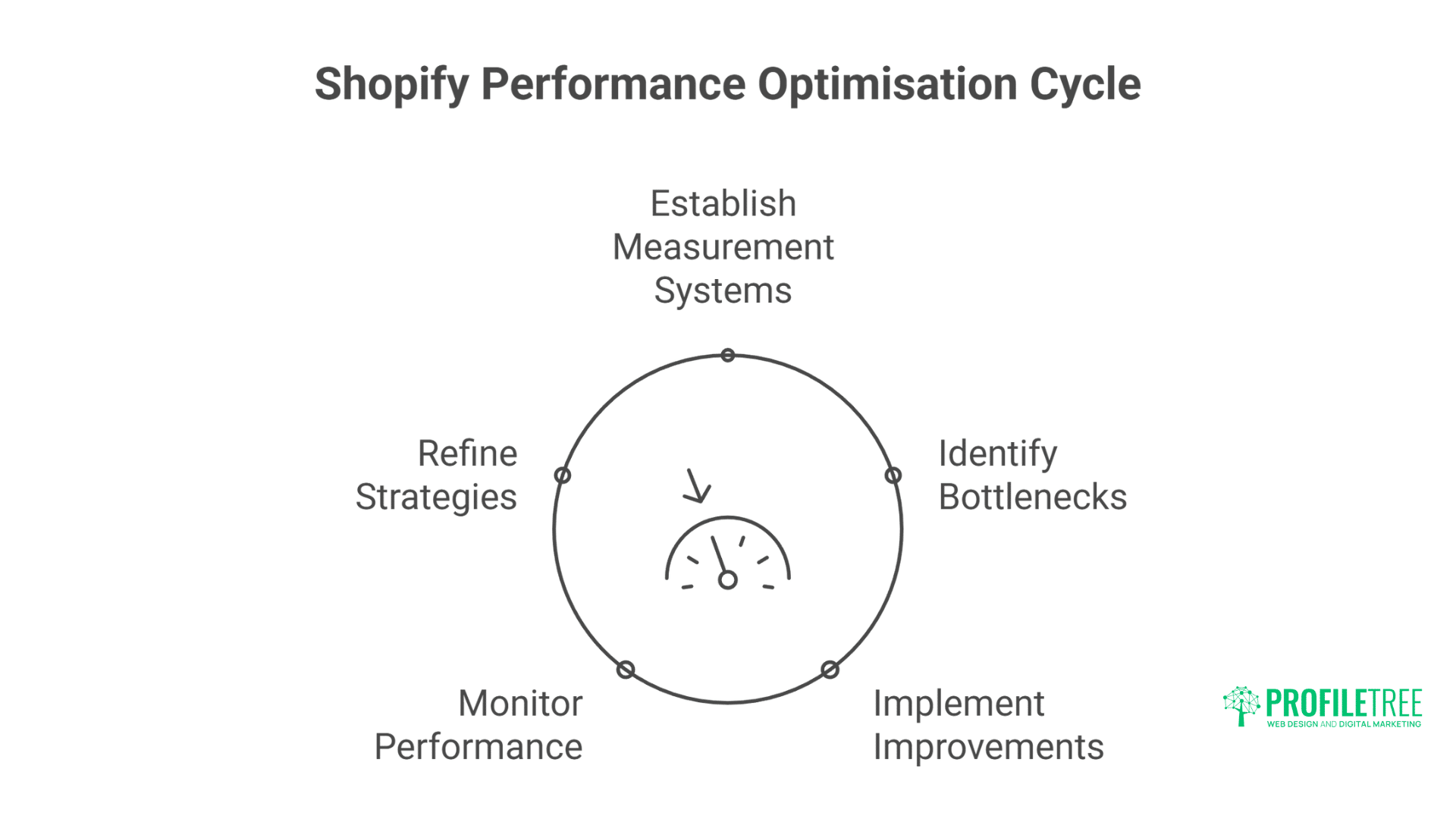
Performance optimisation isn’t a one-time task but an ongoing process that requires regular monitoring and refinement.
Establishing effective measurement systems helps identify bottlenecks and opportunities for further speed improvements.
Performance Monitoring Setup
Continuous monitoring prevents performance degradation. Real User Monitoring tracks experience. Synthetic monitoring catches issues early. Custom metrics measure business impact. Alert thresholds trigger investigations. Regular reporting guides optimisation priorities.
Comprehensive monitoring implementation:
// Custom performance monitoring
class PerformanceMonitor {
constructor() {
this.metrics = {};
this.init();
}
init() {
// Observe Core Web Vitals
this.observeLCP();
this.observeFID();
this.observeCLS();
// Track custom metrics
this.trackTimeToInteractive();
this.trackCartPerformance();
// Send data to analytics
this.reportMetrics();
}
observeLCP() {
new PerformanceObserver((list) => {
const entries = list.getEntries();
const lastEntry = entries[entries.length – 1];
this.metrics.lcp = lastEntry.renderTime || lastEntry.loadTime;
}).observe({ type: ‘largest-contentful-paint’, buffered: true });
}
observeFID() {
new PerformanceObserver((list) => {
const entries = list.getEntries();
entries.forEach((entry) => {
this.metrics.fid = entry.processingStart – entry.startTime;
});
}).observe({ type: ‘first-input’, buffered: true });
}
trackCartPerformance() {
// Measure cart API response times
const originalFetch = window.fetch;
window.fetch = async (…args) => {
const startTime = performance.now();
const response = await originalFetch(…args);
if (args[0].includes(‘/cart’)) {
const duration = performance.now() – startTime;
this.metrics.cartApiTime = duration;
}
return response;
};
}
reportMetrics() {
// Send to analytics endpoint
if (navigator.sendBeacon) {
navigator.sendBeacon(‘/analytics’, JSON.stringify(this.metrics));
}
}
}
A/B Testing Performance Changes
Performance changes require careful testing. Speed improvements might affect functionality. Optimisations could break features. User experience changes need validation. A/B testing proves impact before full deployment. Data-driven decisions prevent costly mistakes.
Digital strategy services include performance testing:
{% comment %} A/B test performance optimisations {% endcomment %}
{% assign test_group = customer.id | modulo: 2 %}
{% if test_group == 0 %}
{% comment %} Control: Standard implementation {% endcomment %}
{{ ‘theme.css’ | asset_url | stylesheet_tag }}
{{ ‘theme.js’ | asset_url | script_tag }}
{% else %}
{% comment %} Test: Optimised implementation {% endcomment %}
<style>{{ ‘critical.css’ | asset_url | asset_content }}</style>
<link rel=”preload” href=”{{ ‘theme.css’ | asset_url }}” as=”style” onload=”this.rel=’stylesheet'”>
<script src=”{{ ‘theme-optimised.js’ | asset_url }}” defer></script>
{% endif %}
<script>
// Track performance for each group
window.addEventListener(‘load’, () => {
const metrics = {
group: ‘{{ test_group }}’,
loadTime: performance.timing.loadEventEnd – performance.timing.navigationStart,
ttfb: performance.timing.responseStart – performance.timing.navigationStart,
domReady: performance.timing.domContentLoadedEventEnd – performance.timing.navigationStart
};
// Send to analytics
fetch(‘/performance-test’, {
method: ‘POST’,
body: JSON.stringify(metrics)
});
});
</script>
Frequently Asked Questions
What’s a realistic PageSpeed score for Shopify stores?
Well-optimised Shopify stores typically achieve 70-85 on mobile and 85-95 on desktop. Scores above 90 on mobile require significant optimisation and often sacrifice functionality. Focus on Core Web Vitals passing (green) rather than perfect scores. Real-world loading under 3 seconds matters more than abstract scores.
Which Shopify apps hurt performance the most?
Page builders, review apps, email pop-ups, and loyalty programmes typically have the worst performance impact. Each can add 500KB-1MB of JavaScript. Multiple apps compound problems exponentially. We recommend a maximum of 5-7 carefully selected apps, with performance testing before and after each installation.
Can Shopify match custom platform performance?
Optimised Shopify stores can match custom platforms for most use cases. Shopify’s infrastructure provides excellent baseline performance, and advanced optimisation techniques close remaining gaps. However, extremely high-traffic stores (1M+ monthly visitors) might benefit from headless or custom solutions.
How much does professional Shopify optimisation cost?
Professional Shopify speed optimisation typically costs £2,000-8,000, depending on store complexity. Basic optimisation (image compression, app audit, code cleanup) starts around £2,000. Comprehensive optimisation, including custom development, reaches £8,000+. ROI usually appears within 2-3 months through improved conversion rates.
Should I use Shopify’s Online Store 2.0 themes?
Online Store 2.0 themes provide a better performance foundation than legacy themes. Sections everywhere reduce Liquid complexity. Dynamic sections improve caching. Meta fields eliminate apps for custom data. App blocks provide better integration. Migration to 2.0 themes often enhances performance by 20-30%.
Conclusion: Speed as Competitive Advantage
Shopify speed optimisation transcends technical metrics—it’s about commercial success. Every second shaved off the load time increases revenue. Mobile shoppers especially punish slow stores with abandonment. Yet most merchants accept poor performance as an inevitable Shopify limitation. Professional optimisation proves otherwise, transforming sluggish stores into lightning-fast revenue generators.
Advanced techniques detailed here go beyond basic optimisation guides. Liquid optimisation reduces server processing. Asset optimisation minimises download requirements. App management eliminates unnecessary overhead. Mobile-first approaches serve the majority of traffic efficiently. International strategies ensure global performance. These techniques combined achieve sub-2-second load times even on complex stores.
The investment in professional Shopify optimisation pays dividends immediately. Conversion rate improvements of 20-35% are common. Improved SEO rankings drive organic traffic. Reduced bounce rates increase engagement. Lower server costs through efficient resource usage. Customer satisfaction improvements build loyalty. Speed becomes a sustainable competitive advantage in crowded markets.
ProfileTree’s e-commerce optimisation services deliver measurable results for Shopify merchants who are serious about performance. Our Belfast team combines deep Shopify expertise with proven optimisation techniques, transforming slow stores into high-performance selling machines. We understand that speed enables success, and we deliver both through systematic optimisation that preserves functionality while dramatically improving performance.