
Mobile-First Videos: A Practical Guide for UK and Irish SMEs
Table of Contents
Most UK businesses now reach their customers on a smartphone screen first. If your video content was planned, shot, or formatted with a desktop viewer in mind, a significant share of your audience is getting a degraded experience before they’ve even heard your message.
This guide is written for business owners and marketing managers who are either producing mobile-first videos in-house or briefing an agency to do so. It covers what to specify, what platform requirements actually matter, and where the technical decisions affect real viewing outcomes. The commissioning section at the end addresses the most common briefing gaps ProfileTree sees when working with SMEs across Belfast, Northern Ireland, and the UK. For a full breakdown of how video fits into your content output, see ProfileTree’s guide to the complete video production process.
Why Mobile-First Videos Demand a Different Brief
Desktop-down video production, where a 16:9 landscape file is the master output and everything else is an afterthought, no longer matches how most people consume business content. On TikTok, Instagram, and YouTube Shorts, the vertical feed is the default. A landscape video in that environment occupies roughly 30% of the screen. A vertical video fills it entirely.
This is not a stylistic preference. It is a structural difference in how much of the viewer’s attention your content can command from the first frame.
For an SME in Belfast or Dublin, the practical implication is this: if your agency or in-house team is delivering a single 16:9 cut and calling it “optimised for social,” you are not getting mobile-first videos. You are getting a repurposed broadcast format on a channel built for something else.
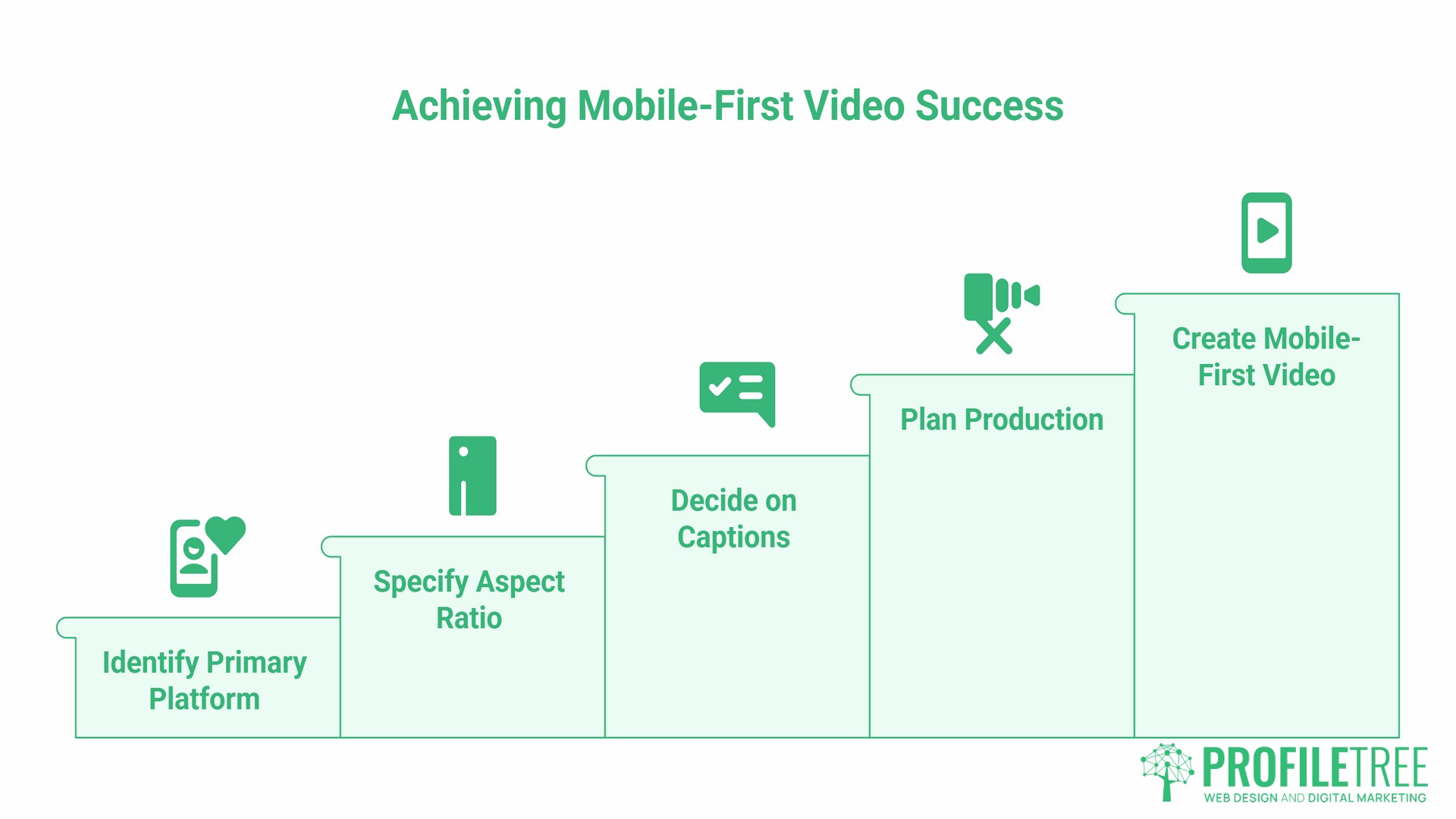
As Ciaran Connolly, founder of ProfileTree, puts it: “The briefing conversation is where most mobile video projects go wrong. Clients know they want video for social media, but they haven’t specified which platform is primary, what the aspect ratio should be, or whether captions are burnt in. Those decisions should happen before production starts, not during the edit.”
The Platform Spec Matrix: What to Specify Before Production
The table below covers the four platforms where mobile-first videos perform most strongly for UK SMEs. Brief your production team on these specs before shooting begins, not after.
| Platform | Aspect Ratio | Recommended Length | Minimum Resolution | Caption Requirement |
|---|---|---|---|---|
| TikTok | 9:16 | 15 to 60 seconds | 1080 × 1920 | Burnt-in or auto-generated (review before publishing) |
| Instagram Reels | 9:16 | 15 to 90 seconds | 1080 × 1920 | Burnt-in recommended; auto-captions available |
| YouTube Shorts | 9:16 | Up to 60 seconds | 1080 × 1920 | Auto-generated; review for accuracy |
| LinkedIn Video | 1:1 or 4:5 | 30 to 90 seconds | 1080 × 1080 | Burnt-in strongly recommended (B2B audience, often sound-off) |
Square (1:1) remains a reliable fallback format for platforms with inconsistent feed orientation. It loses less screen real estate than 16:9 and performs adequately on both vertical and horizontal feeds. Where budget or production time is limited, a 1:1 cut is a pragmatic middle option.
For longer-form content on YouTube, the standard 16:9 format remains appropriate. YouTube Shorts operates separately from the main feed and follows the 9:16 requirement above.
Aspect Ratios: The Decision That Has to Happen First
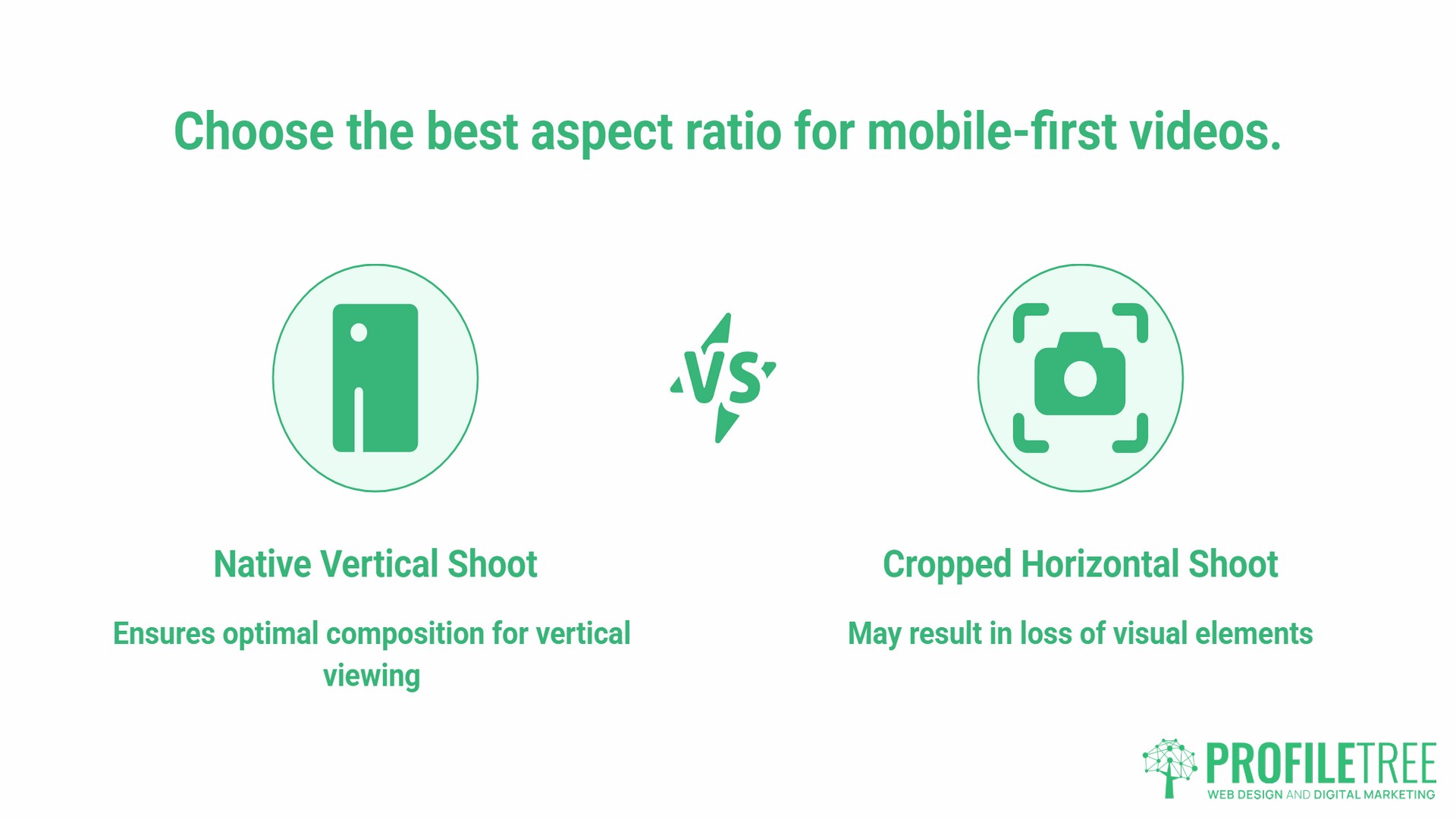
Of all the technical specifications involved in mobile-first videos, aspect ratio is the one that cannot be fixed in post-production without quality loss. Cropping a 16:9 video to 9:16 after the fact typically cuts off faces, text overlays, and key visual elements. The shot was not composed for a vertical frame.
The correct approach is to either shoot natively in the target format or, if shooting 16:9 for a primary cut, compose shots with vertical delivery in mind. This means keeping subjects centred, avoiding wide establishing shots that rely on horizontal space, and confirming with the director before shooting that safe zones have been marked for the vertical crop.
For SMEs briefing an external production team, the question to ask is: “Will the edit deliver a 9:16 cut as a native output, or will it be cropped from the 16:9 master?” If the answer is the latter, request a vertical crop before final delivery.
Sound-Off Strategy: Captions Are Not Optional
A significant share of mobile video is watched without sound. Viewers in public spaces, while commuting, or in open-plan workplaces often mute or simply don’t activate audio, making it reasonable to expect that any video posted to a social feed may be watched silently by a portion of your audience. On LinkedIn in particular, where most users browse during working hours, silent viewing is a common behaviour.
Captions serve two functions: they make content accessible to users who are not listening and to users with hearing impairments. Both outcomes matter. In the UK, the Equality Act 2010 applies to digital content in many commercial contexts, and UK public sector organisations follow the Web Content Accessibility Guidelines (WCAG), which include provisions for video captions.
For business video, burnt-in captions (text rendered directly into the video file) are more reliable than platform-generated auto-captions, which can misread technical language, brand names, and regional accents. If you are working with a production agency, burnt-in captions should be specified in the brief as a deliverable rather than assumed.
Common tools for adding accurate captions include YouTube’s built-in caption editor, Amara, and Subtitle Workshop. If using auto-generated captions, review every line before publishing. Auto-captioning services perform well on clear broadcast-quality audio and less well on location sound with background noise, which is common in SME video production.
Video Length: Matching Platform Expectation to Business Goal
There is no single ideal length for mobile-first videos. The right length depends on the platform and what the video needs to do.
- Short-form (15 to 60 seconds): Works for product awareness, single-message announcements, and content designed to drive profile visits or link clicks. TikTok, Reels, and Shorts all favour this range in their distribution algorithms.
- Mid-form (1 to 3 minutes): Appropriate for how-to content, product demonstrations, and testimonials where the viewer has already shown intent. LinkedIn Video performs well here when the opening ten seconds clearly signal the value to the viewer.
- Long-form (5 to 20 minutes): Reserved for YouTube, where the viewer commits to depth. Tutorial content, event coverage, and detailed case studies work in this range. For SMEs, this format supports SEO and channel growth but requires significantly more production investment to hold viewer attention.
The most common briefing mistake is producing a single video without specifying which platform it will appear on first. Platform-native production, where the primary cut is built for the intended channel, consistently outperforms repurposed content.
For more on how short-form content fits into a wider video strategy, see ProfileTree’s guide to the rise of short-form video.
Visual Design for Small Screens
Mobile screens reward simplicity. Text overlays, graphics, and lower-third captions that look clean on a monitor can become unreadable at phone scale. A few practical rules for mobile-first video design:
- Keep text overlays to a maximum of two lines at a time
- Use font sizes that are legible without zooming; test on an actual device, not a preview window
- Avoid cluttered lower thirds with multiple lines of information simultaneously on screen
- Use high contrast between text and background; white text on mid-tone video backgrounds is a common problem
- Bold, single-colour graphics outperform complex animated overlays on slow connections
Thumbnail design follows the same logic. On a mobile feed, a thumbnail is displayed at roughly 120 to 160 pixels wide. Any text in the thumbnail needs to be very large to register. A face or strong single object reads better than a composition designed for desktop display.
Technical Considerations: What Matters at the Commissioning Stage
The technical aspects of mobile video delivery fall into two categories: those the production team controls and those the hosting platform controls.
What Your Production Team Controls
Resolution and bitrate are the primary decisions here. For most mobile-first videos, 1080p (1920 × 1080 for landscape, 1080 × 1920 for vertical) at a bitrate of 4-8 Mbps strikes a good balance between quality and file size. 4K is rarely necessary for social distribution and produces files that are harder to work with across the editing and upload pipeline.
File compression should be handled before upload. Tools such as HandBrake allow you to reduce file sizes without significant visible quality loss. Large uncompressed files take longer to upload, are slower to transcode on the platform side, and can affect how quickly a video begins playing for end users on mobile connections.
What the Platform Controls
Once a video is uploaded to YouTube, TikTok, or Instagram, the platform manages adaptive streaming, which automatically adjusts the quality level delivered to each viewer based on their connection speed. This is handled without any action required from the uploader. Choosing a well-established hosting platform is sufficient; you do not need to implement adaptive streaming protocols yourself.
For businesses hosting video on their own website, the situation is different. Self-hosted video requires more deliberate decisions about compression, file format (MP4 with H.264 encoding remains the most broadly supported option), and whether to use a video content delivery network. For most SMEs, embedding from YouTube or Vimeo is the more practical approach and offloads the entire streaming infrastructure.
For guidance on how video hosting decisions connect to broader web performance, see ProfileTree’s resource on mobile-first design strategies.
The Easy Workflow: AI Tools for Mobile-First Video Production
A recurring challenge for SMEs producing mobile-first videos with limited post-production resource is reformatting a single piece of content for multiple platforms. Several AI-driven tools now handle the most time-consuming parts of this process.
- Aspect ratio conversion: Tools such as Descript, CapCut, and Adobe Express can reframe a 16:9 video to 9:16 using AI-driven subject tracking. The tool identifies the main subject in each frame and dynamically adjusts the crop, rather than applying a static centre-crop. The results are imperfect on wide shots but significantly better than manual cropping for run-and-gun production.
- Automatic captioning: Most major editing platforms now include AI transcription as a built-in feature. YouTube Studio, Descript, and Premiere Pro all offer this. The workflow is: generate the automatic transcript, review it for errors (especially brand names, technical terms, and any Northern Irish or Irish place names that AI misreads commonly), then burn the corrected captions into the export or upload them as a separate subtitle file.
- The 3-second hook: On short-form platforms, a viewer’s decision to continue watching happens within the first three seconds. The opening frame should feature the strongest single element of the video, whether that is an unexpected visual, a direct question to the viewer, or the key information the video delivers. A slow pan, a logo reveal, or an introductory title card at the start of a mobile-first video will cost views.
How to Commission Mobile-First Video Content
For SMEs working with a production agency, the commissioning brief is where most mobile video problems originate. A brief that does not specify platform, format, caption requirements, and intended use at the outset leads to a final deliverable that cannot be distributed effectively without additional editing costs.
A practical commissioning checklist for mobile-first videos:
- Primary platform, which channel will this video appear on first? This determines aspect ratio, length, and caption format.
- Secondary formats, will the video be repurposed for other platforms? Specify this upfront so the director can account for it in composition.
- Caption delivery, burnt-in, separate subtitle file, or reliance on auto-captions? Burnt-in is recommended for most business use.
- Sound-off viewing, does the video communicate its message without audio? Test this before approving the final cut.
- Brand safe zones, where will logos, lower thirds, and text overlays appear? Ensure these fall within the safe area for all intended crop formats.
- File delivery format, request MP4 (H.264) at 1080p as the standard deliverable, with separate vertical and square crops where needed.
- Thumbnail, is a custom thumbnail included in the deliverable? Do not rely on an auto-selected frame.
- Rights and music, confirm that all music used is licensed for commercial use on the intended platforms.
ProfileTree’s video production team, based in Belfast, works with SMEs across Northern Ireland, Ireland, and the UK on exactly this kind of brief. Learn more about the full production process in ProfileTree’s complete video production guide.
Testing and Reviewing Mobile Video Performance
Publishing a video is the start of the performance conversation, not the end. Most platforms provide analytics that tell you where viewers stopped watching, what percentage watched to the end, and how the video was discovered.
The metrics worth monitoring for mobile-first videos:
- Average view duration: How long did viewers watch before leaving? On short-form platforms, a high percentage completion rate (above 50%) is a positive signal. On YouTube, watch time in absolute minutes matters more.
- Audience retention graph: This shows the exact second when viewers drop off. A sharp early drop in the first three to five seconds indicates a weak opening. A gradual decline is normal; sudden mid-video drops often point to a specific moment (a slow section, a tonal shift, or an overly long title sequence) that can be addressed in future productions.
- Impressions and click-through rate (on YouTube): Your thumbnail and title generate impressions every time they appear in a feed or suggestion. A low click-through rate indicates the thumbnail or title is not compelling enough to prompt a click. A high click-through rate with low view duration suggests the content did not deliver on the promise of the thumbnail.
- A/B testing: Most platforms do not offer native A/B testing for video, but you can run informal tests by publishing similar content with different hooks, thumbnails, or formats and comparing performance after the same time period. Keep variables consistent to make the comparison meaningful.
Analytics Tools for Mobile Video
- YouTube Studio: View duration, audience retention, impressions, and traffic sources. The mobile tab in YouTube Studio shows the proportion of your audience watching on a phone or tablet.
- Meta Business Suite: Covers Instagram Reels and Facebook Video. Shows reach, plays, and average watch time.
- TikTok Analytics: Provides video performance data, follower activity times, and traffic source breakdown.
Using Viewer Feedback
Analytics tell you what happened; viewer comments and direct messages tell you why. For SMEs with an engaged audience, reading comments on your own videos and on similar content in your category provides qualitative context that metrics alone cannot give you.
FAQs
What is the difference between mobile-first and mobile-responsive video?
Mobile-responsive means a video adjusts to fit different screen sizes without breaking the layout. Mobile-first means the video was designed, shot, and edited with the mobile viewer as the primary audience, including framing decisions, caption placement, aspect ratio, and the opening hook. A 16:9 video that plays on mobile is mobile-responsive. A 9:16 video composed and captioned specifically for a vertical feed is mobile-first.
Which platform gives the best return for UK SMEs producing mobile-first videos?
It depends on whether your audience is B2B or B2C. For B2C businesses targeting consumers, Instagram Reels and TikTok offer the highest organic reach potential for discovering new audiences. For B2B businesses targeting decision-makers, LinkedIn Video and YouTube deliver a more commercially intent-driven audience. A short-form piece produced natively for Reels can often be repurposed with minimal editing for YouTube Shorts, giving you two placements from one shoot.
Does the 9:16 video work on a desktop?
Yes, but with letterboxing: black bars appear on either side of the vertical content on a widescreen monitor. This is standard and expected on platforms like TikTok and Instagram when viewed on desktop. The viewing experience is serviceable but not optimal, which is why knowing your primary platform before production is important.
How much does mobile-first video production cost in the UK?
Costs vary widely based on production quality, duration, number of deliverables, and whether animation or on-screen talent is involved. A straightforward branded social video with captions and platform-specific cuts will typically cost less than a fully produced brand film. Getting multiple platform formats from a single shoot is more cost-effective than commissioning separate productions for each channel.
Do I need a 4K camera for mobile-first video?
No. Most mobile platforms compress uploaded video during processing, and the delivery quality to end users is determined by their connection speed rather than the original file resolution. 1080p content produced and compressed is often preferable to 4K footage that has been poorly compressed, because it results in smaller file sizes, faster uploads, and less aggressive platform compression. 4K is useful if you expect to do heavy cropping or reframing in post-production.
Are captions mandatory for mobile video?
Not legally mandatory for most commercial content in the UK, though UK public sector bodies and publicly funded organisations face stricter accessibility requirements under WCAG. The practical argument for captions is strong regardless: they extend reach to viewers watching without sound, improve viewer retention, and increase accessibility for users with hearing impairments. For any business serious about mobile-first videos, burnt-in captions should be a standard deliverable.