
The Ultimate Guide to Powerful Automated Testing Tools for Success
Table of Contents
Web development has evolved significantly over the past decade, with complex applications demanding reliable, consistent performance across multiple platforms and devices. For developers and businesses alike, automated testing has become necessary to maintain quality while meeting tight deadlines.
Automated testing tools help developers verify application functionality without manual intervention, catching bugs early and reducing the cost of fixes. With the right testing tools, development teams can build more robust applications, deploy confidently, and focus on innovation rather than firefighting.
This guide examines the most effective automated testing tools available to web developers in 2025. It compares their strengths, limitations, and ideal use cases to help you make informed project decisions.
“We’ve seen clients reduce post-launch issues by up to 70% after implementing comprehensive automated testing strategies. The initial investment pays dividends through faster development cycles and dramatically improved user experiences,” notes Ciaran Connolly, Director of ProfileTree.
Why Automated Testing Matters
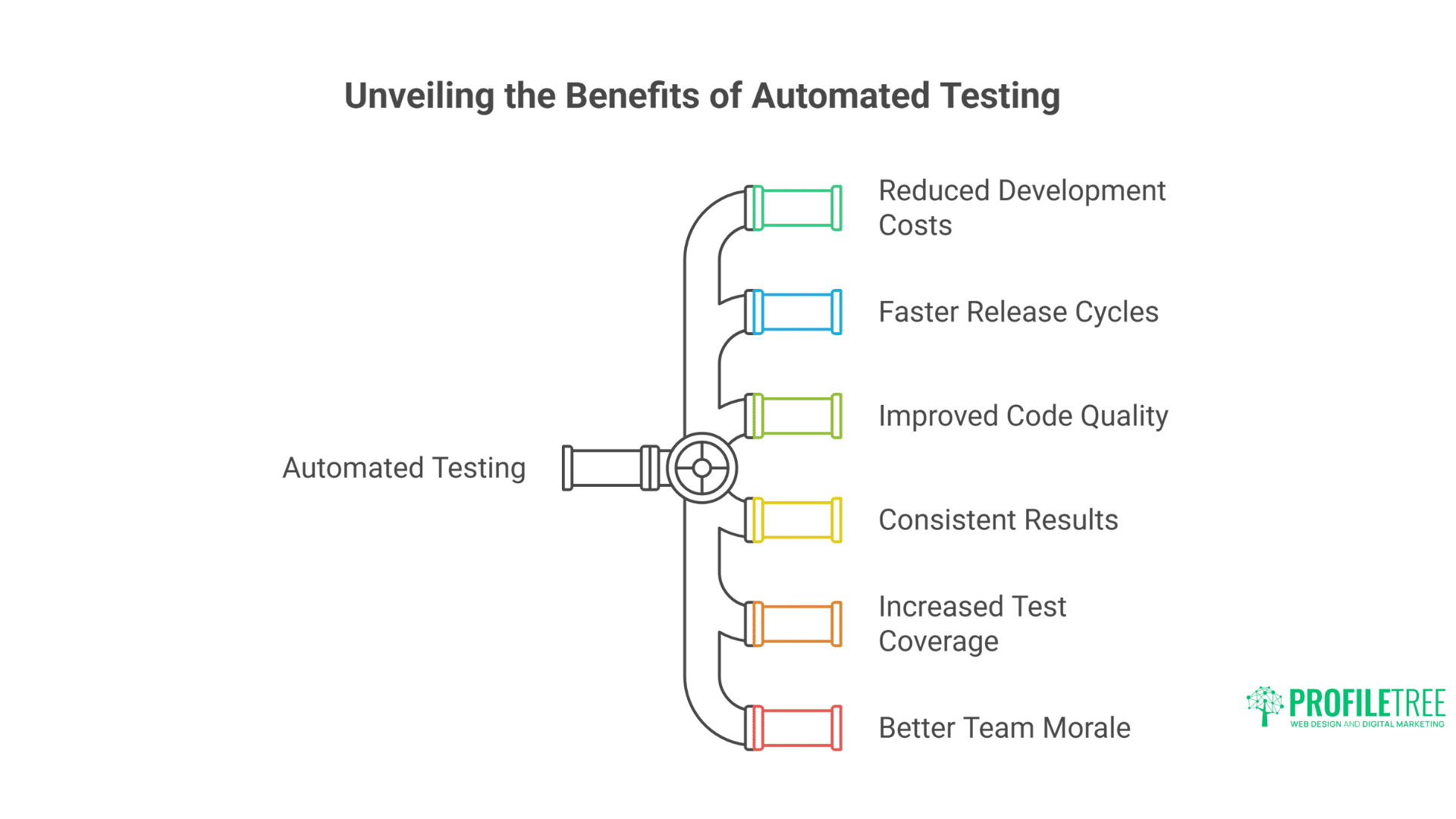
The benefits of automated testing extend beyond simply catching bugs:
- Reduced development costs: Identifying issues early in the development cycle can cost up to 15 times less than fixing them after deployment
- Faster release cycles: Automated tests can run in minutes rather than days of manual testing
- Improved code quality: Testing encourages developers to write more modular, testable code
- Consistent results: Manual testing is prone to human error and inconsistency
- Increased test coverage: Automation allows testing scenarios that would be impractical to test manually
- Better team morale: Developers spend less time debugging and more time building
Automated testing for businesses investing in web development directly translates to better ROI, with fewer resources spent on maintenance and more devoted to growth.
Types of Automated Testing for Web Applications
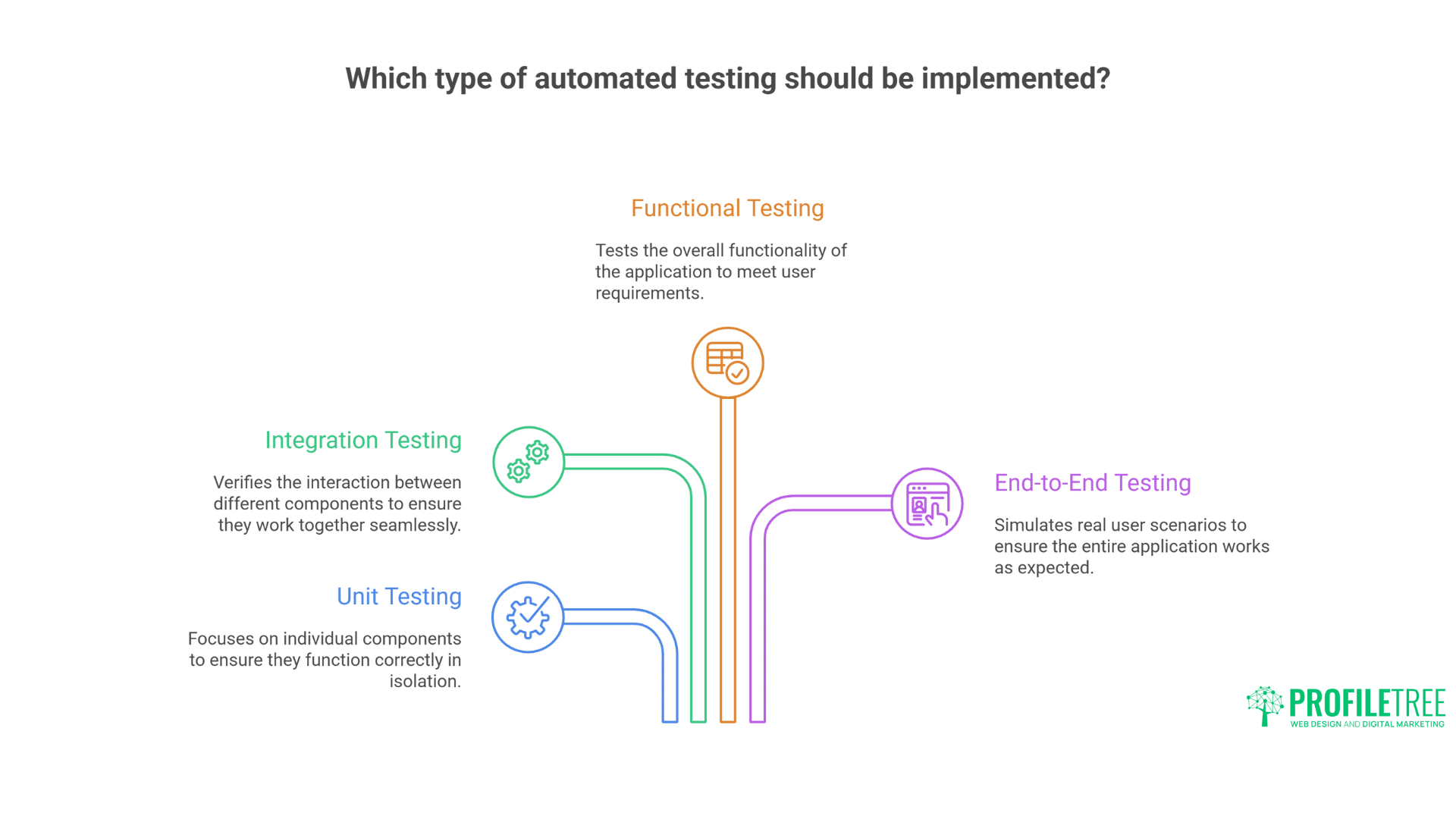
Before diving into specific tools, it’s essential to understand the different types of automated testing applicable to web development:
Unit Testing
Unit tests examine individual components or functions in isolation. They verify that each piece of code works correctly.
Benefits:
- Fast execution
- Precise error identification
- Supports test-driven development
- Simplifies refactoring
Popular tools: Jest, Mocha, Jasmine
Integration Testing
Integration tests verify that different components work together correctly. They test the interfaces between units and identify issues that might not appear in isolation.
Benefits:
- Catches communication problems between components
- Verifies system architecture
- Test data flow through the application
Popular tools: Cypress, TestCafe, Selenium
End-to-End Testing
E2E tests simulate user interactions with the application, testing the entire system from the user’s perspective.
Benefits:
- Validates user flows
- Tests real-world scenarios
- Identifies UI and UX issues
Popular tools: Playwright, Cypress, Selenium WebDriver
Visual Regression Testing
Visual tests capture screenshots of the application and compare them to baseline images to identify visual changes.
Benefits:
- Catches unintended UI changes
- Ensures consistent branding
- Works across different devices and screen sizes
Popular tools: Percy, Applitools, BackstopJS
Performance Testing
Performance tests measure how the application behaves under load and stress conditions.
Benefits:
- Identifies bottlenecks
- Ensures scalability
- Helps establish performance baselines
Popular tools: Lighthouse, WebPageTest, k6
Comprehensive Tool Analysis
Let’s examine the most effective automated testing tools for web developers in 2025:
1. Playwright
Developed by Microsoft, Playwright has gained significant traction for its cross-browser testing capabilities and modern approach to web testing.
Key Features:
- Support for all modern browsers (Chromium, Firefox, WebKit)
- Auto-waiting for elements to be ready
- Network interception and mocking
- Mobile emulation
- Parallel testing
- Headless and headed mode
Strengths:
- Exceptional speed compared to older solutions
- Reliable testing across multiple browsers
- Strong API design and documentation
- Active development community
Limitations:
- Steeper learning curve for beginners
- Relatively young compared to established tools
Ideal for: Teams building complex web applications needing thorough cross-browser testing.
Pricing: Open source with free core functionality
2. Cypress
Cypress has revolutionary frontend testing with its developer-friendly approach and robust execution model.
Key Features:
- Time-travel debugging
- Real-time reloads
- Automatic waiting
- Network traffic control
- Consistent results
- Comprehensive test reporter
Strengths:
- Exceptional developer experience
- Detailed, visual test runner
- Flake-resistant tests
- Extensive plugin ecosystem
Limitations:
- Limited multi-browser support compared to Playwright
- Cannot drive multiple browsers simultaneously
IdeaFrontendont-end developers who value debugging capabilities and want to reduce test flakiness.
Pricing: Open source with paid plans for advanced features starting at £75/month
3. Jest
Jest has become the standard for JavaScript unit testing, particularly for React applications.
Key Features:
- Zero-config setup
- Snapshot testing
- Parallel test execution
- Built-in code coverage
- Mock functions and modules
- Interactive watch mode
Strengths:
- Speedy test execution
- Minimal configuration required
- Excellent documentation
- Strong ecosystem integration
Limitations:
- Primarily focused on unit testing
- Not designed for E2E testing
Ideal for: JavaScript projects, particularly React-based applications requiring unit and integration testing.
Pricing: Free and open source
4. Selenium WebDriver
The veteran of web testing, Selenium WebDriver, remains relevant for its broad language support and extensive ecosystem.
Key Features:
- Support for multiple programming languages
- Works with all major browsers
- Large ecosystem of tools and extensions
- Grid for distributed testing
- Mature API
Strengths:
- Established standard with extensive documentation
- Flexible implementation options
- Works with virtually any web technology
- Broad community support
Limitations:
- Slower than modern alternatives
- More complex setup
- Can produce flaky tests without proper implementation
Ideal for: Large enterprise projects with existing Selenium infrastructure or teams requiring specific language support beyond JavaScript.
Pricing: Free and open source
5. TestCafe
TestCafe offers a modern approach to end-to-end testing without requiring WebDriver or browser plugins.
Key Features:
- No WebDriver dependency
- Runs on any browser with JavaScript support
- Built-in waiting mechanisms
- Concurrent test execution
- Role-based authentication testing
Strengths:
- Easy setup with minimal configuration
- Stable tests with fewer flaky results
- Excellent handling of asynchronous operations
- Good documentation
Limitations:
- Smaller community compared to Cypress or Selenium
- Fewer integrations with third-party tools
Ideal for: Teams looking for a straightforward E2E testing solution with minimal setup overhead.
Pricing: Free open-source version with paid Studio edition
6. Puppeteer
Developed by Google, Puppeteer provides direct control over Chrome or Chromium for testing and automation.
Key Features:
- Direct Chrome DevTools Protocol integration
- Headless mode by default
- Fast execution
- Performance tracing
- PDF generation
- Screenshot capabilities
Strengths:
- Excellent performance for Chrome-specific testing
- Strong support for modern web features
- Useful for both testing and web scraping
- Good documentation
Limitations:
- Chrome/Chromium only
- Requires more custom code than testing-specific frameworks
Ideal for: Projects targeting Chrome specifically or needing browser automation beyond testing.
Pricing: Free and open source
7. Vitest
As a newer entrant in the testing space, Vitest offers blazing-fast unit testing designed explicitly for Vite-based projects.
Key Features:
- Native ESM support
- Compatible with Jest API
- Watch mode with HMR
- Smart file detection
- Component testing
- Built-in coverage
Strengths:
- Swift execution
- Minimal configuration
- Modern ESM support
- Excellent Vite integration
Limitations:
- Best suited for Vite projects
- Newer with a smaller community
Ideal for: frontend projects built with Vite, Vue, or React.
Pricing: Free and open source
8. Applitools
Specialising in visual testing, Applitools uses AI to detect meaningful visual differences across browsers and devices.
Key Features:
- Visual AI technology
- Automated maintenance
- Root cause analysis
- Integrates with most testing frameworks
- Cross-browser and cross-device testing
Strengths:
- Reduces false positives in visual testing
- Handles dynamic content intelligently
- Comprehensive visual coverage
- Excellent reporting
Limitations:
- Premium pricing
- Requires integration with other testing tools
Ideal for: Projects where visual consistency is critical across multiple platforms.
Pricing: Paid plans based on usage volume
9. Storybook + Jest
While not a testing tool, Storybook and Jest offer powerful component testing capabilities.
Key Features:
- Component isolation
- Interactive testing environment
- Visual regression testing
- Accessibility testing
- Documentation generation
Strengths:
- Excellent for component-driven development
- Combines visual and automated testing
- Improves component documentation
- Supports many frameworks
Limitations:
- Requires additional setup for full testing coverage
- Not an end-to-end solution
Ideal for: Teams building component libraries or following component-driven development.
Pricing: Free and open source
10. Lighthouse CI
Google’s Lighthouse CI automates performance, accessibility, SEO, and best practices testing.
Key Features:
- Performance metrics tracking
- Accessibility audits
- SEO evaluation
- Best practices checking
- CI/CD integration
Strengths:
- Industry standard for performance testing
- Comprehensive metrics
- Actionable recommendations
- GitHub integration
Limitations:
- Focused on auditing rather than functional testing
- Can produce variable results based on testing conditions
Ideal for: Projects where performance and accessibility compliance are critical requirements.
Pricing: Free and open source
Choosing the Right Testing Tools for Your Project
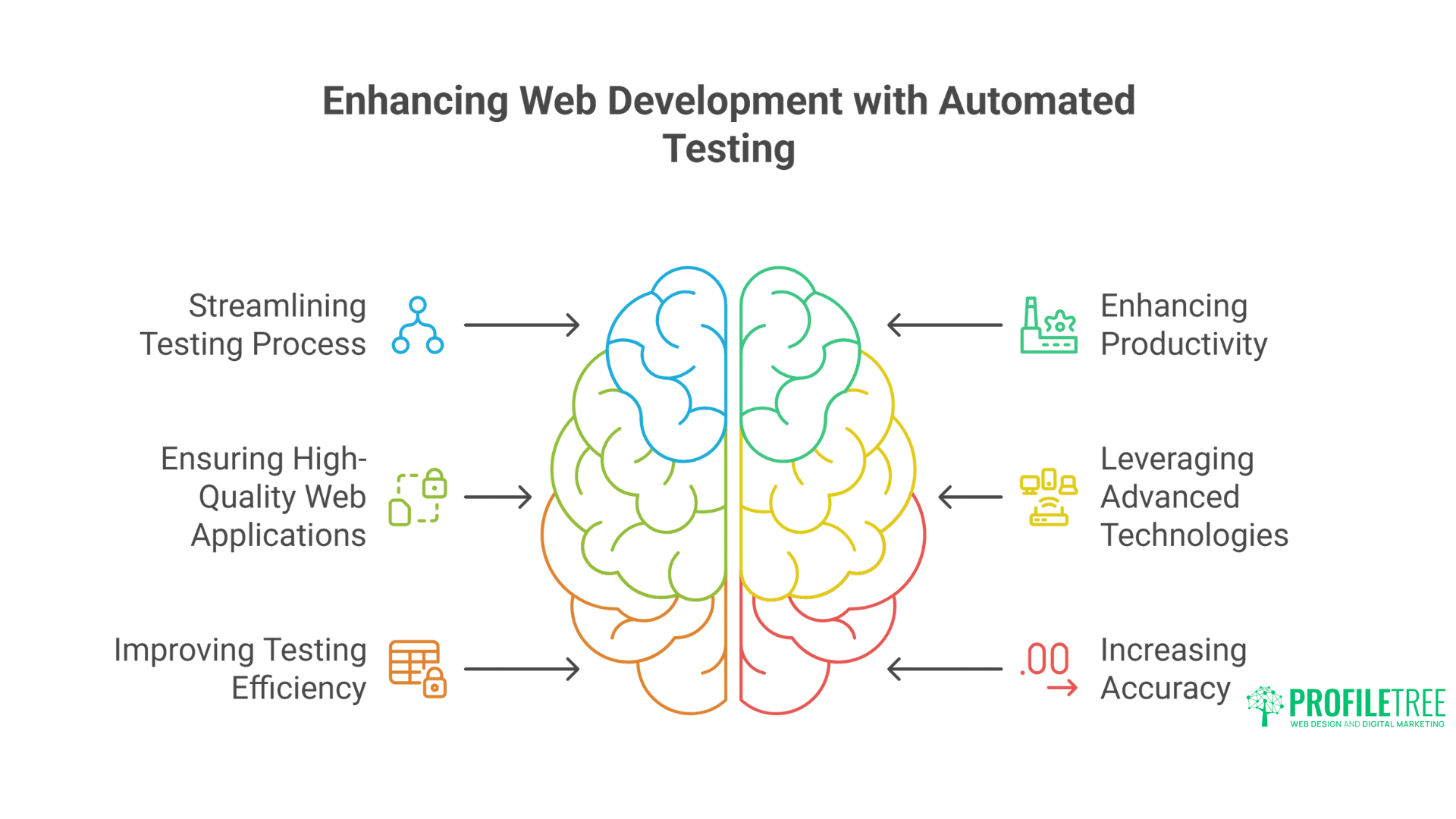
Selecting the optimal testing tools depends on your project requirements, team expertise, and business goals. Consider these factors:
Project Type and Scale
- Small to medium websites: Cypress or TestCafe for E2E testing, Jest for unit tests
- Large enterprise applications: Comprehensive strategy with Playwright or Selenium for cross-browser E2E, Jest for unit testing, and specialised tools for performance
- Component libraries: Storybook with Jest and visual testing tools
Team Expertise
- JavaScript-focused teams: Jest, Cypress, or Playwright
- Multi-language environment: Selenium WebDriver
- Limited testing experience: TestCafe or Cypress for their ease of use
Testing Priorities
- Fast feedback loop: Jest, Vitest
- Visual consistency: Applitools, Percy
- Cross-browser compatibility: Playwright, Selenium
- Performance: Lighthouse CI, WebPageTest
Budget Considerations
- Limited budget: Focus on open-source tools like Jest, Cypress, and Playwright
- Enterprise budget: Consider commercial tools like Applitools for specialised testing needs
Implementation Strategy

Successfully implementing automated testing requires more than just selecting the right tools. Consider this phased approach:
Phase 1: Foundation
- Start with unit testing: Implement Jest or Vitest for critical application logic.
- Add basic E2E tests: Set up Cypress or Playwright for critical user flows
- Integrate with CI/CD: Automate test execution on code changes
Phase 2: Expansion
- Increase test coverage: Expand tests to cover more application features
- Add integration testing: Test component interactions
- Implement visual testing: Add visual regression tests for UI components
Phase 3: Optimisation
- Add performance testing: Implement Lighthouse CI or similar tools
- Refine test strategy: Analyse test results and optimise for speed and reliability
- Continuous improvement: Regularly review and update tests as the application evolves
Common Challenges and Solutions

Test Flakiness
Challenge: Inconsistent test results despite no code changes.
Solutions:
- Implement proper waiting strategies instead of fixed timeouts
- Use retry mechanisms for unstable tests
- Isolate test environments
- Leverage tools with built-in stability features like Cypress or Playwright
Slow Test Execution
Challenge: Test suites are taking too long to run, slowing down development.
Solutions:
- Run tests in parallel
- Implement test sharding in CI/CD
- Use faster tools like Vitest for unit tests
- Prioritise tests by importance for quicker feedback
Maintenance Burden
Challenge: Tests frequently break with application changes.
Solutions:
- Focus on testing behaviour rather than implementation
- Use stable selectors (data attributes instead of CSS classes)
- Implement page object or component object patterns
- Use tools with auto-waiting mechanisms
How ProfileTree Can Help With Your Automated Testing Needs
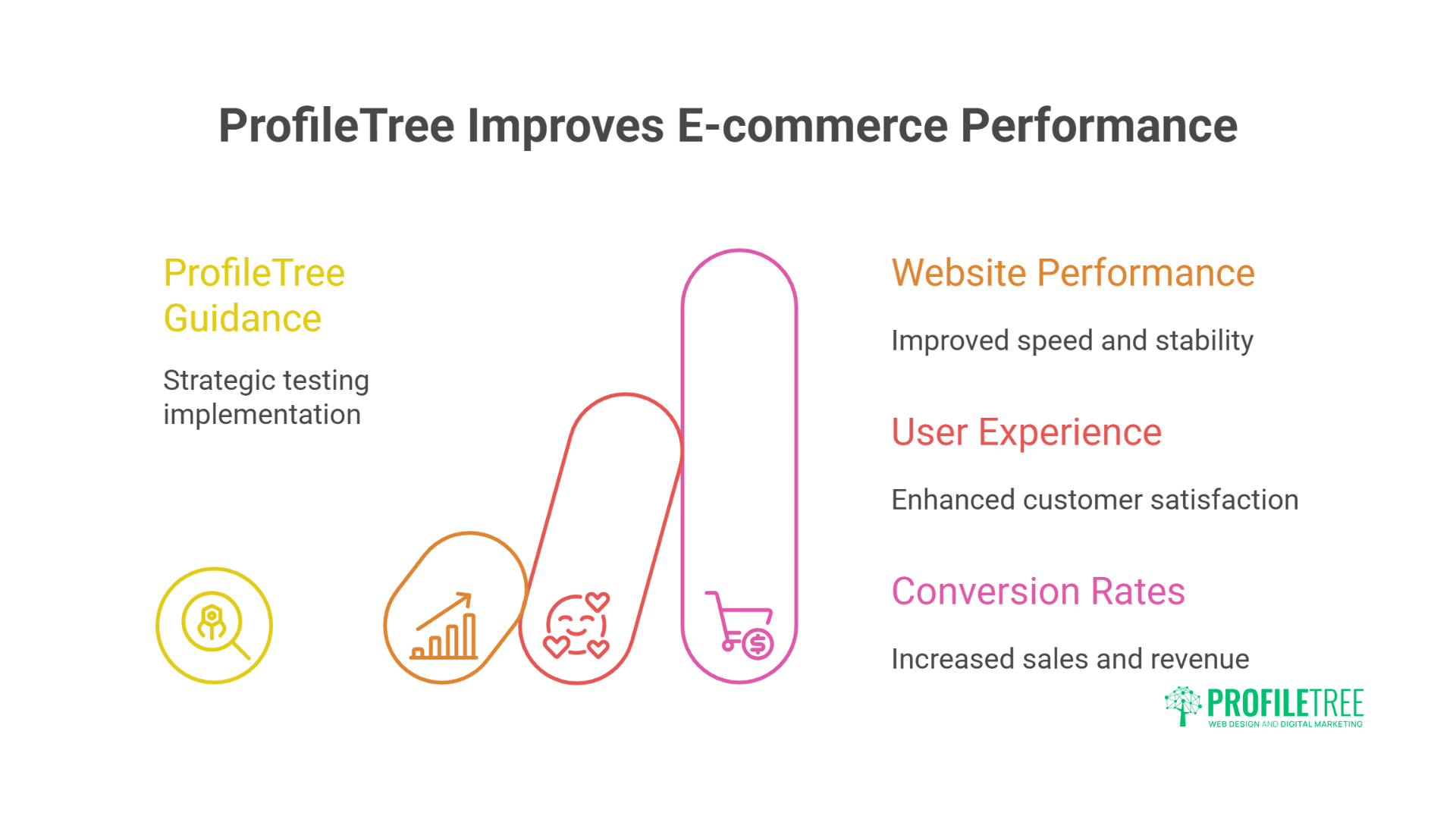
At ProfileTree, we specialise in helping businesses across Northern Ireland, Ireland, and the UK implement effective automated testing strategies that align with their development goals. Our team of experienced web developers and testing specialists can:
Assessment and Strategy Development
- Audit your current testing practices and identify gaps
- Develop a customised testing strategy based on your specific business requirements
- Select the optimal combination of testing tools for your technology stack
- Create a phased implementation plan that minimises disruption
Implementation Support
- Set up and configure testing tools within your development environment
- Develop initial test suites for critical application functions
- Integrate testing into your existing CI/CD pipeline
- Train your development team on testing best practices
Ongoing Optimisation
- Regular review of test performance and effectiveness
- Identification of flaky tests and remediation strategies
- Continuous improvement of test coverage and efficiency
- Performance optimisation for faster feedback cycles
Custom Solutions
- Development of custom testing frameworks for unique requirements
- Integration between testing tools and business reporting systems
- Automated accessibility compliance testing
- Test data management solutions
Our hands-on approach ensures that you implement the right tools and develop the internal expertise to maintain and expand your testing capabilities over time. We work closely with your team to transfer knowledge and build sustainable testing practices.
Why Choose ProfileTree for Your Testing Implementation?
- Local expertise: As a Belfast-based agency, we understand the specific challenges faced by businesses in Northern Ireland, Ireland, and the UK
- Practical experience: Our team has implemented successful testing strategies across various industries and technology stacks
- Holistic approach: We consider your entire development lifecycle, not just the testing components
- Results-focused: Our testing implementations are designed to deliver measurable improvements in quality and efficiency.
- Long-term partnership: We provide ongoing support to help you adapt your testing approach as your business evolves.
Conclusion
Automated testing is no longer optional for web development teams aiming to deliver high-quality applications efficiently. The right combination of testing tools can dramatically improve productivity, code quality, and user experience while reducing long-term maintenance costs.
By understanding the strengths and limitations of different testing approaches and tools, you can implement a testing strategy that meets your specific project needs without overwhelming your team or budget.
Whether building a small business website or a complex web application, investing in automated testing pays dividends through faster development cycles, fewer production issues, and ultimately, happier users and clients.
Transform Your Web Development Process
Ready to transform your web development process with effective automated testing? Book a free testing strategy consultation.
Take the first step towards more reliable, efficient web development. Our team will analyse your current testing approach and provide tailored recommendations to improve quality and reduce development time.
Book Your Free Consultation Today →
Don’t let poor testing practices hold back your web development projects. Contact ProfileTree today to discover how our automated testing expertise can help you build better web applications faster and more reliably.
Next Steps for Your Testing Journey
- Assess your current testing practices and identify gaps
- Start small with unit tests for critical functionality
- Gradually add E2E tests for key user flows
- Integrate tests into your CI/CD pipeline for continuous feedback
- Regularly review and refine your testing strategy as your application evolves
For businesses in Northern Ireland, Ireland, and the UK looking to implement effective testing strategies, ProfileTree offers specialised consulting services to help you select, implement, and optimise the right testing tools for your specific needs.