
YouTube channel management for UK businesses
Table of Contents
YouTube channel management is the regular work of running a business channel once it is live: deciding who has access, publishing on a steady routine, describing each video so it can be found, handling comments, and reading the analytics. This guide sets out how ProfileTree’s video team in Belfast approaches it for businesses in Northern Ireland and beyond.
If your channel does not exist yet, start with our step-by-step article on creating a YouTube channel for your business, which covers the account and branding steps. This page picks up from there and is written for the business owner or marketing manager who now has to keep the channel running alongside everything else. ProfileTree is a Belfast web design and digital marketing agency, founded in 2011 and based at the McSweeney Centre, and our video production Belfast team films, edits, and publishes for clients’ channels as well as our own.
Who manages the channel and with what access
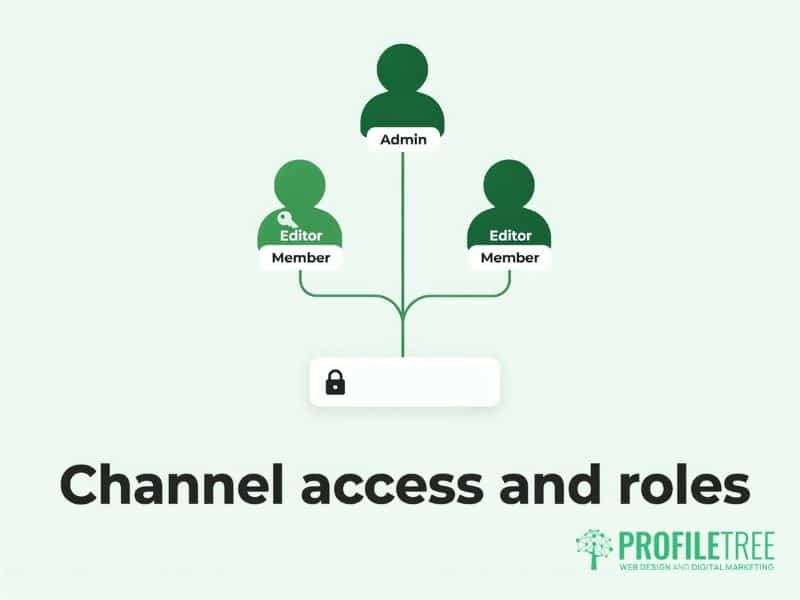
A business channel should belong to the business and be reachable by more than one person. The most common problem we find when a company asks us to take over its YouTube work is a channel tied to the personal Google login of someone who has since left, with nobody else able to change the description or remove an old video.
Fix this before anything else. The channel should sit under a Brand Account (a Google account that belongs to the business and can be shared, with no personal Gmail attached), and access for staff, freelancers or an agency should be granted through roles. Giving each person their own role means you can remove one person’s access without changing a password that everyone else uses.
Setting roles in YouTube Studio
YouTube Studio is the free control panel for your channel, and access is managed from the Permissions page in Settings. The roles run from owner, who can do everything including deleting the channel, through manager and editor, down to viewer, who can see the analytics and change nothing.
For most small businesses, a sensible arrangement is a director as owner, one senior member of staff as manager, and editor access for whoever uploads and writes the descriptions, whether that person is in-house or at an agency. Review the list each quarter and whenever someone leaves. An editor can do almost all of the daily work, so there is rarely a reason to hand anyone outside the business more than that.
The parts of YouTube Studio you will use every week
Most of the weekly work happens in five areas of YouTube Studio, and other areas can wait until you need them. Content lists every upload with its visibility setting, and it is where you edit titles, descriptions, thumbnails, end screens, and cards after a video has been published. Analytics shows how each video and the channel as a whole are performing. Comments gathers every comment on the channel in one place, including those held for review. Subtitles is where you check and correct captions. Customisation holds the channel layout, banner, profile picture, and the description visitors see on the channel’s home page.
Check Settings, then Channel, then Feature eligibility once you take over a channel. Some features, including custom thumbnails and uploads longer than 15 minutes, stay locked until the channel is verified with a phone number, and a surprising number of company channels have never done this. It takes a few minutes and is a one-off.
A publishing routine for a small team
A fixed routine with a named owner keeps a company’s channel alive far longer than bursts of effort. Pick a frequency you can sustain for a year, whether that is one video a week or one a fortnight, and put the publishing day in the calendar of the person responsible.
A routine that works for most small teams has six stages. The video is planned against a question customers ask, filmed and edited, then uploaded as private or scheduled. The title, description, chapters, thumbnail, and end screen are added before it goes public. A second person watches it through and checks the description links. After publication, someone replies to comments over the following days and shares the video on the business’s other channels.
Uploading as private first matters more than it sounds. It gives you time to fix the captions and the thumbnail before anyone sees the video, and it lets YouTube finish processing the higher-quality versions so the first viewers do not get a blurred picture.
Titles, descriptions, and chapters
Write each title the way a customer would search, with the subject at the start, because YouTube cuts long titles short in search results and on phones. Our article on ranking videos in YouTube search goes into keyword choice in more depth.
The first two lines of the description show above the “more” link, so use them to say what the video answers. Below that, add a link to the relevant page on your website and a sentence about who the business is and where it works. Chapters (named sections in the video’s progress bar) are created by listing timestamps in the description, starting with 00:00. YouTube needs at least three chapters, each at least ten seconds long, and they help viewers jump to the part they came for.
Thumbnails, playlists, end screens and captions
A custom thumbnail at 1280 by 720 pixels, with a short headline and a face or product that is still clear at phone size, will represent the video far better than the frames YouTube picks automatically. Keep the colours and layout consistent so returning viewers recognise your videos in their feed.
Playlists group related videos and play them one after another, which keeps viewers on your channel longer, so file each new upload into a topic playlist on the day it goes live. End screens appear in the last 5 to 20 seconds of a video and can point to another video, a playlist, or a subscribe button; cards can appear at any point.
Captions deserve a few minutes on every upload. YouTube’s automatic captions often get names, technical terms, and Northern Irish and Irish accents wrong, and viewers who watch with the sound off, or who are deaf or hard of hearing, rely on them. Correct them in the Subtitles section before the video goes public.
Reading YouTube analytics without drowning in data
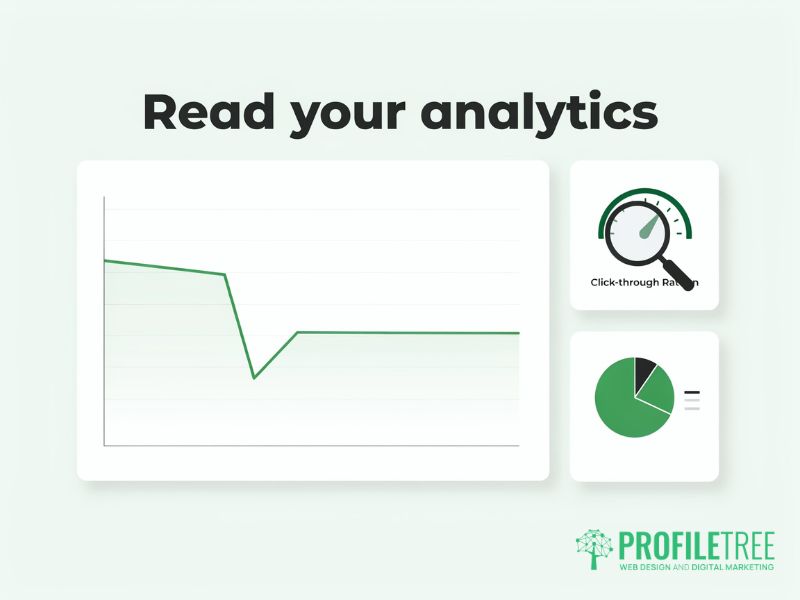
For a company channel, the analytics question is whether videos bring the right people closer to an enquiry, and a handful of reports answer it. Check them monthly and write down what you will change as a result, because a report that changes nothing is not worth opening.
Start with average view duration and the audience retention graph for each video, which show where viewers stop watching. A sharp drop in the first 30 seconds usually means the opening does not match the title. Impressions click-through rate (the share of people who saw the thumbnail and clicked it) tells you whether titles and thumbnails are doing their job. Traffic sources show whether people arrive through YouTube search, suggested videos, or links from elsewhere, which tells you where to put effort next.
The link between YouTube and enquiries lives on your website. Add UTM parameters (short tags added to the end of a link that tell your website analytics where a visitor came from) to every link in your descriptions, so Google Analytics can show which videos send visitors who then fill in a form or call. Without them, YouTube visits often appear in your website reports under a general heading, and the channel gets no credit.
Comments, moderation and the Posts tab
Replying to comments is the cheapest way to build a returning audience, and it matters most in the first day or two after a video goes live. A short, specific reply that answers the question is enough. Where a comment raises a complaint, reply once in public and move the conversation to email or phone.
YouTube Studio holds comments it judges to be spam or abusive for review. Check the held list each week, because genuine questions from customers sometimes end up there. Under Settings, then Community, you can add blocked words, such as competitor names or terms that keep appearing in spam, and you can name a trusted member of staff as a moderator so they can remove comments without editor access.
The Posts tab (previously called the Community tab) lets you share text updates, images and polls with subscribers between uploads. A poll asking what viewers would like explained next is a useful way to plan the following month’s videos from what your audience actually wants.
UK and Irish rules every channel manager should know
UK and Irish channel managers have tax, data protection and copyright duties that most YouTube guides, written for US creators, leave out. The points below are general information only, and we are not accountants or lawyers, so check your own position with a qualified adviser.
Tax on channel income
How channel income is taxed depends on who owns the channel. If a sole trader or individual earns more than £1,000 in a tax year from the channel, through ad revenue, sponsorship, affiliate links or merchandise, HMRC’s guidance on the trading allowance says they must register for Self Assessment and declare it. Registration is due by 5 October following the end of the tax year in which the income was earned. If total taxable turnover goes above £90,000 in a rolling 12-month period, VAT registration also becomes compulsory.
Where the channel belongs to a limited company, its income is company revenue and falls under Corporation Tax. Creators and businesses based in the Republic of Ireland declare channel income through Revenue’s self-assessment system, where the rules differ from HMRC’s, so an Irish adviser should confirm the position.
Filming people and children
UK GDPR treats video of an identifiable person as personal data. For staff and customers who appear in your videos, get written consent that says where the footage will be published, and keep it on file. For people caught in the background of footage filmed in public, blur faces where they are clearly identifiable, and do not film children without a parent’s written consent.
The made for kids setting
Every channel has to tell YouTube whether its videos are made for children, under rules that come from US law but apply worldwide. Videos marked as made for kids lose comments and personalised ads, so a channel aimed at adult customers should set the channel default to “No” under Settings, then Channel, then Advanced settings, and still check the setting on any video aimed at schools or families.
Music and copyright
Music you do not hold a licence for will trigger a Content ID claim (YouTube’s automatic copyright match), which can pass the video’s ad revenue to the rights holder or block it in some countries. The free Audio Library inside YouTube Studio is the safest source for background music in company videos.
When the YouTube Partner Programme becomes relevant
The YouTube Partner Programme (YouTube’s scheme for sharing revenue with channels) has two levels, and the bar for ad revenue is rising for new applicants. For a typical company, revenue from YouTube is a minor benefit; the return comes from enquiries and from customers who already trust you before they call.
According to YouTube’s help pages, checked in November 2026, the lower level needs 500 subscribers, three public uploads in the last 90 days, and either 3,000 public watch hours over 12 months or 3 million Shorts views over 90 days. It opens up fan funding, such as channel memberships and Super Thanks, and shopping features, but no share of ad revenue. The full programme, with ad revenue, currently needs 1,000 subscribers and either 4,000 public watch hours in the last 12 months or 10 million Shorts views across three months.
YouTube announced in August 2026 that new applicants from 1 February 2027 will need 8,000 watch hours in the last 365 days or 20 million Shorts views in 90 days. Channels already in the programme are not affected by the new entry bar, although from the same date only channels reaching 10 million Shorts views within 90 days will share in Shorts revenue. Our guide to joining the YouTube Partner Programme covers applying and what each monetisation feature involves.
Managing the channel in-house or with a video production team
The right split depends on whether your team has time to publish on a regular schedule, and most businesses we work with end up doing some of the work themselves and handing over the rest. The shoot and the edit take the most time and skill, so they are what businesses most often hand over, while replying to comments and sharing videos usually stays in-house, because staff know the customers.
“YouTube is a search engine with video attached, so managing a channel is mostly a matter of describing every video the way a customer would search for it and doing that every week without fail. ProfileTree runs its own channels from Belfast on that basis, and it is how we approach video marketing for every client in Northern Ireland,” says Ciaran Connolly, founder of ProfileTree.
If you want your own team to run the channel, our digital training covers YouTube alongside your other marketing, using your own channel during the session, with training from £350 plus VAT. If you would like us to plan, film and publish for you, our video marketing service works with businesses wherever they are based, with video production from £1,200 plus VAT.
FAQs
1. Who should have access to a business YouTube channel?
At least two people inside the business should hold owner or manager access, so the channel never relies on one login. Freelancers, agencies, and junior staff usually need editor access only, which lets them upload and edit videos without being able to remove other users or delete the channel. Review the permissions list whenever someone joins or leaves.
2. How much time does managing a YouTube channel take each week?
It depends on how often you publish, and the publishing itself is the small part. Uploading, writing the description, adding chapters, and correcting captions for one video takes a fraction of the time that planning, filming, and editing take. Comment replies and a monthly look at the analytics add a little more. Businesses that find the weekly routine slipping usually hand over the filming and editing first.
3. How do I pay tax on YouTube earnings in the UK?
If you earn more than £1,000 in a tax year from a channel as an individual, you must register for Self Assessment with HMRC and declare the income. Earnings below that level fall within the trading allowance. Money a limited company earns from its channel is company revenue and is taxed under Corporation Tax, so check the details with an accountant.
4. How many subscribers do I need to get monetised on YouTube?
You need 1,000 subscribers and 4,000 public watch hours in the past 12 months for ad revenue, or 500 subscribers and 3,000 watch hours for the lower level that gives access to memberships and tipping. From 1 February 2027, new applicants for ad revenue will need 8,000 watch hours in the past 365 days, or a far larger Shorts audience than before.
5. Does the time I publish a video matter?
Publishing when your audience is most active can help a video gather its first views faster, though YouTube keeps recommending good videos long after publication. The “When your viewers are on YouTube” report in the Audience tab of YouTube Analytics shows when the channel’s viewers are online once the channel has some history, and that is a better guide than any general rule.