
Are Facebook Boosted Posts Worth It? A UK Business Guide
Table of Contents
Facebook boosted posts are worth it for short local awareness pushes on posts that have already done well unpaid. They rarely pay their way on sales, because a boost buys reach and engagement, not measured enquiries. ProfileTree, which manages organic social content for UK businesses, finds that the post decides the result far more than the budget.
A boost also costs more once the extra charges are added, and this guide sets out what a boost really costs before it turns to when it pays its way. If you would like the content side handled for you, our organic social media marketing service is built around posts that earn attention before any money goes behind them.
What a Facebook boosted post is and what it buys
A boosted post is an existing post on your Facebook Page that you pay Meta to show to more people. You press Boost under the post, choose who should see it, set a budget and a duration, and Meta places it in their feeds with a Sponsored label. Meta’s own help page on boosted posts presents it as a simpler route than building an ad in Ads Manager (Meta’s full tool for creating and managing ad campaigns).
The important question is what the money buys. A boost pays for distribution, which means more people see the post, and Meta aims that delivery at the goal you pick. It does not change the post itself, so a post that your followers scrolled past without stopping will usually be scrolled past by a larger paid audience too.
Boosted posts can also run on Instagram when the two accounts are linked. That widens the reach, but an image and caption written for a Facebook feed do not always suit Instagram, so look at the preview for each placement before you pay.
What a boost really costs a UK business
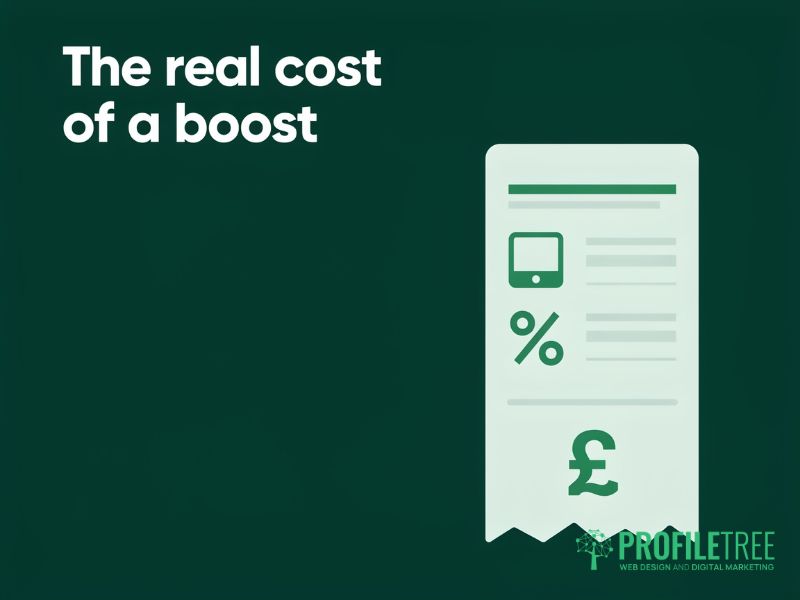
For most UK businesses, the number typed into the budget box is not the full cost of a boost. Up to three charges can sit on top of it, and two of them depend on how and where you pay.
The Apple service charge on boosts bought in the iOS app
If you boost a post from the Facebook or Instagram app on an iPhone or iPad, Apple takes a 30 per cent service charge on the payment. Meta began passing this charge on to advertisers in 2024, and Search Engine Land’s report on the change explains how it works. On a £100 boost, that is £30, which goes to Apple and buys no extra reach.
You can avoid the charge in two ways. The first is to boost from Facebook.com in a web browser, on a phone or a computer. The second is to add prepaid funds to your ad account through a browser and then spend those funds in the app, where they carry no Apple charge.
VAT on Meta advertising
Meta charges VAT at the standard rate of 20 per cent on ad spend for UK advertisers who have not given it a VAT number. A VAT-registered business can normally recover that tax, but a sole trader below the registration threshold cannot, so a £100 boost costs that business £120 before any other charge. Meta sets out how it applies tax to ads on its help page about taxes on ad placement, and your accountant can confirm the treatment for your own books.
Meta’s UK location fee
Since 1 July 2026, Meta has added a 2 per cent location fee to ads it delivers to people in the UK, which it links to the UK Digital Services Tax (a tax on the UK revenue of large digital companies). The fee appears as a separate line on the invoice, and VAT is calculated on the fee as well as on the spend. Reports of the change describe it as applying to ads on Facebook and Instagram in general, so check your next invoice to see whether the fee appears against your boosts.
Taken together, a sole trader who boosts from an iPhone without prepaid funds can pay about half as much as the budget they set. Paying through a browser removes the largest of those charges straight away.
Where boosting falls short
A boost is quick to set up because most of the decisions are made for you, and that is also where its limits come from. For an owner who wants to know what each pound produced, those limits outweigh the convenience.
Narrow goals and broad audiences
The boost menu offers a short list of goals, such as engagement or messages, while Ads Manager offers the full set of campaign objectives and settings. Targeting is simpler as well. You can choose places and broad interests, but the more detailed audience options, such as audiences built from your own customer list, sit in Ads Manager. Our guide to how Facebook Ads Manager works covers the differences for anyone weighing up the full tool.
Little control over timing
A boost runs from the day you start it until the end date you set, and you cannot tell it to show only on certain days or at certain hours. A café promoting a Friday evening offer, for example, pays for impressions across the whole week, including the days when the offer is of no use to the person seeing it.
Engagement figures in place of enquiries
Boost results are reported as reach, reactions, comments and link clicks. Those figures tell you that people saw and interacted with the post, but not whether anyone went on to book or buy. Measuring that needs the Meta Pixel (a small piece of code on your website that reports visits and actions back to Meta) installed and tested on your site, along with a clear action on the website for the visitor to take.
Without that tracking, a boost can look busy in the Page results while producing nothing you can see in the till or the inbox, and a sound post can then be written off as a failure.
When a boost is worth the money
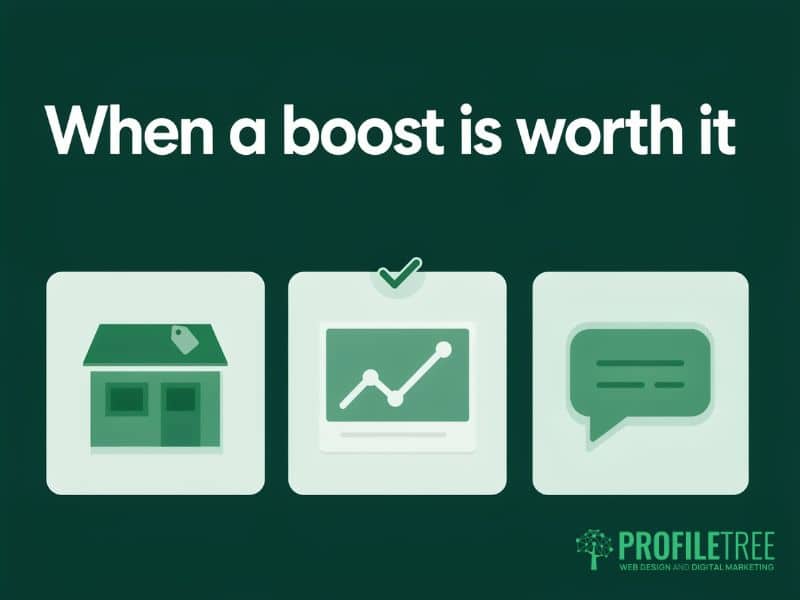
A boost earns its cost when the aim is attention in a defined place over a short period, and the post has already shown it can hold that attention. The situations below are the common cases where a boost makes sense, and each one comes with a clear limit.
A local event or offer with a date on it
A shop with a weekend sale, or a venue with a one-off event, needs people within a few miles to know about it before a fixed date. A boost aimed at a tight radius for a few days can do that job on a small budget. The measure of success is footfall or bookings on the day, which the owner can count without any tracking in place.
A post that is already working
When a post draws comments and shares in its first day or two without any spend, the content has passed the hardest test. Putting a modest budget behind it carries that reach to similar people nearby. This is the one situation where the boost button and an organic approach point in the same direction.
Messages from people nearby
For a trade or service business that takes enquiries through Messenger, a boost with the messages goal and a local audience can bring in conversations. It works best where someone replies within the hour and where the post says plainly what the business does and which area it covers. A vague post tends to produce vague messages that take time to answer and rarely turn into work.
Where none of these fits, and the aim is a steady flow of sales or leads month after month, the boost button is the wrong tool. That job needs consistent organic content, and a properly planned campaign with tracking if paid advertising is part of the plan.
Why organic content decides whether a boost works
The quality of the post decides the result of a boost more than the size of the budget. Meta’s ad auction takes account of how likely people are to respond to an ad, so an engaging post tends to reach more people for each pound than a dull one. A boost magnifies whatever you give it, good or bad.
That is why the useful work happens before anyone presses Boost. A Page that posts regularly and pays attention to what its audience responds to will always have posts worth putting money behind. A Page that posts occasionally and boosts to make up the gap tends to pay for reach, which fades once the end date passes. Our guide to recovering your Facebook organic reach explains what changes reach without paid support.
A simple rule follows from this. Leave a new post for 48 hours, compare its reactions, comments and shares with your usual posts, and only consider a boost for the ones that clearly beat your normal level. Posts that fall below it are telling you something about the content, and money will not change that message.
ProfileTree is a Belfast web design and digital marketing agency, founded in 2011 and based at the McSweeney Centre, and organic social content is one of the services we deliver for businesses across the UK and Ireland. Ciaran Connolly, the founder, puts the reasoning plainly.
“ProfileTree does not sell paid advertising, and that is deliberate. Everything we build for a business in Northern Ireland is meant to keep working after the invoice is paid, and on Facebook that means organic social media content people already want to see. A boost can carry a good post further, but it cannot rescue a weak one.”
A checklist before you press boost
Work through these points before any money goes behind a post. Each one takes a minute, and together they give the spend a fair chance of paying back.
- Decide whether the goal is awareness or sales, because a boost suits the first and rarely delivers the second.
- Pay through Facebook.com in a browser, or from prepaid funds added in a browser, so that no Apple service charge applies.
- Allow for VAT and the UK location fee in the budget if your business cannot reclaim VAT.
- Check that the post has done better than your usual posts in its first day or two without any spend.
- Set the audience yourself by place and interest, and do not leave it to the people who already like your Page and their friends.
- Decide how you will judge the result, whether that is footfall, messages or website enquiries, before the boost starts.
Building a Facebook presence that does not rely on paid reach
The most dependable way to make boosts worth the money is to need them less. A Page with a steady run of posts that people respond to gives you strong candidates to boost when a date or offer calls for it, and it keeps a base of reach that does not stop when the budget does. Our article on a Facebook marketing strategy for SMEs sets out how to plan that content across a month.
If you would like help, our team can plan and produce the organic content for you, or teach your own staff to do it through our social media training. The training is built around your own business, so people leave with changes already made to their own Page. Training starts from £350 plus VAT, and ongoing support with organic content is quoted on request, so get in touch to talk through which route suits your business.
FAQs
1. Is boosting a Facebook post worth it for a small business?
Yes, for short, local awareness pushes on posts that already perform well, and usually no for steady sales. A boost buys reach and engagement, so it suits a dated event or offer in a small area. A business that needs a regular flow of enquiries gets more from consistent organic content, with any paid spend planned as a campaign that has tracking in place.
2. How much does it cost to boost a Facebook post in the UK?
You set the budget yourself, and the boost screen displays the minimum when you set it up. On top of that budget, a business that is not registered for VAT pays 20 per cent VAT, and Meta adds a 2 per cent location fee to ads shown to UK audiences. Boosts bought inside the iPhone or iPad app also carry Apple’s 30 per cent service charge, which you can avoid by boosting from Facebook.com.
3. Does boosting on Facebook help organic reach?
Not directly. Boosting is paid distribution, and Meta reports it separately from organic reach. Any new followers or shares it brings may help later posts slightly, but that is a side effect, and the dependable way to grow organic reach is regular, useful posting that your audience responds to.
4. What happens when you boost a post on Facebook?
Meta shows the post to the audience you chose, labelled as Sponsored, for the time and budget you set. The post keeps its existing reactions and comments, and new ones from the paid audience appear alongside them. When the boost ends, the post carries on as an ordinary organic post on your Page.
5. Why are my boosted posts not bringing in sales?
Usually because the boost was set up for engagement and the post was not written to sell. An engagement goal finds people who react, who are not the same as people ready to buy, and without the Meta Pixel on your website there is no record of who went on to enquire. Fix the goal and the tracking before you increase the budget.