
Social Media Automation: A Practical Guide for UK SMEs
Table of Contents
Social media automation promises to solve one of the most common complaints from small business owners: there are never enough hours to keep every channel active, consistent, and actually worth following. Scheduling tools, AI-assisted content queues, and analytics dashboards have enabled a two-person marketing team to maintain a presence across five platforms without losing their minds. But the gap between “set up an automation tool” and “run a social strategy that drives real results” is wider than most guides admit.
This article covers what social media automation actually involves, which tasks are genuinely worth automating for UK SMEs, how to choose the right tools for your business size, and the risks, including UK-specific legal considerations that most global guides ignore entirely.
What Is Social Media Automation?
Social media automation is the use of software to handle tasks that would otherwise require someone to sit at a screen doing them manually. At its simplest, that means scheduling posts in advance so they publish at a set time without anyone having to press a button. At its most sophisticated, it means AI-assisted content generation, automated report delivery, sentiment monitoring, and triggered responses to specific audience behaviours.
The key distinction worth understanding early is between scheduling (publishing content you have already created and approved at a time you have chosen) and engagement automation (using bots or scripts to like, comment on, or follow accounts automatically). The first is widely used and, when done properly, entirely legitimate. The second carries real risks to your account standing and, in some contexts, to your compliance with UK data regulations.
What Can You Automate?
The tasks that automation handles well tend to be high-volume, repetitive, and time-sensitive without requiring creative judgement in the moment:
- Post scheduling across LinkedIn, Instagram, Facebook, X, and TikTok from a single dashboard
- Content queue management, so evergreen posts rotate through your schedule automatically
- Report generation, pulling engagement data into weekly or monthly summaries
- Mention monitoring, alerting you when your brand is referenced so a human can respond
- Cross-posting, adapting a single piece of content for distribution across multiple platforms
What automation handles poorly is anything that requires reading context, forming an opinion, or responding with genuine nuance. Reactive commentary on industry news, responses to complaints, and thought leadership content all require a human in the loop.
The Strategic Benefits of Automating Your Social Presence
Automation won’t fix a weak strategy, but it will stop a good one from falling apart under the pressure of day-to-day operations. For SMEs, that distinction matters.
Operational Efficiency and Creative Capacity
The most direct benefit of social media automation is the time it saves. For a marketing manager at a Northern Ireland SME running three to five social channels alongside everything else, manually logging into each platform daily to post content is genuinely expensive in terms of time. Batch scheduling a week’s content in one focused session and letting a tool handle distribution shifts that time toward content quality, strategy, and analysis.
The efficiency argument is strongest for businesses with consistent content output: regular blog posts, product updates, event announcements, and campaign content that follows a predictable rhythm. For businesses with irregular or highly reactive content, scheduling tools offer less obvious gains and may create the illusion of a strategy where none exists.
Understanding how social media activity connects to sales outcomes is a related question worth addressing early. ProfileTree’s work on how social media marketing drives sales shows the direct link between a consistent presence and commercial results, which automation supports by removing the inconsistency of manual posting.
Data-Driven Decision Making
Automation tools generate data as a byproduct of operation. Every scheduled post, every monitored mention, and every automated report gives you a cleaner picture of what is actually working. The challenge for SMEs is not usually a lack of data; it is having someone with the time and skills to interpret it.
This is where automation and strategy intersect. Tools like Sprout Social, Hootsuite, and Buffer automatically generate engagement reports. Acting on what those reports tell you is a different and more demanding skill. For SMEs that have not yet built that analytical capacity in-house, social media analytics tools designed for smaller teams offer a starting point without the enterprise price tag.
The UK Legal Landscape: GDPR, PECR, and Social Automation
This section is largely absent from global guides on social media automation, which is a gap that matters if your business operates in the UK or Ireland.
What GDPR Means for Automated Social Activity
Under the UK GDPR, any automated processing of personal data, including data collected through social media monitoring or scraping, requires a lawful basis. If your automation tool collects and stores data about people who engage with your posts (names, email addresses, interaction histories), that data is subject to the same obligations as any other personal data your business holds.
In practice, this affects businesses that use automation tools for lead generation via social channels. Automatically collecting contact details from LinkedIn profiles or Instagram followers and feeding them into a CRM without a clear lawful basis (typically consent or legitimate interest with a proper assessment) creates compliance exposure.
The Information Commissioner’s Office (ICO) has published guidance on social media monitoring, and the answer is not to stop using automation tools, but to understand which data they collect, how long it is retained, and whether your privacy policy reflects that processing. Most reputable tools (Hootsuite, Buffer, Sprout Social) are UK GDPR-compliant in their own data handling, but the responsibility for how you use those tools to process third-party data remains with your business.
PECR and Automated Messaging
The Privacy and Electronic Communications Regulations (PECR) apply specifically to electronic marketing messages. Automated direct messages sent via social platforms may fall within the scope of PECR if they constitute unsolicited marketing communications. LinkedIn, in particular, has seen significant enforcement activity around automated connection requests followed by automated sales messages.
The safe position for UK SMEs is straightforward: do not automate direct messages for marketing purposes without the recipient’s explicit consent. Automated acknowledgement messages (confirming receipt of a customer enquiry, for instance) sit in a different territory, but even these should be reviewed against your platform’s terms of service and PECR obligations.
For businesses uncertain about where their automation activity sits relative to UK law, the ethics and legalities of digital marketing provide a broader, more in-depth view of the compliance framework.
Top Social Media Automation Tools for UK SMEs
The tool landscape is crowded and changes quickly. The comparison below focuses on tools with genuine relevance for SMEs in the UK and Ireland, assessed on practical criteria: ease of use for small teams, platform coverage, pricing at SME scale, and UK data handling.
| Tool | Best For | Key Features | Starting Price (approx.) | UK Data Residency |
|---|---|---|---|---|
| Buffer | Solo operators and small teams | Scheduling, basic analytics, clean interface | Free tier available; paid from ~£5/mo | EU/UK servers available |
| Hootsuite | Teams managing multiple accounts | Full scheduling, inbox management, reporting | From ~£49/mo | GDPR-compliant |
| Sprout Social | SMEs needing CRM integration | Advanced analytics, social listening, CRM | From ~£199/mo | GDPR-compliant |
| Zoho Social | Businesses already on Zoho | Full scheduling, inbox management, and reporting | From ~£10/mo | EU data centres |
| Later | Visual-first brands (Instagram/Pinterest) | Visual content calendar, link-in-bio | Free tier; paid from ~£16/mo | GDPR-compliant |
How to choose: For most UK SMEs starting with automation, Buffer or Zoho Social offer the best combination of usability and price. Hootsuite makes sense once your team grows beyond two or three people managing social channels. Sprout Social is difficult to justify at the SME scale unless social is a significant revenue driver and you need the CRM integration.
Avoid tools that are not explicit about GDPR compliance or that require browser extensions to function, as browser-based automation (as opposed to API-based tools with official platform partnerships) carries a higher risk of triggering platform spam detection.
How to Implement Social Media Automation: A Step-by-Step Approach
The most common mistake is choosing a tool before answering the basic questions. Work through these steps in order.
Step 1: Audit What You Are Currently Doing
Before choosing a tool, map your current social media activity. Which platforms are you actually active on? Which has the most engaged audience? Which consumes the most time for the least return? The answers should guide where automation will have the biggest impact, not where it would be theoretically useful.
Step 2: Define What You Will and Will Not Automate
The most effective approach is selective automation: identify the specific tasks that are time-consuming, predictable, and do not require real-time judgement, and automate those while keeping everything else manual.
A useful starting framework:
- Safe to automate: post scheduling, recurring content distribution, analytics reports, mention alerts
- Automate with oversight: content queue rotation (review before publishing), customer service triage
- Keep manual: responses to complaints, reactive commentary, community engagement, thought leadership
Step 3: Build Your Content Reserve
Automation tools require content to distribute. Many SMEs underestimate this step. A scheduling tool with an empty queue delivers nothing. Before launching any automation workflow, build a content library of posts across your core topics: product or service explanations, educational content, customer FAQs, and relevant industry commentary. This content library is what the automation tool draws from.
For businesses without in-house content production capacity, this is the point at which the question of whether to build the capability internally or work with a specialist content partner becomes relevant. ProfileTree’s content marketing services support SMEs with both strategy and content production.
Step 4: Set Up Your Tool and Connect Your Accounts
Follow your chosen tool’s onboarding process. Key settings to configure at the outset: posting frequency by platform (LinkedIn and Facebook reward lower frequency and higher quality; X can sustain higher volume), your optimal posting windows based on audience analytics, and notification preferences for mentions and comments that need human response.
Step 5: Monitor and Adjust Monthly
Automation is not passive management. Monthly reviews of your analytics data should answer the question: which content types are generating engagement? Which platforms are performing against your goals? Are there gaps in your content calendar where manual intervention improved results? Adjust your content queue and schedule accordingly.
Avoiding the Bot Trap: Platform-Specific Rules
Each major platform has terms of service that restrict or prohibit certain types of automation. Violating these can result in account suspension, reduced organic reach, or shadow-banning. The risk varies by platform and by the type of automation involved.
LinkedIn has strict rules against automated connection requests and messaging. The platform actively detects and limits accounts that use third-party tools not approved by LinkedIn Marketing Partners. Scheduling content through an approved tool is fine; using a browser extension to auto-connect with hundreds of profiles in a day is not.
Instagram restricts automated likes, comments, and follows. Meta’s platform integrity team actively pursues accounts using third-party engagement automation. Scheduling posts through an approved partner (Meta Business Suite, Later, Hootsuite) is within the terms of service.
X (formerly Twitter) allows post scheduling through approved tools but prohibits automated engagement activity that mimics organic behaviour. The platform’s API restrictions introduced in recent years have made some previously common automation workflows non-viable.
Threads is the newest consideration, and the automation landscape here is still developing. Currently, Meta’s official tools support scheduling for Threads; third-party tools are catching up, and platform terms remain more permissive than they are likely to stay long-term.
The clearest principle across all platforms: use tools that are official API partners of the platform in question. These tools access platform data through authorised channels, reducing the risk of account action. Any tool that requires you to enter your social media password directly (rather than connecting via OAuth) is operating outside official channels and should be avoided.
When DIY Automation Is Not Enough
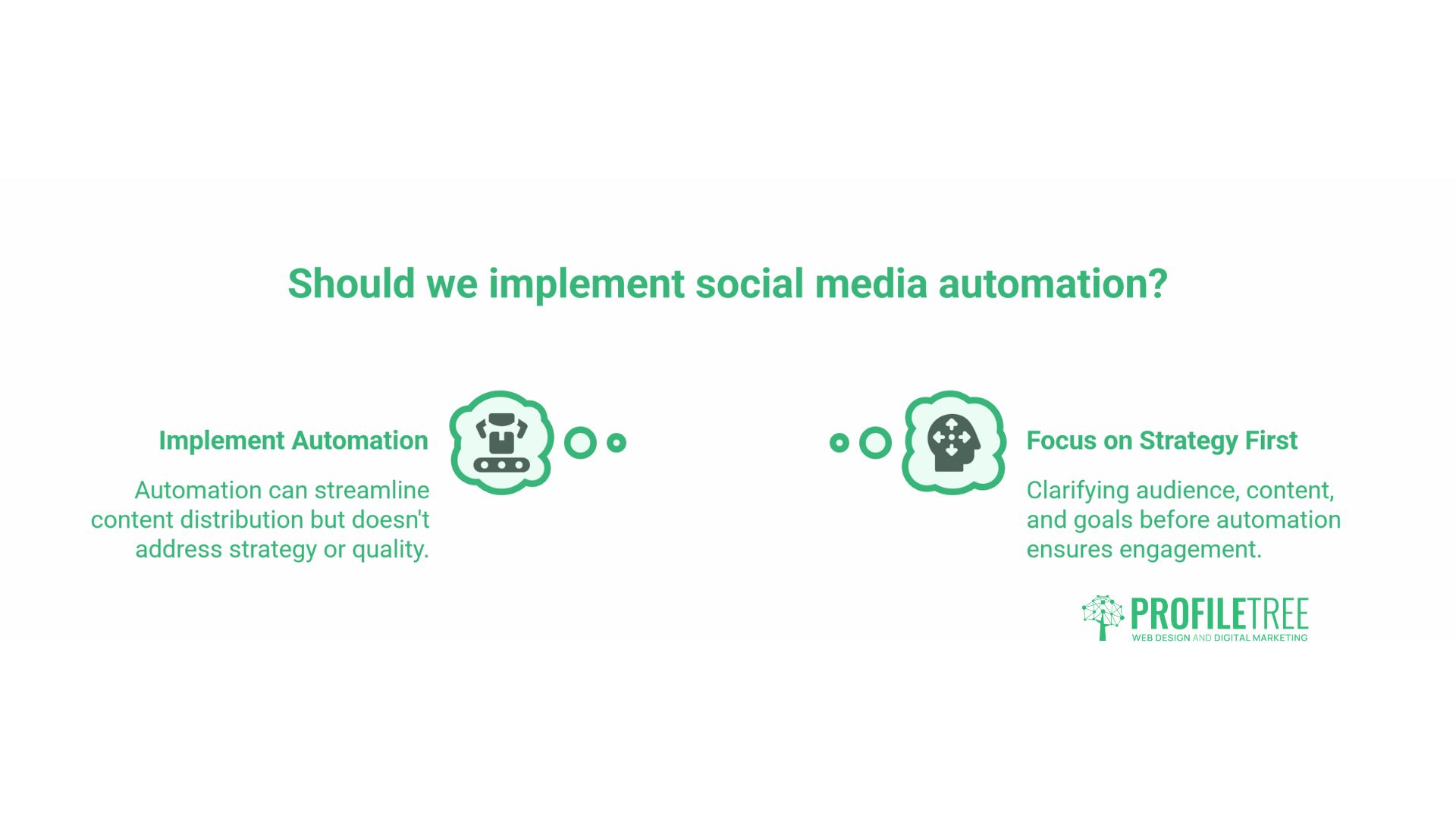
Social media automation tools solve a distribution problem. They do not solve a strategy problem, a content quality problem, or an audience-building problem. SMEs that implement automation without first clarifying their target audience, content themes, and what they want social media to achieve commercially tend to end up with a well-organised queue of content that nobody engages with.
“Automation amplifies whatever you put into it,” says Ciaran Connolly, founder of ProfileTree. “If your content is weak, a scheduling tool just makes sure weak content goes out on time. The businesses we see getting real results from automation are the ones who treat it as the distribution layer of a proper content strategy, not as a replacement for one.”
For SMEs at the point of deciding whether to invest in building their own social media capability or to work with a specialist, ProfileTree’s digital training programmes give in-house teams the skills to manage social automation effectively. For businesses that want the strategy and content production handled externally, that is a different conversation about scope and resources.
The role of AI in social content is also changing what automation means in practice. Tools that generate caption suggestions, identify optimal posting times based on predictive analytics, and recommend content variations based on engagement history are increasingly standard, even at entry-level pricing. Understanding how AI implementation changes the cost-benefit equation for SMEs is covered in more depth in ProfileTree’s analysis of AI implementation costs and benefits for SMEs.
Conclusion
Social media automation works best as infrastructure, not strategy. The businesses that get genuine value from scheduling tools and analytics dashboards are the ones that already know what they want to say, who they are saying it to, and what they want those people to do next. Get that foundation in place first, then let automation handle the distribution.
FAQs
Is social media automation legal in the UK?
Scheduling posts and automating reports is entirely legal. Legal considerations arise when automation involves processing personal data through social monitoring or lead-generation tools. Use reputable, GDPR-compliant tools, keep a direct outreach manual, and review your activity against PECR if you send automated messages to individuals.
Will automating my posts hurt my organic reach?
Not if you use tools that are official API partners of each platform. Platforms penalise bot-like behaviour, not scheduled posting. Content quality and posting consistency matter far more to reach than whether a post was scheduled manually or through a tool.
What is the best free automation tool for UK SMEs?
Buffer’s free tier covers up to three channels and suits most small businesses starting out. Meta Business Suite handles Facebook and Instagram scheduling at no cost. Zoho Social’s free tier is worth considering if you already use Zoho CRM.
Can I automate LinkedIn without risking my account?
Yes, if you use official LinkedIn Marketing Partners such as Hootsuite or Sprout Social. Avoid tools that require your LinkedIn password directly or operate through browser extensions, as these fall outside LinkedIn’s permitted automation.
Does social media automation work for B2B businesses?
Yes, particularly for maintaining consistent content on LinkedIn. Focus automation on scheduling and content distribution rather than engagement. Direct outreach for lead generation should stay manual.
How much time can social media automation realistically save?
For a business posting manually across four platforms daily, batch scheduling typically recovers three to five hours per week. The savings depend on your current workflow and the amount of upfront time you invest in building your content library.