
SEO-Friendly Navigation Structures: A Practical Guide for SMEs
Table of Contents
Your website’s navigation does two jobs simultaneously: it guides real visitors to the pages they need, and it tells search engines which pages matter most. When those two jobs conflict, a cluttered menu, a shallow hierarchy, or a link structure that sends mixed signals, both suffer. This guide explains how to structure site navigation so it works for both.
The principles here apply whether you are building a new website, planning a redesign, or auditing an existing site that is not performing as expected. For SMEs in Northern Ireland, Ireland, and the UK, getting site architecture right from the start is considerably cheaper than fixing it later.
ProfileTree’s web design and SEO teams work through these decisions with clients at the planning stage of every project. What follows reflects the most common practical questions.
Why Navigation Structure Affects SEO Rankings
Navigation is not a cosmetic feature. It is one of the primary signals search engines use to understand what a website is about, which pages are most important, and how content relates to other content on the same domain.
Crawlability and how Googlebot reads your site
Search engines discover pages by following links. If a page cannot be reached by following links from the homepage, Googlebot may never find it. Your navigation menu is effectively a map: it tells crawlers where to go and, by how prominently a page is linked, how much priority to assign it.
A page buried four or five clicks deep from the homepage will typically be crawled less frequently and indexed more slowly than a page linked directly from the main navigation. For SMEs with limited crawl budgets (the number of pages Google will crawl on a given visit), this matters. Orphaned pages (those with no inbound internal links) are a common finding in site audits and one of the fastest fixes for a quick SEO boost.
ProfileTree’s guide to AI and website crawling explains how modern indexing tools parse site structure and what that means for pages that are not receiving consistent internal links.
Link equity and PageRank distribution
Every page on your website has a measure of authority, commonly referred to as PageRank, which is partly determined by how many other pages link to it. Your navigation menu links appear on every page of your site, meaning every page in your main menu receives a steady flow of internal link equity from the entire site.
This is both an advantage and a risk. Including your most commercially important pages in the main navigation gives them a consistent authority signal. Overloading the navigation with dozens of links dilutes that signal across too many destinations. The practical recommendation for most SME websites is to keep primary navigation to between five and eight top-level items, each linking to a genuinely distinct section of the site.
Ciaran Connolly, founder of ProfileTree, explains it this way: “Think of your navigation as a budget. Every link you add to the main menu is a share of your site’s authority being distributed to that destination. If you have 30 items in your navigation, you’re spreading that budget thinly. If you have six well-chosen links pointing to your most important pages, each of those pages gets a meaningful allocation.”
The Five Pillars of SEO-Friendly Navigation
These five principles apply to any website, regardless of platform or size. They are the foundation of a sound navigation structure before you reach the more technical decisions.
1. Descriptive anchor text
Navigation labels are anchor text. “Services” tells a search engine nothing useful. “SEO Services” or “Web Design Belfast” tells us something specific. Every label in your navigation is an opportunity to reinforce the destination page’s topical relevance.
This does not mean stuffing keywords into every menu item. It means choosing labels that describe what users will actually find, using language that matches how your audience searches. For a Belfast-based accountancy firm, “Business Tax Advice” is more useful than “Tax”: it helps users know what they will get and is clearer for search engines trying to understand the page’s topic.
2. The three-click principle for priority pages
Your most important pages (service pages, contact pages, key product categories) should be reachable in no more than three clicks from the homepage. This is not a rigid rule, but it reflects a practical truth: pages that require many clicks to reach tend to receive less crawl attention and fewer internal links.
For SMEs with relatively modest site sizes (20 to 100 pages), this is usually straightforward with a two-level navigation structure. For larger sites, it requires deliberate planning: mapping out which pages are most valuable and designing the hierarchy so those pages remain accessible.
3. Mobile-first menus
Google indexes the mobile version of your site first. If your navigation is inaccessible or poorly structured on mobile, that affects how your site is indexed, not just how it performs for mobile users.
A common problem is the “hamburger hidden content” issue: navigation items hidden behind a mobile hamburger menu that are rendered using JavaScript and not visible in the initial HTML. In some configurations, search engines cannot reliably access these links. If your mobile menu relies on JavaScript to expand, it is worth verifying that the links are present in the page source, not only rendered after user interaction.
Touch targets (the clickable area of each navigation item) should be large enough for easy use on a phone. Google’s guidance recommends a minimum of 48 by 48 CSS pixels for interactive elements.
4. Breadcrumbs
Breadcrumbs serve two distinct purposes. For users, they provide a trail showing where a page sits within the site hierarchy, making it easy to move back up to a category or the homepage. For search engines, breadcrumbs reinforce site structure and often appear directly in search results as the URL path, replacing the raw URL with a more readable hierarchy.
Breadcrumbs are most valuable on sites with more than two levels of depth: any site where content sits under a category, which itself sits under a broader section. For a web design agency, a blog post about WordPress SEO might follow the path Home > SEO Blog > WordPress SEO. Each of those breadcrumb links is an additional internal link pointing back up the hierarchy.
For technical implementation, breadcrumbs should include BreadcrumbList schema markup so they appear correctly in search results. This is a task for the development team, but worth raising when a new site is being built or a redesign is planned. ProfileTree’s guide to creating navigation menus in WordPress covers the platform-specific setup steps, including breadcrumb configuration.
5. Footer navigation as a secondary signal
Footer links carry less weight than header navigation, but they still count. A well-structured footer typically includes links to key service pages, legal pages (such as a privacy policy and terms and conditions), a contact page, and a sitemap. Avoid duplicating the entire header navigation in the footer; this adds link bloat without meaningful benefit. Use the footer for pages that users need to find but that do not belong in the primary navigation.
Building a Logical Website Hierarchy
A website hierarchy is the organisational structure that determines how pages relate to each other. A clear hierarchy makes it easier for search engines to understand topical relationships and easier for users to build a mental model of your site.
Flat versus deep architectures
A flat architecture keeps most pages within two or three clicks of the homepage. A deep architecture allows content to be nested several levels down. For most SME websites, a flat architecture is preferable: it keeps important pages accessible, distributes link equity more efficiently, and reduces the risk of pages being overlooked by crawlers.
Deep architectures make sense for large e-commerce sites or content publishers with hundreds or thousands of pages, where grouping content into categories and subcategories is necessary for usability. For a professional services firm or a small retailer, a flat structure with a clear top-level menu and one level of subcategories is usually sufficient.
Silo structure for topical authority
A silo structure groups related content under a parent topic, with internal links reinforcing the connection between pages within each silo. A digital marketing agency might have a content silo around SEO that includes a pillar page, supporting blog posts, a case study, and a service page, all linking to each other and back to the pillar.
This structure helps search engines recognise topical authority. If all of your content about a specific subject links to each other and is grouped under a consistent URL path, the signal is cleaner than if related content is scattered across the site with no obvious relationship.
When ProfileTree’s specialist web design team builds a new site, the information architecture phase (which includes mapping out the silo structure) typically takes place before any design work begins. Getting the hierarchy right at this stage prevents expensive restructuring later.
URL structure as a navigation signal
Your URL structure should mirror your site hierarchy. A URL like profiletree.com/seo/on-page-seo/ tells both users and search engines that this page sits under a broader SEO section. A URL like profiletree.com/on-page-seo-guide-2023/ gives no hierarchical context and includes a date that will age poorly.
Keep URLs short, descriptive, and consistent with your site’s heading structure. Use hyphens to separate words, lowercase throughout, and avoid dates or version numbers that require ongoing changes.
Technical Considerations: JavaScript, Menus, and Crawlability
For most SME websites built on standard platforms like WordPress, technical navigation issues are relatively uncommon. They become relevant for anyone using a JavaScript-heavy framework, a custom-built site, or a complex e-commerce platform.
JavaScript navigation and rendering
Search engines can process JavaScript, but not always reliably or immediately. When navigation menus are built entirely in JavaScript and rendered client-side (meaning the HTML arriving at the browser contains no navigation links, and the menu only appears after JavaScript executes), there is a risk that search engines either miss those links entirely or index the page before the navigation has loaded.
The safest approach for navigation links is to include them in server-rendered HTML rather than relying on client-side JavaScript rendering. If you are using a React or Next.js build, this typically means you are using server-side rendering (SSR) or static site generation (SSG), so navigation links are included in the initial HTML response. Any developer building navigation in a modern JavaScript framework should be able to confirm whether the links are server-rendered; if they cannot, it is worth raising.
Mega-menus: when they help and when they hurt
Mega-menus (large dropdown navigation panels with multiple columns of links) are appropriate for large retailers or publishers with genuinely complex content structures. For most SME websites, they are unnecessary and potentially counterproductive.
The problem with mega-menus on smaller sites is link bloat. If a mega-menu contains 40 or 50 links, that is 40 or 50 internal links appearing on every page of the site. Each of those links dilutes the link equity being distributed. For sites with fewer than 100 pages, a standard two-level navigation with a small number of top-level items is more efficient both for users and for SEO.
Faceted navigation and filter pages
Faceted navigation (the filter systems used on e-commerce and property sites that allow users to filter by price, category, location, and similar attributes) poses a specific SEO challenge. Each filter combination can generate a new URL, resulting in hundreds or thousands of near-duplicate pages that search engines may try to crawl and index.
The standard solutions are to use canonical tags pointing to the unfiltered category page, to block filter URLs from indexing via the robots.txt file or meta robots tags, or to use JavaScript to update filters without generating new URLs. The right approach depends on the specific platform and whether any filter combinations represent genuinely distinct search intent that warrants ranking. This is a decision that benefits from an SEO review at the planning stage, not after the site has launched.
ProfileTree’s web design for lead generation service covers how conversion-focused site architecture decisions interact with SEO requirements, which is relevant for any SME where the site is expected to generate enquiries directly.
Regional and Multi-Location Navigation for UK and Irish Businesses
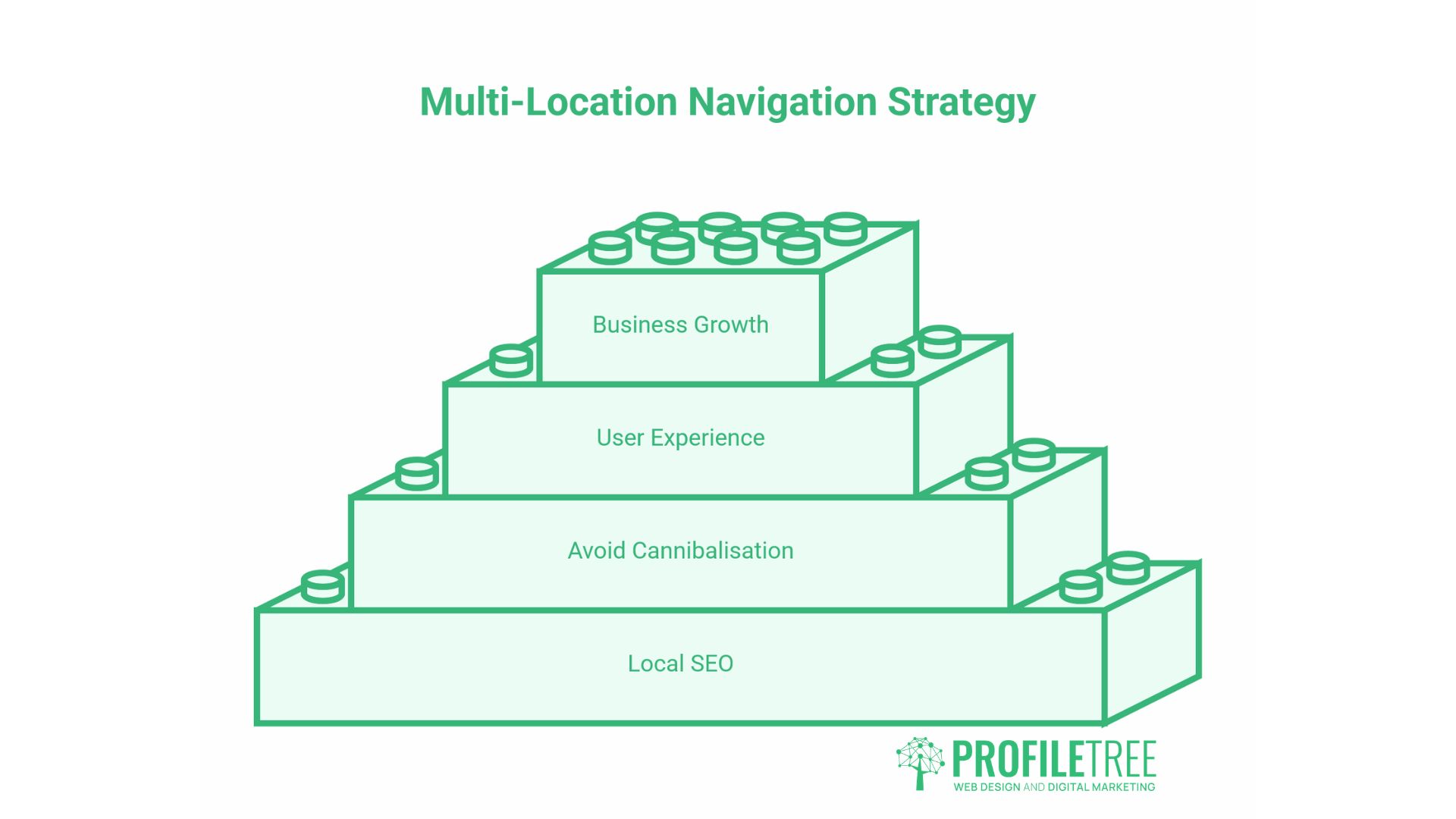
Businesses operating across multiple locations, or across both the UK and the Republic of Ireland, face navigation decisions that most generic SEO guides do not address. Getting this right is important for local SEO performance and for avoiding cannibalisation between location-specific pages.
Structuring location pages within the navigation
If you have distinct service pages for different locations, such as Belfast, Dublin, or London, these pages should be accessible from the navigation without cluttering the primary menu. A common approach is a single “Locations” or “Areas Served” menu item that expands to list specific location pages. This keeps the main navigation clean, so location pages receive internal links.
Alternatively, location pages can be linked from within the service page body copy and from a dedicated locations page, without appearing in the main navigation at all. This works well for businesses with many locations: putting every city in a dropdown quickly becomes unwieldy. The key is that each location page receives at least some internal links from relevant service pages, so crawlers can find and index them.
For businesses specifically targeting local search in Northern Ireland, ProfileTree’s SEO guide for businesses working through Google’s quality guidelines covers how trust and authority signals interact with local relevance.
UK and Republic of Ireland: handling multi-regional navigation
A business serving both Northern Ireland (which uses .co.uk or .com domains and targets UK audiences) and the Republic of Ireland (where Irish audiences and sometimes different service offerings apply) needs to decide whether to use a single domain with clear geographic signals or separate domains.
For most SMEs, a single domain with location-specific pages is the right choice. The navigation should clearly reflect this, either through a “Locations” dropdown or geographic context in service page labels. Hreflang tags, which tell search engines which version of a page is intended for which country or language, are typically only necessary if you have genuinely separate content for Irish and UK audiences rather than simply serving both from the same pages.
If you are planning a new site or a redesign and operating across both markets, this is worth discussing explicitly with your web design or SEO team at the planning stage. Retrofitting multi-regional architecture after a site has launched is significantly more work than building it correctly from the start.
How to Audit Your Existing Navigation Structure
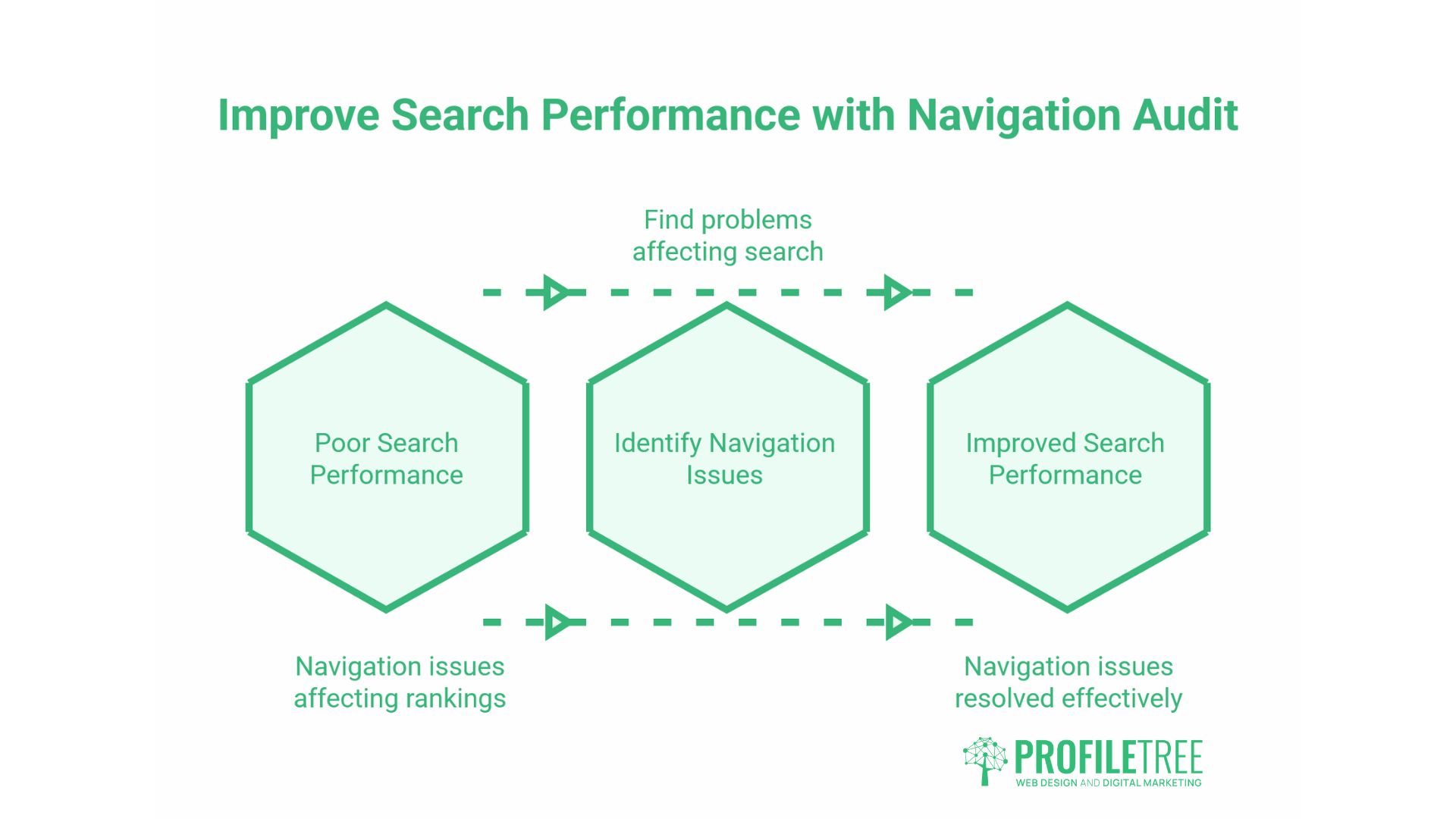
If your site is already live, an audit will identify the navigation issues most likely to be affecting your search performance. These are the key checks to work through.
Check for orphaned pages
An orphaned page has no internal links pointing to it. Search engines may have found it via a sitemap, but without internal links, it receives no link equity and is unlikely to rank well. Use a crawl tool (Screaming Frog is the most commonly used; Ahrefs and Semrush both offer site audit features) to identify pages with no internal links pointing to them.
Once found, either add relevant internal links from topically related pages, or, if the page has no genuine value, consider removing it and setting a redirect to a relevant page. ProfileTree’s WordPress sitemap guide covers the practical steps for keeping your sitemap accurate and up to date. Google Search Central’s official sitemap documentation explains how Googlebot uses sitemaps during crawling.
Map your click depth
Crawl the site and check how many clicks it takes to reach each page from the homepage. Any important page (a service page, a key category, or a high-value piece of content) that is more than three clicks from the homepage is worth reviewing. Either promote it into the main navigation, add internal links from higher-level pages, or consider whether it belongs at a higher level of the hierarchy.
Review navigation labels for relevance
Go through each item in your main and secondary navigation and ask whether the label describes the destination accurately, uses language that matches how your audience searches, and distinguishes the page from other navigation items. Vague labels like “Solutions,” “Resources,” or “Insights” are common on agency and professional services sites and rarely serve users or search engines well.
Check accessibility and structure
Navigation accessibility matters for both users with disabilities and search engine crawlability. A well-structured, accessible navigation is typically also a well-structured, crawlable navigation. ProfileTree’s guide to accessible navigation covers the HTML structure and ARIA labelling that make navigation both inclusive and technically sound.
Verify mobile navigation in the page source
Load your site on a mobile device or using a browser developer tool set to mobile viewport, then view the page source. Confirm that your navigation links are present in the raw HTML, not only rendered after JavaScript execution. If they are absent from the source, raise this with your development team.
When ProfileTree conducts a site audit as part of an SEO engagement, navigation structure is one of the first areas reviewed, because it affects every other page on the site. Issues found here tend to have site-wide implications rather than affecting only individual pages. For businesses planning a new site, ProfileTree’s website launch checklist covers pre-launch checks, including navigation verification.
For an overview of how navigation design connects to broader UX and brand decisions, ProfileTree’s navigation design guide explores the visual and structural principles that inform effective menu design.
Conclusion
Navigation structure is one of those website decisions that looks simple on the surface but compounds over time. Get it right and your most important pages accumulate authority, stay accessible to crawlers, and give users a clear path to what they need. Get it wrong and the effects spread across the entire site, not just the pages with obvious problems.
For most SMEs, the fixes are not technically complex. A flatter hierarchy, more descriptive menu labels, breadcrumbs on deeper pages, and a quick check that mobile navigation renders in the HTML source will address the majority of issues found in a typical audit. The harder part is doing this before the site launches rather than after rankings have stalled.
If you are planning a new website or a redesign and want navigation and site architecture handled correctly from the start, ProfileTree’s web design team can help.
FAQs
What is SEO-friendly navigation?
A structure in which menus, links, and URL hierarchy help search engines understand which pages exist, how they relate, and which matter most. It uses descriptive anchor text, keeps key pages within two to three clicks, and confirms navigation links are in the server-rendered HTML so crawlers can follow them.
How many links should be in a main navigation menu?
Five to eight top-level items are suitable for most SME websites. Beyond that, users find choices harder to evaluate and link equity gets spread too thinly. Fewer, well-chosen links serve both users and search engines more effectively than an exhaustive menu.
Does website navigation affect search rankings?
Yes, directly. Navigation controls how link equity flows through the site, which pages get crawled most frequently, and how clearly topical relationships are signalled. A poorly structured menu can leave important pages under-indexed and reduce the authority reaching your most valuable pages.
What is the difference between site navigation and site structure?
Site structure is the overall organisation of pages: how content is grouped, how URLs are built, and how pages link to each other. Navigation is the visible implementation of that structure through menus, breadcrumbs, and internal links. Structure comes first; navigation makes it accessible.