
Multimedia Content for Business Websites: Formats, SEO and Strategy
Table of Contents
Multimedia content (the combination of video, images, audio, animation, and interactive elements on a single web page) is now one of the most measurable drivers of on-site performance for small and medium-sized businesses. Done well, it reduces bounce rates, increases time on page, and signals to Google that visitors are finding what they came for. Done poorly, it adds weight to a site without adding value.
This guide covers the main formats, how each one serves a different audience goal, and how SMEs across Northern Ireland, Ireland, and the UK can build a realistic multimedia strategy without overcomplicating the process.
What is Multimedia Content?
Multimedia content is any combination of media types used together to communicate a message. The five core elements are text, images, video, audio, and animation or interactive features. Most web pages use at least two; high-performing content marketing pages typically use three or more in a planned, purposeful way.
The distinction that matters for business websites is between decorative and functional multimedia. A stock photograph above the fold is decorative. A 90-second explainer video on a service page that answers the three most common pre-sale questions is functional. Both are multimedia; only one has a measurable effect on conversion.
For SEO purposes, multimedia content indirectly influences rankings. Pages with embedded video tend to hold visitors for longer, and pages with well-structured visual content earn more backlinks. These engagement signals feed into how Google assesses whether a page genuinely satisfies a search query.
The Five Main Formats and When to Use Each
Each multimedia format has a different cost profile, production requirement, and best-fit use case. Choosing the right one for a specific page or goal matters more than using as many formats as possible.
Video
Video is the most resource-intensive multimedia format and the most impactful when placed correctly. For business websites, the highest-value placements are service pages, homepage hero sections, and case study pages: locations where a visitor is already evaluating whether to contact you.
A 60- to 90-second video on a service page can cover the service’s format, the typical client profile, and what happens after someone gets in touch. That replaces several paragraphs of text that most visitors would not read in full. ProfileTree’s video production team works with businesses across Belfast and the wider UK on exactly this type of content: short, purposeful videos built around specific conversion goals rather than general brand awareness.
For YouTube marketing specifically, the strategy differs from on-site video. YouTube content needs to be discoverable independently, which means keyword-led titles, chapter markers, and consistent publishing schedules. Short-form video content has become a discipline in its own right, with platform-specific rules for YouTube Shorts, Instagram Reels, and TikTok that differ meaningfully from those for long-form production.
Images and Infographics
Static images contribute to multimedia content in two ways: as visual support for written content, and as standalone assets that earn search traffic in their own right. Infographics sit at the intersection of both; a well-structured infographic can appear in Google Images, be embedded by other publishers, and break up a long article to improve readability.
For SMEs, the practical question is almost always whether to use stock photography or original images. Stock photography is faster and cheaper, but it contributes nothing to E-E-A-T signals, does not differentiate the brand, and Google’s image quality assessment specifically looks for unique visual content. Original photography of your team, premises, or work produces weaker images by default, but it produces authentic ones. Creating an infographic from real business data is one of the most cost-effective ways to earn links from other publications in your sector.
Animation and Motion Graphics
Animation sits between video and static images in both cost and impact. Motion graphics (typically short, looping animations that explain a process or statistic) can be produced at significantly lower cost than full video production and are particularly effective on service pages, where explaining a complex process in text would be difficult.
For web design purposes, animation also affects page experience. Subtle motion on scroll, animated counters, or micro-interactions on buttons all contribute to how a site communicates responsiveness and quality. These are development decisions as much as content decisions, which is why multimedia strategy and web development need to be planned together rather than in sequence.
Audio and Podcasting
Audio content has a narrower application for most SME websites than the other formats, but it has specific value for thought leadership and brand building. A podcast episode embedded in a blog post increases average time on page, gives visitors an alternative way to consume the same content, and can be repurposed into written articles, social clips, and YouTube videos.
The realistic barrier for most smaller businesses is production consistency. A podcast that publishes two episodes, then goes quiet for three months, creates a worse impression than no podcast at all. If audio content is part of your strategy, plan for a minimum run before committing publicly.
Interactive Elements
Interactive content (quizzes, calculators, self-assessment tools, and configurators) delivers the strongest engagement signals of any multimedia format because it requires active participation rather than passive consumption. A roofing company with a cost estimator, a training provider with a skills gap assessment, or a web agency with a website audit tool are all using interaction to qualify leads before they make contact.
The technical overhead is higher. Interactive tools require development input, ongoing maintenance, and careful UX design to avoid frustrating users who get halfway through and abandon. But the link equity they generate from other sites that reference them as a resource, and the time-on-site they drive, can justify the investment for businesses with clear lead-generation goals.
Multimedia Content Strategy for SME Websites
A multimedia strategy does not need to be elaborate to be effective. For most SMEs, the biggest gains come from three straightforward decisions: identifying where existing content is underperforming, matching the right format to the right goal, and producing content in a way that allows one shoot or session to generate multiple assets.
Start with the Content Audit
Before adding any new multimedia elements, identify which existing pages are already generating traffic and which have high traffic but low engagement. Pages with strong keyword rankings but high bounce rates are the first priority for multimedia investment, as they reach the right audience but fail to satisfy them.
Google Analytics and Google Search Console together show this picture. The Queries report shows what people searched to find a page. The Behaviour report shows what they did upon arrival. The combination tells you whether the multimedia gap is at the awareness stage (people aren’t finding the content) or at the engagement stage (they’re finding it but leaving).
Match Format to Funnel Stage
Different multimedia formats serve different stages of the buying journey. Video works best for consideration and conversion. Infographics and animated explainers work well for awareness. Interactive tools and detailed guides serve visitors who are already in evaluation mode and want specific answers before making a decision.
A business that produces content without aligning it with a stage in the sales process ends up with multimedia assets that look good but don’t drive commercial outcomes. The content marketing service at ProfileTree approaches this problem by working backwards from the enquiry or sale, identifying which formats and at which stages would shorten the decision-making process.
One Piece of Content, Multiple Formats
The most efficient multimedia strategy for SMEs is the one that maximises the return on a single production event. A 10-minute interview with a business owner, properly produced, generates a YouTube video, three short-form social clips, an audio file, a written transcript that becomes a blog post, and a set of quote graphics for LinkedIn. That is six to eight pieces of content from a single session.
This approach (sometimes called content repurposing or the pillar-cluster content model) reduces the unit cost of each piece while maintaining message consistency across channels. It also makes multimedia production more manageable for businesses without in-house creative teams.
Multimedia, SEO, and AI Overviews
Understanding how multimedia content interacts with search rankings and AI-generated answers helps businesses prioritise which investments are worth making and which are cosmetic.
The relationship between multimedia content and SEO is indirect but well-established. Google does not directly rank pages higher because they contain video, but video and strong visual content produce the engagement signals (longer sessions, lower bounce rates, more pages visited) that correlate with higher rankings.
For multimedia SEO specifically, the technical requirements matter as much as the creative ones. Videos need proper schema markup. Images need descriptive alt text and appropriately compressed file sizes. Interactive elements need to be crawlable. Pages with heavy multimedia assets need page-speed optimisation, particularly on mobile, where most UK and Irish users browse.
Google AI Overviews now pull answers from pages that clearly present structured, self-contained information. Pages with a defined question-and-answer structure, well-organised headings, and content that directly addresses the search query are the most likely to earn citations. Multimedia content supports this by giving the page additional signals of depth and usefulness, but the text structure still has to do the substantive work.
“Adding video or animation to a page without a clear content strategy behind it rarely produces measurable results,” says Ciaran Connolly, founder of ProfileTree. “The businesses that see the biggest return from multimedia investment are the ones that start with a specific goal, usually reducing drop-off on a key service page or increasing time-on-site from organic traffic, and then choose the format that serves that goal, not the other way around.”
Accessibility in Multimedia Content
Accessibility is a legal requirement for UK and Irish businesses, not an optional addition. Getting this right also directly affects SEO and the proportion of your audience you can realistically reach.
The UK Equality Act 2010 and, for public sector organisations, the Public Sector Bodies Accessibility Regulations 2018, place legal obligations on digital content. The Web Content Accessibility Guidelines (WCAG) 2.2 are the practical standard that most organisations use to meet those obligations.
For multimedia content, the most common compliance gaps are:
Video captions: Automatic YouTube captions are not sufficient for compliance. They contain errors and do not meet the WCAG 2.2 Level AA accuracy requirements. Captions need to be edited and verified.
Audio descriptions: Video content that conveys information visually (a graph, a product demonstration, a presenter pointing at something on screen) requires an audio description track for users who cannot see the visual information.
Alt text for images: Alt text should describe the functional purpose of an image, not just its appearance. An infographic with statistics needs alt text that communicates the key finding, not just “infographic about marketing.”
Transcript availability: Any audio content, including podcasts and video soundtracks, should include a text transcript on the same page or be immediately linked.
Getting this right matters beyond compliance. Accessible content is indexed more completely by search engines, performs better with voice search, and serves the portion of the UK population (approximately one in five people) who have some form of disability that affects how they consume digital content.
Producing Video Content: Practical Considerations
Video production decisions are often made on the wrong criteria. Understanding what actually determines whether a business video works prevents wasted budget and misaligned briefs.
For businesses considering professional video production for the first time, the decisions that determine quality are often not the ones that seem most obvious. Equipment quality matters less than lighting and audio. Script length matters less than clarity of message. Production value matters less than whether the video answers the question the viewer came with.
The most common brief ProfileTree’s video team receives from SMEs is a request for a “company overview video.” These are useful for brand awareness and social proof, but they rarely produce the conversion results that service-specific videos do. A video explaining exactly what a specific service includes, what the process looks like, and what the client’s outcome is serves a more specific intent and converts more reliably.
Short-form video for social platforms follows different rules again. The rise of short-form video has changed the expectations of what video content needs to achieve in the first three seconds. On YouTube Shorts, Instagram Reels, and TikTok, a viewer who is not engaged within three seconds scrolls past. This demands a different approach to scripting, framing, and editing than a longer on-site or YouTube video.
Building a Multimedia Content Workflow
Having the right process in place reduces the time and cost of producing multimedia content and makes it easier to maintain consistency across a site rather than treating each piece as a one-off project.
A repeatable workflow reduces the cost and time involved in multimedia production. The following framework applies to most SME content operations regardless of the formats they prioritise.
Audit existing content first. Identify which pages are receiving traffic but not converting, which topics have been covered in text but not in video or visual format, and which questions your sales team is answering repeatedly in conversations that could be answered by a piece of content instead.
Define the format for the goal. Each piece of content should have a primary goal: to rank for a specific query, to reduce drop-off on a service page, to build brand awareness, or to support a sales conversation. The format follows the goal, not the reverse.
Produce in batches. Scheduling a video production day every quarter, producing multiple pieces in one session, and then editing and distributing over the following weeks is more efficient than producing one piece at a time reactively.
Repurpose systematically. Set a rule that every piece of long-form content produces at least three shorter derivative pieces. A blog post becomes a LinkedIn carousel, a 60-second explainer script, and an infographic. A video becomes a transcript, a podcast episode, and a set of pull-quotes.
Measure against the original goal. If the goal was to reduce bounce rate on a service page, measure bounce rate before and after adding a video. If the goal was to rank for a specific query, track position changes over 60 to 90 days. Generic engagement metrics without a baseline comparison tell you very little.
For businesses that need support building or executing this kind of workflow, ProfileTree’s content creation service covers planning, production, and distribution across formats. The digital marketing training programme also covers how to integrate AI tools into content workflows to reduce the time cost of repurposing and publishing.
Monitoring Multimedia Content Performance
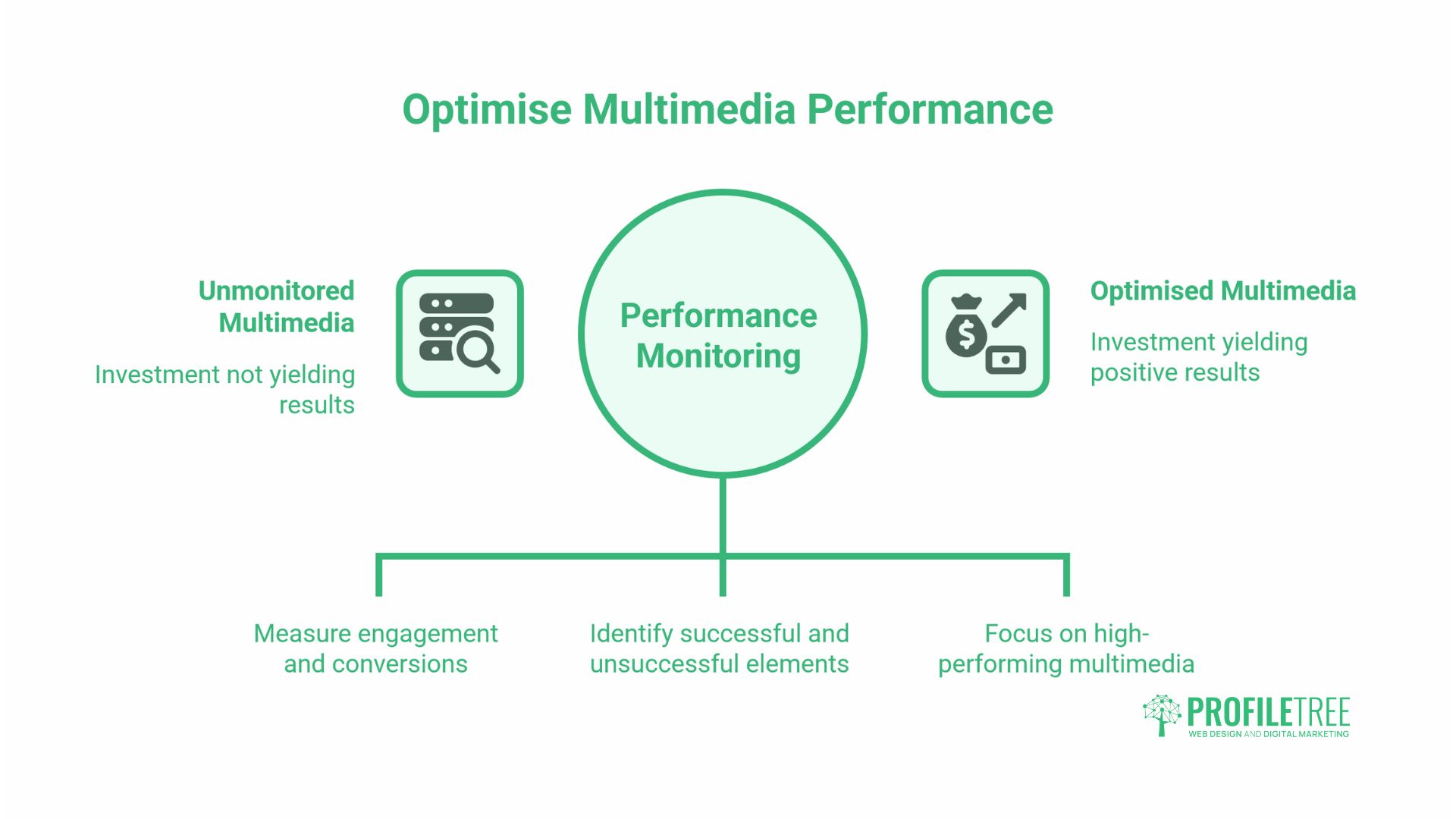
Adding multimedia to a page is only half the work. Tracking how those elements perform tells you whether the investment is producing results and where to focus next.
Measuring the impact of multimedia content requires using metrics different from those for text-based content. The key signals to track are:
Average engagement time (formerly average session duration in GA4). Pages with video or interactive elements typically produce longer sessions. A meaningful increase after adding multimedia confirms the format is serving visitors.
Scroll depth. If visitors are reaching the bottom of a page, the content is holding their attention. If the majority leave after 30% of the page, the content is not engaging them, regardless of the multimedia it contains.
Video play rate and watch time. In YouTube Studio and in most embedded video analytics tools, play rate (the proportion of page visitors who click play) and watch time (how far through the video they get) show whether the video is being used. A video with a 10% play rate on a page with 5,000 monthly visitors is barely contributing; one with 40% play rate on a page with 500 visitors is performing well.
Search position changes. Multimedia content that improves engagement signals should, over two to three months, produce incremental improvements in search position for the target query. This is rarely dramatic for a single piece of content but is cumulative across a site with a consistent multimedia strategy.
Conclusion
Multimedia content works when it is built around a specific goal on a specific page, not added for its own sake. Whether that means a short video on a service page, an infographic in a high-traffic blog post, or an interactive tool on a landing page, the format should align with the intent. Start by identifying the pages that already have traffic but are losing visitors before they convert, address the accessibility requirements that apply to UK businesses, and build a production workflow that turns a single session into multiple assets. ProfileTree’s video production, content marketing, and digital training services are all available to support businesses at any stage of that process. To talk through what would work for your site, get in touch with the team.
FAQs
What are the main types of multimedia content?
The five core types are text, images, video, audio, and animation or interactive elements. Most web pages use at least two, chosen based on the page’s goal.
How does multimedia content affect SEO?
It influences SEO indirectly through engagement signals. Video and interactive content tend to increase time-on-page and reduce bounce rates, which search engines interpret as evidence that the page satisfies search intent.
Does multimedia content need to be accessible?
Yes. The UK Equality Act 2010 covers digital content, and WCAG 2.2 is the standard most organisations follow. The core requirements are accurate video captions, audio descriptions for visual information, and text transcripts for audio content.
What is the difference between rich media and multimedia content?
Rich media refers to interactive ad formats used in digital advertising. Multimedia content is a broader term that encompasses the use of multiple media types in editorial and website content.