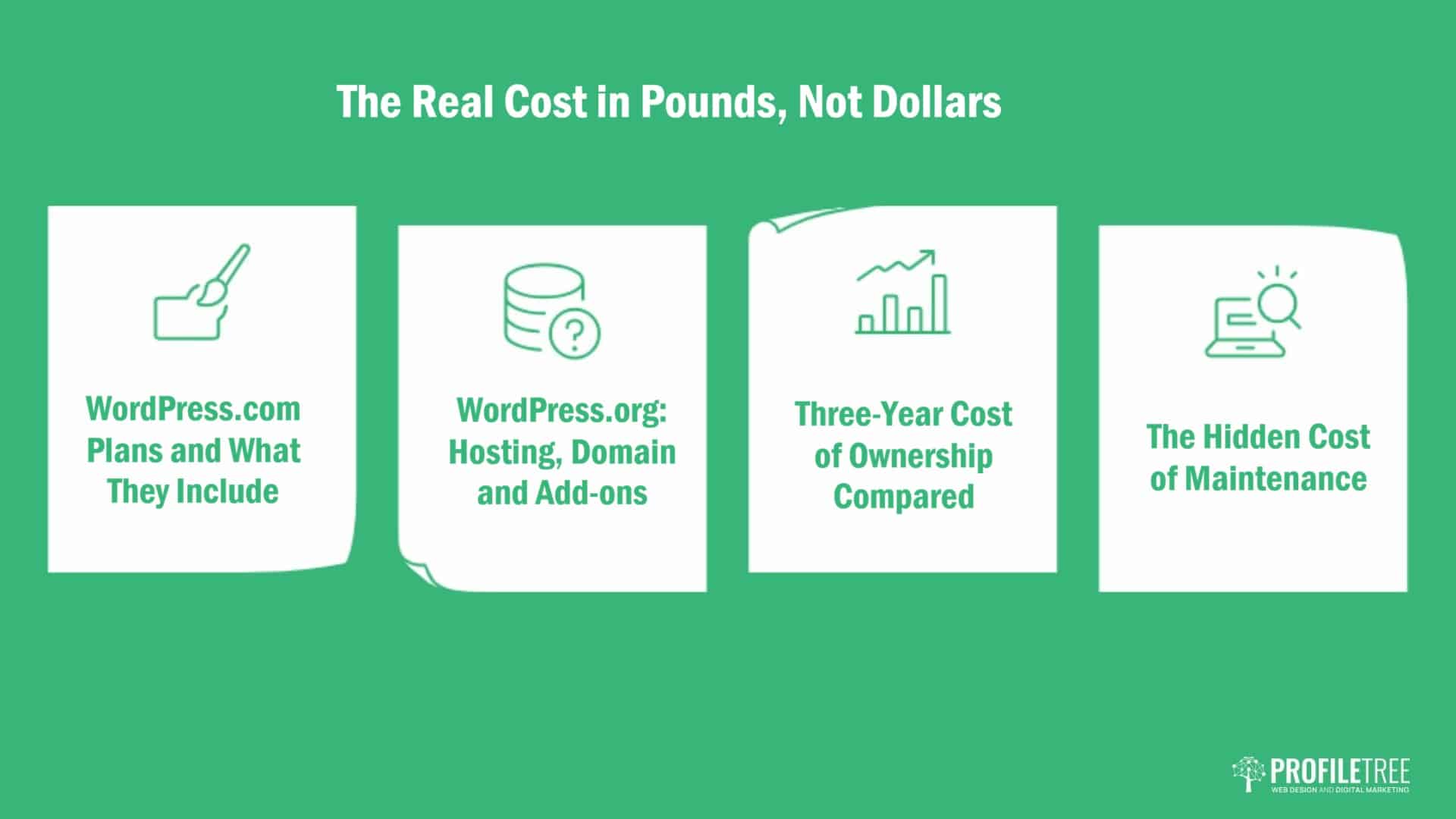
WordPress.com or WordPress.org? Your Complete Guide to Choosing
Table of Contents
Selecting between WordPress.com or WordPress.org represents one of the most fundamental decisions you’ll make when building your website. This choice affects everything from your site’s capabilities and design flexibility to your long-term costs and SEO performance. Understanding the difference between WordPress.com and WordPress.org is critical for business owners, marketing managers, and anyone responsible for their organisation’s digital presence.
Both platforms power millions of websites globally, yet serve distinctly different purposes. WordPress.com offers a managed, out-of-the-box solution ideal for those seeking simplicity. WordPress.org provides complete control and customisation, making it the preferred choice for businesses requiring advanced functionality and full ownership of their digital assets.
This comparison examines every aspect of both platforms—from hosting and domains to plugins, pricing, and SEO capabilities—to help you make an informed decision that aligns with your business objectives.
Understanding WordPress: Two Distinct Platforms
WordPress has evolved into two offerings designed for users with varying technical abilities and business requirements. Recognising these differences early prevents costly migrations and ensures you build your site on the platform that best serves your goals.
WordPress.com: The Managed Solution
WordPress.com functions as a hosted service where WordPress.com itself manages all technical aspects of your site. You create an account, select a plan, and begin building immediately without concerning yourself with hosting, security updates, or server maintenance.
This platform suits individuals and small businesses who want to establish an online presence quickly without technical expertise. The service handles backups, security patches, and software updates automatically. However, this convenience comes with limitations on customisation and functionality.
For bloggers, portfolio sites, and small business owners who prioritise ease of use over advanced features, WordPress.com provides a straightforward entry point into website creation. The platform removes technical barriers, allowing users to focus on content rather than infrastructure.
WordPress.org: The Self-Hosted Powerhouse
WordPress.org offers free, open-source software you download and install on your web hosting. This approach gives you complete control over every aspect of your site, from server configuration to design implementation and functionality.
This platform requires more technical knowledge but delivers unlimited potential for customisation and scalability. You select your hosting provider, manage updates, implement security measures, and have full access to your site’s files and database.
Businesses requiring custom functionality, specific design implementations, or advanced SEO capabilities typically choose WordPress.org. This platform doesn’t impose restrictions on plugins, themes, or monetisation strategies, making it the foundation for serious business websites and e-commerce operations.
“WordPress.org gives businesses the flexibility they need to create truly unique digital experiences that reflect their brand identity and serve their specific business objectives,” notes Ciaran Connolly, Director of ProfileTree.
Core Differences Between WordPress.com and WordPress.org
Understanding the fundamental distinctions between these platforms helps clarify which solution matches your requirements. These differences extend beyond surface-level features, affecting long-term costs, scalability, and your ability to implement specific business strategies.
Hosting: Included vs Self-Managed
WordPress.com bundles hosting directly into its service plans. Your site lives on WordPress.com’s servers, and they handle all server maintenance, security, and technical infrastructure. This arrangement simplifies setup but limits your control over server resources and configuration.
With WordPress.org, you select and pay for hosting separately from a third-party provider. This separation gives you control over server specifications, performance optimisation, and the ability to migrate between hosts if needed. You’re responsible for maintaining your hosting environment, but you gain flexibility in choosing resources that match your traffic and performance requirements.
Hosting quality significantly impacts site speed, security, and visitor experience. WordPress.org allows you to upgrade hosting as your business grows, whilst WordPress.com confines you to their infrastructure and the limitations of your chosen plan.
For websites anticipating growth or requiring specific server configurations, self-hosted WordPress.org provides the flexibility needed to scale effectively. Smaller sites with modest traffic can benefit from WordPress.com’s managed approach, though they may eventually outgrow these constraints.
Domain Names: Subdomains vs Full Ownership
WordPress.com’s free plan assigns your site a subdomain following the format yoursite.wordpress.com. This arrangement positions WordPress.com’s branding in your web address, creating a less professional appearance and potentially impacting trust with visitors.
You can purchase a custom domain through WordPress.com’s paid plans, removing the WordPress branding from your URL. However, even with a custom domain, certain technical limitations persist regarding how you can configure and redirect that domain.
WordPress.org requires you to purchase a domain separately before installation. This domain belongs entirely to you, giving you complete control over DNS settings, subdomains, and email configuration. You can transfer this domain between hosts without affecting your site’s content or structure.
Domain ownership matters for brand identity and long-term digital strategy. A custom domain on WordPress.org provides more flexibility for technical SEO implementations, email hosting configurations, and brand consistency across digital properties.
Site Ownership and Control
WordPress.com retains certain rights over sites hosted on its platform. Whilst you own your content, WordPress.com can remove your site if it violates their terms of service. This arrangement means you don’t have absolute control over your digital presence.
The platform also restricts your ability to access underlying files, modify core code, or implement certain technical solutions. These limitations can prevent you from executing specific marketing strategies or technical optimisations that require deep system access.
WordPress.org gives you complete ownership. You control your site’s files, database, and every technical aspect. No external party can shut down your site (beyond your hosting provider in extreme circumstances), and you maintain complete control over how your site functions and appears.
This ownership extends to intellectual property and data. With WordPress.org, your content, customer data, and site configuration remain entirely controlled. You can back up, migrate, or modify your site without restriction or permission from a third party.
Plugin Functionality and Limitations
WordPress.com’s free and lower-tier plans don’t support third-party plugins. This restriction prevents you from extending your site’s functionality through the thousands of available WordPress plugins that add features ranging from advanced SEO tools to customer relationship management.
The WordPress.com Business plan allows plugin installation, but this tier costs significantly more than basic hosting for a WordPress.org site. Self-hosting typically proves more cost-effective when you’re paying for plugin access on WordPress.com.
WordPress.org provides unrestricted access to over 60,000 free plugins and countless premium options. This ecosystem allows you to add virtually any functionality to your site, from booking systems and membership areas to advanced analytics and marketing automation.
Plugin flexibility matters for businesses requiring specific functionality or integrating third-party services. WordPress.org’s open plugin architecture enables custom development and integration with business tools, while WordPress.com’s restrictions can prevent implementation of essential business features.
Comparing Features, Capabilities and Pricing

Both platforms offer distinct feature sets and pricing structures that affect their suitability for different business requirements. Understanding these differences helps you calculate ownership costs and determine which platform delivers better value for your situation.
Design Flexibility and Theme Options
WordPress.com provides a curated selection of themes, many of which require premium plans to access. The platform restricts direct theme file editing, limiting your ability to customise designs beyond basic settings. This constraint makes achieving a unique brand identity more difficult.
Advanced design customisation on WordPress.com requires CSS knowledge and a paid plan supporting custom CSS. Even then, you cannot modify the theme PHP files or add custom functions, restricting design possibilities compared to self-hosted solutions.
WordPress.org offers unlimited theme options, including thousands of free themes and premium designs from various marketplaces. You can modify any aspect of a theme’s code, create custom designs, or hire developers to build bespoke themes matching your specifications.
For businesses where brand identity and unique design matter, WordPress.org provides the flexibility needed to create distinctive digital experiences. ProfileTree’s web design services focus on creating custom WordPress.org themes that reflect brand identity whilst optimising for performance and conversions.
Customisation and Development Capabilities
WordPress.com imposes significant restrictions on code-level customisation. You cannot access theme files, modify core functionality, or implement custom PHP code. These limitations prevent the implementation of unique features or integration with proprietary business systems.
The platform’s business plan offers some customisation options, but with self-hosted WordPress, you still lack complete control. This restriction can prove problematic when your business requires specific functionality or technical implementations.
WordPress.org allows unlimited customisation. You can modify any file, create custom post types, build unique functionality, and integrate with any third-party system. This openness makes WordPress.org the choice for businesses with unique requirements or those planning significant custom development.
Development flexibility extends to implementing advanced marketing technologies, creating custom user experiences, and building complex functionality like membership sites or learning management systems. These capabilities require the unrestricted environment that only WordPress.org provides.
WordPress.org Pricing Structure
WordPress.org software costs nothing. You download it freely and install it on any hosting server. However, you must account for additional costs, including domain registration, hosting services, and potentially premium themes or plugins.
Quality shared hosting for small business sites typically costs £3-10 monthly. As your site grows, you may upgrade to VPS or dedicated hosting, which costs £ 20-200+ monthly, depending on traffic and resource requirements. Domain registration adds approximately £10-15 annually.
Premium themes cost £30-100 as one-time purchases, while premium plugins range from free to £200+ annually, depending on functionality. Many businesses start with free themes and plugins, upgrading to premium options only when specific needs arise.
Total first-year costs for a basic WordPress.org site typically range from £100-300, including domain, hosting, and potential premium add-ons. This investment delivers complete control and unlimited scalability, making it cost-effective for businesses serious about their digital presence.
WordPress.com Pricing Plans
| Plan | Monthly Cost | Storage | Key Features | Limitations |
| Free | £0 | 1GB | Basic themes, WordPress.com subdomain | No custom domain, includes ads, very limited customisation |
| Personal | £4 | 6GB | Custom domain, no ads | Limited theme selection, no plugins, basic support |
| Premium | £8 | 13GB | Premium themes, basic customisation | Limited plugins, restricted monetisation |
| Business | £25 | 200GB | Plugin installation, advanced themes | Still restricted compared to self-hosted |
| E-commerce | £45 | 200GB | E-commerce tools, premium extensions | Expensive for the functionality available cheaper elsewhere |
WordPress.com’s pricing structure becomes costly when you require features standard on WordPress.org sites. The Business plan, needed for plugin access, costs £300 annually—significantly more than comparable self-hosted solutions offering greater flexibility.
For businesses requiring e-commerce, the £45 monthly WordPress.com plan (£540 annually) far exceeds costs for WordPress.org with WooCommerce on quality hosting. The WordPress.org approach also provides more control over your store’s functionality and customer data.
Storage and Resource Limitations
Depending on your subscription tier, WordPress.com plans impose storage limits ranging from 1GB to 200GB. These restrictions can prove problematic for media-rich sites, video content, or businesses with extensive product catalogues.
The free plan’s 1GB storage barely accommodates a basic blog with images. Even the Business plan’s 200GB can limit businesses using high-quality photos and video content or maintaining extensive media libraries for their products or services.
WordPress.org storage depends entirely on your hosting plan. Most shared hosting plans start at 10-50GB, with unlimited options. You can upgrade storage as needed without changing platforms or facing arbitrary restrictions.
Beyond storage, WordPress.com imposes bandwidth and visitor limits on specific plans. High-traffic sites may face restrictions or additional costs, whilst WordPress.org hosting typically offers unmetered bandwidth or generous allocations suitable for growing businesses.
Monetisation and Commercial Use
WordPress.com restricts monetisation on free and lower-tier plans. You cannot display advertisements, use affiliate marketing effectively, or implement most commercial strategies without upgrading to expensive plans.
The platform’s WordAds programme allows advertising on high-traffic sites, but you share revenue with WordPress.com and have limited control over ad placement or networks. This arrangement reduces earnings compared to managing your own advertising strategy.
WordPress.org imposes no monetisation restrictions. You can implement any advertising network, affiliate programme, or commercial strategy. Your revenue belongs entirely to you, with no revenue sharing or platform restrictions on how you earn from your site.
For businesses building content marketing strategies, e-commerce operations, or any monetised digital property, WordPress.org provides the freedom needed to maximise revenue without sharing earnings or working within platform-imposed limitations.
SEO Capabilities and Search Performance
WordPress.com offers basic SEO tools, including meta titles, descriptions, and sitemaps. However, the platform restricts access to advanced SEO plugins like Yoast SEO Premium or Rank Math on lower-tier plans, limiting your optimisation capabilities.
The Business plan allows SEO plugin installation, but by that pricing tier, self-hosted WordPress.org typically offers better value with greater flexibility. WordPress.com limits your ability to edit .htaccess files, implement custom redirects, or configure advanced technical SEO elements.
WordPress.org provides complete SEO control. You can install any SEO plugin, modify site architecture for optimal crawling, implement schema markup, create custom XML sitemaps, and configure every technical SEO element exactly as needed.
ProfileTree’s SEO services for WordPress.org sites include comprehensive technical optimisation, content strategy development, and ongoing performance monitoring. This level of SEO implementation requires the access and flexibility that only self-hosted WordPress provides.
Source code access proves critical for advanced SEO. WordPress.org allows modification of theme files for semantic HTML improvements, implementation of structured data, and code optimisation for faster loading times—all factors affecting search rankings.
Analytics and Data Insights
WordPress.com provides basic built-in statistics showing pageviews, referrers, and basic visitor information. Whilst adequate for casual bloggers, these analytics lack the depth needed for serious business decision-making.
Integration with Google Analytics 4 requires paid WordPress.com plans, and even then, implementation options remain limited compared to self-hosted solutions. You cannot add custom tracking codes or implement advanced analytics configurations available on WordPress.org.
WordPress.org supports unlimited analytics integrations. You can implement Google Analytics 4, Google Tag Manager, heat mapping tools, conversion tracking, and any other analytics platform your business requires.
Advanced analytics implementation enables sophisticated marketing strategies, conversion optimisation, and data-driven decision making. ProfileTree’s digital marketing strategy services rely on comprehensive analytics, which is the only possible option with the flexibility of WordPress.org installations.
Security and Maintenance
WordPress.com handles all security updates, backups, and malware protection. This managed approach removes technical burden but also removes control over security configurations and backup schedules.
The platform’s shared infrastructure means your site’s security depends partly on WordPress.com’s overall security measures. Whilst generally robust, you cannot implement custom security protocols or choose specific security solutions matching your business requirements.
WordPress.org requires you to manage security through plugin installation, regular updates, and hosting provider security features. This responsibility demands more attention but allows you to implement enterprise-grade security solutions tailored to your specific threats and compliance requirements.
Quality WordPress hosting providers offer automated backups, malware scanning, and security hardening. With security plugins and proper configuration, WordPress.org sites can achieve security levels exceeding WordPress.com while maintaining complete control over security protocols and data protection.
Choosing the Right Platform for Your Business
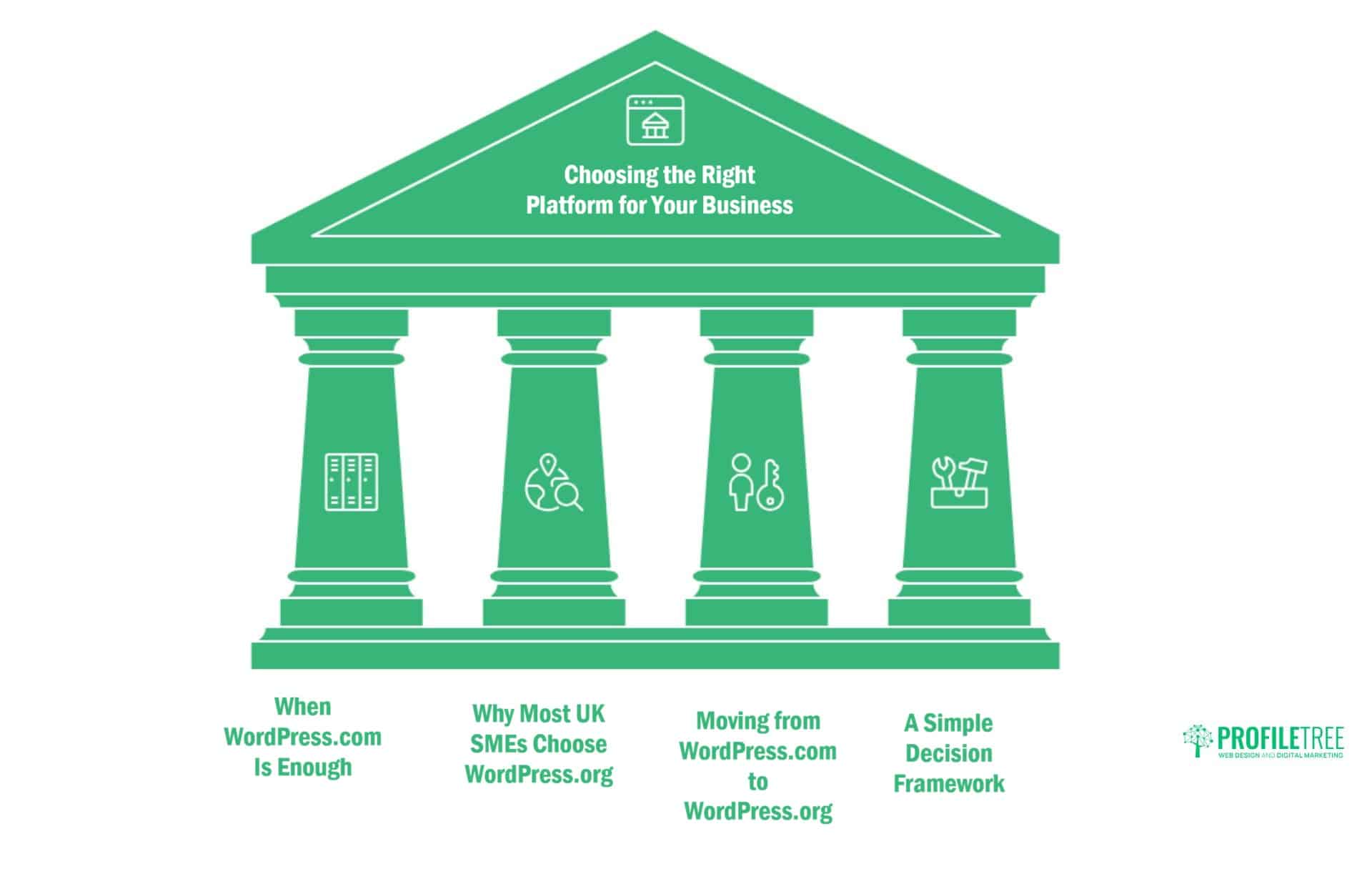
Selecting between WordPress.com and WordPress.org depends on your business objectives, technical capabilities, budget, and long-term digital strategy. Understanding how each platform aligns with different business scenarios helps clarify which option effectively serves your needs.
When WordPress.com Makes Sense
WordPress.com suits individuals starting personal blogs without monetisation plans. If you’re sharing thoughts, hobbies, or personal content without business objectives, the free or Personal plan provides adequate functionality without technical complexity.
Small organisations with minimal budgets and basic online presence needs may initially find WordPress.com’s managed approach appealing. Non-profits, community groups, or temporary project sites sometimes benefit from the simplified setup and maintenance.
Users who are absolutely opposed to managing technical aspects or those lacking access to technical support might prefer WordPress.com despite its limitations. The platform’s managed nature removes technical decision-making, though at the cost of flexibility and control.
However, most businesses quickly outgrow WordPress.com’s restrictions. When you need custom functionality, specific design implementations, or advanced marketing capabilities, migration to WordPress.org becomes necessary—a process that could have been avoided by starting with self-hosted WordPress.
Why Businesses Choose WordPress.org
Businesses requiring custom branding, unique functionality, or specific design implementations need WordPress.org’s flexibility. The platform accommodates virtually any business requirement without arbitrary restrictions on how you build or operate your site.
Companies planning to scale their digital presence benefit from WordPress.org’s unlimited potential. As your business grows, you can upgrade hosting, add functionality, and implement sophisticated features without platform limitations holding you back.
Organisations serious about content marketing, SEO, and digital strategy require WordPress.org’s comprehensive toolset. Advanced SEO implementations, marketing automation, and conversion optimisation depend on capabilities unavailable on WordPress.com’s restricted platform.
E-commerce businesses benefit from WordPress.org with WooCommerce, providing complete control over online stores at lower costs than WordPress.com’s e-commerce plan. You own your customer data, control payment processing, and implement custom functionality matching your business model.
Technical Expertise Considerations
WordPress.com requires minimal technical knowledge. You can build a basic site without understanding hosting, FTP, databases, or other technical concepts. This accessibility makes it suitable for complete beginners willing to accept its limitations.
WordPress.org demands more technical understanding or access to technical support. You need familiarity with hosting concepts, basic file management, and website maintenance procedures. However, many hosting providers offer managed WordPress hosting that simplifies these technical aspects.
ProfileTree provides comprehensive web development and WordPress training services for businesses using WordPress.org. Our digital training programmes help teams manage their WordPress sites effectively, removing technical barriers whilst maintaining the platform’s flexibility and control.
Hiring experienced WordPress developers for initial setup and training proves cost-effective compared to ongoing WordPress.com subscription costs for advanced plans. This investment provides a more powerful platform whilst building internal capability.
Long-Term Cost Analysis
WordPress.com appears cheaper initially, especially with free or low-tier plans. However, costs escalate rapidly when you need plugin access, custom domains, or increased storage. The Business plan at £300 annually exceeds typical WordPress.org hosting costs while offering less flexibility.
WordPress.org requires upfront investment in hosting and potentially premium tools. However, total costs remain more predictable and typically lower in the long term, especially for businesses requiring advanced functionality that would necessitate WordPress.com’s expensive top-tier plans.
Consider the total cost of ownership over three years. A WordPress.org site with quality hosting costs £100 annually and totals £300 over three years. WordPress.com’s Business plan costs £900 for the same period and offers less control and flexibility.
Cost savings increase for multiple sites. WordPress.org hosting often accommodates several sites under one plan, whilst WordPress.com charges separately for each site. Agencies and businesses managing multiple properties benefit significantly from WordPress.org’s scalable cost structure.
Migration Pathways and Future Flexibility
WordPress.com sites can migrate to WordPress.org, but the process requires technical expertise and can be time-consuming. Content exports easily, but design, functionality, and configurations often require rebuilding on the new platform.
Starting with WordPress.org entirely avoids migration complexity. You can change hosting providers, upgrade resources, or modify any aspect of your site without platform restrictions or migration necessities.
Businesses often start with WordPress.com, intending to migrate later, only to discover that migration complexity exceeds starting with WordPress.org initially. The time, cost, and potential downtime associated with migration often surprise businesses that assumed switching would be simple.
ProfileTree recommends that businesses with growth ambitions start with WordPress.org from inception. This approach provides a stable, scalable foundation for business growth without platform limitations, forcing disruptive migrations.
Industry-Specific Platform Recommendations
Different industries have varying requirements that make one platform more suitable than the other. Understanding how your industry’s needs align with each platform’s capabilities helps clarify the optimal choice.
Professional Services and B2B Companies
Professional service firms—legal practices, consultancies, accounting firms, marketing agencies—require credibility and custom branding that WordPress.org delivers effectively. These businesses benefit from custom design reflecting their brand positioning and functionality supporting client acquisition.
B2B sites often need advanced forms, client portals, case study showcases, and integration with CRM systems. These requirements demand WordPress.org’s plugin ecosystem and customisation capabilities. WordPress.com’s restrictions prevent the implementation of sophisticated business tools these organisations require.
Content marketing drives B2B lead generation, requiring advanced SEO capabilities and content management features. ProfileTree’s content marketing services for B2B clients rely on WordPress.org’s flexibility to implement comprehensive content strategies that generate qualified business enquiries.
E-commerce and Retail
Online retailers need complete control over their stores, customer data, and purchasing experiences. WordPress.org with WooCommerce provides this control at lower costs than WordPress.com’s e-commerce plan, offering superior functionality and flexibility.
Custom payment gateways, specific shipping calculations, inventory management integrations, and unique customer experiences require WordPress.org’s unrestricted environment. E-commerce success depends on implementing features that match your particular business model and customer expectations.
Product-rich catalogues with extensive imagery and video quickly exceed WordPress.com’s storage limitations. WordPress.org hosting can scale storage affordably as your product range expands, whilst WordPress.com forces expensive plan upgrades or ongoing storage constraints.
Content Publishers and Media Companies
Publishers producing video content, podcasts, or image-rich articles need WordPress.org’s unlimited storage and bandwidth capabilities. WordPress.com’s restrictions quickly become problematic for media-heavy sites that attract significant traffic.
Monetisation flexibility proves critical for content businesses. WordPress.org allows implementation of any advertising network, membership system, or monetisation strategy without platform restrictions or revenue-sharing requirements.
ProfileTree’s video production and YouTube strategy services integrate with WordPress.org sites, creating cohesive content strategies across platforms. This integration requires technical flexibility unavailable on WordPress.com’s restricted platform.
Educational Institutions and Training Providers
Educational organisations benefit from WordPress.org’s learning management system plugins, which allow them to create courses, manage student enrolment, and track progress. These sophisticated systems require WordPress.org’s unrestricted plugin environment.
ProfileTree’s AI training and digital training programmes integrate with WordPress.org sites, providing seamless learning experiences for participants. Our training platforms demonstrate WordPress.org’s capability to support complex educational functionality that WordPress.com cannot accommodate.
Technical SEO: Platform Performance Comparison
Search engine optimisation extends beyond content creation into technical implementation. The platform you choose significantly affects your ability to implement technical SEO best practices that improve rankings and organic traffic.
Site Speed and Core Web Vitals
WordPress.com’s shared infrastructure means you have limited control over performance optimisation. Whilst the platform handles caching and CDN delivery, you cannot implement custom performance solutions or optimise server configurations for your specific needs.
WordPress.org allows complete performance control. You can implement advanced caching plugins, optimise database queries, use image optimisation services, and configure server-level performance improvements. These optimisations significantly impact Core Web Vitals scores, affecting rankings.
Page speed affects both search rankings and user experience. ProfileTree’s website optimisation services for WordPress.org sites include comprehensive performance audits and implementation of speed improvements that WordPress.com’s restrictions prevent.
URL Structure and Permalink Control
WordPress.com restricts specific permalink structures and URL configurations. These limitations can affect SEO, particularly for sites requiring specific URL patterns for user experience or legacy content migration.
WordPress.org provides complete permalink flexibility. You can configure any URL structure, implement custom rewrite rules, and create SEO-friendly URLs that match your content architecture and keyword strategy.
Schema Markup and Structured Data
Advanced schema markup implementation requires code access that WordPress.com restricts. Whilst basic schema works through limited plugins on higher-tier plans, complex structured data implementations need WordPress.org’s unrestricted environment.
Structured data helps search engines understand your content, potentially earning rich results that improve click-through rates. E-commerce sites, local businesses, and content publishers benefit significantly from comprehensive schema implementations only possible with WordPress.org.
Redirect Management and Site Architecture
Implementing 301 redirects, managing site architecture changes, and handling URL migrations require technical access. WordPress.com limits these capabilities, potentially causing SEO problems during site restructuring or content organisation.
WordPress.org allows implementation of sophisticated redirect strategies, custom .htaccess rules, and complete control over site architecture. These capabilities prove essential when restructuring sites, merging content, or implementing SEO-driven architectural improvements.
Accessibility and Compliance Considerations
Digital accessibility and regulatory compliance increasingly affect business websites. Understanding how each platform accommodates these requirements helps businesses serving diverse audiences or operating in regulated industries.
GDPR and Privacy Compliance
WordPress.org controls user data, cookie implementations, and privacy policies. You can implement comprehensive GDPR solutions, control exactly what data you collect, and manage compliance entirely according to your requirements.
WordPress.com handles certain privacy aspects through its infrastructure, but you have less control over data processing and storage. For businesses requiring specific compliance measures or data sovereignty, WordPress.org’s complete control proves essential.
Web Accessibility Standards
Achieving WCAG compliance requires testing and potentially modifying theme code. WordPress.org allows you to implement accessibility improvements at the code level, ensuring your site effectively serves users with disabilities.
WordPress.com’s theme modification restrictions can prevent specific accessibility improvements from being implemented. Whilst many WordPress.com themes meet basic accessibility standards, customising for comprehensive compliance proves difficult without code access.
ProfileTree’s digital accessibility services focus on WordPress.org sites where we can implement comprehensive accessibility improvements. Our approach combines automated testing with manual code optimisation, ensuring sites serve all users effectively whilst meeting legal requirements.
Making Your Decision: A Framework for Platform Selection
Choosing between WordPress.com and WordPress.org represents a strategic business decision affecting your digital presence for years. Use this framework to evaluate which platform aligns with your specific situation:
Choose WordPress.com if:
- You need a straightforward site published quickly without technical involvement
- Your requirements remain basic with no plans for custom functionality
- Budget constraints prevent any initial investment in hosting
- You’re creating a personal blog without business objectives
- Technical support is completely unavailable to you
Choose WordPress.org if:
- Your business requires custom branding or unique functionality
- You plan to implement content marketing, SEO, or a digital strategy
- E-commerce, membership sites, or monetisation matter to you
- You need specific integrations with business systems
- Growth, scalability, and long-term flexibility are priorities
- You’re building a serious business asset rather than a hobby site
Most businesses find that WordPress.org better serves their long-term interests despite requiring slightly more initial setup. The platform’s flexibility, control, and scalability justify the modest additional complexity, particularly when working with experienced developers or agencies.
ProfileTree helps businesses establish strong WordPress.org foundations through our web design, development, and digital strategy services. Our approach combines technical expertise with business understanding, creating WordPress installations that serve immediate needs whilst accommodating future growth.
Conclusion: WordPress.com or WordPress.org?
The difference between WordPress.com and WordPress.org extends far beyond hosting arrangements. Your choice determines your site’s capabilities, growth potential, and ability to implement business strategies that drive results.
WordPress.com serves niche use cases where simplicity trumps functionality and business objectives remain minimal. However, most organisations find their restrictions become problematic quickly, forcing expensive upgrades or complex migrations.
WordPress.org provides the foundation serious businesses need. Complete control, unlimited scalability, and comprehensive functionality justify modest additional complexity. Starting with WordPress.org establishes a platform that grows with your business rather than constraining it.
ProfileTree builds digital success stories on WordPress.org foundations. Our integrated approach combines web design, SEO, content marketing, and digital strategy, creating websites that function as powerful business assets rather than static online brochures.
Ready to establish your WordPress presence on the right platform? Contact ProfileTree to discuss how WordPress.org can serve your business objectives through professional implementation, comprehensive optimisation, and ongoing support that drives measurable results.