
Understanding Matomo: A Practical Guide for UK and Irish Businesses
Table of Contents
Matomo is an open-source web analytics platform that gives businesses complete ownership of their visitor data. Unlike Google Analytics, where your data sits on Google’s servers and is processed under US jurisdiction, Matomo lets you host everything yourself — on your own server, in your own country, under your own terms.
For UK and Irish businesses operating under UK GDPR, the Data Protection Act 2018, and the Privacy and Electronic Communications Regulations (PECR), that distinction matters far more than most people realise. Understanding Matomo means understanding a different way of thinking about analytics: one where data ownership is the starting point, not an afterthought.
This guide covers what Matomo is, how it compares to GA4, the UK regulatory landscape in practice, and how to decide whether self-hosting or Matomo Cloud is the right fit for your organisation.
What Is Matomo Analytics?
Matomo started life as Piwik, an open-source project launched in 2007. It rebranded to Matomo in 2018 and has since grown into one of the most widely used privacy-focused analytics platforms in the world, with millions of installations across the public and private sectors.
At its core, Matomo does what any analytics platform does: it tracks how people find your website, what they do on it, and where they leave. The difference is in what happens to that data once it’s collected.
With Matomo’s self-hosted option, the data never leaves your infrastructure. It is stored in a MySQL database on a server you control, processed by PHP scripts you can inspect, and accessible only to the people you authorise. No third party, not even Matomo itself, can access it.
Matomo also offers a cloud-hosted version for organisations that want the privacy benefits without the technical overhead of running their own server. Matomo Cloud stores data on servers in Germany, within the EU, which is a significantly different arrangement from GA4’s data processing in the US.
Matomo vs Google Analytics 4: The Key Differences
The case for Matomo is strongest when viewed as a compliance and data-ownership decision, not just a feature comparison.
| Matomo (Self-Hosted) | Matomo Cloud | Google Analytics 4 | |
|---|---|---|---|
| Data ownership | You | You | |
| Server location | Your choice | EU (Germany) | US |
| UK GDPR compliance | Straightforward | Straightforward | Requires additional steps |
| Cookie consent required | Configurable — can run without cookies | Configurable | Required in UK/EU |
| Cost | Free (hosting costs apply) | Paid subscription | Free |
| Heatmaps and session recordings | Included | Included | Not included |
| Data retention limits | You decide | You decide | Limited (up to 14 months) |
| Learning curve | Moderate | Low | Moderate to high |
GA4 introduced a significant architectural shift from Universal Analytics, and many users — particularly small business owners and marketing managers — find it harder to use. The data model is more complex, the interface less intuitive, and attribution reporting requires more configuration than most SMEs have the capacity to manage.
Matomo’s interface is closer to what Universal Analytics users were familiar with: session-based reports, straightforward goal tracking, and a dashboard you can customise without specialist knowledge.
The feature gap is worth noting as well. Heatmaps, session recordings, A/B testing, and funnel analysis are built into Matomo’s paid plans and available as plugins for self-hosted installations. In GA4, most of these require a separate tool like Hotjar or Microsoft Clarity, introducing additional third-party data processors and increased compliance risk.
Matomo and UK Privacy Law: What Businesses Need to Know
This is the section most analytics guides skip. GDPR is mentioned, a compliance checkbox is ticked, and the article moves on. But for UK businesses, the regulatory picture is more specific than that.
UK GDPR and the Data Protection Act 2018
Since Brexit, the UK operates under its own version of GDPR — the UK GDPR — which is largely equivalent to the EU GDPR but is administered by the Information Commissioner’s Office (ICO) rather than EU data protection authorities. For analytics purposes, the practical rules are very similar: you need a lawful basis to process personal data, you need to be transparent about what you collect, and you need to give users meaningful control.
Where GA4 creates particular risk is in its data transfers. When a UK visitor lands on your website and GA4 fires, their data is sent to Google’s servers in the United States. Under UK GDPR, transfers of personal data to third countries require appropriate safeguards. Google relies on Standard Contractual Clauses (SCCs) for this, which are a documented mechanism — but ICO guidance treats them as carrying residual risk, particularly for high-sensitivity data.
Self-hosted Matomo sidesteps this entirely. If your server is in the UK or Ireland, no international transfer occurs. The data sits in your database and never crosses a border.
PECR and Cookie Consent
The Privacy and Electronic Communications Regulations (PECR) govern the use of cookies in the UK. They require informed, specific consent before placing non-essential cookies. Analytics cookies — including GA4’s — are non-essential by default.
Matomo can be configured to operate without setting any cookies. Using a combination of IP anonymisation, session-less tracking, and fingerprint-free methods, it is possible to collect meaningful analytics data without triggering PECR consent requirements. This is documented in Matomo’s own technical guidance and is increasingly used by UK public sector organisations seeking compliance without friction.
For a business that currently shows a cookie consent banner and sees consent refusal rates of 30–50% (which is common), a cookieless Matomo configuration means you get analytics data for all your visitors, not just those who click “accept.”
The Northern Ireland Position
Northern Ireland sits in a unique position post-Brexit, maintaining alignment with certain EU regulations in ways that the rest of the UK does not. For web analytics specifically, this creates a dual-consideration environment: the UK GDPR applies, but businesses trading with the EU or operating under the Northern Ireland Protocol must also be aware of EU GDPR obligations. Matomo’s self-hosting model handles both without additional configuration, because the data governance question is answered by where you place your server.
Core Features of Matomo Analytics
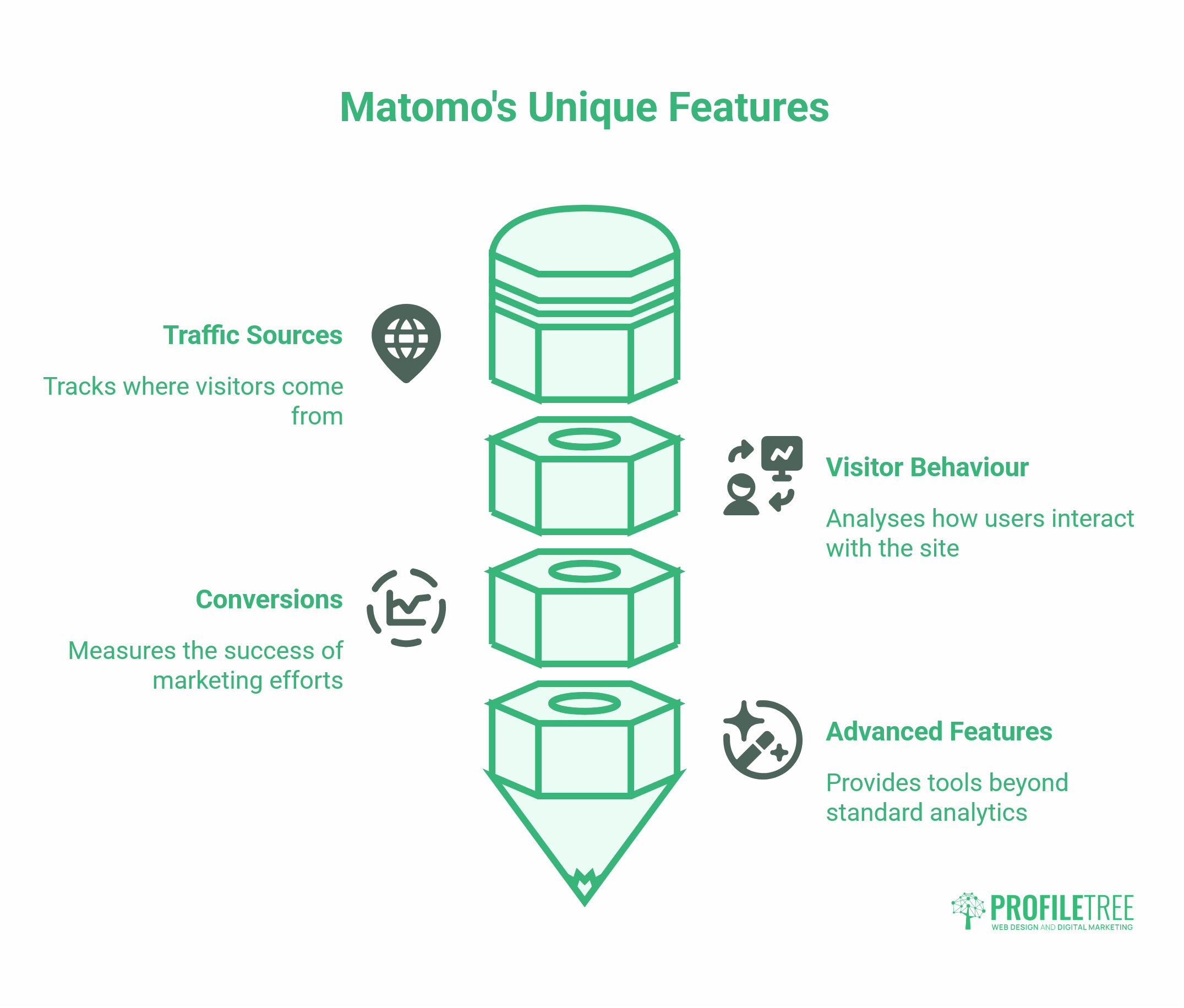
Matomo covers the analytics fundamentals you’d expect, traffic sources, visitor behaviour, conversions, but several features set it apart from standard free tools. The ones below are worth understanding before you decide whether the platform fits your needs.
Visitor and Traffic Reporting
Matomo’s standard reports cover sessions, page views, bounce rates, time on site, and traffic sources. The interface is widget-based; you can drag and drop modules onto your dashboard to surface the metrics that matter most to you. Real-time visitor tracking shows who is on your site at any given moment and what they’re doing.
Heatmaps and Session Recordings
Matomo includes heatmaps and session recordings as part of its feature set. Heatmaps show where visitors click, tap, and scroll on each page. Session recordings let you watch anonymised replays of individual visitor journeys. Both are genuinely useful for understanding where website designs are working and where people are getting stuck — something ProfileTree’s web design and development team uses as part of conversion rate work with clients.
Goal and Funnel Tracking
You define goals in Matomo a contact form submission, a product purchase, a PDF download and it tracks how many visitors complete them and which traffic sources drive conversions. The funnel feature extends this by showing where visitors drop off in a multi-step process, so you can identify the exact page or interaction that’s causing people to drop off.
E-commerce Tracking
Matomo’s e-commerce module tracks revenue, average order value, abandoned carts, and product performance. It works with WooCommerce and other platforms through plugins and does so without sending transaction data to any third party.
Matomo Tag Manager
The built-in tag manager lets you add and update tracking scripts across your site without directly editing code. This is particularly useful if you’re running marketing campaigns and need to deploy conversion pixels or event triggers quickly.
Hosting Options: Self-Hosted vs Matomo Cloud
The decision to host is where most organisations get stuck. Here is a realistic breakdown of both options.
Self-Hosted Matomo
Self-hosting Matomo requires a web server running PHP (version 7.2.5 or higher) and a MySQL or MariaDB database. Most managed WordPress hosting environments meet these requirements, though shared hosting plans may have resource usage limitations that affect performance at scale.
The Matomo software itself is free. What costs money is the server. A basic VPS from a UK or Irish hosting provider is sufficient for a small to medium-sized website, typically costing £10–£30 per month. Premium Matomo plugins (heatmaps, A/B testing, funnel analysis) are available on a subscription basis if you want features beyond the free core.
Self-hosting also means you are responsible for updates, backups, and security. Matomo releases updates regularly, and keeping the installation current is important for security. For organisations without an in-house technical resource, this is a genuine overhead.
ProfileTree’s web development team can configure and maintain a self-hosted Matomo installation as part of a wider website management engagement, handling server setup, WordPress plugin integration, IP anonymisation settings, and ongoing updates, so your team can focus on analysing the data rather than managing the infrastructure.
Matomo Cloud
Matomo’s cloud service removes the technical burden. You get a hosted Matomo installation, managed updates, and access to all premium features, with data stored on Matomo’s servers in Germany. Pricing depends on traffic volume, starting at around €19 per month for smaller sites.
For organisations that want Matomo’s privacy guarantees but lack a technical team to support a self-hosted deployment, the cloud option is often the right choice. The data is still protected under the EU GDPR, which, for most UK businesses, is an acceptable arrangement.
Implementing Matomo: Getting Started
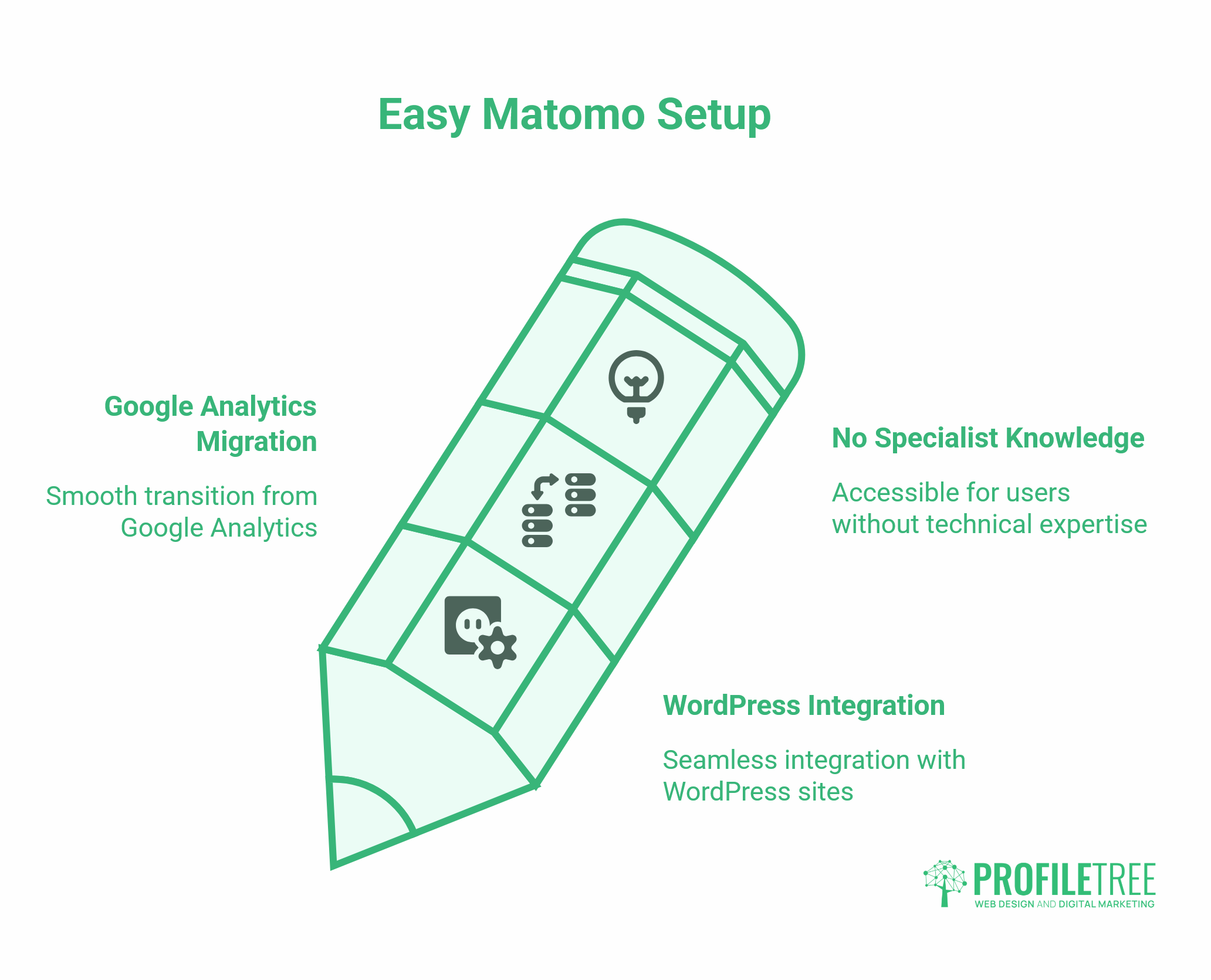
Getting Matomo running does not require specialist technical knowledge for most standard setups. The two most common starting points are a WordPress site and a migration from Google Analytics, both of which are covered below.
WordPress Integration
Matomo publishes an official WordPress plugin that handles installing the tracking code. Once the plugin is activated and connected to your Matomo instance (either self-hosted or cloud), it injects the tracking script automatically across your site. You can configure most privacy settings, IP anonymisation, cookie consent mode, and data retention periods directly from the WordPress dashboard without touching PHP or server settings.
For more advanced configurations, such as cookieless or custom dimension tracking, you will need server access or a developer who can edit Matomo’s configuration files directly.
Migrating from Google Analytics
Moving from GA4 to Matomo does not involve transferring historical data. GA4’s data model and Matomo’s are fundamentally different, and there is no reliable migration path for historical reports. What you can do is run both platforms simultaneously during a transition period, typically 3 to 6 months, so you can build a Matomo baseline before switching off GA4 entirely.
The practical steps are: install Matomo, configure your goals and e-commerce tracking to match what you had in GA4, run both in parallel, validate that the data looks consistent, then remove the GA4 snippet.
Is Matomo Right for Your Organisation?
Matomo is a strong fit for organisations where data ownership and privacy compliance are genuine priorities, not just compliance theatre. It works particularly well for:
SMEs with GDPR-conscious clients. Agencies, professional services firms, and B2B businesses whose clients ask about data handling will find Matomo a stronger answer than GA4.
E-commerce businesses. Transaction data and customer behaviour sitting in your own database rather than being processed by Google is a meaningful risk reduction.
Public sector and healthcare. NHS trusts, local councils, and other public bodies increasingly require that data not leave UK infrastructure. Self-hosted Matomo on a UK server is one of the cleaner solutions available.
Businesses are frustrated with GA4. If the GA4 interface is creating friction for your team, Matomo’s reporting structure is generally easier to use for marketers who came up on Universal Analytics.
Matomo is less straightforward for organisations with no technical resources and limited budget for server management, or for businesses heavily integrated into the Google ecosystem (Google Ads conversion tracking, for example, requires additional configuration to work with Matomo rather than GA4).
Understanding your data is the starting point for every effective digital strategy. ProfileTree’s digital training programmes cover web analytics as part of a broader curriculum on using data to make better marketing decisions — including practical sessions on tools like Matomo for teams that want to build confidence without relying on external support.
The Real Cost of Running Matomo
Matomo’s pricing is one of the most misunderstood things about it. The software is free. What you actually pay for depends on how you choose to run it.
Self-Hosted Costs
The Matomo application itself costs nothing to download and install. Your costs are the server infrastructure and, if you want features beyond the core, plugin licences.
A VPS sufficient for a small to medium-sized website — one handling up to a few hundred thousand visits per month — typically costs £10–£30 per month from a UK or Irish hosting provider. You will also need a MySQL database, which most hosting plans include. If your existing web hosting already meets Matomo’s PHP and MySQL requirements, you may be able to run it on the same server at no additional cost.
Premium plugins are where self-hosted costs can grow. Heatmaps, session recordings, A/B testing, funnel analysis, and the tag manager are available individually or as bundles. Pricing varies, but a full feature bundle is in the region of €229 per year at current rates — comparable to a mid-tier Hotjar subscription, but with no data leaving your server.
Matomo Cloud Costs
Matomo Cloud removes the infrastructure and maintenance overhead. Plans are based on monthly page views, starting at approximately €19 per month for sites with up to 50,000 page views. All premium features are included. Data is stored on Matomo’s servers in Germany.
For most SMEs, cloud is the more cost-effective starting point once you factor in the time required to manage a self-hosted installation.
How This Compares to GA4
GA4 is free, which makes the comparison feel one-sided. But free tools carry hidden costs. For UK businesses, the compliance overhead of making GA4 work correctly under UK GDPR — consent management platforms, legal review of data processing agreements, potential ICO exposure — is a real cost that rarely appears in analytics tool comparisons.
For businesses that have already invested in a consent management platform for GA4, switching to a cookieless Matomo setup can actually reduce that overhead and its associated costs.
Conclusion: Understanding Matom
Matomo offers something no free tool in the Google ecosystem can match: analytics data that is genuinely yours. For UK and Irish businesses navigating UK GDPR, PECR, and the particular complexity of Northern Ireland’s dual regulatory position, ownership is worth more than the convenience of a free default.
The decision between self-hosted and cloud comes down to your technical resources and risk appetite. For most SMEs, Matomo Cloud is the easier starting point. For organisations with strict data sovereignty requirements, self-hosting on a UK server is the cleaner answer.
If you are reviewing your analytics setup or want help configuring Matomo as part of a broader digital marketing strategy, ProfileTree’s team works with businesses across Northern Ireland, Ireland, and the UK on exactly this kind of infrastructure decision.
FAQs
Is Matomo legal in the UK?
Yes, and when configured correctly, it is easier to keep compliant than Google Analytics. Self-hosted Matomo on a UK server involves no international data transfer and no third-party data processor. With cookieless tracking enabled, it also falls outside PECR consent requirements.
Can Matomo work without cookies?
Yes. Using IP anonymisation and session-less tracking, Matomo can collect meaningful analytics data without setting any cookies. Visitors cannot be distinguished across sessions, so you lose some repeat-visit data, but you also remove the need for a cookie consent banner entirely.
Is Matomo really free?
The software is free and open-source. Hosting costs money: a small VPS sufficient for most SMEs typically runs £15–£40 per month. Premium plugins (heatmaps, A/B testing, funnels) are extra. Matomo Cloud starts at approximately €19 per month and includes all premium features.
Where is Matomo data stored?
For self-hosted Matomo, data sits on whatever server you choose. Host in the UK and the data stays in the UK. Matomo Cloud uses servers in Germany. Neither arrangement routes data to the United States, which is the core compliance concern with Google Analytics.