
Content Creation Tools for Small Businesses: A Practical UK Guide
Table of Contents
Most small business owners reach the same point eventually. They know they need to produce content consistently, blog posts, social graphics, short videos, and email newsletters, but the number of tools on the market makes choosing where to start genuinely confusing. Subscriptions stack up. Features overlap. And half the tools aimed at “small businesses” are built with solo creators or large marketing teams in mind, not the owner-manager trying to handle this alongside everything else.
This guide cuts through that. It covers the content creation tools that genuinely work for UK SMEs, how they fit together, and what a sensible monthly spend looks like at different stages of growth. Where tools have limitations worth knowing, those are flagged too.
Quick Comparison: Content Creation Tools for Small Businesses
| Tool | Primary Use | UK Price (Monthly) | Free Tier? | Best For |
|---|---|---|---|---|
| Canva | Graphic design | From £0 / Pro ~£11 | Yes | Social graphics, presentations |
| CapCut | Short video editing | Free | Yes | Reels, TikTok, YouTube Shorts |
| Grammarly | Writing and grammar | From £0 / Pro ~£12 | Yes | Blog posts, emails |
| Buffer | Social scheduling | From £0 / Essentials ~£5 | Yes | Scheduling across platforms |
| Google Search Console | SEO monitoring | Free | Yes | Tracking search performance |
| Descript | Video and podcast editing | From £0 / Creator ~£12 | Yes | Interview-style video, audio |
| Adobe Express | Branded design | From £0 / Pro ~£9 | Yes | Brand-consistent graphics |
| ChatGPT | Content ideation and drafts | From £0 / Plus ~£20 | Yes | Outlines, research prompts |
Prices correct at time of publication. Check provider websites for current GBP pricing, as SaaS rates fluctuate.
What Makes a Tool Stack Work for an SME
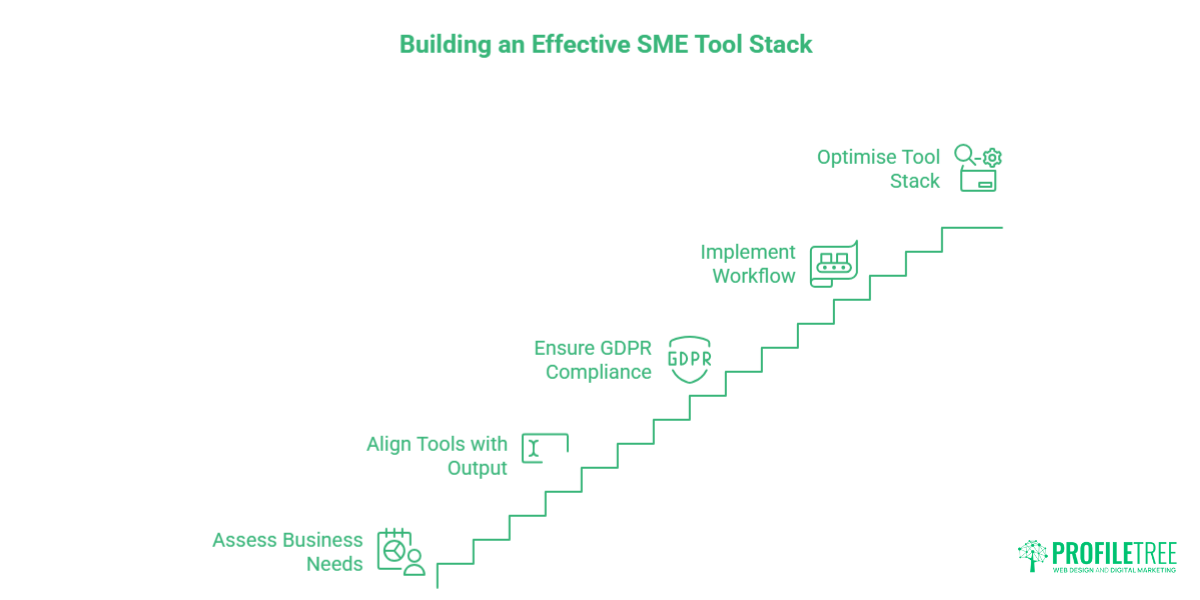
Before listing tools by category, it is worth addressing the question that most listicles skip: how do you avoid paying for things you do not actually use?
The most common mistake is building a tool stack around what a tool can do rather than what your business will do consistently. A small accountancy firm in Belfast that publishes one blog post per week and posts three times on LinkedIn has different needs from a hospitality business producing regular video content for Instagram and YouTube. The right tools are the ones that fit your actual output, not a hypothetical content calendar.
A second factor specific to UK businesses is GDPR compliance. Any tool that processes personal data, email marketing platforms, CRM-integrated scheduling tools, and analytics platforms needs a Data Processing Agreement (DPA) in place if the provider stores data outside the UK or EU. Most major platforms offer DPAs in their terms, but it is worth confirming this before committing to a paid plan, particularly for tools handling subscriber data or customer information.
ProfileTree’s digital training programmes cover this in practical terms for SME teams, including how to assess tools for compliance and build a content workflow that does not create data handling risks.
Free Content Creation Tools (£0 Budget)
Canva
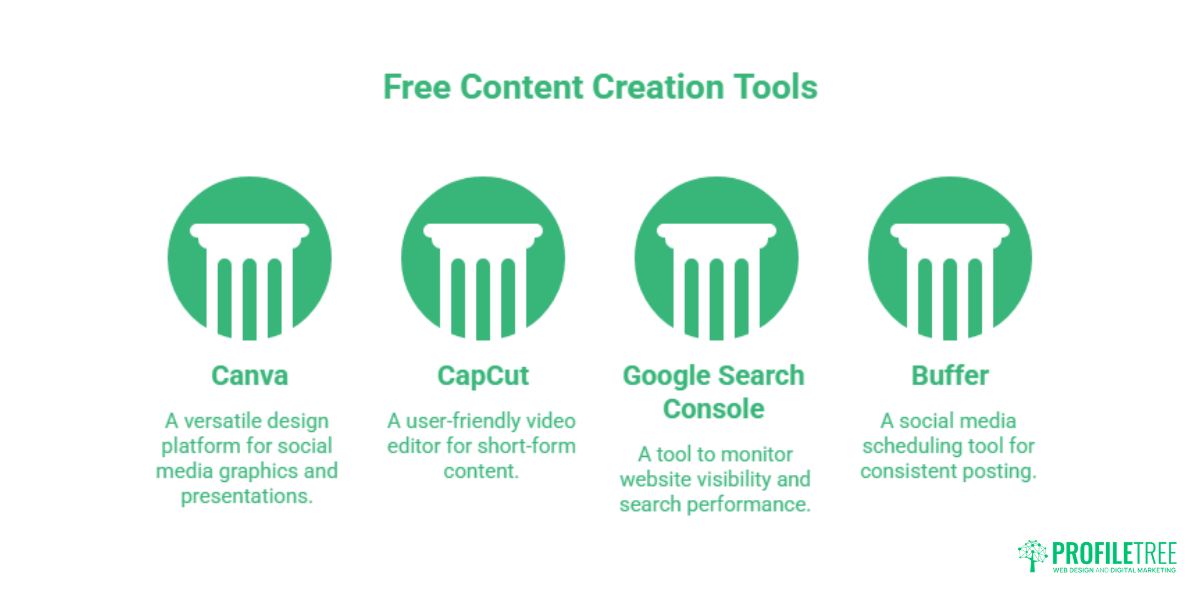
Canva’s free tier covers most of what a small business needs for social media graphics, presentations, and simple print materials. The drag-and-drop interface makes it accessible without design experience, and the template library is extensive. The free version does limit access to premium templates and the brand kit feature (which locks in your logo, fonts, and colours), but for businesses just starting out, it is a workable starting point.
The AI features added to Canva in recent years, background removal, Magic Write for copy suggestions, and Magic Media for image generation, are worth exploring, particularly for businesses producing high volumes of social content. A full breakdown of what Canva’s AI tools can and cannot do for business use is covered in ProfileTree’s guide to Canva AI.
CapCut
For short-form video, CapCut has become the practical default for small businesses producing content for Instagram Reels, TikTok, and YouTube Shorts. It handles basic cuts, captions, transitions, and audio well, and the auto-caption feature alone saves significant time. The desktop version is more capable than the mobile app for anything beyond simple edits.
The limitation worth noting: CapCut is owned by ByteDance (the parent company of TikTok), which has data residency implications for businesses with EU or UK customer data. For most businesses using it purely as an editing tool with no customer data involved, this is a low-risk consideration, but it is worth being aware of.
Google Search Console
Free and often underused. Google Search Console shows which search queries are bringing visitors to your site, which pages are ranking and at what positions, and where there are indexing or technical issues affecting visibility. For any business producing content with the intention of being found in Google, this is non-negotiable, and it costs nothing. The data it provides should inform what content you produce next, not just how you promote what you have already written.
Buffer (free tier)
Buffer’s free tier allows scheduling to three social channels, which covers most small businesses adequately. Planning posts in advance, even a week at a time, removes the daily decision fatigue of social media management and makes it easier to maintain consistency without it taking up working hours.
Writing and AI Tools
Grammarly
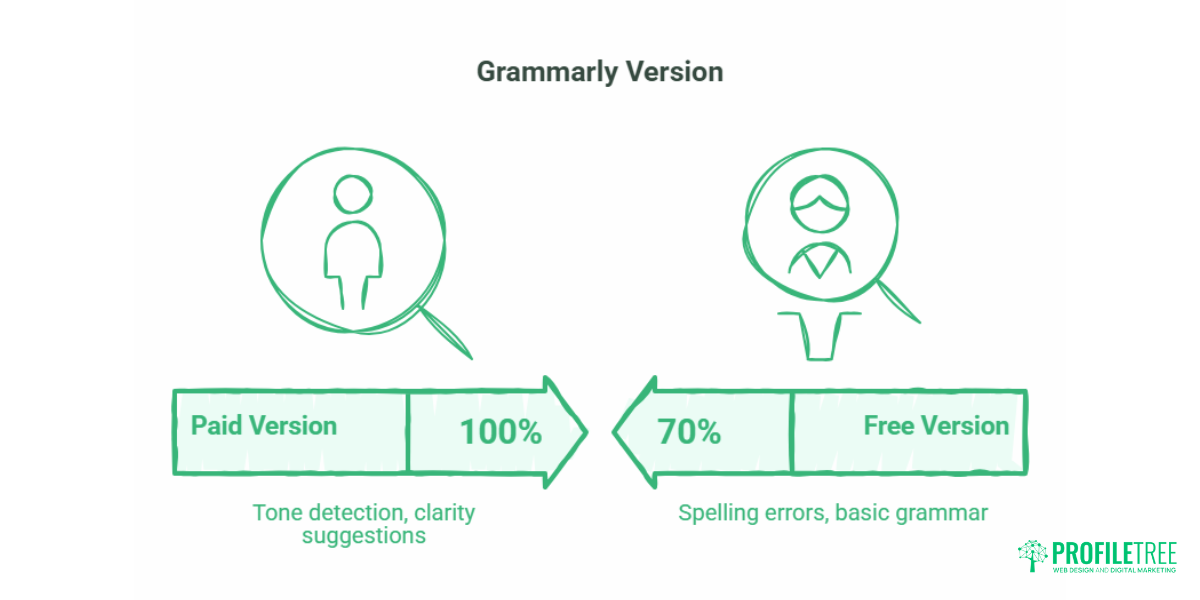
The free version of Grammarly catches spelling errors, basic grammar issues, and awkward phrasing. The paid version adds tone detection, clarity suggestions, and, for UK businesses, the option to set it to British English, which matters when your audience notices the difference between “organisation” and “organisation.”
One practical use case: running all customer-facing copy through Grammarly before publishing, particularly for businesses where the owner is also the writer. It is not a substitute for editing, but it catches the kind of errors that slip through when you are close to the content.
ChatGPT and AI writing assistants
AI writing tools are useful for specific tasks: generating outline options, drafting subject line variations for email campaigns, summarising long documents, and building first-draft frameworks that a human then rewrites. They are significantly less useful as a straight content production tool, because the output requires substantial editing to remove generic phrasing, add specific examples, and reflect a genuine business voice.
For small businesses, the most practical application is using AI to reduce blank-page time on content briefs and social captions, not to replace the thinking behind the content. The question of how much AI to use in your content and how to maintain quality and authenticity is covered in more depth in ProfileTree’s guide to AI content detection and what it means for business publishing.
Visual and Video Tools: Beyond the Basics
Adobe Express
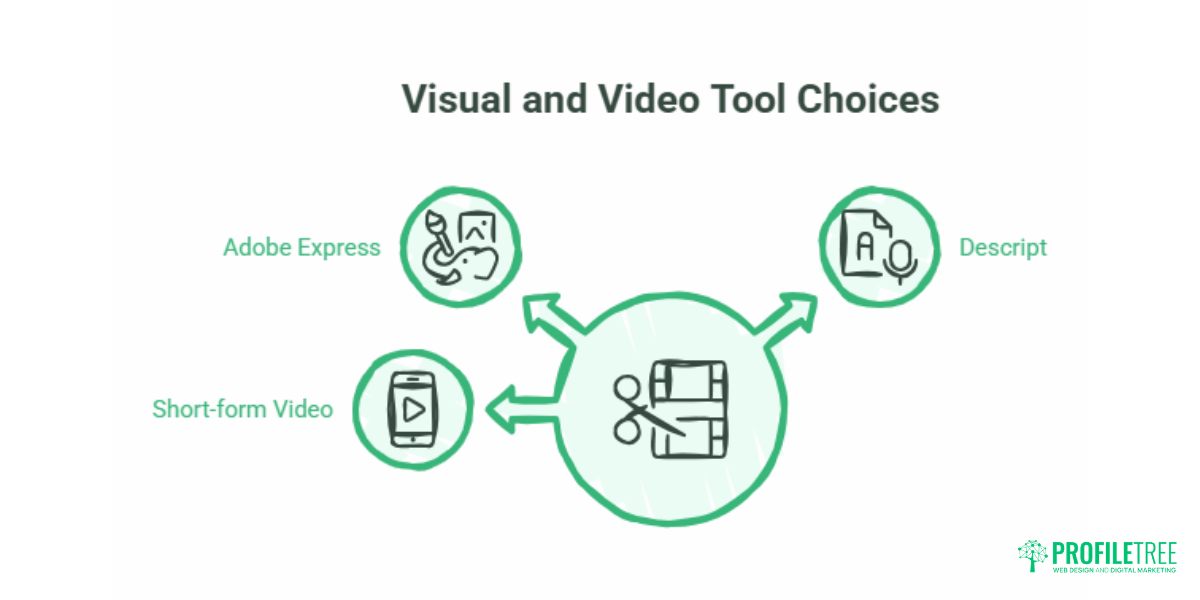
Adobe Express (formerly Adobe Spark) sits between Canva and the full Adobe Creative Cloud suite. It is more capable than Canva for brand consistency. The brand kit applies automatically across templates, but it has a smaller template library. For businesses already in the Adobe ecosystem, or those who want tighter brand control than Canva’s free tier offers, it is worth evaluating. Pricing starts at approximately £9/month for the paid tier.
Descript
Descript takes a different approach to video editing: it transcribes your footage and lets you edit by deleting words from the transcript, which then removes the corresponding audio and video. For interview-style content, talking-head videos, and podcast production, this is genuinely faster than traditional timeline editing. The free tier allows limited transcription hours per month, and the Creator plan (approximately £12/month) covers most small business use cases.
It is worth being clear about where Descript’s limitations sit: it is not the right tool for high-production video with multiple camera angles, motion graphics, or broadcast-quality grading. For businesses that want that level of production, which makes a meaningful difference to how a brand is perceived, particularly on a business website or YouTube channel, working with a video production partner is usually more cost-effective than investing in software and the time to learn it properly. ProfileTree’s video production services cover everything from scripting to final delivery for businesses across Northern Ireland, Ireland, and the UK.
Short-form video: the strategic case
Short-form video has moved from a trend to a standard expectation for businesses with an active social presence. The reasons matter for understanding the tool choices: short-form content is weighted differently by platform algorithms, reaches audiences who do not follow you yet, and typically costs less to produce than long-form content while generating comparable engagement. A full breakdown of the shift and what it means for SME content strategy is in ProfileTree’s guide to the rise of short-form video.
The practical tool question for most small businesses is not which editing software to use, but whether editing short-form content in-house is the best use of time at their current stage of growth.
SEO Tools for Content Creation
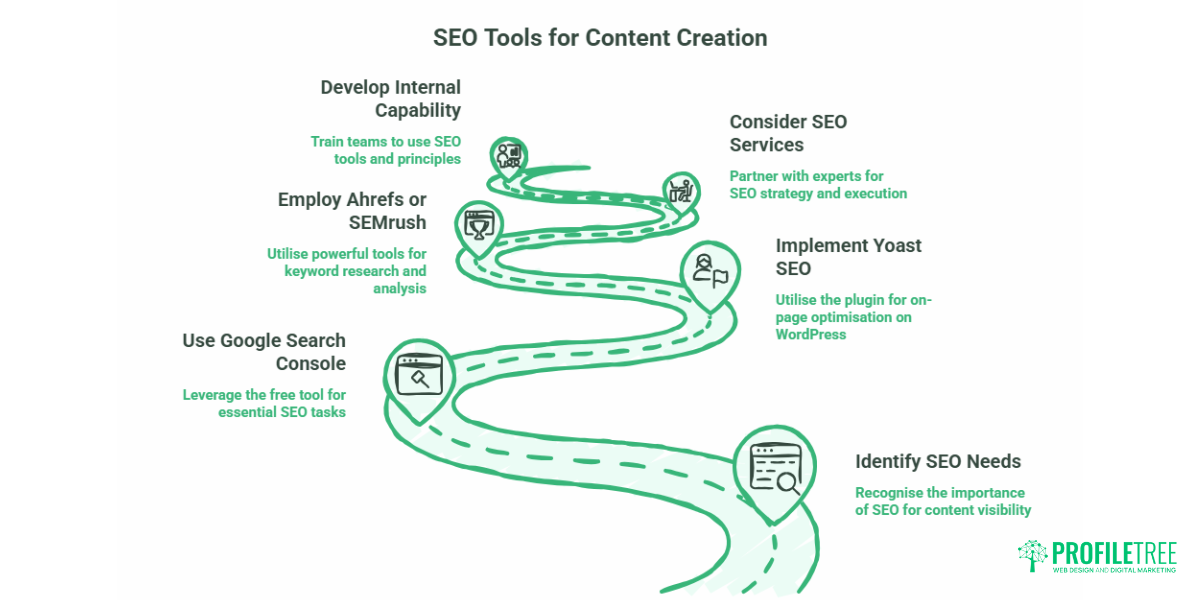
Content without an SEO foundation reaches only the audience you already have. These tools address the gap between producing content and producing content that gets found.
Google Search Console
Yoast SEO (for WordPress users)
If your business website runs on WordPress, Yoast SEO is the standard plugin for on-page optimisation. It prompts you to add a focus keyword, checks readability, and flags missing meta descriptions. The free version covers the basics; the paid version adds redirect management and internal link suggestions. It does not do keyword research; it assumes you already know what you are targeting, but it makes applying that targeting to each page straightforward.
Ahrefs and SEMrush
Both platforms offer keyword research, competitor analysis, backlink tracking, and content gap identification. They are powerful tools, but the monthly cost (both start at approximately £100/month for entry-level plans) is only justifiable if someone in the business has the time and knowledge to act on the data. For many SMEs, the more practical route is working with an SEO partner who uses these tools on your behalf and translates the findings into a clear content plan.
ProfileTree’s SEO services cover keyword research, on-page optimisation, and content strategy for businesses that want measurable search visibility without building an in-house specialism. For businesses that want to develop internal capability alongside that, the digital training programmes teach SME teams how to use tools like Search Console and basic SEO principles in a practical context.
The UK Small Business Tool Stack: Three Budget Tiers
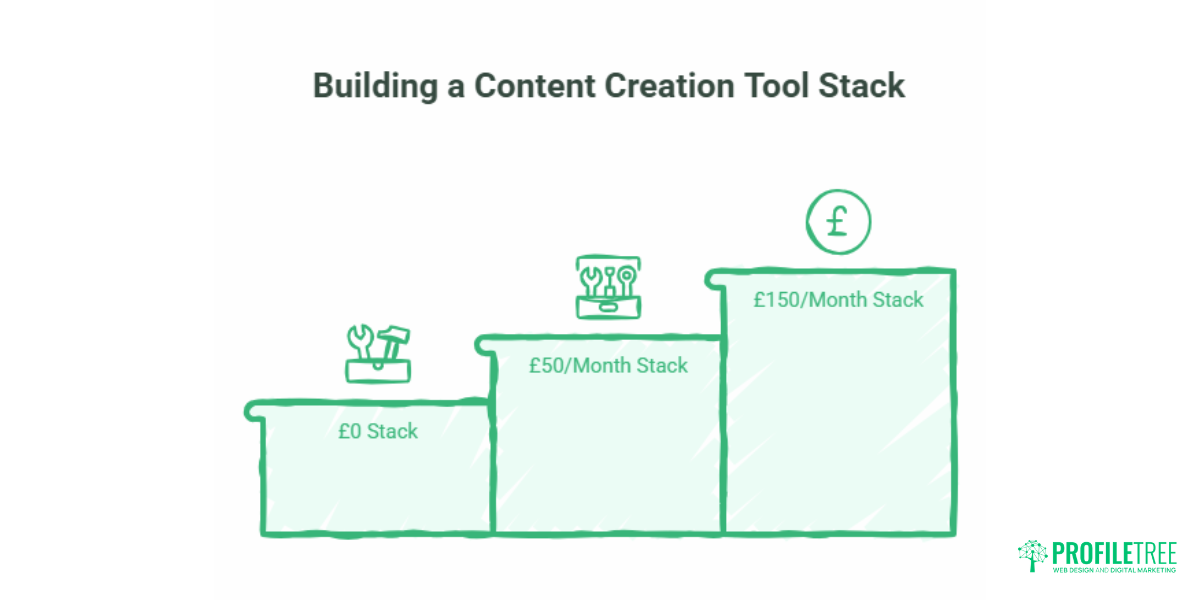
The tools covered above can be combined into a workable monthly stack at different levels of spend. These are practical suggestions, not endorsements.
The £0 stack (starting out)
Canva (free) for graphics, CapCut for short videos, Grammarly free for writing, Buffer free tier for scheduling, and Google Search Console for SEO monitoring. This covers the core content production needs for a business publishing a few times per week across one or two channels. The main limitation is time: free tools require more manual effort and have fewer automation features.
The £50/month stack (growing brand)
Canva Pro (approx. £11) for brand kit and premium templates, Grammarly Pro (approx. £12) for consistent UK English quality control, Buffer Essentials (approx. £5) for expanded scheduling, Descript Creator (approx. £12) for video and podcast editing, and a basic website SEO plugin. This is a practical stack for a business producing three to five pieces of content per week across blog, video, and social, with one person managing most of the production.
The £150/month stack (content-led business)
The £50 stack plus a mid-tier AI writing assistant for briefs and repurposing, Adobe Express Pro for advanced design, a project management tool for content planning (Trello or Notion, both have free tiers), and budget for one piece of professional video production per quarter. At this level, the question of whether to keep all production in-house or bring in specialist support for specific content types, particularly video, becomes worth evaluating on a cost-per-output basis.
“The point where businesses get the most value from their content investment is when the strategy and the tools align. A £50 tool stack used consistently and purposefully will outperform a £500 stack that nobody has time to learn properly.” Ciaran Connolly, Founder, ProfileTree.
GDPR and Data Compliance: What UK Businesses Need to Know
For UK businesses, GDPR compliance applies to any tool that processes personal data. In a content creation context, that includes email marketing platforms (subscriber data), social scheduling tools with CRM integrations, and analytics platforms that track user behaviour.
The practical steps are straightforward. Before subscribing to any paid tool that handles personal data, check whether the provider offers a Data Processing Agreement (DPA) most major platforms do, but it is usually in the privacy or legal section rather than the sign-up flow. Confirm where your data is stored: tools based in the US but with UK data centres are generally compliant, but this should be verified rather than assumed. If a tool does not offer a DPA and you are processing customer data through it, that is a compliance risk worth addressing.
For businesses operating across the UK and the Republic of Ireland, the picture is slightly more complex post-Brexit, with UK GDPR and EU GDPR running in parallel. If you serve customers in both jurisdictions, both sets of rules apply to how you handle their data through your tools.
How to Audit Your Current Content Tool Stack
If you are already paying for tools but are not sure whether you are getting value from them, a short audit takes about an hour and often surfaces straightforward savings.
List every tool subscription you are currently paying for, monthly and annually. For each one, note what it is used for, who uses it, and how often. If a tool has not been used in the last 30 days, it should either be cancelled or have a specific reason for retention (annual subscription that cannot be cancelled mid-term, or a seasonal use case coming up).
Look for overlap: businesses often pay for both Canva Pro and Adobe Express, or both Buffer and Hootsuite, without using either to its full capability. Consolidating to one tool in each category and learning it properly is more productive than spreading use thinly across several.
Finally, check whether the tools you are using connect to each other. Zapier and Make.com (both have free tiers) allow tools that do not have native integrations to pass data between each other for example, automatically adding new blog post URLs to a scheduling queue, or sending form submissions to a content brief template. Building even one or two automations like this can save several hours per month.
Frequently Asked Questions
What is the single best content creation tool for a solo business owner?
Canva is the most versatile starting point for most businesses. It covers social graphics, presentations, simple video, and basic print materials from one platform, has a usable free tier, and does not require design experience to produce professional-looking output. For businesses producing written content as their primary channel, Grammarly, alongside a basic CMS (WordPress is the standard choice for SEO purposes), covers the essentials without additional spend.
Are free tools enough to run content marketing professionally?
For early-stage businesses, yes with realistic expectations about output. The free tiers of Canva, Buffer, Google Search Console, and Grammarly provide a working foundation. The ceiling you will hit is time rather than capability: free tools generally require more manual effort, have fewer automation features, and limit the number of channels or projects you can manage. When the time cost of working around those limits exceeds the cost of upgrading, it makes sense to move to paid tiers.
Which AI writing tool handles UK English well?
Grammarly’s paid tier can be set to British English and handles spelling, punctuation, and phrasing consistently. For drafting, Claude and ChatGPT both handle UK English, though prompting them explicitly to use British spellings and avoid Americanisms produces more consistent results. Neither is a substitute for human editing, particularly for content that represents your brand voice.
How do I ensure my content tools are GDPR compliant?
Check whether the provider offers a Data Processing Agreement (DPA) before subscribing to any tool that handles personal data. Confirm where your data is stored. For UK businesses, both UK GDPR and EU GDPR may apply depending on your customer base. Most major platforms, Google Workspace, Mailchimp, and Buffer, are compliant with DPAs available, but this should be confirmed rather than assumed.
What is the most cost-effective way to produce a professional video for a small business?
For short social videos (under 60 seconds), CapCut on a smartphone produces adequate quality for most platforms. For website video, case study content, or anything intended to represent the business in a client-facing context, the difference in perceived quality between self-produced and professionally produced video is significant enough to affect how the business is perceived. Budgeting for one or two professionally produced videos per quarter rather than producing a high volume of lower-quality content is often the more effective approach for service businesses in particular.
Can I automate content creation entirely?
Not without a meaningful drop in quality. AI tools can speed up ideation, reduce blank-page time, and handle repetitive tasks like generating social caption variations or email subject line options. They do not replace the thinking behind a content strategy, the specific knowledge that makes content credible, or the editorial judgement that keeps tone and accuracy consistent. The practical balance for most SMEs is using automation for distribution and repurposing, and keeping human input at the strategy and creation stage.