
Instagram Live Rooms: A Practical Guide for UK SMEs
Table of Contents
Instagram Live Rooms let up to four people broadcast live video together on Instagram: one host plus three invited guests, with viewers watching and commenting in real time. The feature is free, still fully supported in 2026, and the one thing Instagram has withdrawn since launch is live product tagging, which went in March 2023.
That single change is why a lot of published advice on Live Rooms is now misleading. It describes an in-stream buy button that no longer exists and builds a retail strategy around it. What still works is the four-way broadcast itself, and for a business with no production budget that remains one of the cheapest ways to put credible people on camera in front of an audience.
This guide covers what Live Rooms are, how to start one, and how SMEs across Northern Ireland, Ireland and the UK use them to build authority, generate leads and produce a week’s worth of content from a single 30-minute session. You’ll also find the compliance basics under UK advertising standards, plus a framework for turning one Live Room into Reels, LinkedIn posts and a blog article. Live video rarely performs in isolation, so decide where broadcasts sit within your wider organic social media strategy before committing to a regular slot.
What Are Instagram Live Rooms?
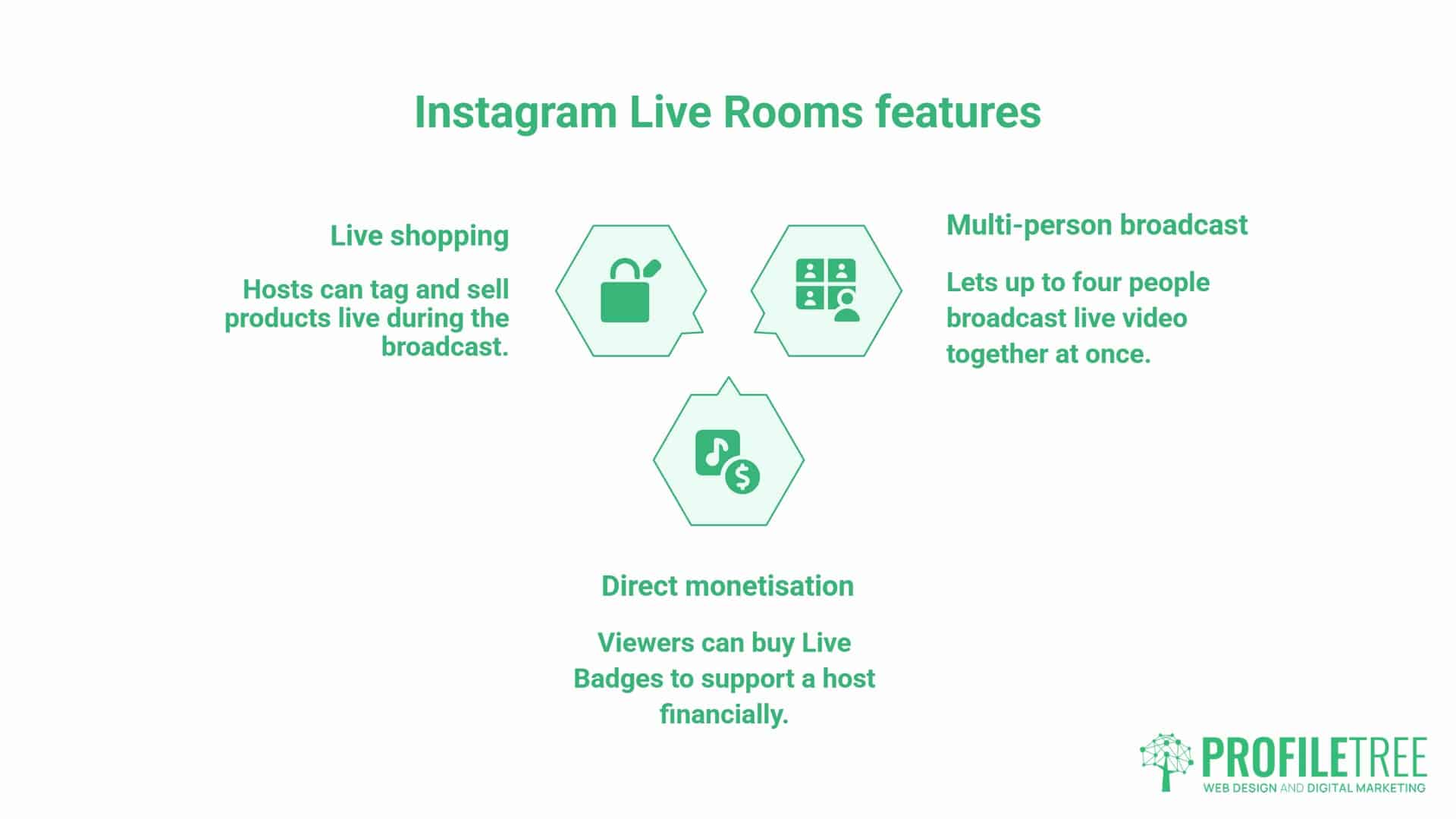
Instagram Live Rooms are an Instagram feature that lets up to four people broadcast live video together at once. The host starts a session and can invite up to three guests onto the screen, and viewers watch and comment in real time, interacting with everyone on the broadcast.
A standard Instagram Live is one person broadcasting to their followers. A Live Room adds two, three, or four on-screen guest slots, each of which is joined by accepting an invitation from the host before or during the broadcast. Instagram launched the feature in March 2021, and it works just as well for businesses as it does for creators: a retailer running a product demo with a supplier, a professional services firm hosting an expert panel, or a training provider delivering a live Q&A with several specialists on screen together.
Live Rooms support one form of direct monetisation: Live Badges, which viewers buy during a broadcast to support the host. Badges are not open to every account. Instagram applies its own monetisation eligibility requirements and the feature is limited to certain countries, so check the Professional Dashboard before building a plan around badge income. Product tagging is a separate matter, and it no longer works. Instagram withdrew the ability to tag products during live broadcasts in March 2023, so the in-stream buy button described in older guides is not something you will find in the app today.
What Changed: Live Shopping Was Removed in 2023
Anyone planning a Live Room around product sales needs to know this first. Instagram removed live product tagging on 16 March 2023, ending the format where viewers could tap a tagged item mid-broadcast and buy it without leaving the app. The Shop tab had already disappeared from the main navigation bar earlier that year, and Meta has since wound down native in-app checkout, so Instagram Shop purchases now send buyers to the seller’s own website.
Instagram was clear at the time that the change applied to commerce only. Guest invitations, Q&As and every other part of the Live Rooms format carried on unaffected.
| Feature | Status in 2026 | What to use instead |
|---|---|---|
| Multi-guest broadcasting (host plus three) | Active | No change needed |
| Live Badges | Active | No change needed |
| Scheduling and reminders | Active | No change needed |
| Live Archive and replays | Active | No change needed |
| In-stream product tagging | Removed March 2023 | Comment-to-DM, link in bio, pinned comment |
| Native in-app checkout | Wound down | Checkout on your own website |
| Shop tab in navigation | Removed 2023 | Product tags in feed, Stories and Reels |
The practical consequence for a retailer is that a Live Room is now a discovery and demonstration channel rather than a checkout. That is a smaller claim than the one Instagram made in 2021, and it is worth building your plan around the platform as it works today rather than as older guides describe it.
This is a recurring problem with Instagram features: Instagram Guides was discontinued in December 2023 in much the same way, and businesses that had built content strategies around it were left rebuilding. Any social plan that still assumes a feature Instagram has quietly withdrawn is worth auditing before the next quarter’s content calendar is signed off.
Why Instagram Live Rooms Are a Low-Cost Content Tool for SMEs
Most small businesses don’t have a spare few hundred pounds for a polished webinar platform, professional lighting or a video editor on retainer. Instagram Live Rooms cost nothing beyond a smartphone and an Instagram account, which is precisely why they’re worth a proper look before writing off ‘going live’ as something only bigger brands can pull off.
Compare it with the alternatives. A Zoom webinar with a paid plan, a registration page and a follow-up email sequence takes real setup time, and it typically pulls a marketing person off other work for half a day. A polished pre-recorded video needs scripting, filming and editing before it goes anywhere near an audience. An Instagram Live Room needs a phone, a topic and, ideally, a guest who knows the subject as well as you do.
The commercial case isn’t only about cost. It’s about reach. A Live Room notifies your existing followers the moment you go live, and it can surface in the Explore feed to people who’ve never come across your business before. That’s organic discovery a static post rarely delivers on its own.
There’s a credibility angle too. Viewers watching in real time see someone answer questions on the spot, with no script and no second takes. That’s harder to fake than a polished advert, and it tends to land well with sceptical B2B audiences in particular. A business owner who can hold a Live Room conversation with a guest for twenty minutes without stumbling is demonstrating expertise in a way a testimonials page can’t.
None of this means Live Rooms should replace a wider social media plan. They work best as one part of it, feeding into the content calendar rather than sitting outside it. Decide where live formats sit against your existing paid and organic activity before committing to a regular slot. A weekly broadcast nobody has budgeted time for tends to last about six weeks.
5 High-Impact Ways NI, Irish and UK Businesses Use Instagram Live Rooms
Product Demonstrations with a Supplier or Brand Partner
A retailer can invite a brand representative into a Live Room to demonstrate a new product together. This works particularly well for food and drink businesses, health and beauty retailers and homeware brands, where seeing a product in use is more persuasive than any description. A homeware retailer in Lisburn, for example, could invite a supplier into a Live Room to walk through a new range together, with the supplier fielding the technical questions the retailer might not be equipped to answer on its own.
Expert Panels for Professional Services
Accountants, solicitors, mortgage advisers and similar businesses can use Live Rooms to host short panel discussions on topics their clients care about: budget announcements, regulatory changes, and market conditions. A Belfast accountancy practice, for instance, could run a Live Room around a budget announcement and bring in a mortgage adviser as a guest, widening the conversation beyond the firm’s own specialism. B2B audiences tend to respond well to this format because it mirrors conversations they’re already having internally.
Training and Digital Skills Sessions
Training providers and digital agencies can use Live Rooms to deliver short public sessions featuring multiple subject matter experts who cover different aspects of a topic in a single broadcast. A Galway-based consultant, for instance, could host a short mini-masterclass with a guest covering a complementary skill, giving attendees more concentrated value than a solo presentation. For businesses looking to upskill a team on digital tools and platforms, a short internal Live Room session is a low-cost, practical starting point.
“Live video builds the kind of trust that a polished ad cannot buy. When a business owner goes live and answers questions in real time, their audience sees someone who knows their subject and isn’t afraid to be tested on it. That credibility carries forward into every other piece of content they produce.”, Ciaran Connolly, Founder, ProfileTree
If your business is considering structured digital skills development, ProfileTree delivers digital training for SMEs across Northern Ireland, Ireland and the UK, covering everything from social media strategy to AI implementation.
Behind-the-Scenes and Product Launch Content
A Live Room lets you show your audience something they couldn’t see otherwise: the inside of a production facility, the team behind a new product, or a candid conversation with the founder about what’s coming next. This type of content works because it can’t be convincingly scripted. Audiences can tell the difference between genuine access and a managed press release, and that spontaneity is the commercial value.
Live Shopping and Retail Launches
A Dublin retail brand can pair a product launch with a local influencer guest and still sell from it, but the mechanics have changed. With no in-stream buy button, the working method is comment-to-DM: viewers comment an agreed keyword, and either an automation tool or a team member sends the product link by direct message while the broadcast continues. A pinned comment carrying the product URL and an updated link in bio covers the viewers who do not comment.
This suits seasonal launches and limited-run products, where the urgency of a live event genuinely helps conversion rather than feeling forced. A guest with their own following also brings a second audience into the room, which is often the bigger prize than any sales made during the broadcast itself.
How to Start an Instagram Live Room: Step-by-Step
The setup process takes under two minutes once you know where to look. Both iOS and Android follow the same flow.
- Open the Instagram app and tap the plus (+) icon, or swipe right from your feed to open the camera.
- Scroll the format bar at the bottom until you reach ‘Live’. Tap it.
- Tap the guest icon to open the invitation panel. Depending on your app version, this appears as two overlapping circles or as a video camera with a plus sign, and it is what switches you from a solo broadcast to a multi-guest one.
- Add a title. Be specific. ‘Answering Your Questions: Social Media for Belfast Retailers’ will attract more relevant viewers than ‘Going live now’.
- To invite guests before you go live, tap the People icon and search for their Instagram handle. The host and guest must follow each other for the invite to work.
- Tap ‘Go Live’ when ready.
- To add guests during the broadcast, tap the same guest icon and send an invitation. Viewers can also request to join, and you can accept or decline each request individually.
You can also schedule an Instagram Live Room in advance. Tap the calendar icon before going live to set a date and time. Scheduling creates a public event on your profile that followers can set a reminder for, which is useful for businesses running regular sessions.
Finding and Watching an Instagram Live Room
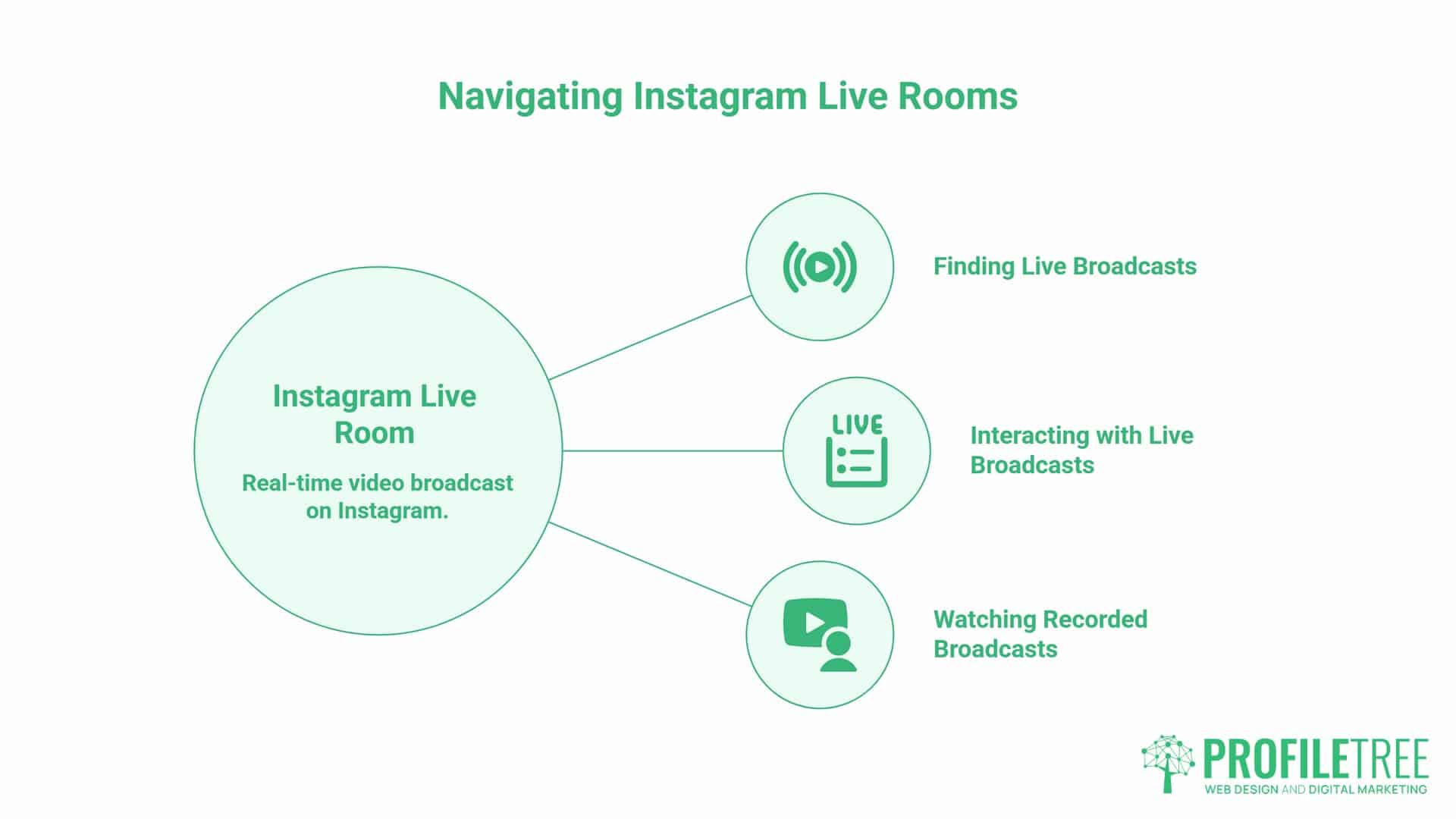
Watching an Instagram Live or Live Room only needs the Instagram app. You’ll need an active account to comment or interact, though viewing is possible without one on some devices.
- Tap the coloured ‘LIVE’ ring around a profile photo in your feed or Stories bar when someone is broadcasting.
- Search for a profile directly. If they’re live, the ring appears around their profile photo.
- Open the Explore tab, where Instagram surfaces active broadcasts based on your interests and activity.
- Turn on notifications from an account’s profile (‘Following’, then ‘Notifications’, then ‘Live Videos’) for an alert the moment they go live.
A Live Room can also be watched after it ends, if the host has saved the recording to their profile’s Live Archive or enabled replays.
The Live to Reel Repurposing Framework
The biggest missed opportunity in most Instagram Live strategies is treating each broadcast as a one-off event. A single 30-minute Live Room can produce close to a week’s worth of content across several channels, provided the repurposing is planned before the broadcast rather than treated as an afterthought.
Here’s a practical workflow. Download the recording straight after the broadcast; otherwise, it only stays in the Live Archive for a limited time. Pull four or five short clips of the strongest moments for Reels, with captions burned in for anyone watching without sound.
Edit the full recording into a longer YouTube upload with an intro and chapter markers, which extends its useful life well beyond the archive window. Have the audio transcribed and rework the key points into a structured blog article; a 30-minute expert panel usually contains enough material for one. Summarise the three main takeaways in a few hundred words for a LinkedIn post or newsletter, linking back to the full YouTube version for anyone who wants the detail.
One Live Room, several Reels, a YouTube upload, a blog article and a couple of LinkedIn posts: that’s a genuinely different return on 30 minutes than a single Instagram grid post gets you.
The editing is where most SMEs stall. Cutting a 30-minute broadcast into publishable Reels and a chaptered YouTube upload takes a few hours a week that a small team rarely has spare, which is where ProfileTree’s video production and editing work usually starts for clients across Northern Ireland, Ireland and the UK.
Technical Essentials and Best Practices for UK and Irish Broadcasters
Audio quality matters more than video quality in a multi-person broadcast. When four people are talking, poor audio on any one feed makes the whole session hard to follow. Test your microphone and internet connection before going live, and run a speed test in advance; a higher upload speed helps avoid the quality drops that a four-person Live Room is more prone to than a solo broadcast.
Lighting is worth a mention for anyone broadcasting through a UK or Irish winter. Natural daylight is unreliable for large parts of the year here, so a small ring light or desk lamp facing the host makes a noticeable difference to how the broadcast reads on screen. None of this needs to be an expensive kit. A basic clip-on ring light and a phone tripod cover most of what a four-person broadcast needs, and the money is better spent there than on anything more elaborate for a format that’s meant to feel unpolished in the first place.
Connection speed deserves a specific mention outside the main cities. Broadband and mobile coverage still vary considerably across parts of Northern Ireland and rural Ireland, and a four-person Live Room places greater demand on the upload connection than a solo broadcast does. If you’re planning a regular slot from a location with patchy coverage, test the connection at the same time of day you intend to go live, since evening peak usage in a household or office can affect upload speed more than a midday test would suggest.
Timing affects how many followers see a broadcast in real time, which in turn affects notification reach and replay views. For UK and Irish audiences, Tuesday to Thursday lunchtimes and early evenings tend to produce the strongest live engagement, with weekend midday slots performing well for consumer-facing content and weekday lunchtimes suiting B2B audiences better. These are general benchmarks rather than fixed rules; check your own Instagram Insights before committing to a regular schedule, since your audience’s pattern may differ from the average, particularly if your followers are concentrated in a specific sector or region.
Consistency matters more than any single slot. A business that goes live at the same time every week builds a viewing habit among its audience, and that predictability is worth more than optimising for one broadcast.
Promote the session in advance. Post a Stories countdown at least 48 hours ahead so followers can set a reminder directly from your Story, and share a static post carrying the date, time and topic. For B2B audiences, share the details on LinkedIn and X as well. Whether those promotional posts actually sent anyone to the broadcast is measurable, and mostly without paying for it: the guide to free X and Twitter analytics covers what each platform still gives away and what has moved behind a subscription.
Compliance: ASA Rules and Guest Considerations for Live Broadcasts
If a guest has been paid, gifted products or is taking part as a brand partnership, the ASA (Advertising Standards Authority) requires clear disclosure before and during the broadcast. This applies even where the arrangement is indirect, such as a complimentary product or a commission deal.
| Situation | UK ASA Requirement |
|---|---|
| Paid partnership | Use an ‘Ad’ or ‘Paid Partnership’ label clearly at the start. Instagram’s branded content tool can handle this automatically. |
| Gifted products | Disclose verbally early in the broadcast. The ASA treats gifted items as advertising even where no payment changes hands. |
| Affiliate links | Verbal disclosure isn’t enough on its own if links are shared in comments or a bio. Add a clear on-screen label before sharing. |
| Promoting your own products | No formal disclosure required, but stay factually accurate about what you’re selling. |
When in doubt, disclose. The reputational cost of an ASA complaint is considerably higher than the effort required to add a label.
There’s a practical side to hosting guests worth thinking through, too. If you plan to reuse the recording in Reels or on YouTube afterwards, agree with your guest beforehand. A quick verbal agreement covering how the footage will be used is enough for most SME situations, though anything more formal is worth checking with a solicitor first.
Frequently Asked Questions
How many people can join an Instagram Live Room?
Up to four people in total: the host plus three guests. Each participant needs an active Instagram account and the mobile app. Viewers can watch on desktop browsers, but can’t appear on screen as participants.
What’s the difference between Instagram Live and Instagram Live Rooms?
A standard Instagram Live is one person broadcasting to their followers. A Live Room adds up to three guest slots, so several people can appear on screen together while viewers comment in real time.
Can you make money from Instagram Live Rooms in the UK?
Yes, but not the way most older guides describe. Viewers can buy Live Badges during a broadcast to support the host directly. Live product tagging was removed in March 2023, so selling during a broadcast now runs through comment-to-DM replies, a pinned comment, or a link in bio rather than a native buy button. Most UK businesses get more value from Live Rooms as a lead generation and credibility format than as a direct sales channel.
Can I schedule an Instagram Live Room in advance?
Yes. Tap the calendar icon before going live to set a date and time, which creates a public event on your profile that followers can set a reminder for.
Is Instagram Live worth it for a small business?
For most, yes, provided the broadcast is planned and the recording gets repurposed afterwards. A well-prepared session with clear audio tends to outperform a polished video that gives viewers nothing to engage with.