
Peer-to-Peer Training: How to Set Up Sessions That Work
Table of Contents
Most companies already employ the best trainers they could ask for. They sit two desks away. The colleague who knows the booking system inside out, the senior developer who has fixed the same bug fifty times, the account manager who can calm any client: each of them holds knowledge that rarely makes it past their own team. Peer-to-peer training is the practice of getting that knowledge moving.
It is not a replacement for formal courses, and it is not a way to avoid paying for proper development. Done well, it sits alongside both. The trick is structure. Ask people to “just share what they know” and very little happens. Give them a clear goal, a short format, and a bit of support, and the picture changes quickly.
Ciaran Connolly, founder of ProfileTree, puts it this way: “The businesses that get the most from their teams are usually the ones that treat in-house knowledge as something worth organising. Peer training works when you give people a simple structure and then get out of their way.”
This guide covers what peer-to-peer training is, how to set up sessions step by step, the practices that keep them useful, and the problems that tend to derail them.
What Is Peer-to-Peer Training?
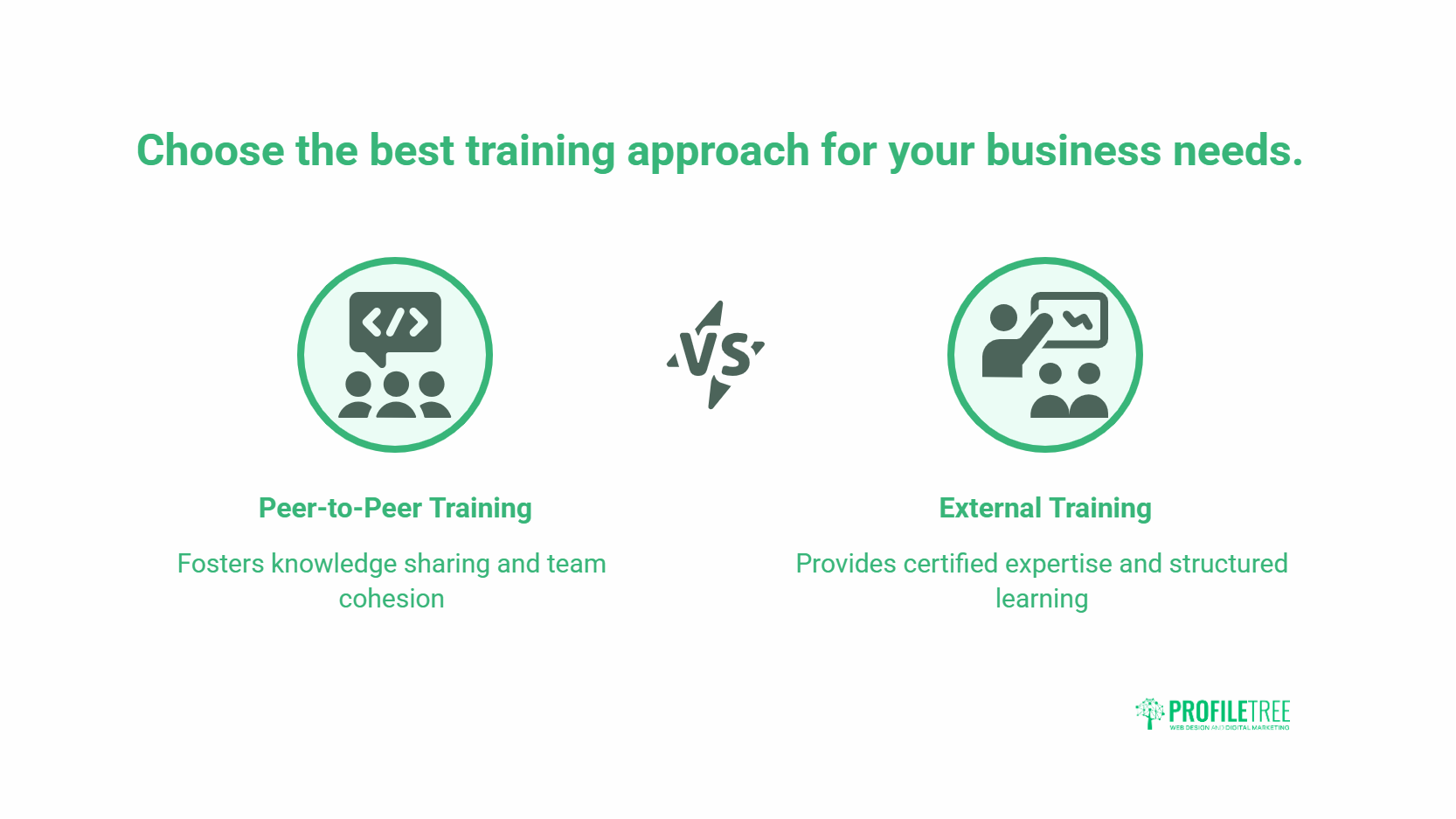
Peer-to-peer (P2P) training is a learning approach where employees share skills and knowledge directly with colleagues, rather than depending on external instructors or top-down delivery. The people doing the work teach the work.
This matters because most learning at work already happens this way. The widely cited 70-20-10 model, developed in the late 1980s by researchers at the Centre for Creative Leadership, suggests that roughly 70% of workplace learning comes from on-the-job experience, 20% from social interaction with others, and 10% from formal training. Peer-to-peer training sits squarely in that 20%, the part most organisations leave to chance.
Why It Works Better Than It Should
A colleague who shares your day-to-day reality can teach in a way an outside trainer cannot. They use the same tools, face the same constraints, and answer questions with examples from your actual projects. People also tend to ask more honest questions of a peer than of a hired expert, which means the learning lands closer to where it is needed.
If your team needs structured upskilling that goes beyond what colleagues can cover internally, ProfileTree’s digital training programmes can sit alongside an internal P2P effort.
The Benefits of Peer-to-Peer Training
P2P training delivers value across four areas: knowledge sharing, engagement, cost, and team cohesion. Here is how each one plays out in practice.
Knowledge Stops Walking Out the Door
Specialist knowledge built up over years often lives in one person’s head. When that person leaves, it leaves with them. P2P training surfaces this expertise and spreads it across the team before it disappears.
Stronger Engagement
Formal classroom sessions can feel detached from daily work. Peer sessions feel relatable, so people pay attention and join in. The informal setting tends to produce more open discussion than a lecture from someone the team has never met.
Lower Cost
External trainers, travel, and bespoke materials add up. Using the skills already inside the business removes most of that spend. The main cost becomes time, which is easier to plan around than a large training budget.
Better Team Dynamics
Regular peer sessions build working relationships. People start to see each other as resources rather than just colleagues in other departments, and that carries over into everyday collaboration.
The table below compares peer-to-peer training with traditional external training across the factors that usually decide which approach a business picks.
| Factor | Peer-to-Peer Training | External Training |
| Cost | Low (mainly staff time) | High (fees, travel, materials) |
| Relevance to your work | High, uses real tasks | Variable, often generic |
| Knowledge retention | Stays inside the business | Leaves with the trainer |
| Setup effort | Moderate, needs structure | Low, outsourced |
| Best for | Tools, processes, niche skills | Certified or specialist topics |
How to Set Up Peer-to-Peer Training: Step by Step
A P2P programme succeeds or fails on planning. Follow these steps in order, and adapt the detail to the size of your team.
1. Define Clear Goals
Decide what the training should change. Vague aims produce vague sessions. Pin down the specific skill gap, then set a measurable outcome: faster onboarding on a software tool, fewer errors in a process, quicker handover between departments. A clear target also tells you when the programme has worked.
2. Pick and Support Your Trainers
Look for people who know their subject, can explain it clearly, and want to teach. The willing communicator usually outperforms the reluctant expert. Once chosen, give them what they need to do the job well:
- Templates or a simple slide structure to work from
- A short brief on running a session and handling questions
- Recognition for the effort, whether that is public thanks or a development opportunity
3. Get Buy-In From Participants
People engage when they understand why a session matters to them. Explain the benefit, ask what topics they actually want covered, and share results from earlier sessions. Involving people in the planning gives them a reason to turn up ready to take part.
4. Choose a Format and Schedule
Match the format to the goal and the audience. Common options include:
- Workshops for group learning with hands-on activities
- One-to-one mentoring for specialists or personalised guidance
- Lunch-and-learn sessions for short, informal topics
- Virtual sessions for remote and hybrid teams
Keep sessions short, around 30 to 60 minutes, and spread them over several weeks so people absorb the material without overload.
5. Build Useful Materials
Good content focuses on practical application. Use real scenarios, visuals, and interactive elements, and tie everything back to the team’s actual work. A session built around a live problem beats one built around theory.
6. Run and Monitor the Sessions
Trainers should aim for two-way dialogue, not a monologue. Open with the session’s objectives, encourage questions and hands-on practice, and watch engagement levels so you can spot what needs adjusting.
7. Gather Feedback and Measure Results
Collect feedback through short surveys and informal chats, then measure against the goal you set in step one. Compare performance before and after: improved skills, higher productivity, smoother collaboration. This is what lets you show the programme’s value to decision makers.
8. Refine and Scale
Use the results to improve the next round. Over time you can add topics, introduce advanced sessions, and build a library of recorded material so new starters benefit too.
Many P2P programmes grow out of a wider skills plan. If you are mapping training against business goals, a clear digital strategy helps you decide which skills to build in-house and which to bring in.
Best Practices for Peer-to-Peer Training
A few habits separate programmes that last from those that fizzle out after two sessions.
Use the Right Technology
For remote and hybrid teams, the right tools make sessions accessible and interactive. Video calls, shared documents, and recorded sessions all help. Teams that produce regular internal video content often pair this with proper video marketing so recordings are clear and reusable rather than forgotten in a folder.
Keep Participation Voluntary Where You Can
People learn more when they choose to be there. Some critical sessions will need to be mandatory, but encourage voluntary attendance wherever possible. Genuine interest beats a forced register.
Recognise the Effort
Preparing and running a session takes real time. Acknowledging that effort, publicly or through development opportunities, keeps trainers willing to do it again.
Iterate Continuously
No programme is right the first time. Review what worked, drop what did not, and adjust as the team’s needs change. Treat the first few rounds as experiments.
Common Challenges and How to Solve Them
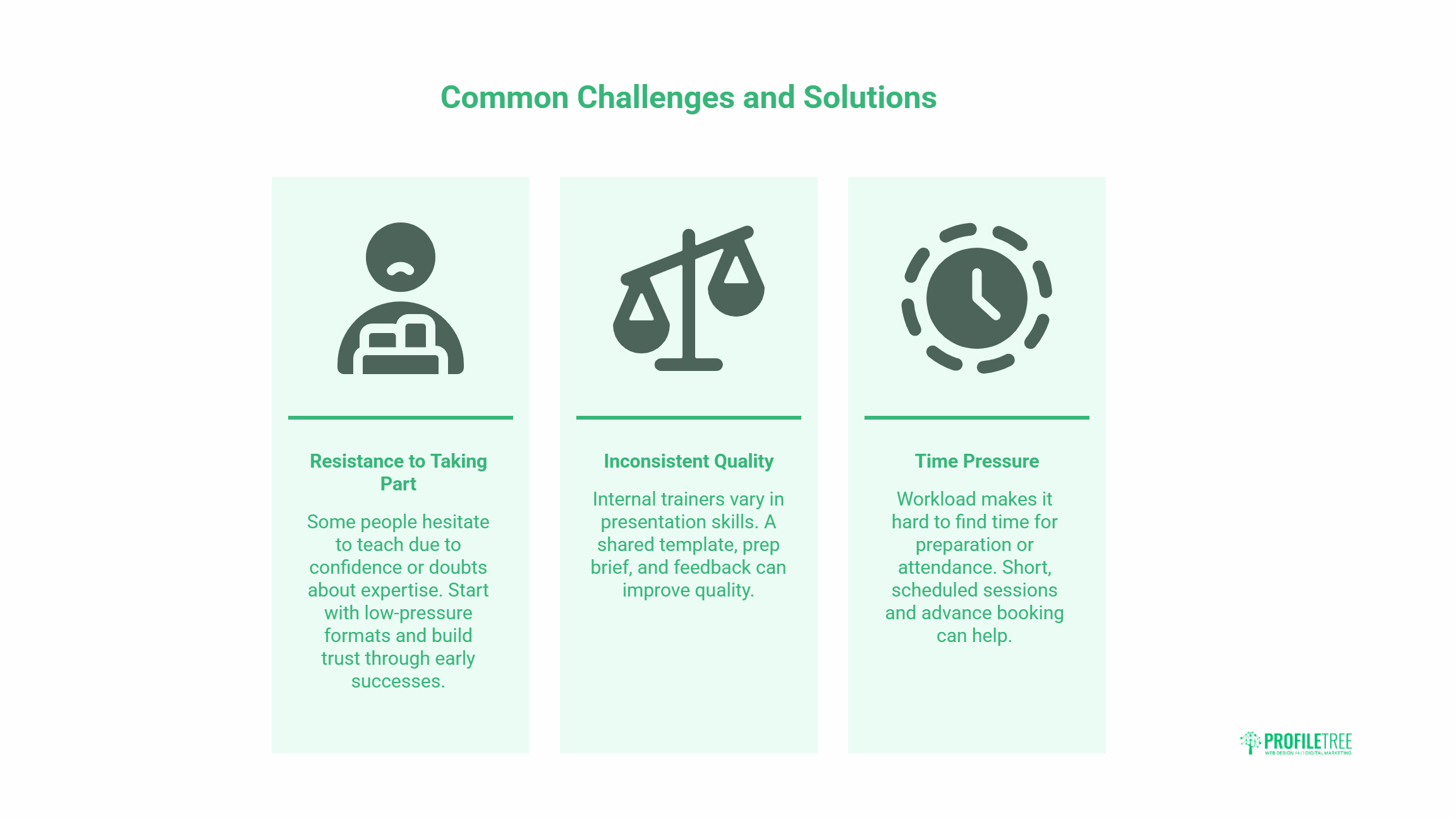
Three problems come up again and again. Each has a practical fix.
Resistance to Taking Part
Some people hesitate to teach, worried about confidence or criticism. Others doubt a colleague’s expertise. Start with low-pressure formats, pair nervous trainers with a co-host, and let early successes build trust. Once people see useful sessions, resistance usually fades.
Inconsistent Quality
Internal trainers vary in how well they present. A simple shared template, a short prep brief, and feedback after each session raise the floor without forcing everyone into the same style.
Time Pressure
Workload makes it hard to find time to prepare or attend. Short, scheduled sessions protect against this better than long ad-hoc ones. Booking time in advance signals that the business takes the learning seriously.
How ProfileTree Supports Workplace Training
ProfileTree is a Belfast-based web design and digital marketing agency that also runs structured training for SMEs across Northern Ireland, Ireland, and the UK. Peer-to-peer learning covers a lot, but some skills need outside depth, especially in fast-moving areas like AI.
Through AI training, teams learn to use practical AI tools in their daily work, knowledge they can then pass on internally through their own peer sessions. Businesses looking further ahead often pair this with AI transformation support to build longer-term capability.
For wider skills, ProfileTree’s digital training covers areas such as SEO, content, and social media, the kinds of topics that work well as both formal sessions and ongoing peer learning. ProfileTree also shares free learning content through Connolly Cove.
Bringing It Together
Peer-to-peer training turns knowledge your business already owns into a shared resource. It costs little, keeps learning tied to real work, and builds stronger teams along the way. The difference between a programme that works and one that stalls is structure: clear goals, supported trainers, short sessions, and honest feedback.
Start small. Pick one skill gap, one willing trainer, and one short session. Measure what happens, then build from there. The teams that do this consistently tend to find that their people are far better teachers than anyone expected.
Frequently Asked Questions
What is peer-to-peer training?
Peer-to-peer training is a workplace learning method where employees teach and coach each other rather than relying solely on external trainers. Colleagues share practical, role-specific knowledge directly, which keeps the learning relevant and lowers cost.
How is peer-to-peer training different from mentoring?
Mentoring is usually a longer one-to-one relationship focused on a person’s broader development. Peer-to-peer training is often more topic-specific and can run as group workshops, lunch-and-learns, or short sessions. Mentoring can be one format within a wider P2P programme.
How do you measure the success of peer-to-peer training?
Set a measurable goal before you start, then compare performance before and after. Useful measures include faster task completion, fewer errors, quicker onboarding, and feedback scores from participants. Tie each session back to the specific skill gap it was meant to close.
Is peer-to-peer training suitable for small businesses?
Yes. Smaller teams often benefit most, because specialist knowledge tends to sit with one or two people. A light structure, one willing trainer, and a short regular session are enough to get started without a training budget.
What topics work best for peer-to-peer training?
Tools, internal processes, and niche role-specific skills work well because the people using them daily can teach with real examples. Certified or highly specialist subjects may still need formal external training alongside the peer sessions.