
Linux vs Windows: Which Operating System is Right for Your Company?
Table of Contents
Linux runs the vast majority of the world’s web servers, while Windows dominates office desktops. For UK and Irish SMEs, choosing between them is rarely an either/or decision. Instead, it is a matter of understanding the role each operating system plays across your team’s workstations, your website’s hosting environment, and your development pipeline. This guide breaks down the practical differences in file systems, security, software compatibility, and cost, mapping each factor to the decisions that actually affect your business.
Choosing an operating system used to be a straightforward IT question. Today, it sits at the intersection of budget decisions, website hosting, software procurement, and digital security. Most SME owners in Northern Ireland, Ireland, and the UK already use Windows on their desktops without thinking twice, yet their company websites almost certainly run on Linux servers. This quiet contradiction shapes how their digital infrastructure operates every day.
ProfileTree, a Belfast-based web design and digital marketing agency, works with businesses across the UK and Ireland on website builds, hosting environments, and digital strategy. One of the recurring questions in those conversations is this: does the operating system choice matter for a business that just wants a well-built, well-managed website? The answer depends on where in the stack you’re asking the question.
The Linux vs Windows debate has run for decades, but for most business owners it reduces to a practical question: which system runs your website, which runs your computers, and does the gap between them cause problems?
Linux vs Windows: File System Comparison
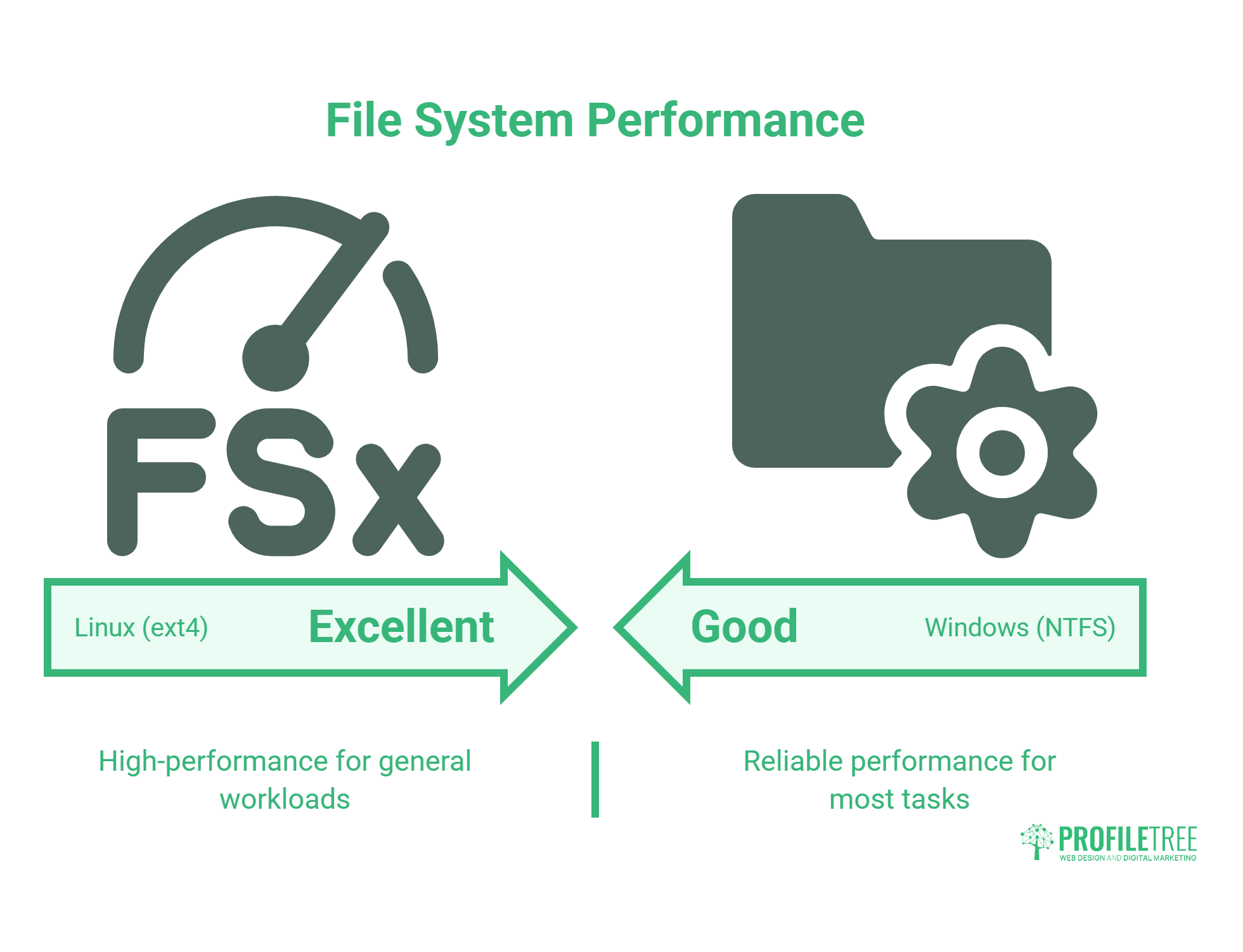
A file system is the structure an operating system uses to organise and manage data on a storage device. It governs how files are stored, accessed, and retrieved, and it has a direct bearing on performance and data integrity.
Understanding the Linux and Windows file system difference matters for businesses moving data between environments or diagnosing why a website behaves differently on a local Windows machine versus a live Linux server.
Windows File Systems
Modern Windows systems use NTFS (New Technology File System) as the standard. NTFS supports large file sizes, file-level permissions, encryption, compression, and journaling, which helps maintain data integrity after a system crash. Earlier Windows versions used FAT and FAT32, which are simpler but limited in file size and partition support. FAT32 is still encountered on USB drives and older storage devices.
Linux File Systems
Linux typically uses the ext4 file system for general-purpose workloads, though it supports a range of alternatives:
- ext2, ext3, ext4: The extended file system family, with ext4 being the most widely deployed. It offers journaling, metadata checksums, and efficient allocation for most workloads.
- XFS: Built for high-performance environments and large file systems; common in server contexts.
- Btrfs: A newer option with advanced features including snapshots, copy-on-write, and self-healing data checks.
Key Differences at a Glance
| Feature | Windows (NTFS) | Linux (ext4 / Btrfs) |
| Journaling | Yes | Yes |
| File size limits | Up to 16 exabytes | Large |
| Case sensitivity | Not case-sensitive | Case-sensitive |
| Performance | Good | Excellent (ext4); very good (Btrfs) |
| Open source | No | Yes |
| Snapshot support | Limited | Yes (Btrfs) |
The difference in case sensitivity is worth flagging specifically. Linux file systems treat Image.png and image.png as two different files. Windows does not. If a developer builds a website on a Windows machine and uploads it to a Linux server, filename mismatches can cause broken images or 404 errors that never appeared in local testing. This is a common source of deployment bugs that ProfileTree’s development team regularly encounters when onboarding sites built elsewhere.
Linux vs Windows: File Tree Structure
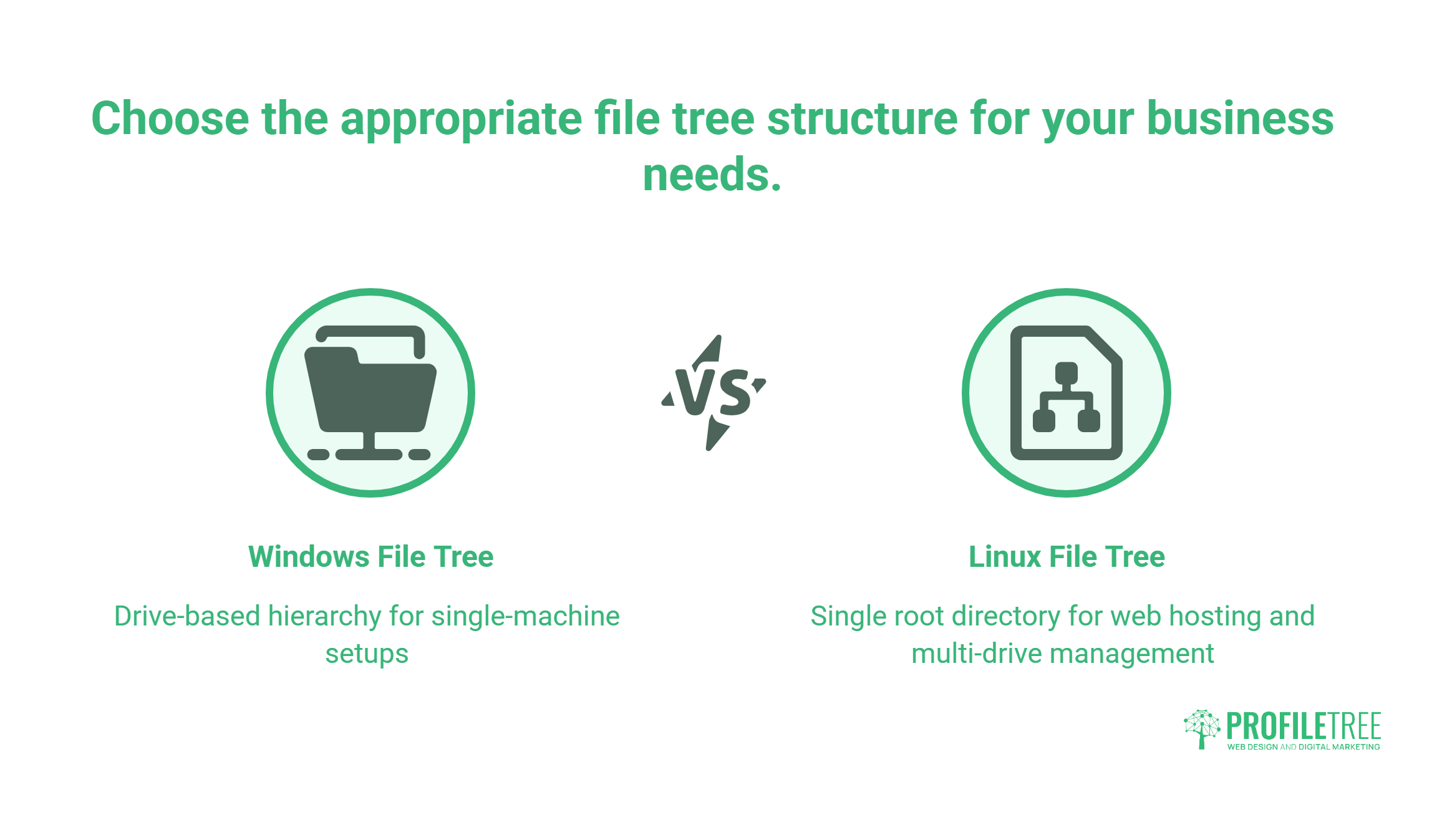
Beyond file systems, the two operating systems organise their directories in fundamentally different ways. This affects how web servers reference files, where applications store configuration data, and how permissions are managed.
Windows File Tree
Windows uses a drive-letter hierarchy. Each physical or logical drive has its own root (C:, D:). User files sit under C:\Users\, and system files are in C:\Windows\. This structure is familiar to most business users and intuitive for single-machine setups, but it can create complexity when managing multiple drives or network shares.
Linux File Tree
Linux uses a single root directory (/), from which all files and directories branch. There are no drive letters. External storage is mounted at designated points within the tree (for example, /mnt/external-drive). User files sit under /home/username/ , and system files are distributed across standardised directories.
| Feature | Windows | Linux |
| Root structure | Drive-based (C:, D:) | Single root directory (/) |
| User directories | Under “Users” | Under “/home” |
| System files | Windows directory | Distributed under root |
| Mount points | Drive letters | Flexible mount points within tree |
| Case sensitivity | No | Yes |
For businesses running web servers, the Linux structure is the standard you’ll encounter on virtually every hosting platform, from shared hosting to cloud VPS. Knowing how the directory tree works helps when reviewing server logs, troubleshooting file permission issues, or working with an agency on a custom deployment.
Linux vs Windows: CLI and GUI
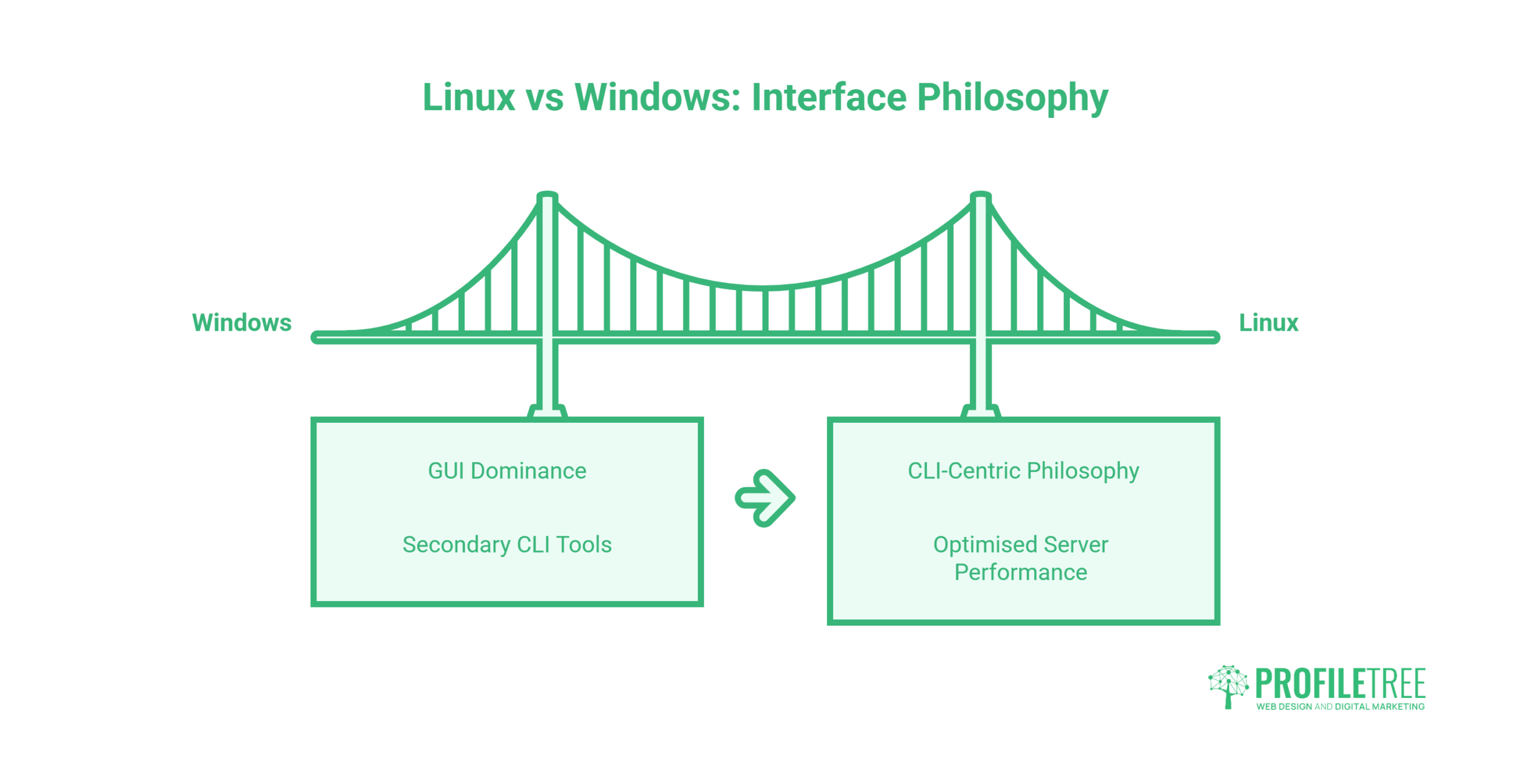
The command-line interface (CLI) versus graphical user interface (GUI) distinction is less relevant to most business users than it is to developers and system administrators, but it shapes what a hosting environment looks like and what skills an IT team needs.
Windows: GUI Dominance
Windows has historically prioritised the GUI, building an interface that most office users can work through without technical training. Command-line tools exist (Command Prompt, PowerShell) but are secondary to the visual interface for everyday tasks.
Linux: A CLI-Centric Philosophy
Linux has a strong command-line heritage. Most of its servers run without a GUI at all, which actually works in their favour: fewer running processes means more resources available for the applications that matter, whether that’s a WordPress installation, an e-commerce store, or a custom web application.
For businesses that aren’t managing their own servers directly, this distinction is largely handled behind the scenes. When ProfileTree manages a client’s website hosting and maintenance, the command-line work on the Linux server happens at the agency level, not the client’s. What matters to the business owner is uptime, security, and performance, not which interface their hosting provider uses to manage the stack.
Windows Subsystem for Linux (WSL2) is worth a brief mention here. Microsoft introduced it to allow developers to run a full Linux environment inside Windows 11 without dual-booting. For development teams building on Windows machines but deploying to Linux servers, WSL2 significantly reduces the environment mismatch problems described in the file system section above.
Linux vs Windows: Security
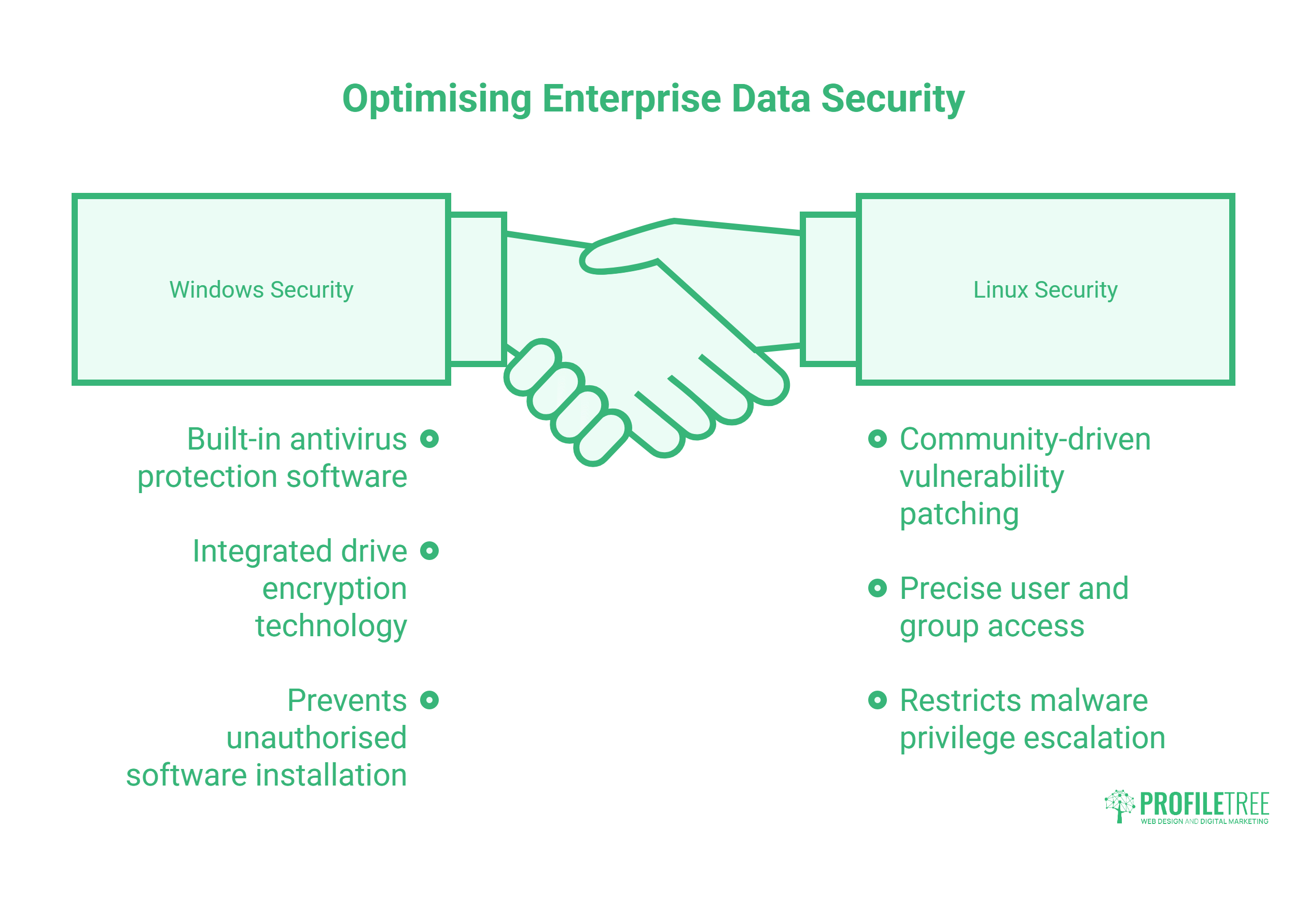
Security is where the comparison between these two operating systems becomes genuinely relevant to business decisions, particularly around hosting and data handling.
Windows Security
Windows is the most widely used desktop operating system in the world, which makes it the most targeted by malware, ransomware, and phishing campaigns. Microsoft invests substantially in security: Windows Defender provides built-in antivirus protection, BitLocker offers drive encryption, and regular updates address known vulnerabilities. User Account Control (UAC) adds a layer of protection against unauthorised software installation. The risk for businesses comes from the sheer volume of threats targeting Windows systems and from users who delay updates or click on malicious links.
Linux Security
Linux benefits from a smaller desktop attack surface, though its use in servers means it is far from ignored by attackers. Its open-source codebase means vulnerabilities are spotted and patched quickly by a global community. File and directory permissions are granular, and the system architecture makes it harder for malware to gain the higher-level privileges it needs to cause widespread damage. Many of the world’s most secure server environments run on Linux for exactly these reasons.
| Feature | Windows | Linux |
| Open source | No | Yes |
| Primary threat vector | Desktop/end-user malware | Server-side exploitation |
| Update management | User-dependent | Often automated via package manager |
| Built-in AV | Windows Defender | Distribution-dependent |
| Permission model | UAC | Granular user/group/other |
What This Means for UK Businesses
UK GDPR requires businesses to take appropriate technical measures to protect personal data. The operating system of a web server is part of that obligation. Linux-based hosting on UK or EU data centre infrastructure is the standard approach for businesses that need to demonstrate they’ve made reasonable security choices. Windows Server hosting is available and can be equally secure when properly configured, but it typically costs more and is required only when an application specifically demands it (for example, a legacy ASP.NET application or an MS SQL Server database).
ProfileTree’s SEO and digital strategy regularly intersect with security, since Google factors site security signals into ranking decisions. HTTPS configuration, server response times, and uptime all trace back to hosting environment choices.
Linux vs Windows: Software Compatibility for SMEs
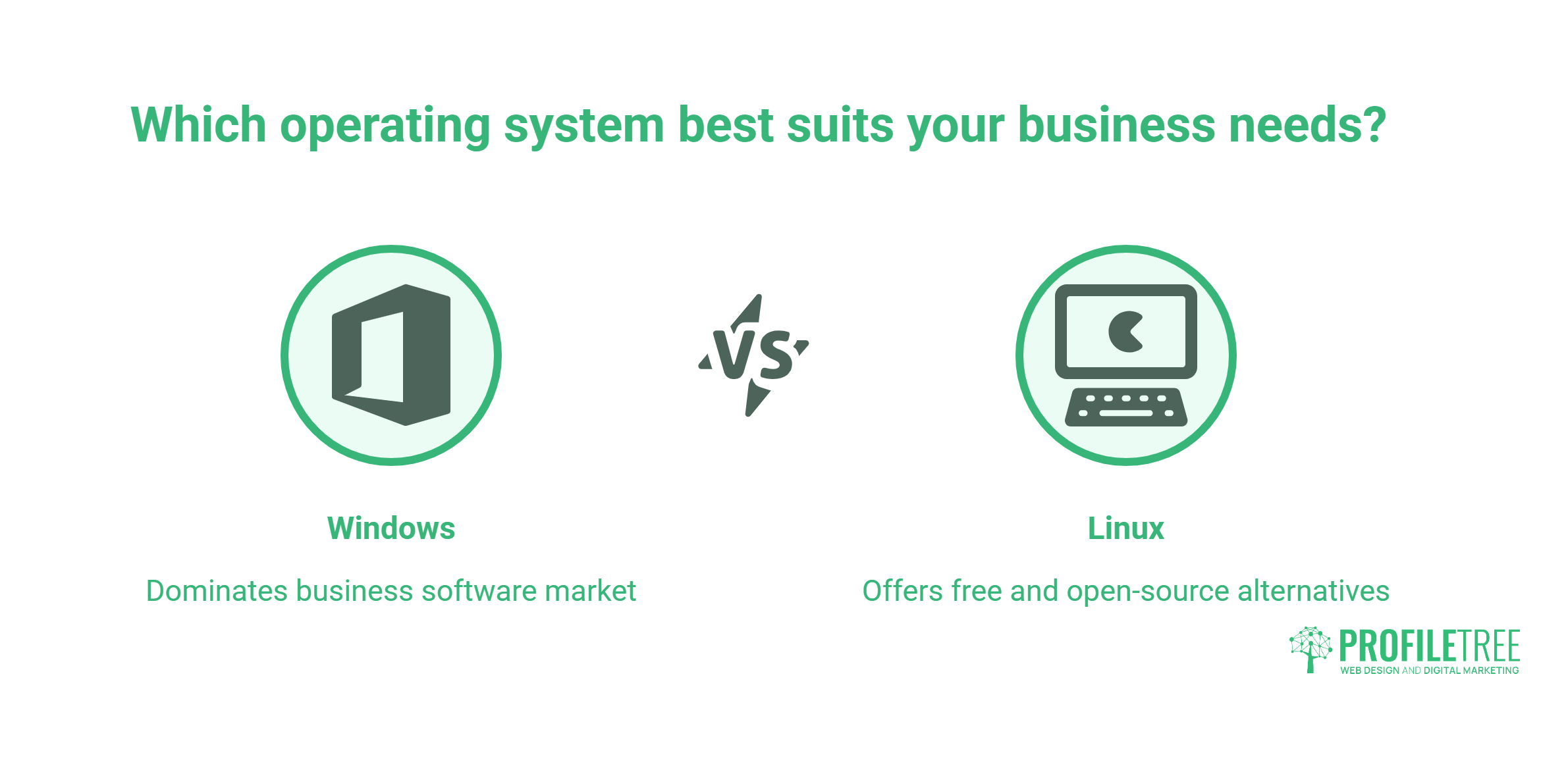
Software compatibility is where the two operating systems diverge most sharply for business users, and where the decision has the most direct effect on a team’s daily workflow.
Windows Software Compatibility
Windows dominates the business desktop software market. Microsoft Office, Adobe Creative Cloud (Photoshop, Illustrator, Premiere Pro), QuickBooks, Sage, and most industry-specific applications are built for Windows first. Hardware drivers for printers, scanners, and specialist peripherals are almost universally available. For most UK SMEs, the team’s computers running Windows is simply the default assumption built into every software procurement decision.
Linux Software Compatibility
Linux offers a large library of free and open-source alternatives for most business tasks: LibreOffice in place of Microsoft Office, GIMP as a partial substitute for Photoshop, and a wide range of development tools that are often better on Linux than their Windows counterparts. The gap has narrowed significantly in recent years.
Where Linux still struggles for business users is in design and creative workflows. Adobe Creative Cloud has no native Linux client. Figma runs in a Linux browser or via an unofficial desktop client, which works well enough for most design tasks, but teams that rely on font-rendering consistency or native application performance will notice the difference. For agencies and marketing teams using design tools daily, Windows or macOS remains the more practical workstation choice.
| Category | Windows | Linux |
| Microsoft Office | Native | Via LibreOffice / web versions |
| Adobe Creative Cloud | Native | No native support |
| Figma | Native | Browser / unofficial client |
| Development tools | Good (improved with WSL2) | Excellent |
| Accounting software (Sage, QuickBooks) | Native | Limited |
| Web server software | Available (IIS) | Native and dominant |
For businesses building digital marketing strategies and content operations, software compatibility determines which tools the team can actually use. A content manager needs a working version of Canva or Adobe Express. A developer needs a reliable local environment that matches the production server. These needs point in different directions, which is why most digital agencies run Windows or macOS workstations for design and content teams, while their hosting infrastructure sits on Linux.
Linux vs Windows for Web Hosting
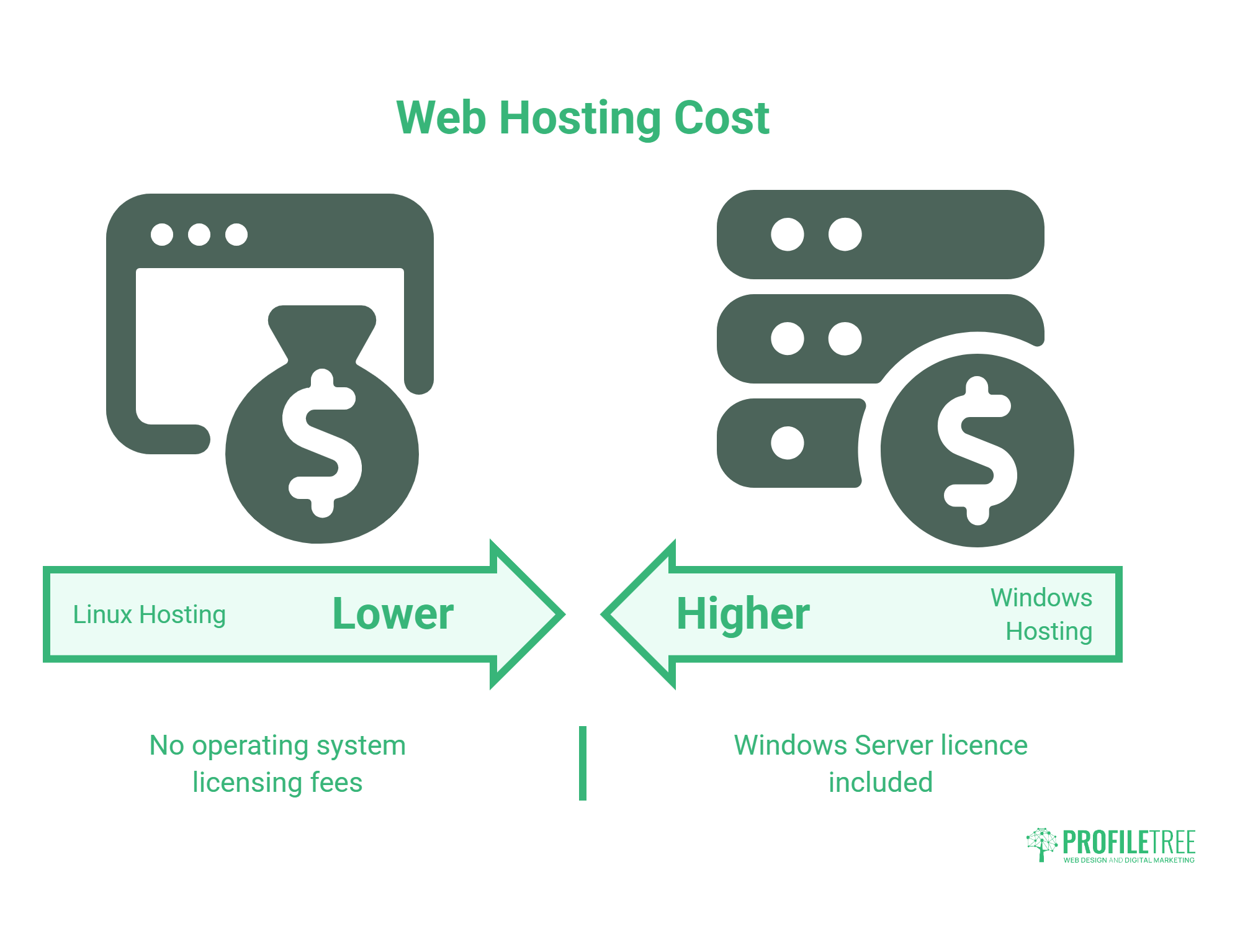
This is the section that matters most for SME owners. The choice of operating system for your website’s hosting server has a direct effect on cost, compatibility, and what your developer can build.
Linux for Web Hosting
Linux is the standard for web hosting. The majority of websites worldwide run on Linux servers using the LAMP stack (Linux, Apache, MySQL, PHP) or its Nginx-based equivalent (LEMP). WordPress, WooCommerce, Drupal, and Laravel all run natively on Linux. If you’re building on any of these platforms, Linux hosting is the right choice and the less expensive one, since there are no operating system licensing fees to pass on.
Windows for Web Hosting
Windows hosting uses Microsoft’s IIS (Internet Information Services) web server and is the correct choice in specific circumstances: legacy applications built on ASP.NET, databases that require Microsoft SQL Server, or systems that integrate with Active Directory. These scenarios are most common in enterprise and corporate environments. For the typical SME website, e-commerce store, or agency-built WordPress site, Windows hosting is unnecessary and more expensive.
Linux infrastructure keeps costs reasonable and maintains full compatibility with WordPress, WooCommerce, and PHP-based platforms. When a client asks why their hosting is on Linux when their office computers run Windows, the short answer is: Linux is what the web runs on, and it’s been that way for decades.
“Most of the businesses we work with have never thought about what operating system their website runs on. They’re on Windows at their desks and assume their site works the same way. In practice, their website is almost certainly on a Linux server, and knowing that matters the moment something breaks or needs upgrading,” says Ciaran Connolly, founder of ProfileTree.
Hosting Comparison
| Factor | Linux hosting | Windows hosting |
| Licensing cost | None | Windows Server licence included |
| Typical monthly cost | Lower | Higher |
| Best for | WordPress, PHP, MySQL, Laravel | ASP.NET, MS SQL Server |
| GDPR/data residency | UK/EU data centres available | UK/EU data centres available |
| Security patching | Frequent, community-driven | Microsoft update cycle |
One practical issue worth flagging again: developing on a Windows machine and deploying to a Linux server introduces case sensitivity mismatches. A file called Contact-Form.php on your Windows development environment won’t be found if the server is looking for contact-form.php. These bugs appear only after deployment and can be hard to trace without knowing why. Using WSL2 locally, or testing on a staging server that mirrors the production environment, catches these problems before they reach the live site.
Linux vs Windows: Cost and Total Ownership
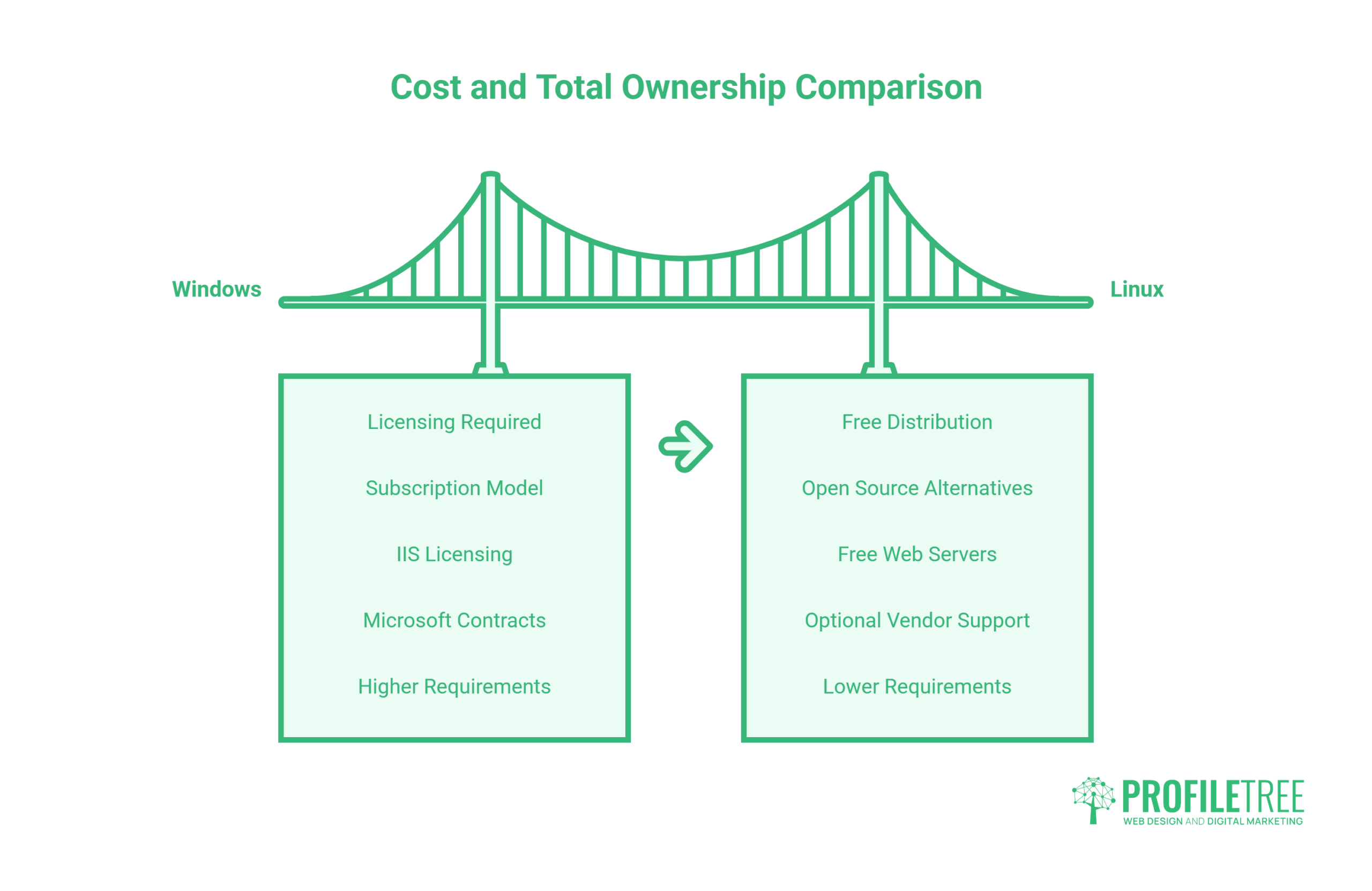
The cost comparison is often oversimplified to “Linux is free, Windows costs money.” The real picture is more complex, particularly for businesses managing servers or scaling their software stack.
Windows Costs
Windows desktop licences are typically bundled with hardware purchases for consumer machines, but Windows Server licences are an additional cost calculated per core or per user with Client Access Licences (CALs). Enterprise deployments using Microsoft SQL Server add further licensing overhead. For a growing SME running multiple servers, these costs accumulate quickly.
Linux Costs
Most Linux distributions are free to download and use, with no per-device or per-user licensing. Enterprise-grade support is available from vendors including Canonical (Ubuntu) and Red Hat, with support contracts that add cost but remain competitive with Windows Server licensing. For SMEs not requiring enterprise support contracts, community-supported distributions like Ubuntu LTS provide a stable, well-maintained platform at no licence cost.
| Cost Factor | Windows | Linux |
| OS licence | Required (desktop/server) | Free for most distributions |
| Software (productivity) | Microsoft 365 subscription | LibreOffice free; alternatives available |
| Web server licence | IIS (included with Windows Server) | Apache / Nginx (free) |
| Enterprise support | Microsoft support contracts | Canonical, Red Hat (optional) |
| Hardware requirements | Higher for GUI-based installs | Lower; runs efficiently on older hardware |
For SMEs making hosting decisions, the cost difference between Linux and Windows hosting plans on the same provider typically ranges from 20% to 40% depending on the plan, reflecting the licensing differential. Over a three to five year period for a business running multiple sites or applications, that differential is meaningful.
How to Choose Between Linux and Windows for Your Business
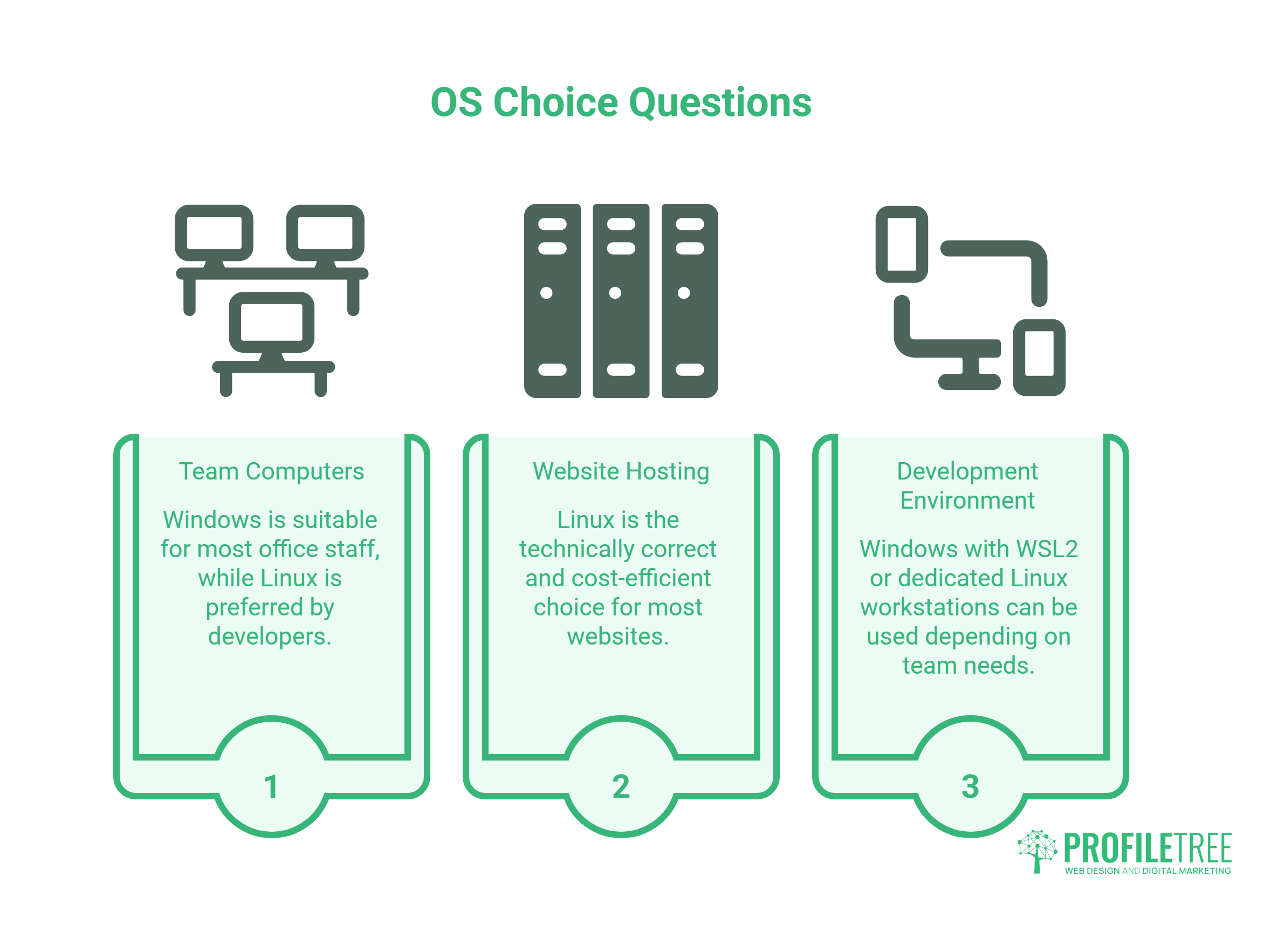
The decision isn’t binary for most businesses. It breaks down into three separate questions.
What OS should your team’s computers run?
For most UK and Irish SMEs, Windows makes sense for office staff, marketing teams, and anyone using standard business software (Microsoft 365, accounting packages, Adobe tools). Linux workstations suit developers who prefer the native environment, but Windows with WSL2 now offers a credible alternative that avoids full system switching.
What OS should your website run on?
Linux, in almost every case. If your site runs WordPress, WooCommerce, or any PHP-based platform, Linux hosting is the technically correct choice and the more cost-efficient one. The only exception is if your application specifically requires Microsoft technologies (ASP.NET, MS SQL Server), which is rare for SME websites.
What OS should your development environment use?
This depends on the team. Windows with WSL2 works well for developers who need access to both environments. Dedicated Linux workstations offer the cleanest parity with production servers. The critical thing is that local and production environments match, to avoid the case sensitivity and line-ending bugs described earlier.
For businesses at the point of commissioning a new website, reviewing their hosting setup, or planning a digital transformation, these decisions don’t need to be made in isolation. Web design and development teams advise on infrastructure choices as part of every project brief, and the website development service covers the full stack from local environment to live deployment.
Linux and AI Implementation
A brief note worth including: Linux is the dominant operating system for AI infrastructure. The vast majority of AI model hosting, data pipelines, and machine learning frameworks run natively on Linux. Businesses exploring AI implementation, whether that means integrating AI tools into their marketing or building custom AI-powered workflows, will almost certainly be working with Linux-based infrastructure at the back end, even if the front-end interface runs in a browser on a Windows machine.
The Decision in Practice
For the majority of SME business owners, the Linux and Windows question resolves to a straightforward split: Windows on the desks, Linux on the servers. That’s the setup most established digital agencies use, and it’s the setup ProfileTree recommends for the businesses it works with.
The nuances matter when something goes wrong. A deployment bug, a security patch that breaks a plugin, a hosting migration that introduces file permission errors, all of these trace back to operating system behaviour. Having an agency that understands both environments, and builds sites with local-to-production parity in mind from the start, is worth more than the operating system decision itself.
If you’re reviewing your website’s hosting setup, planning a new build, or trying to understand why a recent migration introduced unexpected issues, ProfileTree’s team is happy to take a look.
FAQs About Linux vs Windows
Is Linux web hosting always cheaper than Windows hosting?
For most web projects, yes. In the hosting comparison, Linux wins on cost because the OS carries no licensing fee. Windows hosting carries a surcharge to cover Windows Server licensing, which is most significant when you also need Microsoft SQL Server databases. For WordPress and PHP-based sites, there’s no technical reason to pay for Windows hosting.
Can our design team use Linux for UI/UX work?
It’s possible but not ideal for most professional agencies. Figma runs in a Linux browser and via an unofficial desktop client, which covers many design workflows. The Adobe Creative Cloud suite (Photoshop, Illustrator, Premiere Pro) has no native Linux support, making Windows or macOS a practical requirement for teams with Adobe as part of their workflow.
What is Windows Subsystem for Linux (WSL), and should our company use it?
WSL2 is a compatibility layer built into Windows 11 that runs a lightweight Linux kernel inside Windows. It allows developers to use Linux command-line tools, run Docker containers, and work in an environment that better matches a Linux production server, without leaving Windows. It’s the recommended approach for development teams that need Windows hardware compatibility alongside Linux development tooling.
Do we need Windows hosting if our office computers run Windows?
No. Your workstation OS is entirely separate from your web server OS. Your team can build, update, and manage a Linux-hosted website from Windows computers using standard browsers, SFTP clients, and SSH terminals without any compatibility issues.
Which OS is more secure for hosting a business website?
Both can be equally secure if properly configured and maintained. Linux has a smaller attack surface for desktop malware, benefits from rapid community-driven patching, and is the standard choice for security-conscious hosting environments. Windows Server is a sound option for applications that require it but needs consistent update management to stay secure. For most SME websites, Linux hosting with a managed maintenance plan is the more straightforward path to a secure server environment.
Are there specific database restrictions when choosing between Linux and Windows hosting?
Yes. Linux hosting supports open-source databases including MySQL, MariaDB, and PostgreSQL, which cover the vast majority of SME and agency web projects. Windows hosting is needed when an application requires Microsoft SQL Server, which is specific to .NET and legacy Microsoft application stacks.
Why does Linux dominate web servers if Windows is more common on desktops?
Linux is stable, free to license, highly customisable, and runs efficiently without a GUI. For a server that exists to serve web requests rather than support a human user’s daily tasks, those properties matter more than a familiar desktop interface. Web hosting providers pass the licensing savings on to customers, which reinforces Linux’s market position further.