
Java Sample Programming: Core Examples for Beginners
Table of Contents
Java sample programming is the fastest way to move from theory to working code. Reading about inheritance or encapsulation only gets you so far; writing the programs yourself is where the concepts actually click.
Java remains one of the most widely used languages in enterprise software, Android development, and back-end web applications. For developers starting out in the UK and Ireland, it’s also a common requirement in university Computer Science courses and a recognised language across A-Level syllabuses. Getting comfortable with the core syntax and OOP principles early lays a foundation that directly transfers to real project work.
This guide walks through Java programming examples across three areas: object-oriented programming concepts with working code examples, number programs that sharpen your logic skills, and array operations you’ll encounter in practical development. Each section covers what the concept does, why it matters, and how to write it correctly.
What Makes Java Worth Learning
Java’s longevity isn’t accidental. It was designed with a write-once, run-anywhere philosophy, meaning Java code compiles to bytecode that runs on any device with a Java Virtual Machine (JVM). That cross-platform reliability made it a default choice for enterprise software, and it has stayed there.
For businesses commissioning web applications, Java remains a common back-end choice, particularly for systems that need to handle high transaction volumes or integrate with complex data structures. When ProfileTree’s web development team assesses the right technology stack for a client project, Java typically comes up in conversations about scalability, long-term maintainability, and integration with existing enterprise systems. Understanding the language’s fundamentals helps business owners ask better questions before signing a development contract.
Java is also a primary language for enterprise-level AI and machine learning tooling. Libraries like Deeplearning4j bring neural network capabilities into the Java ecosystem, and many of the AI implementation projects ProfileTree advises on run Java-based infrastructure beneath the surface.
Core Java Concepts: Object-Oriented Programming
Object-oriented programming (OOP) is Java’s central design philosophy. Before working through code examples, it’s worth understanding what each concept actually does in a real application, not just in a textbook definition.
Classes and Objects
A class is a blueprint. An object is what you create from that blueprint. Think of a class as the specification for a product page on an e-commerce site: it defines what data (price, SKU, description) and what actions (add to basket, apply discount) that product has. Each individual product is an object of that class.
public class Product {
    String name;
    double price;

    public void displayDetails() {
        System.out.println(name + " costs £" + price);
    }
}

Product item = new Product();
item.name = "Wireless Keyboard";
item.price = 49.99;
item.displayDetails();
```

Output:
```
Wireless Keyboard costs £49.99
Inheritance
Inheritance allows one class to inherit the properties and methods of another class. This is how Java avoids code duplication across related entities. In a content management system, you might have a base Page class with shared properties like title, URL slug, and publication date, with BlogPost and ServicePage extending it to add their own specific fields.
Inheritance is one of the pillars of OOP in Java. Single inheritance (one parent class) is standard; Java does not support multiple class inheritance directly, though it does through interfaces.
public class Page {
    String title;
    String slug;
}

public class BlogPost extends Page {
    String author;
    String category;
}
Polymorphism
Polymorphism allows the same method name to produce different behaviour depending on the object calling it. There are two types in Java: compile-time polymorphism (method overloading, where the same method name accepts different parameters) and runtime polymorphism (method overriding, where a subclass redefines a parent method).
public class Shape {
    public double area() {
        return 0;
    }
}

public class Circle extends Shape {
    double radius;

    @Override
    public double area() {
        return Math.PI * radius * radius;
    }
}

public class Rectangle extends Shape {
    double width, height;

    @Override
    public double area() {
        return width * height;
    }
}
This pattern appears regularly in web application development: a payment processing system might have a base Payment class with an execute() method, overridden by CardPayment, BankTransfer, and DirectDebit subclasses.
Abstraction
Abstraction hides implementation detail and exposes only what the caller needs to know. An abstract class defines the structure (what methods must exist) without specifying how each method works. This is enforced through abstract classes and interfaces.
public abstract class Notification {
    public abstract void send(String message);
}

public class EmailNotification extends Notification {
    @Override
    public void send(String message) {
        System.out.println("Sending email: " + message);
    }
}
In a business context, abstraction allows a developer to build a notification system that works across email, SMS, and push notifications without the calling code needing to know which channel is being used.
Encapsulation
Encapsulation bundles data and the methods that operate on it into a single class, restricting direct external access to that data. In Java, this is achieved through access modifiers (private, protected, public) and getter/setter methods.
public class CustomerAccount {
    private double balance;

    public double getBalance() {
        return balance;
    }

    public void deposit(double amount) {
        if (amount > 0) {
            balance += amount;
        }
    }
}
By making balance private prevents external code from setting it arbitrarily. All changes go through, where you can validate the input. This kind of defensive programming is standard practice in financial and e-commerce applications.
Java Number Programs
Number programs are a common starting point for practising logic in Java. They test your understanding of loops, conditionals, and recursion without the complexity of class hierarchies.
Reverse a Number
Reversing a number is a classic exercise that tests your grasp of modulo arithmetic and while loops.
Using a while loop:
int input = 1234;
int reversed = 0;
while (input != 0) {
    int digit = input % 10;
    reversed = reversed * 10 + digit;
    input /= 10;
}
System.out.println(reversed);
Output: 4321
Using recursion:
public static void reverse(int input) {
    if (input < 10) {
        System.out.print(input);
        return;
    }
    System.out.print(input % 10);
    reverse(input / 10);
}
Convert a Number to Words
Converting numbers to words is a practical requirement in invoice generation and financial reporting systems, where amounts must be written in both numeric and textual form.
String[] ones = {"one", "two", "three", "four", "five",
                  "six", "seven", "eight", "nine", "ten",
                  "eleven", "twelve", "thirteen", "fourteen", "fifteen",
                  "sixteen", "seventeen", "eighteen", "nineteen", "twenty"};

int input = 17;
System.out.println(ones[input - 1]);
Output: seventeen
Automorphic Numbers
A number is automorphic if its square ends with the same digits as the original number. For example, 25 squared is 625, which ends in 25.
int num = 25;
int square = num * num;
String numStr = String.valueOf(num);
String squareStr = String.valueOf(square);
boolean isAutomorphic = squareStr.endsWith(numStr);
System.out.println(num + " is automorphic: " + isAutomorphic);
Output: 25 is automorphic: true
Java Array Programs
Arrays are one of the most commonly used data structures in Java. Every web application that returns a list of products, blog posts, or search results is working with arrays (or collections built on top of them) under the hood. The following examples cover the operations you’ll encounter most often in practical development.
Copying Elements Between Arrays
import java.util.Arrays;

int[] original = {10, 20, 30, 40, 50};
int[] copy = Arrays.copyOfRange(original, 1, 4);
System.out.println(Arrays.toString(copy));
Output: [20, 30, 40]
Finding Duplicate Elements
Identifying duplicates is essential for data validation, deduplication pipelines, and product catalogue management.
int[] arr = {1, 2, 3, 2, 4, 3, 5};
for (int i = 0; i < arr.length; i++) {
    for (int j = i + 1; j < arr.length; j++) {
        if (arr[i] == arr[j]) {
            System.out.println("Duplicate found: " + arr[i]);
        }
    }
}
Sorting an Array
import java.util.Arrays;

int[] numbers = {5, 2, 8, 1, 9};
Arrays.sort(numbers);
System.out.println(Arrays.toString(numbers));
Output: [1, 2, 5, 8, 9]
For descending order, use:
Integer[] numbers = {5, 2, 8, 1, 9};
Arrays.sort(numbers, Collections.reverseOrder());
Finding the Largest and Smallest Elements
int[] arr = {12, 45, 7, 23, 89, 3};
int largest = arr[0];
int smallest = arr[0];

for (int num : arr) {
    if (num > largest) largest = num;
    if (num < smallest) smallest = num;
}

System.out.println("Largest: " + largest);
System.out.println("Smallest: " + smallest);
```

Output:
```
Largest: 89
Smallest: 3
Printing an Array in Reverse Order
int[] arr = {1, 2, 3, 4, 5};
for (int i = arr.length - 1; i >= 0; i--) {
    System.out.print(arr[i] + " ");
}
Output: 5 4 3 2 1
Finding the Sum of All Array Elements
import java.util.Arrays;

int[] arr = {10, 20, 30, 40, 50};
int sum = Arrays.stream(arr).sum();
System.out.println("Sum: " + sum);
Output: Sum: 150
The Stream API approach (available from Java 8 onwards) is preferred in modern codebases for its readability.
Modern Java Features Worth Knowing
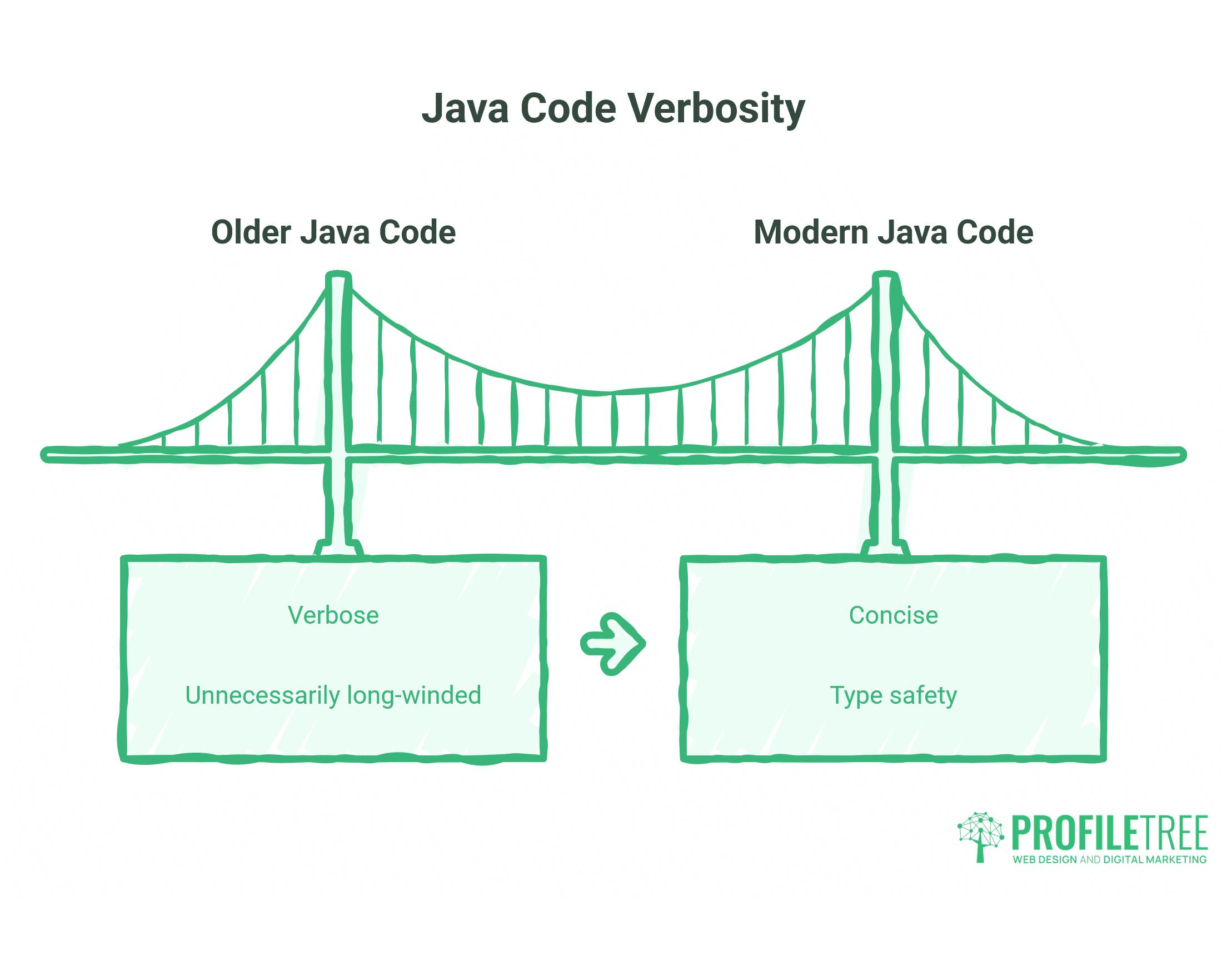
Java has a reputation for verbosity, and older Java code earns it. But Java 17 and Java 21 (both Long-Term Support releases) introduced features that significantly reduce boilerplate without sacrificing the type safety that makes Java reliable in production. If you’re learning from sample code online and it looks unnecessarily long-winded, it may simply be written against an older version of the language.
Records
Before Java 16, creating a simple data-carrying class required a constructor, getters, equals(), hashCode(), and toString() methods written by hand. A record generates all of this automatically.
Old approach:
public class Product {
    private final String name;
    private final double price;

    public Product(String name, double price) {
        this.name = name;
        this.price = price;
    }

    public String getName() { return name; }
    public double getPrice() { return price; }
}
Modern approach with records:
public record Product(String name, double price) {}Both produce the same result. The record version is immutable by default and takes one line.
Switch Expressions
Traditional switch statements required a break on every case and couldn’t return a value directly. Switch expressions, introduced in Java 14 and standardised in Java 16, are cleaner and less error-prone.
Old approach:
String result;
switch (day) {
    case "MONDAY":
    case "TUESDAY":
        result = "Weekday";
        break;
    case "SATURDAY":
    case "SUNDAY":
        result = "Weekend";
        break;
    default:
        result = "Unknown";
}
Modern approach:
String result = switch (day) {
    case "MONDAY", "TUESDAY", "WEDNESDAY", "THURSDAY", "FRIDAY" -> "Weekday";
    case "SATURDAY", "SUNDAY" -> "Weekend";
    default -> "Unknown";
};
Text Blocks
Text blocks (Java 15+) make multi-line strings readable without escape characters. This is particularly useful when working with JSON, HTML fragments, or SQL queries embedded in Java code.
Old approach:
String json = "{\n" +
              "  \"name\": \"Belfast\",\n" +
              "  \"country\": \"UK\"\n" +
              "}";
Modern approach:
String json = """
              {
                "name": "Belfast",
                "country": "UK"
              }
              """;
These features won’t appear in older tutorials, but they’re standard in any Java codebase written in the last two to three years. If you’re learning Java for employment in UK or Irish development teams, writing in Java 17 or 21 syntax signals that your knowledge is current.
Java and Web Application Development
Understanding Java’s core structures is useful well beyond academic exercises. The OOP pillars you’ve worked through here are directly present in every Java-based web framework. Spring Boot, the dominant enterprise Java framework in the UK and Ireland, is built on dependency injection (a form of polymorphism), interfaces (abstraction), and encapsulated service layers.
When an SME in Northern Ireland or the Republic of Ireland commissions a custom web application, the development team’s choice of Java often reflects requirements around scalability and long-term maintainability. A bespoke stock management system, a client portal, or a booking platform built on Spring Boot will use every concept covered in this guide. ProfileTree’s web development team can help businesses understand those technology decisions before they commit to a development partner.
“Understanding the fundamentals of Java gives SME owners a much clearer picture of what they’re actually commissioning,” says Ciaran Connolly, founder of ProfileTree. “You don’t need to write code yourself, but knowing the difference between a class and an object helps you evaluate a proposal and hold a developer accountable.”
For businesses exploring Java web application development, the OOP concepts in this guide serve as the foundation for everything else.
Java vs Other Languages: Choosing the Right Back End
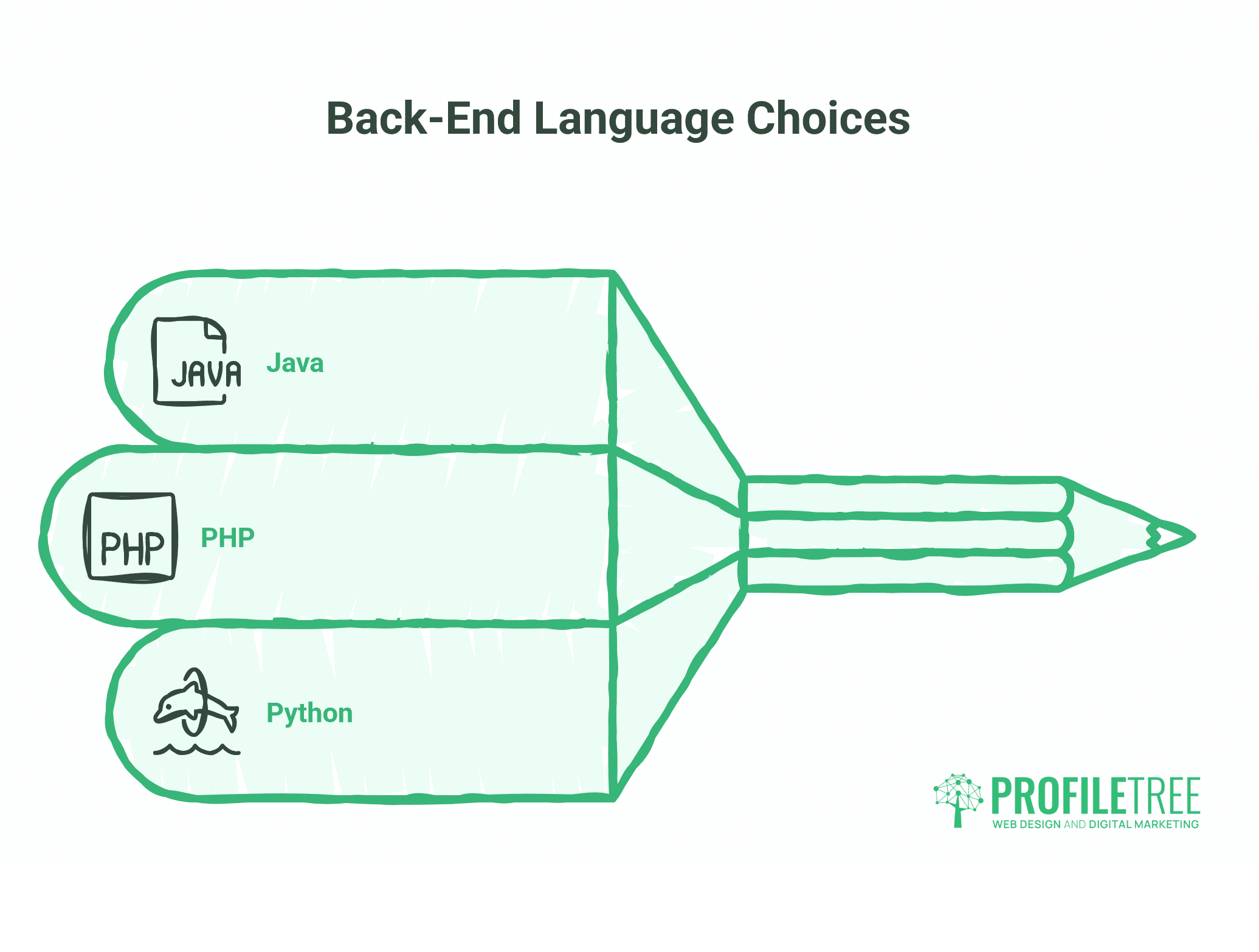
Choosing a back-end language is one of the first technical decisions in any web application project, and it has long-term consequences for performance, maintenance costs, and the availability of developers to support the system. For SMEs in Northern Ireland and the Republic of Ireland, the choice typically comes down to Java, PHP, or Python.
Java suits projects where scalability, security, and long-term maintainability are the priority. Its strict typing catches errors at compile time rather than in production, and the JVM’s performance under load makes it a reliable choice for high-traffic applications. UK financial services, large-scale retail platforms, and NHS digital systems lean heavily on Java for exactly these reasons. The trade-off is setup time: Java projects take longer to scaffold than PHP or Python equivalents.
PHP remains the dominant language for content-driven websites, largely because WordPress is built on it. For a business that needs a well-designed website with a CMS, a blog, and standard service pages, PHP via WordPress is usually the practical choice. It’s widely supported, the developer pool is large, and the ongoing maintenance costs are manageable.
Python has become the default language for data-heavy applications, machine learning pipelines, and AI implementation projects. If a business needs a web application that connects to analytical models or processes large datasets, Python’s ecosystem (Django, Flask, and a vast library of data tools) makes it the natural fit.
The table below summarises the key trade-offs:
| Java | PHP | Python | |
|---|---|---|---|
| Typical use case | Enterprise web apps, APIs | CMS-driven websites | Data apps, AI/ML |
| Performance at scale | Strong | Moderate | Moderate |
| Setup complexity | Higher | Low | Low |
| UK developer availability | High | Very high | High |
| WordPress compatible | No | Yes | No |
Learning Java: Where to Go Next
Working through sample programs builds familiarity with syntax, but structured learning accelerates the process significantly. Platforms like Codecademy and Coursera offer Java courses at various levels. For UK-based learners following A-Level Computer Science (AQA or OCR syllabuses), Java is a recognised language for both coursework and examination tasks.
Formal Java certifications from Oracle, including the Oracle Certified Associate (OCA) and Oracle Certified Professional (OCP), are widely recognised by employers in UK financial services and enterprise software.
For those who want to understand Java’s role in a broader technical context, ProfileTree’s guide to Java programming projects covers applied project ideas that go beyond syntax exercises.
Conclusion: Java Sample Programming
ProfileTree’s web development team works with Java-based back-end systems on custom web application projects for SMEs across Northern Ireland, Ireland, and the UK. If you’re building digital skills, evaluating a development partner, or want to understand how languages like Java underpin the web applications your business depends on, explore ProfileTree’s web development services and digital training programmes to find out how we can help.
FAQs
Is Java sample programming suitable for complete beginners?
Yes, though it helps to understand variables, data types, and control flow first. Once those feel manageable, the class-based examples in this guide will make much more sense.
Can I modify Java sample programs for my own projects?
Yes, and you should. Modifying existing code is one of the most effective ways to learn. Change the values, adapt the logic, and observe what breaks.
Where can I run Java sample programs without installing anything?
Online compilers, including Programiz, JDoodle, and Replit, allow you to write and run Java code in a browser. For serious project work, IntelliJ IDEA Community Edition is the standard free IDE in UK and Irish enterprise settings.
What version of Java should beginners use?
Use Java 17 or Java 21, both Long-Term Support releases. These are stable, well-documented, and the versions most likely to be supported in employer environments.
What is the difference between JDK, JRE, and JVM?
The JVM executes Java bytecode. The JRE includes the JVM plus the libraries needed to run Java programmes. The JDK includes everything in the JRE plus the tools needed to write and compile code. If you’re writing Java, install the JDK.