
Interactive Video Content: A Practical Guide for SMEs
Table of Contents
Most video on business websites runs one way. The viewer watches, or more often drifts off halfway through, and nothing about the experience changes based on who they are or what they want. Interactive video flips that arrangement by letting people click, choose, answer and explore inside the player itself.
For businesses across Ireland and the UK, the appeal is straightforward. A single asset can guide a prospect through options, qualify a lead, or teach a process at the viewer’s own pace. ProfileTree, a Belfast-based digital agency, has seen demand for this format grow as clients seek video that does more than sit on a landing page.
This guide on interactive video content covers what interactive video actually is, the formats worth commissioning, how to brief and produce one, and how to judge whether it earned its budget.
What Interactive Video Is and Why It Works
Interactive video adds clickable, selectable, or answerable elements to footage that would otherwise play straight through. Before deciding whether to commission one, it helps to be clear on what sets it apart from standard video and where the genuine value lies.
From Passive Viewing to Active Choice
Traditional video asks nothing of the viewer beyond attention. Interactive video asks for a decision: which product to see next, which problem to solve first, which path through a story to take. That small act of choosing tends to hold attention longer because the viewer has a reason to stay involved.
The shift matters most when the subject is genuinely varied. A product range with several use cases, a training topic with branching outcomes, or a service with different entry points all suit a format that lets people self-select rather than sit through everything.
Where the Format Pays Off
Interactive video earns its keep in three situations: when you need data on what viewers care about, when the content naturally splits by audience, and when a guided choice shortens the path to a decision. If none of those applies, a well-made linear video is usually the cheaper, sensible option.
Think of it as a tool with a specific job rather than an upgrade for every project. Good video marketing services start by asking what the asset needs to achieve, then choosing the format that fits.
Setting Realistic Expectations
Interactive video costs more to plan and produce than a single straight cut, because you are effectively scripting and filming several outcomes. The return comes from reuse and from the insight you gather, not from novelty. Brief it as a working asset, measure it properly, and it tends to justify the extra effort.
A useful way to gauge whether the spend is worth it is to count the outcomes a single asset can serve. One branching video might replace three separate product explainers, qualify leads while it does so, and hand sales a record of what each viewer chose. Set against three linear videos that do none of the latter, the maths often favours the interactive build even before you factor in the data.
The honest caveat is that this only holds when the content genuinely varies by viewer. Forcing interaction onto a simple message adds cost and friction for no real gain, and viewers notice when a choice is decorative rather than useful. The skill lies in spotting which projects actually benefit, which is a judgment worth making before any production budget is committed.
The Main Interactive Video Formats
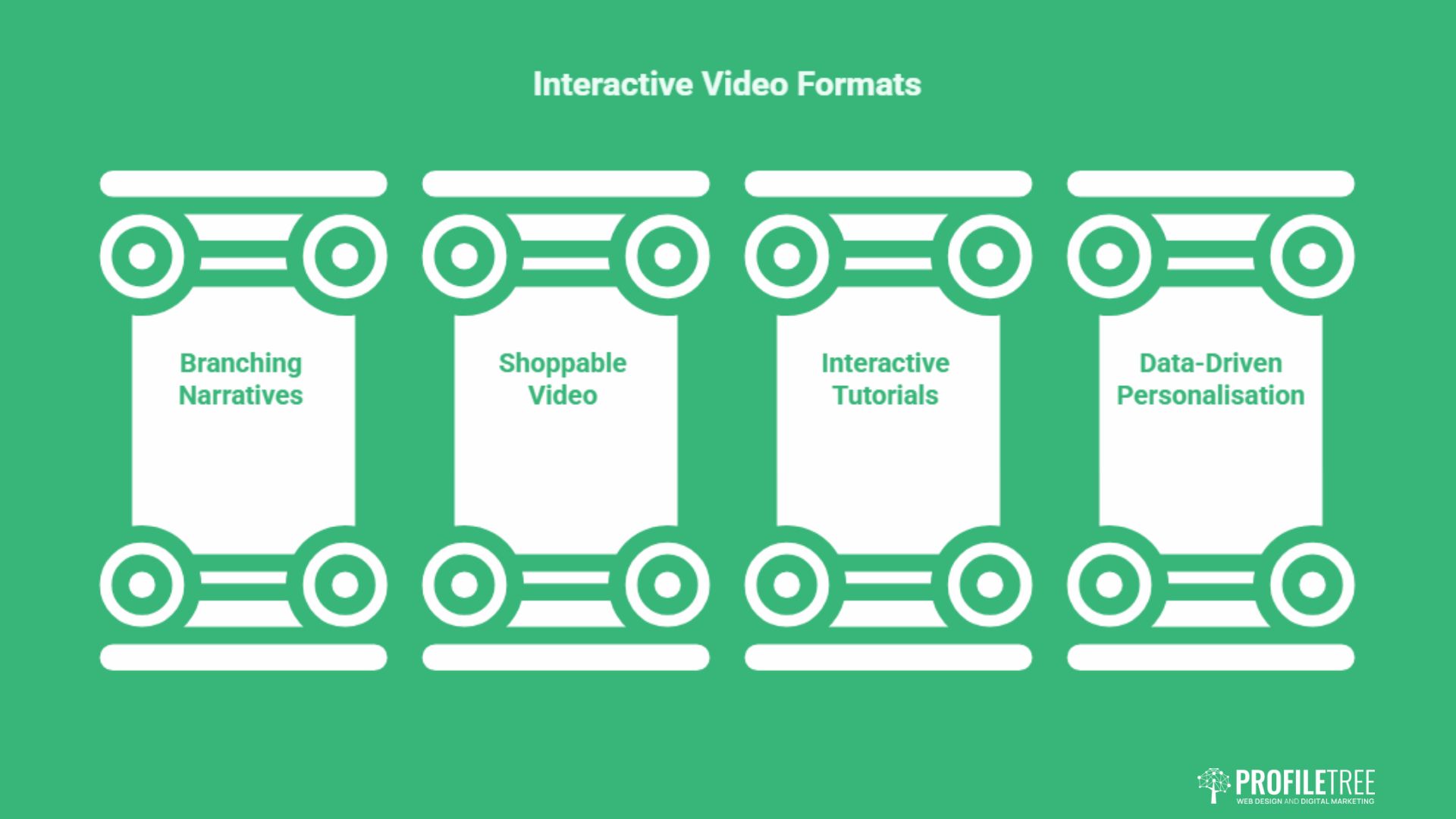
Several distinct formats have settled into common use, each suited to a different goal. Choosing the right one starts with the outcome you want, not the technique that looks most impressive.
Branching Narratives
Branching video presents decision points that send the viewer down different paths. A financial services firm might let viewers pick a risk level and timeframe, then show only the products that match. The strength here is relevance: people see content shaped by their own choices rather than a one-size-fits-all reel.
Production is more involved because each branch needs its own footage and a logic map connecting the segments. That planning is where a clear brief saves money, since reshoots to patch a missing path are expensive.
Shoppable Video
Shoppable video tags products inside the frame so viewers can explore details or buy without leaving the player. Retail and home furnishings use it well: a styled room becomes a catalogue, with every visible item linking to its own page.
The technical work is focused on integrating with your store and stock data, so it suits businesses with an established e-commerce setup rather than a first-time online shop.
Interactive Tutorials and Quizzes
Tutorials with embedded knowledge checks suit training, onboarding and product education. Viewers test what they have learned, skip sections they already know, and follow a path matched to their role or skill level. Learning and development teams favour this format because completion and comprehension can both be measured.
Pairing this with a wider content marketing programme keeps the tutorials connected to the rest of your customer journey rather than stranded as one-off assets.
Data-Driven Personalised Video
Personalised video pulls in viewer data to adapt names, details and recommendations on the fly. An insurer might show a renewal video that already reflects the viewer’s cover and life stage. This is the most technically demanding format and depends on clean data and a sensible link to your CRM, so it rewards businesses with that groundwork already in place.
Briefing and Producing Interactive Video
The biggest difference between interactive and standard video is the planning. Get the structure right on paper, and the filming follows smoothly; skip it, and you pay for the gaps later. This section walks through how a commissioned project tends to run.
Mapping the Structure First
Before a camera comes out, the project needs a map: every decision point, every branch, and what happens at each end. This is closer to writing a flowchart than a script, and it defines exactly how much footage you need. Skipping this step is the most common reason interactive projects overrun.
This early stage also benefits from a clear view of where the video sits in your wider funnel, which is why it pairs naturally with a defined digital strategy rather than being treated in isolation.
Filming for Multiple Outcomes
Shooting interactive video means capturing every branch in one session where possible, keeping lighting, audio and presenter consistent across segments so transitions feel natural. Decision points often need slightly longer pauses so the interface has room to appear without interrupting the flow. The full video production process still applies; interactive work simply adds a layer of planning on top of it.
This is also where professional production earns its place. Inconsistent footage across branches is far more noticeable than in a linear edit, because viewers jump directly between segments.
Accessibility and Data Responsibilities
Two requirements matter more in the UK and Irish markets than most overseas guides admit. Interactive elements need keyboard navigation and screen-reader support, and any data captured inside the player, such as an email entered at a hotspot, falls under UK GDPR. Build consent and clear handling into the design from the start rather than bolting it on afterwards.
On the accessibility side, every clickable element should be reachable and operable without a mouse, decision points should give people enough time to choose rather than auto-advancing, and any meaning carried by colour or animation needs a text alternative too. Public sector buyers in particular are bound by accessibility regulations, so a video that locks out screen-reader users is not just poor practice; it can rule you out of the work entirely.
On data, the moment a viewer types an email or answers a profiling question inside the player, you are processing personal data, and the usual rules apply: a lawful basis, a clear privacy notice, and a sensible retention period. The neat trick of gating content behind a quick form is exactly where teams trip up, because consent gathered in passing is rarely valid consent.
Treating privacy and access as part of the brief, not an afterthought, also signals to corporate and public sector buyers that you take their obligations seriously. A well-defined digital training programme can help internal teams understand these obligations before a project starts rather than after a complaint lands.
Measuring Whether It Worked
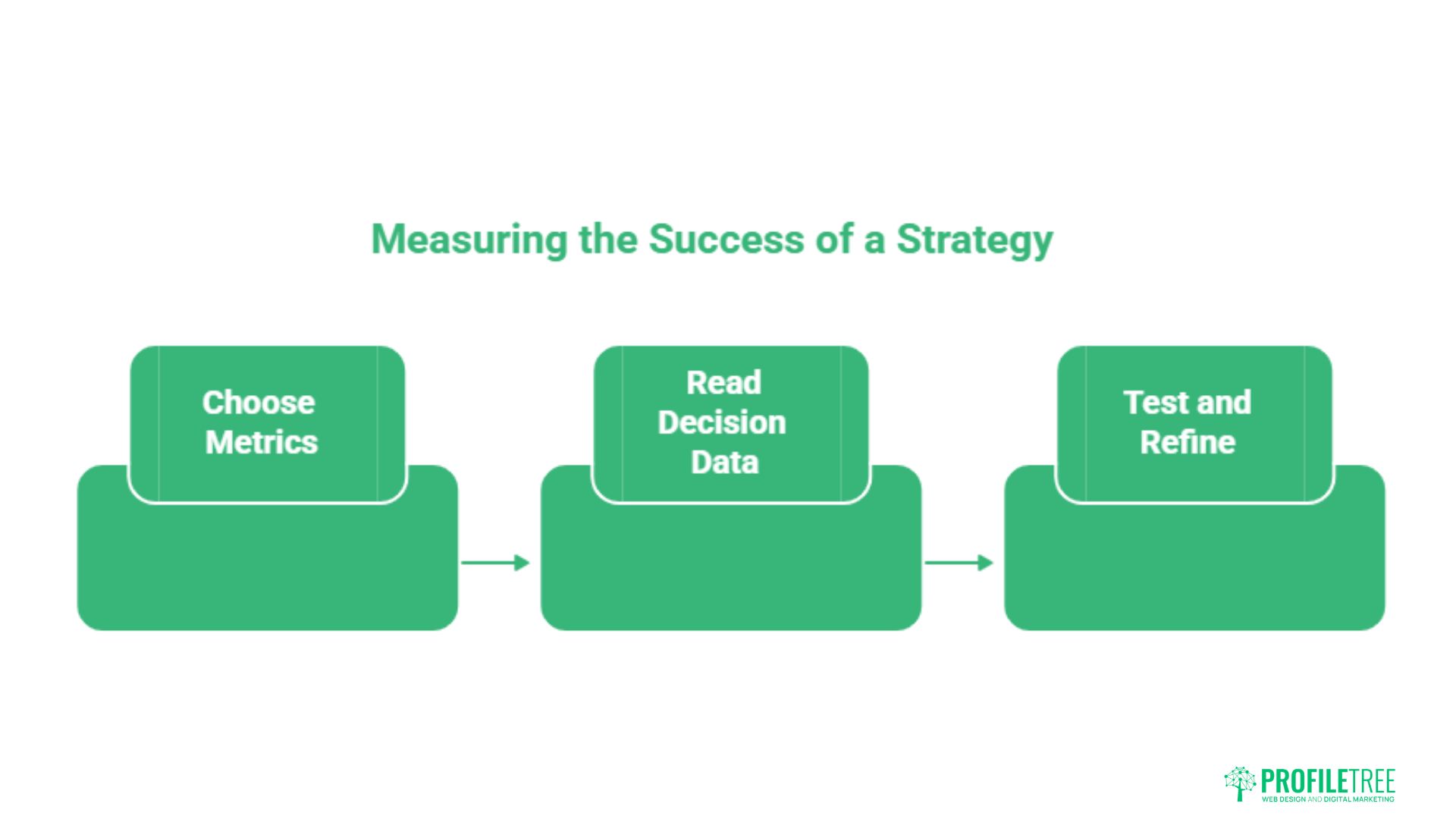
Interactive video produces far richer data than a standard view count, but only if you decide what to track before launch. The point is to learn something you can act on, not to drown in dashboards.
Choosing Metrics That Match the Goal
A lead-generation video lives or dies on form completions and lead quality. A training video should be judged on completion by path and comprehension scores. A shoppable video points back to add-to-cart actions and order value. Pick the two or three numbers that map to the original objective and ignore the vanity metrics.
Reading the Decision Data
The choices viewers make are the real prize. Which branch most people pick, where they drop off, and which path converts best all tell you what your audience actually wants, often more honestly than a survey would. That insight can feed back into your website, your sales conversations and your next campaign.
Connecting this behaviour data to the rest of your marketing is where it compounds, which is why interactive video works best as part of a joined-up digital marketing approach rather than a standalone experiment.
Testing and Refining Over Time
Small changes to how a decision is phrased or where a prompt appears can shift results noticeably. Run controlled comparisons, give each enough traffic to mean something, then keep the version that performs and test again. Interactive assets reward this kind of patient iteration because the data to guide it is built in.
Fitting Interactive Video Into Your Wider Marketing
An interactive video that lives on one landing page and connects to nothing else wastes most of its value. The format produces useful signals about what viewers want, and those signals are worth far more when they feed the rest of your marketing rather than sitting in a separate dashboard.
Linking Behaviour Data to Your CRM
When a viewer chooses a path or answers a question, that choice describes their interest in their own words. Passing that into your CRM lets sales pick up the conversation already knowing what the prospect cares about, and lets marketing segment follow-up based on genuine behaviour rather than guesswork. The integration work is modest if your systems are tidy and considerably harder if they are not, which is one more reason to plan early.
Email and Social as Distribution
Interactive video rarely succeeds on a single channel. A personalised thumbnail in an email can lift open and click rates, while a short teaser on social can draw people to the full experience on your site. Each platform has quirks, particularly the in-app browsers on social apps, so plan where the asset will actually be watched and design for that context rather than assuming everyone arrives the same way.
Treating It as One Asset Among Many
The businesses that get the most from interactive video treat it as a working part of a content system, not a showpiece. It sits alongside written guides, standard video and social content, each doing the job it does best. Seen that way, the question stops being whether interactive video is impressive and becomes whether, for this specific goal, it serves the viewer better than the alternatives.
Below, ProfileTree’s video team walks through how production work comes together in practice.
For businesses weighing this format, the deciding factor is rarely the technology. It is whether a guided, choosable experience genuinely serves the viewer better than a straight video would. As Ciaran Connolly, founder of ProfileTree, puts it:
“The most successful interactive video we see doesn’t lead with the technology. It starts with a real customer need and uses interaction to answer it more directly. For SMEs in Ireland and the UK, that focus on usefulness over novelty is what turns an interesting format into a genuine business asset.”
Interactive video also sits alongside the wider shift in how audiences watch, including the rise of short-form video across social platforms, so it is worth seeing it as one option within a broader content mix. For businesses serving customers across the region, it can complement local storytelling too, from product demos to Northern Ireland travel content.
Conclusion
Interactive video works when it solves a real problem: guiding a choice, teaching a process, or qualifying a lead. Treat it as a planned, measurable asset rather than a gimmick, build accessibility and data handling in from the start, and judge it on the metrics that match your goal. Done that way, it earns its place in your content mix.
Thinking about commissioning an interactive video? Talk to ProfileTree’s video team about what would actually serve your audience.
FAQs
What is the most common type of interactive video?
Branching narratives and clickable hotspots are the most widely used because they suit the broadest range of goals, from product demos to training. Branching lets viewers choose a path through the content, while hotspots add extra detail or links without interrupting playback. Both are well supported by current tools and work reliably across devices, which is why most first interactive projects start with one of them.
Does interactive video work on mobile devices?
Yes. Modern interactive video is built in HTML5, so it plays and responds to taps on phones and tablets without plug-ins. The main caveat is that some social platforms open links in their in-app browsers, which can limit certain interactions, so it is worth testing your asset in the apps your audience actually uses. Design touch targets large enough to tap comfortably and keep on-screen text readable on small screens.
How much does it cost to make a video interactive?
Costs range widely. Open-source and entry-level tools can add basic interactivity at little expense, while a custom-built branching or personalised production with professional filming sits considerably higher. The main driver is how many branches or outcomes you need to film, since each one adds to scripting, shooting and editing time. All prices and figures in this guide are indicative UK examples and correct at the time of writing; use them as a benchmark rather than fixed quotations.
Is interactive video good for SEO?
Indirectly, yes. Interactive video tends to increase the time people spend on a page, and longer engagement is a positive signal. The video itself should be supported by proper on-page text and structured data so search engines understand the content, since the interactive layer is not something they read directly. Treat it as one part of a wider optimisation effort rather than a ranking shortcut.
Can I make my existing videos interactive?
Often, yes. Overlay tools can sit on top of an existing YouTube or Vimeo embed and add clickable elements, quizzes or branching without reshooting. This is a sensible, low-cost way to test the format before committing to a purpose-built production. The limitation is that you are working with footage that wasn’t planned for interaction, so the result is rarely as smooth as a video designed for it from the start.