
Asana for Marketing: The UK SME Workflow Guide
Table of Contents
Marketing teams waste a remarkable amount of time managing the management of marketing. Email threads chase approvals, spreadsheets track deadlines, and shared drives become graveyards for out-of-date briefs. For SMEs and growing agencies across the UK and Ireland, this operational drag is not just frustrating; it actively limits what your team can deliver.
Asana for marketing offers a structured alternative. It brings campaigns, content production, stakeholder approvals, and team communication into one platform. This guide covers how to set it up properly for marketing, which features matter most for agency-client work, and how to use Asana’s compliance-friendly tools to manage UK marketing workflows responsibly.
What Asana Actually Does for Marketing Teams
Asana is a work management platform. It lets you build projects, assign tasks with deadlines, track progress across teams, and automate repeating processes. For a marketing function, this means every campaign, from initial brief to final sign-off, can live in one place, visible to everyone who needs it.
The distinction worth making early is between Asana as a task list and Asana as a workflow system. Most teams start with the former: adding tasks, ticking boxes. The real operational value comes from the latter: mapping your actual marketing processes into the platform so that nothing falls through the gaps between people or between tools.
Understanding digital marketing strategy is the first step. The tool only performs as well as the process it sits on top of.
Setting Up Asana for a Marketing Team
Most marketing teams come to Asana after one campaign too many went sideways due to a missed handoff or a brief buried in an email thread. The decisions you make at setup determine whether the platform becomes a genuine operational tool or just another place where tasks accumulate.
Structuring Your Workspace
Start with your team structure, not your campaigns. In Asana, teams are containers for related projects. A sensible setup for a marketing department might separate content production, paid campaigns, SEO activity, and social media into distinct teams, each with its own projects and members.
Resist the urge to dump everything into one project. A single “Marketing” project with 300 tasks is harder to manage than four focused projects of 75 tasks each. Separation also makes reporting cleaner and easier to control stakeholder access.
Views That Match How You Work
Asana offers four primary views for any project: List, Board, Timeline, and Calendar. Each suits a different type of marketing work.
Board view works well for content production, where tasks move through stages: Brief, Draft, Review, Approved, Published. Timeline view suits campaign planning, where you need to see dependencies and deadlines laid out across weeks. Calendar view is the natural home for editorial and social media schedules. List view is reliable for tasks that are heavy on sequence, where visualisation matters less.
Use the view that matches the work, not the one that looks most impressive in a screenshot.
Managing Marketing Campaigns in Asana
Asana works for campaign management because it makes the invisible visible who owns what, what is blocked, and what is coming up next. The key is to build your campaign structure before the work starts, not retrofit it halfway through.
Building Your Campaign Structure
A well-structured campaign in Asana begins before anyone writes a word of copy or designs a single asset. Start by creating a project for the campaign and adding sections that reflect the real stages of your process: Strategy, Creative Production, Approvals, Live, and Reporting.
Within each section, tasks represent specific deliverables: the landing page brief, the email copy, the social graphics, and the paid search assets. Assign each task to a single owner (not a team; one person) and set a realistic deadline. Add subtasks for any steps that require multiple actions before the parent task is complete.
This structure makes it immediately clear what exists, who owns it, and what is blocking progress. It also makes handoffs between team members explicit rather than assumed. Managing marketing campaigns that go wrong often comes down to poor handoff clarity; Asana removes that ambiguity.
Asana Campaign Management Features Worth Knowing
Dependencies. Mark tasks as dependent on others to prevent work from starting before its prerequisites are done. A social media post cannot go live before the landing page is approved; set that dependency explicitly.
Milestones. Use milestones to mark the moments that matter: campaign launch date, reporting deadline, client review. Milestones are visible in the Timeline view, making it easy to see whether the project is on track.
Custom fields. Add fields for budget tracking, campaign channel, content type, or priority level. Custom fields make Asana more than a task manager; they turn it into a lightweight campaign database you can filter and sort.
Portfolios. If you are running multiple campaigns simultaneously, Asana’s Portfolio view shows them all in one dashboard: overall status, workload, and any items at risk. Useful for marketing managers overseeing several concurrent projects. This connects directly to maximising ROI from digital marketing campaigns; you cannot optimise what you cannot see.
Asana for Marketing Agency Teams: The Client Collaboration Model
Most Asana guides assume an internal marketing team. The reality for many UK agencies is more complex: you are managing work across your own team, freelancers, clients, and sometimes third-party suppliers. Getting this right requires a different approach to workspace structure and permissions.
Guest Access and Client Visibility
Asana allows you to invite external users as guests at no additional cost (subject to plan limits). Guests can be given access to specific projects without seeing your entire workspace. For an agency, this means a client can view their campaign project, leave comments on tasks, and approve deliverables within Asana, without accessing your internal briefing documents, commercial rates, or other client projects.
Set projects to “Comment only” for clients who need visibility without edit access. Use “Private to members” for internal projects that the client does not need to see. Asana’s permission levels are granular enough to make this work cleanly without workarounds.
Streamlining Client Approvals
Asana’s Approvals feature (available on paid plans) converts tasks into formal approval requests. An asset (a piece of copy, a designed banner, a video script) moves from its creator to a reviewer, who can approve, request changes, or reject. The decision is logged in the task history.
For agencies working under digital marketing strategy frameworks with formal client sign-off requirements, this creates an audit trail that email simply cannot provide. Every approval decision is timestamped and attributed to a named user.
Ciaran Connolly, founder of ProfileTree, notes: “The agencies we work with that have moved client approvals into a structured platform stop losing time to ‘I thought you approved that’ conversations. The record is there. That alone changes how projects run.”
Managing UK Marketing Compliance Workflows in Asana
This is the section most guides omit. UK marketing teams operate under specific regulatory frameworks: the ASA’s (Advertising Standards Authority) CAP and BCAP codes, and GDPR for any campaign activity involving personal data. Asana can be configured to support compliance without adding friction to the creative process.
ASA Advertising Compliance
Before any marketing creative goes live, it should be reviewed against ASA guidelines. The most common failures involve substantiation of claims, misleading pricing, and comparative advertising rules.
In Asana, you can build a compliance review stage into your campaign workflow as a mandatory approval task. Create a custom field called “ASA Check” with options: Not Started, In Review, Cleared, Flagged. No creative task should move to the “Live” section until its ASA Check field shows Cleared. Add a compliance checklist as a subtask template: a short list covering claims substantiation, pricing accuracy, and any sector-specific rules, so the check is consistent across campaigns.
For regulated sectors (financial services, gambling, healthcare), add a second approval layer requiring legal sign-off before any task reaches the Live stage.
GDPR Considerations for Marketing Data in Asana
Asana stores data on AWS infrastructure. The platform offers an EU Data Residency option on Business and Enterprise plans, which keeps data within European data centres. For UK teams post-Brexit, this is worth checking against your organisation’s data handling requirements, particularly if campaign tasks contain personal data such as customer names, email addresses, or behavioural information.
As a general practice, do not paste personal customer data into Asana task descriptions or comments. Use task descriptions for campaign briefs and strategic notes. Keep personal data in your CRM. This keeps Asana as an operational tool rather than a data store, which significantly simplifies your compliance position. The ethics and legalities of digital marketing apply to how agencies handle data across all platforms they use, not just customer-facing ones.
Transitioning a Marketing Team from Email and Spreadsheets
The biggest barrier to Asana adoption is not the software; it is the habits built around email and shared spreadsheets. Teams that have managed campaigns via email threads for years often see a new platform as added complexity rather than as a reduction in complexity.
The transition works best when it is gradual and anchored to a specific pain point. Start with one campaign or one content stream, not the entire marketing operation. Choose something the team already finds frustrating to manage: a monthly newsletter, t, t launch with cross-functional dependencies. Run that through Asana for four to six weeks before expanding.
During that period, enforce one rule: any task that exists must be in Asana. If someone mentions a job in an email or Slack message, it goes into Asana before it’s done. This single habit change does more for adoption than any amount of training.
For the training side, ProfileTree’s project management training covers how teams can build structured workflows without overcomplicating the tools they already have.
The 30-day onboarding structure that works in practice:
Week one: Set up the workspace, create the first project, and migrate one active campaign into Asana. Everyone on the team completes their assigned tasks in Asana for that campaign only.
Week two: Add a second project. Introduce Timeline view. Run a 30-minute team review using Asana’s progress view instead of a status update email.
Week three: Set up your first automation rule (see below). Add custom fields relevant to your work.
Week four: Run a portfolio view across both active projects. Identify anything that needs structural adjustment. Expand to a third project.
Asana Automation and AI Features for Marketing Workflows
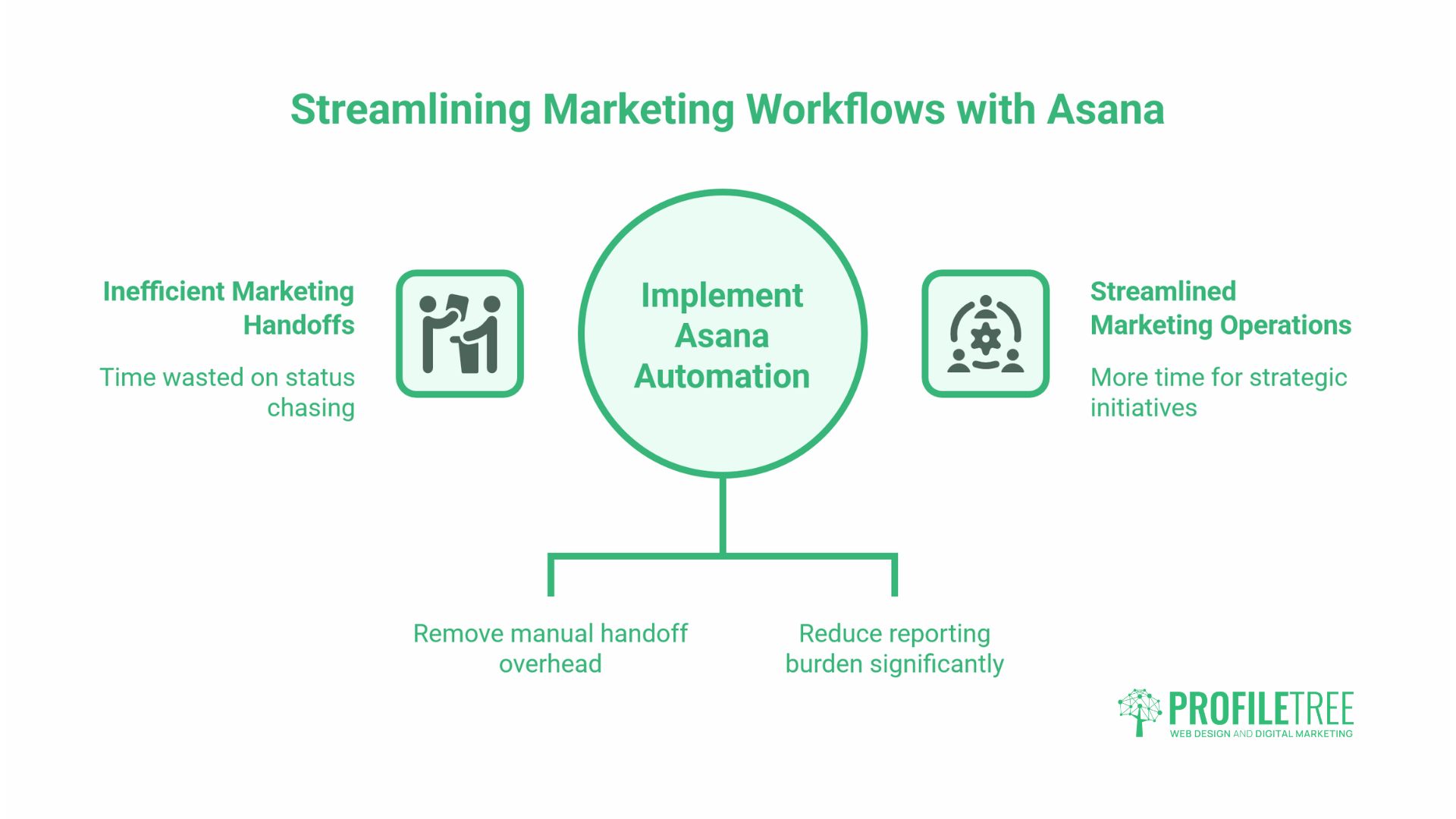
Repetitive handoffs and status-chasing consume a disproportionate amount of marketing time. Asana’s automation features are designed to remove that overhead, and its AI tools are beginning to reduce the reporting burden on top of that.
Rules and the Workflow Builder
Asana’s Rules feature automates transitions between workflow stages. A rule can be as simple as: “When a task is marked complete in the Creative Production section, move it to the Approvals section and assign it to [name].” This removes the manual handoff step that teams frequently forget.
The Workflow Builder (available on Business plans) lets you design these automations visually by combining triggers, conditions, and actions. For a content marketing workflow, a practical set of rules might include:
- When a brief task is approved, automatically create a set of subtasks for the writer (research, draft, proofread, SEO check)
- When all subtasks are complete, move the parent task to the review stage
- When a task is marked “Changes Requested,” notify the original assignee
This kind of automation reduces the time spent chasing status updates and removes the possibility of tasks sitting unnoticed in the wrong stage.
Asana’s AI Features
Asana has introduced AI-assisted features, including smart task summarisation, goal tracking assistance, and workload forecasting. For marketing teams, the most practical current application is using AI summaries to generate status updates from task activity, useful when reporting to stakeholders who need a high-level view without reading individual task histories.
AI tools within Asana complement, rather than replace, the structured workflow underneath. As ProfileTree’s AI implementation work with SMEs consistently shows, the value of AI in business operations depends on having clean processes for it to operate on. If your campaign workflow is disorganised, AI features speed up the chaos rather than reducing it.
Asana Integrations That Matter for UK Marketing Teams
Asana integrates with the tools most UK marketing teams already use. The integrations worth setting up early:
Slack: Connect Asana to Slack so that task assignments, due date changes, and approvals trigger channel notifications. This keeps Slack as the communication layer and Asana as the work layer, without forcing teams to constantly check both.
Google Workspace / Microsoft 365: Attach Docs, Sheets, or SharePoint files directly to Asana tasks. Keeps assets and briefs in one place without duplicating storage.
Outlook and Gmail: Convert emails into Asana tasks without leaving your inbox. Useful for client briefs or email feedback that needs to be tracked.
Buffer, Hootsuite, or Later: While Asana does not natively publish social content, you can use it to manage the creation and approval process, then use your scheduling tool for publication. The free social media tools available to UK teams integrate cleanly with this two-platform approach.
Zapier or Make: For custom integrations not available natively, both platforms connect Asana to hundreds of other tools. Useful for connecting Asana to CRM platforms or marketing analytics tools.
Asana for SEO and Content Marketing Workflows
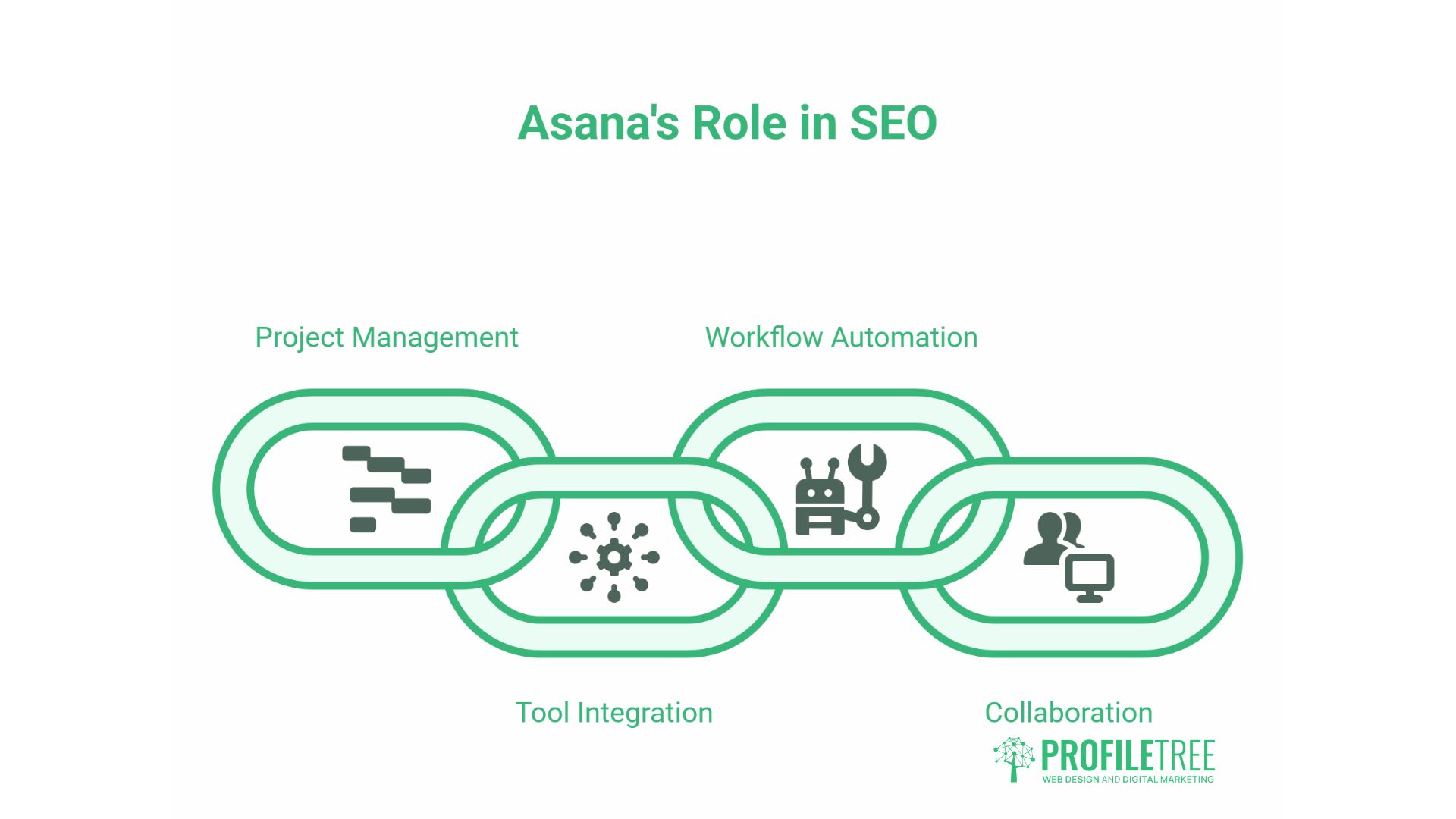
For agencies and in-house teams managing SEO programmes, Asana works well as a project layer on top of specialist SEO tools. A typical SEO content workflow in Asana might look like this:
- Keyword research task assigned to SEO lead, with subtasks for target keyword, search volume, and competitor mapping
- Brief creation task assigned to the content strategist, referencing the keyword research output
- Draft task assigned to writer, with deadline and word count noted in custom fields
- SEO review task assigned to SEO lead (checking keyword integration, internal links, metadata)
- Editorial review task assigned to the editor
- Publishing task assigned to the web team, with the live URL noted on completion
Each stage is dependent on the previous one. No task moves forward until the prior approval is logged. The result is a content production process that is transparent, trackable, and consistent across every piece of output; this matters when you are producing content at scale.
The query “asana for seo company” appears in ProfileTree’s internal search data for this page, indicating genuine commercial interest in this use case. An SEO agency using Asana gains the same visibility into their production workflow that they would expect their clients to have into campaign performance.
Asana Pricing for UK Teams
Asana offers four plans. In GBP (pricing subject to change; verify current rates at asana.com):
| Plan | Best For | Key Marketing Limitations |
|---|---|---|
| Free | Solo users or very small teams | No Timeline view, no custom fields, no Approvals |
| Starter | Small teams up to 10 | Timeline, basic automation, custom fields |
| Advanced | Growing teams | Portfolios, advanced automation, Workload view |
| Enterprise | Large organisations | Advanced admin, data residency options |
For most SME marketing teams, the Starter plan is the minimum viable option; the absence of Timeline view on the free plan makes campaign management genuinely difficult. Agencies managing multiple client projects will find the Portfolio feature in Advanced plans worth the cost.
The “asana for marketing teams” and “asana campaign management” queries in this page’s search data both suggest users at the evaluation stage. The honest answer: Asana is not the cheapest option, but for teams that use it effectively, the time saved on coordination quickly justifies the cost.
Conclusion
Asana for marketing is not a magic fix for a broken process, but it is a genuinely effective tool for teams ready to make their processes visible. The move from email and spreadsheets to a structured platform requires a short period of discipline; the payoff is a marketing operation where nothing is lost between people and every campaign has a traceable history.
For SMEs in Northern Ireland, Ireland, and the UK looking to run marketing more professionally, or agencies wanting to improve how they collaborate with clients, the investment is modest relative to the time it recovers. If you would like support building digital marketing workflows or training your team on project management tools, get in touch with ProfileTree.
FAQs
Is Asana good for marketing teams?
Yes, particularly for teams managing multiple campaigns, content streams, or client accounts simultaneously. Its value increases with team size and campaign complexity. Sole traders or very small teams may find it more structured than they need.
How do I create a marketing calendar in Asana?
Create a project for your content or campaign calendar and switch to Calendar view. Each task represents a piece of content or a campaign deliverable, with its due date determining where it sits on the calendar. Add custom fields for content type, channel, and status to make filtering easier.
What is the best project management tool for marketing?
Asana is a strong choice for marketing teams because it handles both simple task lists and complex multi-stage workflows. Monday.com and Trello are alternatives with different strengths: Monday.com offers more visual dashboards, and Trello is simpler but less powerful for dependency management. The best tool is the one your team will actually use consistently.
How much does Asana cost for a marketing team?
The free plan covers basic task management but lacks the Timeline view and Approvals, both of which are important for marketing work. The Starter plan is the minimum practical option for most marketing teams. Check asana.com for current GBP pricing, as rates change.