
Trello for Marketing: Guiding UK SMEs and Agencies
Table of Contents
If you’re managing marketing campaigns on spreadsheets, shared documents, and group chats, you already know what it costs you: missed deadlines, duplicated work, and zero visibility into what’s actually moving forward. Trello for marketing solves this by giving your entire workflow a visual home, from the first campaign idea through to the published post and the follow-up report.
This guide walks through how to set up and use Trello for marketing project management, with practical board structures, automation rules, and real context for UK and Irish SMEs. It also covers where the tool’s limits lie, and what to do when you need more than a well-organised board.
Why Trello Works for Marketing Project Management
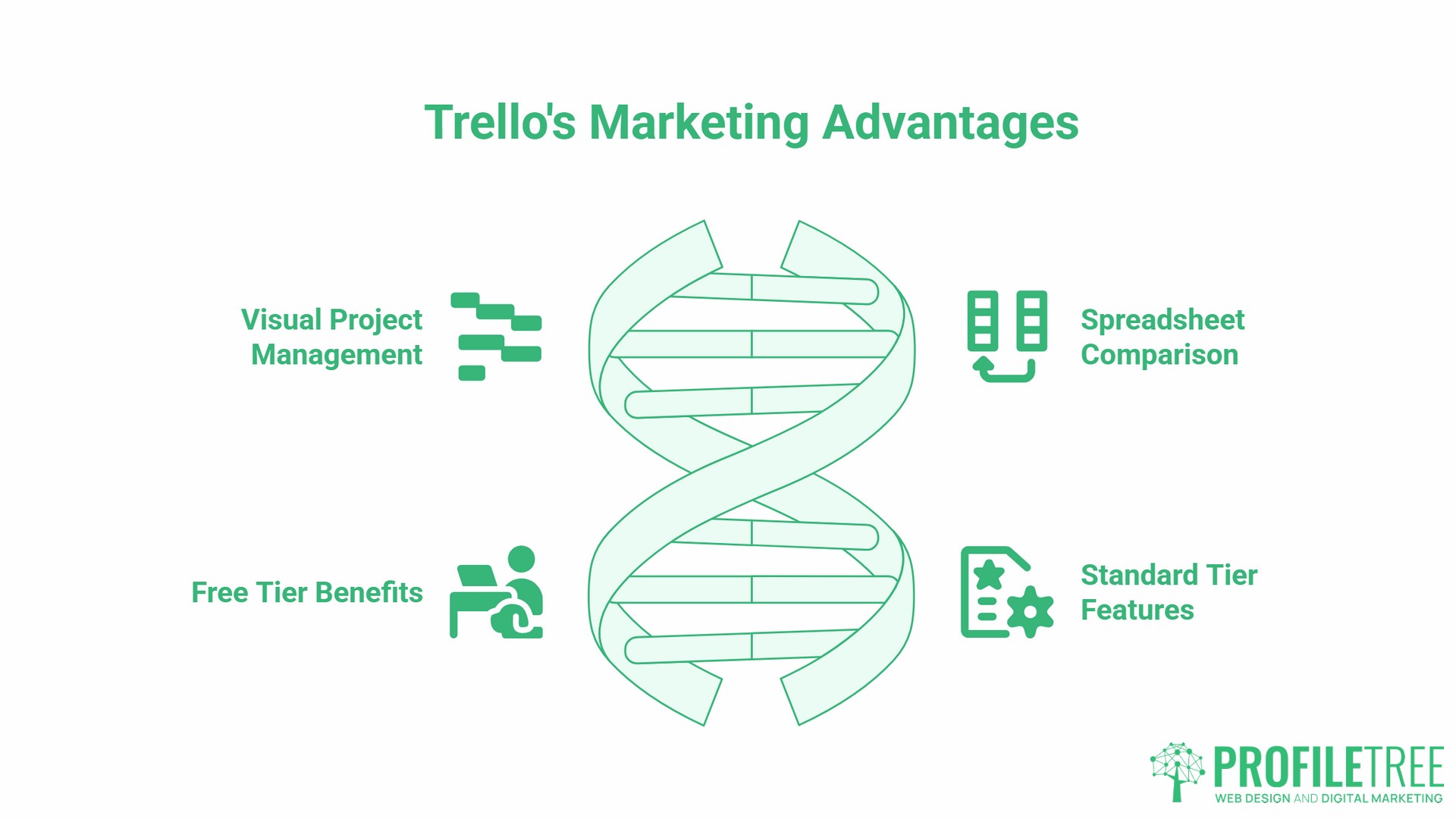
Trello is a visual project management tool built around boards, lists, and cards. For marketing teams, that structure maps naturally onto how campaigns actually work: tasks move through stages, multiple people need visibility, and nothing should fall through the gaps between a briefing meeting and a publish date.
The Case for Trello Over Spreadsheets
A shared spreadsheet can track tasks, but it cannot show you at a glance what is blocked, who is overloaded, or whether this week’s content is on schedule. Trello’s board view gives you that picture immediately. Cards move across columns as work progresses, colour labels signal priority or campaign type, and due date alerts prevent anyone from missing a deadline because they forgot to check row 47 of a Google Sheet.
For small businesses and marketing teams in Northern Ireland, Ireland, and the UK, the free tier is a serious option. It supports unlimited cards, ten boards per workspace, and enough Power-Ups to run a functional content operation without spending a penny. The limit that catches most teams is not the board count. Free workspaces cap at ten collaborators, and because Trello bills per seat, adding an eleventh person means buying a seat for every member, not just the newcomer.
A five-person marketing team will run on Free for a long time. A team that keeps pulling in freelancers will not. The Standard plan adds unlimited boards, custom fields, and more advanced automation. Most SMEs will find the free tier sufficient to get started, with a clear upgrade path as the team grows.
Trello Free vs Standard vs Premium for Marketing Teams
| Free | Standard | Premium | |
|---|---|---|---|
| Boards | Up to 10 | Unlimited | Unlimited |
| Collaborators | Up to 10 | Per seat | Per seat |
| Custom fields | Not included | Included | Included |
| Butler automation | 250 runs/month | 1,000 runs/month | Unlimited |
| Attachment size limit | 10MB per file | 250MB per file | 250MB per file |
| Advanced checklists | Not included | Included | Included |
| Timeline / Calendar / Dashboard views | Not included | Not included | Included |
| Guest access | Single board only | Multi-board | Multi-board |
Standard is $5 per user per month billed annually, or $6 on monthly billing. Premium is $10 annually, or $12.50 monthly. Trello prices in US dollars, so your actual cost moves with the exchange rate. For most SMEs running one to three active campaigns, the free tier covers everything in this guide. Custom fields become worth paying for once you need to track spend per campaign card or manage multiple clients across separate boards.
Setting Up Your Marketing Board: The 5-List Framework
The most common mistake in Trello for marketing is building a board that mirrors how you think rather than how work actually moves. A five-list structure keeps things simple and scalable.
The Standard Marketing Workflow in Trello
Set up your lists in this order:
- Backlog / Ideas: everything that has been proposed but not yet scheduled. Campaign concepts, content briefs, social media angles, and channel ideas all land here first.
- In Progress: tasks that are actively being worked on right now. If a card sits here for more than a week without moving, it needs attention.
- Review / Approval: content or assets waiting for sign-off. This is where blog drafts, social posts, ad creatives, and email copy pause before publishing.
- Scheduled: approved work that has a confirmed publish or launch date. Cards here should have a due date attached.
- Done: completed tasks. Archive this list at the end of each month rather than letting it fill up indefinitely.
What Goes on a Card
Each card represents one discrete task. A well-built card for a content marketing task would include: a clear title (the piece of content, not a vague description), a checklist covering each production step, the assigned team member, a due date, and any relevant attachments such as a brief document or brand asset. Labels can mark the channel (blog, email, social), the campaign name, or the priority level.
For example, a card titled “May Bank Holiday Instagram Post” would carry a label for Social Media, a label for High Priority, a due date of the day before the holiday, a checklist covering copywriting, image creation, and scheduling, and the name of the team member responsible for each step.
Three Trello Marketing Blueprints for UK Teams
These three board structures cover the most common Trello for marketing use cases for SMEs. Each can be copied and adapted without starting from scratch.
The Editorial and Content Calendar Board
This board manages all content production across channels. Lists run by publication date rather than workflow stage: Week 1, Week 2, Week 3, Week 4, and a Backlog column for future ideas.
Each card represents one piece of content. A blog post card would include the target keyword, a link to the brief, the assigned writer, the editor, the draft due date, and a separate publication due date. Labels distinguish between content types: Blog, Email, Social, Video.
For UK teams, this is where regional calendar awareness matters. UK marketing holidays differ from US ones, and a content calendar that does not account for Mothering Sunday (March, not May), Boxing Day promotions, or August Bank Holiday timing will produce content that lands at the wrong moment. Adding a recurring card for each UK public holiday at the start of the quarter takes five minutes and prevents last-minute scrambles.
If your team handles content marketing across multiple channels simultaneously, a dedicated editorial board like this is the single most effective way to maintain a consistent publishing schedule without constant check-ins.
The Multi-Channel Campaign Launch Board
This board manages one campaign from brief to results. Lists follow the campaign lifecycle: Brief, Creative Development, Approvals, Live, and Review.
The Brief list holds one card per campaign asset: the landing page, the email sequence, the paid ads, the social posts, and the supporting blog content. Each card carries a checklist of production steps and the name of the person responsible. When all checklist items are complete and the card has been reviewed, it moves to Approvals.
The Review list at the end of the board is where you record results: click-through rates, conversion numbers, and budget spend against the target. Using a custom field for spend (available on the Standard plan) means your campaign ROI is visible on the board itself rather than buried in a separate spreadsheet.
For teams running digital marketing strategy across paid and organic channels, this board structure gives everyone a single source of truth for where a campaign stands at any point.
The SME Lead Generation Board
This board uses Trello as a lightweight pipeline tool for lead generation campaigns. It is not a CRM replacement, but for a small business tracking inbound leads from a specific campaign, it serves the purpose without a monthly software subscription.
Lists represent funnel stages: New Lead, Contacted, Proposal Sent, Negotiating, Won, and Lost. Each card represents a lead, including contact details, the source channel, and a note on the last interaction. Due dates prompt follow-up actions.
Important caveat for UK businesses: do not store detailed, personally identifiable information on Trello cards if you are operating under UK GDPR. Names and company names are generally low risk, but email addresses, phone numbers, and any data that could identify an individual directly should be held in a compliant CRM system. Trello’s data is hosted on Atlassian’s servers; review the data residency guidance below before deciding where to store data.
Automation with Butler: Saving Time on Repetitive Tasks
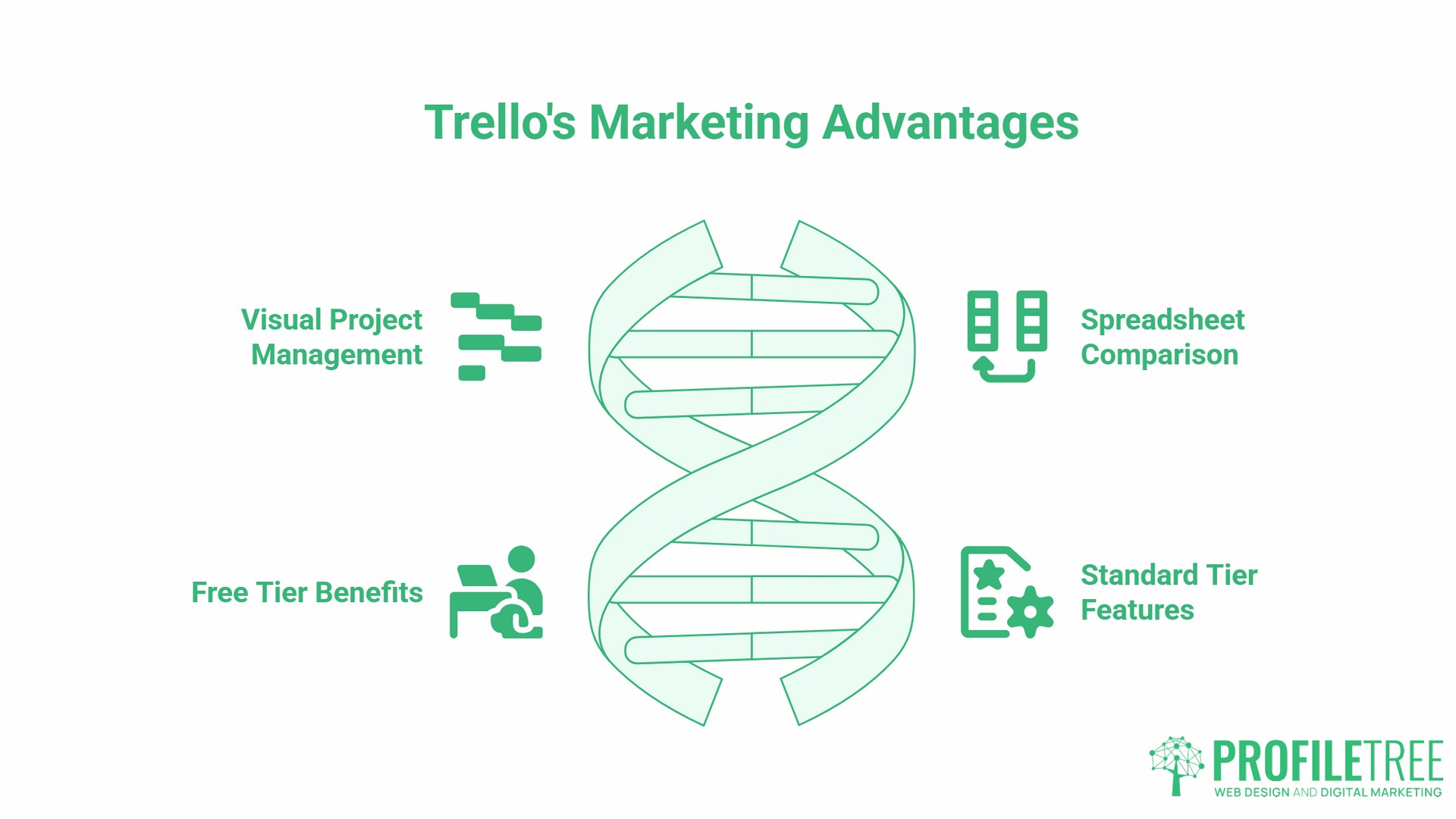
Butler is Trello’s built-in automation tool. For marketing teams, the most useful application is not complex workflows but simple trigger-based rules that remove the manual steps that slow a team down.
Four Butler Rules Worth Setting Up
- Move and notify on approval. When a card is moved from In Progress to Review, Butler automatically assigns it to the approver and posts a comment tagging them. Nobody needs to send a separate message to say “this is ready for you.”
- Set a due date reminder on scheduling. When a card enters the Scheduled list, you can configure a Butler rule to send a due date reminder at a specified interval before the publish date, for example, 24 hours in advance. The assigned team member receives the alert automatically once the rule is active, without anyone needing to chase it manually.
- Archive completed cards. At the end of each month, Butler moves all cards in the Done list to an archive board. The working board stays clean. The archive board holds the record.
- Label by channel on creation. If a card title contains the word “Instagram” or “LinkedIn,” Butler automatically applies the corresponding channel label. Small save, but it adds up across a busy content calendar.
Butler’s free tier allows 250 automation runs per month. For a team publishing four to five pieces of content per week, that covers most routine automations without hitting the limit.
Trello for UK Marketers: GDPR, Currency, and Regional Context
Most Trello guides are written for a US audience and ignore the practical differences that matter to UK and Irish marketing teams. Three areas deserve direct attention.
GDPR and Data Handling
If you are using Trello to manage lead generation campaigns or store any information about prospects or customers, UK GDPR applies. The core principle is straightforward: collect only the data you need, store it securely, and do not retain it longer than necessary.
In practice for Trello users, this means keeping personally identifiable information off card descriptions where possible, using card titles that identify the task rather than the individual, and avoiding the habit of pasting email lists or contact details into card attachments. For anything beyond a first name and company, use a dedicated CRM with proper data controls.
Atlassian publishes its data processing agreements and security documentation publicly. Note that data residency, which lets you pin your workspace data to a specific region, is an Enterprise-plan option and carries an additional fee. Free, Standard and Premium users cannot choose where their data sits.
Atlassian hosts Trello on AWS with the data defaulting to the United States for most accounts, with EU pinning available only under an Enterprise agreement. If your business needs to demonstrate GDPR compliance to clients or during an audit, review Atlassian’s Trust and Security resources and factor in your workspace’s plan tier before making any commitments about data location.
Tracking Budget in Trello
Budget tracking in Trello is possible on the Standard plan using custom fields. Add a custom field called “Budget” and a second field called “Actual Spend” to every campaign card, using your local currency. At the end of a campaign, both figures are visible on the card without opening a separate document.
This does not replace proper financial reporting, but for a marketing manager who needs a quick view of spend across active campaigns, it works. For more detailed budget reporting, export your Trello data and pull it into Looker Studio alongside your channel performance data.
UK Calendar and Regional Considerations
UK marketing runs on a different calendar from the US content guides your team probably reads. The practical differences include: eight bank holidays per year in England and Wales (with Scotland and Northern Ireland each observing a slightly different set) that affect email open rates and social engagement, Mothering Sunday falling in March rather than May, a distinct end-of-tax-year promotional period in March, and summer holiday patterns concentrated in late July and August rather than across the full summer.
Building these into your editorial calendar board at the start of each quarter, as recurring cards labelled “UK Seasonal,” gives your team a visible prompt before each event rather than a last-minute reminder.
Power-Ups Every Marketing Team Should Know
Power-Ups extend Trello’s functionality. The free tier includes unlimited Power-Ups per board; the features themselves vary by the Power-Up provider.
- Calendar. Displays all cards with due dates on a calendar view. For editorial planning, this is the closest Trello gets to a proper content calendar view without a third-party tool.
- Google Drive. Attaches Drive files directly to cards. Brief documents, brand assets, and completed copy drafts link to the relevant card rather than being shared separately. Version control stays with Google Drive; the Trello card carries the link.
- Planyway. A third-party Power-Up that adds a timeline view to Trello boards. Worth knowing on Free and Standard, where Timeline is not available natively. Premium subscribers already have Timeline built in and do not need this.
- Slack. Posts notifications to a Slack channel when cards are moved, due dates approach, or comments are added. Useful for distributed teams where not everyone logs into Trello daily.
For teams that are new to managing digital projects and want a structured introduction to tools like these, ProfileTree’s digital training programmes cover practical project management alongside broader marketing skills.
When Trello Is Not Enough: Moving from Management to Strategy
Trello for marketing is excellent at one thing: showing you what is happening with your tasks. It does not tell you whether those tasks are the right ones, whether your content strategy is working, or whether your campaigns are producing a return.
A well-organised Trello board can give a false sense of progress. Cards moving from In Progress to Done look productive. Whether those cards move a business closer to its marketing goals is a different question entirely, and one that Trello cannot answer.
As Ciaran Connolly, founder of ProfileTree, puts it: “Organising a bad plan in Trello just helps you fail faster. The tool is only as good as the strategy behind it.”
This is the gap that most SMEs hit between six and twelve months into serious use of Trello. The operational side is under control. The strategic side, which keywords to target, which channels to prioritise, and how to build content that actually ranks and converts, remains guesswork.
That is where ProfileTree’s digital marketing strategy services become relevant. The practical work of execution sits in Trello. The thinking behind what to execute, and how to measure whether it is working, sits in a proper strategy built around your business, your audience, and your market.
For teams producing video content as part of their campaigns, the same principle applies. A Trello board can efficiently manage a video production schedule. Whether that video is optimised for YouTube search, structured for audience retention, and promoted effectively is a question of video marketing strategy rather than project management.
Frequently Asked Questions
Is Trello good for marketing teams?
Yes, specifically for teams that need visual task management and are running multiple campaigns or content streams simultaneously. Trello works best when tasks are clearly defined, move through predictable stages, and need to be visible to several people at once. It is less suited to complex dependency management or detailed financial reporting, both of which require dedicated tools.
How do I use Trello as a marketing CRM?
You can use Trello as a lightweight pipeline tool for a specific lead generation campaign by setting up lists as funnel stages (New Lead, Contacted, Proposal Sent, Won, Lost) and cards as individual leads. This works for small volumes of leads from a single campaign. It is not a replacement for a proper CRM for ongoing contact management, because Trello lacks automation rules for follow-up sequences, email integration, and the reporting that a CRM provides. For a startup tracking ten to fifteen leads from a single campaign, it is a reasonable short-term approach.
Is Trello GDPR compliant for UK marketing data?
Trello can be used in a GDPR-compliant way, but the compliance responsibility lies with your organisation. Avoid storing personally identifiable information such as email addresses or phone numbers in card descriptions or attachments. Note that data residency is an Enterprise-only option with an additional fee. On Free, Standard and Premium the data sits in Atlassian’s cloud with no regional control, defaulting to the United States for most accounts. For anything beyond names and company details, use a dedicated CRM with a signed Data Processing Agreement.
Can I track marketing budgets in Trello?
Yes, using custom fields on the Standard plan. Add a “Budget” field and an “Actual Spend” field to campaign cards to track planned versus actual spend per task in your local currency. This gives a quick view across active campaigns without opening a spreadsheet. For full budget reporting and ROI analysis across channels, export your data to a reporting tool such as Looker Studio.
How many Trello boards does a marketing team need?
Start with two: one master board covering all active campaigns at a high level, and one dedicated board per active campaign or content stream. The master board gives leadership and clients a status overview. The project boards give the team their working environment. As you add more campaigns, add boards rather than cramming everything onto one. Keep archived boards separate from active ones to avoid clutter.
Can Trello create Gantt charts?
Trello has no view labelled “Gantt”, but Premium includes a Timeline view that does the same job, displaying cards on a horizontal timeline against their due dates. On Free and Standard the closest equivalent is the Planyway Power-Up, which adds timeline functionality from a third party. Weigh that against the Premium upgrade before committing: if you need Timeline alongside Calendar and Dashboard views, paying Trello directly is usually simpler than managing another subscription. For complex multi-project timelines with dependency management, a dedicated project management tool is better suited than either.
What is the best Trello board structure for content marketing?
A weekly editorial calendar board with lists organised by publication week works well for most content teams. Within each weekly list, cards represent individual pieces of content and carry a label for channel (Blog, Email, Social, Video), an assigned team member, and a due date. A Backlog column at the far left holds future ideas. A Done column at the far right holds completed pieces before monthly archiving. Add UK public holidays as recurring cards at the start of each quarter to keep seasonal planning visible.