
PowerVision S1 review for business video
Table of Contents
The PowerVision S1 is a compact three-axis phone gimbal (a motorised handle that holds a phone steady) that folds to pocket size, runs for up to 15 hours and charges your phone as you film. This PowerVision S1 review, from the video team at ProfileTree in Belfast, judges it as a tool for business owners filming their own content.
ProfileTree is a Belfast web design and digital marketing agency, founded in 2011 and based at the McSweeney Centre. We film our own YouTube channels and client work, so this review looks at the S1 the way a business owner would: as a way to film more without hiring a crew, and as a step before deciding whether to pay for video production Belfast businesses use on their websites.
PowerVision S1 specifications at a glance
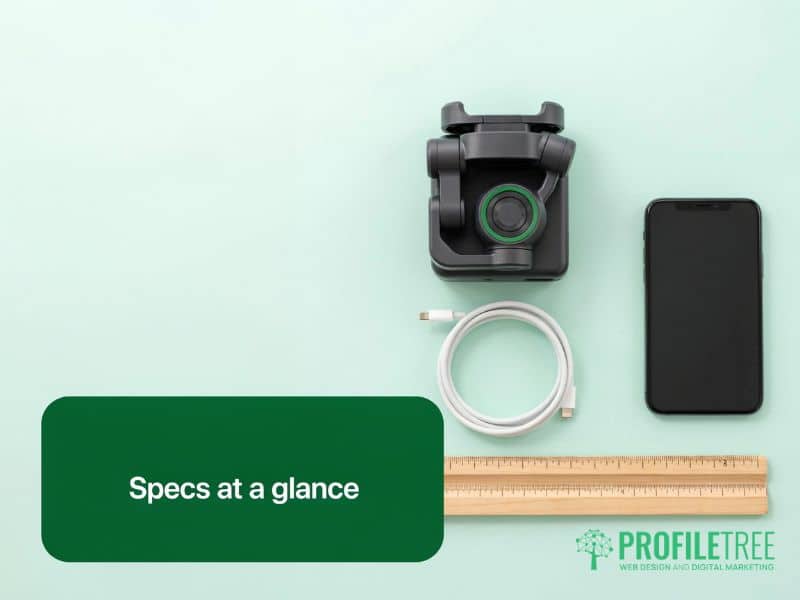
The S1 is light, folds to roughly the size of a large phone, and carries a battery big enough to charge a phone as well as run its own motors. The figures below come from retailer specification listings and independent reviews of the S1.
| Specification | PowerVision S1 |
|---|---|
| Weight | 298g |
| Folded size | About 141 x 58 x 28mm |
| Phone width | 66 to 84mm |
| Phone length | Up to about 163mm |
| Stabilisation | Three axes (tilt, roll and pan) |
| Battery life | Up to 15 hours |
| Charging time | About 2 hours |
| Phone charging | Wireless, at up to 10W |
| Companion app | Vision+ S1, for iOS and Android |
| Colours | Black, blue and green |
Three-axis stabilisation means a motor corrects each direction in which a hand wobbles, and those small movements are what make handheld phone footage look shaky. The S1 also has fold-out legs that turn it into a small tripod, plus a standard tripod thread in the base of the handle for steadier static shots.
Design, setup and battery life
The S1’s main strength is how little room it takes up. Folded, it fits in a coat pocket or a small bag, so it is far more likely to come along to a site visit or an event than a gimbal that needs its own case.
The phone attaches with a magnetic mount in place of the spring clamp most gimbals use. A magnetic plate sits on the back of the phone, or its case, and the phone then clicks onto the gimbal head. Kits differ between retailers, so check what is in the box when ordering.
Battery life is the S1’s strongest specification. The listed figure of up to 15 hours assumes a balanced phone and light work for the motors, so expect less with a heavy phone, cold weather, or long periods of tracking. Most business shoots run to an hour or two, which leaves plenty in reserve. The handle also charges a phone wirelessly at up to 10W, which matters on a long day because the phone is usually the first thing to go flat. Charging the phone draws on the same battery, so the gimbal’s own running time falls when you use it.
The trade-off for the compact fold is the handle. It is squared off so that it folds flat, which makes it less comfortable to hold for long periods than a contoured grip.
Which phones fit the PowerVision S1
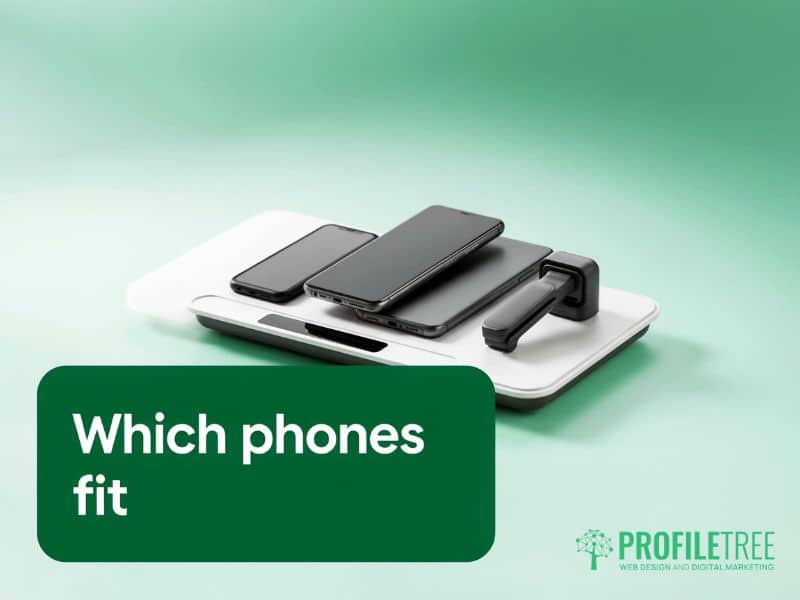
Most current phones fit the S1, although the heaviest models in a thick case sit close to its limit. Retailer specifications give a phone width of 66 to 84mm and a length of up to about 163mm for the magnetic mount.
Weight matters more than size. A gimbal’s motors are tuned for a range of phone weights, and a phone near the top of that range struggles to return to centre after a fast pan. Retailer listings for the S1 give a lower load figure than PowerVision’s own user manual, so weigh your phone in its case and check it against the manual before you buy. Large flagship phones of 220g or more, once a case is added, are the ones to check most carefully.
For a business buying for a team, pick the gimbal around the phones people actually carry. If staff use different handsets, a gimbal with a wider published weight range, such as the DJI model compared below, is the easier choice.
The Vision+ S1 app on iPhone and Android
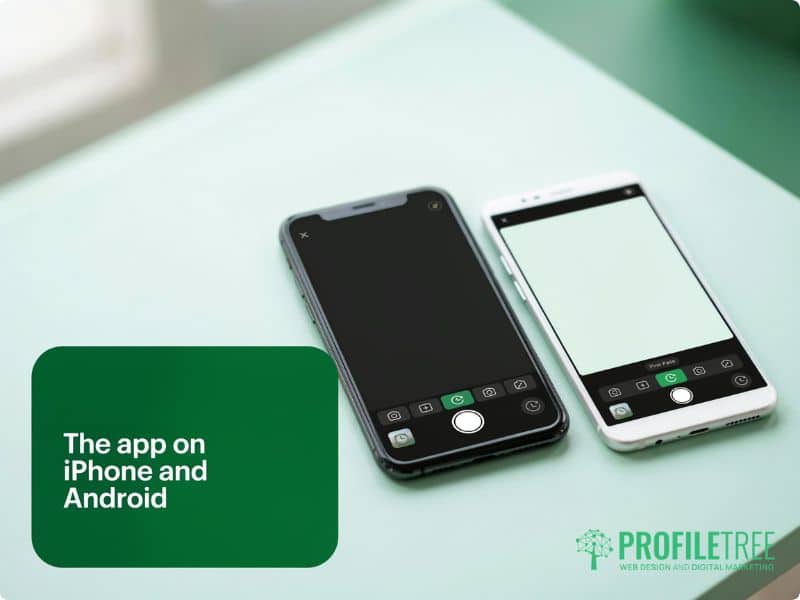
The S1 steadies a phone on its own, and PowerVision’s Vision+ S1 app adds the extra modes. These include time-lapse, motion time-lapse (a time-lapse in which the gimbal pans slowly during the shot), panoramas, and the settings for tracking.
The app is published for both iOS and Android. The independent reviews we checked tested it on iPhone, so there is less published evidence about how it behaves on Android handsets. If you use Android, read the most recent reviews in the Google Play Store and check when the app was last updated, because its additional features are only as dependable as the app that runs them.
AI tracking for business owners filming alone
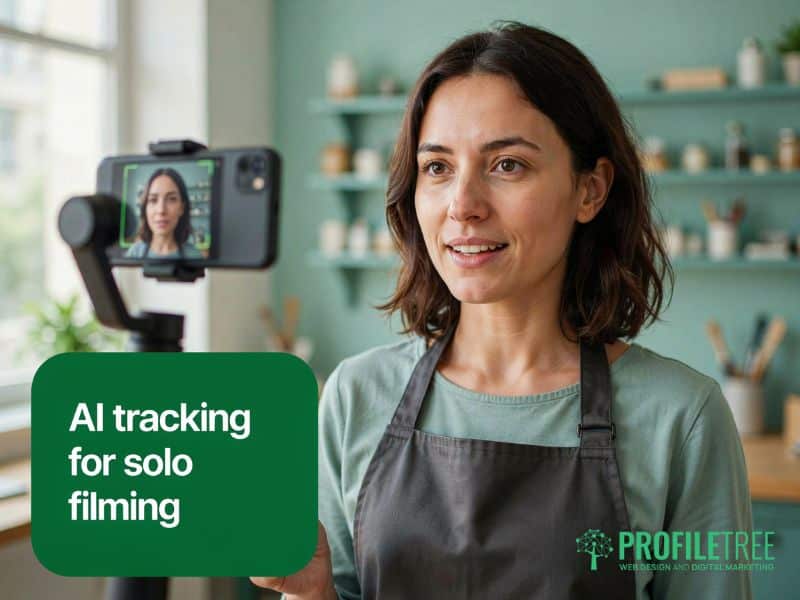
AI tracking is the feature most likely to change what one person can film without help. Once tracking is switched on, the gimbal turns to follow a face or object, which keeps a presenter in frame as they move around a workshop or a showroom.
Hand gestures let you start and stop recording, and take a photo, while standing in front of the camera. That removes the walk back to the phone between takes, which is the step that makes filming on your own slow.
For a talking-head video (a person speaking straight to camera), tracking matters less than you might expect, because the presenter usually stays in one place. It earns its keep on walk-and-talk content and product demonstrations, where the subject moves and nobody is standing behind the camera.
How the S1 compares with the DJI Osmo Mobile 8
The DJI Osmo Mobile 8, announced in November 2025, is the obvious alternative to the S1. The S1 is lighter and runs for longer, while the Osmo Mobile 8 supports a wider range of phone weights and adds a full 360-degree pan and an extension rod. The DJI figures come from the Osmo Mobile 8 specification page.
| Feature | PowerVision S1 | DJI Osmo Mobile 8 |
|---|---|---|
| Weight | 298g | About 370g, with tripod and module |
| Phone weight | Check the user manual | 170 to 300g |
| Phone width | 66 to 84mm | 67 to 84mm |
| Battery life, ideal conditions | Up to 15 hours | About 10 hours |
| Battery life with tracking on | Not published | About 5 hours |
| Charges the phone | Yes, wirelessly at up to 10W | Yes |
| Built-in tripod | Yes | Yes |
| Built-in extension rod | Not listed | Yes, up to 215mm |
| Pan range | 150 degrees | 360 degrees, continuous |
| App | Vision+ S1 | DJI Mimo |
The battery difference is the clearest reason to choose the S1. Anyone filming across a full day of site visits can leave the charger at home, and the lightweight, pocket-sized fold points the same way.
The Osmo Mobile 8 suits a team with mixed or heavy phones, since its published weight range reaches 300g. The extension rod helps with overhead shots at busy events, and the continuous pan lets tracking follow someone who walks all the way round the camera. DJI also publishes runtimes with tracking switched on, which makes a day’s filming easier to plan. Prices for both change with retailer stock, so compare current UK prices at the time you buy.
What a gimbal will not fix in business video
A gimbal solves one problem, which is shaky footage. The things that decide whether a business video brings in enquiries sit elsewhere, and most of them cost little to put right.
We would spend money on sound before a gimbal, because the S1 does nothing for audio. A lapel microphone (a small clip-on mic) that plugs into the phone, or a wireless pair, makes a bigger difference to a talking-head video than any stabiliser. Light comes next, and filming facing a window does more for a phone camera than new kit.
The content itself needs a clear purpose, along with a title and description written the way a customer would search. Our guide to video production essentials for YouTube covers planning, filming and editing in more depth, and the guide to filming for mobile viewers first covers vertical formats for social media.
Ciaran Connolly, founder of ProfileTree, puts it this way: “A video is the fastest way to show a customer who they are dealing with, and for a local business in Belfast that is worth more than any amount of copy. A gimbal keeps the picture steady, and the rest comes down to the person in front of the camera. Keep it short and true, with a real person on screen; that is the brief for most of the video production ProfileTree does.
When to film in-house and when to hire a video team
Film in-house when you need volume and speed, and hire a video team when one video has to represent the business for years. A phone on a gimbal with a small lapel mic handles the first case well, while the second needs the planning, lighting, sound and editing that kit alone does not provide.
In-house filming suits regular social media clips, behind-the-scenes posts, quick product demonstrations and short updates for customers. These go out often, date quickly and are judged on whether they feel authentic, so a business owner with an S1 can produce them at almost no cost per video.
Professional production suits the homepage video, a service explainer, a brand film or a case study with a client on camera. These pieces sit on the pages that win or lose enquiries and stay there for years, so the extra cost is spread over a long working life. Video production from ProfileTree starts at £1,200 plus VAT, with the final price set by the filming days and editing involved.
A mixed approach works for many SMEs (small and medium-sized enterprises): one professionally produced core video for the website, with regular in-house clips around it. If your team will film most of its own content, digital training built around your own channels is often a better first spend than more kit. Training starts at £350 plus VAT.
Getting help with video production
The next step depends on the kind of video you need. If you are filming your own social content, an S1 or a similar gimbal with a clip-on microphone is a sensible, low-cost setup. If you need a video that will sit on your website and represent the business long after it is filmed, ProfileTree produces business video from Belfast for clients across the UK and Ireland, and our video marketing service sets out how production and YouTube work fit together. We have more than 500 Google reviews with a 5.0 rating.
FAQs
1. Does the PowerVision S1 app work on Android?
Yes, the Vision+ S1 app is published for Android as well as iOS. The independent reviews we found tested it on iPhone, so there is less published evidence about how it performs on Android handsets. Before buying, read the latest Android reviews in the Google Play Store and look at the date of the last app update. You need the app for time-lapse, panoramas, and the tracking settings.
2. Which phones fit the PowerVision S1?
Phones 66 to 84mm wide and up to about 163mm long fit the S1’s magnetic mount, according to retailer specifications. Weight is the tighter limit. Retailer listings give a lower load figure than PowerVision’s own user manual, so weigh your phone in its case before ordering, then compare it with the manual. Heavy flagship phones in thick cases are the most likely to sit at the edge of the range.
3. Can the PowerVision S1 charge a phone while filming?
Yes, the handle charges a phone wirelessly at up to 10W while you film. Charging the phone uses the same battery that runs the motors, so the S1’s running time drops below its listed 15 hours when you do both. For a long event, start with the gimbal and the phone fully charged.
4. Do I need a gimbal if my phone has built-in stabilisation?
For walking shots and other moving footage, a gimbal still gives smoother results. Phone stabilisation largely works in software, cropping the image and correcting movement electronically, which can narrow the frame and soften footage in low light. A gimbal corrects movement physically with motors. For static shots, or a presenter standing still, the difference is small and a cheap tripod may be all you need.
5. Is the PowerVision S1 still sold in the UK?
Availability changes, so check UK camera retailers and the main online marketplaces at the time you buy. Buy from an authorised seller so that the manufacturer’s warranty applies. If you cannot find the S1 from a seller you trust, the DJI Osmo Mobile 8 is the closest current alternative and is stocked by major UK retailers.