
Website Maintenance Checklist: The Complete Guide
Table of Contents
Your website is like a high-performance vehicle – ignore maintenance and it will break down at the worst possible moment. After maintaining over 400 websites across WordPress, Shopify, and custom platforms, we’ve documented exactly what needs checking, when, and why. This isn’t generic advice – it’s the actual checklist our Belfast team uses daily to keep client sites secure, fast, and profitable.
Regular website maintenance isn’t just about preventing problems—it’s about protecting your business investment and ensuring maximum return. From security vulnerabilities to performance issues, the consequences of neglected maintenance can cost small businesses thousands in lost revenue and recovery expenses. Our comprehensive maintenance guide reveals exactly what you need to monitor daily, weekly, monthly, and annually to keep your digital presence running at peak efficiency.
The True Cost of Poor Maintenance
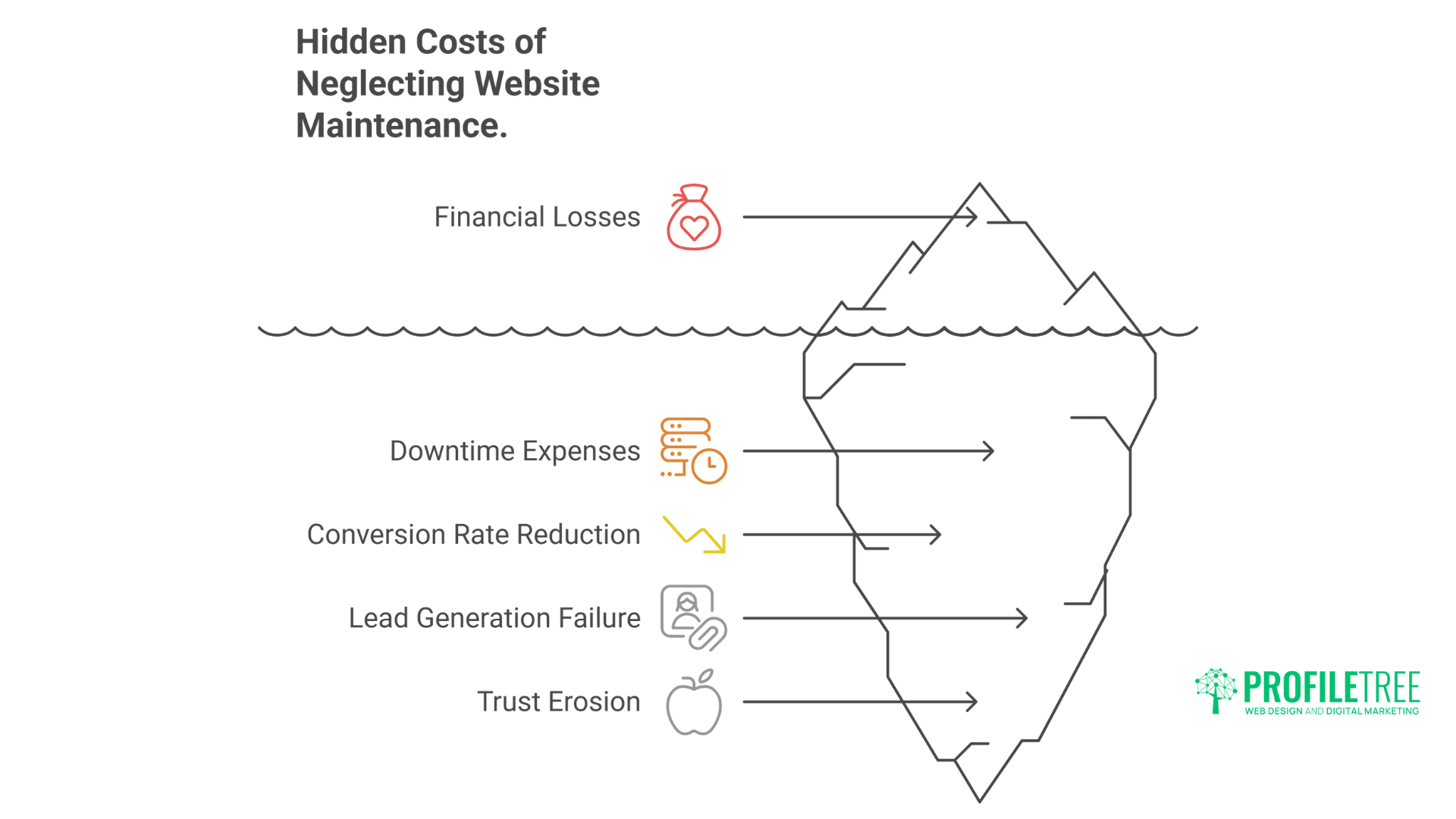
Before diving into checklists, understand what you’re preventing:
- Security breaches cost UK SMEs £8,460 on average per incident
- One hour of downtime costs £137-427 per minute for small businesses
- Slow loading reduces conversions by 7% per second
- Broken forms lose 68% of potential leads
- Outdated content damages trust within seconds
Regular maintenance isn’t optional – it’s business protection.
Daily Maintenance Tasks (5 Minutes)
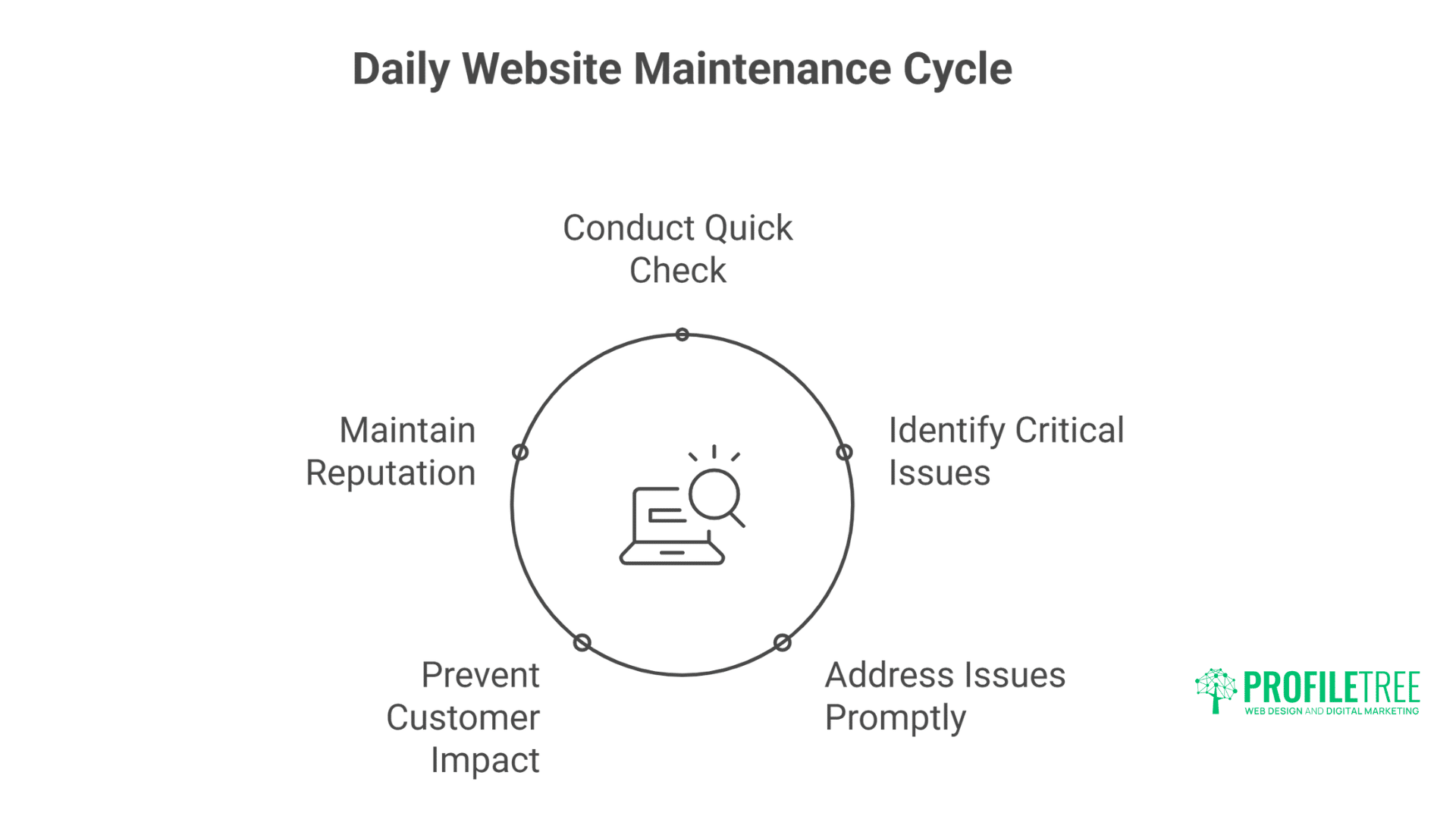
A quick five-minute daily check forms the foundation of effective website maintenance. These brief but crucial assessments catch critical issues before they affect your customers or damage your business reputation.
Morning Health Check
Every Platform Needs:
- [ ] Check website loads properly (homepage + key pages)
- [ ] Verify contact forms receive submissions
- [ ] Monitor uptime alerts (set up free monitoring)
- [ ] Check email notifications working
- [ ] Review security scan results
- [ ] Scan error logs for critical issues
E-commerce Specific:
- [ ] Test checkout process functions
- [ ] Verify payment processing is active
- [ ] Check inventory sync accuracy
- [ ] Monitor abandoned cart rates
- [ ] Review fraud detection alerts
These daily checks catch problems before customers do. Our monitoring services automate these checks, alerting you only when intervention’s needed.
Platform-Specific Daily Tasks
WordPress:
- [ ] Check for failed login attempts
- [ ] Review comment moderation queue
- [ ] Verify scheduled posts published
- [ ] Check plugin update notifications
Shopify:
- [ ] Review order processing queue
- [ ] Check app functionality
- [ ] Monitor theme update alerts
- [ ] Verify product sync status
Custom/HTML Sites:
- [ ] Monitor server resource usage
- [ ] Check database connection
- [ ] Review CDN performance
- [ ] Verify API integrations are active
Weekly Maintenance Tasks (30 Minutes)
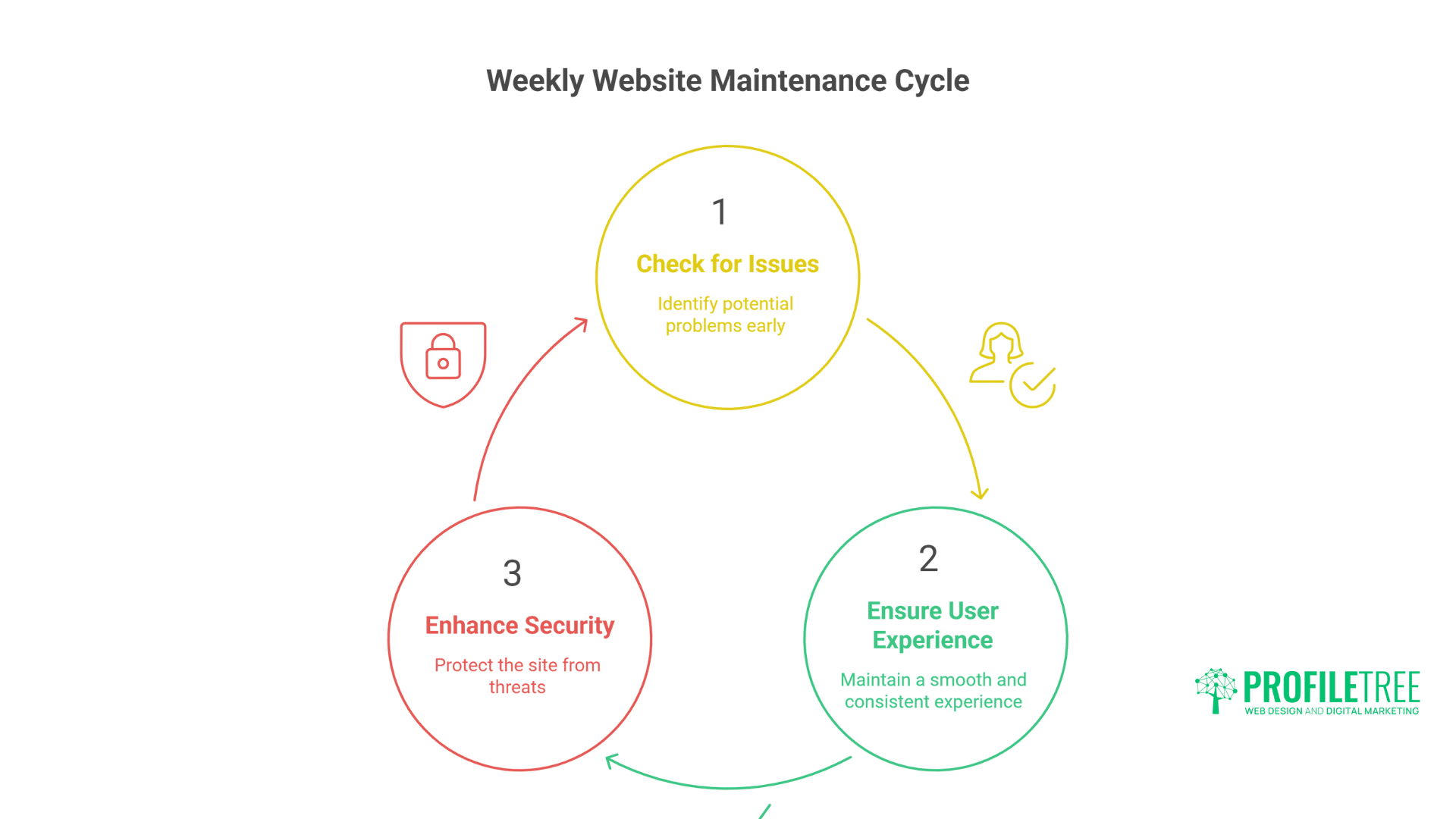
Weekly maintenance routines require just 30 minutes but deliver significant benefits to site health and performance. These regular check-ins catch issues early whilst ensuring consistent user experience and security protection.
Performance Optimisation
Universal Tasks:
- [ ] Run speed tests (Google PageSpeed, GTmetrix)
- [ ] Check Core Web Vitals scores
- [ ] Review mobile responsiveness
- [ ] Test site on different browsers
- [ ] Clear unnecessary cache files
- [ ] Optimise database (if applicable)
Content Review:
- [ ] Check for broken links (internal and external)
- [ ] Review 404 error pages
- [ ] Update outdated information
- [ ] Remove spam comments
- [ ] Check image optimisation
- [ ] Verify video embeds are working
Professional speed optimisation achieves what basic maintenance can’t – but weekly checks prevent degradation.
Security Scanning
Essential Security Checks:
- [ ] Run malware scan
- [ ] Check SSL certificate status
- [ ] Review user accounts and permissions
- [ ] Verify backup completion
- [ ] Check firewall logs
- [ ] Review security plugin reports
WordPress Security:
Weekly WordPress Security Checklist:
□ Update plugins (test on staging first)
□ Update themes (backup before updating)
□ Check for unauthorised admin users
□ Review file permissions
□ Scan for modified core files
□ Check .htaccess for suspicious code
Shopify Security:
Weekly Shopify Security Checklist:
□ Review staff account access
□ Check third-party app permissions
□ Verify payment gateway security
□ Review customer data access logs
□ Check for suspicious orders
□ Validate discount code usage
Analytics Review
Traffic and Engagement:
- [ ] Check Google Analytics for anomalies
- [ ] Review top landing pages’ performance
- [ ] Monitor bounce rate changes
- [ ] Track conversion rate trends
- [ ] Identify traffic source shifts
- [ ] Note any security warnings
SEO Health:
- [ ] Check Google Search Console for errors
- [ ] Review crawl issues
- [ ] Monitor keyword rankings
- [ ] Check for manual penalties
- [ ] Verify sitemap submission
- [ ] Review mobile usability reports
Monthly Maintenance Tasks (2 Hours)
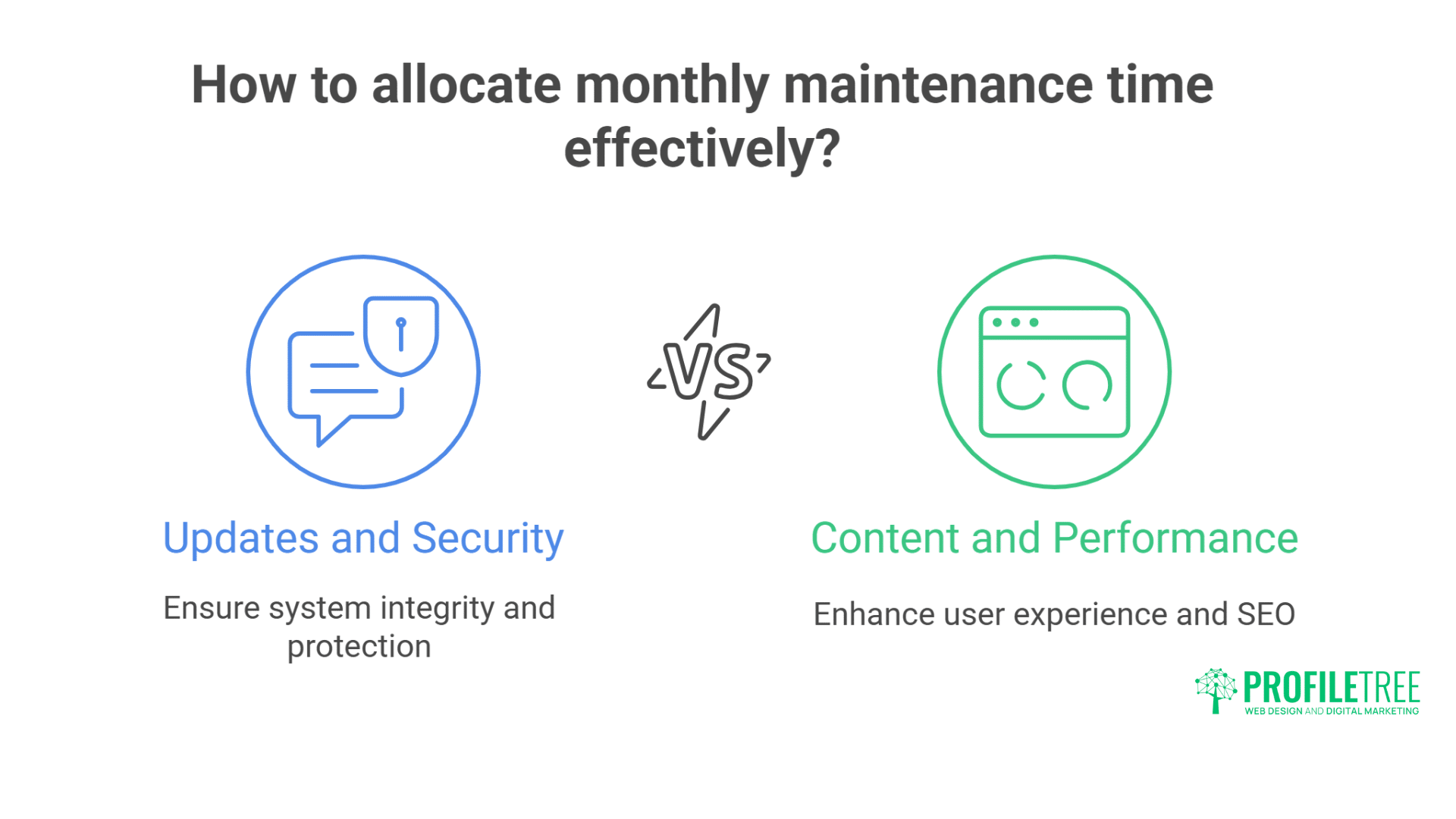
Monthly maintenance requires a dedicated two-hour block to address updates, content quality, and performance issues. This regular attention prevents technical debt from accumulating whilst ensuring continued security and functionality.
Comprehensive Updates
Software Updates Protocol:
- Create a full backup before any updates
- Test updates on the staging site if available
- Update in order: Core → Themes → Plugins/Apps
- Document what was updated and when
- Test funcUpdateity after each update
- Monitor for 24 hours post-update
Platform-Specific Updates:
WordPress Monthly:
- [ ] Update WordPress core
- [ ] Update all plugins
- [ ] Update themes
- [ ] Update PHP version (if needed)
- [ ] Clean database of revisions
- [ ] Remove unused themes/plugins
- [ ] Optimise database tables
Shopify Monthly:
- [ ] Review and update apps
- [ ] Check theme updates
- [ ] Clean unused product images
- [ ] Remove draft products
- [ ] Update shipping rates
- [ ] Review tax settings
- [ ] Audit customer accounts
Content Audit
Content Performance Review:
- [ ] Identify underperforming pages
- [ ] Update meta descriptions
- [ ] Refresh dated content
- [ ] Add internal links to new content
- [ ] Update copyright dates
- [ ] Review and update FAQs
- [ ] Check legal page compliance
Media Management:
- [ ] Compress large images
- [ ] Delete unused media files
- [ ] Update alt text for SEO
- [ ] Check video hosting status
- [ ] Verify download links work
- [ ] Organise media library
Backup Verification
Critical Backup Tasks:
- [ ] Test backup restoration process
- [ ] Verify offsite backup storage
- [ ] Check backup file integrity
- [ ] Document backup locations
- [ ] Update backup settings if needed
- [ ] Clear old backup files
Our hosting services include automated backups, but manual verification ensures recovery readiness.
Quarterly Maintenance Tasks (4 Hours)
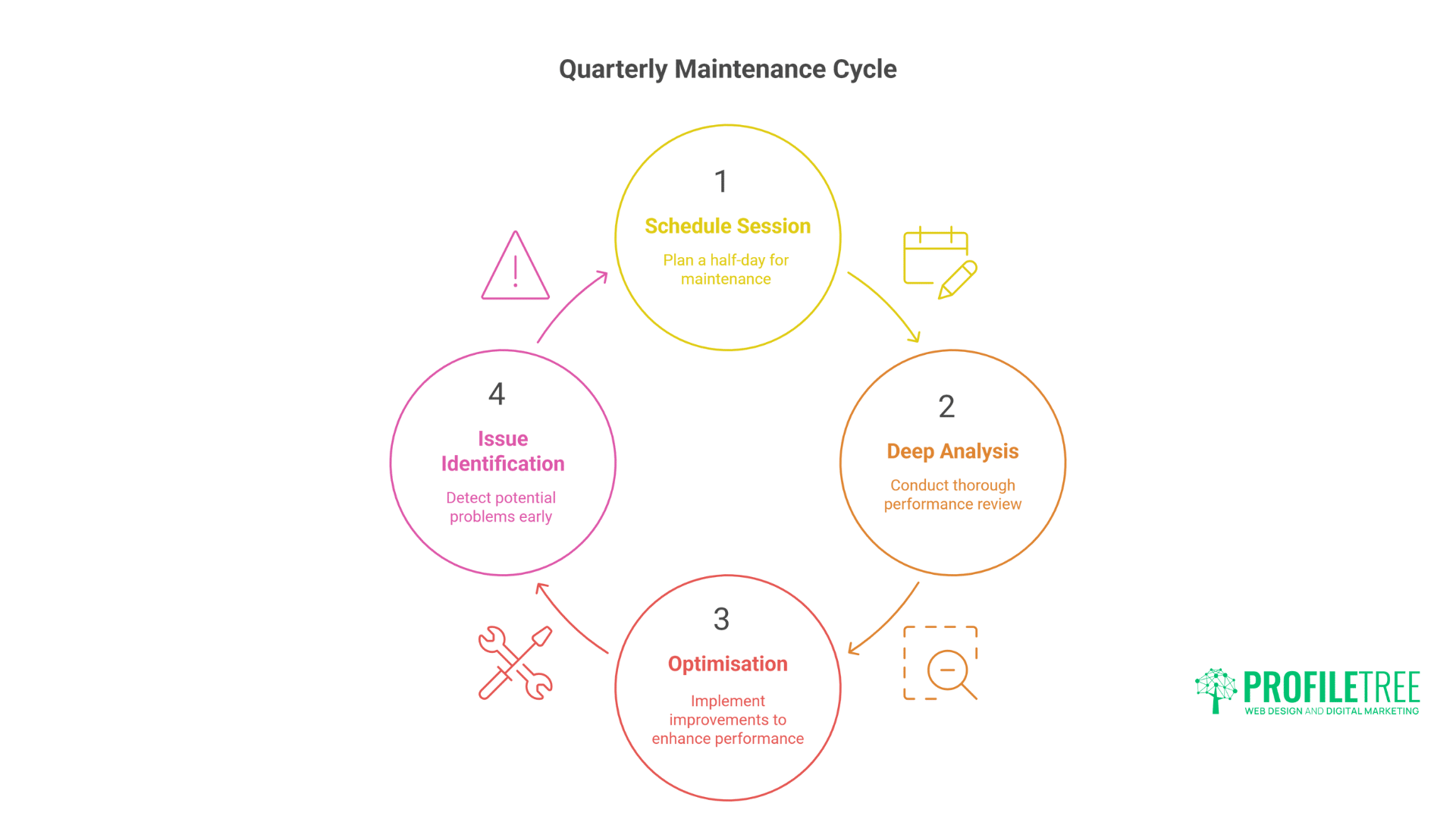
Every three months, schedule a half-day session for deeper analysis and optimisation beyond routine maintenance. These quarterly reviews prevent gradual performance degradation and identify emerging issues before they become critical.
Deep Performance Analysis
Comprehensive Testing:
- [ ] Full site crawl for errors
- [ ] Accessibility audit (WCAG compliance)
- [ ] Cross-browser compatibility testing
- [ ] Load testing for traffic spikes
- [ ] Mobile app testing (if applicable)
- [ ] API endpoint testing
Speed Optimisation Deep Dive:
Quarterly Performance Checklist:
□ Analyse server response times
□ Review CDN effectiveness
□ Optimise image delivery
□ Minify CSS/JavaScript
□ Review caching strategy
□ Check third-party script impact
□ Analyse database query performance
□ Review hosting plan adequacy
Security Hardening
Security Audit Tasks:
- [ ] Change all passwords
- [ ] Review two-factor authentication
- [ ] Update security questions
- [ ] Check file permissions
- [ ] Review firewall rules
- [ ] Update security certificates
- [ ] Test disaster recovery plan
- [ ] Review compliance requirements
Platform Security Reviews:
WordPress Quarterly Security:
- [ ] Review user roles and capabilities
- [ ] Audit plugin security ratings
- [ ] Check for vulnerable plugins
- [ ] Update security keys in wp-config
- [ ] Review database table prefixes
- [ ] Check for suspicious files
Shopify Quarterly Security:
- [ ] Audit app permissions thoroughly
- [ ] Review API access logs
- [ ] Check webhook configurations
- [ ] Validate customer data handling
- [ ] RevieUpdatecompliance
- [ ] Update fraud detection rules
SEO and Marketing Review
SEO Health Check:
- [ ] Complete technical SEO audit
- [ ] Review competitor changes
- [ ] Update keyword strategy
- [ ] Check local listings accuracy
- [ ] Verify schema markup
- [ ] Review backlink profile
- [ ] Update XML sitemap
Our SEO services include quarterly audits that go deeper than basic maintenance.
User Experience Evaluation
UX Testing Tasks:
- [ ] Conduct user journey testing
- [ ] Review form completion rates
- [ ] Check navigation effectiveness
- [ ] Test search functionality
- [ ] Verify responsive design
- [ ] Review error messages
- [ ] Update 404 pages
Annual Maintenance Tasks (Full Day)
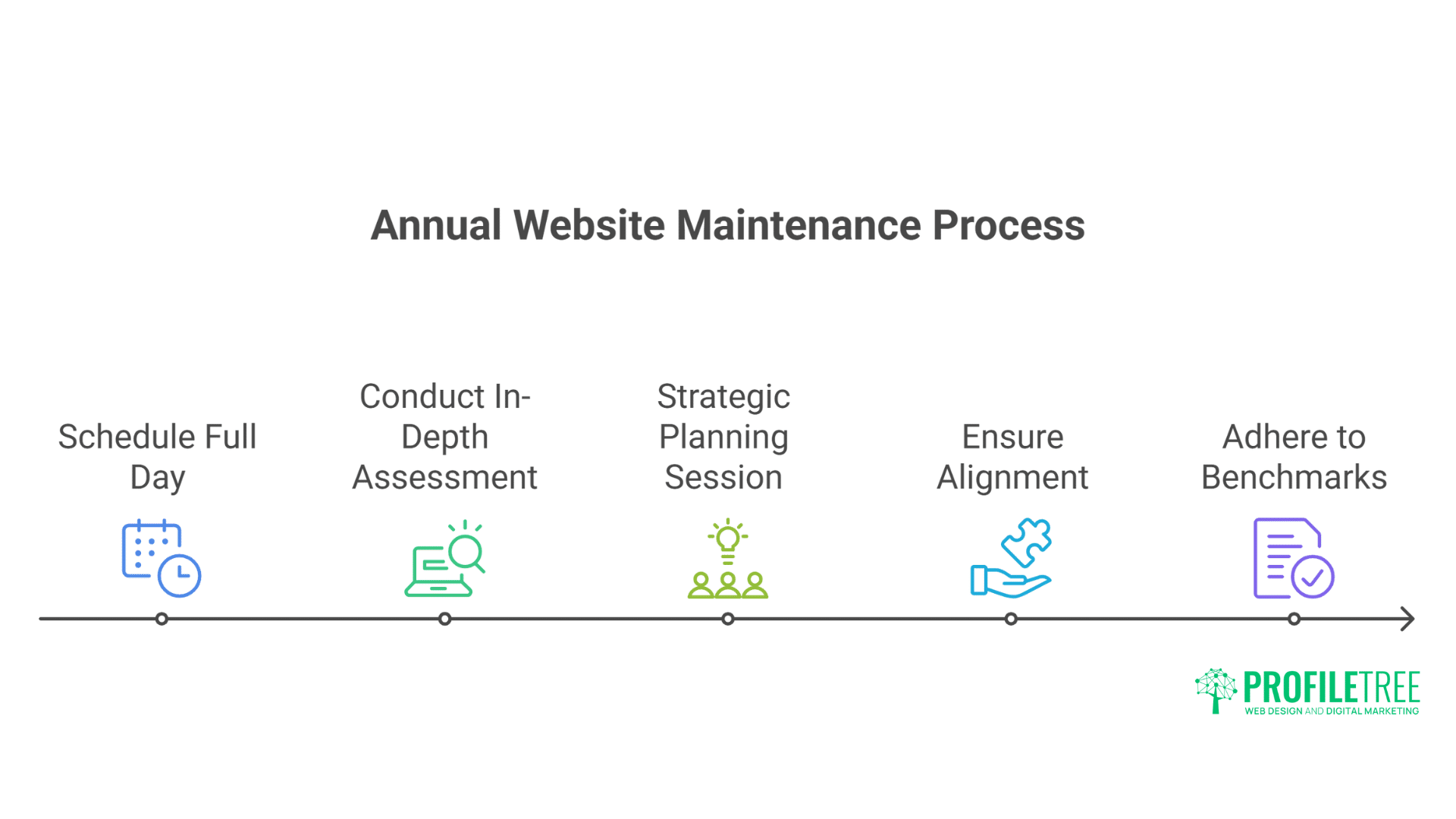
Once a year, dedicate a full day to a comprehensive website evaluation and strategic planning. This thorough review ensures alignment with business goals and technological standards.
Complete Platform Review
Annual Overhaul Checklist:
- [ ] Full security audit
- [ ] Complete content inventory
- [ ] Design refresh evaluation
- [ ] Technology stack review
- [ ] Hosting plan assessment
- [ ] Domain renewal check
- [ ] SSL certificate renewal
- [ ] Legal compliance review
Strategic Planning
Business Alignment Review:
- [ ] Assess if the website meets current business goals
- [ ] Review competitor websites
- [ ] Plan feature additions
- [ ] Budget for improvements
- [ ] Schedule major updates
- [ ] Plan content strategy
- [ ] Review analytics setup
Documentation Update
Critical Documentation:
- [ ] Update password vault
- [ ] Document all integrations
- [ ] Update emergency contacts
- [ ] Review disaster recovery plan
- [ ] Update maintenance schedule
- [ ] Document custom code
- [ ] Create/update style guide
Emergency Maintenance Scenarios
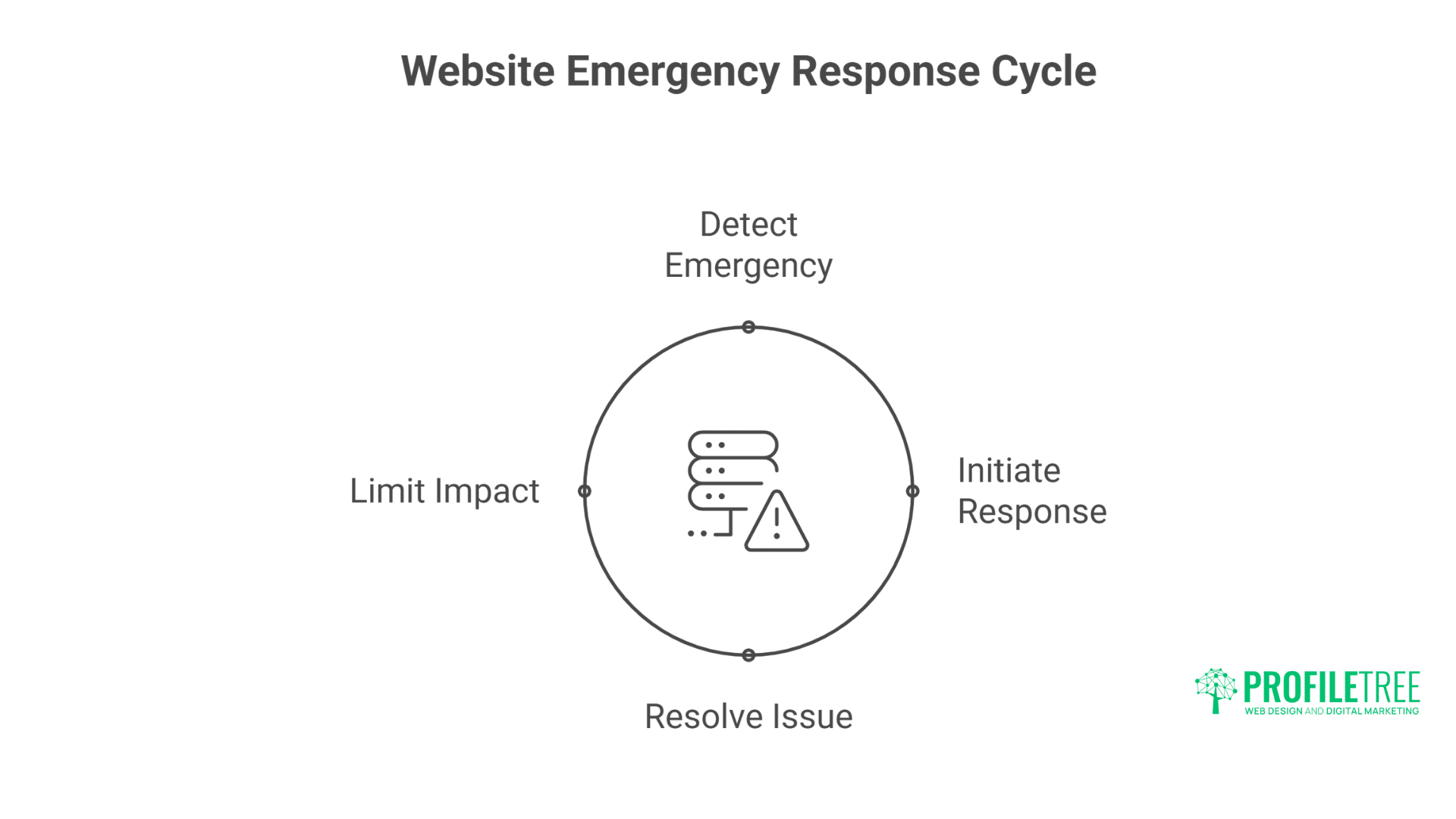
Website emergencies can occur without warning and require immediate attention to minimise damage. Having clear response protocols in place ensures swift resolution with minimal business impact.
When Your Site Goes Down
Immediate Action Checklist:
- [ ] Verify the issue (not just your connection)
- [ ] Check hosting server status
- [ ] Review recent changes
- [ ] Check domain registration
- [ ] Verify SSL certificate
- [ ] Contact hosting support
- [ ] Implement holding page
- [ ] Communicate with customers
After a Security Breach
Security Incident Response:
- [ ] Take the site offline immediately
- [ ] Change all passwords
- [ ] Scan for malware
- [ ] Check for backdoors
- [ ] Review access logs
- [ ] Remove suspicious files
- [ ] Update all software
- [ ] Restore from clean backup
- [ ] Monitor for reinfection
- [ ] Document incident
Performance Crisis
When the Site Becomes Slow:
- [ ] Check server resources
- [ ] Review recent plugins/apps added
- [ ] Clear all caches
- [ ] Disable unnecessary features
- [ ] Optimise database
- [ ] Check for traffic spikes
- [ ] Review CDN status
- [ ] Consider emergency scaling
Platform-Specific Maintenance Tools
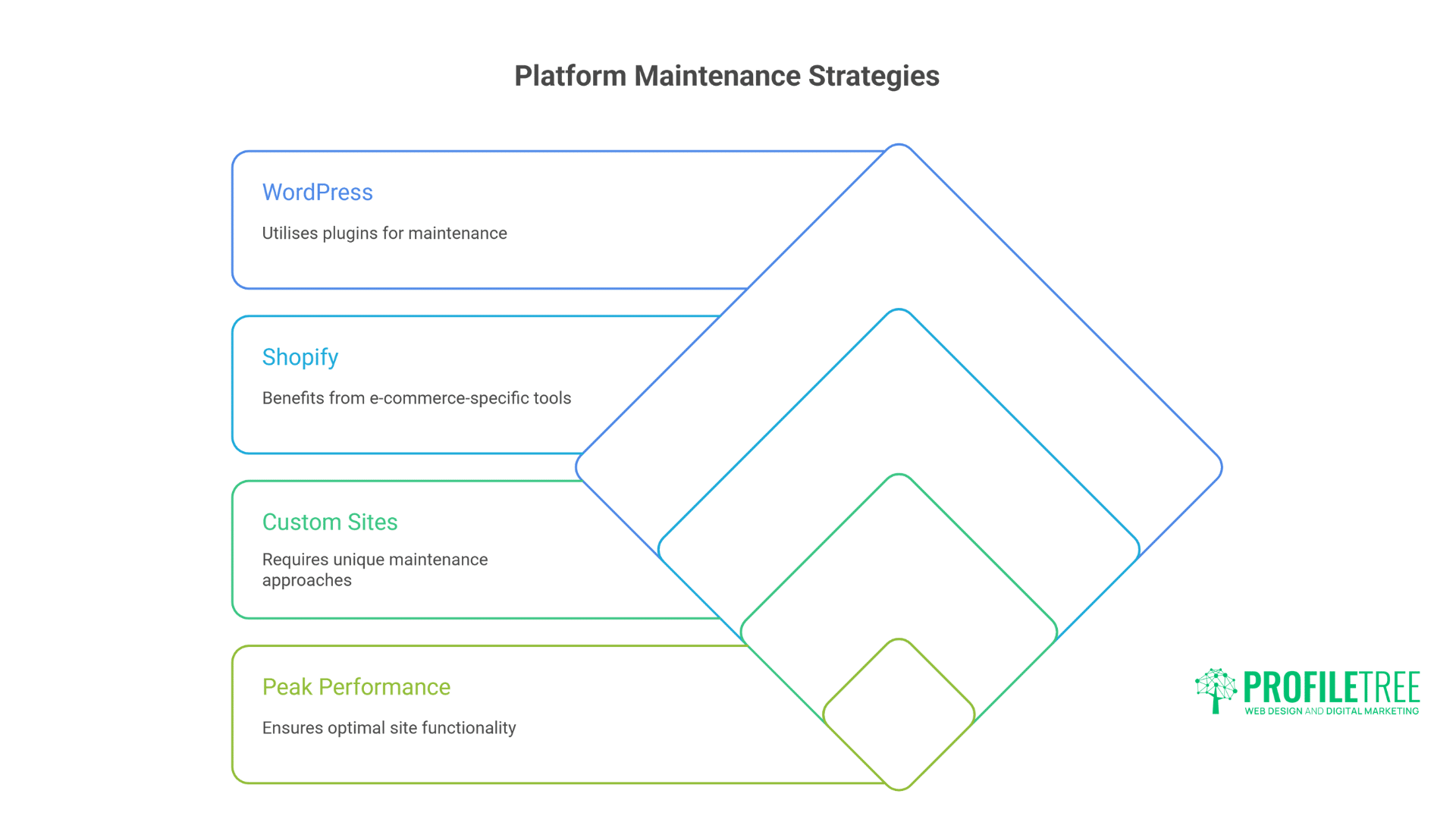
Different platforms require specialised maintenance approaches to ensure optimal performance. Let’s examine the unique requirements for WordPress, Shopify, and custom sites.
WordPress for Small Business: Maintenance Arsenal
Essential Plugins:
- UpdraftPlus: Backup automation
- Wordfence: Security scanning
- WP Rocket: Performance optimisation
- Broken Link Checker: Link monitoring
- WP-Optimise: Database cleaning
Management Tools:
- ManageWP or MainWP for multiple sites
- WP-CLI for command line management
- Query Monitor for debugging
- Health Check & Troubleshooting plugin
Shopify Maintenance Apps
Recommended Tools:
- Rewind: Backup solution
- Page Speed Booster: Performance
- Searchanise: Search optimisation
- Crush. pics: Image optimisation
- Lucky Orange: User behaviour tracking
Universal Tools
Cross-Platform Essentials:
- Google Search Console: SEO monitoring
- GTmetrix: Speed testing
- Screaming Frog: Site crawling
- UptimeRobot: Downtime monitoring
- Sucuri SiteCheck: Security scanning
Creating Your Maintenance Schedule
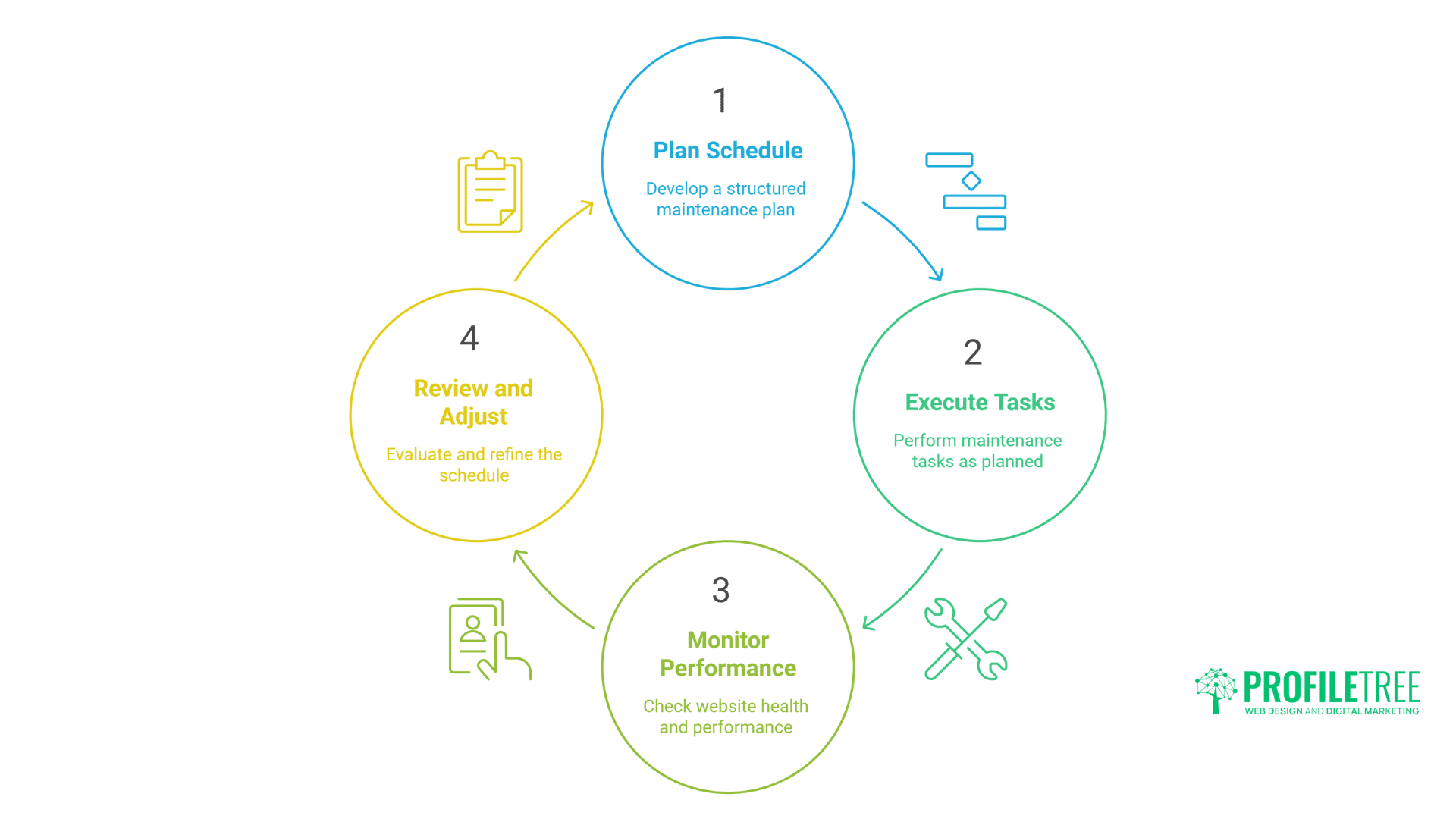
A structured maintenance schedule is essential for consistent website health and performance. Below are recommended schedules based on business size and website complexity.
Small Business Schedule (5 hours/month)
Weekly: 30 minutes
- Basic functionality checks
- Security scan review
- Quick performance check
Monthly: 2 hours
- Full updates
- Content review
- Backup verification
Quarterly: 2.5 hours
- Deep performance analysis
- Security audit
- SEO review
E-commerce Schedule (10 hours/month)
Daily: 5 minutes
- Order processing check
- Payment gateway verification
Weekly: 1 hour
- Full functionality testing
- Inventory accuracy
- Security scanning
Monthly: 4 hours
- Comprehensive updates
- Sales funnel analysis
- Customer experience review
Enterprise Schedule (20+ hours/month)
Daily monitoring, weekly reports, monthly updates, quarterly audits, annual strategic reviews – typically requiring dedicated personnel or professional maintenance services.
Common Maintenance Mistakes to Avoid
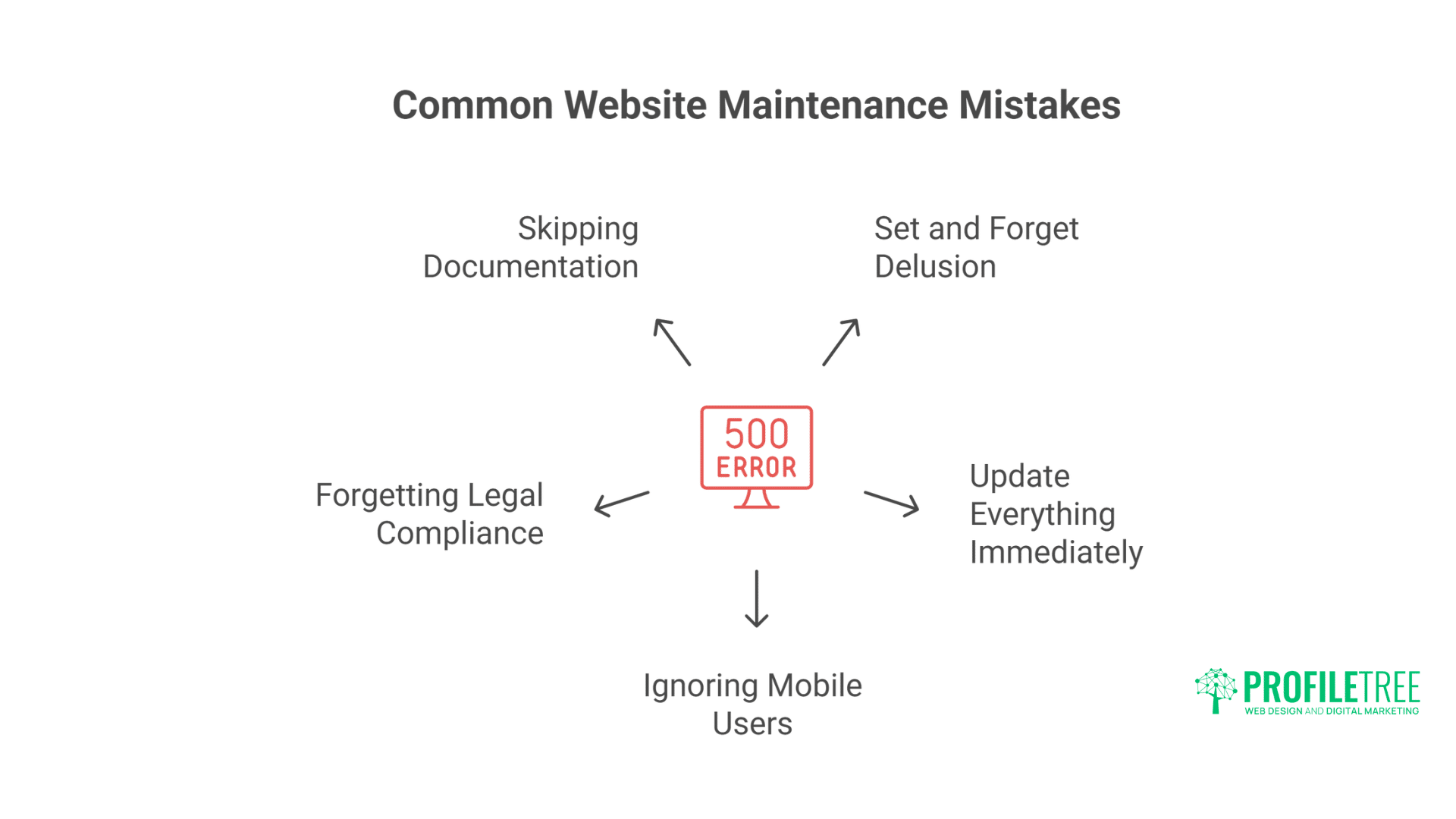
Even experienced website owners make critical maintenance errors that can compromise their digital presence. Here are the most frequent mistakes to avoid for long-term website health.
The “Set and Forget” Delusion
Websites aren’t static brochures. They’re dynamic systems requiring constant attention. Ignoring maintenance guarantees eventual failure.
Update Everything Immediately
Never update without testing. WordPress plugin updates break sites weekly. Shopify app updates change functionality. Always test on staging or, at a minimum, back up first.
Ignoring Mobile Users
60% of traffic is mobile. Desktop-only testing misses the majority of the user experience. Test every change on actual mobile devices.
Forgetting Legal Compliance
GDPR, accessibility laws, cookie policies – legal requirements change. Annual legal reviews prevent costly violations.
Skipping Documentation
When disaster strikes, documentation saves hours. Password vaults, integration details, custom code documentation – maintain everything.
When to Get Professional Help: Advice from Digital Experts
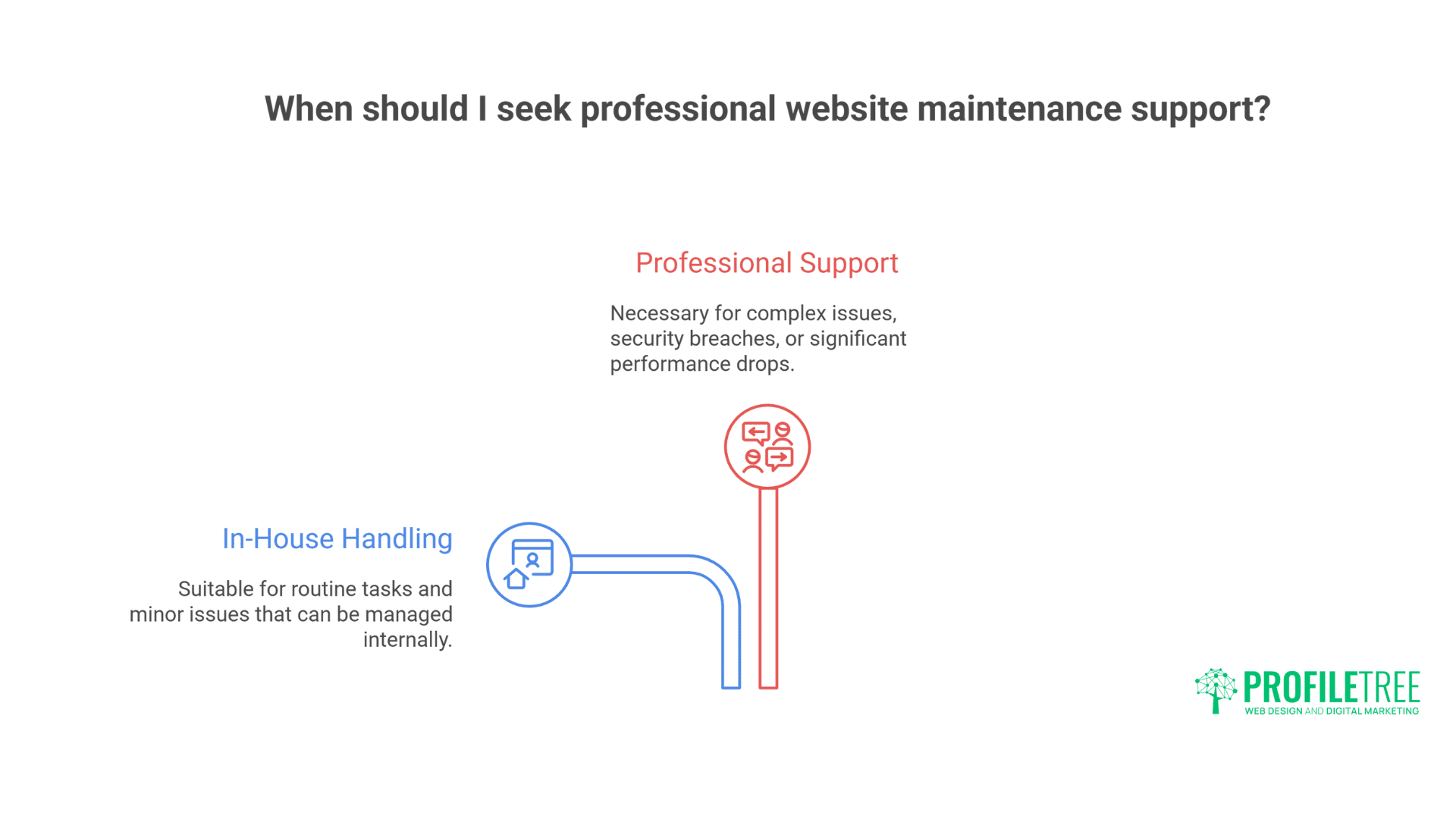
Whilst many maintenance tasks can be handled in-house, certain situations call for professional expertise. Recognise these warning signs to know when it’s time to seek specialised support.
Signs You Need Support
- Spending 10+ hours monthly on maintenance
- Experiencing repeated security issues
- Site performance is declining despite efforts
- Missing critical updates due to time constraints
- Unsure if maintenance is done correctly
Professional Maintenance Benefits
Our maintenance services provide:
- 24/7 monitoring and response
- Preventive maintenance scheduling
- Emergency support availability
- Performance optimisation
- Security hardening
- Regular reporting
The cost of professional maintenance is a fraction of one security breach or significant downtime event.
Conclusion
Website maintenance isn’t cost – it’s investment in business continuity. Every task on these checklists prevents problems costing thousands in lost revenue, damaged reputation, or recovery expenses.
The difference between thriving websites and failing ones isn’t initial design quality – it’s ongoing maintenance discipline. Sites launched five years ago can outperform new sites through proper maintenance. Conversely, beautiful new sites become security risks within months without care.
Start with daily checks. Build weekly habits. Establish monthly routines. Schedule quarterly reviews. Plan annual overhauls. This systematic approach transforms maintenance from an overwhelming burden to a manageable routine.
For businesses lacking time or expertise for comprehensive maintenance, professional support ensures your digital presence remains secure, fast, and effective. Your website works 24/7 for your business – ensure it’s working properly.
Remember: the best time to start proper maintenance was when your site launched. The second-best time is today. Use these checklists, adapt them to your needs, and protect your digital investment. Your future self (and your customers) will thank you.