
Website Redesign SEO: Protecting Rankings Through a Rebuild
Table of Contents
We’re writing this from inside a live redesign, so the pressure points here aren’t theoretical. A website redesign SEO strategy that skips URL inventory, redirect mapping, and content parity checks is the fastest way to lose search visibility you’ve spent years earning. Get the sequence right, and a rebuild becomes a growth opportunity rather than a rescue mission.
Why Most Redesigns Lose Rankings
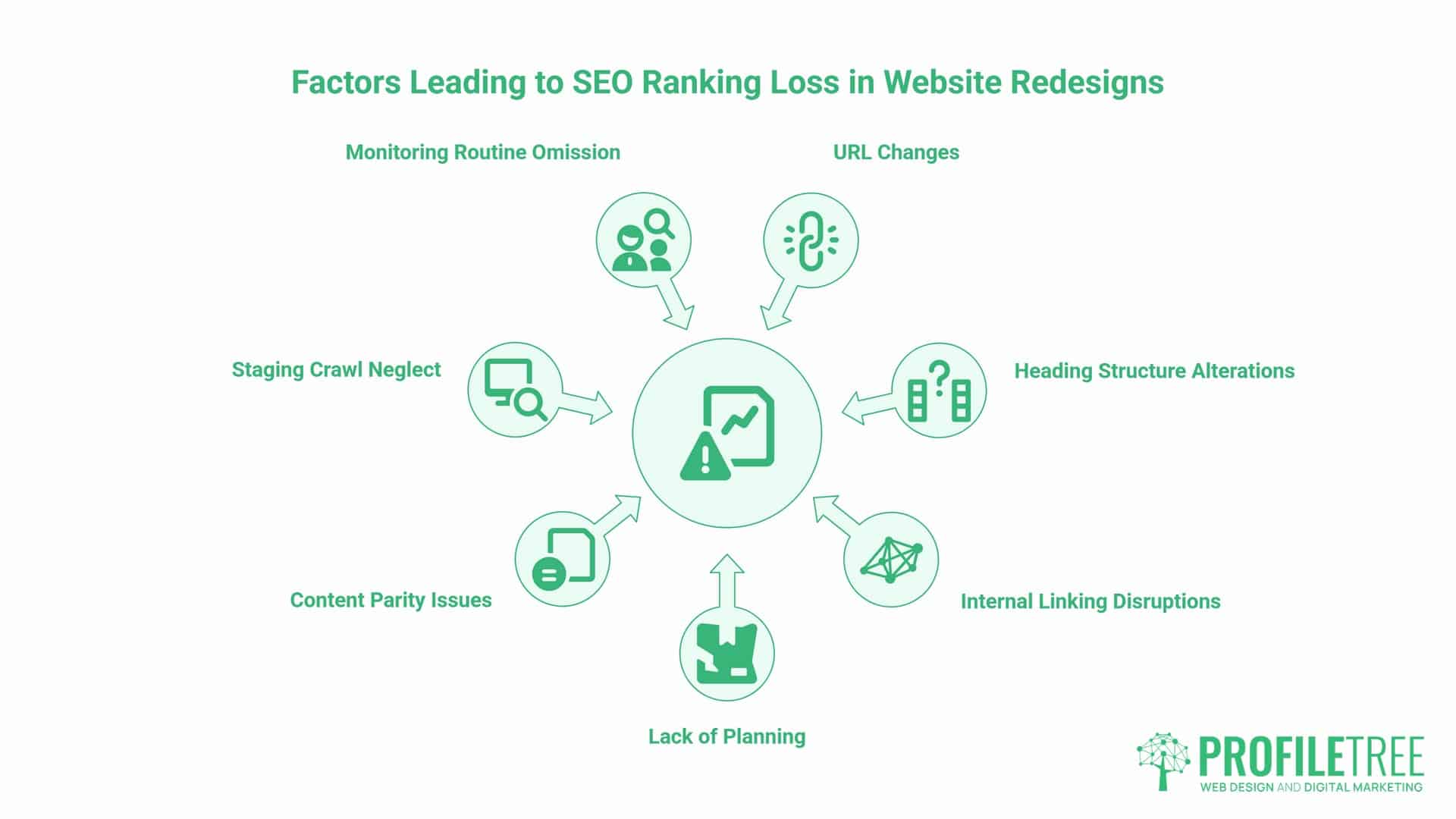
Most redesigns do not lose rankings because the new site looks different. They lose them because nobody mapped what was changing before the design work started. A search engine reads a URL, its heading structure and its internal links as one connected signal of trust. Change any part of that without a plan, and the page gets evaluated as though it’s brand new.
Website redesign SEO is not a checklist you run in launch week. It’s a discipline that sits alongside the website design and development team, working from day one, not a review that happens once the build is finished. The redesigns that keep their rankings are the ones where redirect mapping, content parity and internal linking were treated as design requirements from the outset, not technical debt to tidy up after launch.
We’ve run this process enough times, including on our own site, to know where it actually breaks. This guide sets out the sequence that protects traffic during an SEO migration: URL inventory, redirect mapping, content parity checks, staging crawls and the first-fortnight monitoring routine, plus the failure catalogue we’ve seen, and occasionally caused, ourselves.
None of what follows is complicated in theory. It is the kind of work that is easy to skip under a launch deadline, which is exactly why the redesigns that go wrong tend to skip the same three or four steps every time.
Phase 1: The Pre-Launch URL Inventory
Before anyone touches a wireframe, a website redesign SEO plan needs a full list of every URL on the current site that carries meaningful traffic, rankings or backlinks.
Crawl Your Current Site First
Run a full crawl (Screaming Frog or a similar tool) to surface pages you would otherwise forget exist: old campaign landing pages, orphaned blog posts, category pages nobody remembers building. Cross-reference the crawl against Google Search Console and your analytics data so the inventory reflects what is actually earning traffic, not just what happens to be live. A URL inventory built from memory alone always misses something, usually a page with more backlinks than anyone credited it with.
This is also where our SEO services team pulls in ranking and backlink data, since a page with steady rankings and genuine backlinks needs a different level of care than one with neither. Treat the finished list as the master reference for every decision that follows. If a page isn’t on the list, it does not get redesigned; it gets a redirect decision instead.
Identify Your Power Pages
Not every page deserves the same attention. Rank the URL inventory by traffic, conversions and backlinks, then flag the top fifth doing most of the work. These are your power pages, and they are what a website redesign SEO plan has to protect first: preserved URLs where possible, matched content, and redirect priority if the URL genuinely has to change.
Pages with negligible traffic and no backlinks carry less risk. They still need a decision: keep, merge or retire, but a mismapped redirect on a power page is what actually costs you enquiries, not a forgotten low-traffic post from three years ago. Score each page on a simple scale before the design phase starts, so nobody has to make that call under launch-week pressure.
The Redirect Map: Every Changed URL Is a Promise
Once the inventory exists, build the redirect map before a single line of new code goes live. This is the step most website redesign SEO failures trace back to. List every URL that is changing, its destination, and the redirect type. Every changed URL is a promise to whoever already linked to it, bookmarked it or ranks it, and a redirect map is how you keep that promise instead of quietly breaking it.
For the full mechanics of setting up a redirect map and matching URL structure decisions to the new site, our website redesign process guide covers the template in more depth. The rule that matters most here is simpler than any template: keep URLs unchanged wherever there is no genuine reason to move them. Every URL you change is a redirect you now have to maintain indefinitely.
Building the Map Without Guesswork
Website redesign SEO gets easier once the redirect map exists as a shared reference rather than being decided page by page during the build. A working redirect map needs four columns: old URL, new URL, status code and priority. Map like-for-like wherever the new URL structure and information architecture allow it; a merged page should point to the single best-matching destination, not the homepage. Pages you are retiring outright, with no equivalent, can return a 410 rather than a redirect that leads nowhere useful for the visitor.
Test every redirect before launch and again after, because a redirect map built in a spreadsheet and a redirect map that actually fires in production are two different things until you have checked both. A spreadsheet is a plan; the live redirect is the only version that counts.
Avoiding Redirect Chains and Lazy Redirects
The most common failure is not a missing redirect; it’s a lazy one: every retired page pointed at the homepage instead of its closest match. That tells search engines almost nothing about what the old page covered, and it tells visitors even less.
“The redirects people skip aren’t the ones that matter least, they’re the ones that take the least thought,” says Ciaran Connolly, founder of ProfileTree. “A blanket redirect to the homepage is technically a redirect. It just isn’t one that protects anything.”
Redirect chains, where an old URL redirects to a page that itself redirects again, cost crawl budget and weaken the signal at every hop. Map redirects straight to their final destination, never through an intermediate stop.
Content Parity: Keeping the Queries You Already Rank For
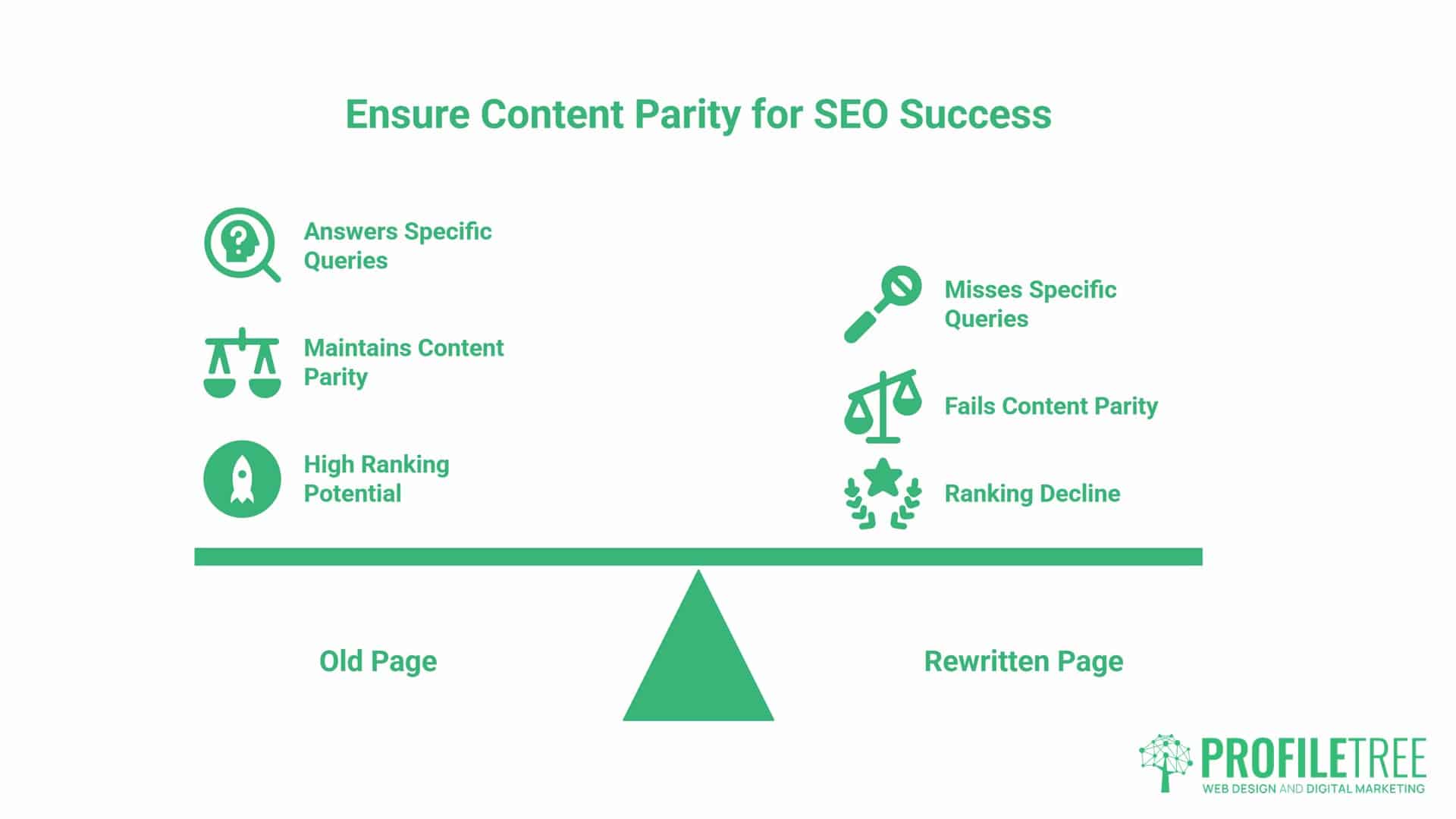
A page can keep its exact URL and still lose its rankings if the rewrite drops the language that earned them. Content parity means checking that a rewritten page still answers the same queries the old version ranked for, not simply that it covers the same general topic.
Before publishing a rewritten page, pull the queries it currently ranks for from Search Console and check each one against the new draft. A query that drove genuine traffic and has no answer anywhere in the new copy is a parity failure, not a stylistic choice.
Website redesign SEO work often focuses so heavily on structure and redirects that the words on the page get treated as an afterthought. A heading rewritten for tone can quietly drop the exact phrase fifty queries were matching against, and no redirect fixes that, because the URL never changed.
Run this check section by section rather than skimming the finished page top to bottom. It’s slower, but it catches what a quick read misses: a subheading dropped, a specific term swapped for a vaguer one, a comparison table cut for length. None of these registers as errors anywhere. They only show up as a slow decline in impressions a few weeks after launch.
Keep a simple before-and-after note for every page that changes materially: the queries it ranked for, the headings it used, and whether the new version still covers both. A ten-minute check per page is far cheaper than diagnosing a ranking drop after the fact with no record of what the old page actually said.
Staging Site Crawls Before Launch
A staging environment protects the live site while the rebuild happens, but it carries its own risk: a noindex tag meant to keep search engines out of the staging copy sometimes survives the migration and ends up live, quietly telling Google not to index pages you actually want ranked.
Assign one person to own this crawl and sign it off before go-live, rather than assuming the developer, the designer or the SEO lead will each catch it as part of their own review. Shared responsibility for a pre-launch check usually means nobody actually runs it, because everyone assumes someone else has it covered.
Before launch, crawl the staging site itself, just as you would a live site during an audit. Check for broken internal links created by the new navigation, changes to the URL structure that were never mapped, orphaned pages nobody linked to from the new structure, and any noindex directive that should not be there. Our development team builds this crawl into the pre-launch checklist rather than treating it as optional, because a single missed noindex tag can sit unnoticed for weeks on a website redesign SEO project if nobody’s watching for it.
This is also the point to confirm the new sitemap reflects the new URL structure. A sitemap still listing pre-launch URLs after go-live sends search engines to pages that no longer exist, slowing how quickly the new structure is crawled and understood. Generate the sitemap fresh from the live URL structure rather than editing the old one by hand, since a manually patched sitemap is exactly the kind of file that quietly falls out of date after the next content update.
When to Change URLs at All
Almost every failure in this guide traces back to a URL that changed without a strong reason. The default position for any website redesign SEO plan should be: keep the URL structure exactly as it is. A new template, new navigation and new visual design don’t require a new address, and treating them as if they do just creates redirect work with no upside.
- There are genuine reasons to change a URL: a page is moving into a different section of the site, the old structure no longer reflects what the page covers, or several thin pages are being consolidated into one stronger one. Each of those is a deliberate decision, made once, with a redirect planned before the change happens.
- What is not a good enough reason: a URL looking tidier, matching a new template’s default URL structure, or simply because the redesign touched everything else on the page. If you cannot state the specific reason a URL needs to move, the safest answer is that it doesn’t. Save the redirect budget for the changes that actually need it.
Write the reason down next to each URL you are changing before development starts. A one-line justification is enough, but if nobody can supply one, that URL goes back on the keep list rather than the change list.
The First Fortnight: Your Search Console Routine
The two weeks after launch determine whether small migration issues get caught early or become a slow bleed of traffic that nobody notices until the monthly report. Check Search Console daily for the first fortnight, not weekly. Watch specifically for a spike in 404 errors, a drop in indexed pages, or crawl errors on URLs that should be resolving cleanly. Compare the Coverage report against the redirect map itself; any URL missing from both should raise a flag before it turns into a pattern.
Some short-term volatility is normal while engines recrawl and re-evaluate the new site; don’t panic-edit rankings that dip in the first few days. What you’re watching for is a pattern, not a single day’s number: 404s that keep climbing, redirects that Search Console flags as broken, or a sitemap that’s stopped updating.
If something has genuinely broken on your website redesign SEO migration, fix the specific error rather than reworking pages that were performing fine before launch. The redesigns that recover fastest are the ones where the team held its nerve, checked the actual data, and fixed the confirmed problem instead of guessing at ten possible causes at once.
The Redesign Failure Catalogue
These are website redesign SEO failures we have actually seen, on our own site and on client migrations, not a hypothetical worst-case list.
| Failure | What It Looks Like | The Fix |
|---|---|---|
| Redirect chains | An old URL redirects to a page that itself redirects again, sometimes three or four hops deep | Map every redirect straight to its final destination |
| Lost heading structure | A rewritten page keeps its content but drops the H2 that matched a ranking query | Check headings against the old page before publishing, not after |
| Stripped alt text | Images get re-uploaded during the rebuild and lose the alt text the old versions carried | Carry alt text across in the content migration, not just the image file |
| Stale sitemap | The XML sitemap still lists pre-launch URLs weeks after the new structure has gone live | Regenerate and resubmit the sitemap as part of the launch checklist |
Each of these shares the same root cause: something that existed on the old page did not get carried across on purpose; it just did not get checked. None of them registers as a launch-day emergency. They surface two or three weeks later as a slow decline that is hard to trace back to a single cause unless you know to look for it.
The fix in every case is the same discipline: check before you migrate, not after. A page-by-page comparison between old and new, covering headings, alt text and redirect destinations, catches all four of these before they cost you anything. Build this comparison into the pre-launch checklist itself rather than leaving it as a step someone gets to only if time allows, because time rarely allows.
Website redesign SEO comes down to treating every changed URL as a promise you are keeping, not a technical detail to sort out after launch. Build the inventory first, map every redirect to its real destination, check that rewritten pages still answer the queries the old ones did, crawl the staging site before it goes live, and watch Search Console closely for the first fortnight.
Do that, and a rebuild becomes the platform you grow from, not the traffic loss you spend the next year recovering. We have run this process enough times, including on our own site, to know the shortcuts cost more than they save. None of them saved real time in the end; they just moved the cost to a week after launch, when it’s harder to trace and more expensive to fix.
If your redesign touches a large part of the site, it’s worth reading alongside our 4-phase website redesign guide for the wider strategy, cost and compliance picture this piece does not cover.
FAQs
These are the questions we hear most often from marketing managers weighing up a website redesign SEO project.
How long does it take for Google to recognise a website redesign?
Google usually starts recrawling a redesigned site within days, but full re-indexing of a changed structure can take two to six weeks. Larger sites with more changed URLs tend to sit at the longer end of that range. Redirects that are already in place speed this up considerably.
Should I change my URL structure during a redesign?
Only if there is a specific reason, such as consolidating pages or fixing a URL structure that no longer reflects the content. Otherwise, keep the existing URL structure and save the redirect effort for changes that genuinely need it.
Will my rankings drop immediately after launch?
Some short-term fluctuations are normal while search engines recrawl the new site, and they are not usually a sign of a problem. What matters is whether the dip settles within a couple of weeks or keeps climbing, since a sustained drop points to something in the migration that needs fixing.
What is the most common mistake in a website redesign?
Redirecting every retired page to the homepage instead of its closest equivalent. It looks like the redirect has been handled, but it passes almost no useful signal and gives the visitor nothing relevant to land on.
What is content parity in an SEO migration?
It’s the check that a rewritten page still answers the queries the old version ranked for, since covering the same general topic on its own is not enough. Losing parity is one of the few migration failures a redirect cannot fix, since the URL never changed.