
Social Media Time Management for UK SMEs: From Survival to Scale
Table of Contents
Most small business owners in Northern Ireland and across the UK don’t have a social media problem. They have a social media time management problem. The platforms are fine. The tools exist. What’s missing is a system that fits around a real working day, not a marketing team of ten, but a founder or a two-person operation trying to squeeze content creation, scheduling, and engagement into the gaps between everything else.
This guide gives you a system for social media time management done properly. It covers where your time actually goes, how to batch and schedule content without losing the human element, how AI tools can considerably cut your ideation-to-draft time, and how to set realistic time budgets by platform. At ProfileTree, a Belfast-based web design and digital marketing agency, we call the point where good time management stops being enough the social media ceiling: the stage where efficient DIY posting has done what it can, and further growth needs a different kind of investment.
The Social Media Audit: Are You on the Right Platforms?
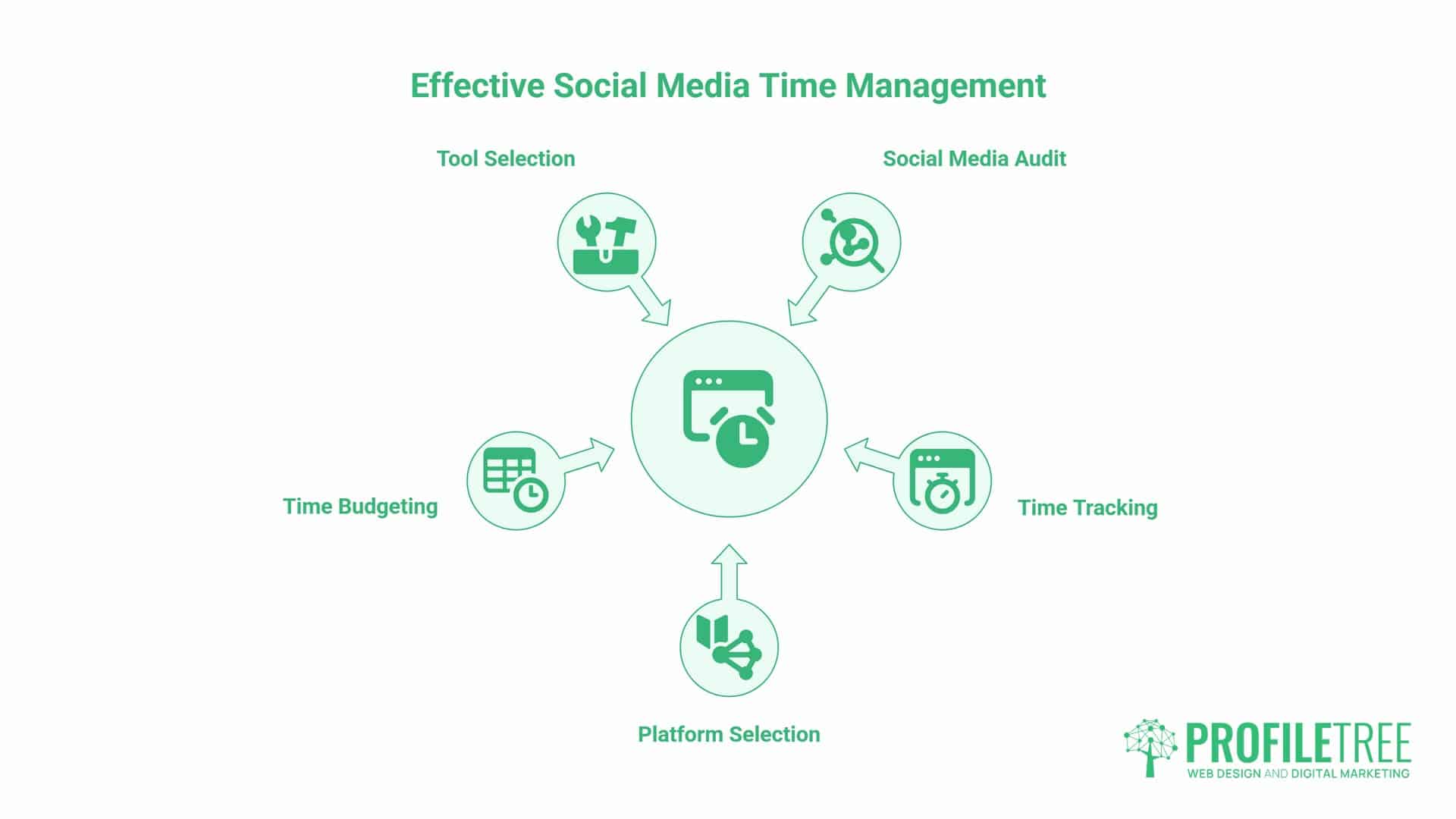
The problem with reactive social media management is context switching. Every time you stop what you’re doing to respond to a notification, write a quick caption, or check your analytics, you’re not just spending those five minutes.
Gloria Mark, a professor of informatics at the University of California, Irvine, has spent over two decades studying workplace interruptions. Her research found that it takes an average of 23 minutes and 15 seconds to fully return to a task at the same level of focus after an interruption.
Multiply that by several check-ins a day, and the cost adds up quickly. This is exactly why the system needs to be structural rather than a matter of willpower. No one has the discipline to out-focus a genuine cognitive cost.
Trying to maintain a meaningful presence on five or six platforms isn’t ambitious. It’s inefficient. Each platform has its own content format, peak times, and audience expectations. Spreading effort evenly across all of them means diluted content on each one, without the focus to do any of them well. LinkedIn’s dominance in the UK B2B makes it the obvious priority for professional services firms, while consumer-facing SMEs usually get more from Instagram or Facebook.
Before changing anything, spend 15 minutes finding out where your time actually goes. For one week, track every social media activity: writing a post, responding to a comment, checking analytics, scrolling for inspiration, editing a video, replying to a DM. Total it up. The number’s usually a surprise. Then look at what that time produced in outcomes, not effort: leads generated, website visits from social, enquiries that mention a post.
A practical starting point for weekly time budgets by platform:
| Platform | Business type | Weekly time budget | Posts per week |
|---|---|---|---|
| B2B professional services | 60 to 90 minutes | 2 to 3 | |
| B2C retail, hospitality, food | 60 to 90 minutes | 3 to 4 | |
| Local service businesses | 30 to 45 minutes | 2 to 3 | |
| X (Twitter) | Tech, media, PR | 30 minutes | 3 to 5 |
| TikTok | Consumer brands with video resource | 90 to 120 minutes | 3 to 5 |
If your weekly budget across all platforms exceeds four to five hours, you’ll either need a dedicated resource or a narrower platform focus. Maintaining a full presence across four platforms for two hours a week results in low-quality output on all of them. If that sounds familiar, our social media management services are built for exactly this squeeze: handling content, scheduling, and reporting so the founder’s time goes back to running the business.
Choosing the right tools matters just as much as choosing the right platforms for good social media time management. At the entry level, Canva’s free tier and Meta Business Suite cover most of what a solo trader needs: templated graphics, basic scheduling for Facebook and Instagram, and simple performance data.
As a business grows past that stage, paid scheduling tools such as Buffer or Later add cross-platform queuing and better analytics, which becomes worth the subscription once you’re managing more than one or two platforms properly. Whichever tools you choose, check where the provider stores your data. GDPR compliance matters for any tool that handles customer comments, DMs, or contact details, and it’s easy to overlook when a free tool looks like the obvious choice.
Five High-Impact Social Media Time Management Strategies
Content batching is the practice at the heart of most successful social media time management systems: creating all your content for the week or fortnight in a single focused session, then scheduling it in advance. It works because creative work has a warm-up cost. Getting into the right headspace to write a decent caption or record a short video takes time. Batch everything in a single two-hour session, and you’ll pay that cost once instead of seven times a week.
A practical batching schedule for a small business posting three times a week: Monday morning (60 to 90 minutes) to write all three captions, source or create images, and draft any short video scripts; Monday afternoon (30 minutes) to schedule everything using a scheduling tool; Friday (15 minutes) to check performance on last week’s posts and note what worked. That’s roughly two hours a week, a big reduction from what reactive management actually costs, and it’s the single change that does the most to make social media time management sustainable rather than something you white-knuckle through for a fortnight and abandon.
UK bank holidays are consistent dead zones for B2B engagement. Scheduling important content for the week containing a bank holiday wastes effort; plan lighter content for those weeks or shift your best posts to the following week. Seasonal windows worth planning for specifically include January (planning and goal-setting content performs well for business audiences), late September and October (budget cycle and year-end planning content), and the two weeks before Christmas, when engagement drops sharply from the second week of December.
Social listening, watching what your audience actually asks and shares, deserves a fixed slot rather than constant background attention. Check mentions and comments once during your scheduled engagement window, respond, and close the app. Reactive posting in response to every trend eats into the time savings that batching creates.
A simple content calendar removes decision fatigue. A spreadsheet or a free tool like Trello works fine. What matters is planning themes in advance: client results, behind-the-scenes content, or a product or service highlight. You’re not staring at a blank screen, wondering what to post; you’re executing against a plan, and that plan’s also the foundation a content marketing strategy builds on once social captions need to work harder alongside blog and email content.
Managing Time and Budget Together
For many UK SMEs, the cost-of-living pressures over the past few years have meant marketing budgets are cut before almost anything else, and social media is often the channel expected to absorb the shortfall. When there’s no budget for extra hands, disciplined social media time management becomes the entire strategy rather than one part of it.
Prioritise the platform that already produces enquiries over the one that merely produces likes, and be honest about which content formats you can sustain without paid tools. A phone camera and natural light produce perfectly usable Instagram content; a £200-a-month suite of premium scheduling and design tools doesn’t automatically produce better results if nobody has the time to use it properly.
AI-Enabled Workflows: Cutting Content Creation Time
AI tools have changed the economics of content creation for small businesses, and they’ve changed what good social media time management actually looks like day-to-day. The ideation-to-draft phase, which used to take the better part of a morning, can now take 20 minutes. The editing and final approval still need your judgement, but the blank-page problem’s largely solved.
Start with a brief: the platform, the audience, the topic, the tone, and any specific constraints such as word count or hashtag preferences. The more specific the brief, the less editing the output needs. Ask for three or four variations of the same post rather than a single draft; this often produces combinations of two drafts that are stronger than either one alone.
A UK localisation prompt matters more than most guides mention. AI-generated captions default to American spelling and American cultural reference points unless you tell them otherwise. Specify UK English, a Belfast or regional reference where relevant, and the tone you want, since a London startup crowd reads differently from a Belfast professional audience. Edit for your voice afterwards: the specific detail, the local reference, or the honest opinion that makes a post yours will outperform a polished but neutral one every time.
For short video content, AI tools can help with subtitles, which improve accessibility and watch time on silent autoplay considerably, resizing content between aspect ratios, and generating scripts from bullet points. The caveat: AI-generated video scripts tend to sound scripted. For short, direct-to-camera content, bullet points and natural delivery consistently outperform word-for-word scripts.
A quick checklist before any AI-assisted post goes live: is the information accurate, does it sound like the business rather than a generic brand, and does it say anything a competitor couldn’t post verbatim? If the answer to any of those is no, it needs another edit. For SMEs that want a structured, governed way to build this into daily practice rather than ad hoc prompting, our digital training covers exactly this kind of AI workflow.
The DIY Ceiling: When to Stop Managing and Start Delegating
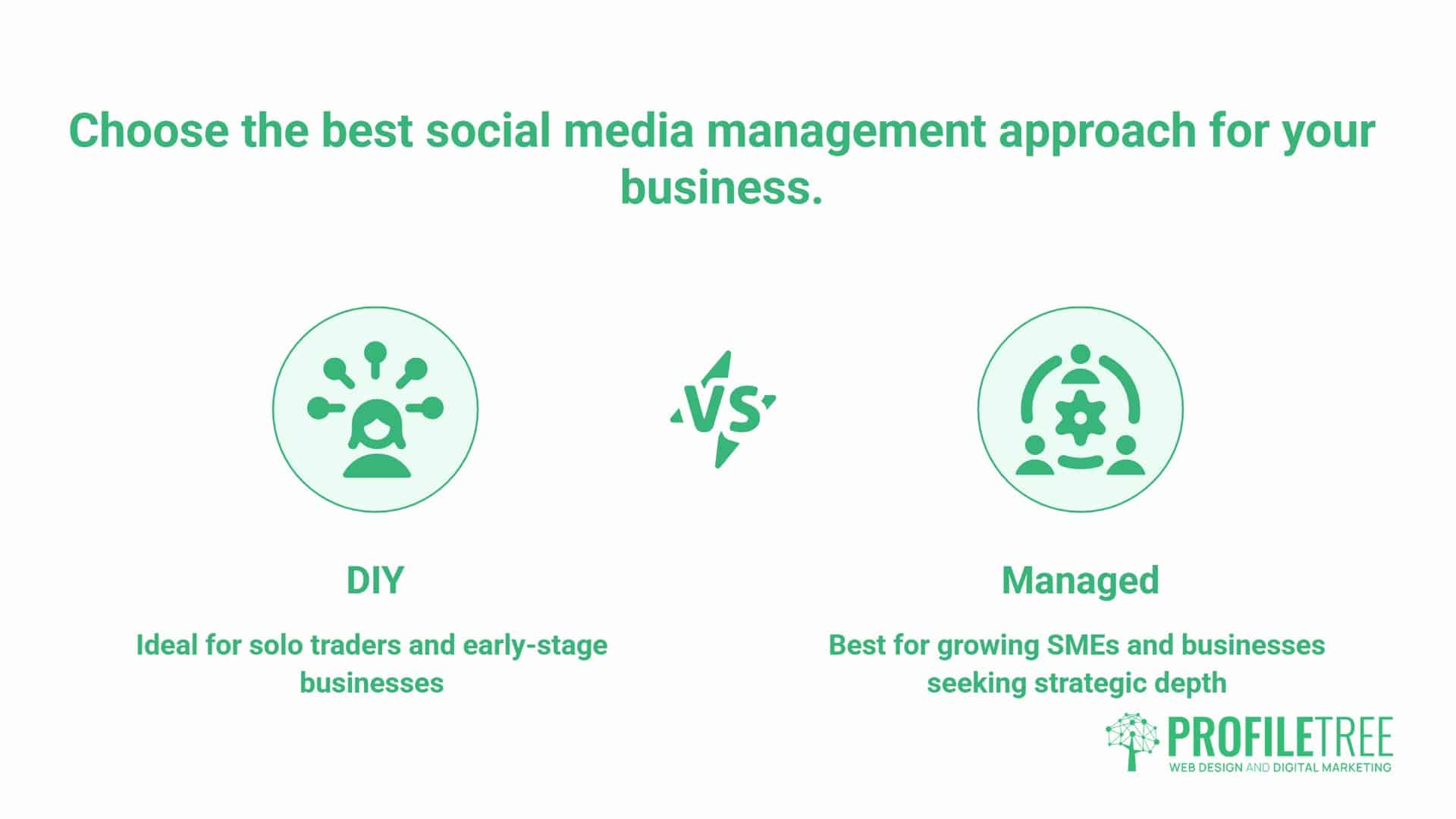
Every efficient system eventually meets a ceiling. Batching and AI tools can compress the time it takes to create social media content, but they can’t manufacture hours that don’t exist, and they can’t replace a genuine content marketing strategy once a business is ready to compete beyond posting frequency. The signs of the ceiling are familiar: growth has stagnated despite consistent posting, leads from social aren’t appearing even though the content calendar is full, or the founder is doing the work at 9pm because there’s no time for it during the day.
Good social media time management delays the ceiling. It doesn’t remove it. A founder who has batching, AI-assisted drafting, and a tight weekly routine has already captured most of the efficiency gains available to someone doing the work alone. Past that point, the limiting factor shifts from time management to capacity: there’s simply a ceiling on how much one person, however organised, can produce and analyse in two hours a week.
There’s a real cost-of-opportunity question here. An hour spent by a founder or manager on captions and scheduling is an hour not spent on the parts of the business that only they can do. Calculating that hourly rate against the cost of a managed service is a useful exercise before assuming DIY is automatically the cheaper option.
“Ciaran Connolly, founder of Belfast digital agency ProfileTree, puts it plainly: ‘The businesses we see getting the best results from social media are not the ones spending the most time on it. They’re the ones who’ve built a system and stuck to it. Checking your analytics ten times a day doesn’t improve your results. It just makes you anxious. The moment a business owner hands over social media properly, most describe it as relief rather than a cost.'”
Video is often the tipping point. If a 60-second reel takes three hours to produce, that calculation alone can justify professional video production, particularly for businesses considering a video-first strategy without the in-house time to sustain one.
Understanding the difference between simple posting and a content marketing strategy is part of recognising the ceiling. Posting fills a calendar. A strategy connects social content to blog, email, and search performance, so the same idea works harder across channels rather than being used once in a caption.
Choosing Your Path: DIY vs Managed Social Media
| Feature | DIY | Managed |
|---|---|---|
| Time investment | 2 to 5 hours weekly, founder or staff time | Minimal founder time, handled by an agency team |
| Cost structure | Staff time, tool subscriptions | A monthly service fee |
| Consistency | Dependent on workload and energy, it’s the first thing to slip when things get busy | Consistent regardless of business pressure |
| Strategic depth | Tactical, post-by-post | Tied to wider content marketing and digital strategy |
| Best fit | Solo traders and very early-stage businesses who haven’t hit the ceiling yet | Growing SMEs past the DIY ceiling |
Neither path is universally right. A sole trader testing the water benefits from the DIY system in this guide, and good social media time management alone might be all they need for a year or two. A growing SME that has outgrown ad hoc posting usually gets more from professional social media management combined with a wider digital strategy that ties social, content, and search together. If you want a second opinion on where your platform mix currently sits, our social media plan breakdown and best practices for SMEs are good next reads.
Protecting Your Productivity: Digital Boundaries
Social media management carries a psychological burden other marketing tasks don’t: it’s always on, it invites comparison, and it can generate negative feedback publicly. Turn off notifications except during scheduled engagement windows. Set a daily engagement window of around 20 minutes rather than checking continuously, and use it for comments, DMs, and active community management. Outside that window, social media doesn’t need your attention, and passive scrolling should never be counted as work, even on business accounts.
A realistic daily routine looks like this: five minutes in the morning to check notifications and respond to anything from the previous evening, without scrolling; an optional five minutes at midday for a final check on scheduled content; 90 minutes once a week for batching and scheduling; and 15 minutes on Friday to review performance and adjust next week’s plan. That’s the complete system for social media time management that actually holds up week to week. It needs about two hours of focused time and the discipline not to check outside those windows.
FAQs
What is the best time to post on social media for UK small businesses?
LinkedIn performs best Tuesday to Thursday between 8 am and 9 am and around noon for UK B2B audiences. Instagram and Facebook peak mid-week evenings between 7 pm and 9 pm and Sunday mornings for consumer audiences. Your platform analytics will show you your own audience’s actual peak times over time.
How much time should a small business spend on social media time management?
Two to three hours a week is realistic for most UK SMEs managing their own accounts, split between one 90-minute batching session and around 30 minutes of monitoring and engagement across the week. More time rarely produces proportionally better results; using the time you’ve got more intentionally does.
Is social media automation bad for engagement?
No, provided it’s used appropriately. Scheduling posts in advance doesn’t reduce engagement on its own. What does reduce engagement is replacing genuine interaction with generic auto-replies or posting identical content across platforms without adapting the format.
Should a small business be on every social media platform?
No. Choose the one or two platforms where your customers actually spend time and maintain a consistent, high-quality presence. A well-maintained LinkedIn profile or a well-run Instagram account will outperform a diluted presence across six platforms.
When is it time to move from DIY to a managed social media service?
Usually, when the founder’s time has a higher-value use elsewhere, when growth has plateaued despite consistent posting, or when the business needs a content marketing strategy rather than isolated posts. At that point, the cost of a managed service is often lower than the true cost of the founder’s time.