
Social Media and Web Design: A Practical Integration Guide
Table of Contents
Social media and web design work best as one connected system, not two separate jobs handed to two separate people. When your website and your social channels share the same look, the same proof, and the same way of talking to customers, visitors trust you faster and act sooner.
This guide covers the strategies UK and Irish businesses use to join the two together: where to place icons and sharing buttons, how to embed feeds without slowing your site, how to feature customer content, how to handle UK-GDPR consent for tracking pixels, and how to measure what the integration is actually doing.
Whether you design sites or run a small business in Northern Ireland, weighing up your options, the sections below give you something you can apply this week.
Why Social Media and Web Design Belong Together
A website is a part of your presence that you own. Social platforms are rented space. The point of joining them is to move attention from the rented space onto the part you control, then make it easy for visitors to spread your content back out again. For most SMEs, getting this loop right matters more than any single design tweak.
Brand Consistency Builds Trust
When a customer sees the same colours, logo, and tone on your Instagram and your homepage, the match reassures them they are in the right place. Mismatched branding does the opposite: it plants doubt at the exact moment someone is deciding whether to buy. Keeping visual identity aligned across both channels is a core part of how we approach website design for clients.
Icons, fonts, photography style, and the words you use should carry across from feed to footer. That alignment should extend to language as well as logos, which leads to the next point.
Social Proof as a Conversion Signal
Reviews, follower counts, and customer photos pulled onto a product page give hesitant buyers a reason to commit. A Belfast cafe showing recent Instagram posts from real customers makes a stronger case than any sales line the business could write itself.
Proof works because it comes from people other than the seller. Real-time feedback also lets a business respond to comments and questions in public, which builds further trust, and the next benefit follows the same logic.
Reach Beyond Your Existing Audience
A single share can put your content in front of people who have never heard of you. For a small firm in Northern Ireland with a modest marketing budget, that organic spread is one of the few free routes to new customers. Targeted advertising on these platforms then lets you reach specific groups by interest and location, which makes a limited budget work harder. Strong social signals also support discovery in search, which feeds back into your wider social media marketing efforts.
Placing Icons, Links, and Sharing Buttons
The mechanics of integration come down to a few small elements placed well. Get the placement wrong, and they either get ignored or actively push people away from your site. Get it right, and they do quite a lot of work on every page. The three core elements are profile icons, sharing buttons, and the design choices that make both easy to use.
Where to Position Social Icons
The header makes icons immediately visible, but it also offers an early exit before visitors read anything. The footer keeps them present without inviting people to leave the funnel too soon. For most service businesses, the footer is the safer home, with the header reserved for brands whose social content genuinely drives sales.
Whatever you choose, keep the icons in the same spot on every page so people learn where to look. Hover effects that change colour or size add a small cue that the icons are clickable. Consistency matters as much as position, which the next section covers.
Keeping Icons Recognisable and Accessible
Use the standard platform marks rather than custom redesigns. Familiar icons reduce the thinking a visitor has to do, and they help people using screen readers or struggling with dense layouts by acting as clear visual cues. Size them so they stay easy to tap on a phone, where most of your traffic now arrives.
Match the icon styling to your site’s overall palette so the set looks deliberate rather than bolted on. Not every platform suits every brand, so prioritise the channels where your audience actually spends time. Icons let people find you; sharing buttons let people spread you, which is the bigger prize.
Sharing Buttons That Earn Clicks
Place sharing buttons at the top and bottom of blog posts and beside anything worth passing on, such as a product description or a guide. Floating buttons that follow the scroll keep the option visible during a long read. Use the recognisable platform marks and enough colour contrast so that the buttons stand out against the background.
Pre-filling the share text with a clean headline and one relevant hashtag removes friction and lifts the number of people who follow through. Strong, shareable content is itself a product of good content marketing, so the buttons only pay off when the content behind them is worth sharing.
Embedding Feeds and Customer Content
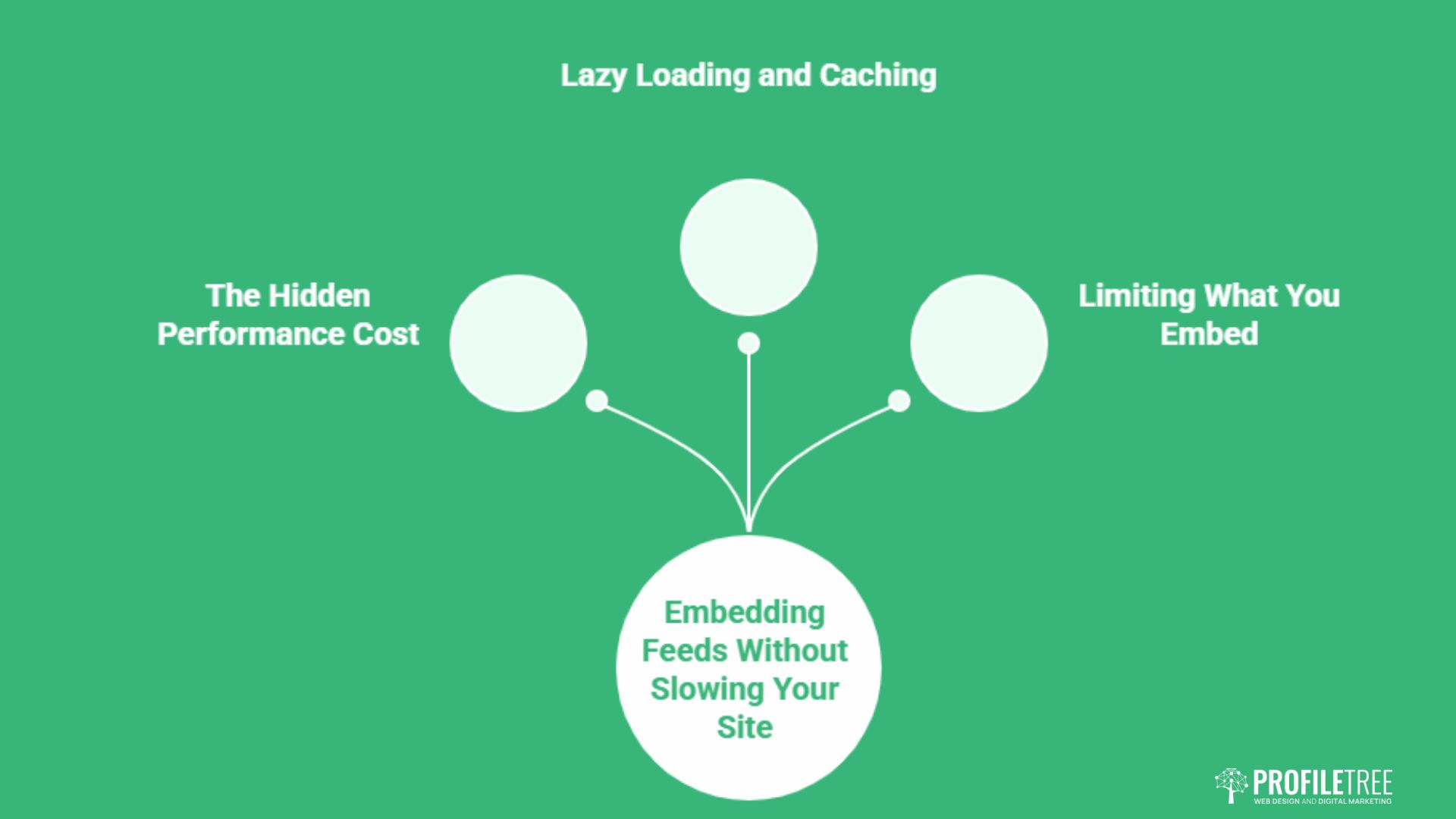
Live social feeds and user-generated content add fresh material and show your brand in action. Both also carry costs that most guides skip: feeds can slow your site, and customer content needs a clear invitation before it appears. This section covers how to use both without the downsides.
The Hidden Performance Cost of Feeds
A single embedded Instagram feed can pull in scripts, fonts, and images from external servers before your own content settles. Each request adds delay, often one to two seconds, and Google now treats page speed as a ranking factor. The feed that was meant to build trust can end up driving people away before the page even appears.
Embedding itself is simple: most platforms give you a snippet to paste into a Custom HTML block in WordPress. The harder part is making sure that the snippet does not drag the page down, which the next section addresses.
Lazy Loading and Caching
Lazy loading holds the feed back until a visitor scrolls near it, so it never delays the content above the fold. Caching a copy of recent posts on your own server, rather than calling the platform live on every visit, removes most of the remaining lag. Limit yourself to one or two feeds and rotate them if you want variety.
Vet any third-party widget for its own performance before you trust it on a commercial page. These approaches keep social content visible without the speed penalty, and they sit naturally within ongoing website hosting management. Once feeds are under control, customer content is the next asset to feature.
Featuring User-Generated Content
Customer photos, reviews, and testimonials add authenticity that brand-made content cannot match. Invite people to contribute with a clear prompt: a skincare brand might ask for before-and-after photos with a hashtag, a travel firm might run a customer stories section. Pull the best of it into a gallery, a testimonials page, or a carousel near your calls to action.
Showing real customers using your product reassures the next buyer far more than a stock image does. Feature the same content in newsletters and social posts to make contributors feel part of the brand, and the loop reinforces itself.
Designing the Website to Feed Social
Most advice treats the website as the destination and social as the road to it. The more useful way round is to design the site so it generates social content too. When parts of your pages are built to be screenshotted and shared, every visitor becomes a potential distributor, and the loop runs in both directions.
Designing for the Screenshot
Pull quotes, clear statistics, before-and-after panels, and tidy summary cards all travel well when someone snaps and shares them. A pricing breakdown laid out cleanly, or a single striking line set in your brand style, gives people something worth posting. Think about which fragments of a page you would be happy to see circulating on their own, then design those fragments deliberately.
Open Graph tags matter here too: they control how a shared link looks on social, and a missing or wrong image makes even good content look careless. The same care extends to where you send people next.
Breaking the Link-in-Bio Bottleneck
Funnelling every social visitor through a single bio link wastes intent. Instead, build focused landing pages that match specific campaigns and posts, so someone arriving from a particular video lands somewhere relevant rather than on a generic homepage. Considered website development makes those pages quick to spin up and easy to track, which keeps campaigns nimble.
Designing for Mobile and Compliance
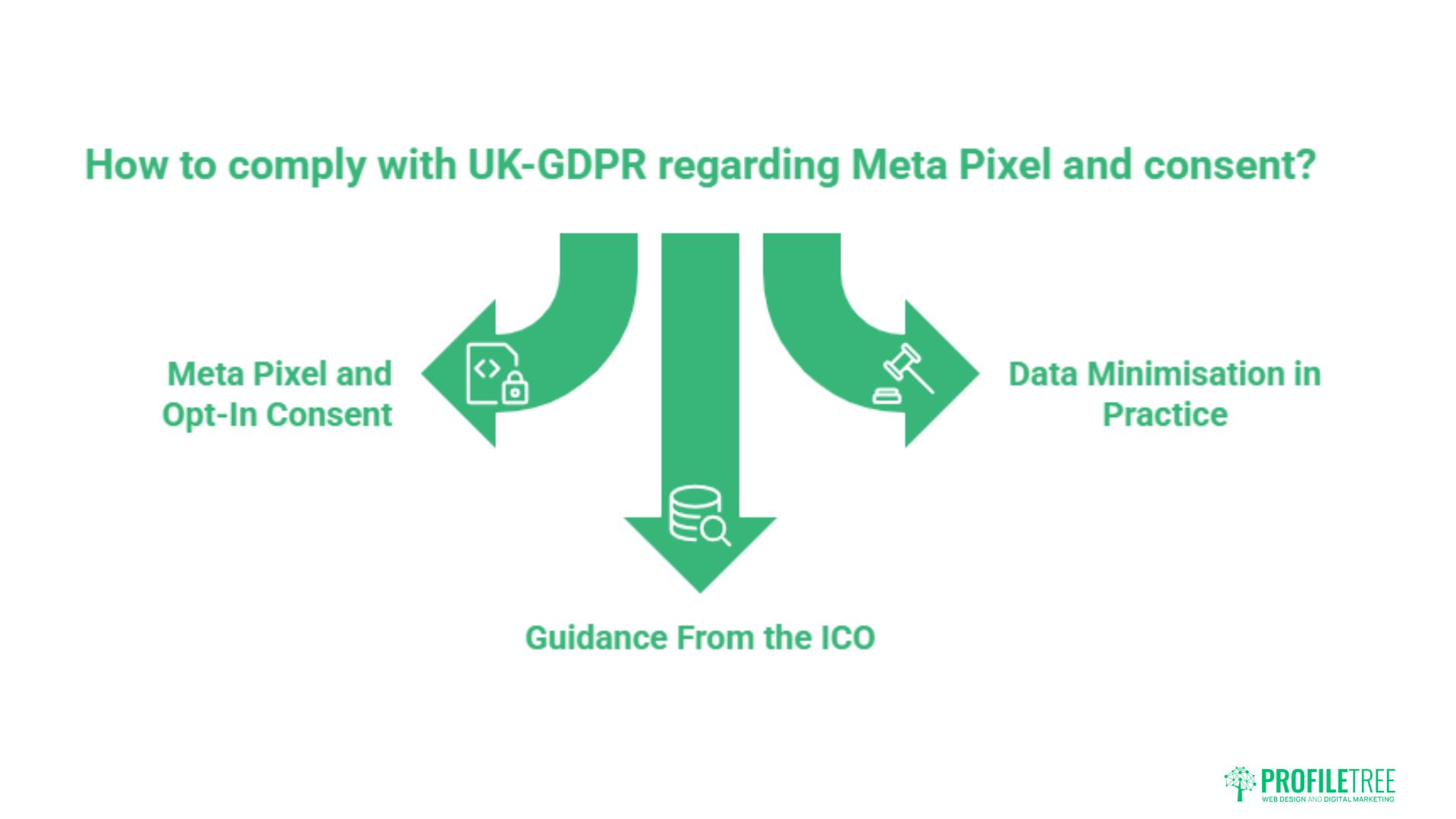
Two factors shape how social elements behave in practice: the device most people use, and the law that governs the data those elements collect. Mobile sets the design constraints; UK-GDPR sets the legal ones. Both need building in from the start rather than patched on later.
Mobile Responsiveness First
Most of your traffic now arrives on phones, where screen space is tight, and people tap rather than click. Social buttons need to be large and intuitively placed, feeds need to adapt to narrow screens, and images need to be optimised so the page still loads fast. A clumsy mobile integration, such as a slow feed or an awkward sharing flow, costs you and your visitors quickly.
Keep mobile sharing to a single tap and pre-fill the text where you can. Search engines favour mobile-friendly sites, so getting this right protects both experience and visibility. The data those elements gather then raises the compliance question.
Meta Pixel and Opt-In Consent
Social widgets and tracking pixels often set cookies and send data to platforms the moment a page loads. Under UK-GDPR, that usually requires explicit consent first. A Meta Pixel used for ad tracking is non-essential, so it should not fire until a visitor actively agrees.
Loading it by default, or hiding consent inside a pre-ticked box, breaches the rules. A compliant cookie banner that blocks the pixel until someone opts in is the baseline, not an extra. The same caution applies to embedded feeds that quietly send data back to the platform.
Guidance From the ICO and Data Minimisation
The Information Commissioner’s Office sets out how consent and tracking should work for UK sites, and its guidance is the reference point worth checking before you deploy pixels. For businesses in the Republic of Ireland, the Data Protection Commission plays the equivalent role.
Collect only what you will actually use. Every extra pixel is another thing to disclose, another risk to manage, and another small drag on performance. A lean tracking setup is easier to keep compliant and easier to explain to the people you serve, and that openness is itself a trust marker.
Measuring and Sustaining the Integration
Integration is not a one-off build. The elements that work this quarter may underperform next quarter, so you need to watch the numbers and adjust. The goal is to track what changes behaviour, not what simply looks busy.
Metrics Worth Watching
Referral traffic from social, shares per article, and conversion rate from social visitors tell you whether the integration earns its place. Tools like Google Analytics show the referral path; platform analytics show which posts drive people to your site. Watch assisted conversions, not just last-click, or you will undervalue social entirely.
Set a few clear targets, such as conversions from social traffic or growth in engaged followers, and review them on a regular schedule. The numbers then point to what to test next.
Testing Placement and Design
Run simple A/B tests on button position, icon style, and feed placement. Small changes, such as moving sharing buttons from the bottom to a floating bar, can shift results more than a full redesign. Test one variable at a time so you know what caused the change.
Decisions backed by data sit at the heart of a sound digital strategy. Skills and judgement turn that data into better decisions, which is where training pays off.
Building the Skills In-House
Many SMEs want to manage this themselves rather than outsource every change. Practical digital training gives a team the confidence to read analytics, run tests, and keep the integration healthy without calling an agency for every tweak.
Ciaran Connolly, founder of ProfileTree, frames the combined service this way: “We treat social media and web design as one job, not two. A website that ignores social proof and a social account that points nowhere useful are both half a strategy. The businesses that grow are the ones where the two feed each other.”
Conclusion
Social media and web design deliver most when they run as a single, consistent system: shared branding, embedded proof, fast-loading feeds, and consent handled properly under UK-GDPR. Get those pieces working together, and your website becomes both a destination and a source of shareable content. If you want help joining the two for your business, talk to our team about a combined approach built around your goals.
FAQs
Do social media icons on my website help SEO?
Not directly. Links to your own social profiles do not pass ranking signals the way external backlinks do. They help indirectly by improving dwell time and strengthening brand recognition, both of which support search performance over time. The bigger SEO win comes from active social channels that earn shares and mentions elsewhere.
Where is the best place to put social icons?
The footer is usually safest for service businesses. It keeps icons present on every page without offering an early exit at the top, where you want people reading rather than leaving. Reserve header placement for brands whose social content genuinely drives sales, and keep the icons in the same spot site-wide so visitors learn where to look.
Does an Instagram feed slow down my website?
Usually yes, often by 500ms to 1.5 seconds, because the feed loads scripts and images from external servers before your own content settles. Lazy loading holds it back until a visitor scrolls near it, and caching recent posts on your own server removes most of the remaining lag. Limiting yourself to one or two feeds keeps the impact manageable.
Is it legal to track website visitors for Facebook ads in the UK?
Only with explicit opt-in consent. Under UK-GDPR, a Meta Pixel is non-essential, so it must not fire until the visitor actively agrees through your cookie banner. Pre-ticked boxes or pixels that load by default breach the rules, and the same applies to businesses in the Republic of Ireland under Data Protection Commission guidance.
Is social media design different from web design?
Yes. Social assets are often temporary and trend-led, built around platform formats that change quickly, while web design is functional and evergreen. The two also use different aspect ratios, file types, and accessibility standards, so an asset built for one rarely transfers cleanly to the other. Treat them as related disciplines that share a brand, not as the same job.