
Facebook Live Audience Engagement: A UK Business Guide
Table of Contents
Most small businesses go live on Facebook, watch a handful of viewers drift in and out, then quietly give up. The broadcast itself is rarely the problem. The planning around it usually is.
Facebook Live remains one of the few formats that still earns strong organic reach for UK SMEs, yet most guides are written for US audiences and skip the things that matter locally: peak viewing times in GMT and BST, GDPR when you film in shared spaces, and what to do with the replay that quietly collects most of your views.
This guide covers four areas in order: planning a broadcast that people actually attend, driving real-time Facebook Live audience engagement during the stream, getting the replay to work for you, and staying compliant while keeping content accessible.
Planning a Facebook Live Broadcast That People Attend
A live stream succeeds or fails before you press the button. Strong planning decides who turns up, how long they stay, and whether they come back. For UK businesses, that planning starts with knowing your audience and choosing a time that suits a GMT or BST viewer rather than a viewer in California.
Before the practical steps, it helps to know why the format still earns attention. Facebook continues to give live video a reach boost over standard posts, pushing notifications to followers the moment a broadcast starts. For a small business with a modest following, that prompt can put you in front of people who would never see an ordinary update. Live video also signals effort and presence, which builds the kind of familiarity that turns followers into customers over time.
Understanding Your Local Audience
Begin with the people you already serve. Look at the age, location and interests of your existing followers in Meta Business Suite, then build the stream around a question they keep asking. A Belfast tradesperson fielding the same pricing query every week has a ready-made live topic. That same instinct underpins any sound social media marketing plan: start from real customer questions, not from what the platform is promoting this month.
Once you know who you are speaking to, the format follows naturally. A demonstration suits a product business, while a question-and-answer session suits a service firm, such as an accountant or solicitor. A bakery in Lisburn might walk through a seasonal product, whereas a marketing consultant in Dublin might run a thirty-minute clinic answering submitted questions.
Write down the one outcome a viewer should leave with. If you cannot name it in a sentence, the topic is too broad, and the stream will wander. Specific, narrow topics consistently hold attention better than sprawling overviews that try to cover everything at once.
Choosing UK and Ireland Peak Times
Timing is where most British and Irish businesses lose viewers. Generic advice points to early afternoon, which is built around US Eastern Time and lands mid-morning for you. For UK and Ireland audiences, weekday evenings around 8:00 pm tend to perform well, when people are home and scrolling on a second screen beside the television.
Weekday lunchtimes can also work for business-to-business topics, catching office workers on a break. Test two or three slots and let your own data settle the matter rather than trusting a US blog.
The table below gives sensible starting points for UK and Ireland audiences. Treat these as a hypothesis to test against your own analytics, not a fixed rule, since every audience behaves slightly differently.
| Audience type | Strong window (GMT/BST) | Why it works |
|---|---|---|
| Consumer (B2C) | Weekday evenings, 7:30 to 9:00 pm | Second-screen scrolling beside the television |
| Business (B2B) | Weekday lunchtimes, 12:30 to 1:30 pm | Office workers browsing on a break |
| Weekend retail | Saturday late morning, 10:00 to 11:30 am | Relaxed browsing before midday plans |
Building Anticipation Before You Go Live
Nobody attends a live stream they did not know about. Announce the broadcast several days ahead across your channels, then send a reminder on the day. Pair the social posts with a short note to your subscribers, since a well-timed message through email marketing often brings more committed viewers than a feed post alone.
Tell people exactly what they will gain and the precise start time. “Thursday, 8:00 pm: three pricing mistakes that cost trades money” beats a vague promise to “go live soon.”
A simple reminder funnel works well. Post the announcement three to four days ahead, share a behind-the-scenes teaser the day before, then publish a short “going live in one hour” post on the day itself. Each touch lifts the number who actually attend rather than catching the replay later.
Driving Real-Time Engagement During the Stream
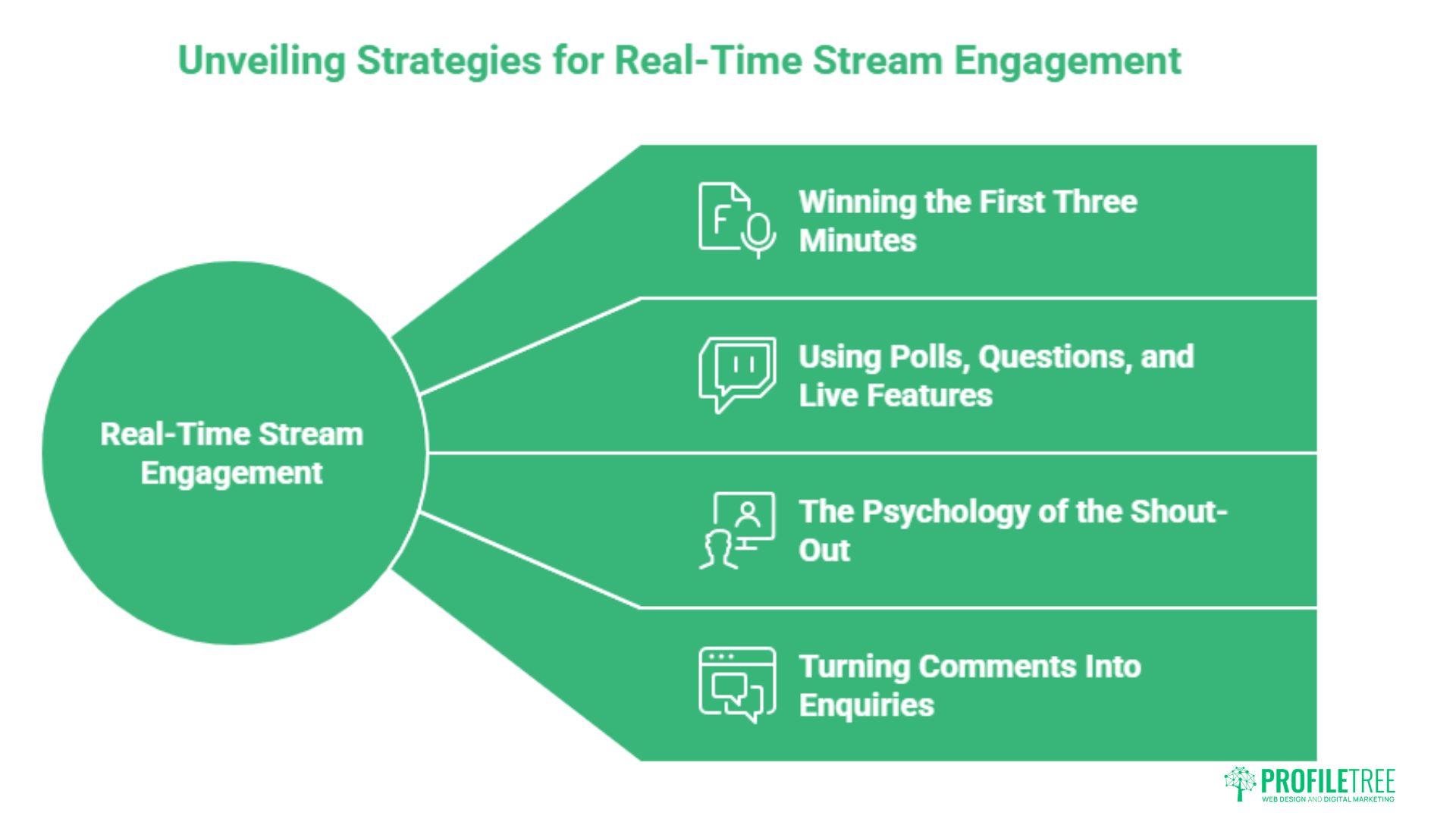
The broadcast itself is where planning meets performance. Engagement during a live stream is not luck; it follows a few repeatable habits that turn passive viewers into active participants. The aim is conversation, not a monologue, and the first few minutes set the tone for everything that follows.
Winning the First Three Minutes
People decide within seconds whether to stay. Open with the single most useful point rather than a slow welcome, then name what is coming so viewers have a reason to wait. Greet early arrivals by name as they appear, which signals that this is a two-way space.
Avoid the common trap of stalling with “just waiting for a few more people to join.” That dead air costs you the scrollers you worked so hard to attract.
Using Polls, Questions and Live Features
Facebook’s built-in tools exist to pull viewers in. Run a quick poll, take questions submitted in the comments, and react to answers as they land. Each interaction tells the algorithm the stream is worth showing to more people, widening your reach while you talk.
Production quality supports all of this. Clear audio and steady framing keep viewers watching, and the same standards that lift a live stream apply to any video marketing work a business invests in.
You do not need a studio to look professional. A recent smartphone, a clip-on microphone and a single soft light cover the basics, and audio quality does more for retention than camera resolution. Stand near a window during the day, or position one light slightly to the side to avoid the flat, washed-out look of a head-on lamp.
The choice between Facebook’s native broadcaster and third-party software depends on how polished you need to look. The comparison below sets out the trade-offs for a UK small business weighing the two.
| Option | Best for | Trade-off |
|---|---|---|
| Native Facebook Live (phone or Live Producer) | Quick, authentic broadcasts with minimal setup | Limited overlays, graphics and multi-camera control |
| Third-party streaming software | Branded graphics, guests and screen sharing | A learning curve and a monthly subscription cost |
All prices and figures in this guide are indicative UK examples and correct at the time of writing; use them as a benchmark rather than fixed quotations. For most SMEs starting out, the native tools are enough until a clear need for polish appears.
The Psychology of the Shout-Out
Recognition is the quiet engine of live engagement. When you read out a viewer’s name and respond to their comment, you reward them publicly, and others comment in the hope of the same acknowledgement. The result is a thread that keeps building on itself.
Ciaran Connolly, founder of ProfileTree, puts it plainly: “A live audience does not want a performance, it wants a conversation. The moment you say someone’s name and answer their actual question, you turn a viewer into a participant, and participants are the ones who come back.”
That human focus matters more than viewer count. Ten engaged prospects who ask questions are worth more than five hundred silent lurkers who never return. Track comments and questions per minute rather than peak viewers, because the conversation is what the algorithm rewards and what turns a stream into enquiries.
A second useful habit is to seed the conversation deliberately. Ask a colleague or a friendly customer to post the first comment or question, since an empty comment thread discourages others from being the first to speak. Once two or three people have joined in, the rest tend to follow.
Turning Comments Into Enquiries
Engagement only pays off when it leads somewhere. Listen for buying signals in the comments, such as questions about price, availability or how to get started, and respond with a clear next step rather than a hard sell. Invite interested viewers to message your page or visit a specific landing page.
Capturing those leads is where live video meets the rest of your funnel. A live stream that feeds names into a wider digital marketing plan earns its keep far better than one judged on views alone. Treat each broadcast as the top of a journey, not the destination.
Optimising the Replay for Hidden Engagement
Here is what most guides miss: the live broadcast is only the opening act. The majority of a stream’s views arrive after it ends, as people watch the replay in their own time. Treating the recording as an afterthought wastes the bulk of your potential audience and the work you put into going live.
Editing the Description After You Finish
The moment a stream ends, the replay starts working for you, so make it easy to follow. Rewrite the post description with a clear title, a short summary of what was covered, and the key timestamps so latecomers can jump to the part they want.
This small edit turns a sprawling recording into a structured resource. It also helps the post surface in search within Facebook, extending its life well beyond the night you broadcast.
Repurposing Into Shorter Clips
One live session can feed weeks of content. Pull the strongest two or three minutes into short vertical clips for Reels, then write a caption that stands alone for the feed. A single broadcast can become a handful of posts, a blog summary and a clip for other platforms.
This is where a joined-up content marketing approach pays off, because each clip points back to the full replay and keeps the original stream in circulation.
Driving a Second Wave of Comments
Use the first pinned comment to restart the conversation. Ask replay viewers a direct question or invite them to share their own experience, giving fresh arrivals an obvious way in. Reply to every late comment, since each one nudges the post back into feeds.
Short-form clips compound this effect, and the wider short-form video trend means audiences now expect bite-sized highlights rather than a single long sitting.
Set yourself a simple 48-hour routine. On the day of the broadcast, fix the description and pin an opening question. Within a day, post the first short clip and reply to every comment. By the second day, publish a second clip and a feed post summarising the key takeaway. This steady drip keeps the replay surfacing long after the live audience has moved on.
Compliance and Accessibility for UK Streamers
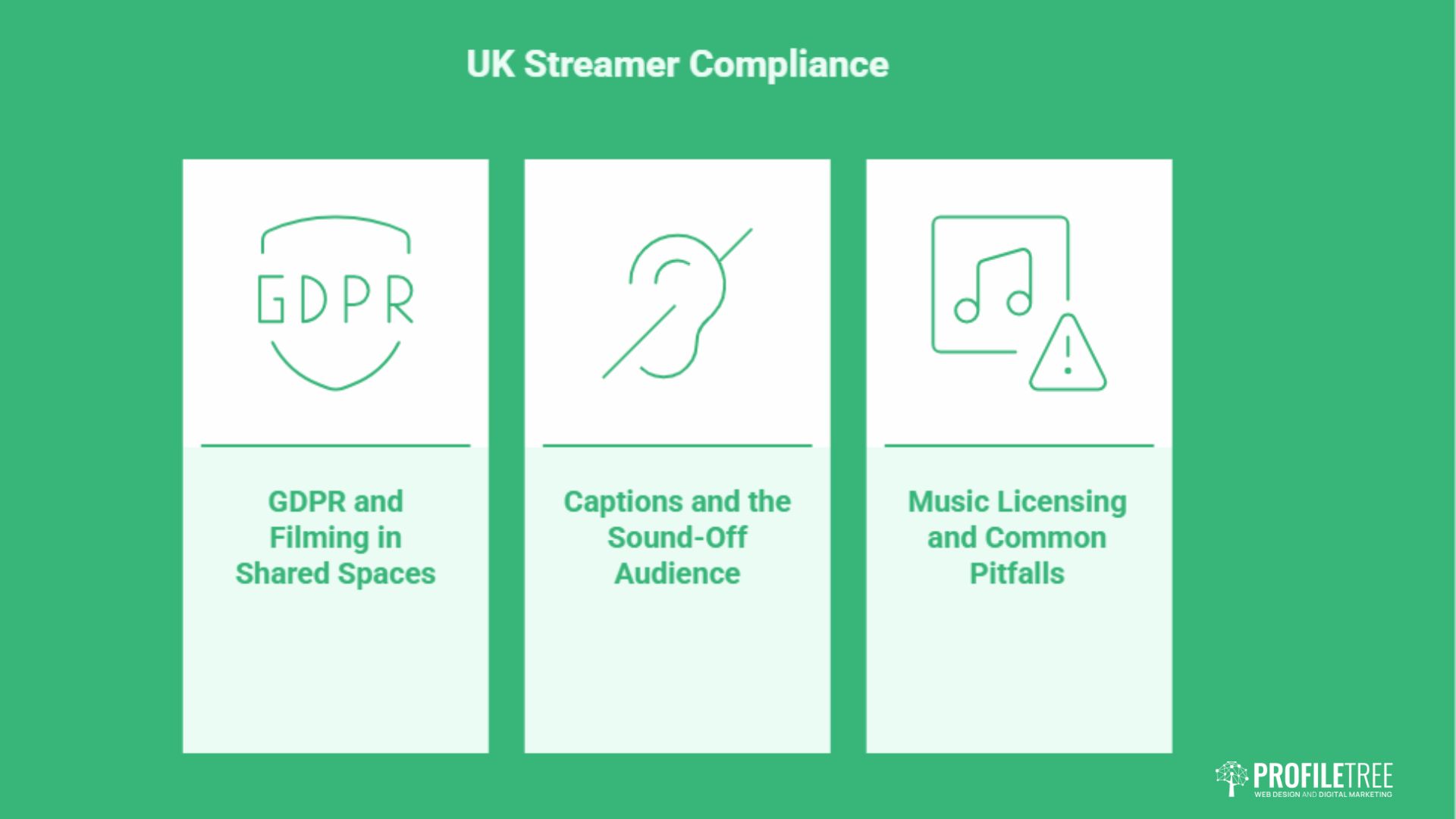
Professional live streaming in the UK and Ireland carries responsibilities that US guides ignore entirely. Two areas deserve attention before you broadcast: data protection when other people appear on camera, and accessibility for the large share of viewers who watch with the sound off.
GDPR and Filming in Shared Spaces
If you stream from a shop floor, an event, or any space where customers and staff are present, you are processing personal data. Under UK GDPR, you need a lawful basis and clear signage telling people that filming is taking place. The Information Commissioner’s Office offers practical guidance worth reading before you film in public, available through the ICO website.
For most businesses this means a visible notice, a quick verbal heads-up, and care over where the camera points. Handled well, compliance becomes a trust signal rather than a barrier. Keep a simple record of how you informed people and what your lawful basis was, since the ICO expects you to be able to show your reasoning if asked.
The risk is higher at public events or busy retail spaces where bystanders cannot easily avoid the camera. In those settings, angle the shot towards your presenter and products rather than the crowd, and pause filming if someone objects. A little planning here protects both your customers and your reputation.
Captions and the Sound-Off Audience
A large share of social video is watched without sound, so captions are not optional. Facebook can auto-generate them, but review the text for accuracy, especially with regional accents and business terms that the system tends to mangle.
Accessible content reaches a wider audience and signals a professional standard. The same care that makes a stream usable for deaf and hard-of-hearing viewers tends to make it clearer for everyone. Captions also help the silent majority who watch in offices, on public transport or late at night without disturbing others.
Speak at a steady pace and avoid talking over guests, which makes both automatic and manual captions far more accurate. A short on-screen summary of your main point at the start gives viewers a reason to keep watching with the volume up.
Music Licensing and Common Pitfalls
Playing commercial music during a live stream risks an automatic mute or takedown, and in the UK, it can raise PRS licensing questions. Stick to royalty-free tracks or Facebook’s own sound library to avoid losing the audio mid-broadcast.
If you want to build these habits across your team, structured digital training turns one-off live attempts into a repeatable process that holds up over time. For a sense of the place many of these broadcasts are filmed, Connolly Cove rounds up the top Northern Ireland cities worth featuring.
Conclusion
Strong Facebook Live audience engagement comes from preparation, real conversation during the stream, and disciplined use of the replay, where most views actually happen. Add UK-specific timing, GDPR awareness and clear captions, and you have a format few local competitors use well. The businesses that win treat each broadcast as a repeatable system, not a one-off. Want help turning live video into a steady stream of leads? Talk to ProfileTree about a social media plan tailored to your audience.
FAQs
What equipment do I need for Facebook Live in a small office?
A recent smartphone, a clip-on or USB microphone, and a basic ring light cover the essentials. Audio matters most, so prioritise the microphone over the camera. All prices and figures in this guide are indicative UK examples and correct at the time of writing; use them as a benchmark rather than fixed quotations.
How long should a Facebook Live broadcast last?
Aim for at least 15 to 20 minutes. The algorithm needs time to find and serve your stream to viewers, so very short broadcasts rarely gain traction.
Can I live stream to a Facebook Group and Page at the same time?
Crossposting lets you share one broadcast to multiple places, though native simultaneous streaming has limits. Check your current Meta Business Suite settings before you go live.
Do I need a licence to play music during my Live?
Commercial tracks can trigger an automatic mute and may raise PRS licensing issues in the UK. Use royalty-free music or Facebook’s sound collection to stay safe.
How do I see my engagement metrics after the broadcast?
Meta Business Suite reports views, reactions, comments, and watch time. Review these after each stream to learn which topics and times your audience responds to.