
Digital Experts Compare Squarespace vs WordPress: The Brilliant Guide
Table of Contents
Digital Experts Compare Squarespace vs WordPress. WordPress powers 43% of all websites, while Squarespace serves 2.8 million subscribed sites – but market share tells only part of the story. After building hundreds of websites for SMEs across Belfast, Northern Ireland and the UK, we’ve discovered that the “best” platform depends entirely on your business priorities, technical resources, and growth trajectory.
The fundamental difference isn’t about features or pricing. WordPress offers complete control through open-source flexibility, while Squarespace provides predictable simplicity through its all-in-one approach. Both platforms can build professional, high-performing websites when properly configured – the question becomes which philosophy aligns with your business needs.
Small businesses often waste months debating platform choice when they should focus on strategy and implementation. This comparison cuts through marketing rhetoric to reveal what actually matters for SME success online.
Digital Experts Comparison: Squarespace vs WordPress
Squarespace pricing appears straightforward: £15-40 monthly includes hosting, security, and core features. This predictability appeals to small businesses managing tight budgets. However, transaction fees on lower-tier plans and limited customisation options can increase long-term costs unexpectedly.
WordPress itself costs nothing – it’s free, open-source software. The real expenses come from hosting (£3-50+ monthly), premium themes (£30-100), essential plugins (£0-500+ annually), and potential development costs. A professional WordPress site typically costs £500-2,000 annually when including quality hosting, security, backups, and premium plugins.
Hidden Squarespace costs emerge through platform limitations. Need advanced e-commerce features? You’ll upgrade to higher tiers. Want custom functionality? Third-party integrations through Zapier add monthly fees. Exceeding bandwidth limits triggers overage charges many businesses don’t anticipate.
WordPress’s variable costs provide flexibility but require careful management. Free plugins handle basic needs, but professional features demand premium versions. Quality hosting makes dramatic performance differences – cheap shared hosting cripples WordPress sites while managed WordPress hosting transforms them.
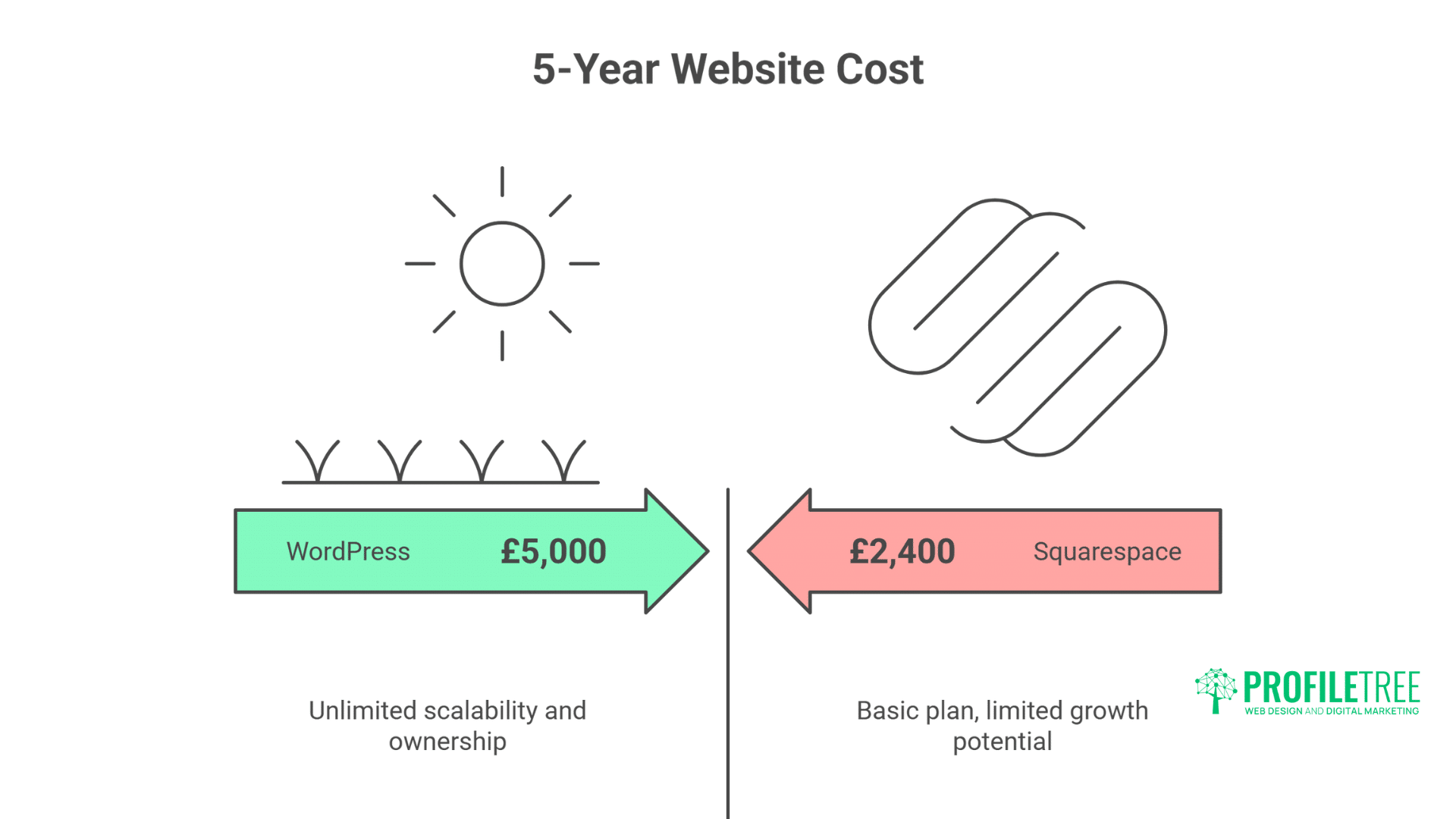
The five-year total cost of ownership often surprises businesses. Squarespace‘s £2,400 (basic plan over 5 years) seems economical until you factor in limited growth potential. WordPress might cost £5,000 over the same period, but it delivers unlimited scalability and complete ownership.
Transaction fees particularly impact e-commerce businesses. Squarespace charges 3% on their basic plan, while WordPress/WooCommerce charges nothing beyond payment processor fees. Selling £10,000 monthly means paying Squarespace £3,600 annually in transaction fees alone.
Design Flexibility: Creative Control vs Curated Simplicity

Squarespace’s template-based approach delivers professional designs immediately. Their curated selection of 150+ templates ensures visual quality while preventing design disasters. This constraint benefits businesses lacking design expertise but frustrates those wanting unique presentations.
WordPress offers 11,000+ free themes plus unlimited premium options. This variety enables complete creative freedom but introduces quality control challenges. Many WordPress themes suffer from bloated code, poor mobile responsiveness, or abandoned development.
Customisation depth reveals the platforms’ philosophical differences. Squarespace’s Style Editor provides controlled customisation through visual interfaces. Change colours, fonts, spacing, and layouts without touching code. These guardrails prevent breaking your site while limiting advanced modifications.
WordPress customisation knows no bounds. Edit any aspect through theme files, custom CSS, or complete rebuilds. Page builders like Elementor or Divi provide visual editing rivalling Squarespace while maintaining WordPress’s flexibility. This power requires responsibility – poor customisation decisions create maintenance nightmares.
Mobile responsiveness works differently across platforms. Squarespace templates automatically adapt to mobile devices with limited control over mobile-specific layouts. WordPress themes vary wildly in mobile optimisation quality, requiring careful selection and testing.
The design process itself differs fundamentally. Squarespace guides you through structured setup wizards, making design decisions feel manageable. WordPress throws you into the deep end, requiring independent decisions about themes, plugins, and configurations.
SEO Capabilities: Ranking Potential for Small Businesses
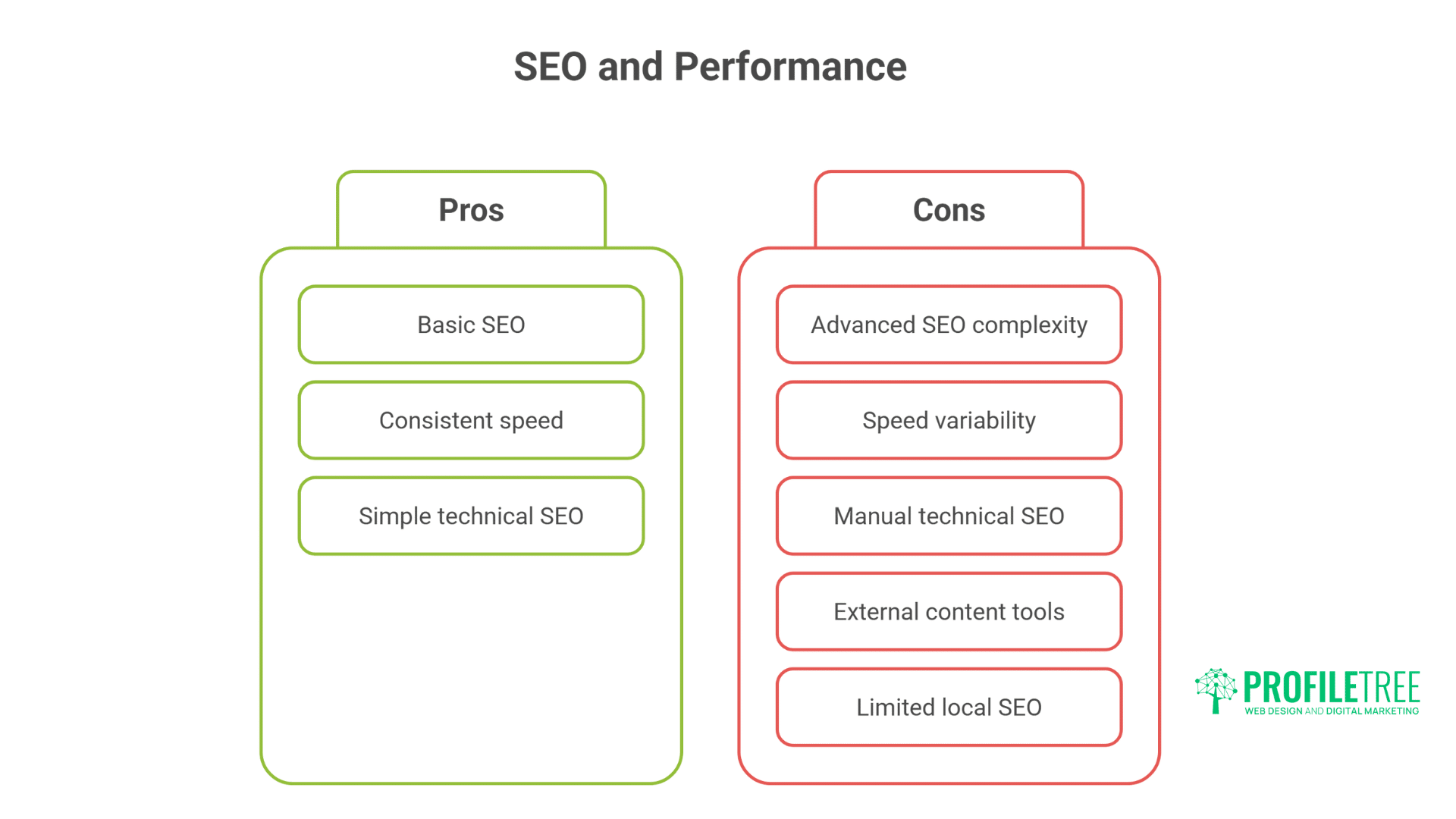
Both platforms can achieve first-page rankings when properly optimised, but their SEO approaches differ significantly. Squarespace includes basic SEO features standard: clean URLs, meta descriptions, XML sitemaps, and SSL certificates. This integrated approach helps beginners avoid critical SEO mistakes.
WordPress’s SEO potential extends far beyond Squarespace through plugins like Yoast SEO or Rank Math. These tools provide granular control over every ranking factor: schema markup, breadcrumbs, canonical URLs, and advanced XML sitemap configuration. The trade-off? Complexity that overwhelms non-technical users.
Site speed performance impacts rankings significantly. Squarespace’s managed infrastructure delivers consistent loading times around 2-3 seconds. Their CDN and automatic image optimisation prevent most performance issues. However, you can’t implement advanced optimisation techniques available to WordPress users.
WordPress site speed varies dramatically based on hosting quality, theme selection, and optimisation efforts. Poorly configured WordPress sites crawl at 5+ seconds, while optimised installations achieve sub-second loading. This performance range creates both opportunity and risk.
Technical SEO implementation showcases platform differences. Squarespace handles robots.txt, canonicalisation, and redirects through simple interfaces. WordPress requires plugins or manual configuration, but enables advanced implementations that are impossible.
Content optimisation tools give WordPress significant advantages. Real-time SEO analysis, readability scoring, and internal linking suggestions guide content creation. Squarespace lacks these integrated tools, requiring external analysis and manual optimisation.
Local SEO capabilities matter for Belfast and Northern Ireland businesses. Both platforms support local schema markup and Google My Business integration, though WordPress plugins provide more sophisticated local SEO features.
E-commerce Functionality: Selling Online Effectively
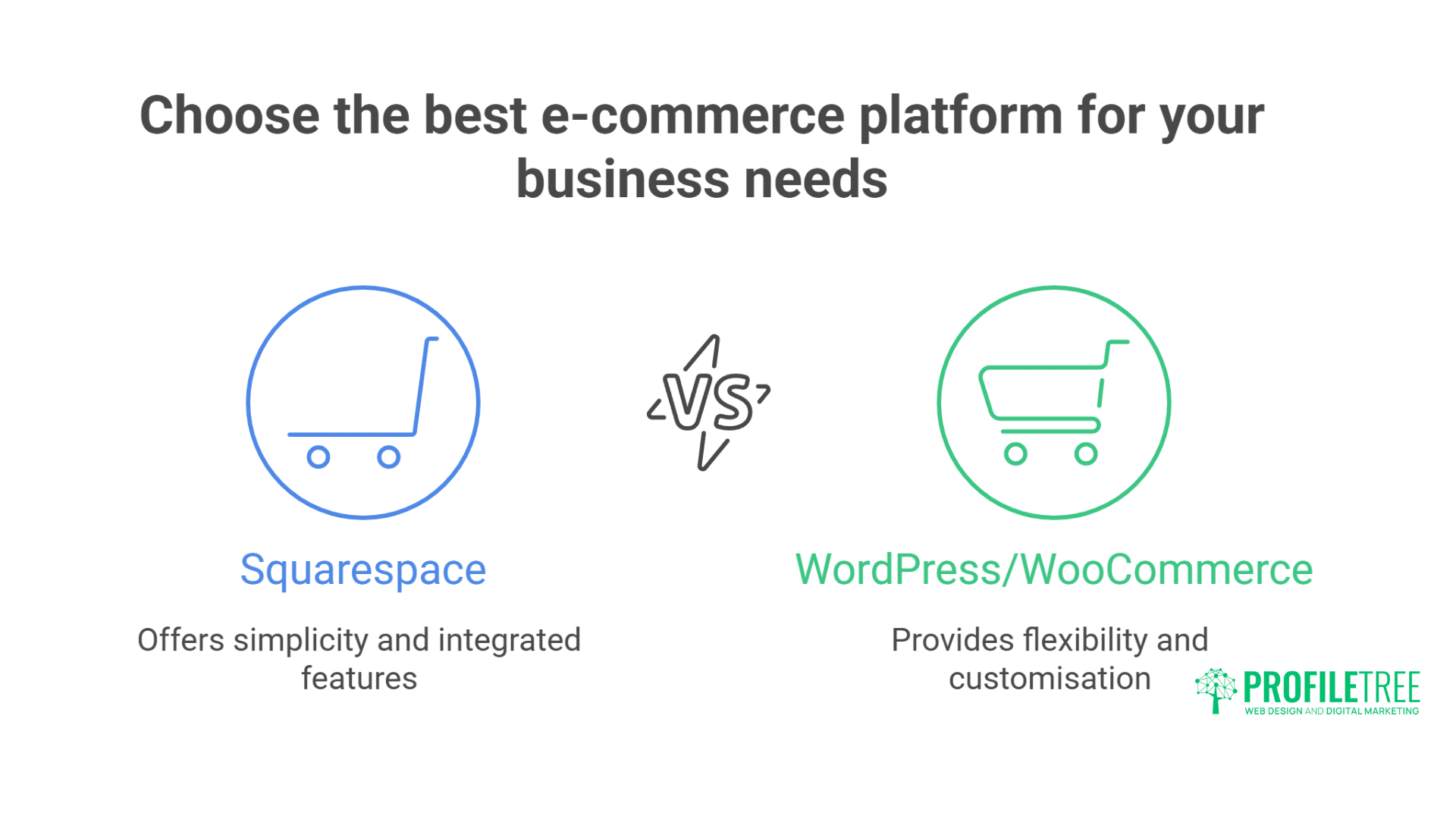
Squarespace Commerce provides integrated e-commerce functionality across all paid plans. Product management, inventory tracking, and order processing work immediately without additional configuration. This simplicity accelerates time-to-market for small businesses launching online stores.
WordPress requires WooCommerce or alternative e-commerce plugins, adding complexity but enabling unlimited customisation. WooCommerce powers 39% of all online stores, demonstrating its capability despite the steeper learning curve.
Product limitations affect growing businesses differently. Squarespace allows unlimited products on Commerce plans but restricts product variants and customisation options. Complex products with multiple variations or custom configurations hit platform limitations quickly.
WooCommerce handles unlimited products, variants, and custom product types through extensions. Sell physical products, digital downloads, subscriptions, bookings, or memberships through the same platform. This flexibility comes with increased management complexity.
Payment processing reveals cost implications. Squarespace’s integrated Stripe processing simplifies setup but locks you into their fee structure. WordPress allows any payment gateway, enabling negotiated rates with preferred processors as transaction volumes grow.
Inventory management scales differently across platforms. Squarespace provides basic stock tracking suitable for small catalogues. WordPress/WooCommerce integrates with advanced inventory systems, supporting multi-location businesses and complex supply chains.
The checkout experience impacts conversion rates significantly. Squarespace’s standardised checkout process ensures mobile optimisation but limits customisation. WooCommerce enables complete checkout customisation, though poor implementation can damage conversions.
Content Management: Publishing and Organisation
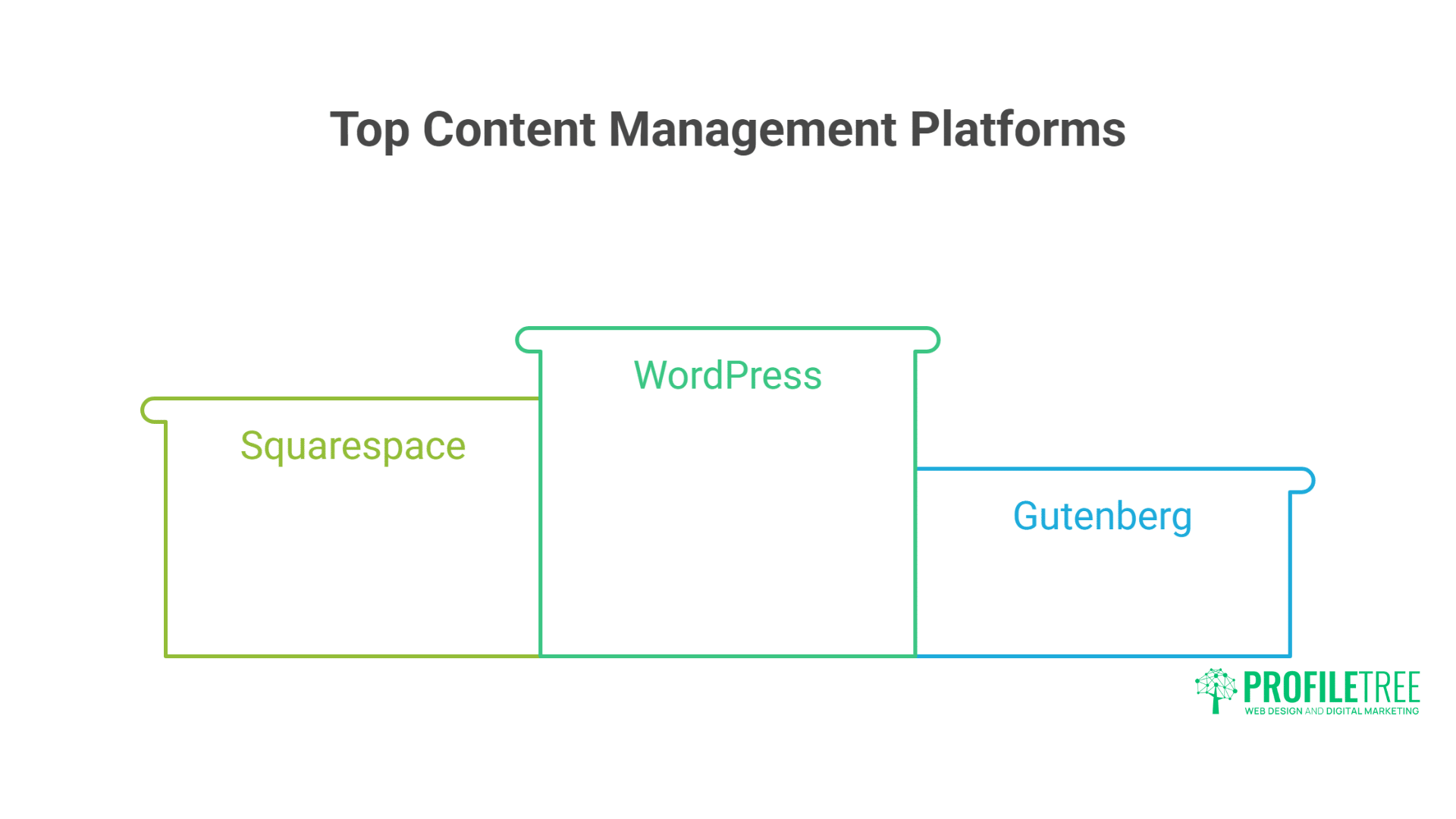
Squarespace’s content editor provides intuitive, visual content creation. Drag-and-drop blocks, inline editing, and real-time preview make publishing accessible for non-technical users. This simplicity accelerates content production but restricts advanced formatting options.
WordPress’s Gutenberg block editor now rivals Squarespace’s usability while maintaining greater flexibility. Classic Editor fans can still use the traditional interface, while page builders provide even more visual editing options.
Multi-user collaboration works differently across platforms. Squarespace supports contributor permissions but lacks sophisticated editorial workflows. WordPress enables complex user roles, editorial calendars, and revision tracking essential for content teams.
Blog functionality demonstrates platform priorities. Squarespace includes solid blogging features: categories, tags, RSS feeds, and comment moderation. WordPress began as blogging software, offering superior blog management through extensive plugins and themes.
Media management affects content-heavy sites. Squarespace’s integrated image editor and automatic optimisation streamline media handling. WordPress requires plugins for advanced media management, but supports any file type or media workflow.
Content scheduling and automation capabilities favour WordPress significantly. Schedule posts months ahead, automate social sharing, and implement complex publishing workflows. Squarespace’s scheduling features remain basic by comparison.
Security and Maintenance: Protecting Your Business
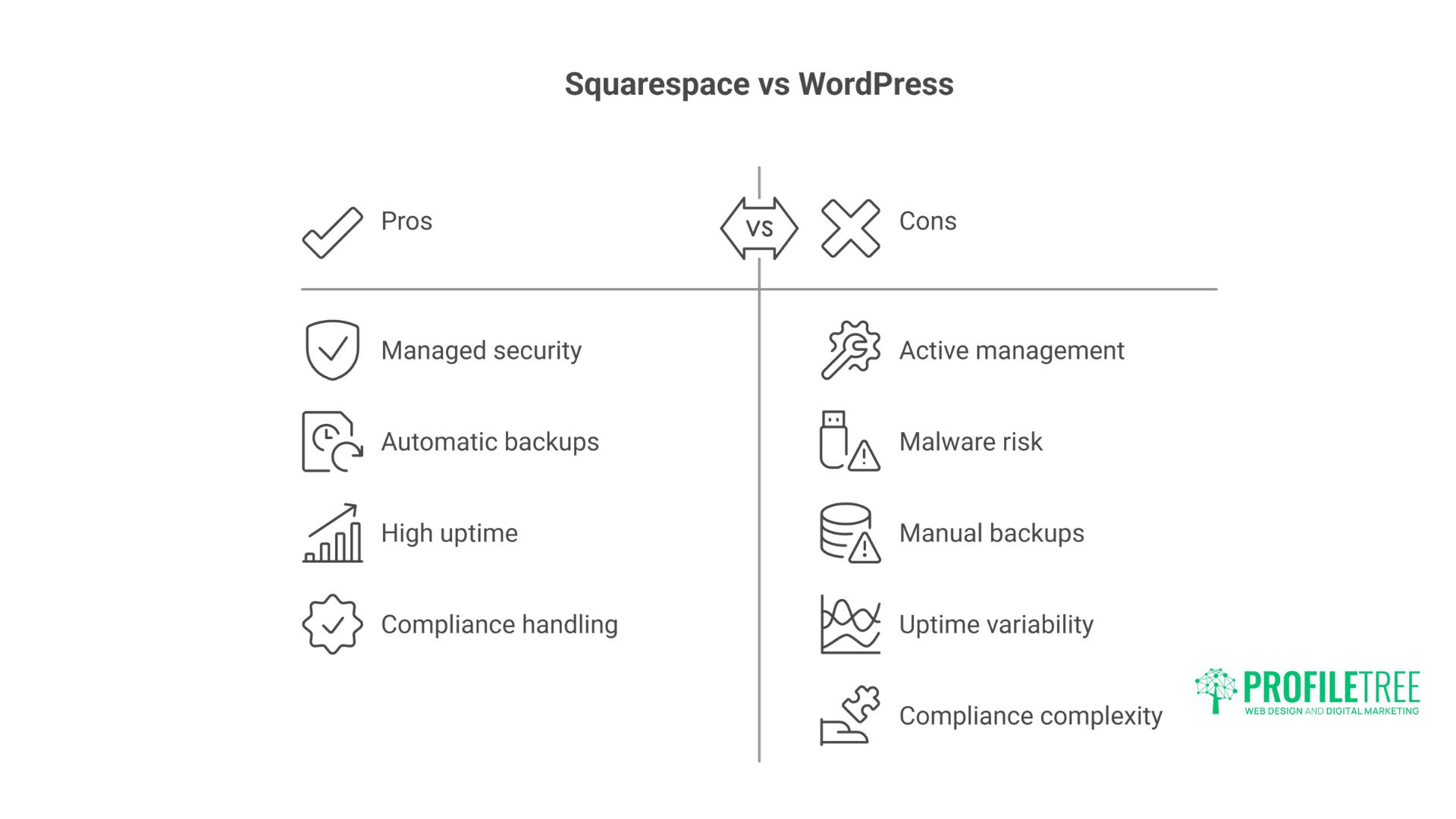
Squarespace’s managed security eliminates most security concerns for small businesses. Automatic updates, SSL certificates, DDoS protection, and PCI compliance happen transparently. This hands-off approach lets businesses focus on growth rather than technical maintenance.
WordPress security requires active management. Core updates, plugin updates, and security hardening demand attention. Neglected WordPress sites become malware targets, potentially destroying business reputation and search rankings.
Backup strategies differ fundamentally. Squarespace performs automatic backups you can’t directly access or control. WordPress backup plugins provide granular control: scheduled backups, remote storage, and one-click restoration.
Uptime reliability affects business credibility. Squarespace maintains 99.9% uptime through their managed infrastructure. WordPress uptime depends entirely on hosting quality – budget hosts deliver 95% uptime while premium managed hosting exceeds 99.99%.
Security breaches impact small businesses disproportionately. Squarespace’s centralised security model reduces individual site vulnerabilities. WordPress’s popularity makes it a larger target, though properly secured WordPress sites prove extremely robust.
Compliance requirements (GDPR, PCI-DSS) need consideration. Squarespace handles most compliance aspects automatically. WordPress requires manual configuration or plugins to meet regulatory requirements.
Scalability and Growth: Future-Proofing Your Investment
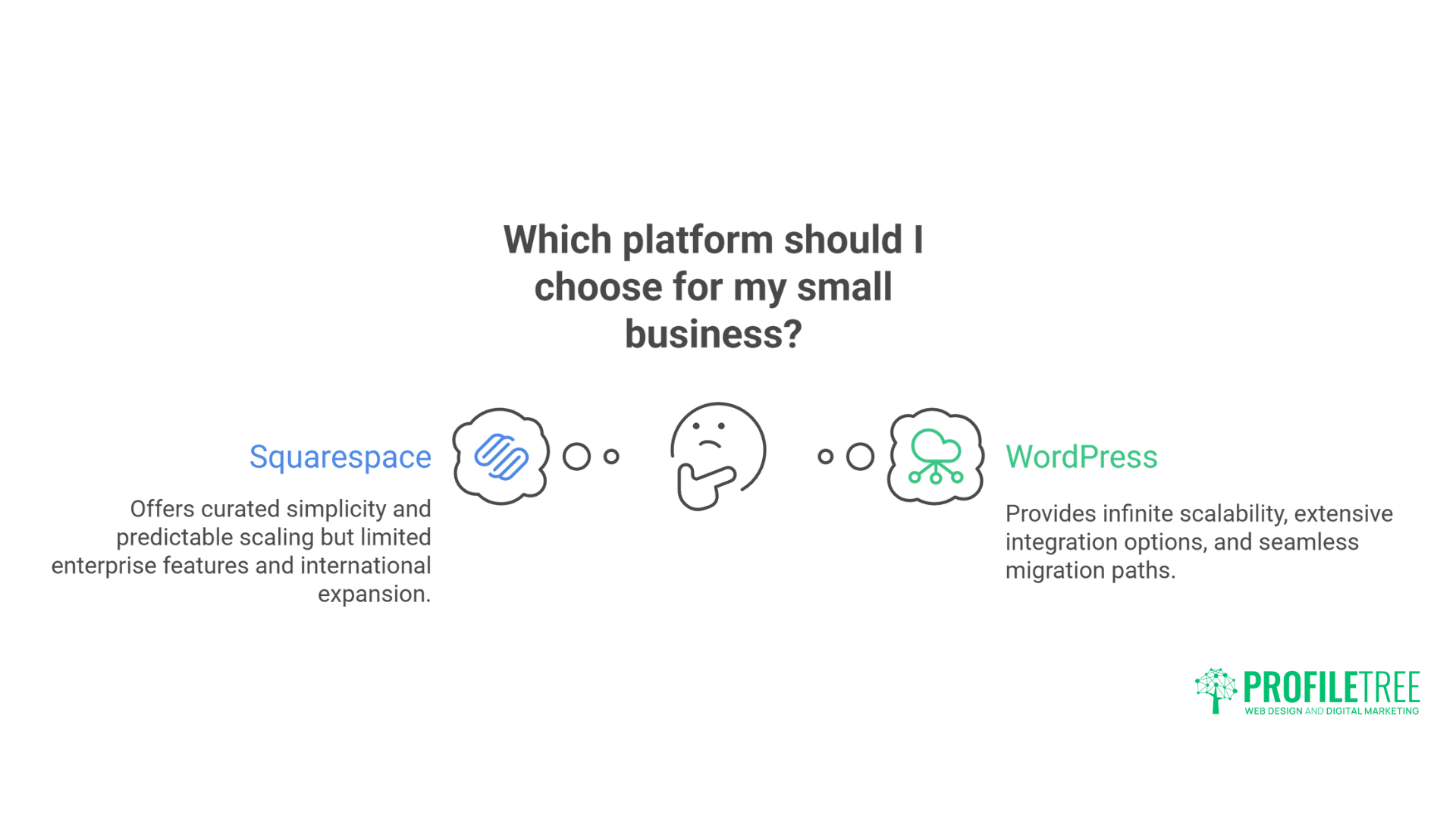
Small businesses must consider growth trajectories when choosing platforms. Squarespace scales predictably through plan upgrades but hits hard limits eventually. Enterprise features, custom integrations, and complex functionality exceed platform capabilities.
WordPress scales infinitely through hosting upgrades and architectural changes. Start with shared hosting and migrate to dedicated servers or cloud infrastructure as traffic grows. This scalability powered WordPress’s growth from simple blogs to enterprise platforms.
Traffic handling reveals infrastructure differences. Squarespace manages traffic spikes automatically through their CDN and elastic infrastructure. WordPress sites require hosting solutions capable of handling traffic surges – many small businesses discover this during viral moments.
International expansion capabilities favour WordPress. Multi-language plugins, currency converters, and regional content delivery work seamlessly. Squarespace’s international features remain limited, complicating global growth plans.
Integration ecosystems affect business operations. Squarespace integrates with major services through built-in connections and Zapier. WordPress connects with virtually any service through 60,000+ plugins or custom API integrations.
Migration paths matter when platforms no longer fit. Moving from Squarespace to another platform requires manual content migration and URL redirects. WordPress sites migrate between hosts easily, preserving SEO value and functionality.
Customer Support: Getting Help When You Need It
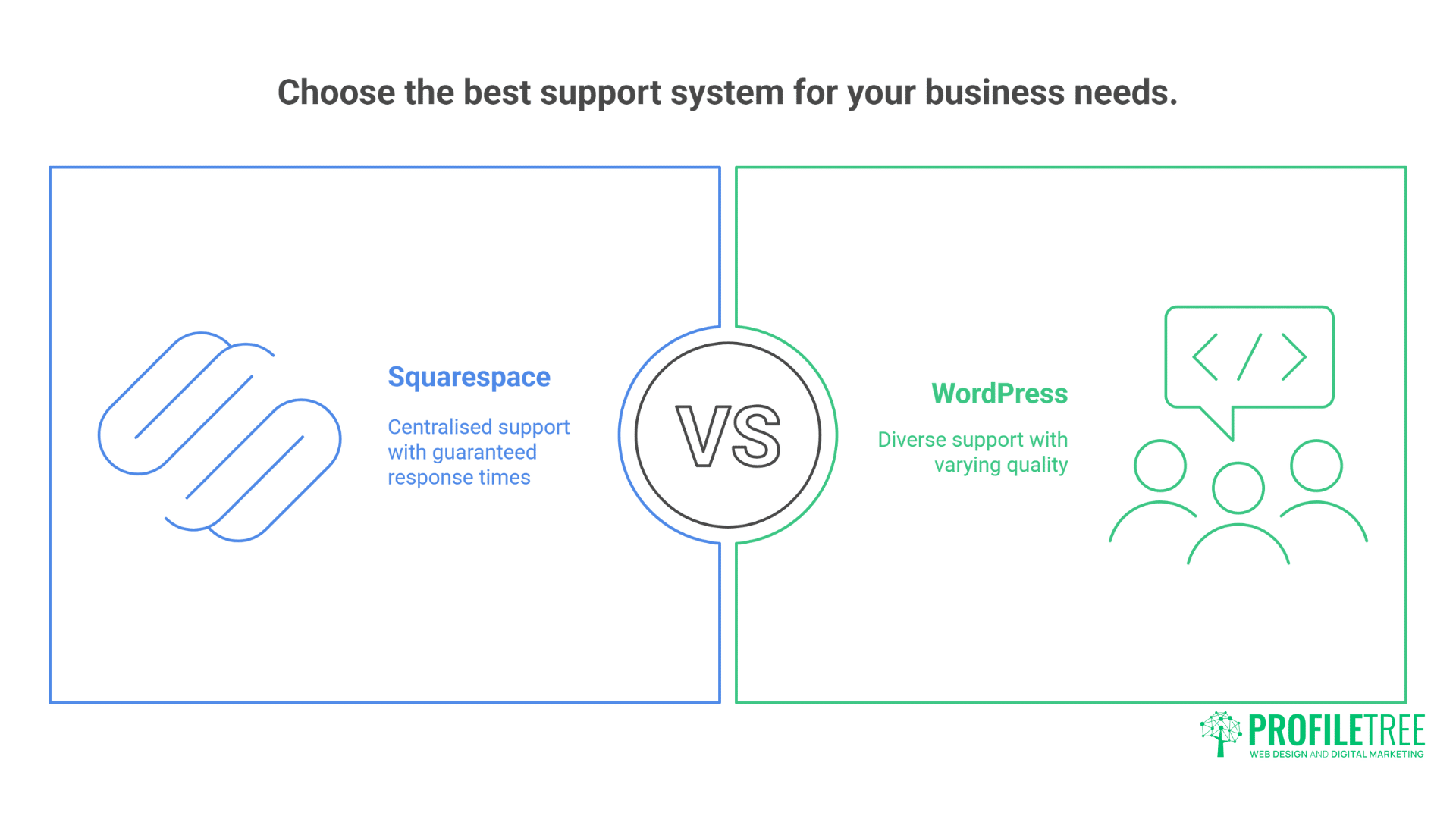
Squarespace provides 24/7 email support and live chat during business hours. Their support team understands the platform thoroughly, providing consistent assistance for technical issues. This centralised support model benefits non-technical business owners.
WordPress support comes from multiple sources: hosting providers, theme developers, plugin authors, and community forums. Quality varies dramatically – premium services provide excellent support while free resources require patience and technical knowledge.
Documentation quality affects self-service problem-solving. Squarespace’s comprehensive knowledge base covers most scenarios with step-by-step guides. WordPress documentation spans millions of articles but lacks consistency and currency.
Community resources demonstrate platform ecosystems. Squarespace’s smaller community provides focused assistance through official forums. WordPress’s massive community offers unlimited tutorials, forums, and Stack Overflow answers – if you can find relevant, current information.
Professional support availability differs significantly. Every web developer knows WordPress, making expert help readily available. Squarespace expertise remains rarer and often more expensive when needed.
Response times during critical issues matter. Squarespace’s guaranteed response times provide peace of mind. WordPress support speed depends entirely on your hosting provider and paid support agreements.
Platform Lock-in: Understanding Your Commitment
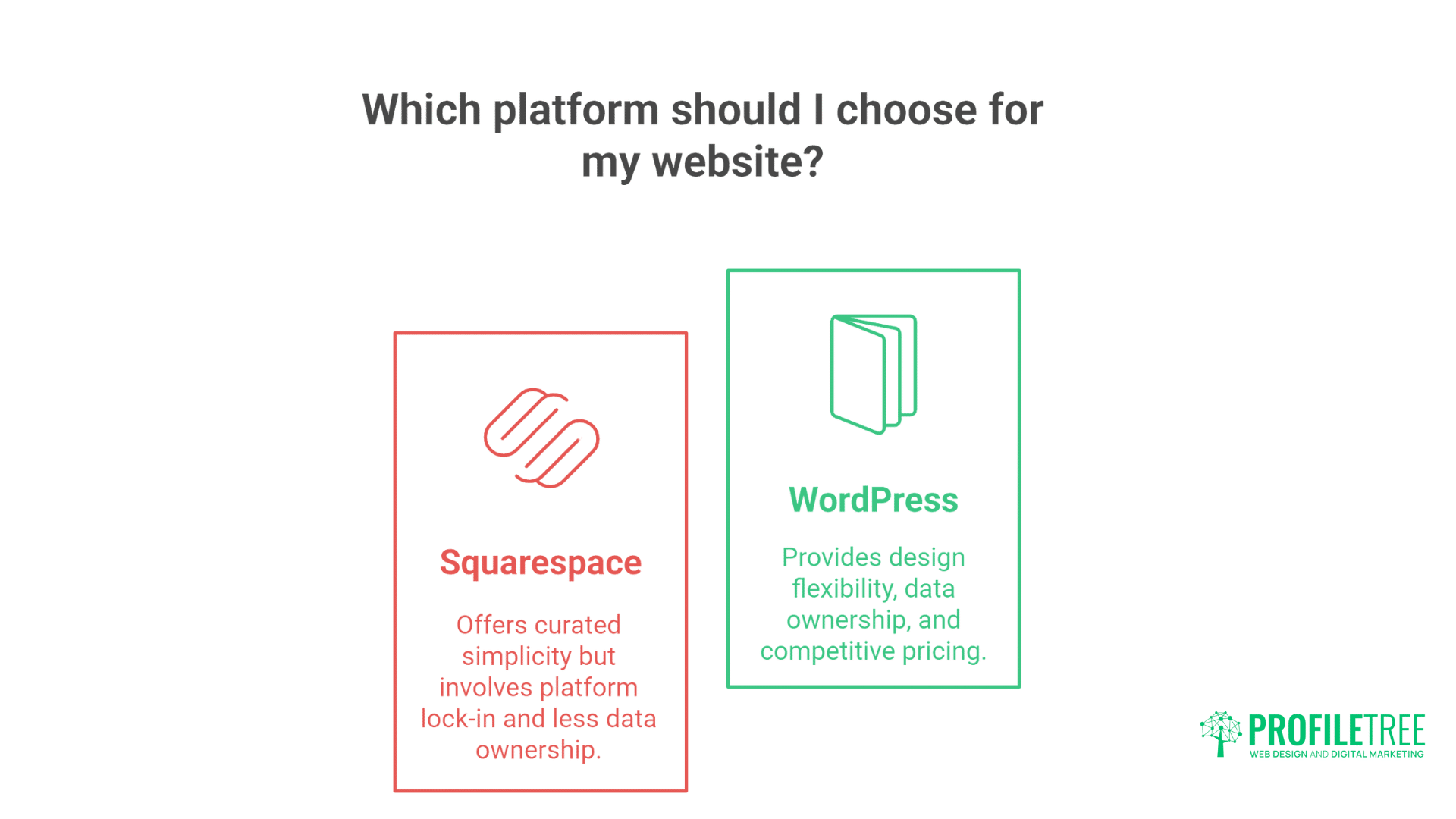
Squarespace’s proprietary system creates inherent lock-in. Exporting your site means losing design, functionality, and often SEO value. This commitment encourages platform loyalty but complicates future flexibility.
WordPress’s open-source nature prevents vendor lock-in. Export your entire site, move hosts, or completely rebuild while maintaining content and SEO value. This freedom provides negotiating leverage and future flexibility.
Data ownership raises important considerations. Squarespace hosts your content on their servers under their terms. WordPress gives you complete data ownership and control – host anywhere, backup anywhere, modify anything.
Pricing power affects long-term costs. Squarespace can increase prices anytime, forcing acceptance or migration. WordPress hosting remains competitive through market forces – unhappy customers switch providers easily.
Contract terms reveal platform philosophies. Squarespace requires annual commitments for the best pricing. WordPress hosting offers monthly options, though annual plans typically provide better value.
Exit strategies deserve consideration before starting. Leaving Squarespace requires manual content migration and accepting functionality loss. WordPress migrations preserve everything through standard export/import tools.
Making the Right Choice: Decision Framework for SMEs
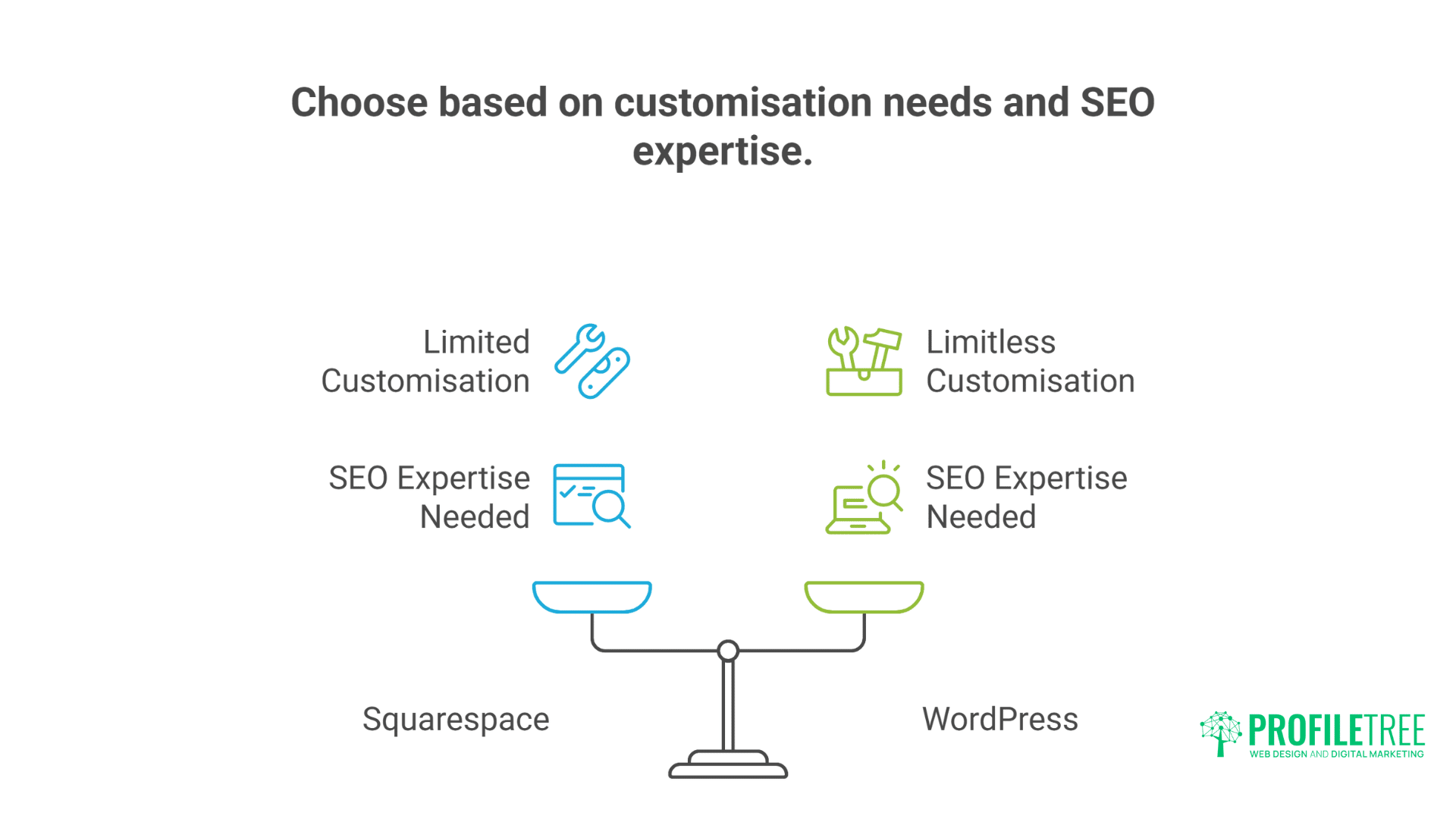
Choose Squarespace when simplicity, predictability, and design quality matter most. Businesses wanting professional websites without technical complexity find Squarespace ideal. The platform particularly suits service businesses, portfolios, and small online stores, prioritising aesthetics over advanced functionality.
Select WordPress when flexibility, scalability, and complete control drive decisions. Growing businesses needing custom functionality, complex e-commerce, or specific integrations require WordPress’s extensibility. The platform rewards technical investment with unlimited possibilities.
Budget considerations extend beyond monthly fees. Factor in time investment, learning curves, and potential developer costs. Squarespace’s higher monthly fees often prove economical when considering total resource requirements.
Technical expertise within your organisation influences platform success. Squarespace enables non-technical teams to maintain professional websites. WordPress demands technical knowledge or budget for professional maintenance.
Growth ambitions should guide platform selection. Lifestyle businesses maintaining a steady size suit Squarespace perfectly. High-growth companies needing rapid scaling benefit from WordPress’s flexibility.
Industry requirements might dictate the choice. Regulated industries needing specific compliance features often require WordPress’s customisation. Creative industries prioritising visual presentation might prefer Squarespace’s design focus.
Professional Implementation: Maximising Platform Potential
Both platforms benefit from professional implementation despite DIY marketing claims. Professional web design services accelerate launch timelines while avoiding costly mistakes that damage performance and conversions.
Strategic planning matters more than platform choice. Understanding user needs, competitive positioning, and conversion optimisation creates successful websites regardless of underlying technology.
Custom development extends platform capabilities significantly. Squarespace’s Developer Platform enables custom functionality while WordPress development possibilities remain limitless.
SEO optimisation requires platform-specific expertise. Professional implementation ensures maximum visibility regardless of the chosen platform.
“Platform debates often disguise strategic failures,” observes Ciaran Connolly, ProfileTree founder. “We’ve built successful sites on both platforms by focusing on user experience and business objectives rather than technical preferences.”
Migration Strategies: Switching Platforms Successfully
Sometimes businesses outgrow their chosen platform or discover incompatibility with evolving needs. Squarespace to WordPress migration requires careful planning to preserve SEO value. Export content through Squarespace’s XML export, manually recreate design elements, and implement comprehensive 301 redirects.
WordPress to Squarespace migration proves more challenging due to functionality loss. Evaluate whether Squarespace’s limitations justify simplification benefits. Many businesses discover that WordPress complexity stems from poor implementation rather than platform requirements.
Timing migrations strategically minimises business disruption. Avoid peak trading periods, prepare redundant systems, and maintain old sites during transition periods. Professional migration services prevent SEO disasters and functionality loss.
Cost-benefit analysis should precede migration decisions. Calculate migration costs, ongoing platform expenses, and opportunity costs from delayed improvements. Many businesses benefit more from optimising current platforms than switching.
Performance Optimisation: Speed and User Experience
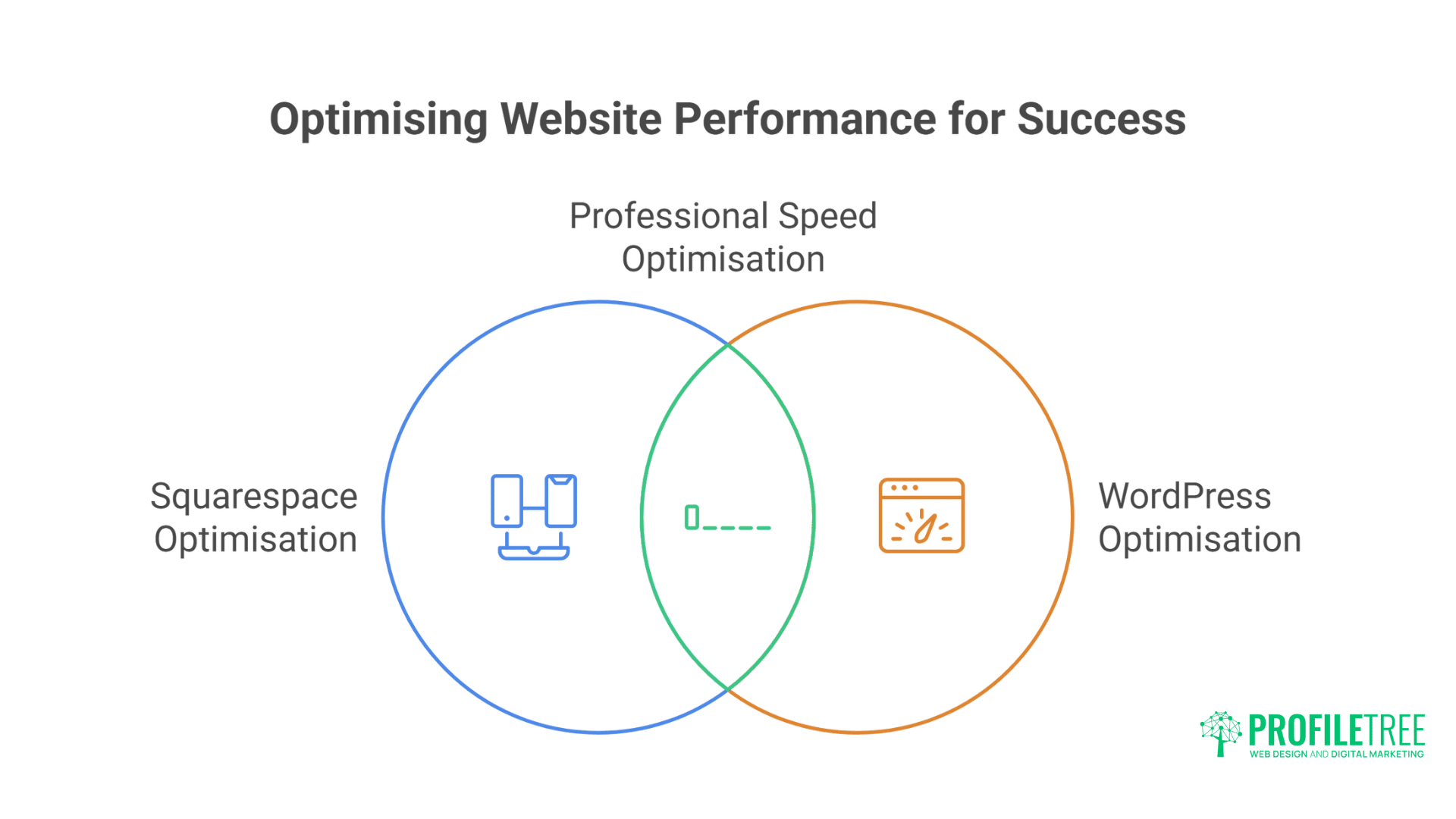
Site performance directly impacts conversions and search rankings. Squarespace optimisation focuses on image compression, code cleanup, and content delivery settings. Their integrated tools handle most optimisation automatically, though manual image preparation improves results.
WordPress performance tuning offers extensive optimisation opportunities. Caching plugins, CDN integration, database optimisation, and code minification transform site speed. These technical requirements overwhelm beginners but enable exceptional performance.
Professional speed optimisation delivers measurable improvements on both platforms. Expert analysis identifies bottlenecks and implements solutions beyond basic recommendations.
Mobile performance deserves special attention. Google’s mobile-first indexing penalises slow mobile experiences. Both platforms can achieve excellent mobile performance when properly configured.
Frequently Asked Questions
Which platform is better for complete beginners?
Squarespace provides an easier starting point with its guided setup, integrated features, and consistent interface. WordPress has a steeper learning curve but offers more comprehensive learning resources.
Can I switch platforms later if needed?
Yes, though migration involves significant effort. Moving from Squarespace to WordPress preserves most content but requires rebuilding design and functionality. Plan for 2-4 weeks of migration work.
Which platform ranks better on Google?
Both platforms can achieve top rankings when properly optimised. WordPress offers more advanced SEO tools, but Squarespace sites with quality content and good user experience rank competitively.
What about running costs after year one?
Squarespace costs remain predictable with annual price increases of around 3-5%. WordPress costs vary based on hosting, premium plugins, and development needs – budget 20% annual increases for growing sites.
Which platform handles high traffic better?
WordPress scales more effectively to handle millions of visitors through an appropriate hosting infrastructure. Squarespace manages moderate traffic well, but large traffic spikes might exceed the platform’s capabilities.
Do I need coding knowledge for either platform?
Neither platform requires coding for basic sites. Squarespace minimises technical requirements throughout. WordPress benefits from basic HTML/CSS knowledge for customisation, though page builders eliminate most coding needs.
Taking Action: Your Next Steps
Start by honestly assessing your business needs, technical resources, and growth plans. Create detailed requirement lists covering current needs and five-year projections.
Test both platforms through free trials before committing. Build basic pages, explore interfaces, and evaluate which workflow feels sustainable for your team.
Consider professional consultation for significant investments. Expert guidance prevents expensive mistakes and accelerates successful implementation regardless of platform choice.
Focus on strategy over platform features. Success comes from understanding your audience, delivering value, and optimising user experience rather than technical specifications.
Your perfect platform aligns with your business reality rather than aspirational ideals. Choose based on current capabilities while considering future growth – but don’t let perfect become the enemy of good enough to start.