
CATIA Software: Features, Versions, and Business Applications
Table of Contents
CATIA is a computer-aided design, engineering, and manufacturing platform built by Dassault Systèmes, and it has shaped how aerospace, automotive, and manufacturing teams approach product development since Avions Marcel Dassault first created it in 1977. It combines CAD, CAE, and CAM tools in one environment, which is the main reason it still turns up in procurement conversations across engineering supply chains decades later.
Getting value from CATIA depends on more than picking a version. What follows covers the feature set at the module level, how V5, V6, and 3DEXPERIENCE differ, where the software falls short, what it costs to adopt properly, and how a business can put the resulting design data to work beyond the engineering department.
What Is CATIA Software?
CATIA stands for Computer-Aided Three-Dimensional Interactive Application. It’s a product design, engineering, and manufacturing tool that gives users a single environment for 3D sketching, surface modelling, simulation and manufacturing preparation, with the option to export finished designs for 3D printing.
Architects, engineers, designers, and manufacturers use it to plan products or structures before anything gets built. CATIA is widely used in aerospace, automotive, and manufacturing because it handles parts, assemblies, and complex surfaces within a single connected model. It also supports real-time collaboration, so teams working from different sites can work on the same model at once. For distributed engineering teams, that cuts down the back-and-forth of passing files between locations.
CATIA Software Features
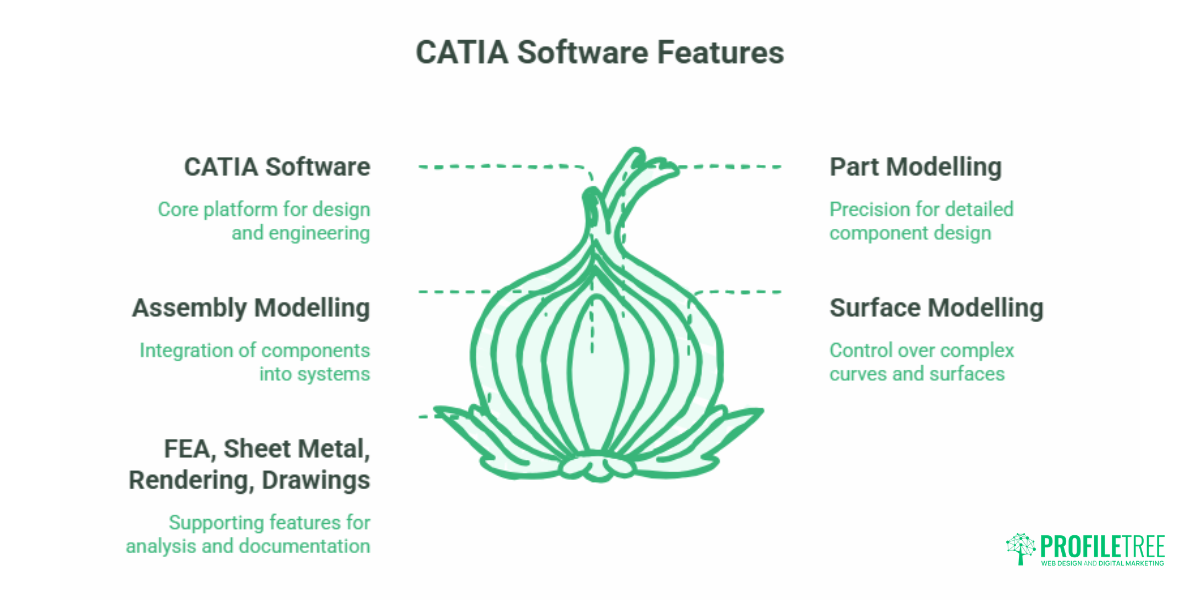
CATIA’s feature set is broad, and understanding it at two levels helps: the core capabilities that make the platform work the way it does, and the specific modules engineers actually open day-to-day.
Feature-based parametric modelling gives designers control over individual components without disrupting the wider model. Dimensions and constraints update automatically when something changes, which matters most in complex assemblies where parts depend on one another; it reduces the risk of cascading errors when a design change happens late in a project.
The interface follows conventions familiar to Windows users, with customisable workbenches for mechanical design, surface modelling, or assembly management. That said, the depth of the toolset means structured training pays off. Trial and error alone is a slow way to learn it.
Integrated CAD, CAE, and CAM tools mean engineers can move from 3D sketching to structural analysis to manufacturing preparation without switching applications. Built-in simulation lets teams test designs virtually before committing to a physical prototype, cutting both development time and tooling costs.
Below that top-level picture sit the specific modules that teams work in most.
Part Modelling
Part modelling gives high precision for detailed 3D models and handles complex geometries and part relationships well, which is why mechanical engineers rely on it to check component quality and performance during design. For businesses working with moulded components, CATIA V5-6R includes features built for that kind of manufacturing, though getting full performance from them depends on meeting specific technical requirements. Aerospace and automotive manufacturers lean on part modelling for precision-critical applications.
Assembly Modelling
Assembly modelling lets users build larger designs from individual components and see the complete assembly in real time. That makes it easier to spot problems during design rather than after production starts. The software handles complex assemblies, including fluid and electronic systems, so design teams can work faster and catch integration issues early.
Surface Modelling
Surface modelling is one of CATIA’s strongest areas, particularly through CATIA ICEM Surf, which gives fine control over complex curves and surfaces. It’s built for Class-A surface design, the standard automotive and aerospace bodies demand. CATIA V5 includes structured workflows that guide users through the surfacing process step by step, tying surface design to the rest of the CATIA modules.
Finite Element Analysis
Finite Element Analysis (FEA) lets designers predict how a design will behave before any physical prototype exists. It combines mathematical models with computational analysis to show whether a design will flex, fracture, or hold up under load. Because the tools rely on calculation rather than guesswork, teams get measurable data on performance and shorten the design iteration cycle.
Sheet Metal Part Design
CATIA Sheet Metal Designer handles sheet metal and mechanical components cost-effectively, while the CATIA V5 Generative Aerospace Sheet Metal Design (ASL) module specifically targets aircraft manufacturing. The module automates key parts of the process, with features like symmetry management and dynamic folding supporting assembly design.
Professional Rendering
CATIA software produces photorealistic images straight from design data, so a design reaches presentation quality without exporting to a separate visualisation tool. That saves time and keeps teams focused on the design itself. It’s also the point where CATIA output starts to overlap with marketing, which this guide comes back to later.
Engineering Drawing Creation
CATIA creates engineering drawings through both generative and interactive drafting, producing detailed technical drawings from parts and assemblies to professional documentation standards. The learning curve is real, but the design capability has earned trust across engineering and manufacturing worldwide.
CATIA Versions: V5, V6, & 3DEXPERIENCE
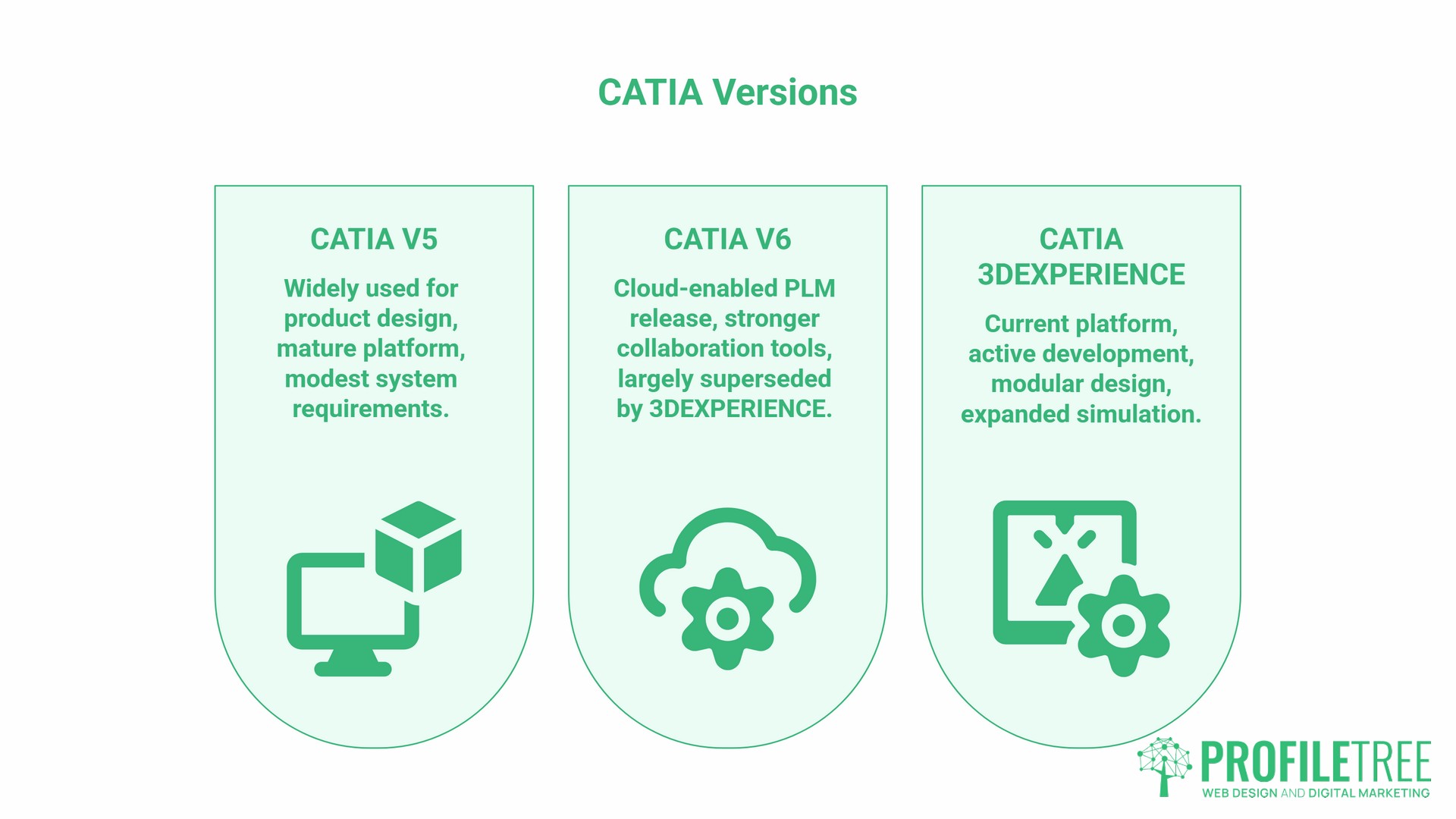
Dassault Systèmes maintains three main CATIA software versions, and the differences matter when a business is deciding what to adopt or whether to upgrade.
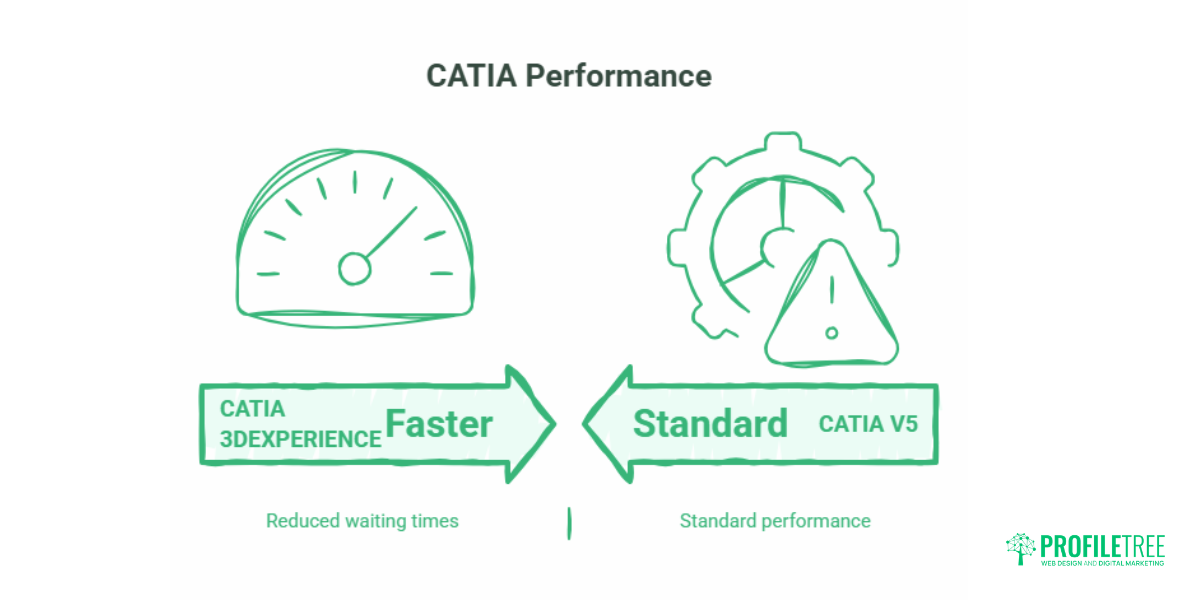
CATIA V5 remains widely used across industries, particularly for product design work. It uses CATPart and CATProduct file formats and offers a mature, stable platform with extensive third-party support. Many organisations continue running it because of established workflows and the investment already made in training and custom configurations. Its system requirements are also more modest than newer versions, which keeps it accessible without the latest hardware.
CATIA V6 launched in 2008 as Dassault Systèmes’ first fully cloud-enabled PLM release, adding stronger collaboration on top of V5’s desktop foundation. It has since been largely superseded by 3DEXPERIENCE, though the term still surfaces in older deployments and in comparisons between desktop and cloud workflows.
CATIA 3DEXPERIENCE is Dassault Systèmes’ current platform and the one receiving active development, with recent releases adding modular design management, expanded simulation, and generative design tools. It demands more computational power than V5 and runs best on workstations meeting Dassault Systèmes’ published specifications.
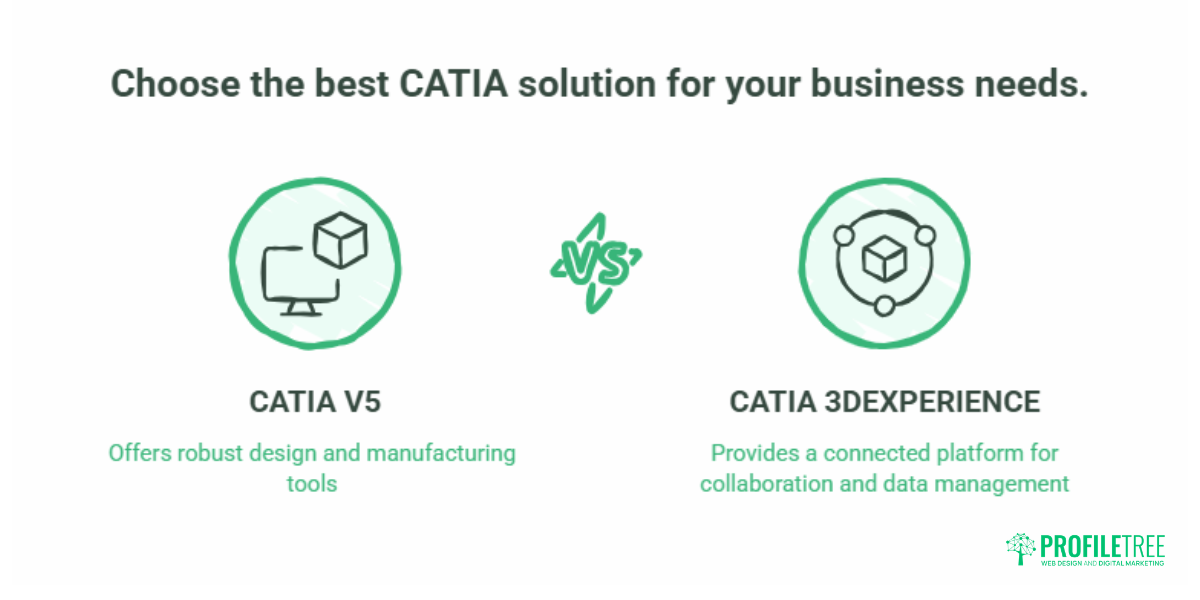
Choosing between versions usually comes down to existing infrastructure, the scale of current projects, and whether cloud-based collaboration is a genuine requirement rather than a nice-to-have. V5 and 3DEXPERIENCE aren’t backwards compatible, so the choice has long-term consequences worth working through before committing rather than after.
Core CATIA Advantages for Engineering Teams
A handful of advantages come up consistently across engineering teams using CATIA software.
Faster design and data management. CATIA software automates assembly constraints and weight distribution calculations, saving time during analysis preparation. Built-in modification management means a change to a master dimension propagates automatically through dependent elements, cutting the risk of inconsistencies across a large assembly.
Simulation before physical prototyping. Kinematics and dynamics testing let engineers validate a design virtually, reducing the number of physical prototypes needed and the associated costs.
Handling large, complex assemblies.CATIA software manages substantial projects, such as aircraft, vehicles, or industrial machinery, without major performance loss as component counts climb into the thousands. It loads only the components needed at a given moment, keeping memory overhead down while still giving access to the full assembly structure.
Versatility across sectors. The same platform adapts to automotive, aerospace, consumer goods, industrial equipment, and architecture, with a customisable interface suited to different design tasks.
Surfacing and styling depth. CATIA’s surfacing tools support shape design and styling work, including Class-A surfacing for consumer products and automotive exteriors, where visual finish genuinely affects sales.
Offline and distributed working. Designers can make changes offline and share them with colleagues afterwards, which suits teams with remote staff or inconsistent network access. Three-dimensional digital mock-ups also let teams verify that a design meets compliance requirements before physical production begins.
CATIA Applications Across Industries
CATIA’s reach extends across several technical sectors, and different parts of the toolset matter depending on the industry.
Mechanical Engineering
Mechanical engineering teams use CATIA software for everything from individual part design to assembly management and kinematic analysis, with simulation catching issues before manufacture.
Product Development
Integrated analysis tools support quality checks throughout the design process in product development. Design-for-manufacturing principles can be built in early, reducing costly redesigns later.
Indutrial Design and Aerospace
Industrial design relies on the surfacing tools to generate the complex shapes that consumer products and automotive exteriors require. Aerospace manufacturers lean on CATIA software for the tight tolerances and complex geometries that aircraft and spacecraft components need. Large manufacturers run complete aircraft design programmes, with thousands of contributors involved.
Automotive and Manufacturing
Automotive manufacturers use CATIA software for full vehicle design, including body styling, powertrain development, and interior components, with dedicated modules for sheet metal parts, wiring harnesses, and composite structures. On the manufacturing side, its CAM capabilities generate manufacturing instructions directly from the design model, narrowing the gap between design and production.
Engineering and manufacturing firms across the UK and Ireland that supply larger aerospace and automotive programmes often need to work in the same CAD environment as their customers, since shared file formats and modelling conventions make collaboration across a supply chain considerably more straightforward.
CATIA Software Disadvantages and Limitations
A fair assessment means being honest about where the CATIA software falls short, too.
A genuine learning curve. The breadth of features can overwhelm new users, and the interface, particularly around mouse functions and navigation, takes some adjustment. Organisations should budget for proper training; without it, users tend to rely on only a fraction of what the software can do.
Configuration and stability issues. Some users report that the settings folder, which stores customisations and preferences, can become corrupted, forcing a reset that wipes out personal configuration. Regular backups of these settings reduce the disruption this causes.
Performance on large files. User reviews on independent platforms such as TrustRadius and GetApp consistently flag CATIA as resource-intensive, with long load and save times for large assemblies, even on well-specified hardware. Some users also report that specific commands can be hard to locate within such an extensive toolset.
Cost. CATIA software sits at the premium end of CAD pricing, and licensing costs are a genuine barrier for smaller firms. For SMEs, the decision often comes down to whether the complexity of the work justifies the investment or whether a less expensive platform like SolidWorks covers the requirement.
CATIA vs Other CAD Software: Weighing the Advantages
Understanding CATIA’s strengths in context means comparing it honestly against the alternatives a business would actually consider.
| Factor | CATIA | SolidWorks | Siemens NX |
| Best suited to | Complex surfacing, large assemblies | Mechanical design, SMEs | Manufacturing-heavy workflows |
| Learning curve | Steep | Moderate | Steep |
| Typical cost | High | Lower | High |
| Industries | Aerospace, automotive, industrial design | General mechanical engineering | Manufacturing, automotive |
SolidWorks and CATIA both come from Dassault Systèmes but serve different markets. SolidWorks offers mechanical designers a gentler learning curve and a lower price point, while CATIA’s strength lies in complex surface modelling and assemblies large enough to challenge other platforms. Businesses working on aerospace projects or automotive styling typically find CATIA’s extra capability worth the additional cost and complexity; firms doing more conventional mechanical engineering work often find SolidWorks sufficient.
CATIA software also competes with Siemens NX and PTC Creo. NX offers similarly high-end capability and is particularly strong for manufacturing-heavy workflows, while Creo provides powerful parametric design tools with a different interface logic. The right choice depends on existing workflows, industry conventions, collaboration needs, and the total cost of ownership, including training and ongoing maintenance, which is where most adoption decisions actually get made.
Training, Adoption and SME Funding for CATIA
Buying CATIA software is the easy part. The return on it depends on whether your team can use it confidently, and that’s where most adoption projects slow down. A platform this deep has a long learning curve, and a licence sitting half-used is an expensive outcome. For small and medium businesses across Northern Ireland, Ireland, and the UK, three things tend to decide whether a CATIA investment pays off: structured training, a transition plan that protects live project deadlines, and a way to put the resulting design assets to work beyond engineering.
Plan the Training Before the Rollout
Most SMEs don’t have a dedicated CAD manager. Often, one senior designer doubles as the software lead, troubleshooter, and trainer for everyone else, which is neither fair nor reliable for embedding a complex tool. A structured programme, delivered in modular sessions rather than a single block, lets staff keep working on real projects while they learn, ideally combined with genuine on-the-job application rather than tutorials alone.
Manage the Transition Without Halting Work
Moving a design team from legacy 2D drafting to 3D parametric modelling, or from V5 to 3DEXPERIENCE, is as much a change-management exercise as a technical one. A practical approach splits the team so that part keeps live projects moving while the rest trains and then rotates. Agreeing on shared file templates and drawing standards before training starts prevents a mess of inconsistent files later.
Where Training and Funding Fit for SMEs
Businesses in Northern Ireland and the Republic of Ireland sometimes overlook that upskilling support exists outside the England-focused schemes most online guides default to. Invest NI runs skills and upskilling support for eligible Northern Ireland businesses, and Skillnet Ireland networks subsidise training for member companies in the Republic. Eligibility and current rates change, so confirm details directly with the relevant body before planning a budget around them. Structured CAD upskilling need not be funded entirely out of pocket.
As Ciaran Connolly, founder of ProfileTree, puts it: “The firms that get value from a tool like CATIA are the ones that treat the rollout as a training and process project, not just a software purchase. The licence is rarely the hard part. Getting a team confident enough to use it on live work, without losing weeks to the learning curve, is what actually separates a good investment from a shelved one.”
From CATIA Expertise to Commercial Visibility
Technical capability and commercial visibility aren’t the same thing, and engineering firms that excel at one often struggle with the other. A business that has invested years in CATIA software training and certification has a genuine differentiator. The challenge is making that differentiator visible to the people who matter: procurement teams, potential clients, and supply chain partners who research suppliers online before ever picking up the phone.
Ciaran Connolly points out that technical websites face a particular balancing act: the site has to demonstrate real expertise without overwhelming a visitor who doesn’t share that technical background. Layered information tends to work best, with an accessible overview up front and the technical detail available for anyone who wants to go deeper.
A website for an engineering or manufacturing business has to serve two very different readers at once: a procurement manager scanning for capability, and a technical evaluator checking specifics. That layered structure lets a homepage communicate capability quickly while service or project pages carry the technical depth a CATIA-literate visitor will look for.
Turning Technical Depth into Search Visibility and Marketing Assets
Engineering firms often face lower search competition on precise technical terms than they expect. Even fairly specific phrases, such as version comparisons or “what is CATIA used for,” attract meaningful search volume with comparatively little competing content. That pattern holds across many technical niches, and it gives engineering businesses an opening to build search visibility around the exact terms their prospects are typing, through blog content, technical guides, and project write-ups that answer genuine questions rather than repeat industry commentary.
CAD output is inherently visual, which makes video and animation a natural fit for engineering marketing. A short walkthrough of a design process, an animated explainer of how a component is assembled, or a rendered fly-through of a finished model can communicate capability in ways a written case study can’t match, particularly for non-technical decision-makers. High-resolution renders and model data can also feed product explainer videos or anchor a customer-facing configurator or spec pages, turning existing CATIA output into marketing assets rather than requiring separate production from scratch.
A business that takes its CATIA capability seriously on the engineering side should give equal thought to how that capability is presented. Better digital visibility attracts the kind of enquiry that justifies continued investment in tools like CATIA, and genuine technical depth gives marketing something real to talk about.
For engineering and manufacturing businesses weighing up how to present that technical capability, ProfileTree works with UK and Ireland clients on the web design, video production, and content marketing work covered above. Get in touch to discuss a project if that’s a gap worth closing.
FAQs About CATIA Software
What is CATIA software used for?
CATIA is a computer-aided design (CAD) and computer-aided engineering (CAE) programme used widely in the automotive, aerospace, and manufacturing industries to design and simulate 3D models and assembly systems. It covers part and assembly modelling, surface modelling, finite element analysis, sheet metal design, and engineering drawings, which is why it’s common in precision-critical sectors.
What does CATIA stand for?
CATIA stands for Computer-Aided Three-Dimensional Interactive Application. Dassault Systèmes has developed and maintained it since its creation by Avions Marcel Dassault in 1977.
What are the main advantages of CATIA software?
The main advantages include the ability to handle large, complex assemblies, advanced surface modelling, integrated simulation, and a single workflow that runs from design through to manufacturing preparation. It’s particularly strong where surfacing quality and assembly scale both matter.
Is CATIA easy to learn?
No, not initially. The breadth of features means CATIA has a genuine learning curve, and most users need structured training and practice before they can work efficiently on it. For a business, foundational competence typically comes within weeks, with fluency on advanced workflows building over several months of applied use.
What is the difference between CATIA V5 and V6?
CATIA V5 is the mature desktop version still widely used across industries. V6 introduced stronger collaboration features and began the shift toward cloud-based working, acting as a bridge to the current 3DEXPERIENCE platform.
Which industries use CATIA software?
Aerospace, automotive, industrial equipment, consumer goods, architecture, and manufacturing all use CATIA, generally wherever complex 3D design, advanced surfacing, or detailed simulation are part of the job.
Can CATIA designs be exported for 3D printing?
Yes. CATIA supports exporting in formats compatible with 3D printing workflows, including STL and other standard additive manufacturing formats.
Can CATIA data be used for digital marketing?
Yes. High-resolution renders, animations, and interactive 3D viewers built from existing CATIA design data can become genuinely useful marketing assets, rather than requiring a separate production process from scratch.
How much does CATIA software cost?
Pricing depends on the version, the licensing option, and the number of users or the scale of the organisation. Dassault Systèmes and authorised resellers provide current quotes, since published figures date quickly. When budgeting, factor in the full cost of ownership: licensing, any workstation upgrades, and the training needed to get the team productive, which is often underestimated.
Does CATIA support add-ons or plug-ins?
Yes. CATIA supports third-party add-ons and specialist plug-ins that extend particular modules for specific industries or specialised workflows. Availability changes by version, so check current options with Dassault Systèmes or an authorised reseller.