
Top Drag-and-Drop Builders for Accessible Websites: Complete Guide
Table of Contents
Drag-and-Drop Builders are revolutionising accessible website creation. Creating an accessible website is no longer an optional extra for businesses – it’s a fundamental requirement. With over 14 million disabled people in the UK alone, according to government statistics, failing to address accessibility means potentially excluding a significant portion of your audience. Modern drag-and-drop website builders have evolved to make accessibility implementation more straightforward, even for those without extensive coding knowledge.
This guide explores how businesses can leverage these tools to create compliant, user-friendly websites that meet legal requirements and deliver better experiences for all users, regardless of ability.
Understanding Website Accessibility
Website accessibility refers to designing and developing websites that people with various disabilities can use effectively. This includes visitors with visual, auditory, motor, or cognitive impairments who may navigate your site using assistive technologies like screen readers, voice recognition software, or adaptive keyboards.
The Web Content Accessibility Guidelines (WCAG) provide the international standard for website accessibility, with several conformance levels (A, AA, and AAA). Most businesses should aim for at least WCAG 2.1 Level AA compliance, which is the standard referenced in most accessibility legislation.
The Legal Landscape in the UK and Ireland
In the UK, the Equality Act 2010 requires service providers, including websites, to make “reasonable adjustments” to ensure disabled people can access services. For public sector organisations, the Public Sector Bodies (Websites and Mobile Applications) Accessibility Regulations 2018 explicitly require compliance with WCAG 2.1 AA standards.
Similarly, in Ireland, the European Union (Accessibility of Websites and Mobile Applications of Public Sector Bodies) Regulations 2020 enforce WCAG 2.1 Level AA compliance for public sector websites, while the Disability Act 2005 creates obligations for private sector organisations.
“Accessible websites aren’t just a legal requirement – they represent a business opportunity,” notes Ciaran Connolly, Director of ProfileTree. “By embracing accessibility, businesses in Northern Ireland and beyond can reach a wider audience, improve their SEO performance, and demonstrate their commitment to inclusive values.”
Why Use Drag-and-Drop Builders for Accessible Websites?
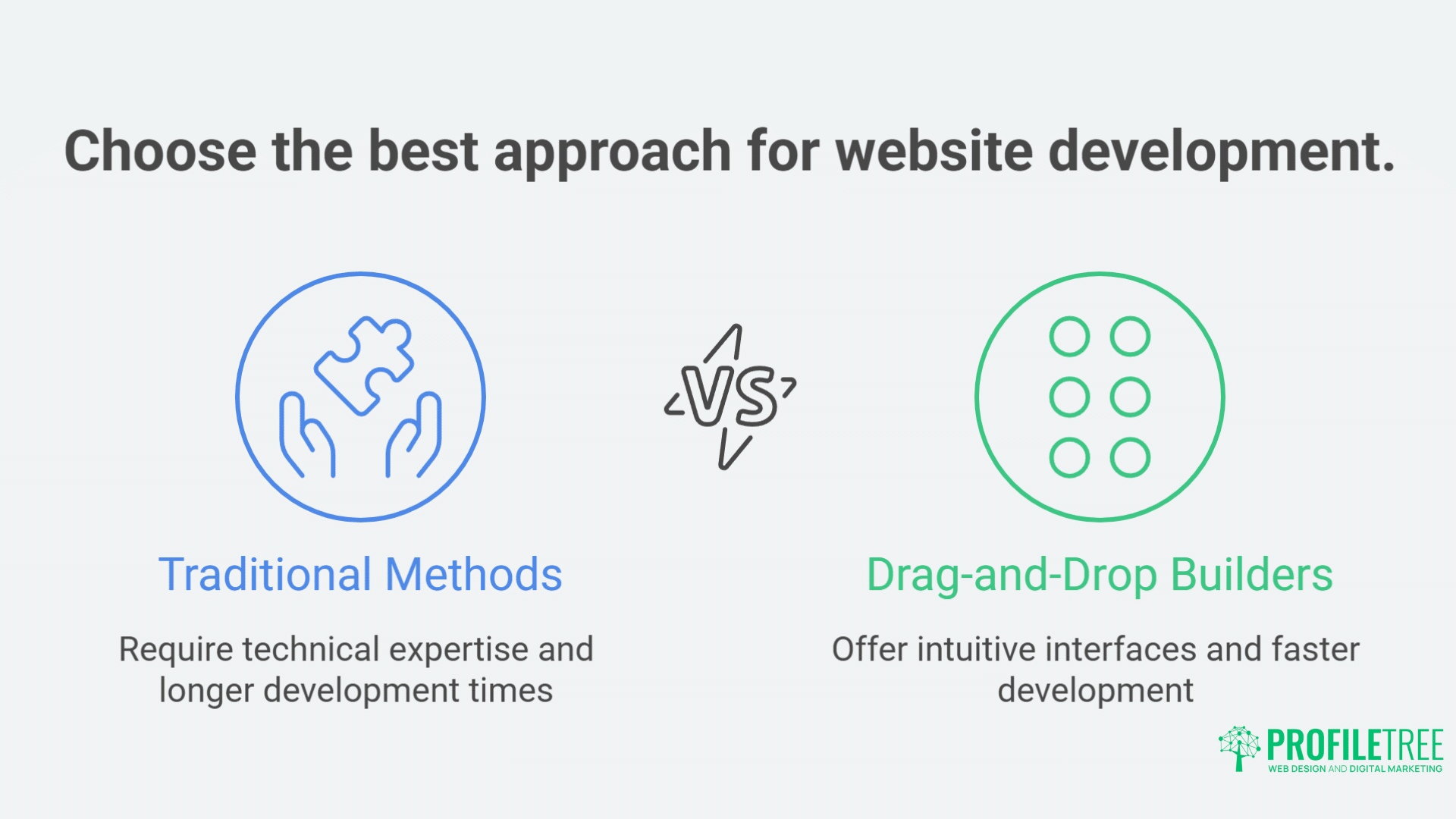
Drag-and-drop builders have transformed how businesses approach website development. Here’s why they’ve become valuable tools for creating accessible websites:
Simplified Implementation
Drag-and-drop builders abstract many technical aspects of accessibility implementation. Instead of manually coding ARIA labels or ensuring proper heading structures, these platforms often:
- Include accessibility features by default
- Provide templates pre-optimised for accessibility
- Automatically generate compliant code
- Offer visual interfaces for adding alt text and other accessibility attributes
Reduced Technical Barriers
For small and medium enterprises without dedicated web development teams, drag-and-drop builders reduce the expertise required to create accessible sites. Business owners can focus on content and design while the platform handles the technical accessibility requirements.
Faster Development Cycles
Creating accessible websites from scratch requires significant development time. Drag-and-drop builders accelerate this process by providing:
- Pre-built accessible components
- Built-in accessibility checkers
- Responsive designs that work across devices
- Templates that follow best practices
Ongoing Compliance
Web accessibility standards evolve over time. Quality drag-and-drop platforms update their systems to maintain compliance with changing requirements, reducing the burden on businesses to keep pace with technical standards.
Evaluating Drag-and-Drop Builders for Accessibility Features
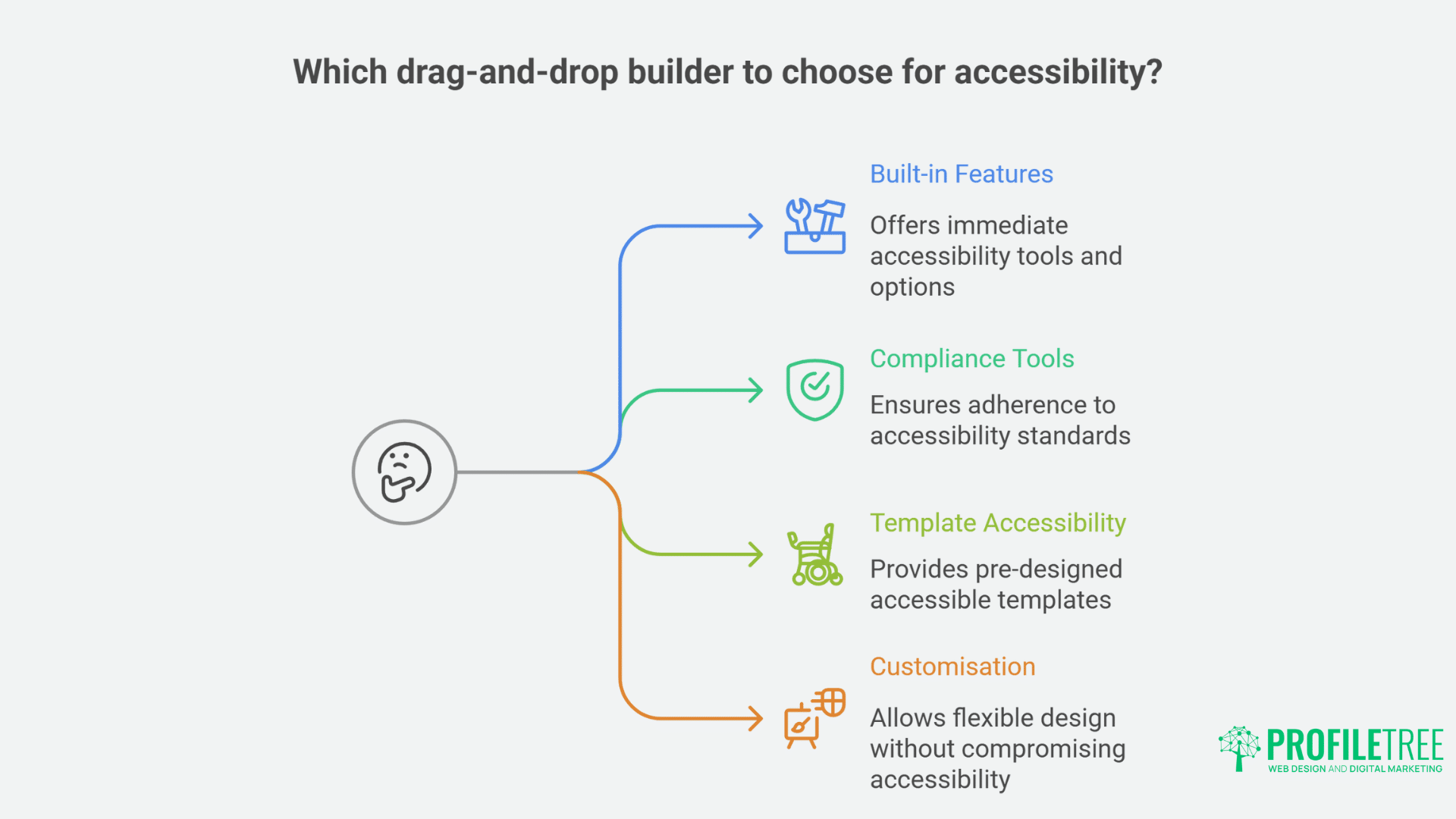
Not all drag-and-drop platforms are created equal when it comes to accessibility support. Here’s what to look for when evaluating options:
Built-in Accessibility Features
The best platforms include:
- Automatic heading structure enforcement
- Built-in alt text prompts for images
- Colour contrast analysers
- Keyboard navigation support
- Form label requirements
- ARIA role implementation
- Tab order management
Compliance Checking Tools
Look for builders that offer:
- Automated accessibility audits
- WCAG compliance reports
- Remediation suggestions
- Regular accessibility updates
Template Accessibility
Evaluate whether the platform’s templates:
- They are built with accessibility in mind
- Follow semantic HTML structures
- Include proper landmark regions
- Maintain readable typography
- Support responsive design for all devices
Customisation Without Breaking Accessibility
The ideal platform allows:
- Design flexibility within accessibility parameters
- Warning systems for accessibility violations
- Guidance for maintaining compliance during customisation
- Accessible colour palette suggestions
Leading Drag-and-Drop Builders and Their Accessibility Features
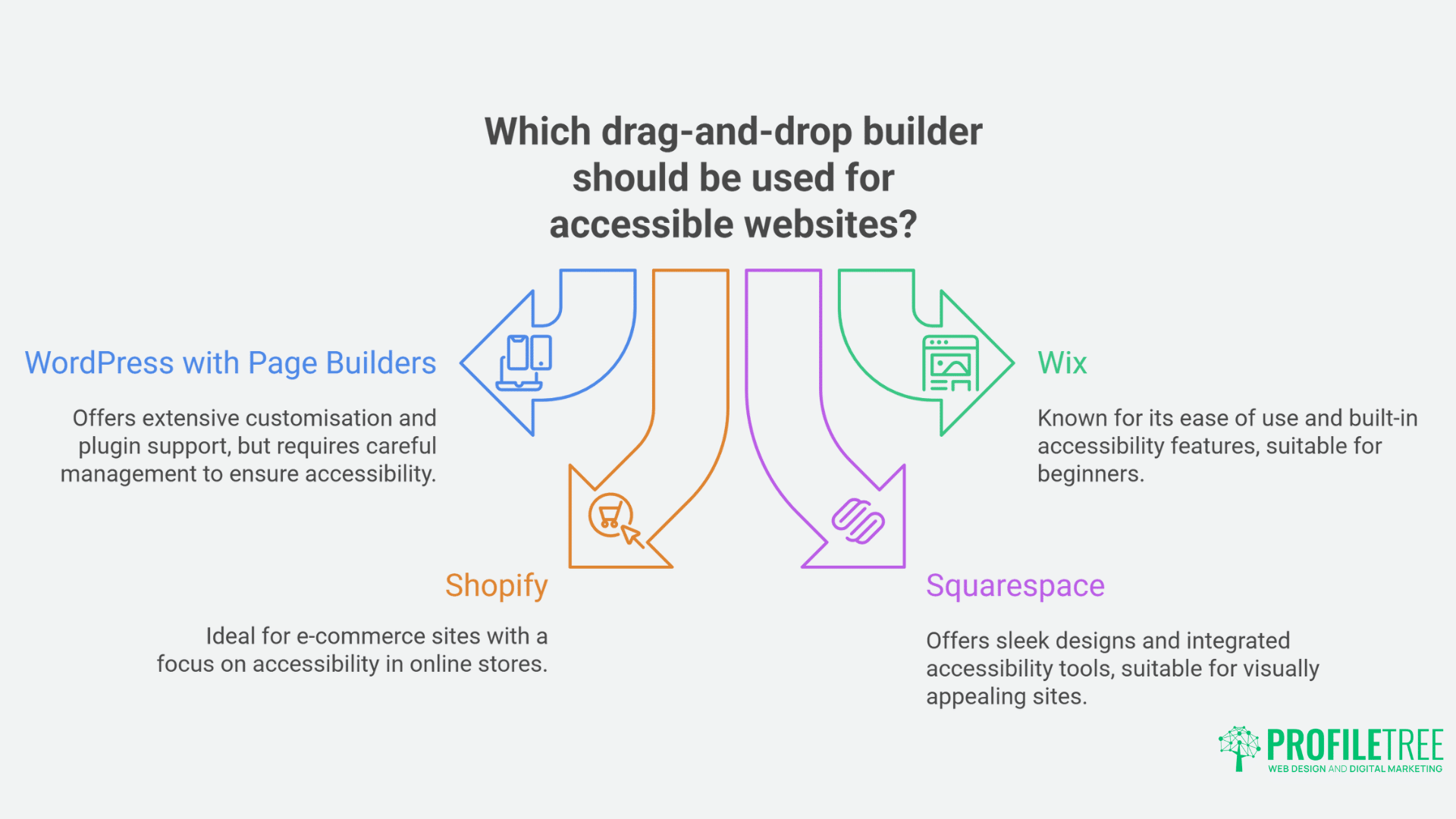
Several platforms have prioritised accessibility in their offerings. Here’s how they compare:
WordPress with Page Builders
WordPress powers over 40% of all websites globally and offers several accessible drag-and-drop solutions:
Elementor:
- Includes an Accessibility Settings panel
- Offers keyboard navigation optimisation
- Supports ARIA labels and screen reader text
- Provides colour contrast tools
Beaver Builder:
- Creates semantically correct HTML
- Ensures proper heading structure
- Includes accessibility-ready templates
- Supports ARIA attributes
WordPress itself has committed to accessibility through the Gutenberg editor, which includes many built-in accessibility features while maintaining drag-and-drop functionality.
Wix
Wix has made significant strides in accessibility:
- Offers an Accessibility Wizard for guiding users through compliance steps
- Provides automated accessibility scanning
- Includes built-in alt text management
- Supports ARIA roles and landmarks
- Offers keyboard focus indicators
Shopify
For e-commerce sites, Shopify provides:
- Accessible themes with proper semantic structure
- Keyboard navigation support
- Screen reader compatibility
- Support for alternative text on product images
- Accessible checkout processes
Squarespace
Squarespace emphasises design but also addresses accessibility:
- Builds sites with proper heading structure
- Includes automatic image alt text suggestions
- Provides keyboard navigation support
- Uses semantic HTML throughout
- Offers accessible form implementations
Best Practices When Using Drag-and-Drop Builders for Accessibility
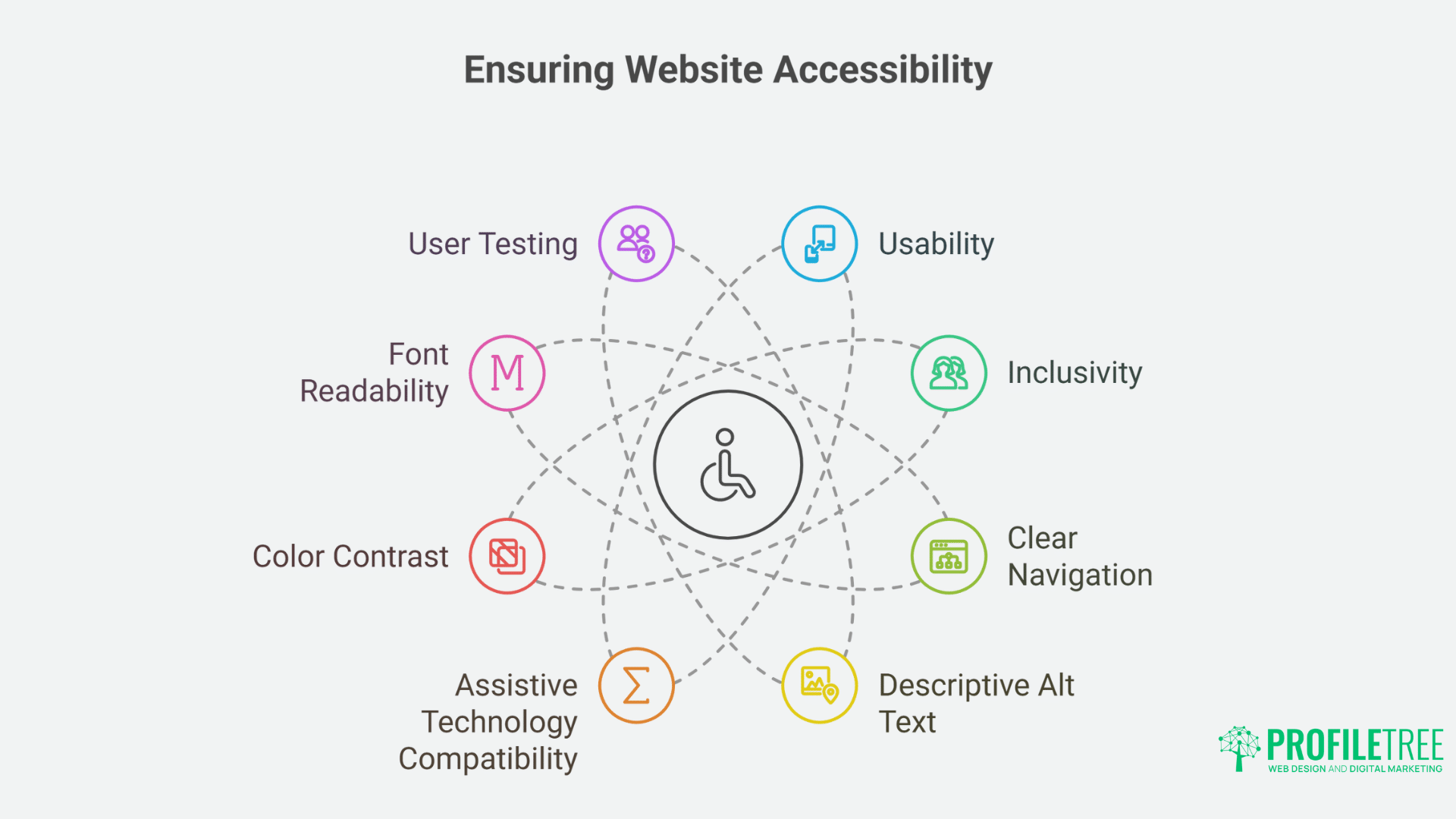
Even with accessible platforms, website creators need to follow best practices to ensure their sites truly work for all users:
Always Add Alternative Text for Images
While builders may prompt for alt text, the quality of that text matters:
- Be descriptive but concise
- Convey the purpose or information in the image
- Avoid phrases like “image of” or “picture of”
- Mark decorative images appropriately
Maintain Proper Heading Structure
Drag-and-drop builders sometimes make it tempting to select headings based on appearance rather than hierarchy:
- Use H1 for the main page title only
- Follow with H2 for major sections
- Use H3 for subsections of H2 content
- Never skip heading levels
- Avoid using headings merely for styling text
Ensure Sufficient Colour Contrast
Even when platforms offer contrast tools:
- Maintain at least a 4.5:1 contrast ratio for normal text
- Ensure 3:1 ratio for large text (18pt or 14pt bold)
- Test colour combinations in different lighting conditions
- Consider how colour combinations work for colour-blind users
Test with Keyboard Navigation
Always verify that your site works without a mouse:
- Ensure all interactive elements are reachable via keyboard
- Check that focus indicators are clearly visible
- Verify logical tab order throughout the site
- Confirm that no keyboard traps exist
Consider Reading Order vs. Visual Order
The way screen readers process content may differ from the visual layout:
- Use the platform’s tools to ensure reading order matches visual hierarchy
- Test with screen readers to verify the experience
- Avoid complex layouts that separate related content
Common Accessibility Pitfalls When Using Drag-and-Drop Builders
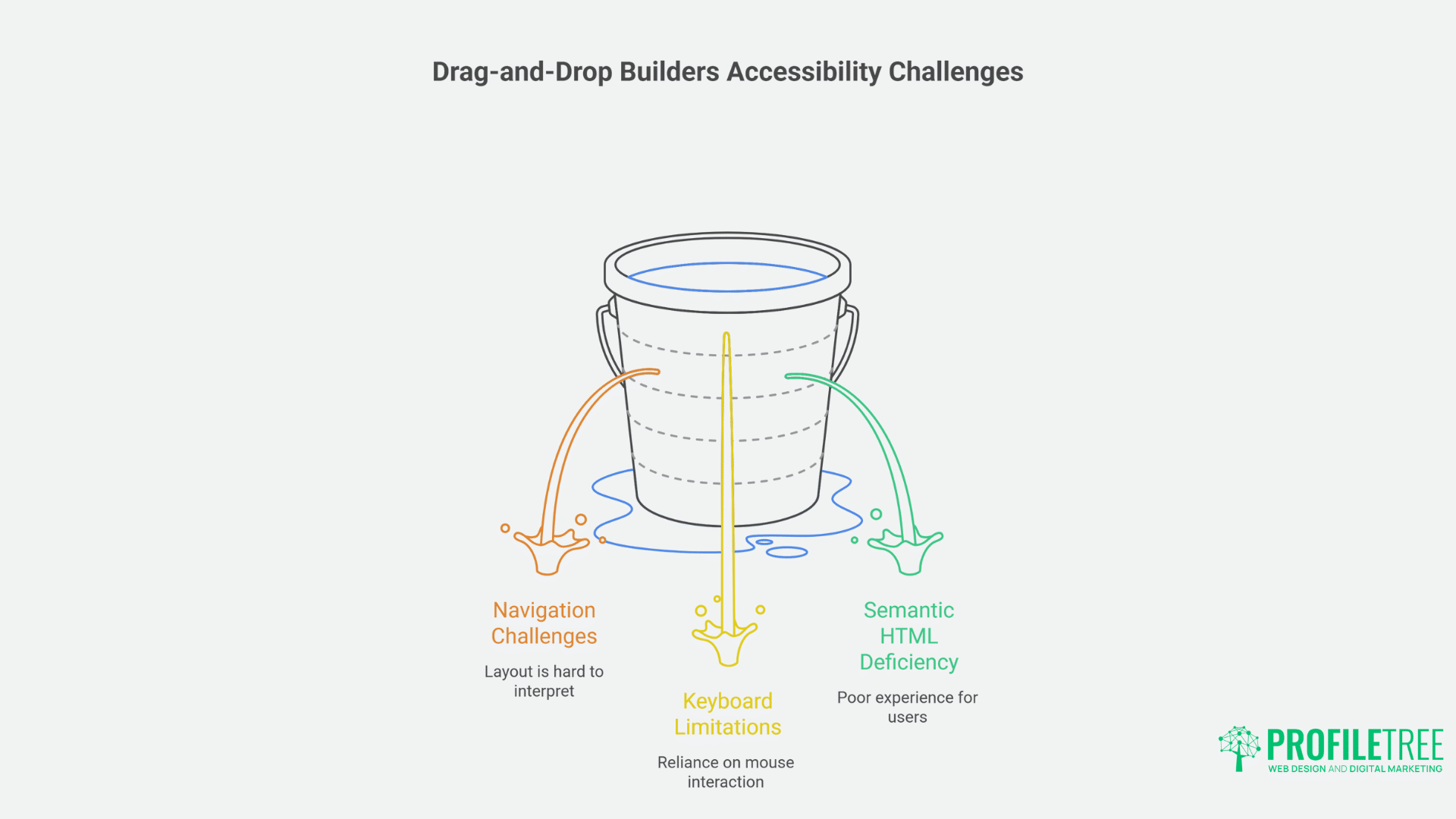
Despite their benefits, drag-and-drop builders can sometimes lead to accessibility issues:
Over-reliance on Visual Editing
The visual nature of drag-and-drop builders can obscure how content is structured for non-visual users:
- Always check the underlying code or use accessibility testing tools
- Don’t assume what looks good visually works well for screen readers
- Consider how the page works when CSS is disabled
Decorative Elements Without Purpose
Drag-and-drop interfaces make it easy to add visual flourishes:
- Avoid purely decorative elements that add no value
- Ensure all content serves a purpose
- Consider whether complex design elements hinder comprehension
Plugin Compatibility Issues
Adding third-party plugins or widgets can introduce accessibility problems:
- Evaluate all extensions for accessibility compliance
- Test integrated components with assistive technologies
- Be wary of flashy features that may create barriers
Form Field Implementation
Forms often become inaccessible in drag-and-drop builders:
- Always connect labels explicitly to form fields
- Include error messages that screen readers can announce
- Ensure form validation works with keyboard navigation
- Provide clear instructions for completing forms
Testing Accessibility on Drag-and-Drop Built Websites
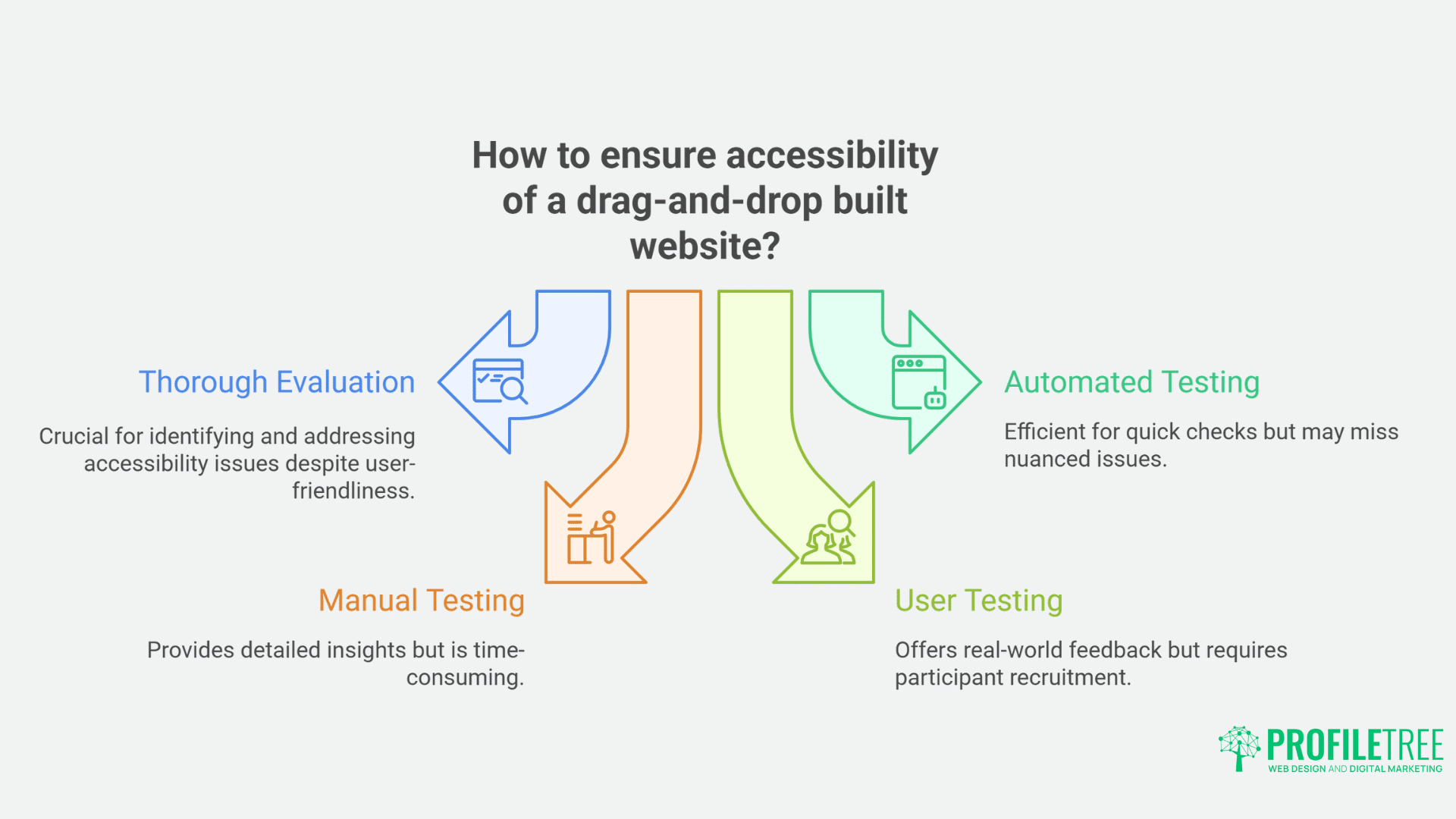
No matter how accessible your chosen platform claims to be, testing is essential:
Automated Testing
Use tools specifically designed to check for accessibility issues:
- WAVE (Web Accessibility Evaluation Tool)
- Axe by Deque
- Lighthouse in Google Chrome
- Built-in platform accessibility checkers
Manual Testing
Supplement automated tools with hands-on testing:
- Navigate the entire site using only a keyboard
- Test with screen readers like NVDA, JAWS, or VoiceOver
- Check readability at different zoom levels
- Verify form completion with assistive technologies
User Testing
If possible, involve users with disabilities in your testing process:
- Recruit participants with different impairments
- Observe how they use your site
- Gather feedback on barriers they encounter
- Implement improvements based on real-world usage
Training Your Team to Maintain Accessibility
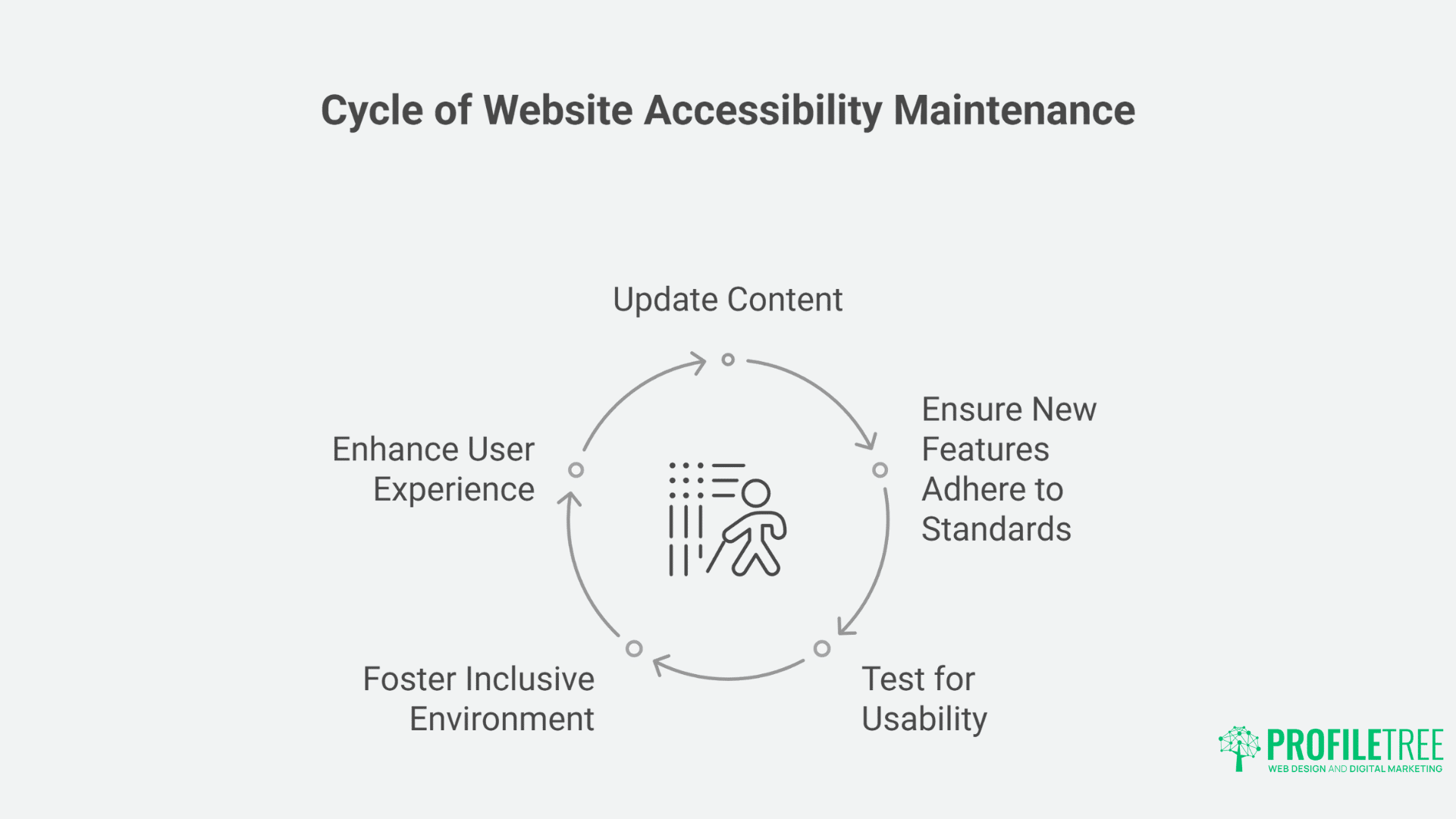
Creating an accessible website is just the beginning; maintaining accessibility requires ongoing commitment:
Establish Clear Guidelines
Document accessibility requirements for all content creators:
- Create checklists for common tasks
- Establish alt text standards
- Define heading usage policies
- Specify colour contrast requirements
Implement Review Processes
Before publishing new content:
- Conduct accessibility reviews
- Use automated testing tools
- Verify keyboard navigation
- Check screen reader compatibility
Provide Regular Training
Keep your team updated on accessibility best practices:
- Schedule refresher sessions
- Share resources and updates
- Celebrate accessibility improvements
- Connect with accessibility communities
The Business Case for Accessible Websites
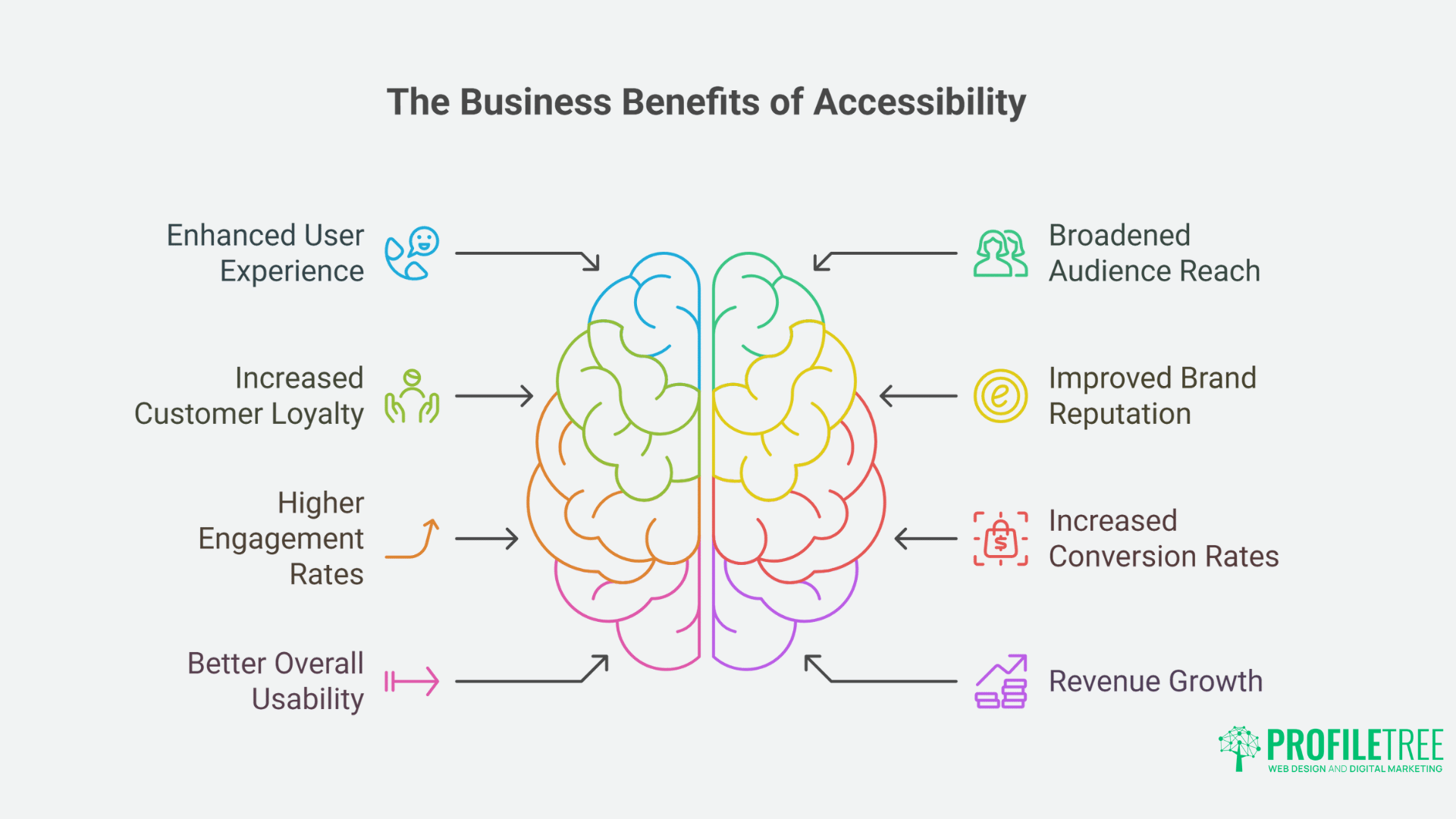
Beyond legal compliance, accessible websites deliver significant business benefits:
Expanded Market Reach
Accessible websites can reach the estimated 1 in 5 people in the UK with some form of disability.
Improved Search Engine Optimisation
Many accessibility practices align perfectly with SEO best practices:
- Proper heading structures help search engines understand content
- Alt text provides contextual information for image indexing
- Semantic HTML improves content interpretation
- Fast-loading, clean code enhances performance metrics
Enhanced Brand Reputation
Committing to accessibility demonstrates corporate social responsibility:
- Shows inclusivity and ethical business practices
- Differentiates from competitors who ignore accessibility
- Builds loyalty among consumers who value inclusion
Reduced Legal Risk
With increasing enforcement of accessibility laws:
- Protects against potential complaints and lawsuits
- Demonstrates good faith efforts toward compliance
- Creates documentation of accessibility initiatives
Beyond the Basics: Advanced Accessibility Considerations
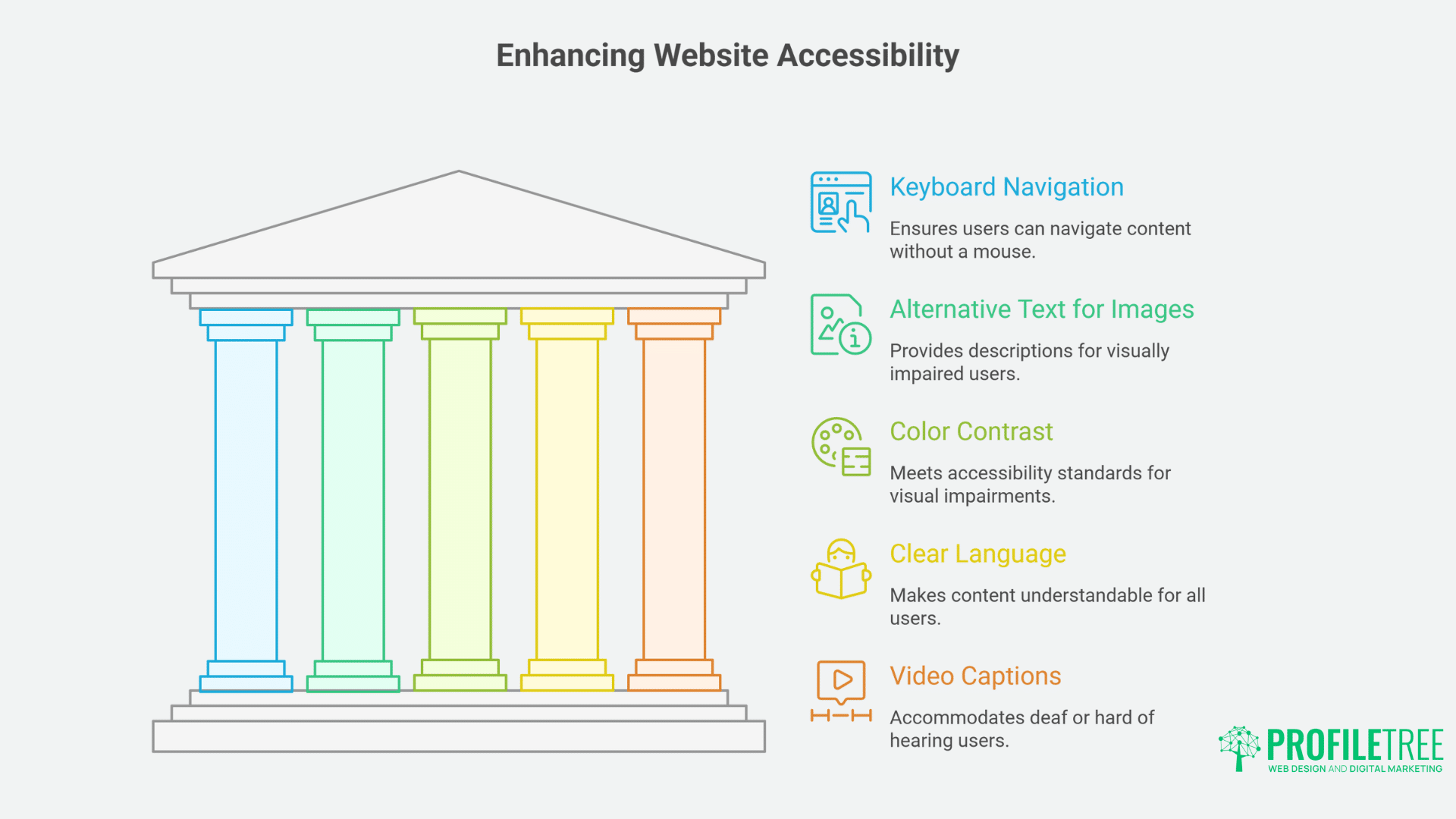
Once you’ve mastered the fundamentals, consider these additional accessibility enhancements:
Personalisation Options
Allow users to customise their experience:
- Text size adjusters
- Contrast mode toggles
- Animation reduction options
- Font choices for readability
Accessible Multimedia Content
Ensure videos and audio content are accessible:
- Provide accurate closed captions for videos
- Include transcripts for audio content
- Avoid auto-playing media
- Ensure media players have accessible controls
Multiple Contact Methods
Not everyone communicates the same way:
- Provide phone, email, and form options
- Consider adding live chat with keyboard support
- Ensure contact processes work with assistive technologies
How ProfileTree Can Help
While drag-and-drop builders offer accessible website creation options, many businesses benefit from expert guidance to ensure full compliance and optimal implementation. ProfileTree provides comprehensive accessibility services tailored to your organisation’s specific needs:
Accessibility Auditing and Remediation
Our team conducts thorough accessibility assessments of existing websites, including:
- Comprehensive WCAG 2.1 AA compliance testing
- Detailed reports identifying accessibility barriers
- Prioritised remediation roadmaps
- Implementation support for necessary changes
Accessible WordPress Development
As WordPress specialists, we excel in creating accessible websites with this powerful platform:
- Custom accessible theme development
- Accessible plugin integration and configuration
- Elementor and Beaver Builder optimisation for accessibility
- Training for content managers on maintaining accessibility
Ongoing Compliance Monitoring
Website accessibility is not a one-time achievement but an ongoing commitment:
- Regular accessibility scans and monitoring
- Updates to meet evolving standards
- Content reviews to maintain compliance
- Documentation for legal requirements
Accessible Content Creation
Our content team creates website material with accessibility in mind:
- Alt text development for images and graphics
- Accessible document formatting
- Caption and transcript creation for multimedia
- Plain language optimisation for cognitive accessibility
Accessibility Training Workshops
We offer tailored training sessions for your team:
- Drag-and-drop builder accessibility features
- Content creation for accessibility
- Testing techniques for non-technical staff
- Legal requirements and compliance documentation
“At ProfileTree, we believe accessibility isn’t just a technical requirement—it’s about creating digital spaces where every potential customer can engage with your business,” says Ciaran Connolly, Director of ProfileTree. “Our approach combines technical expertise with practical business understanding to deliver websites that work for everyone while supporting your marketing goals.”
Take Action: Next Steps for Your Accessible Website
Ready to improve your website’s accessibility using drag-and-drop builders? Here are the concrete steps you can take today:
Book a Free Accessibility Consultation
Contact ProfileTree for a no-obligation discussion about your website’s current accessibility status and improvement opportunities. Our experts will:
- Review your existing website
- Identify key accessibility improvements
- Recommend the most suitable drag-and-drop solution for your needs
- Outline a practical implementation plan
Attend a ProfileTree Accessibility Workshop
Join one of our regular workshops focusing on drag-and-drop accessibility implementation, held at our Belfast headquarters and online:
- Learn hands-on techniques for WordPress, Wix, or Shopify
- Understand how to test your website for compliance
- Network with other businesses facing similar challenges
- Receive exclusive resources and tools
Request an Accessibility Audit Report
If you’re uncertain about your current compliance status, our detailed audit provides clarity:
- Comprehensive testing against WCAG 2.1 AA standards
- Specific recommendations for your website
- Prioritised action plan
- Documentation for compliance records
Start Your Accessibility Journey Today
Don’t risk excluding potential customers or facing legal challenges due to accessibility barriers. ProfileTree’s experienced team is ready to help you create an accessible website that works for all users while supporting your business goals.
Call 028 9073 1190 or email info@profiletree.com to discuss how our accessible web design services can help your business reach more customers through inclusive digital experiences.
Conclusion
Drag-and-drop builders have democratised website creation, making it possible for businesses of all sizes to create accessible online experiences without extensive technical knowledge. By choosing the right platform, following best practices, and committing to ongoing testing and maintenance, organisations can create websites that welcome all users while complying with legal requirements.
Creating an accessible website isn’t just about compliance—it’s about building better digital experiences for everyone. When accessibility is prioritised from the beginning through tools like drag-and-drop builders, businesses can save time and resources while reaching a wider audience.
For organisations in Northern Ireland, Ireland, and across the UK looking to enhance their web presence with accessibility in mind, professional guidance can make the process even smoother. ProfileTree specialises in creating accessible websites that balance compliance requirements with engaging design and effective marketing strategies.
By embracing accessible web design through drag-and-drop builders, businesses can create inclusive digital spaces that serve all users while supporting their overall digital marketing goals.
Need expert assistance with your accessible website project? ProfileTree’s team combines technical accessibility knowledge with creative web design to deliver websites that work for all users. Contact our Belfast office at McSweeney Centre today to discuss how we can help your organisation create an accessible online presence that drives results.