
Shopify Apps That Kill Performance (And Alternatives)
Table of Contents
Every Shopify app installed is a performance gamble. Merchants discover too late that their 15 installed apps have turned their store into a 6-second loading nightmare. We’ve audited hundreds of Belfast and international Shopify stores, finding the same culprits repeatedly: bloated review platforms adding 800KB of JavaScript, pop-up builders that block rendering, and tracking scripts that fire on every page. The average Shopify store loses 40% of potential customers to app-induced slowdowns. This guide exposes the worst offenders and provides lightweight alternatives that maintain functionality without destroying performance.
The Hidden Cost of Shopify Apps
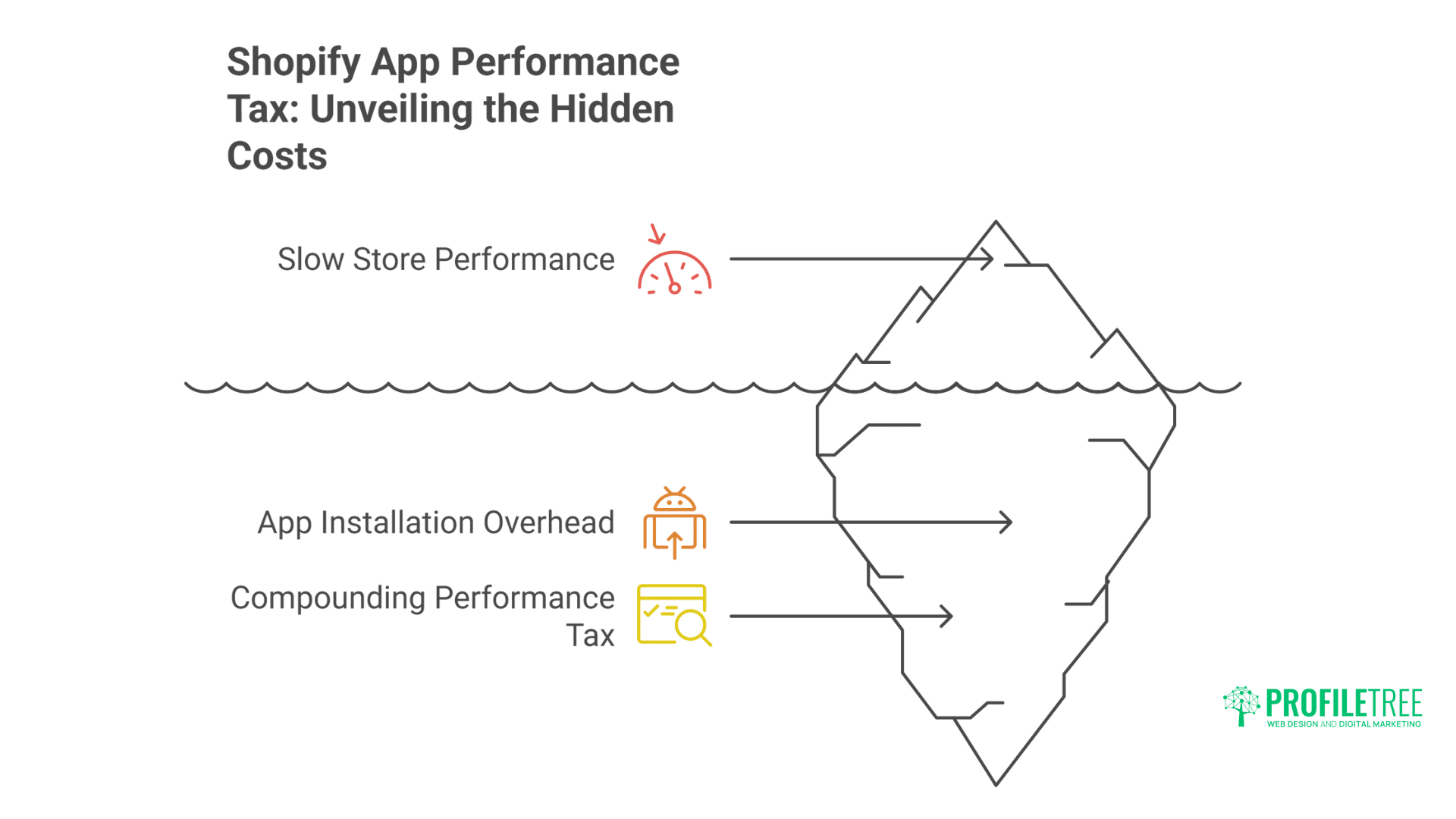
Each app added to your Shopify store introduces a performance tax that compounds with every installation. Understanding this hidden cost is essential for maintaining a fast, conversion-focused store.
How Apps Destroy Store Performance
Apps impact performance through multiple vectors simultaneously. JavaScript files load on every page regardless of usage. CSS stylesheets conflict with theme styles, requiring overrides. Database queries multiply with each app’s data requirements. API calls to external services introduce latency. DOM manipulation causes layout thrashing. Understanding these impacts guides better app selection.
Performance degradation compounds exponentially:
- 1-3 apps: 10-15% speed reduction
- 4-7 apps: 25-40% speed reduction
- 8-12 apps: 50-70% speed reduction
- 13+ apps: 80-150% speed reduction
Real performance data from recent audits shows devastating impact. A fashion retailer with 18 apps had 7.2-second load times. After our comprehensive Shopify audit, removing 11 apps and replacing 4 with lightweight alternatives, load times dropped to 2.3 seconds. Conversion rate increased 42% within one month.
Measuring True App Impact
Most merchants never measure individual app impact. Browser developer tools reveal the truth. Network tabs show resource loading. Performance profiler identifies bottlenecks. Coverage analysis reveals unused code. Lighthouse audits quantify degradation. Professional auditing uncovers hidden performance killers.
Professional performance auditing methodology:
// Script to audit app performance impact
class AppPerformanceAuditor {
  constructor() {
    this.apps = new Map();
    this.baseline = null;
  }

  async auditApps() {
    // Establish baseline metrics
    this.baseline = await this.measurePerformance();

    // Identify app resources
    const resources = performance.getEntriesByType('resource');
    resources.forEach(resource => {
      const url = resource.name;

      // Common app patterns
      const appPatterns = [
        /cdn\.shopify\.com\/proxy/,
        /apps\.shopifycdn\.com/,
        /shopifycloud\.com/,
        /\/apps\//
      ];

      appPatterns.forEach(pattern => {
        if (pattern.test(url)) {
          this.categoriseAppResource(url, resource);
        }
      });
    });

    return this.generateReport();
  }

  categoriseAppResource(url, resource) {
    // Extract app identifier
    const appId = this.extractAppId(url);

    if (!this.apps.has(appId)) {
      this.apps.set(appId, {
        resources: [],
        totalSize: 0,
        totalTime: 0,
        blocking: false
      });
    }

    const app = this.apps.get(appId);
    app.resources.push(url);
    app.totalSize += resource.transferSize || 0;
    app.totalTime += resource.duration || 0;

    // Check if render-blocking
    if (resource.renderBlockingStatus === 'blocking') {
      app.blocking = true;
    }
  }

  generateReport() {
    const report = [];

    this.apps.forEach((data, appId) => {
      report.push({
        app: appId,
        resources: data.resources.length,
        size: `${(data.totalSize / 1024).toFixed(2)}KB`,
        loadTime: `${data.totalTime.toFixed(2)}ms`,
        blocking: data.blocking,
        impact: this.calculateImpact(data)
      });
    });

    return report.sort((a, b) => b.impact - a.impact);
  }

  calculateImpact(appData) {
    // Weighted score based on size, time, and blocking
    const sizeImpact = appData.totalSize / 1024; // KB
    const timeImpact = appData.totalTime / 100; // Normalise to 100ms units
    const blockingPenalty = appData.blocking ? 50 : 0;

    return sizeImpact + timeImpact + blockingPenalty;
  }
}
The App Accumulation Problem
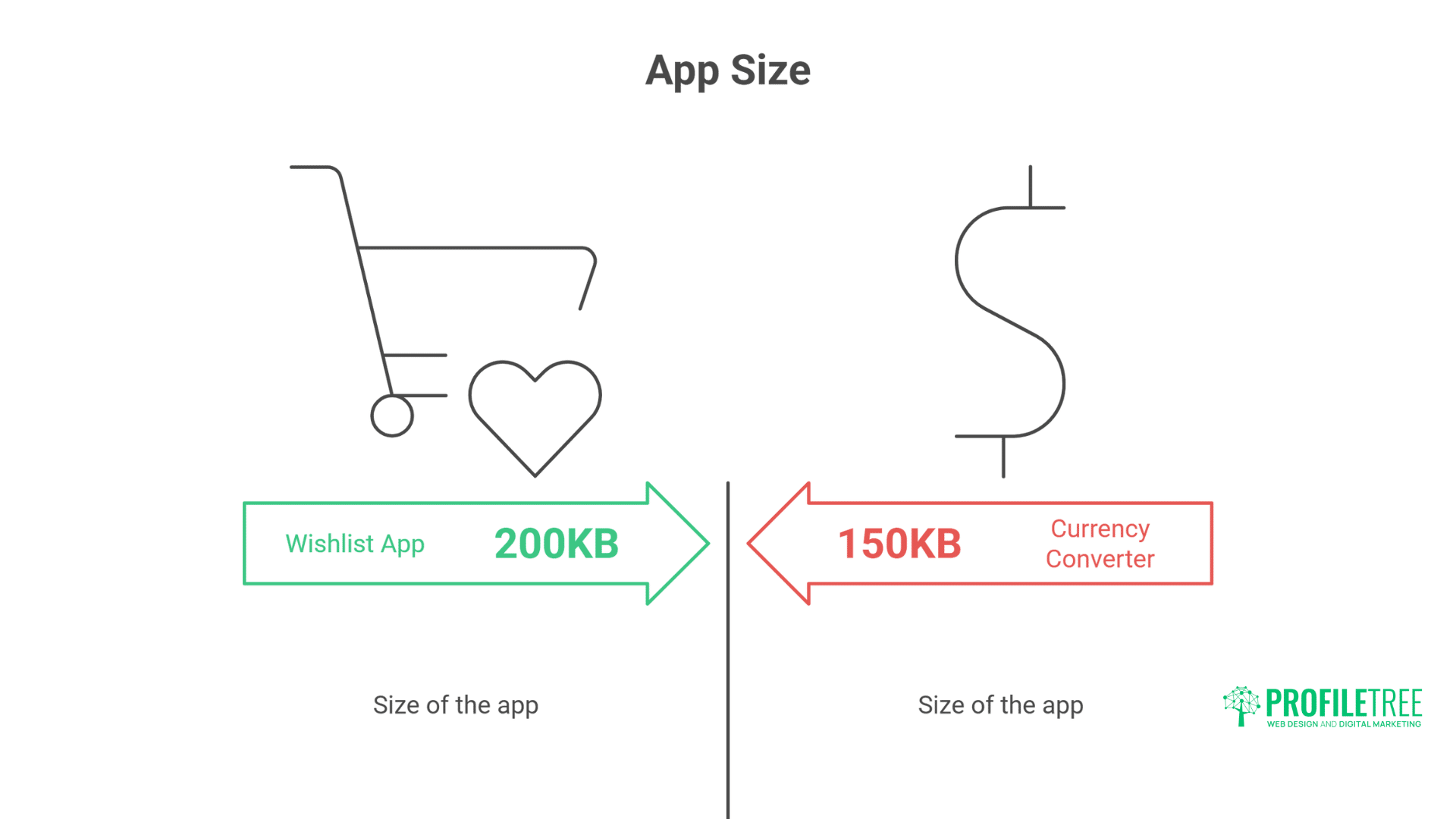
App accumulation happens gradually. Merchants install apps to solve immediate problems without considering cumulative impact. That innocent-looking wishlist app adds 200KB. The currency converter adds another 150KB. Before long, apps consume more resources than the entire theme. Regular auditing prevents this performance death by a thousand cuts.
Common accumulation patterns we observe:
- Feature creep: Installing apps for features rarely used
- Duplicate functionality: Multiple apps doing similar things
- Abandoned experiments: Forgetting to uninstall tested apps
- Seasonal remnants: Holiday apps left active year-round
- Migration artefacts: Old apps from previous themes
- Free app hoarding: Installing because “it’s free”
Review and Rating App Offenders
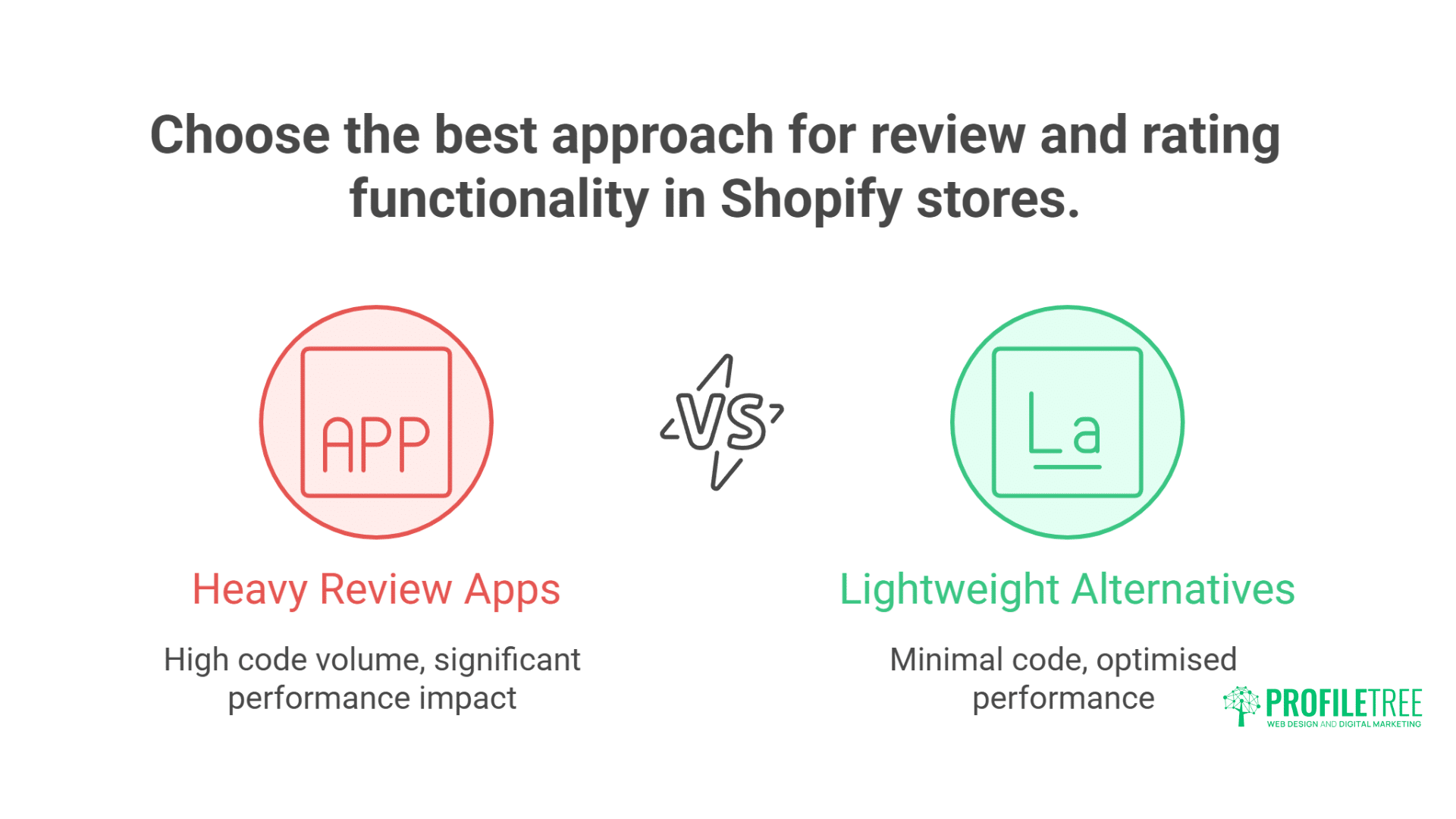
Review and rating apps are some of the heaviest performance culprits in the Shopify ecosystem. Most stores could achieve the same functionality with a fraction of the code.
Heavy Review Platforms Analysis
Review apps consistently rank among the worst performance offenders. Popular platforms like Yotpo, Judge.me, and Stamped.io add 400-800KB of JavaScript. They load on every page, not just product pages. Multiple API calls fetch review data. Rendering the blocks page display. The performance cost rarely justifies the functionality.
Performance impact breakdown of popular review apps:
| App | JS Size | CSS Size | API Calls | Load Time | PageSpeed Impact |
| Yotpo | 680KB | 120KB | 8-12 | 1.2s | -25 points |
| Judge.me | 420KB | 85KB | 5-7 | 0.8s | -18 points |
| Stamped.io | 510KB | 95KB | 6-9 | 0.9s | -20 points |
| Loox | 380KB | 110KB | 4-6 | 0.7s | -15 points |
| Reviews.io | 450KB | 75KB | 7-10 | 1.0s | -22 points |
Real-world example from recent audit:
// Yotpo loading analysis
// Main widget: 380KB
https://staticw2.yotpo.com/batch/app_key/loader.js

// Additional libraries: 180KB
https://staticw2.yotpo.com/assets/yotpo-widget.js
https://staticw2.yotpo.com/assets/yotpo-reviews.js

// CSS and fonts: 120KB
https://staticw2.yotpo.com/assets/yotpo-widget.css

// Total impact: 680KB + multiple render-blocking requests
Lightweight Review Alternatives
Native Shopify features and lightweight alternatives deliver reviews without performance penalties. Product reviews via metafields eliminate apps entirely. Simple HTML/CSS displays maintain speed. Loading reviews on demand reduces the initial payload. These approaches maintain social proof without sacrificing performance.
Custom development solutions we implement:
Native Metafield Solution:
{% comment %} Lightweight review display using metafields {% endcomment %}
{% if product.metafields.reviews.count > 0 %}
  <div class="product-reviews" id="reviews">
    <div class="reviews-summary">
      <div class="rating" aria-label="{{ product.metafields.reviews.average }} out of 5 stars">
        {% assign rating = product.metafields.reviews.average %}
        {% for i in (1..5) %}
          <span class="star {% if i <= rating %}filled{% endif %}">★</span>
        {% endfor %}
      </div>
      <span class="review-count">({{ product.metafields.reviews.count }} reviews)</span>
    </div>

    {% comment %} Lazy load actual reviews {% endcomment %}
    <div class="reviews-container" data-product-id="{{ product.id }}">
      <button class="load-reviews" onclick="loadReviews({{ product.id }})">
        Show Reviews
      </button>
    </div>
  </div>

  <script>
    async function loadReviews(productId) {
      const container = document.querySelector('.reviews-container');
      container.innerHTML = '<div class="loading">Loading reviews...</div>';

      try {
        const response = await fetch(`/apps/reviews/product/${productId}`);
        const reviews = await response.json();

        container.innerHTML = reviews.map(review => `
          <div class="review">
            <div class="review-rating">${'★'.repeat(review.rating)}</div>
            <h4>${review.title}</h4>
            <p>${review.content}</p>
            <cite>- ${review.author}, ${review.date}</cite>
          </div>
        `).join('');
      } catch (error) {
        container.innerHTML = '<p>Unable to load reviews</p>';
      }
    }
  </script>
{% endif %}
Google Reviews Integration:
// Lightweight Google Reviews integration
class GoogleReviews {
  constructor() {
    this.placeId = 'YOUR_GOOGLE_PLACE_ID';
    this.apiKey = 'YOUR_API_KEY';
    this.reviews = [];
  }

  async loadReviews() {
    // Cache reviews in sessionStorage
    const cached = sessionStorage.getItem('google_reviews');
    if (cached) {
      this.reviews = JSON.parse(cached);
      return this.displayReviews();
    }

    try {
      // Server-side proxy to protect API key
      const response = await fetch('/apps/google-reviews/fetch');
      this.reviews = await response.json();

      sessionStorage.setItem('google_reviews', JSON.stringify(this.reviews));
      this.displayReviews();
    } catch (error) {
      console.error('Failed to load Google reviews');
    }
  }

  displayReviews() {
    const container = document.getElementById('google-reviews');
    if (!container) return;

    container.innerHTML = `
      <div class="google-rating">
        <img src="/google-logo.svg" alt="Google" width="100">
        <div class="rating-score">4.8 ★★★★★</div>
        <a href="https://maps.google.com/?cid=${this.placeId}"
           target="_blank"
           rel="noopener">
          View all Google reviews
        </a>
      </div>
    `;
  }
}
Pop-up and Email Capture Apps
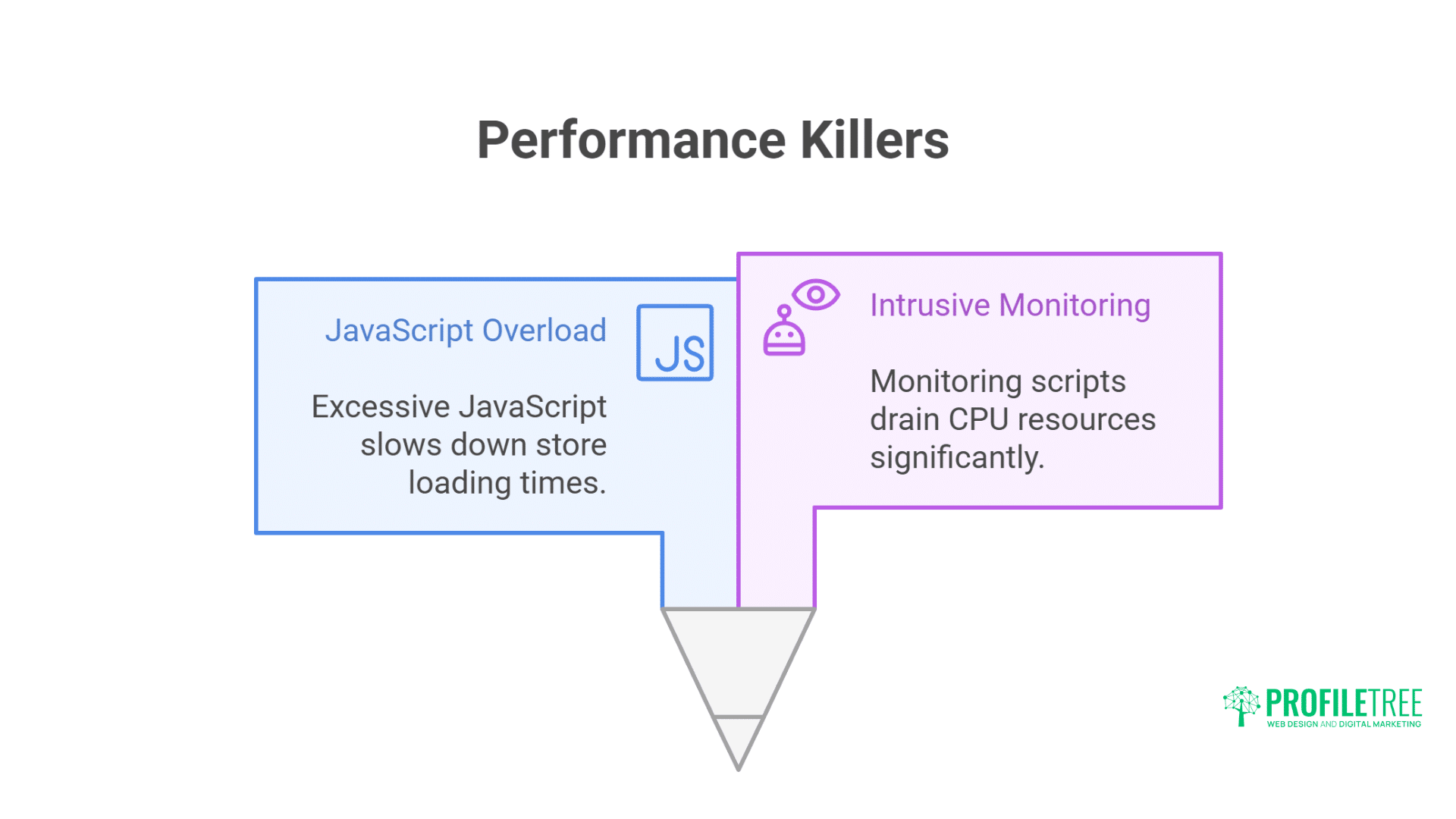
Pop-up and email capture tools are notorious performance killers, often loading excessive JavaScript and running aggressive monitoring scripts that drain CPU resources.
Performance Impact of Pop-up Builders
Pop-up apps devastate performance through aggressive loading strategies. Privy, Klaviyo pop-ups, and OptinMonster load immediately on every page. Complex targeting rules execute continuously. Animation libraries add overhead. A/B testing scripts double resource usage. Exit-intent detection monitors mouse movement constantly.
Performance breakdown of popular pop-up apps:
// Privy loading analysis
// Core script: 280KB
https://cdn.privy.com/widget.js

// Display rules engine: 120KB
https://cdn.privy.com/campaigns/rules.js

// Analytics tracking: 85KB
https://cdn.privy.com/analytics.js

// A/B testing framework: 95KB
https://cdn.privy.com/testing.js

// Total: 580KB + continuous CPU usage for monitoring
CPU usage from exit-intent monitoring:
// Constant mouse tracking killing performance
document.addEventListener('mousemove', function(e) {
  // Runs on EVERY mouse movement
  if (e.clientY <= 5) {
    // Trigger exit intent
    showPopup();
  }
});

// Better: Throttled monitoring
let exitIntentTimer;
document.addEventListener('mousemove', function(e) {
  if (!exitIntentTimer) {
    exitIntentTimer = setTimeout(() => {
      if (e.clientY <= 50) {
        showPopup();
      }
      exitIntentTimer = null;
    }, 100); // Check only every 100ms
  }
}, { passive: true });
Native Form Solutions
Native HTML forms with minimal JavaScript outperform bloated pop-up apps. CSS animations replace JavaScript libraries. LocalStorage prevents repeat displays. Server-side validation maintains security. These solutions achieve identical functionality with 90% less code.
Lightweight email capture solutions we build:
<!-- Lightweight email capture bar -->
<div id="email-capture" class="email-bar" hidden>
  <form action="/contact#newsletter" method="post" accept-charset="UTF-8">
    <input type="hidden" name="form_type" value="customer">
    <input type="hidden" name="utf8" value="✓">

    <div class="email-bar__content">
      <p>Get 10% off your first order</p>
      <div class="email-bar__form">
        <input type="email"
               name="contact[email]"
               placeholder="Enter your email"
               required
               aria-label="Email address">
        <button type="submit">Subscribe</button>
      </div>
    </div>

    <button type="button"
            class="email-bar__close"
            onclick="closeEmailBar()"
            aria-label="Close">×</button>
  </form>
</div>

<style>
  .email-bar {
    position: fixed;
    bottom: 0;
    left: 0;
    right: 0;
    background: #000;
    color: #fff;
    padding: 1rem;
    transform: translateY(100%);
    animation: slideUp 0.3s forwards;
    z-index: 100;
  }

  @keyframes slideUp {
    to { transform: translateY(0); }
  }

  .email-bar[hidden] {
    display: none;
  }
</style>

<script>
  // Lightweight email capture logic (2KB vs 580KB)
  (() => {
    const STORAGE_KEY = 'email_captured';
    const DELAY = 5000; // 5 seconds

    // Check if already shown
    if (localStorage.getItem(STORAGE_KEY)) return;

    // Show after delay
    setTimeout(() => {
      const bar = document.getElementById('email-capture');
      if (bar) bar.hidden = false;
    }, DELAY);
  })();

  function closeEmailBar() {
    const bar = document.getElementById('email-capture');
    bar.hidden = true;
    localStorage.setItem('email_captured', 'true');
  }
</script>
Conversion-Focused Alternatives
Smart alternatives maintain conversion rates without performance penalties. Inline forms convert better than pop-ups. Sticky bars provide visibility without intrusion. Exit-intent can be selective rather than universal. Progressive disclosure respects user engagement. These approaches often outperform aggressive pop-ups.
Conversion-optimised implementations:
{% comment %} Smart, contextual email capture {% endcomment %}
{% if template == 'product' %}
  {% comment %} Product page: Show after add to cart {% endcomment %}
  <script>
    document.querySelector('.product-form').addEventListener('submit', function() {
      setTimeout(() => {
        if (!localStorage.getItem('email_captured')) {
          showEmailOffer('Thanks! Want 10% off your next order?');
        }
      }, 2000);
    });
  </script>

{% elsif template == 'blog.article' %}
  {% comment %} Blog: Show after reading 50% {% endcomment %}
  <script>
    const observer = new IntersectionObserver((entries) => {
      if (entries[0].isIntersecting) {
        showEmailOffer('Enjoying this article? Get more delivered weekly');
        observer.disconnect();
      }
    }, { rootMargin: '0px 0px -50% 0px' });

    observer.observe(document.querySelector('.article-content'));
  </script>
{% endif %}
Chat and Support Widget Problems
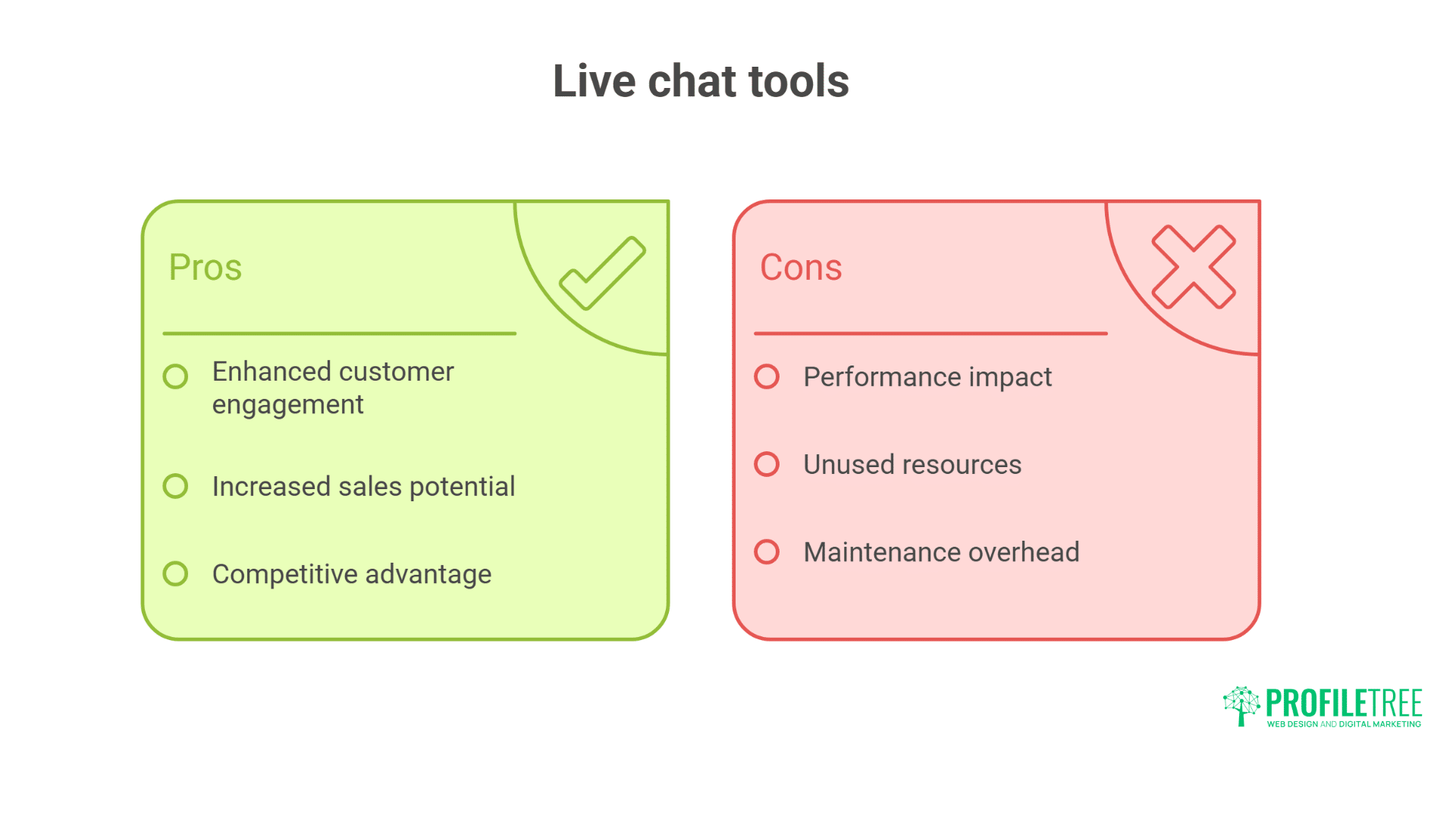
Live chat tools add substantial weight to your store, often loading hundreds of kilobytes of JavaScript that most visitors never use, but everyone pays the performance price.
Heavy Customer Service Platforms
Chat widgets from Zendesk, Intercom, and Drift add 400-600KB of JavaScript. They initialise on every page load. WebSocket connections maintain persistent connections. Notification systems poll continuously. User tracking adds analytics overhead. Most visitors never use chat, yet everyone pays the performance price.
Real performance data from popular chat platforms:
| Platform | Initial Load | Persistent Memory | CPU Usage | WebSocket Overhead |
| Intercom | 520KB | 8-12MB | 3-5% | Continuous |
| Zendesk Chat | 480KB | 6-10MB | 2-4% | Continuous |
| Drift | 550KB | 10-15MB | 4-6% | Continuous |
| Tidio | 380KB | 5-8MB | 2-3% | Continuous |
| LiveChat | 420KB | 7-11MB | 3-4% | Continuous |
Performance auditing reveals hidden impacts:
// Intercom performance measurement
const intercomMetrics = {
  scriptsLoaded: 0,
  totalSize: 0,
  connectionTime: 0,
  memoryUsage: 0
};

// Monitor Intercom loading
const observer = new PerformanceObserver((list) => {
  list.getEntries().forEach((entry) => {
    if (entry.name.includes('intercom')) {
      intercomMetrics.scriptsLoaded++;
      intercomMetrics.totalSize += entry.transferSize;
    }
  });
});

observer.observe({ entryTypes: ['resource'] });

// Memory usage monitoring
if (performance.memory) {
  setInterval(() => {
    intercomMetrics.memoryUsage = performance.memory.usedJSHeapSize / 1048576;
    console.log(`Intercom memory usage: ${intercomMetrics.memoryUsage.toFixed(2)}MB`);
  }, 5000);
}
Facade Pattern Implementation
Facade patterns display fake chat widgets that load real ones on-demand. Users see chat availability immediately. Actual widget loads only when clicked. This approach maintains functionality whilst eliminating idle performance impact. Implementation takes minutes but saves seconds of load time.
Implementing chat facade pattern:
<!-- Lightweight chat facade -->
<div id="chat-facade" class="chat-widget-facade">
  <button onclick="loadRealChat()" aria-label="Open chat">
    <svg width="24" height="24" viewBox="0 0 24 24">
      <path d="M20 2H4c-1.1 0-2 .9-2 2v18l4-4h14c1.1 0 2-.9 2-2V4c0-1.1-.9-2-2-2z"/>
    </svg>
    <span class="chat-badge">Chat with us</span>
  </button>
</div>

<style>
  .chat-widget-facade {
    position: fixed;
    bottom: 20px;
    right: 20px;
    z-index: 1000;
  }

  .chat-widget-facade button {
    width: 60px;
    height: 60px;
    border-radius: 50%;
    background: #1e88e5;
    border: none;
    color: white;
    cursor: pointer;
    box-shadow: 0 4px 12px rgba(0,0,0,0.15);
    transition: transform 0.2s;
  }

  .chat-widget-facade button:hover {
    transform: scale(1.1);
  }

  .chat-badge {
    position: absolute;
    top: -5px;
    right: -5px;
    background: #ff5252;
    color: white;
    padding: 4px 8px;
    border-radius: 12px;
    font-size: 12px;
    white-space: nowrap;
  }
</style>

<script>
  let chatLoaded = false;

  async function loadRealChat() {
    if (chatLoaded) return;

    // Remove facade
    document.getElementById('chat-facade').style.display = 'none';

    // Load real chat widget
    const script = document.createElement('script');
    script.src = 'https://widget.intercom.io/widget/YOUR_APP_ID';
    script.async = true;
    script.onload = () => {
      window.Intercom('boot', {
        app_id: 'YOUR_APP_ID',
        name: 'Customer',
        email: 'customer@example.com'
      });

      // Automatically open chat
      window.Intercom('show');
    };

    document.body.appendChild(script);
    chatLoaded = true;
  }

  // Optional: Preconnect to chat domain for faster loading
  const link = document.createElement('link');
  link.rel = 'preconnect';
  link.href = 'https://widget.intercom.io';
  document.head.appendChild(link);
</script>
WhatsApp and Messenger Alternatives
Native messaging platforms provide zero-overhead customer service. WhatsApp Business links require no JavaScript. Facebook Messenger can use simple URLs. Telegram offers similar functionality. These platforms’ customers are already used to eliminating widget overhead entirely.
Implementing native messaging links:
{% comment %} Zero-JavaScript messaging solution {% endcomment %}
<div class="contact-options">
  {% comment %} WhatsApp Business {% endcomment %}
  <a href="https://wa.me/447123456789?text=Hi,%20I%20need%20help%20with%20my%20order"
     target="_blank"
     rel="noopener"
     class="whatsapp-link">
    <svg><!-- WhatsApp icon --></svg>
    WhatsApp Support
  </a>

  {% comment %} Facebook Messenger {% endcomment %}
  <a href="https://m.me/YourBusinessPage"
     target="_blank"
     rel="noopener"
     class="messenger-link">
    <svg><!-- Messenger icon --></svg>
    Message on Facebook
  </a>

  {% comment %} Email with pre-filled subject {% endcomment %}
  <a href="mailto:support@example.com?subject=Order%20Support%20Request"
     class="email-link">
    <svg><!-- Email icon --></svg>
    Email Support
  </a>

  {% comment %} Click to call for mobile {% endcomment %}
  <a href="tel:+442890123456"
     class="phone-link">
    <svg><!-- Phone icon --></svg>
    Call Us: 028 9012 3456
  </a>
</div>

<style>
  .contact-options {
    position: fixed;
    bottom: 20px;
    right: 20px;
    display: flex;
    flex-direction: column;
    gap: 10px;
  }

  .contact-options a {
    display: flex;
    align-items: center;
    gap: 8px;
    padding: 10px 15px;
    background: white;
    border: 1px solid #ddd;
    border-radius: 25px;
    text-decoration: none;
    color: #333;
    box-shadow: 0 2px 8px rgba(0,0,0,0.1);
    transition: transform 0.2s;
  }

  .contact-options a:hover {
    transform: translateX(-5px);
    box-shadow: 0 4px 12px rgba(0,0,0,0.15);
  }

  @media (max-width: 768px) {
    .contact-options {
      flex-direction: row;
      bottom: 0;
      right: 0;
      left: 0;
      padding: 10px;
      background: white;
      border-top: 1px solid #ddd;
    }
  }
</style>
Ciaran Connolly, ProfileTree founder, explains: “We’ve seen chat widgets alone add 2-3 seconds to load times. Our facade pattern implementation maintains the visual presence of chat whilst eliminating 99% of the performance impact. One client saw mobile conversion rates increase 28% after replacing Intercom with our lightweight solution that loads the real widget only when customers actually want to chat.”
Analytics and Tracking Overhead
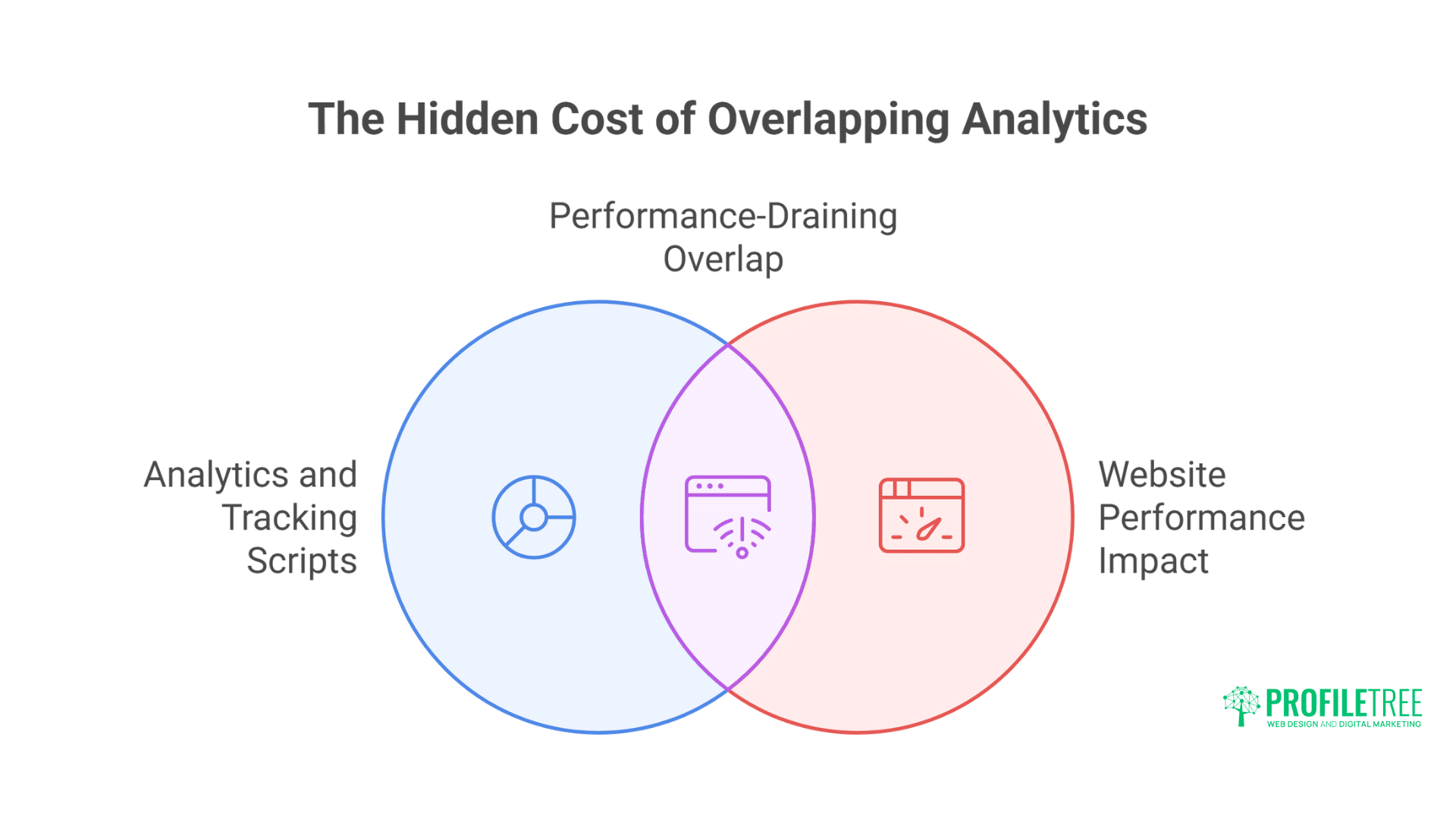
Analytics and tracking scripts are often the silent killers of website performance, with many stores running multiple redundant tracking tools simultaneously.
Multiple Analytics Platforms Problem
Merchants often run multiple analytics platforms simultaneously: Google Analytics, Facebook Pixel, Pinterest Tag, TikTok Pixel, Hotjar, and more. Each adds 50-200KB of JavaScript. Combined tracking scripts can exceed 1MB. Every page view triggers multiple network requests. The insights rarely justify the performance cost.
Tracking script accumulation analysis:
// Common tracking script sizes
const trackingScripts = {
  'Google Analytics 4': 85KB,
  'Facebook Pixel': 120KB,
  'Google Ads': 95KB,
  'Pinterest Tag': 110KB,
  'TikTok Pixel': 135KB,
  'Snapchat Pixel': 105KB,
  'Twitter Pixel': 90KB,
  'Hotjar': 180KB,
  'Microsoft Clarity': 95KB,
  'Lucky Orange': 165KB,
  'Crazy Egg': 140KB
};

// Typical store with "everything"
const totalTracking = Object.values(trackingScripts).reduce((a, b) => a + b, 0);
console.log(`Total tracking overhead: ${totalTracking}KB`); // 1,420KB!
Server-Side Tracking Solutions
Server-side tracking eliminates client-side overhead. Google Tag Manager Server-Side processes events without JavaScript. Shopify’s Web Pixel API enables privacy-compliant tracking. Customer Events API tracks backend events. These approaches maintain analytics without performance penalties.
Professional tracking implementation:
// Server-side tracking with Shopify Web Pixels
// In theme app extension
analytics.subscribe('page_viewed', async (event) => {
  // Send to server-side GTM
  await fetch('https://gtm-server.example.com/collect', {
    method: 'POST',
    body: JSON.stringify({
      event: 'page_view',
      url: event.context.window.location.href,
      timestamp: event.timestamp,
      clientId: event.clientId
    })
  });
});

analytics.subscribe('product_viewed', async (event) => {
  await fetch('https://gtm-server.example.com/collect', {
    method: 'POST',
    body: JSON.stringify({
      event: 'view_item',
      value: event.data.productVariant.price.amount,
      currency: event.data.productVariant.price.currencyCode,
      items: [{
        item_id: event.data.productVariant.id,
        item_name: event.data.productVariant.product.title,
        price: event.data.productVariant.price.amount
      }]
    })
  });
});

// No client-side scripts needed!
Consolidated Tracking Approaches
Single-tag solutions reduce tracking overhead. Google Tag Manager consolidates multiple platforms. Segment.io provides unified tracking. Server-side solutions handle everything backend. These approaches maintain comprehensive analytics with minimal performance impact.
Implementing unified tracking:
{% comment %} Single lightweight tracking script {% endcomment %}
<script>
  // Minimal unified tracker (5KB vs 1MB+)
  (() => {
    const track = (event, data = {}) => {
      // Local queue for batching
      window._trackQueue = window._trackQueue || [];
      window._trackQueue.push({ event, data, timestamp: Date.now() });

      // Batch send every 2 seconds
      if (!window._trackTimer) {
        window._trackTimer = setTimeout(() => {
          sendTrackingBatch();
          window._trackTimer = null;
        }, 2000);
      }
    };

    const sendTrackingBatch = async () => {
      const batch = window._trackQueue.splice(0);
      if (batch.length === 0) return;

      // Send to server-side processor
      navigator.sendBeacon('/track', JSON.stringify(batch));
    };

    // Essential tracking only
    track('page_view', {
      url: window.location.href,
      referrer: document.referrer
    });

    // Product views
    if (window.ShopifyAnalytics?.meta?.product) {
      track('product_view', {
        id: window.ShopifyAnalytics.meta.product.id,
        price: window.ShopifyAnalytics.meta.product.price
      });
    }

    // Make available globally
    window.track = track;
  })();
</script>
Loyalty and Rewards Programme Apps
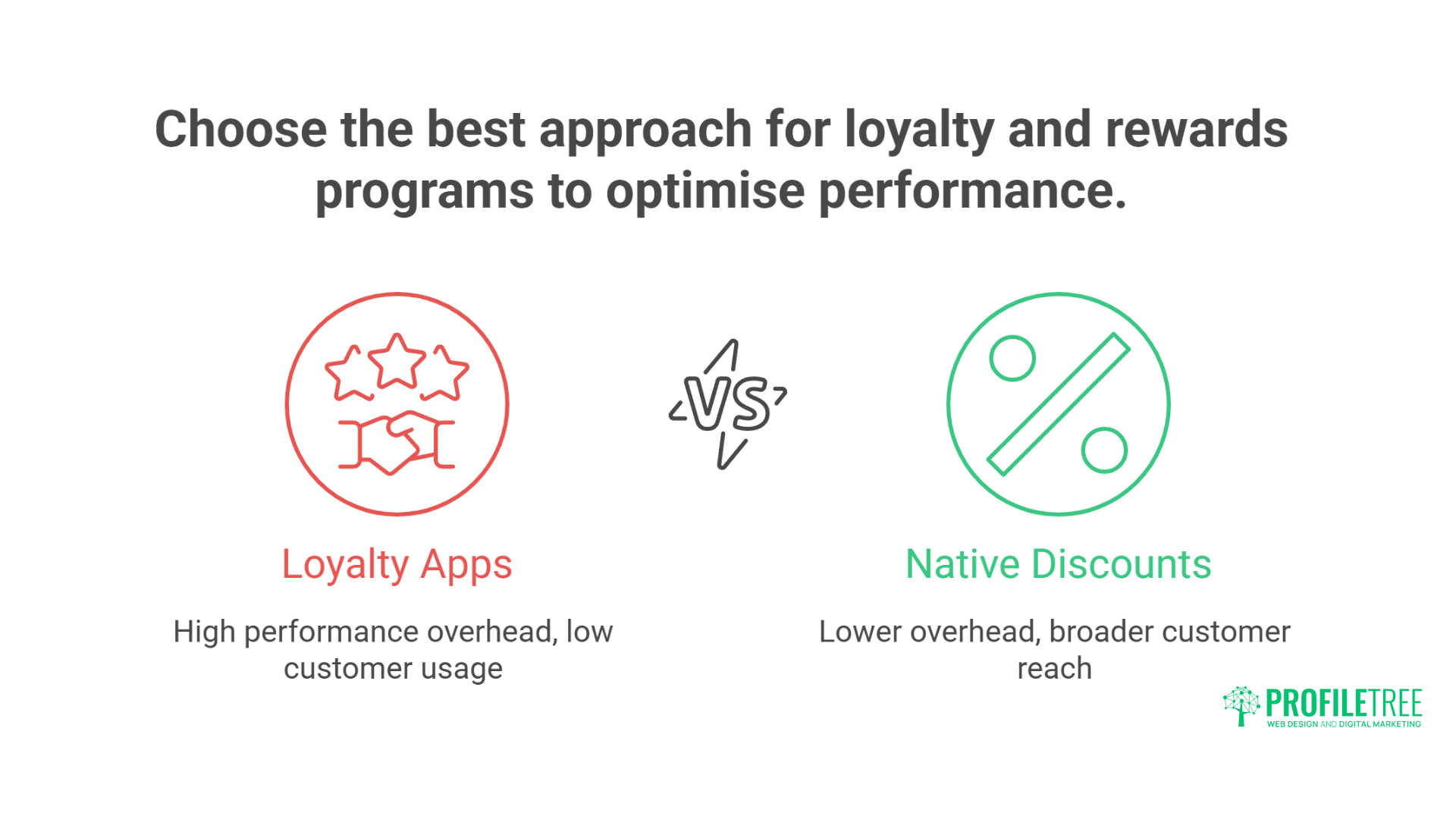
Loyalty and rewards apps often create significant performance overhead despite only being used by a fraction of your customers, with better alternatives available.
Performance Cost of Points Systems
Loyalty apps like Smile.io, LoyaltyLion, and Yotpo Loyalty add significant overhead. Widget displays on every page. Point calculations run continuously. API calls check balances. Notification systems alert customers. The complexity rarely justifies performance impact for most stores.
Performance breakdown of loyalty apps:
// Smile.io loading analysis
// Main script: 320KB
https://cdn.smile.io/smileshopify.js

// UI components: 180KB
https://cdn.smile.io/assets/widget.js
https://cdn.smile.io/assets/launcher.js

// Styles and fonts: 95KB
https://cdn.smile.io/assets/widget.css

// Total: 595KB + continuous API calls
Native Shopify Discounts Alternative
Shopify’s native discount features replace most loyalty functionality. Automatic discounts reward repeat customers. Customer tags enable tiered benefits. Discount codes provide exclusive offers. Email flows nurture relationships. These native features achieve similar results without apps.
Custom loyalty solutions we build:
{% comment %} Lightweight loyalty display using customer tags {% endcomment %}
{% if customer %}
  {% assign loyalty_tier = customer.tags | where: 'VIP' | first %}
  {% if loyalty_tier %}
    <div class="loyalty-status">
      <span class="tier">{{ loyalty_tier }} Member</span>
      {% case loyalty_tier %}
        {% when 'VIP-Bronze' %}
          <span class="benefits">5% off all orders</span>
        {% when 'VIP-Silver' %}
          <span class="benefits">10% off + free shipping</span>
        {% when 'VIP-Gold' %}
          <span class="benefits">15% off + priority support</span>
      {% endcase %}
    </div>
  {% endif %}

  {% comment %} Points display using metafields {% endcomment %}
  {% if customer.metafields.loyalty.points %}
    <div class="loyalty-points">
      <strong>{{ customer.metafields.loyalty.points }} points</strong>
      <span>= {{ customer.metafields.loyalty.points | times: 0.01 | money }} off</span>
    </div>
  {% endif %}
{% endif %}
App Audit and Optimisation Process
A systematic approach to app auditing and performance optimisation can transform your store’s speed and conversion rates without sacrificing functionality.
Professional App Auditing Methodology
Professional Shopify auditing follows systematic methodology. Performance baseline establishment comes first. Individual app impact measurement follows. Usage analysis identifies redundancy. Alternative evaluation finds replacements. Implementation planning minimises disruption. Post-optimisation monitoring ensures success.
Comprehensive audit process:
// Professional audit framework
class ShopifyAppAudit {
  constructor(storeUrl) {
    this.storeUrl = storeUrl;
    this.results = {
      baseline: {},
      apps: [],
      recommendations: [],
      savings: {}
    };
  }

  async performAudit() {
    // Step 1: Baseline metrics
    this.results.baseline = await this.measureBaseline();

    // Step 2: Identify all apps
    this.results.apps = await this.identifyApps();

    // Step 3: Measure individual impact
    for (const app of this.results.apps) {
      app.impact = await this.measureAppImpact(app);
    }

    // Step 4: Analyse usage
    for (const app of this.results.apps) {
      app.usage = await this.analyseUsage(app);
    }

    // Step 5: Generate recommendations
    this.generateRecommendations();

    // Step 6: Calculate potential savings
    this.calculateSavings();

    return this.results;
  }

  async measureAppImpact(app) {
    // Disable app temporarily
    await this.disableApp(app);

    // Measure performance without app
    const withoutApp = await this.measurePerformance();

    // Re-enable app
    await this.enableApp(app);

    // Calculate difference
    return {
      loadTimeImpact: this.results.baseline.loadTime - withoutApp.loadTime,
      sizeImpact: this.results.baseline.pageSize - withoutApp.pageSize,
      requestsImpact: this.results.baseline.requests - withoutApp.requests
    };
  }

  generateRecommendations() {
    this.results.apps.forEach(app => {
      if (app.impact.loadTimeImpact > 500) {
        this.results.recommendations.push({
          app: app.name,
          action: 'REMOVE',
          reason: 'High performance impact',
          alternative: this.findAlternative(app)
        });
      } else if (app.usage.lastUsed > 30) {
        this.results.recommendations.push({
          app: app.name,
          action: 'REMOVE',
          reason: 'Unused for 30+ days'
        });
      }
    });
  }
}
App Replacement Strategy
Strategic app replacement minimises disruption. Feature mapping ensures nothing breaks. Data migration preserves information. Gradual rollout reduces risk. A/B testing validates improvements. Training ensures team competence. This systematic approach maintains functionality whilst improving performance.
Replacement implementation plan:
- Document current functionality – Every feature the app provides
- Map to alternatives – Native features or lightweight replacements
- Export app data – Reviews, customer data, settings
- Implement replacement – Deploy alternative solution
- Test thoroughly – Verify all functionality works
- Monitor metrics – Track performance improvements
- Remove old app – Clean uninstall after validation
Continuous Monitoring
Performance degradation happens gradually. New apps get installed. Updates add features. Traffic patterns change. Regular monitoring catches issues early. Automated alerts prevent problems. Quarterly audits maintain performance. Continuous optimisation sustains improvements.
Ongoing monitoring services include:
- Weekly performance reports
- App impact tracking
- New app assessment
- Update impact analysis
- Traffic pattern monitoring
- Conversion correlation
- Competitive benchmarking
Building App-Free Solutions
Custom development offers the best balance of performance and functionality, often delivering better results than off-the-shelf apps at a lower long-term cost.
Custom Development vs Apps
Custom development often outperforms apps significantly. Tailored solutions include only needed features. Code integrates directly with theme. No external dependencies slow loading. Maintenance remains under your control. Initial investment pays long-term dividends through superior performance.
Cost-benefit analysis:
App Solution:
– Monthly cost: £50-200
– Performance impact: 20-40% slower
– Customisation: Limited
– Control: None
– Annual cost: £600-2,400
Custom Development:
– One-time cost: £500-2,000
– Performance impact: Minimal (2-5%)
– Customisation: Complete
– Control: Total
– Annual cost: £0
Theme-Integrated Features
Modern themes include features previously requiring apps. The Dawn theme provides product filtering. Sense includes quick-view functionality. Craft offers advanced galleries. Motion provides video backgrounds. Understanding theme capabilities prevents unnecessary app installation.
Future-Proofing Performance
Shopify’s direction favours performance. Online Store 2.0 improves efficiency. Web Pixels API enables lightweight tracking. Hydrogen offers headless possibilities. Native features expand continuously. Building with a performance focus ensures longevity.
Frequently Asked Questions
How many apps should a Shopify store have at maximum?
Ideally 3-5 essential apps maximum. Each app adds 200-500ms load time. Successful stores often run with 2-3 carefully chosen apps. We’ve optimised stores from 20+ apps down to 4 whilst maintaining all functionality through custom solutions and native features.
Which single app category impacts performance the most?
Review apps consistently cause the worst performance impact, adding 600-800KB of JavaScript and multiple API calls. Pop-up builders follow closely at 400-600KB. Chat widgets are third at 400-500KB. These three categories account for 60% of performance problems we encounter.
Can I achieve good performance with page builder apps?
Page builders like Shogun, GemPages, and PageFly add 300-500KB overhead minimum. Achieving good performance requires aggressive optimisation: lazy loading sections, minimising animations, and using native Shopify sections where possible. Consider whether Online Store 2.0’s native customisation suffices before installing builders.
How much do app performance audits cost?
Professional Shopify app audits typically cost £500-1,500, depending on store complexity. Basic audits identifying problem apps start around £500. Comprehensive audits with replacement recommendations and implementation planning reach £1,500. ROI typically appears within 1-2 months through improved conversion rates.
Should I remove all apps for maximum performance?
Not necessarily. Some apps provide essential functionality that is worth the performance cost. Focus on removing redundant, unused, or replaceable apps first. Apps directly generating revenue (like subscription managers for subscription businesses) might justify their performance impact. Measure ROI, not just speed.
Conclusion: Strategic App Management for Performance
Shopify apps represent a classic trade-off between functionality and performance. Every app installed is a performance debt that must be justified through clear business value. Our audits consistently find stores running 15-20 apps where 3-5 would suffice, sacrificing 50-70% of potential speed for features rarely used. The solution isn’t avoiding apps entirely, but strategic selection and professional implementation of alternatives.
Professional app auditing reveals opportunities invisible to merchants. That review app, which consumes 800KB, might be replaceable with 50 lines of liquid. The chat widget loading on every page could become an on-demand facade. Multiple tracking scripts consolidate into unified server-side tracking. These optimisations transform sluggish stores into lightning-fast revenue generators without sacrificing functionality.
The path forward requires honest assessment of current app usage, professional auditing of performance impact, and strategic replacement with lightweight alternatives. Native Shopify features handle many requirements. Custom development solves specific needs efficiently. Facade patterns maintain presence without overhead. These approaches achieve the same business outcomes with a fraction of the performance cost.
For Shopify merchants who are serious about performance, ProfileTree’s comprehensive audit and optimisation services identify and eliminate app-induced slowdowns. Our Belfast team combines deep Shopify expertise with custom development capabilities, replacing bloated apps with lightweight solutions that maintain functionality whilst dramatically improving speed. We understand that performance drives revenue – and we deliver both through strategic app management that transforms your store’s speed without compromising features.