
Interactive Web Design Elements: Examples and a Practical Implementation Guide
Table of Contents
Interactive web design elements are the parts of a page that respond to what a visitor does: a button that shifts colour on hover, a form that flags an error before submission, a calculator that returns a quote, a slider that reveals a before-and-after. They turn a static page into something a person acts on rather than simply reads.
This guide explains what these elements are, shows the ones worth using, and covers the parts most articles skip: the effect on page speed, accessibility for keyboard and screen-reader users, and the UK data rules that apply once an element starts collecting personal information.
What Are Interactive Elements?
Interactive elements are website features that respond to direct user input, such as clicks, scrolls, hovers, or keystrokes, returning real-time visual or functional feedback. They range from simple controls like buttons and links to richer features such as forms, quizzes, calculators, animations, and gamified content. The point of interactivity is to give visitors an active role rather than leaving them to passively consume content.
Useful as they are, more is not better. The skill is choosing elements that add value, support the page’s goal, and fit the brand. Too many features at once overwhelm people and clutter the journey, so use them where they earn their place.
Three tiers of interactivity
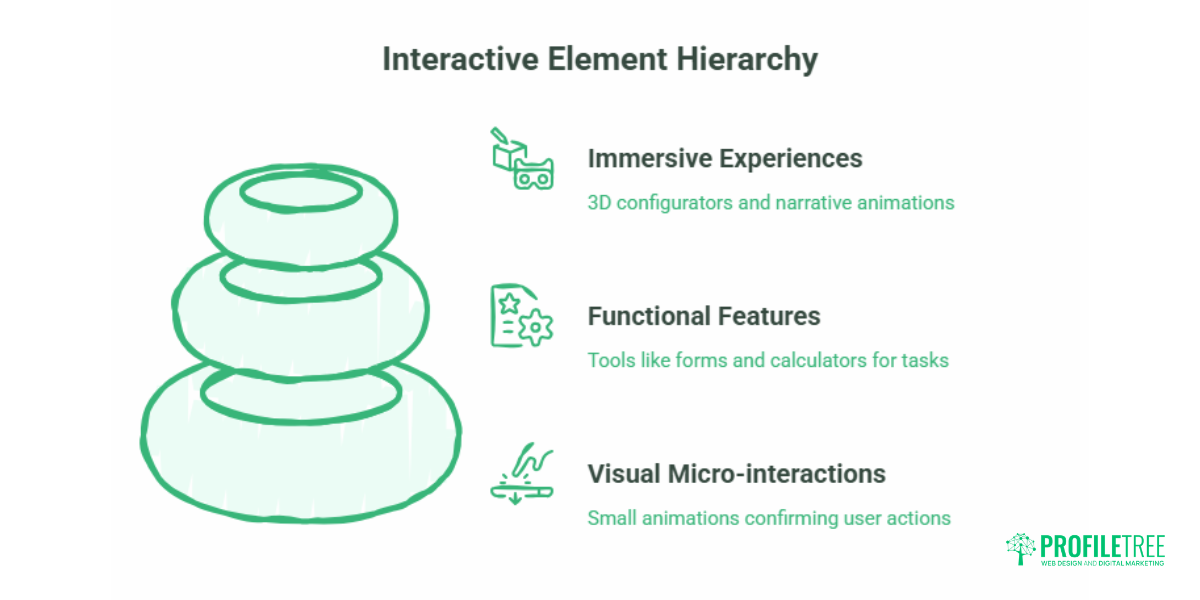
It helps to group interactive elements by weight and purpose:
- Visual micro-interactions: hover states, custom cursors, scroll indicators, small animations that confirm an action.
- Functional features: forms, quizzes, live chat, pricing calculators, and search filters that do a job for the visitor.
- Immersive experiences: 3D product configurators and scroll-triggered narrative animations built with technologies like WebGL.
Most SME websites get the best return from the first two tiers. Immersive experiences look impressive but carry a cost in build time, page speed, and accessibility that rarely pays back for a local service business.
Why Interactivity Matters for User Experience and SEO
Interactive elements give people something to do, and that participation tends to lift the signals businesses care about: time on page, pages viewed, form completions, and conversions. A visitor who completes a quote calculator or a short multi-step form has invested effort and is closer to becoming a customer than one who skims a wall of text.
The search benefit is indirect but real. Google reads text content, so interactivity helps rankings when it keeps people engaged and harms them when it hides important text inside scripts a crawler cannot read. Build interactions on top of clean, semantic HTML, and you keep both the engagement gain and the crawlability. The businesses that get this balance right usually treat it as a design and build decision from the start, which is the kind of work ProfileTree’s web design team handles for SMEs across Northern Ireland and the UK.
What good interactivity does for a business
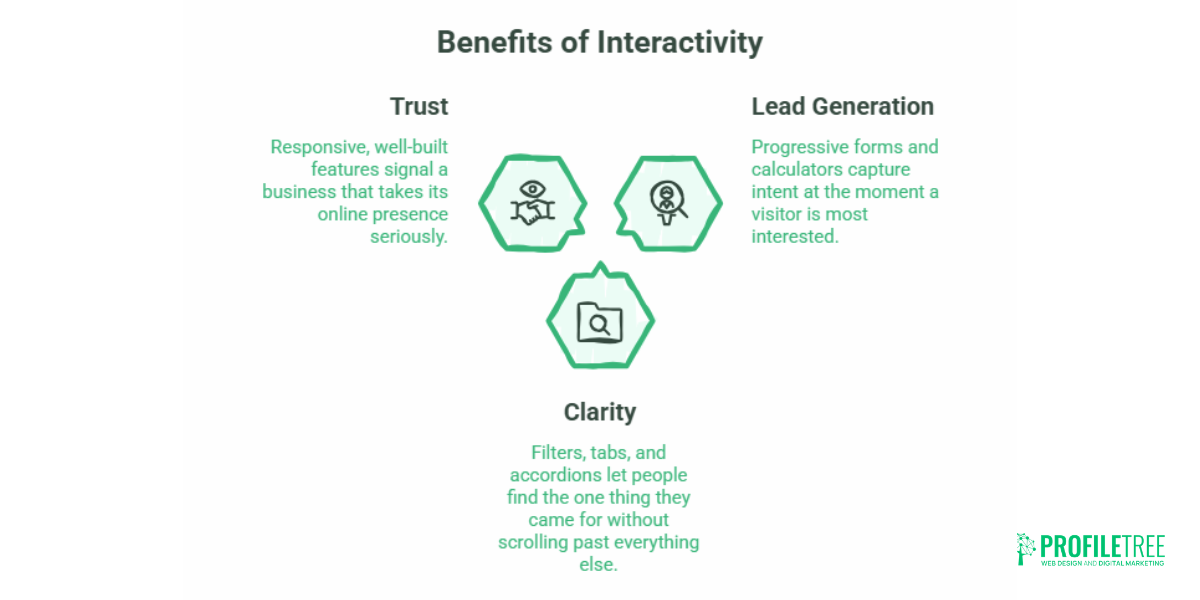
- Lead generation: progressive forms and calculators capture intent at the moment a visitor is most interested.
- Clarity: filters, tabs, and accordions let people find the one thing they came for without scrolling past everything else.
- Trust: Responsive, well-built features signal a business that takes its online presence seriously.
Key Interactive Web Design Elements Worth Using
Below are the elements most SME sites benefit from, grouped by what they do. Each one is achievable on a standard WordPress build; the heavier options are flagged.
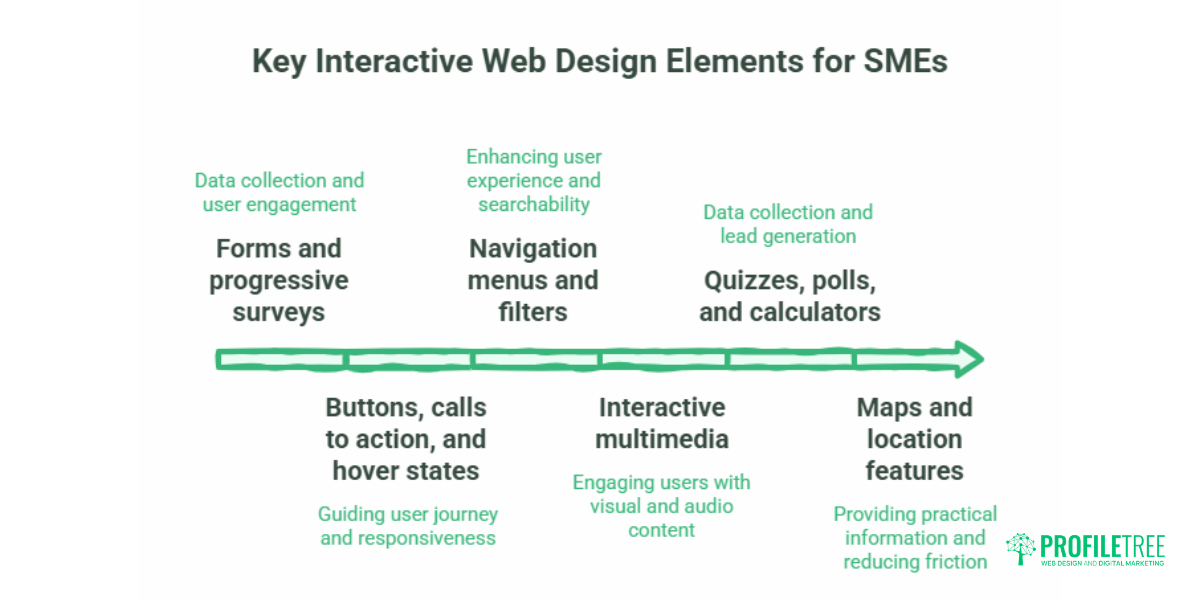
Forms and progressive surveys
Forms are the workhorse of any commercial site, used for enquiries, sign-ups, feedback, and quotes. Their value goes beyond data collection. Real-time validation, where the form flags an incorrect entry as the visitor types rather than after they submit, cuts frustration and abandonment. For longer forms, a progress bar showing steps completed reduces the sense of effort and keeps people moving through.
A well-built multi-step form is a development job, not a plugin afterthought, because the validation logic and the data handling both need to work cleanly. ProfileTree’s website development work covers exactly this kind of functional build.
Buttons, calls to action, and hover states.
Buttons guide the whole journey, so their behaviour matters more than their styling. A hover effect, a colour change, a subtle shadow, or a small movement confirms to the visitor that the element is clickable and responsive. Used on a primary action like “Get a quote” or “Book a call,” this small cue can lift the click rate. Keep animation light: a quick CSS transition does the job without slowing anything down.
Navigation menus and filters
A clear menu is the difference between a visitor finding what they need and leaving. Sticky navigation keeps the menu in view as people scroll, which suits long pages. Dropdowns and mega-menus let visitors see sub-sections without extra clicks. Search filters on a service or product listing let people narrow options themselves, which works well for businesses with a wide range.
Interactive multimedia
Video, audio, and animation carry a message faster than text for many topics. A short looped video background on a landing page can set the tone immediately, though it should be used sparingly so it does not drag on load time. Interactive infographics let visitors click into a chart to see details rather than presenting everything at once. For businesses without in-house footage, ProfileTree’s video production and marketing service produces this kind of content to a brief.
Quizzes, polls, and calculators
Quizzes and polls collect useful data while giving the visitor something in return, often a recommendation or a result tailored to their answers. A pricing or savings calculator is one of the highest-intent elements on this list: anyone using it is actively weighing a purchase. These tools double as lead capture when paired with a short form, and as a content asset, they tend to attract links and shares.
Maps and location features
Interactive maps suit any business tied to a place: a click-and-drag map, zoomable points of interest, or geolocation that surfaces the nearest branch. For a local service business, these features answer a practical question quickly and reduce friction toward a booking or visit.
Here is a short overview of ProfileTree’s approach to building websites that work for businesses:
The Performance Trade-off: Speed and Core Web Vitals
This is the part most showcase articles skip. Every interactive element adds weight, and weight has a cost in Core Web Vitals, the speed and stability metrics Google uses. Two matters most here: Interaction to Next Paint (INP), which measures how quickly the page responds to a tap or click, and Cumulative Layout Shift (CLS), which measures how much the layout jumps around as it loads. Heavy JavaScript animation libraries and large media files push both in the wrong direction.
The practical fix is to reach for the lightest tool that achieves the effect. A hover state or a simple transition belongs in CSS, not JavaScript, because CSS transforms run without blocking the browser’s main thread. Heavier libraries should load only when needed rather than on every page. Large animations and videos should lazy-load so they do not delay the content a visitor came to read.
When an existing site is slowing under the weight of its own features, the answer is a technical audit rather than guesswork. ProfileTree’s hosting and website management service covers this kind of performance work for businesses whose sites have grown unwieldy.
A short speed-first checklist
- Use CSS transforms instead of JavaScript for movement and hover effects where possible.
- Load heavy animation libraries only on the pages that use them.
- Lazy-load video, large images, and below-the-fold animations.
- Test on a mid-range mobile phone, not just a fast desktop connection.
Designing for Everyone: Accessibility in Interactive Features
Interactive elements often break for the people who rely on assistive technology. A custom slider that only works with a mouse excludes keyboard users. An animation with no off switch can cause real discomfort for people sensitive to motion. A chat widget built without proper labelling is invisible to a screen reader.
The Web Content Accessibility Guidelines (WCAG 2.2) set the standard, and a few habits cover most of the risk. Every interactive element should be operable by keyboard alone, with a visible focus ring so the user can see where they are. Animation should respect the prefers-reduced-motion browser setting, which lets people who have asked their device to reduce motion avoid being subjected to it anyway. Custom controls need clear labelling so a screen reader announces what they do.
“Interactive animation has to respect the visitor’s own settings. If someone has told their device they want reduced motion, honouring the prefers-reduced-motion media query is the difference between a polished site and one that physically distances a portion of your audience.” — Ciaran Connolly, ProfileTree (quote to be approved before publication)
Accessibility is not only an ethical baseline; for public-sector and enterprise contracts in the UK, it is often a procurement requirement. Building it in from the start is far cheaper than retrofitting it later.
UK and Ireland Compliance: Data Rules for Interactive Features
The moment an interactive element collects personal data, UK rules apply. A contact form, a quiz that captures an email, a calculator that stores answers, or a chatbot that drops a tracking cookie all fall within scope of UK GDPR and the Privacy and Electronic Communications Regulations (PECR), overseen by the Information Commissioner’s Office (ICO).
Two points catch businesses out most often. First, consent boxes for marketing must not be pre-ticked; the visitor has to opt in actively. Second, a chatbot or live-chat tool that sets tracking cookies needs prior consent before it loads, which means it cannot fire automatically on page load without a compliance banner in place. A form that simply passes an enquiry to your inbox is lower risk than a tool that stores and profiles user data, so the obligations scale with what the element actually does.
A short consent checklist for interactive elements
- No pre-ticked boxes for marketing consent on forms or quizzes.
- Tracking cookie tools (chatbots, some analytics) wait for consent before loading.
- Tell visitors what data an interactive tool collects and why.
- Keep only the data you need from forms and calculators.
How Much Does an Interactive Website Cost to Build?
Competitors tend to answer this with “it depends,” which helps nobody. Realistic UK brackets look roughly like this, depending on complexity and the agency:
| Tier | What it covers | Indicative UK cost |
|---|---|---|
| Tier 1 | No-code or plugin widgets: hover effects, basic forms, simple sliders | £0 to £200 setup |
| Tier 2 | Custom CSS/JS work: multi-step forms, calculators, tailored animations | £500 to £2,000 |
| Tier 3 | Full custom builds: WebGL, 3D configurators, bespoke database tools | £5,000+ |
Figures are indicative for UK projects and vary by scope, agency, and ongoing support requirements.
The sensible approach for most SMEs is to invest in the Tier 2 elements that directly drive enquiries, forms and calculators, and to treat Tier 3 immersive work as optional unless the business model genuinely calls for it.
Best Practices for Integrating Interactive Elements
Pulling the threads together, a few principles keep interactivity working for the business rather than against it.
Prioritise speed. Test every new feature on a real mobile device and watch the load time. A flashy element that adds two seconds to load will lose more visitors than it engages.
Build for accessibility from the start. Keyboard operation, visible focus, and motion settings are far cheaper to design in than to bolt on.
Optimise for mobile. Most traffic is mobile, so buttons need to be thumb-sized and forms need to be easy to complete on a small screen.
Keep it purposeful. Every interactive element should serve a clear goal. If it does not help the visitor or the business, leave it out.
Test and measure. Use heatmaps, session recordings, and analytics to see which elements people actually use, then keep what works and cut what does not. Knowing what to measure and what the numbers mean is part of what ProfileTree’s digital training covers for in-house teams.
Conclusion
Interactive elements earn their place when they serve a clear purpose, load fast, work for every visitor, and respect UK data rules. Chosen well, they turn a static brochure site into a page that generates enquiries and gives people a reason to stay. If you want help building interactive features that convert without slowing your site down, ProfileTree’s web design and development teams work with businesses across Northern Ireland, Ireland, and the UK.
Frequently Asked Questions
How do I make a website interactive without coding?
Modern no-code builders include visual animation tools that let you add hover effects, scroll animations, and forms without writing JavaScript. For anything custom or performance-sensitive, a developer will give you cleaner, faster results.
Do interactive elements harm SEO?
Not if they are built semantically. Google reads text content, so hiding important text inside un-crawlable scripts will hurt rankings, while fast, properly structured interactions help by increasing engagement and dwell time.
How much does it cost to build an interactive website in the UK?
Standard sites with micro-interactions and functional forms typically run from around £1,500 to £5,000, while enterprise sites with custom 3D or bespoke calculators can reach £15,000 or more. Costs vary by scope and agency.
Are interactive elements accessible to users with disabilities?
Only when built for it. Elements need keyboard operation, a visible focus indicator, and respect for the visitor’s reduced-motion setting to be genuinely accessible under WCAG 2.2.
Do chatbots need cookie consent under UK rules?
If a chatbot stores tracking IDs or user data in cookies, it needs prior opt-in consent under PECR before it loads, so it cannot run automatically on page load without a compliance banner.