
Facebook Groups for Business: A Practical UK Guide
Table of Contents
Facebook Groups give UK businesses something a Page rarely delivers: a two-way space where members talk to each other, not just to your brand. That shift from broadcast to conversation is what turns followers into contributors, and contributors into advocates.
Most guides on this topic are US-centric and stop at setup. They skip the parts that matter once a group has real members: your legal duties under UK law, GDPR-safe data collection, spam control, and what to do when a group goes quiet.
This guide covers the full lifecycle. You will learn how to find and grow a niche group, stay compliant under UK rules, moderate at scale, and move members toward genuine commercial outcomes.
Why Facebook Groups Earn Their Place in a UK Marketing Plan
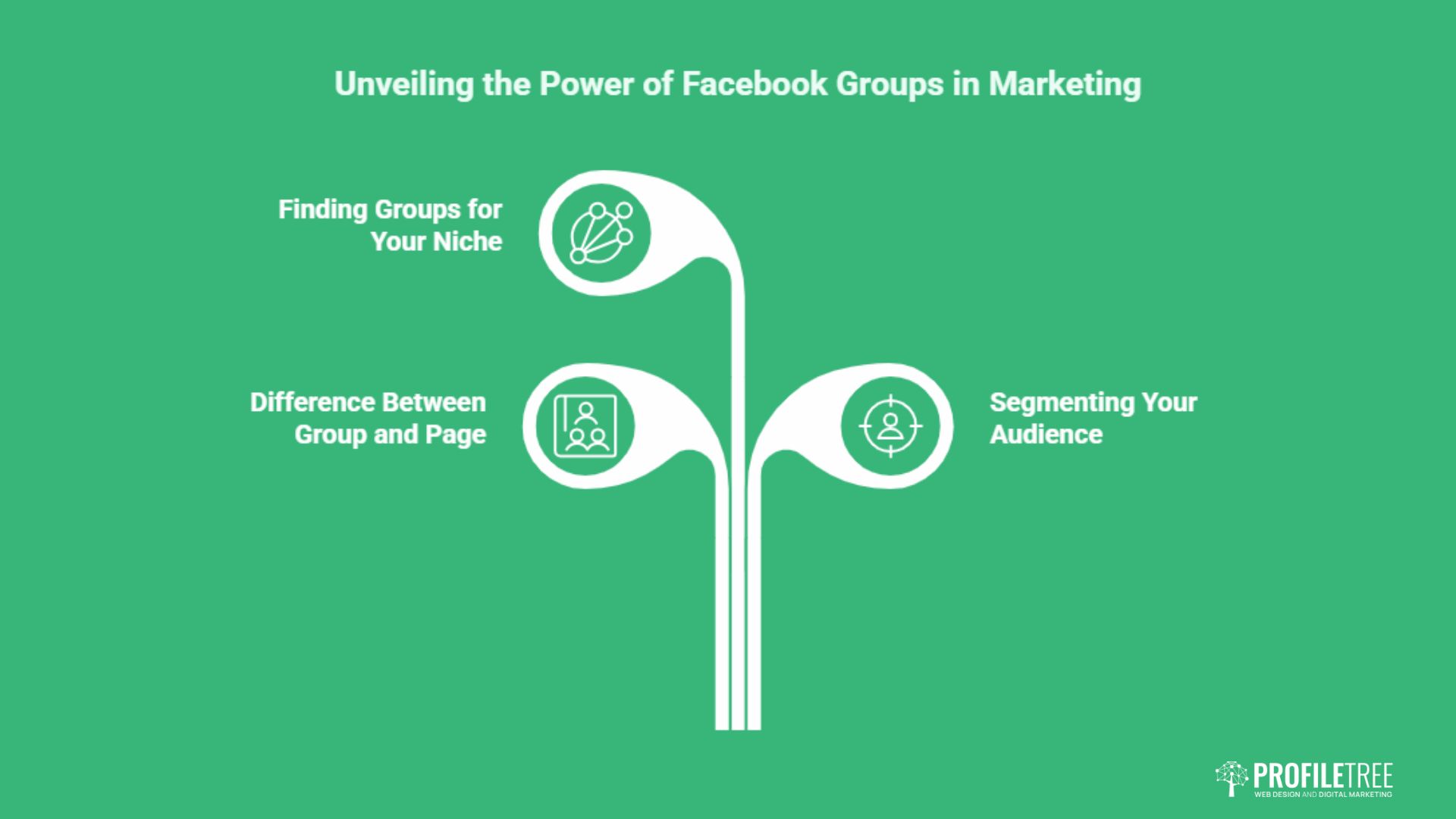
Pages and paid ads reach a wide audience, but they talk at people. Groups let people talk back, and that changes how a community behaves. If you are weighing where group-building sits in your wider plan, ProfileTree’s social media marketing team treats groups as one channel inside a measured strategy, not a standalone activity.
The Difference Between a Group and a Page
A Page broadcasts. A Group converses. Members ask questions, share their own experiences, and answer each other, which builds a sense of belonging that a Page feed cannot replicate. That participation is the asset; everything else in this guide protects and grows it.
The table below sets out where each Facebook format fits, so you can decide which one your goal actually calls for before committing time to a group.
| Feature | Profile | Page | Group |
|---|---|---|---|
| Primary goal | Personal connection | Brand broadcast | Community conversation |
| Reach | Friends only | Wide, ad-driven | Members, high feed priority |
| Interaction | Two-way, personal | Mostly one-way | Two-way, member-to-member |
| Messaging | Direct | Page inbox | Posts and comments |
| Best for | Individuals | Announcements, ads | Loyalty, feedback, leads |
Because the value comes from member behaviour, the way you set the group up shapes the way people act inside it. The next point follows directly from that.
Segmenting Your Audience With Focused Groups
Groups let you split a broad audience into smaller communities built around a shared interest. An outdoor brand might run separate spaces for hikers, campers, and climbers, then tailor content to each. Segmenting your audience using Facebook Groups means each member sees discussion that actually fits their needs.
That relevance is what drives engagement, and stronger engagement deepens loyalty inside each segment. The tighter the niche, the easier the next step becomes.
Finding Facebook Groups for Your Niche
Knowing how to find Facebook Groups for your niche starts with Facebook’s own search. Enter a keyword tied to your topic, filter results by Groups, then sort by activity rather than size. A smaller group posting daily beats a large one that has gone silent.
Once you have mapped the active spaces in your niche, you can decide whether to join existing communities or build your own. Joining lets you learn what a niche audience responds to before you invest in your own space; building gives you full control over rules, data, and direction. Many brands do both, watching established groups for a month before launching. Building your own is where the rest of this guide focuses.
Setting Up a Group That Attracts the Right Members
The foundation of a working group is a clear theme that matches both your brand and a real audience need. Get the niche right, and the group draws people who genuinely care; get it wrong, and you spend months moderating noise. For brands building this alongside a wider plan, it helps to connect group goals to a documented digital strategy from the start.
Choosing the Name and Description
A group’s name and description decide whether the right people can find it. Pick a name that signals the purpose and includes the terms members would search for, such as “Digital Marketing” or “Growth Strategies”. Avoid clever names that hide what the group is about.
The description sets expectations: what the group is for, what members can post, and what they gain by joining. A clear, keyword-led description helps the group surface in Facebook search and gives people a reason to click join. With that in place, the privacy choice is next.
Public or Private: Choosing Your Privacy Setting
Public groups let anyone view posts, which builds visibility fast and suits awareness campaigns. The trade-off is weaker control and more spam. Private groups limit posts to approved members, which produces higher-quality discussion and suits brands offering insider access or early product looks.
Neither setting is automatically better; the right choice depends on whether you value reach or depth. Two changes since 2025 have added a third consideration to that decision. In November 2025, Meta gave admins the option to convert a private group to public without exposing what came before. Past posts, comments and reactions stay visible only to people who were members at the time, plus admins and moderators, and the member list stays restricted to admins and moderators. Co-admins are notified when a conversion starts and have three days to cancel it. That removed the old penalty for starting private, because a group no longer has to be rebuilt from scratch to become discoverable.
The second change matters more. In June 2026, Meta launched AI Mode for Facebook search, which answers questions in plain language by drawing on public posts, including public group discussions, rather than returning a list of links. Public group content is also indexable by search engines. A useful answer posted in a public group now works twice: once for the members reading the thread, and again as material an answer engine can draw on months later. Private groups keep their advantages for candour and trust, but none of that visibility reaches them. Whichever you pick, the rules keep the space usable.
Writing Group Rules That Hold
Clear rules set the tone before problems start. Keep them short and cover respectful communication, on-topic content, self-promotion limits, a ban on spam, and the consequences for breaking them. Without this, the discussion drifts off-topic or turns hostile, and good members leave.
Rules only work when admins enforce them consistently, which links directly to moderation later in this guide. First, though, UK businesses have legal duties that most guides ignore.
Legal and Privacy Duties for UK Group Owners
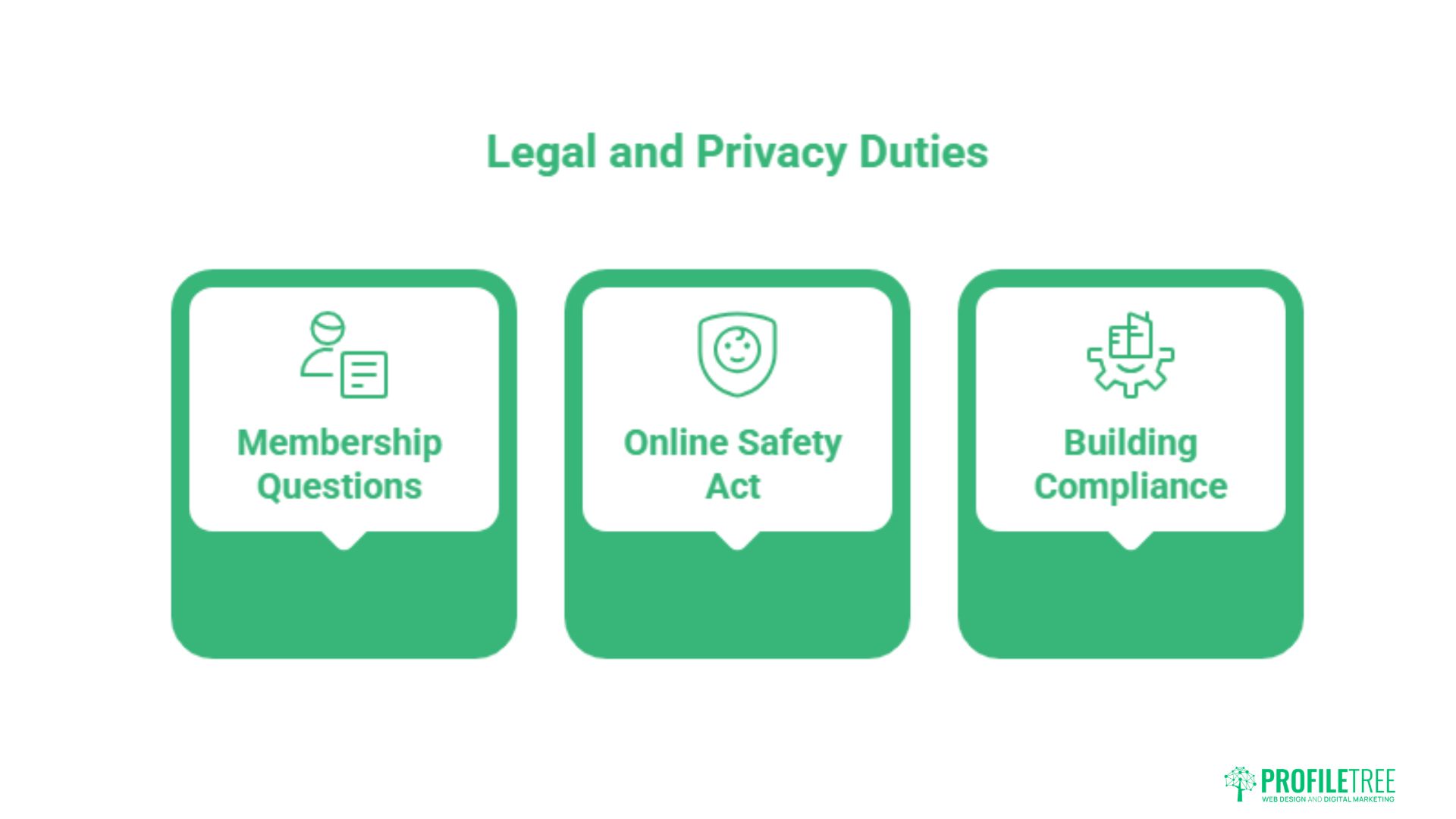
Running a community in the UK carries responsibilities that global marketing guides rarely mention. Two areas matter most: how you handle member data under GDPR, and your duties as a moderator under the Online Safety Act. Getting these wrong creates a risk that no amount of engagement can offset, which is why teams often fold compliance into formal digital training for staff.
Collecting Data Through Membership Questions
Many groups ask new members for an email address through membership questions. Under UK GDPR, you cannot simply add that address to a mailing list. You need a lawful basis, usually clear consent, and you must tell people how their data will be used. The Information Commissioner’s Office (ICO) sets out what valid consent looks like.
In practice, that means stating in the question itself that answering opts the person into your list, and giving them a genuine choice rather than burying consent. A membership question that simply asks “What’s your email?” does not meet the standard, because the person has not agreed to anything. A better version reads: “Optional: add your email to join our monthly tips list.
You can leave this blank and still join the group.” That wording gives a real choice and a clear purpose. The cleaner your collection process, the easier the move from group member to email subscriber becomes later, and the less exposure you carry if a member ever queries how their data was used.
Your Responsibilities Under the Online Safety Act
The UK Online Safety Act places its duties on the companies providing online services, so for a Facebook group those obligations sit with Meta rather than with you as an admin. What the Act changes in practice is the environment you operate in: Meta is under regulatory pressure to act on illegal and harmful content, which means enforcement inside groups has become stricter and slower to appeal. Separately, and independently of the Act, an admin who leaves defamatory or harassing content standing after being made aware of it can carry liability under existing law. A documented moderation process protects you against that, and against losing the group to a platform enforcement action.
What this means day to day is a documented moderation process and prompt removal of content that breaches the law or your rules. That obligation raises the bar on moderation, which the next section addresses directly.
Building Compliance Into Your Process
Compliance is easier when it sits inside your routine rather than bolted on afterwards. Keep a record of how you collect and store member data, review your membership questions against current ICO guidance, and make sure every moderator knows the rules they are enforcing.
Treating data protection as part of running the group, not an afterthought, keeps you on the right side of the law as the community scales.
Keeping a Group Active and Well Moderated
A group lives or dies on activity. Consistent content and fair moderation are what keep members coming back, and both get harder as the group grows. This is also where ProfileTree’s content marketing services often connect, since the content that drives group discussion differs from standard blog output.
Content That Drives Participation
Variety keeps a group active and worth returning to. Polls invite quick opinions and feedback on ideas. Q&A sessions let members reach you directly and build trust. User-generated posts give members a reason to contribute, and live streams add real-time interaction for launches or behind-the-scenes content.
Best tactics to increase Facebook Group engagement come down to mixing these formats rather than relying on one. A group that only ever runs polls feels thin; one that only posts long updates feels like a newsletter. Rotate formats across the week so members never quite know what to expect, and watch which posts draw the most comments so you can do more of what works. Posting on a schedule turns that mix into a habit members expect.
Maintaining a Consistent Rhythm
Plan content in advance with a simple calendar of weekly themes and regular activities. A steady flow gives members something to anticipate and signals that the group is alive. Posting matters, but so does showing up in the comments.
Being present, starting discussions, and replying to members builds the personal connection that loyalty rests on. As more people join, that presence needs help, which means moderators.
Moderating at Scale Without Burning Out
Once a group grows, one admin cannot watch everything. Recruit moderators who know your brand, participate already, and stay calm under pressure. Facebook’s Admin Assist can automate parts of this, for example, auto-declining posts from accounts under thirty days old or flagging banned keywords. Meta has also been expanding automated moderation inside groups, so check the admin tools directly rather than assuming the options are the same as last year. Automation still handles pattern-matching well and judgement badly, which is why the roles below stay necessary regardless of what the tooling does.
Automation handles the obvious cases so your team can focus on judgment calls. Define each moderator’s role clearly, from approving members to driving discussion, so nothing falls through the gaps.
Reviving a Group That Has Gone Quiet
Most groups stall at some point. Reviving one is less about a single big post and more about a short, deliberate run of activity. Over a week, post one prompt a day that needs only a quick reply: a poll, an open question, a “what are you working on this week” thread. Low-effort prompts restart the habit of replying.
Pin a fresh welcome post that explains what the group is for now, tag a handful of past contributors to pull them back in, and remove or archive anything that is badly out of date. Once a few members start replying again, the feed algorithm rewards that activity by showing posts to more people, and momentum builds on itself.
The video below walks through ProfileTree’s wider approach to social media, which sits behind much of this thinking.
Growing the Group and Turning Members Into Leads
A healthy group is a marketing asset, not just a nice community. Growth and commercial return both come from promotion across channels and a clear path from member to customer.
Winning Your First 100 Members
The hardest stretch is the start, when an empty group gives no one a reason to post. Seed it before you promote it widely. Invite a small core of engaged customers or contacts, post a few discussion starters so the group does not look empty, and ask those first members to weigh in. People join conversations, not silence.
Once you have a visible base of activity, open promotion across your channel. Early members set the tone, so choose people who match the culture you want, and thank them publicly for getting things moving. That early goodwill carries the group through to self-sustaining growth.
Promoting the Group Across Your Channels
Start with your website: a banner, a sidebar link, or a call to action at the end of relevant posts. Your email list is the next direct route, so invite subscribers and explain what the group offers. You can also tease group-only content on Instagram, LinkedIn, and X to reach people who are not yet on your list, building on the same principles behind growing engagement on X.
Cross-promotion with complementary groups in your niche works too, as long as they are not direct competitors. The goal is steady, organic growth rather than mass-adding people without consent, which risks Meta flagging the group.
How to Grow a Niche Facebook Group
Knowing how to grow a niche Facebook group means leaning on quality over volume. Word-of-mouth is the most durable channel: members who value the space invite others naturally. A simple referral incentive, such as entry to a giveaway, gives them a nudge.
Sharing member success stories acts as social proof and gives potential joiners a concrete reason to take part. The tighter and more useful the niche, the faster this compounds, an idea explored further in research on online community statistics.
Moving Members Toward Commercial Outcomes
The end of the journey is moving group members onto channels you own. A welcome post, a GDPR-compliant membership question, and a clear next step can guide a new member toward your email list, where you control the relationship. Group-only discounts and early access reward participation and prompt purchases.
The point is not to extract value from the group but to give members enough that the commercial step feels natural. Done well, the community and the business grow together.
A simple member-to-lead pipeline makes this repeatable. A new member joins, answers a membership question that captures consent, sees a welcome post pointing to a free resource, and lands on your email list, where you can nurture them properly. Each stage gives before it asks, which is what keeps people moving through it rather than dropping out. Track how many members convert at each step, and you turn a community into a measurable channel rather than a vanity metric.
As Ciaran Connolly, founder of ProfileTree, puts it: “A Facebook Group only works as a business asset when you treat the members as participants, not an audience. The brands that win are the ones that show up consistently, set fair rules, and respect the legal side of running a community in the UK.”
Running a Group as a Customer Community
Most advice about business groups treats the group as a way to find new customers. The higher return is usually the opposite: a group restricted to people who have already bought, run for retention rather than acquisition. Around 1.8 billion people use Facebook Groups each month, and the ones that hold members longest tend to be the ones with a reason to belong that a stranger could not manufacture.
A customer community works differently from an open group in three ways, and the differences are worth planning for rather than discovering.
What Changes When Everyone Is Already a Customer
Membership needs verifying. An order number, a licence key, or a manual check against your customer list keeps the space genuinely restricted, which is the whole basis of its value. Membership questions handle this well, and the same UK GDPR rules set out earlier apply to whatever you collect at that gate.
The rules change too. An open group needs heavy self-promotion limits; a customer group usually needs the opposite, because members asking detailed product questions is the point rather than a nuisance. What a customer group does need is a rule about escalation, so that a genuine service complaint moves to a support channel instead of sitting unanswered in public view.
Someone named has to answer. In an open group, member-to-member discussion carries the space. In a customer community, people expect a response from the business, and a question left hanging reads as neglect in a way it never does in a general interest group. This is the resourcing cost most businesses underestimate before launching one.
The Support Case, and Its Limits
The strongest commercial argument for a customer community is that answers compound. A question answered once in a group is answered for every member who searches it afterwards, and in a public group it becomes material that Facebook’s AI Mode and other answer engines can draw on. That turns support effort into something with a longer life than a closed ticket.
The limit is honest and worth stating. A community only deflects support once it has enough active members to answer each other, and getting there takes months of a named person replying to almost everything. A business with a small customer base or no capacity to staff it will get more from a well-written FAQ page and a responsive inbox. The group becomes worthwhile at the point where customers start answering each other, and not reliably before it.
Feedback Nobody Asked For
The underrated return is research. A customer community produces unprompted feedback about what confuses people, which features go unused, and what buyers nearly chose instead. That is the same material a survey tries to extract, arriving continuously and without the framing effects that questionnaires introduce. Whoever owns your product or service decisions should read the group directly rather than receiving a monthly summary of it.
What a Working Group Looks Like
A well-run Facebook Group builds loyalty that ads cannot buy. Choose a focused niche, set clear rules, stay compliant with UK data and safety law, post consistently, and move members toward channels you own. If you want help fitting community-building into a wider plan, talk to ProfileTree about your social media marketing.
FAQs
How do I find my Facebook Groups?
On desktop, click Groups in the left menu of your home feed. In the app, tap the menu and select Groups. Both show every group you belong to or manage.
What is the difference between a Facebook Page and a Group?
A Page broadcasts content to followers with limited interaction. A Group is a two-way space where members post, comment, and talk to each other, which builds a closer community.
Are Facebook Groups free?
Yes, creating and joining groups costs nothing. The real cost is the time and moderation needed to keep a group active and safe.
Public or private: which group type is better?
Public groups grow faster and raise awareness. Private groups offer higher-quality discussion and suit exclusive content. The right choice depends on whether you prioritise reach or depth.