
Semrush SEO audit: a practical guide for UK and Irish SMEs
Table of Contents
A Semrush SEO audit crawls your website, runs it against more than 140 technical and on-page checks, and sorts what it finds into errors, warnings and notices. The order you act on those findings matters more than the score. ProfileTree fixes errors first, then works through the pages that bring in enquiries, and this guide follows that order.
It is written for business owners and marketing managers who want to run the audit themselves and understand what the results mean. Each section explains a part of the report in plain terms and marks the point where a fix moves from a quick edit in WordPress to a job for a developer. If you would prefer the audit and the fixes handled for you, our SEO services for UK and Irish businesses cover both.
What a Semrush site audit checks
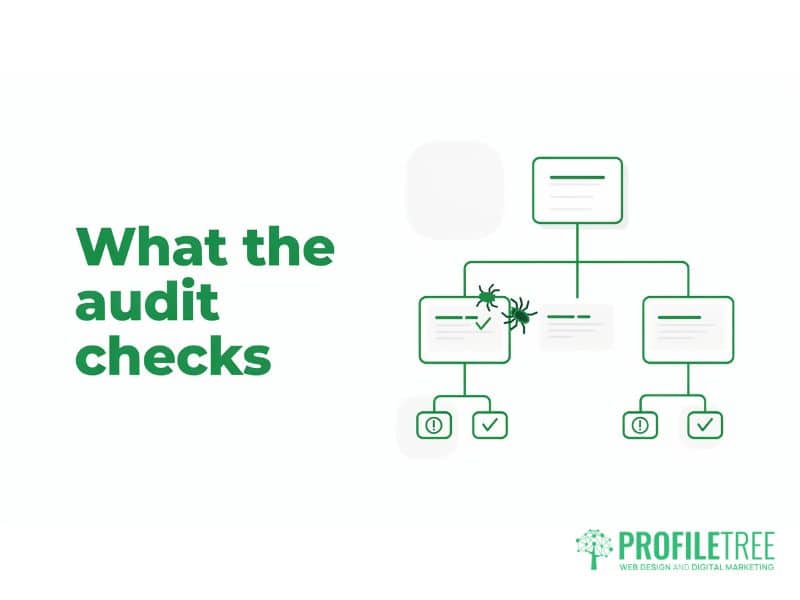
The Site Audit tool sends a crawler (a program that follows links from page to page, much as Google’s own crawler does) through your website and records every problem it can detect. Semrush states that the tool runs over 140 checks, from duplicate content and broken links to HTTPS setup and hreflang tags, which tell search engines which language and country a page is meant for. Recent versions also add a category on how well the site is prepared for AI search tools.
Errors, warnings and notices
Errors are the problems most likely to stop search engines from reaching or indexing a page. Broken internal links, pages returning server errors, pages blocked by the robots.txt file (the file that tells search engines which parts of a site to skip), and duplicate title tags all appear here.
Warnings cover issues that weaken a page without blocking it. Slow pages, images without alt text (the written description that screen readers and search engines use), very thin pages, and missing meta descriptions are typical examples. Notices are observations to review once the more serious work is done, such as long redirect chains or pages carrying an unusually large number of links.
Treat the labels as a starting point. Semrush applies them to every website in the same way, so a warning on your main service page can matter more to the business than an error on an old tag archive that nobody visits. Sort the report by the pages that earn you enquiries before you sort it by severity.
What the site health score tells you
The site health score is a single figure out of 100 that summarises the crawl. According to Semrush’sexplanation of how the score is calculated, errors carry more weight than warnings. Clearing every instance of one failed check also lifts the score more than fixing scattered single errors from different checks. A template fault repeated across hundreds of pages is therefore usually the best place to start.
The score is most useful as a trend. Two websites with the same score can be in very different shapes, and a sudden fall after a plugin update or a redesign is the clearest signal that something has gone wrong.
| Finding | Semrush label | What to do |
|---|---|---|
| Broken pages, blocked crawling, server errors | Error | Fix before any other work |
| Slow pages, thin content, missing alt text | Warning | Fix on the pages that bring in enquiries first |
| Long redirect chains, heavily linked pages | Notice | Review once errors and warnings are cleared |
Run the crawl and read the overview
The audit sits inside a Semrush project, which groups all the data for one domain. Create the project from the dashboard, enter your domain, open Site Audit and start the crawl; the default settings suit most small business websites. If you have not used the tool before, our guide to setting up Semrush for a UK or Irish business covers account and project set-up in more detail.
Semrush’s own plan comparison gives the free account up to 100 URLs a month in Site Audit. That covers a small brochure site, and very little else, so a typical SME website with a blog or a product range needs a paid plan for a complete picture. Crawl time depends on the size of the site, and Semrush emails you when the audit is finished.
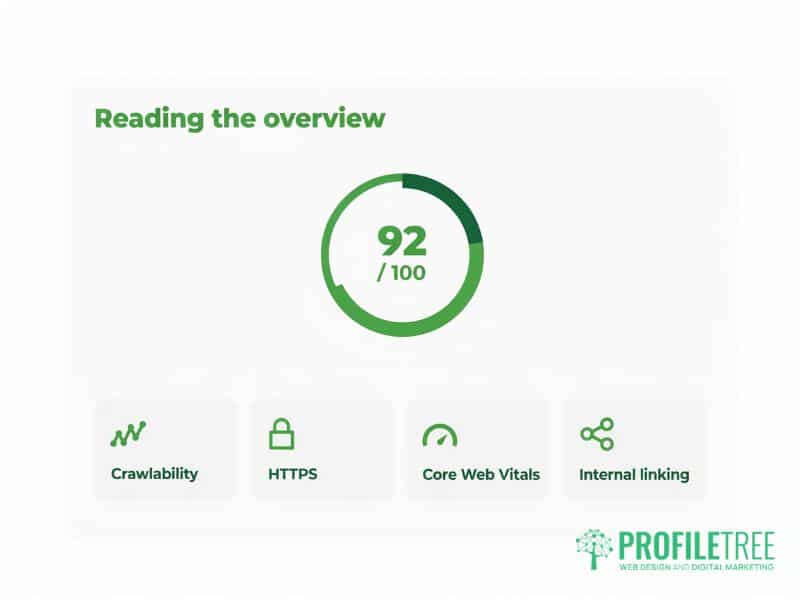
When the crawl completes, you land on the overview, which shows the health score and the issue totals above a set of thematic reports. Large totals look alarming but are usually a few problems repeated across many pages, so read them as patterns.
The four reports to open first
Crawlability shows whether search engines can reach your important pages. It lists pages accidentally set to noindex (an instruction telling search engines to leave a page out of their results). It also lists pages that are blocked or that return 4xx and 5xx codes, which are the codes for missing pages and server faults.
HTTPS confirms that every page loads securely and flags mixed content, where an image or script still loads over plain HTTP. Internal linking shows orphan pages, which have no internal links pointing to them, and pages buried so deep in the site that crawlers rarely reach them.
The Core Web Vitals report measures how a page feels to use, against metrics that Google defines. Google’s Core Web Vitals documentation sets the good thresholds as a Largest Contentful Paint within 2.5 seconds, an Interaction to Next Paint under 200 milliseconds, and a Cumulative Layout Shift below 0.1. Google recommends good scores and says its ranking systems reward good page experience, but it does not suggest that fast pages will outrank stronger content. Treat poor scores as a problem for your visitors first.
The errors to fix first, and which ones need a developer
Open the Errors list and sort it by the number of pages affected. Most small business websites show the same handful of faults, and several can be fixed from the WordPress dashboard in an afternoon.
Broken internal links appear when a page is deleted or moved, and the links pointing to it are left in place. Each one sends a visitor to a dead end and wastes the crawler’s time. The fix is to update the link to a live page or restore the missing one.
Duplicate title tags mean several pages describe themselves to Google in the same words. The title tag is the headline Google shows in its results, and each page needs its own. Duplicate or missing meta descriptions (the short summary shown under that headline) do not affect rankings directly, though they do affect whether people click.
A missing H1 heading (the main heading on the page), or several H1s on one page, leaves its topic unclear. Every page should carry one H1 that says what the page covers. Mixed content and certificate warnings usually come from older images or scripts still loading over HTTP after a move to HTTPS, and browsers flag those pages as insecure.
When the fix is in the code
Some errors cannot be solved with a content edit. When the same fault appears on every page built from one template, or the crawler keeps hitting server errors, the problem sits in the theme or the hosting setup. Our website development team picks up exactly this kind of audit work, often as part of bringing a neglected site back into shape. We charge web development by the hour, and that kind of recovery work typically costs between £800 and £2,000 plus VAT.
Using the On-Page SEO Checker on the pages that matter
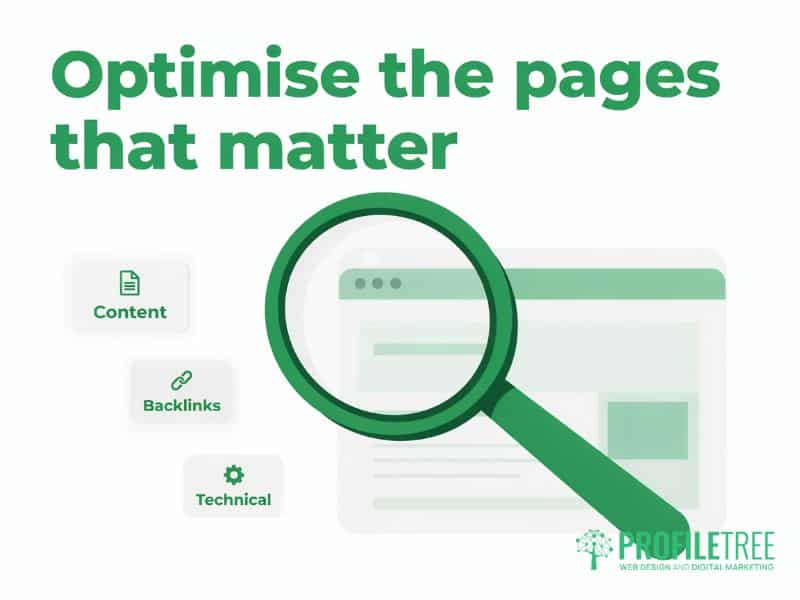
Site Audit finds technical faults across the whole site, while the On-Page SEO Checker looks at one page at a time. You give it a page and the keyword you want that page to rank for, and it compares the page with those already ranking. The result is a list of ideas covering content, related terms, backlinks, and technical points on that page.
Run it on a short list: your service pages and the guides that already bring in enquiries. Read every suggestion against what a buyer needs before contacting you, because a recommendation to add 800 words will produce a longer page, and length on its own does not earn a ranking.
The checker is also good at showing pages that rank for searches you never intended. An accountancy practice might find that its self-assessment deadline article appears for searches about late filing penalties. That tells you either to adjust the article towards the search it is already winning, or to give the penalty question a page of its own if the intent is different.
Checking backlinks without overreacting to toxicity scores
Backlink Audit lists the external websites linking to yours and gives each link a toxicity score. For most small businesses in Northern Ireland and the Republic of Ireland, the link profile is thin, not toxic. The useful job is confirming that nothing harmful is left over from an old link-building package.
Google’s guidance on disavowing links is clear that most sites will never need to do it. Disavowing means asking Google to ignore particular links. Google advises it only when a site has a large number of spammy links that have caused, or are likely to cause, a manual action (a penalty applied by a Google reviewer). A high toxicity score in Semrush is a prompt to look at the link, and a disavow file is the last resort. Our guide to backlink analysis in Semrush walks through the full review.
Tracking progress with Search Console and Position Tracking
An audit is a snapshot, and its value comes from repeating it. Connect Google Search Console to the Semrush project so the keyword and page reports show Google’s own impression and click figures beside the Semrush estimates. Search Console is the more accurate record of your own site because the data comes from Google, while Semrush adds estimates for competitors and for terms you do not rank for yet.
Position Tracking records where your pages rank for a fixed list of keywords and updates daily. Set it up straight after the first audit, so you have a baseline to measure against. Add the location your customers search from, because a national average can sit a long way from what a customer in a particular town sees. That is why our SEO Northern Ireland clients are tracked from the areas their customers live in.
The Position Tracking visibility score is often mistaken for average position. Visibility is weighted by the search volume behind each keyword. A site ranking first for a term searched ten times a month and tenth for one searched a thousand times will show low visibility, even though it ranks for both.
What a Semrush SEO audit cannot tell you
Semrush checks a website against rules, and rules cannot judge what a business is for. The tool will not notice that your homepage and a service page are competing for the same search term, or that your most profitable service has no page of its own.
Some flags are false alarms for a small business. “International SEO not implemented” appears when a site has no hreflang tags, and if every customer is in one country and reads one language, there is nothing to fix. Pages flagged for low word count are often contact or thank-you pages that ought to be short. Excluding checks like these in the audit settings keeps the score focused on real problems.
Ciaran Connolly, founder of ProfileTree, puts it this way: “Most of the SEO problems ProfileTree sees in Northern Ireland come down to identity, whatever an audit tool flags. Google cannot work out what the business is and where it is, because the website says a hundred things. Say one thing clearly, on one page, and the rankings follow.”
ProfileTree is a Belfast web design and digital marketing agency, founded in 2011 and based at the McSweeney Centre. Our own audits start where the tool stops, with which page should rank for each service and what the enquiry data shows about the visitors arriving. Our explainer on what a professional SEO audit covers sets out that scope in full.
Getting your audit findings fixed
If your first crawl shows a handful of warnings, work through them in the order set out above and run the audit again in a month. If it shows errors repeated across a template, or a falling score you cannot explain, that is the point to bring in help. Our SEO service, starting from £500 a month plus VAT, covers the audit and the fixes, with rankings tracked every month.
If you would like your own team to run and read these audits with confidence, our digital training is built around your own website and keywords, so the changes are made during the session.
FAQs
1. What does “international SEO not implemented” mean in a Semrush site audit?
It means Semrush found no hreflang tags on the site. Hreflang tags tell search engines which language and country each version of a page is for. They matter when you run separate pages for different markets, such as a UK site and a Republic of Ireland site priced in euros. If your business serves one country in one language, the notice does not point to a problem, and you can exclude the check from future crawls.
2. How many pages can you audit on Semrush’s free plan?
The free account crawls up to 100 URLs a month in Site Audit, according to Semrush’s plan comparison, and it covers one website. That is enough for a small brochure site but not for a larger site with a blog or a shop, where a partial crawl can miss the pages with the worst problems. Plan limits change, so check the current figures on Semrush’s pricing page before you decide.
3. What is a good Semrush site health score?
Semrush does not publish a pass mark, so a good score is one that rises after each round of fixes and holds steady between audits. Clear every error on the pages that bring in enquiries before worrying about the number itself. A sudden fall in the score deserves more of your attention than its exact level, because it usually points to a change that broke something.
4. How often should you run a Semrush site audit?
Monthly suits most SME websites, and Semrush can schedule the crawl so it runs on time without anyone starting it. Run an extra audit after a redesign or a move to a new platform. If organic traffic drops suddenly, an immediate crawl is the quickest way to rule a technical fault in or out.
5. Can Semrush replace Google Search Console?
No, and the two work best together. Search Console gives first-party data from Google on how your own pages perform in search, which no third-party tool can match. Semrush adds estimates for competitor domains and the automated crawl that Search Console does not provide.
How to add a domain to your Wix site