
SVGs in web design: usage and benefits
Table of Contents
Using SVGs in web design means drawing logos, icons, charts and simple graphics as code-based image files (Scalable Vector Graphics) that stay sharp at any size and usually weigh less than a PNG of the same graphic. They do not suit photographs. ProfileTree, a Belfast agency, advises adding them to WordPress through a plugin that cleans each file.
This guide is for business owners and marketing managers planning a new website or reviewing the one they have. It covers where the format earns its place on a business site and how to add it safely to WordPress, drawing on the questions that come up most often in our WordPress web design projects.
What SVGs are
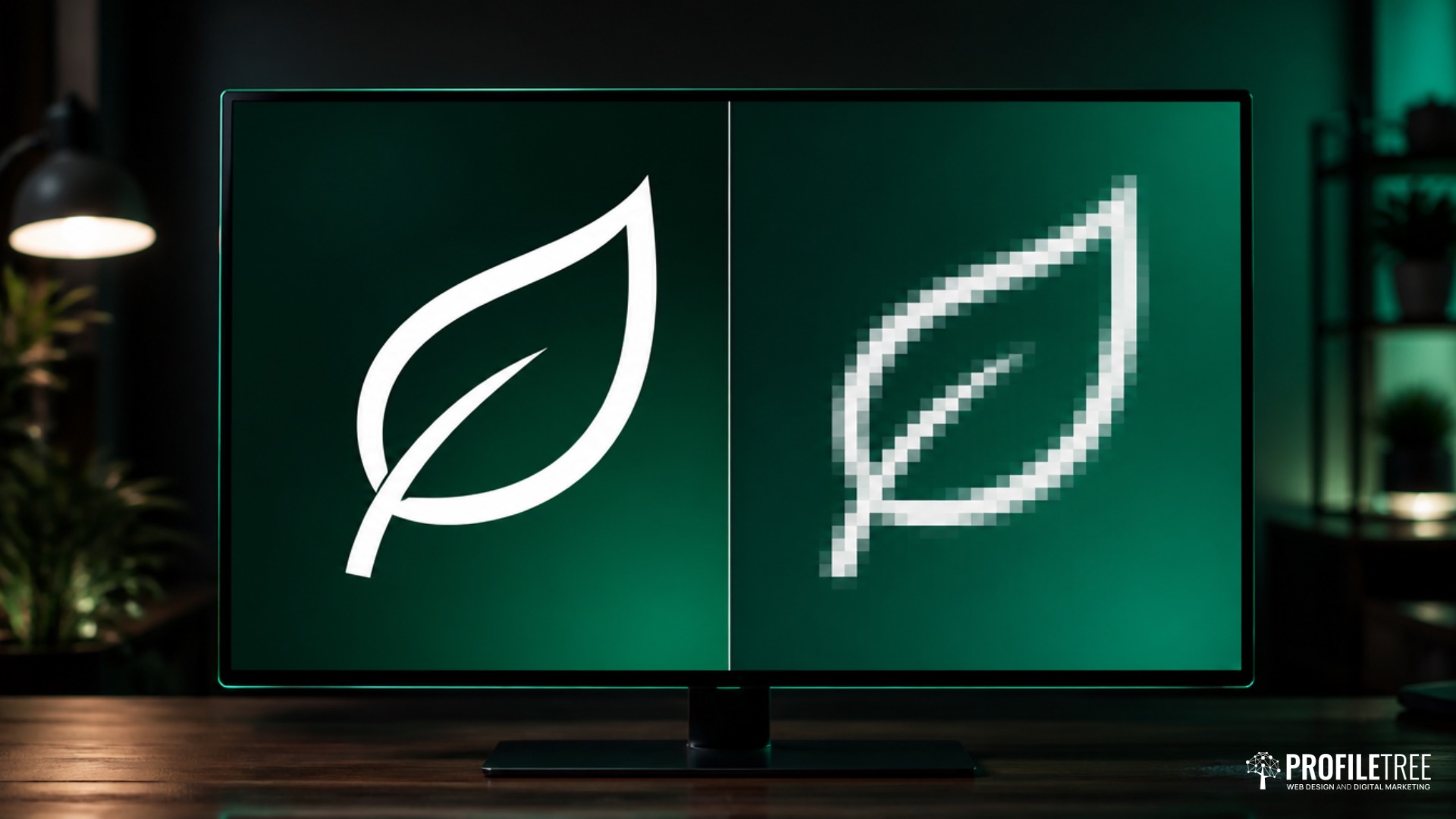
SVG stands for Scalable Vector Graphics, a format that describes an image as shapes, lines and colours written in XML (a plain-text markup language similar to HTML). Your browser reads those instructions and draws the picture every time the page loads, which is why the same file looks crisp on a phone and on a large monitor. The World Wide Web Consortium (W3C), the body that sets web standards, has developed the format since 1999, and MDN Web Docs keeps the reference most developers work from.
Vector and raster images compared
Most images on the web are raster images, such as JPEG, PNG, WebP and AVIF files, which store a fixed grid of coloured pixels. Stretch a raster image past its original size and the pixels show up as blurred or jagged edges. A vector image stores the geometry behind each shape, so the browser can redraw it at any size with no loss of quality.
Google’s web.dev guidance on choosing an image format draws the same line between the two families. Geometric graphics belong in a vector format, and photographs and detailed artwork belong in a raster one.
The main features of SVGs
Four features explain why designers reach for SVG, and each one has a practical effect on how a company website looks and how much work it takes to maintain.
Sharp at any size
One SVG covers every screen width and pixel density, from a budget phone to a high-resolution laptop display. There is no need to export a logo at two or three sizes and then keep those versions in step whenever the design changes.
Styling and animation with CSS
Because an SVG is code, the colours, strokes and shapes inside it can be changed with CSS (the language that controls how a web page looks) when the graphic is placed directly in the page. An icon can change colour on hover, a chart can draw itself as the visitor scrolls, and a logo can switch to a light version for a dark footer, all from one file. JavaScript can also respond to clicks on parts of an SVG, which is how many interactive maps and floor plans work.
Text and accessibility features
Text inside an SVG stays as real text and is not flattened into pixels, so screen readers can announce it when the file is marked up correctly. The format also supports title and description elements that tell people using assistive technology what the image shows. These features help only when the designer or developer uses them, and the WordPress section below sets out how.
Easy to update
A small edit, such as a new brand colour, can be made in a design tool or even a text editor in minutes, and the change carries through to every page where the file appears. Keeping brand graphics consistent across a site takes far less effort than re-exporting and re-uploading a set of PNG files.
Why SVGs suit modern websites
SVG fits the way people now browse, on screens of every size and density, at a time when page speed affects both visitor patience and search visibility.
Responsive layouts and high-density screens
Visitors arrive on phones, tablets, laptops and wide monitors, and many of those screens pack two or more device pixels into each pixel of the layout. A PNG logo sized for a standard screen looks soft on these displays unless you supply larger versions, while an SVG logo stays sharp on all of them. The logo and the navigation icons are often the first things a visitor sees, and blurred edges make an otherwise professional site look careless.
File size and page speed
For flat graphics such as icons, logos and simple illustrations, an optimised SVG is usually a few kilobytes and often lighter than the PNG equivalent. SVG is plain text, so the server can compress it further before sending it to the browser. Lighter images help pages load faster, which matters for customers on mobile data and for Core Web Vitals (the page experience measures Google uses in ranking). Our guide to WordPress speed optimisation shows where image weight sits among the other fixes worth making.
Where to use SVGs in web design
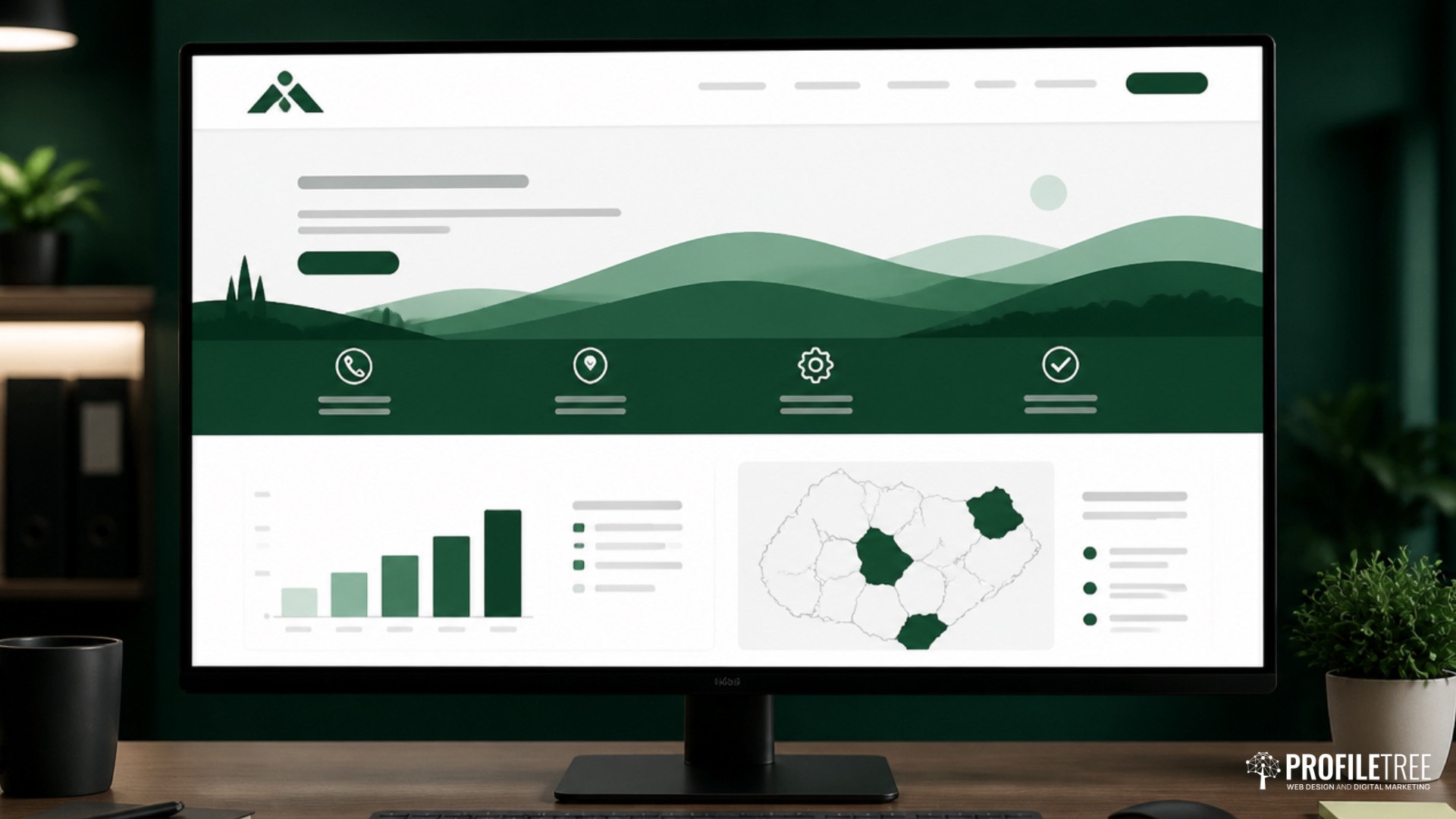
SVG is the right choice for any graphic built from flat shapes and solid colours, and the wrong choice for anything photographic. These are the places it usually belongs on a business website.
Logos and brand marks
The logo appears in the header, the footer, on mobile menus and sometimes as a watermark, each at a different size. A single SVG covers all of those placements, and a second version with reversed colours handles dark backgrounds. Ask your designer for the master logo file in SVG format at the start of any website project, because rebuilding a logo from a low-resolution PNG costs time and rarely matches the original exactly.
Icons and interface elements
Menu icons, social media links, arrows, checkmarks and service icons are natural SVG territory, since they are small, flat and often need a new colour on hover. Our guide to using icons on a website compares SVG icons with icon fonts and covers the usability side in more depth.
Charts, maps and diagrams
A bar chart, a process diagram or a map of the areas a firm covers can all be drawn as SVG. The labels stay as readable text, the graphic scales to the column it sits in, and individual parts can be made clickable, so a map can link each region to its own page.
Illustrations, backgrounds and simple animation
Flat illustrations in a hero banner, repeating background patterns and small animations, such as a loading spinner or a tick that draws itself when a form is sent, all work well as SVG. Keep the artwork simple, because the file grows with every extra shape and point.
Tools for creating and editing SVGs
You do not need specialist software to work with SVG, because most design tools export it and a free optimiser tidies the file afterwards.
Design tools
Figma, which runs in the browser and is widely used by website designers, exports any frame or shape as SVG. Adobe Illustrator is the long-standing professional tool for vector artwork and the format many brand agencies supply logos in. Inkscape is free and open source and handles most editing jobs a business is likely to need, and a code editor such as Visual Studio Code is enough for small hand edits, such as changing a colour value.
Cleaning up exported files
Most exports carry hidden data, such as editor metadata, comments and unused layers. SVGO, a free open-source optimiser, and SVGOMG, its browser-based version, strip that data out and can cut the file size noticeably. Keep the viewBox attribute (the setting that tells the browser how to scale the drawing), because removing it breaks scaling in many layouts, and check the graphic visually after optimising, since aggressive settings can merge or shift shapes.
The limits of SVGs in web design
SVG is a poor fit for photographs and very complex artwork, and an uploaded file can carry risky code, so knowing these limits saves rework later.
Photographs and detailed artwork
A photograph has millions of colour variations that cannot be described efficiently as shapes, so it belongs in a raster format. The table sets out where each common format fits.
| Format | Best use on a business website | Scales without losing quality | Supports transparency |
|---|---|---|---|
| SVG | Icons, logos, charts and flat illustrations | Yes | Yes |
| PNG | Screenshots and graphics that need exact pixels | No | Yes |
| WebP | Photographs and detailed images, as a lighter replacement for JPEG and PNG | No | Yes |
| JPEG | Photographs, where WebP is not an option | No | No |
Large files from complex paths
Artwork traced from a photograph, or drawn with thousands of points, can produce an SVG heavier than a well-compressed WebP and slower to display, because the browser has to redraw every path. If an SVG ends up larger than a raster version of the same image, use the raster version.
Security risks in uploaded files
An SVG is code, so a file can carry JavaScript or references to outside resources. A file uploaded by someone with bad intentions could run that script in the browser of a visitor or an administrator, which is why WordPress does not accept SVG uploads by default.
How to use SVGs well on a WordPress site
WordPress handles SVG safely once every upload is sanitised by a plugin and only trusted people can add files. Good markup and a quick speed check after each change keep the graphics accessible and light.
Allowing SVG uploads safely
Install a plugin that cleans each file as it is uploaded, such as Safe SVG, which removes scripts and other risky code before the file reaches the media library. Avoid code snippets that simply add SVG to the list of allowed file types, because they open uploads without any cleaning at all. Limit upload rights to administrators or a small number of trusted editors, so a compromised contributor account cannot be used to plant a harmful file.
Inline SVG or an image tag
There are two common ways to place an SVG on a page. Added as an image, through the WordPress image block or an img tag, the file is cached by the browser like any other image, but the code inside cannot be restyled from the page. Placed inline, the code sits inside the page itself, so CSS can recolour or animate it, although it adds to the size of every page it appears on. Use the image route for logos and illustrations, and inline placement for icons that change on hover or graphics that animate.
Making SVGs accessible
An SVG added as an image needs alt text that describes what it shows, exactly as a photograph does. An inline SVG that carries meaning should have role=”img” and a title element linked to it with aria-labelledby, so assistive software announces it properly. Purely decorative graphics should be hidden from assistive technology, with an empty alt attribute on an image or aria-hidden=”true” on inline code, so visitors using screen readers are not slowed down by descriptions of ornaments.
Checking performance after upload
Run a Lighthouse report in the developer tools of Chrome before and after you swap PNG graphics for SVG, and compare the total image weight and the loading measures. If a new SVG is heavier than the file it replaced, optimise it again or go back to WebP or PNG for that graphic.
As Ciaran Connolly, founder of ProfileTree, puts it: “A website is a business tool before it is anything else. At ProfileTree we build on WordPress because a Belfast business has to be able to run its own site once we hand it over, and that includes adding a new logo or icon without opening a security hole. We have completed more than 1,000 projects since 2011 on that basis, and the sites that keep earning are the ones the owner still uses every week.”
Frequently asked questions about SVGs
What does SVG stand for?
SVG stands for Scalable Vector Graphics. It is an open image format based on XML and developed by the W3C, which describes pictures as shapes and paths instead of a grid of pixels, so they can be scaled up or down without losing quality.
What is an SVG file used for on a website?
An SVG file is used for graphics made of flat shapes and solid colours, mainly logos, icons, charts, maps, simple illustrations and small animations. These graphics need to look sharp on every screen size and often need to change colour or move, which SVG handles from a single small file.
Are SVGs suitable for photographs?
No, photographs should stay in a raster format such as WebP or JPEG. A photograph contains far too much colour detail to describe efficiently as shapes, so an SVG version would be much larger and slower to display than a compressed WebP file of the same image.
Can you upload SVG files to WordPress?
Yes, but WordPress blocks these files by default because the files can contain code. The safe way to allow them is a plugin that sanitises each file on upload, combined with upload rights limited to administrators or trusted editors.
Are SVG files good for SEO?
SVGs help SEO indirectly and will not lift rankings on their own. Google can index SVG images, and lighter graphics support faster pages, which feeds into page experience. Give each file a descriptive name and alt text, and keep important words in the page copy, where search engines and visitors read them most reliably.
Do all browsers support SVG?
Yes, every current major browser displays SVG, including Chrome, Safari, Firefox and Edge, on both desktop and mobile. The fallback images once added for old versions of Internet Explorer are no longer needed on most business websites, since Microsoft retired that browser in 2022.
Getting SVGs right on your next website
The simplest step is to audit the graphics on your current site, starting with whether the logo and icons are SVG and the photographs are WebP or JPEG. Any SVG added from now on should pass through a sanitising plugin. ProfileTree is a Belfast web design and digital marketing agency, founded in 2011 and based at the McSweeney Centre, and we build WordPress sites for businesses across Northern Ireland, Ireland and Great Britain, including websites for Belfast businesses.
If you are planning a new site, a WordPress website from ProfileTree starts at £4,000 plus VAT, and our breakdown of WordPress website cost explains where the budget goes. If your existing site needs its graphics cleaned up and its pages made faster, our website development service is the place to start.
Instagram carousels: a business guide